
Suggested tools for you
Quick Trust Line
- Tools reviewed
- 100
- Last checked
- November 4, 2026
- Reviewed by
- top100.ai software rankings editor
- What we checked
- Our rankings combine feature depth, audience fit, and market signals; verify live pricing and plan limits directly with each vendor before you buy.
We compared 100 candidates for top ai for coding, looking at the coding features they actually describe, their intended users, and market signals. The shortlist has one clear coding-workflow match, a handful of useful coding or development tools, and several high-scoring products that are really for video, design, or general work. That distinction matters: a high score here does not magically turn a video generator into an AI coding assistant.
Start here
For an AI coding workspace: Start with AIGoCode. Its stated focus combines coding assistance, access to supported AI agents and models, usage management, and team collaboration.
For a terminal-first developer workflow: Consider Aider, which supports pair programming in a terminal and cloud or local LLMs. Check whether your preferred model requires an API key.
For UI work inside VS Code: PureCode AI offers UI component generation and codebase understanding, but it requires VS Code.
At-a-glance leaderboard
| Rank | Tool | Score | Best for | Monthly visits | Starting price |
|---|---|---|---|---|---|
| #1 | AIGoCode | 93/100 | Coding assistance and shared AI workspace | 6.4K | Pay-as-you-go, usage-based |
| #2 | AI STUDIOS | 93/100 | AI video creation, not coding | 565.8K | Free: $0/month |
| #3 | Aippy | 92/100 | No-code interactive creations | 221.9K | Check vendor pricing |
| #4 | CodeDesign.ai | 92/100 | AI-assisted website and funnel building | 173.6K | Portfolio plan: SGD 9 |
| #5 | Aider | 92/100 | Terminal-based AI pair programming | 274.6K | Check vendor pricing |
| #6 | AIAI.com | 92/100 | Broad AI media and content generation | 118.8K | Check vendor pricing |
| #7 | AIforWork.co | 92/100 | Role-specific GPT-4 prompt discovery | 85.3K | Check vendor pricing |
| #8 | PureCode AI | 92/100 | Front-end UI work in VS Code | 40.7K | Free plan available |
| #9 | PearAI | 92/100 | AI-assisted code editing | 29.2K | Intern: Free |
| #10 | Refact.ai | 92/100 | Code completion and refactoring | 50.7K | Free: $0/month |
A note on the leaderboard: This is a 100-candidate category comparison, not a claim that every shortlisted product is a dedicated coding assistant. AIGoCode, Aider, PureCode AI, PearAI, and Refact.ai describe direct coding workflows. Several other highly scored candidates are adjacent tools; their placement reflects the scores in this comparison, not coding suitability. Check the individual fit notes before treating a high score as a recommendation for your development team.
Quick filters
| If your priority is... | Start with | Why it made this shortlist |
|---|---|---|
| A shared coding workspace | AIGoCode | Combines AI coding assistance, access to supported agents and models, and team collaboration. |
| Pair programming from a terminal | Aider | Works in the terminal and supports cloud and local LLMs. |
| Generating front-end UI | PureCode AI | Offers UI component generation and codebase understanding; requires VS Code. |
| Completion plus code changes | Refact.ai | Lists code completion, refactoring, and AI chat among its capabilities. |
How to narrow the list
First, decide where you want the assistant to work. A terminal tool like Aider suits developers who want pair-programming help close to their local repository workflow. An editor-oriented option such as PureCode AI or PearAI may be a more natural fit if you prefer working in a graphical coding environment. AIGoCode takes a broader workspace approach, bringing coding assistance and access to supported agents and models together with usage management and collaboration.
Next, match the feature to the job. Code completion, refactoring, codebase understanding, and natural-language coding help are different workflows; a product that supports one should not be assumed to support all four. PureCode AI is specifically positioned around UI work and codebase understanding. Refact.ai lists completion and refactoring. Aider is the most explicit terminal pair-programming option in this group.
Finally, separate developer tools from tools that merely scored well in a broad candidate set. AI STUDIOS is for video production, AIAI.com covers media and content generation, and AIforWork.co is a prompt library. Those may be useful elsewhere in a creator's or team's toolkit, but they are not substitutes for top ai code assistants. For a shortlist of top ai tools for developers, prioritize direct coding workflows, then check the editor, model, API-key, and plan requirements against your setup.
Ranking model
| Factor | What we considered |
|---|---|
| Coding feature depth | Whether stated features directly support coding, code editing, or developer workflows. |
| Audience fit | Whether the tool's intended user and workflow match software development. |
| Practical fit | How clearly the listed capabilities map to a real task, such as pair programming or UI generation. |
| Market signal | Monthly visits, treated as context rather than proof of coding quality. |
Scores and rank order are the supplied overall comparison scores; we do not invent separate sub-scores. Because candidate relevance varies, read the fit and limitation notes alongside each score. A large audience or strong overall score is not evidence that a tool is built for coding.
Ranked AI coding tools: detailed reviews
*Best overall coding-workspace match*

- Software developers building an AI-assisted team workflow
- Starts at Pay-as-you-go, usage-based pricing
- Monthly visits: 6.4K

AIGoCode earns the top spot because its stated product scope is the closest match to a shared AI coding environment in this shortlist. It combines AI-assisted coding and intelligent question answering with access to supported AI agents and models. Its usage management and collaboration angle also make it more relevant to teams than a standalone prompt collection or a general media generator. The trade-off is that the available product details do not establish a specific free quota, so check the live terms before rolling it out across a team.
Why it is top-ranked
| Comparison point | Assessment |
|---|---|
| Overall score | 93/100 |
| Coding relevance | Direct: AI-assisted coding and developer question answering |
| Workflow scope | Shared workspace with agent/model access and collaboration |
| Price signal | Usage-based pay-as-you-go; no specific free quota stated |
Best fit
Developers who want coding assistance and question answering in one workspace.
Teams interested in shared access to supported AI agents and models.
Buyers who prefer usage-based pricing over an advertised fixed starting tier.
Limitations
No specific free quota or free plan is stated here; verify what you can try before committing.
The supported agents and models are not named in the product details used for this comparison, so confirm your preferred options.
Usage-based pricing makes it important to understand how your team's activity affects spend.
Shortlist AIGoCode if: You want a coding-focused shared workspace and are comfortable checking usage terms before adopting it.
*High-traffic video platform, not a coding assistant*

- Educators creating AI avatar videos
- 3 video exports per month
- Starts at Free: $0/month
- Monthly visits: 565.8K
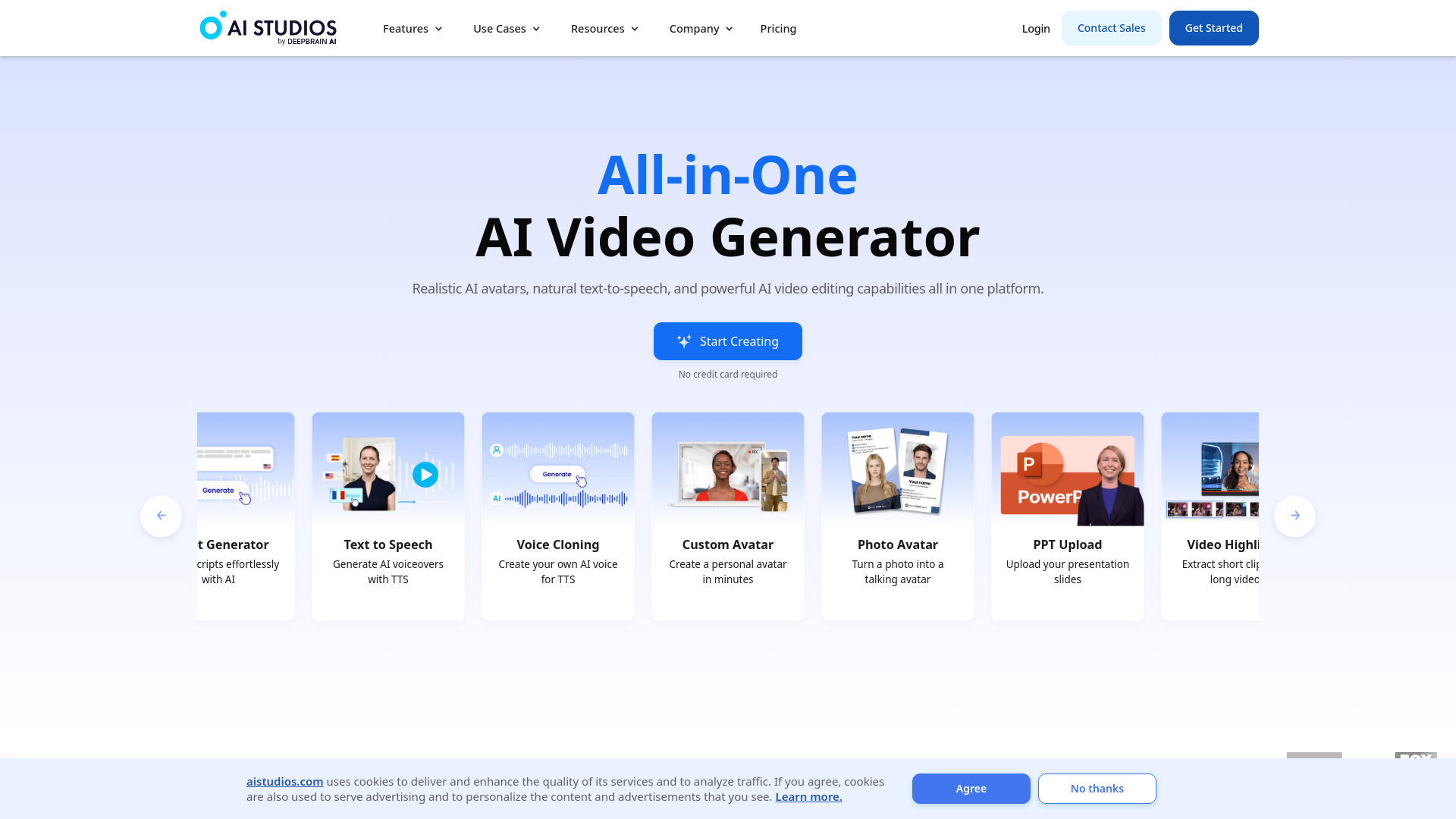
AI STUDIOS posts the highest traffic in this shortlist and ties for its top score, but its listed capabilities are about producing video, not writing or maintaining code. It offers AI avatars and voices, including more than 150 avatars and voices in 80-plus languages. That may be handy for a developer making a product walkthrough or training material, but it should not be mistaken for one of the top ai coding assistants. Its free access is specific but limited to three video exports per month.
Why it is top-ranked
The overall score is 93/100, and its audience signal is the largest in this group.
Its video creation feature set is clearly described, but does not establish coding functionality.
The free tier gives a concrete way to explore video exports, subject to its stated limits.
Best fit
Educators making avatar-led lessons or video explanations.
Developers who need a separate tool for product demos or instructional content.
Teams comparing AI video platforms rather than code editors.
Limitations
Its listed features do not address code generation, code completion, or code review.
The free plan limits video exports and features.
Do not choose it as your coding assistant based on this leaderboard position.
Shortlist AI STUDIOS if: You need AI video creation alongside development, not help editing the code itself.
*A no-code route to interactive creations*

- Digital artists creating interactive experiences
- No-sign-up creative playground
- Starts at Check vendor pricing
- Monthly visits: 221.9K

Aippy shifts the meaning of coding from software development to creative building. Its stated workflow turns natural-language descriptions into interactive content, including game generation, in a no-code creative playground. That makes it worth a look for artists or curious creators who want to make an interactive piece without programming. It is not a conventional coding copilot: the information here does not describe code editing, repository support, or developer-focused completion. Aippy also warns that output quality depends on how clearly you describe what you want.
Why it is top-ranked
Its natural-language-to-interactive-content workflow gives non-programmers a distinct creative route.
It has a clear use case for game and digital-art experiments, rather than day-to-day software engineering.
The no-sign-up playground lowers the barrier to trying the experience.
Best fit
Digital artists exploring interactive work without writing code.
Creators who want to experiment with natural-language game generation.
Beginners who value a visual, no-code creative environment over a traditional editor.
Limitations
It is not presented as a code editor, pair programmer, or code review tool.
Results depend on the clarity of the description you provide.
Pricing should be confirmed with the vendor before using it beyond a trial or playground.
Shortlist Aippy if: You mean AI-assisted creative building rather than help with a software codebase.
*Website and funnel building, not general programming*

- Entrepreneurs building websites and sales funnels
- 3 free websites
- Starts at Portfolio plan: SGD 9
- Monthly visits: 173.6K

CodeDesign.ai is the most relevant option here for someone whose coding goal is really to get a website or sales funnel online. It lists an AI website builder and an AI sales funnel builder, with a drag-and-drop interface highlighted as a benefit. That can help an entrepreneur move through a web launch without starting from a blank canvas. The important distinction: a website builder is not automatically a general-purpose coding assistant, and the details do not establish support for arbitrary codebases or developer tasks.
Best fit
Entrepreneurs putting together a site or sales funnel.
Users who prefer a drag-and-drop building process to a code-first editor.
Small projects that can start within the offer of three free websites.
Limitations
Some features require a paid plan.
Its listed features focus on site and funnel building, not general coding assistance.
Confirm current plan terms and currency; the listed starting price is SGD 9.
Shortlist CodeDesign.ai if: Your priority is launching a website or funnel, not finding an AI pair programmer.
*Terminal-first AI pair programming*

- Software developers pair programming in a terminal
- Terminal pair programming; cloud and local LLM support
- Starts at Check vendor pricing
- Monthly visits: 274.6K
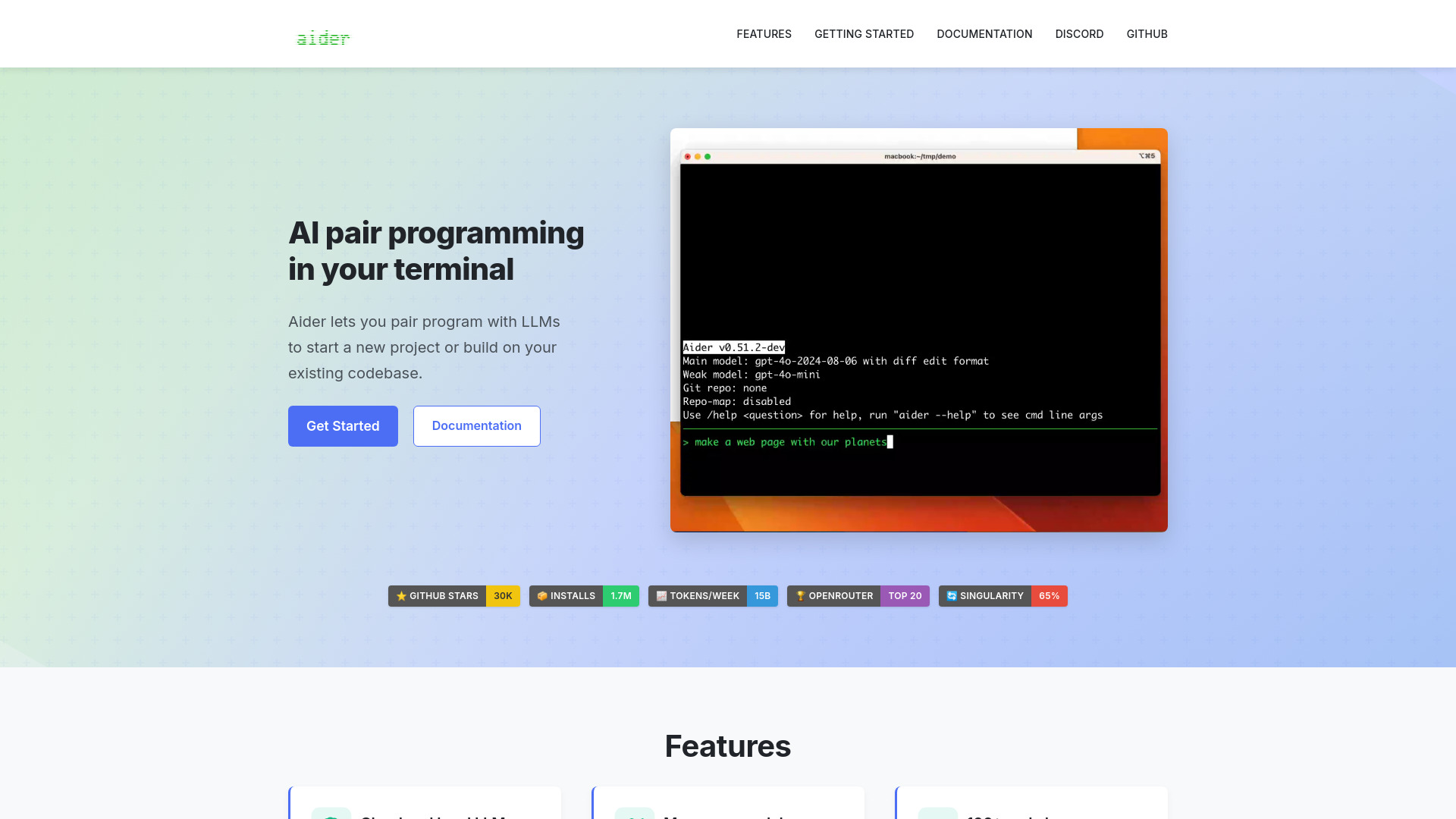
Aider is the clearest choice for developers who want an AI pair programmer in a terminal rather than another creative workspace. Its listed features include terminal-based pair programming and support for cloud and local LLMs. That flexibility is useful if you want to choose a model setup rather than assume a single hosted assistant. The catch is operational: Aider may require API keys for certain LLMs, and you'll want to check the setup and model costs that apply to your chosen configuration. It is one of the strongest top ai coding tools here for developers comfortable with a terminal workflow.
Best fit
Developers who prefer working from a terminal.
Engineers who want the option of cloud or local LLMs.
Programmers looking for pair-programming support across a stated range of 100-plus code languages.
Limitations
Certain LLM choices require API keys.
A terminal workflow may not suit developers who want a fully graphical editor experience.
Pricing details should be checked with the vendor rather than assumed from model access.
Shortlist Aider if: You want a terminal-based coding partner and are prepared to configure the model access you use.
*Broad media generation, with little coding fit*

- Content creators generating AI media
- 40 basic model accesses/day; 20 credits
- Starts at Check vendor pricing
- Monthly visits: 118.8K

AIAI.com belongs in a broader AI toolkit, not a developer's coding shortlist. Its stated features include text-to-video and image-to-video, with a wider mix of video, image, audio, and text generation. The free allowance is concrete: 40 basic-model accesses per day and 20 credits. But the free plan has limited credits and does not provide access to advanced AI models. That makes it a possible companion for creating media around a product, not one of the top ai models for coding.
Best fit
Content creators making video or image assets.
Teams that want several types of AI media generation in one platform.
Developers creating visual content for a project using a separate media tool.
Limitations
Its described features do not establish a code assistant or coding model workflow.
Free access is limited, and advanced AI models are not included in that plan.
Check vendor pricing and credit terms before relying on it for regular production.
Shortlist AIAI.com if: You need a general media-generation platform, not AI help inside your development workflow.
*A prompt library, not a code assistant*

- Professionals browsing role-specific GPT-4 prompts
- Free access to 2,000+ job-specific prompts
- Starts at Check vendor pricing
- Monthly visits: 85.3K
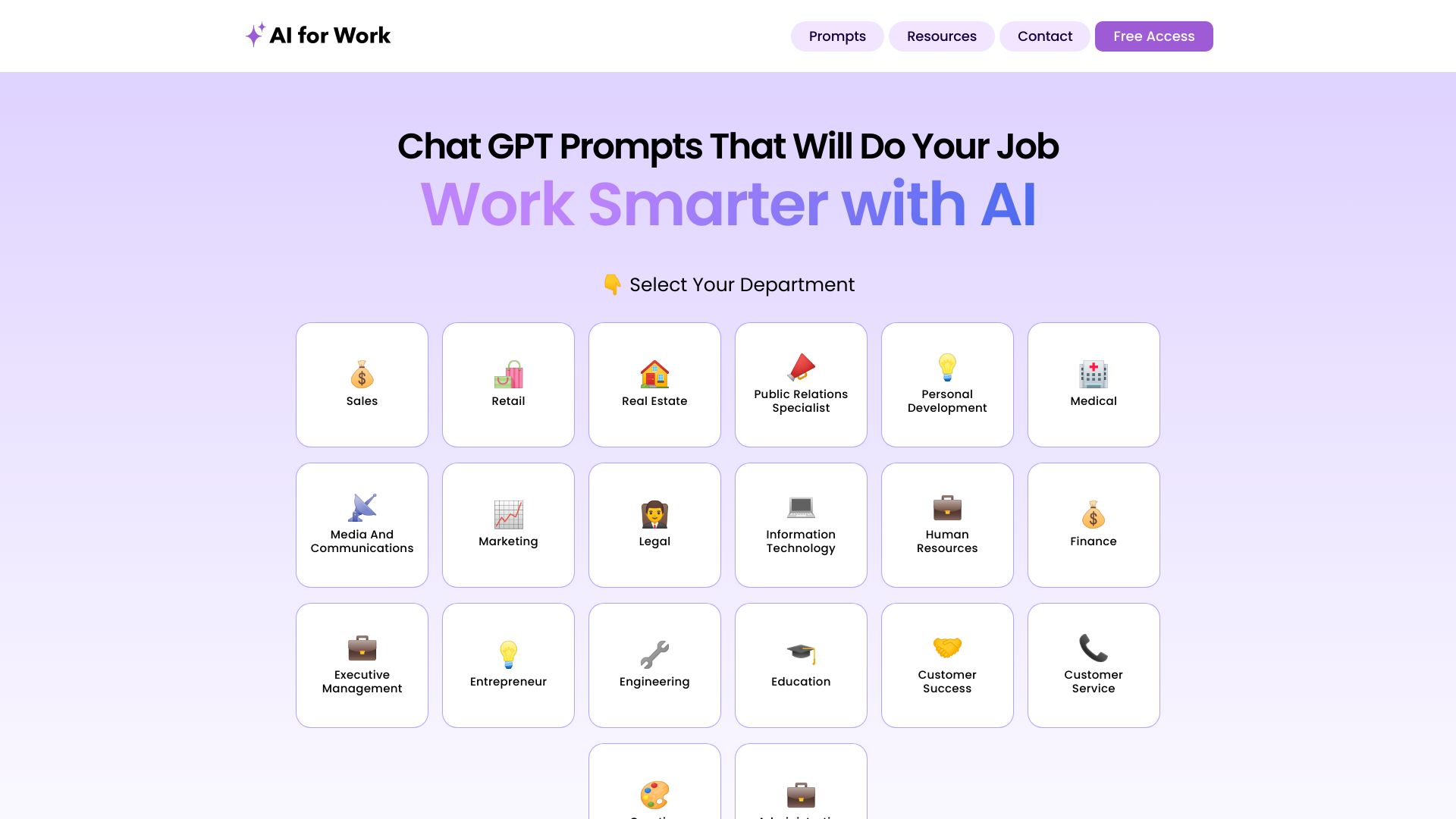
AIforWork.co offers a large, free library of job-specific GPT-4 prompts, organized by department and role. That structure can save time if you want a starting point for a work task, and it may include prompts that a developer could adapt. But a prompt collection is not the same thing as an editor-integrated assistant, codebase-aware agent, or code review product. Its stated reliance on GPT-4 also means results depend on that model's capabilities and limitations. Treat it as a possible prompt resource, not a substitute for the top ai code editors.
Best fit
Professionals looking for prompts organized around a job or department.
Developers who want to experiment with reusable prompts outside their editor.
Teams interested in browsing a large prompt library before building their own workflows.
Limitations
It is a prompt database, not a stated coding assistant or code review tool.
Its use depends on GPT-4's capabilities and limitations.
Check whether a prompt addresses your actual coding task instead of assuming the library is code-focused.
Shortlist AIforWork.co if: You want prompt inspiration for work and already have a separate way to run or review code.
*UI generation for VS Code users*

- Front-end developers generating UI components
- 50 chat messages per month
- Starts at Free plan available
- Monthly visits: 40.7K

PureCode AI has a narrower, more practical coding angle than a general-purpose assistant: it focuses on UI component generation and codebase understanding. For a front-end developer, that pairing is more compelling than a tool that only generates isolated snippets, because the product also describes an effort to understand the codebase. The trade-off is a hard environment requirement: PureCode AI requires VS Code. Its free allowance includes 50 chat messages per month, so test whether that is enough for your normal work before counting on the free tier.
Best fit
Front-end developers who want help generating UI components.
VS Code users who want an assistant with stated codebase understanding.
Developers who can evaluate the generated UI in their existing project workflow.
Limitations
Requires VS Code, so it is a poor fit if your team uses another editor.
Its described emphasis is UI development, not every kind of software engineering.
The free plan's 50 monthly chat messages may be restrictive for heavier use.
Shortlist PureCode AI if: You build front ends in VS Code and want component generation with codebase context.
*An AI code editor with integrated tools*

- Software engineers exploring an AI-assisted editor
- Free trial
- Starts at Intern: Free
- Monthly visits: 29.2K
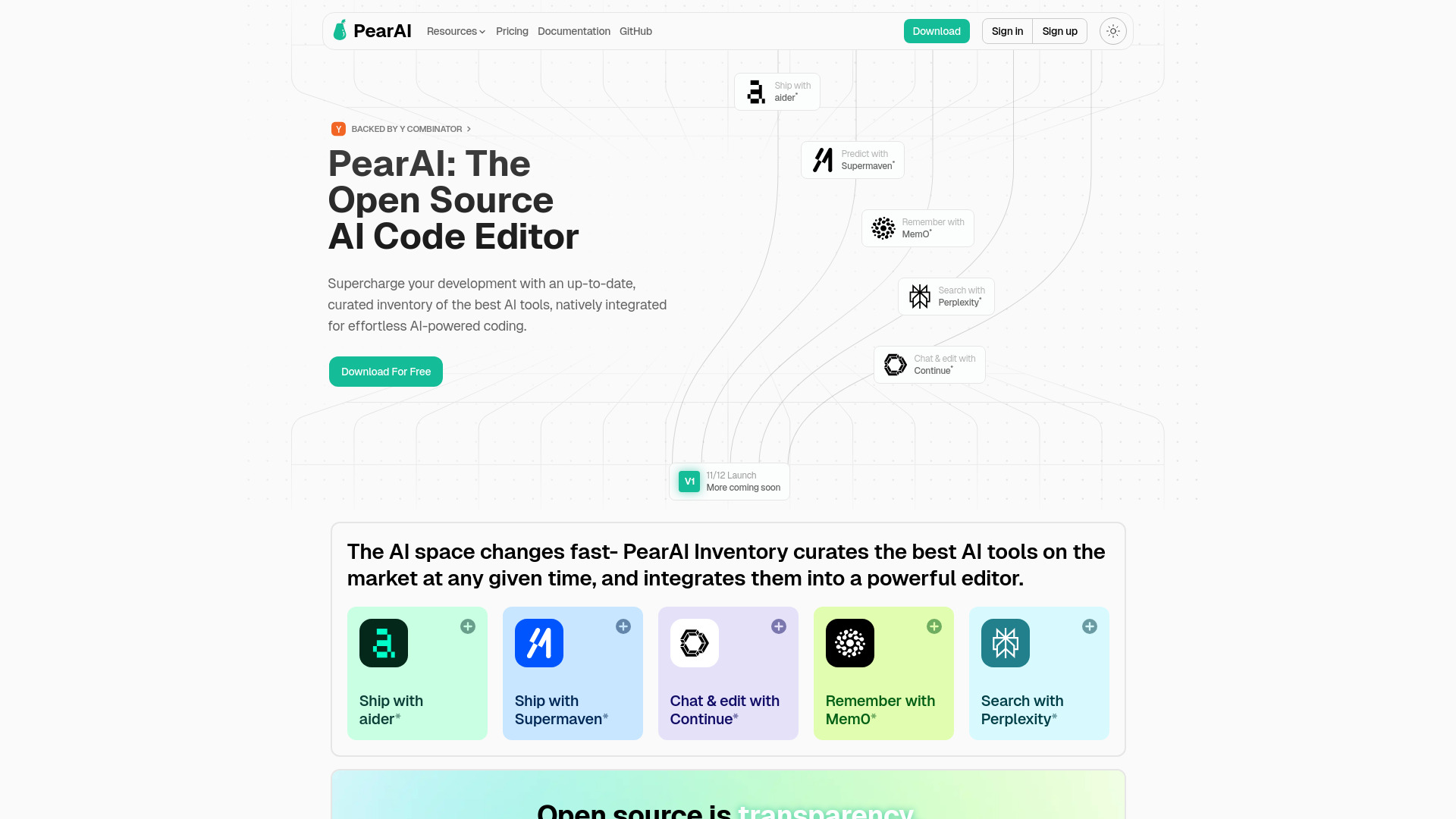
PearAI is the editor-oriented option for engineers who want AI tools integrated into the coding experience. Its listed features include AI chat powered by Continue and AI search powered by Perplexity, and it describes itself as an open-source AI code editor. That combination gives it a distinct angle among the top ai code editors in this group. The caution is maturity: PearAI is relatively new and may have fewer community resources than established editors. Its trial and free Intern tier make it possible to investigate before committing, but compare the plan's current limits with your daily needs.
Best fit
Software engineers looking to try an AI-assisted code editor.
Developers interested in integrated AI chat and AI search.
Users willing to evaluate a newer tool rather than relying only on a mature editor ecosystem.
Limitations
It may have fewer community resources than more established editors.
Verify which AI features are included at each plan level.
A free trial does not by itself establish that the ongoing workflow will suit your team.
Shortlist PearAI if: You want an editor-led workflow that brings AI chat and search into one coding environment.
*Completion and refactoring in one toolbox*

- Software developers improving code with AI assistance
- 5,000 coins free
- Starts at Free: $0/month
- Monthly visits: 50.7K
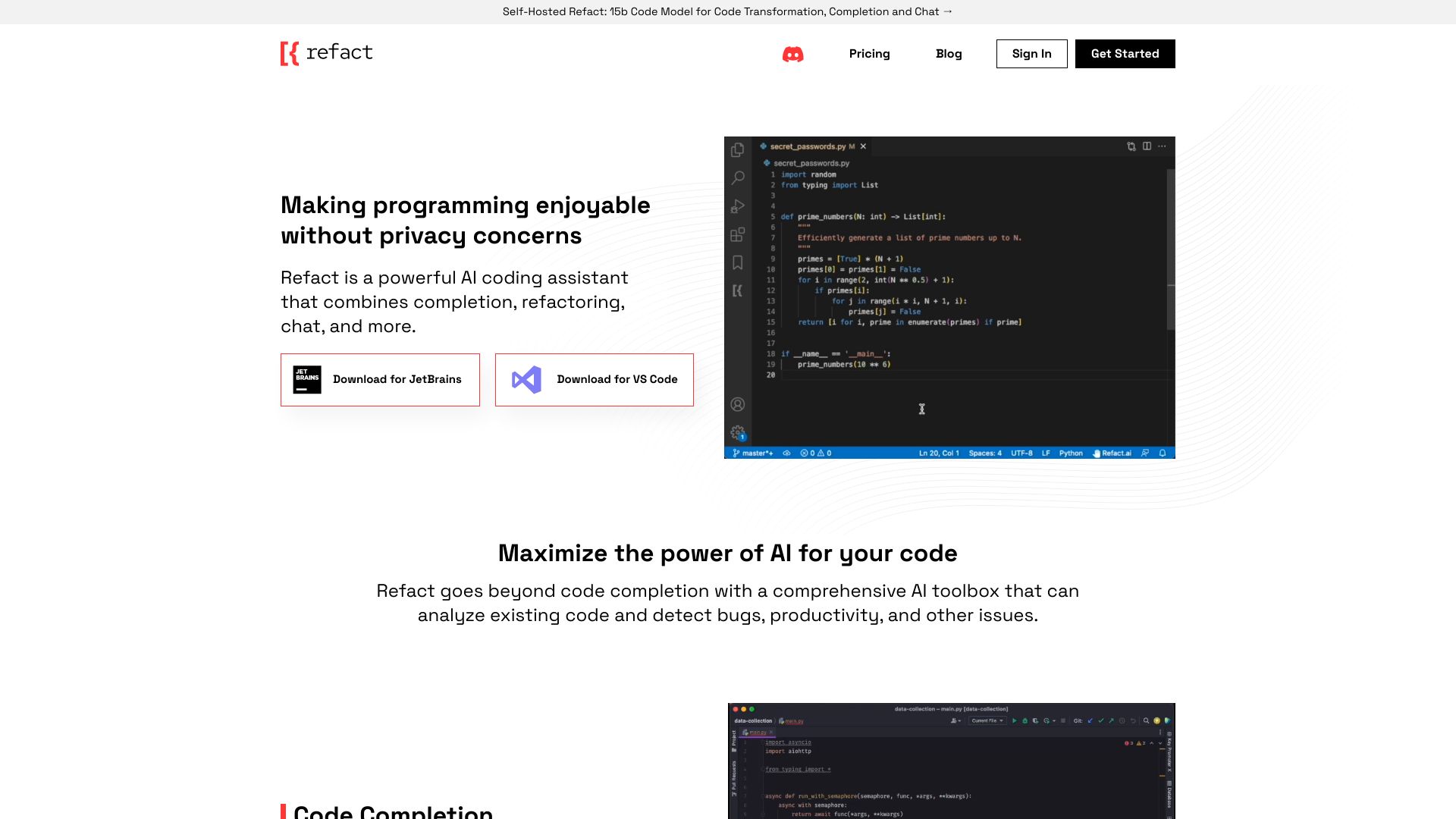
Refact.ai rounds out the more directly relevant coding tools with code completion and refactoring, plus AI chat. That makes its feature list useful to developers who want help both while writing code and while changing existing code. Its free offer includes 5,000 coins, but the amount of work that buys will depend on the product's current usage rules; verify those before planning a workflow around it. Some features may require a paid plan, so the free tier is best treated as an evaluation path rather than a guarantee of full access.
Best fit
Developers who want code completion and refactoring in the same AI toolbox.
Users who want to explore AI chat alongside code-focused features.
Teams that can test the free coin allowance against actual coding tasks.
Limitations
Full access to all features may require a paid plan.
Confirm what the 5,000 free coins cover and whether they expire or have other limits.
Verify compatibility with your editor and workflow before adopting it for a team.
Shortlist Refact.ai if: Completion and refactoring are your priority, and you can test the free allowance against real code changes.
More tools to compare

- Hands-on AI project learning
- Starts at Check vendor pricing
- Monthly visits: 13,905 monthly visits


- Developers generating website source code
- Starts at Check vendor pricing
- Monthly visits: 2,723 monthly visits


- Comparing multiple AI models
- Starts at Check vendor pricing
- Monthly visits: 29,056 monthly visits


- Guided iPhone app building
- 100 free credits (never expire)
- Starts at $20/month
- Monthly visits: 25,268 monthly visits


- Code generation, refactoring, and test-writing
- 7-day free trial
- Starts at Check vendor pricing
- Monthly visits: 12,557 monthly visits
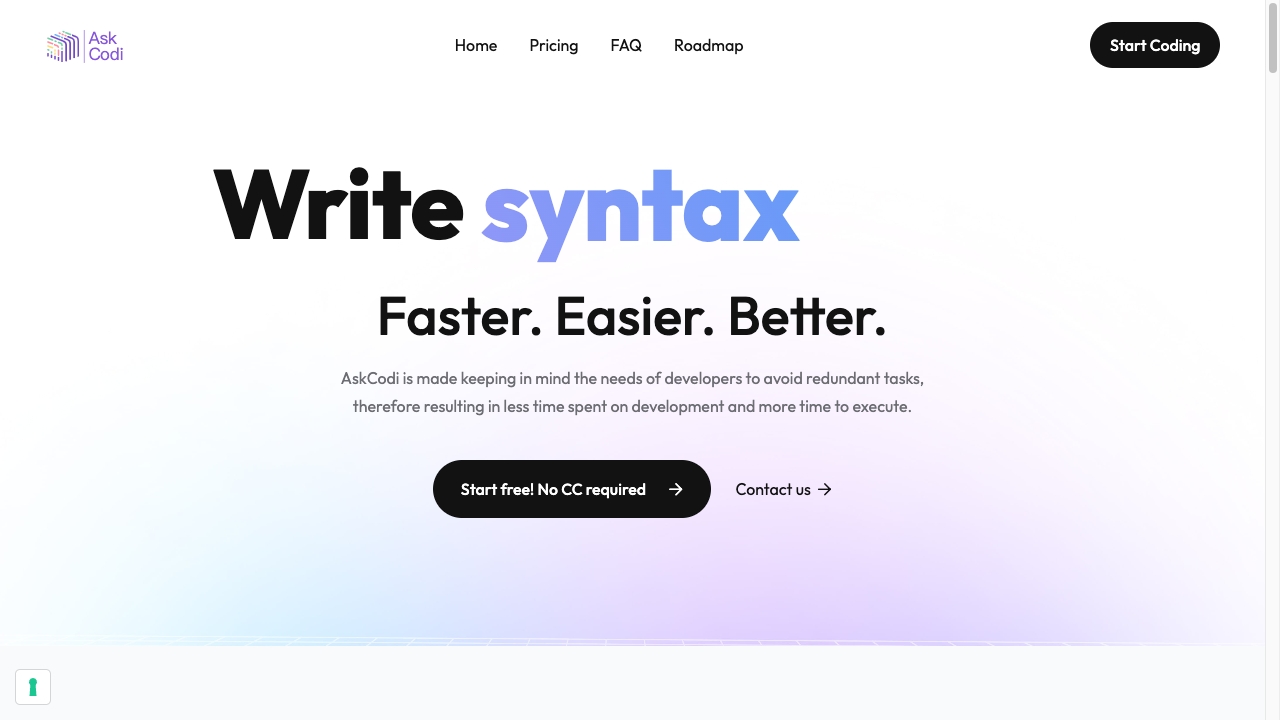

- Learning through guided real-world coding projects
- Free plan available
- Starts at $6/month (annual plan)
- Monthly visits: 20,755 monthly visits
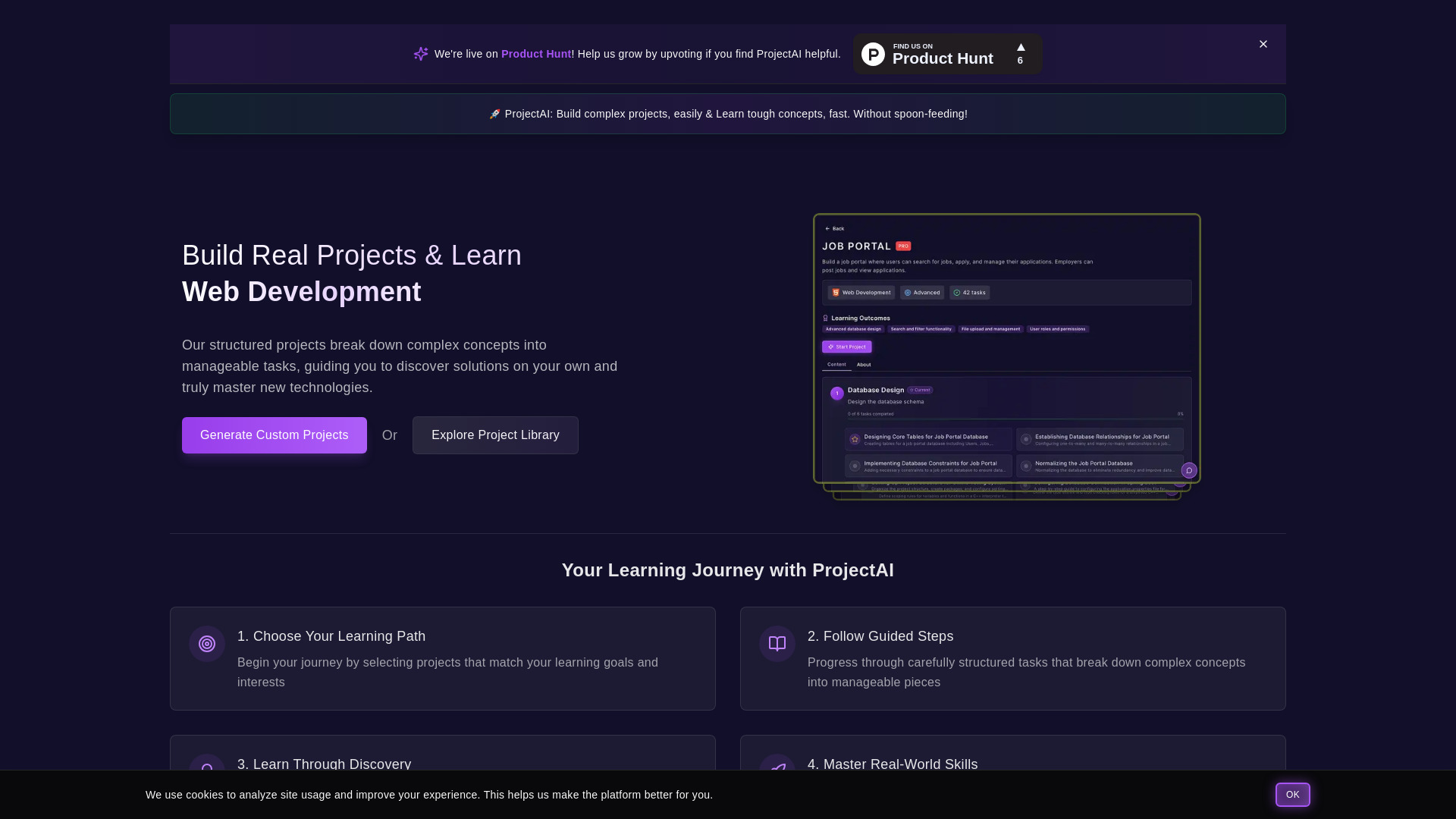

- AI-assisted code snippet libraries
- 5 snippets free
- Starts at $7.5/month
- Monthly visits: 5,768 monthly visits


- Code translation and snippet generation
- Free plan available
- Starts at Check vendor pricing
- Monthly visits: 6,431 monthly visits


- Autonomous coding across existing codebases
- Free trial available
- Starts at Check vendor pricing
- Monthly visits: 16,818 monthly visits
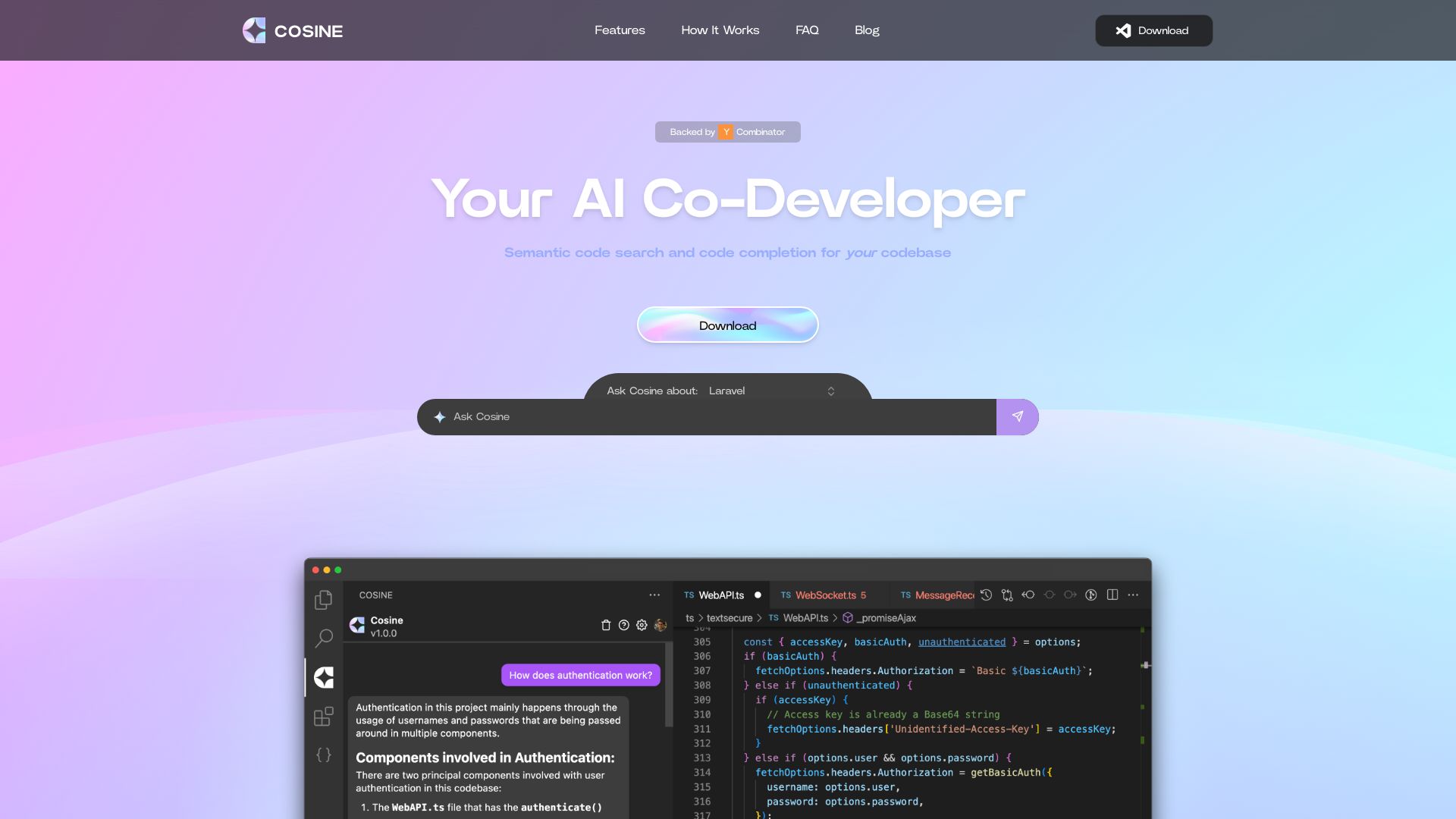

- Explaining code to beginner programmers
- 500-character free-plan limit
- Starts at $7/month
- Monthly visits: 4,492 monthly visits


- Product teams running proactive coding agents
- Starts at Check vendor pricing
- Monthly visits: 11,164 monthly visits


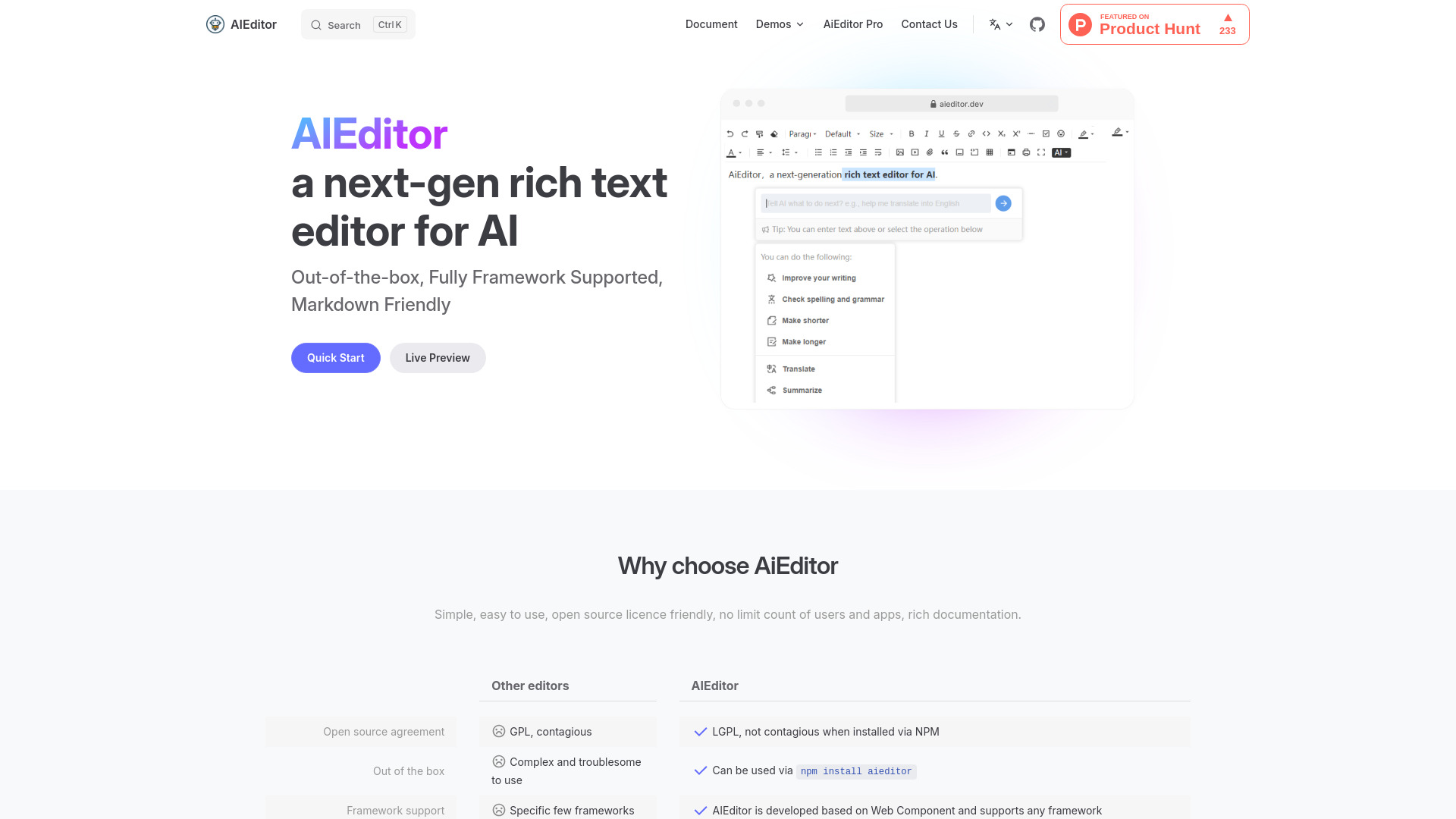
- AI-powered rich text editor integrations
- Free plan available
- Starts at Check vendor pricing
- Monthly visits: 2,732 monthly visits

- Generative design systems and UI components
- Free plan available
- Starts at Check vendor pricing
- Monthly visits: 10,503 monthly visits


- Quick transparent-background cutouts
- Free plan available
- Starts at Check vendor pricing
- Monthly visits: 1.5M monthly visits


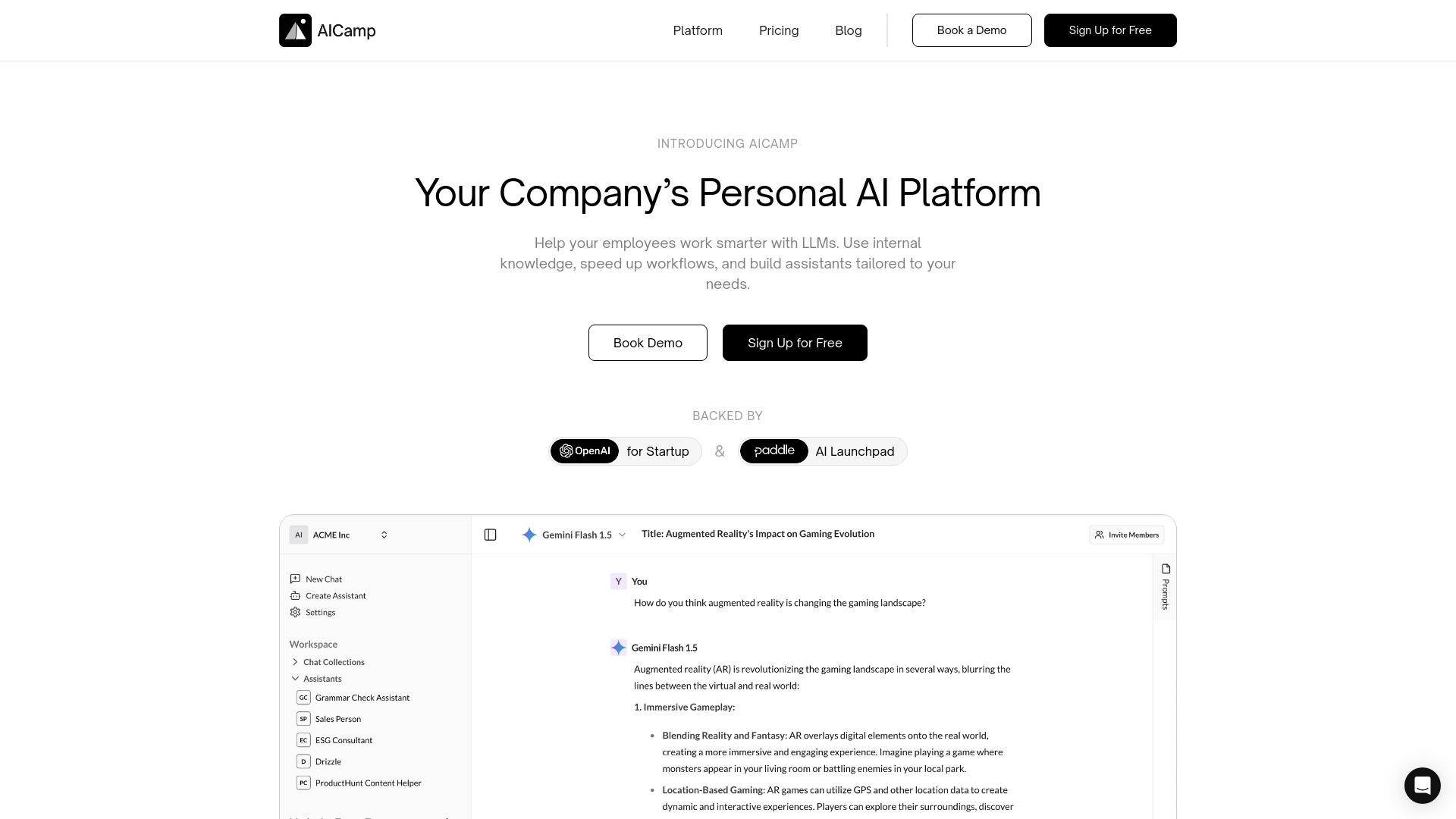
- Teams sharing AI models and assistants
- Free plan available
- Starts at $12/month
- Monthly visits: 6,814 monthly visits

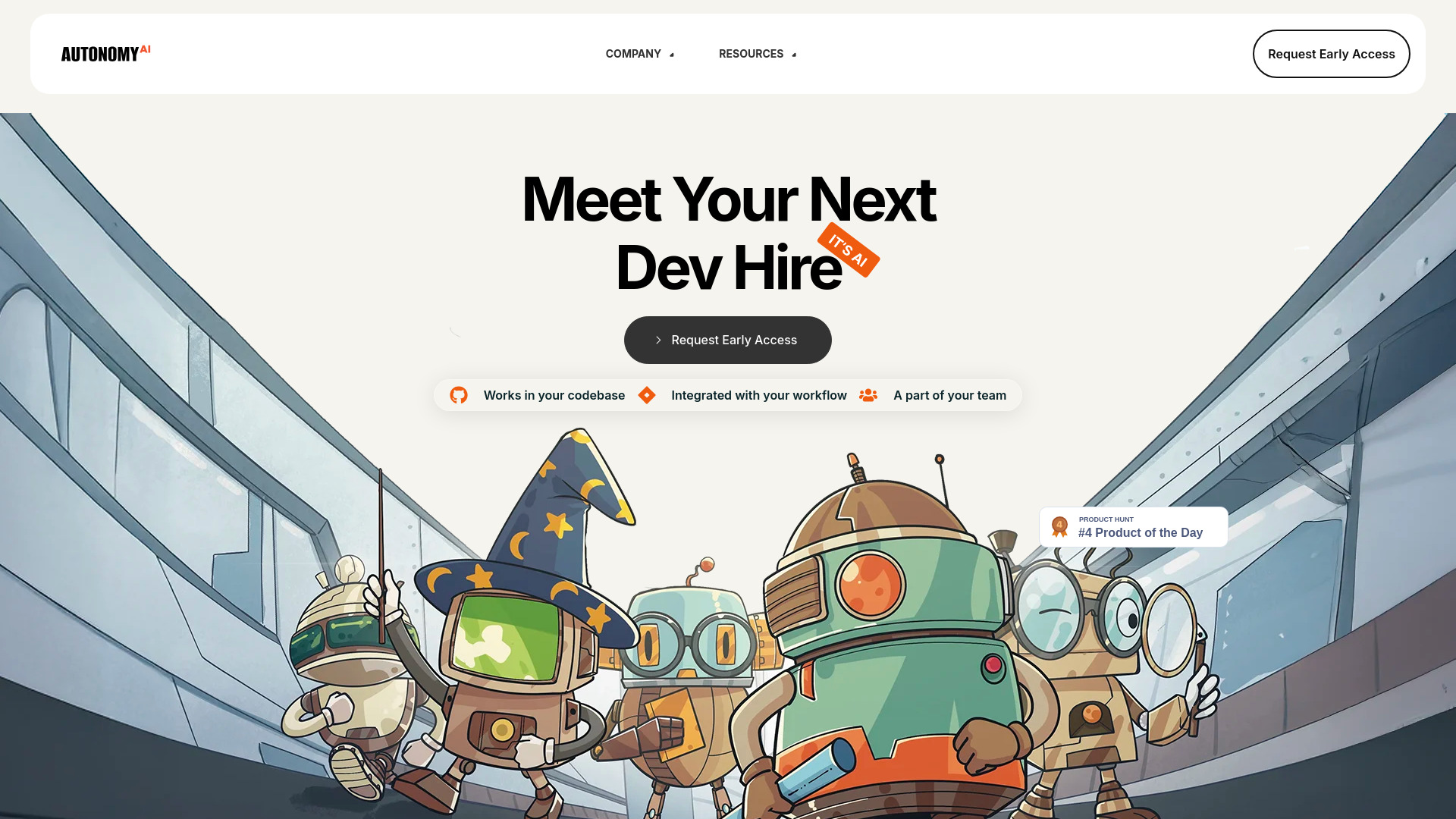
- Frontend teams seeking production-grade code
- Starts at Check vendor pricing
- Monthly visits: 9,546 monthly visits

- AI-assisted code generation and debugging
- 2,500 words + 5 images
- Starts at $8/month
- Monthly visits: 2,658 monthly visits


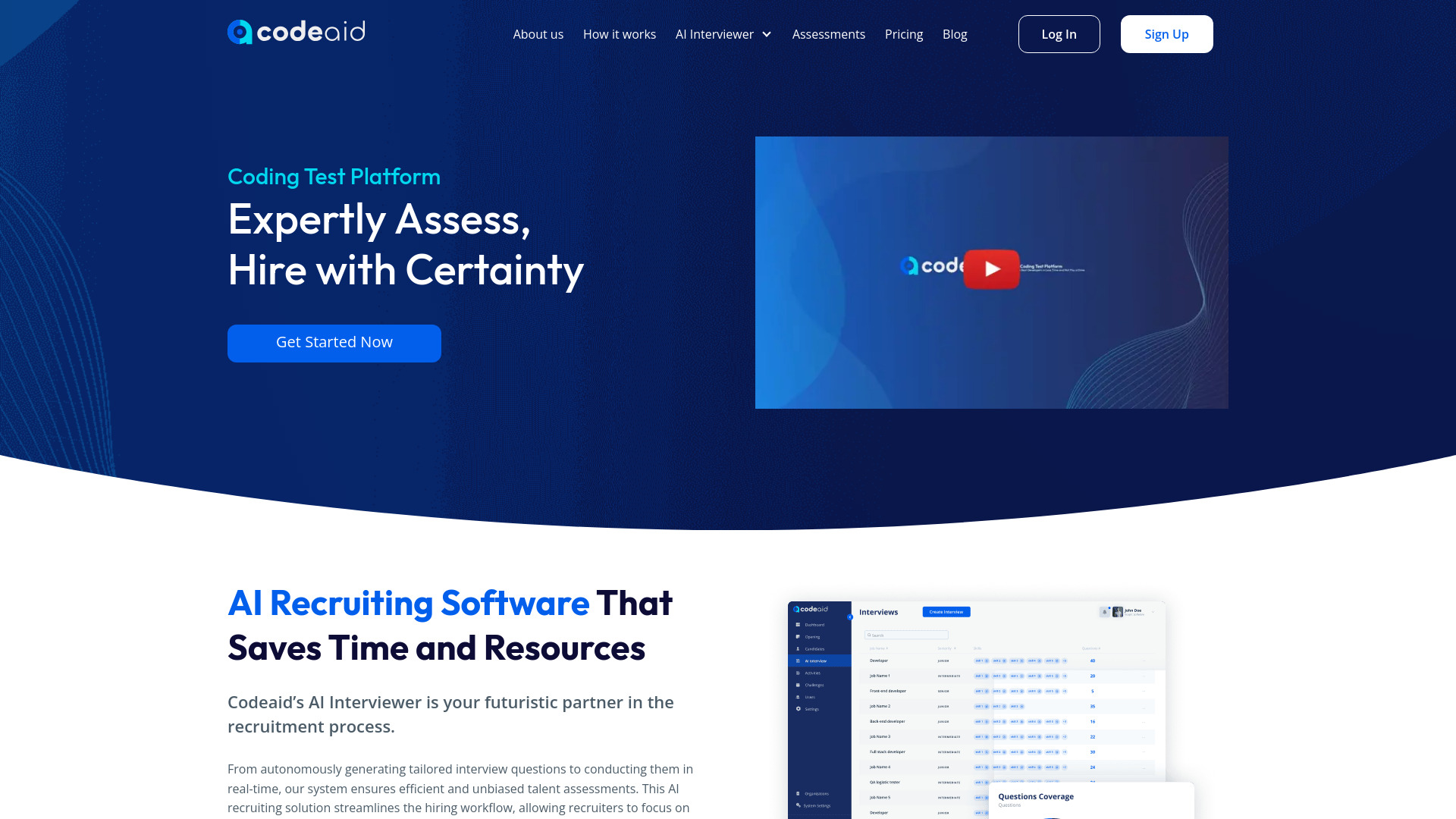
- Real-world developer hiring assessments
- 5 candidate invites/month
- Starts at $99/month
- Monthly visits: 4,134 monthly visits

- Parallel coding agents and automated pull requests
- Free trial available
- Starts at $49 per month
- Monthly visits: 5,177 monthly visits


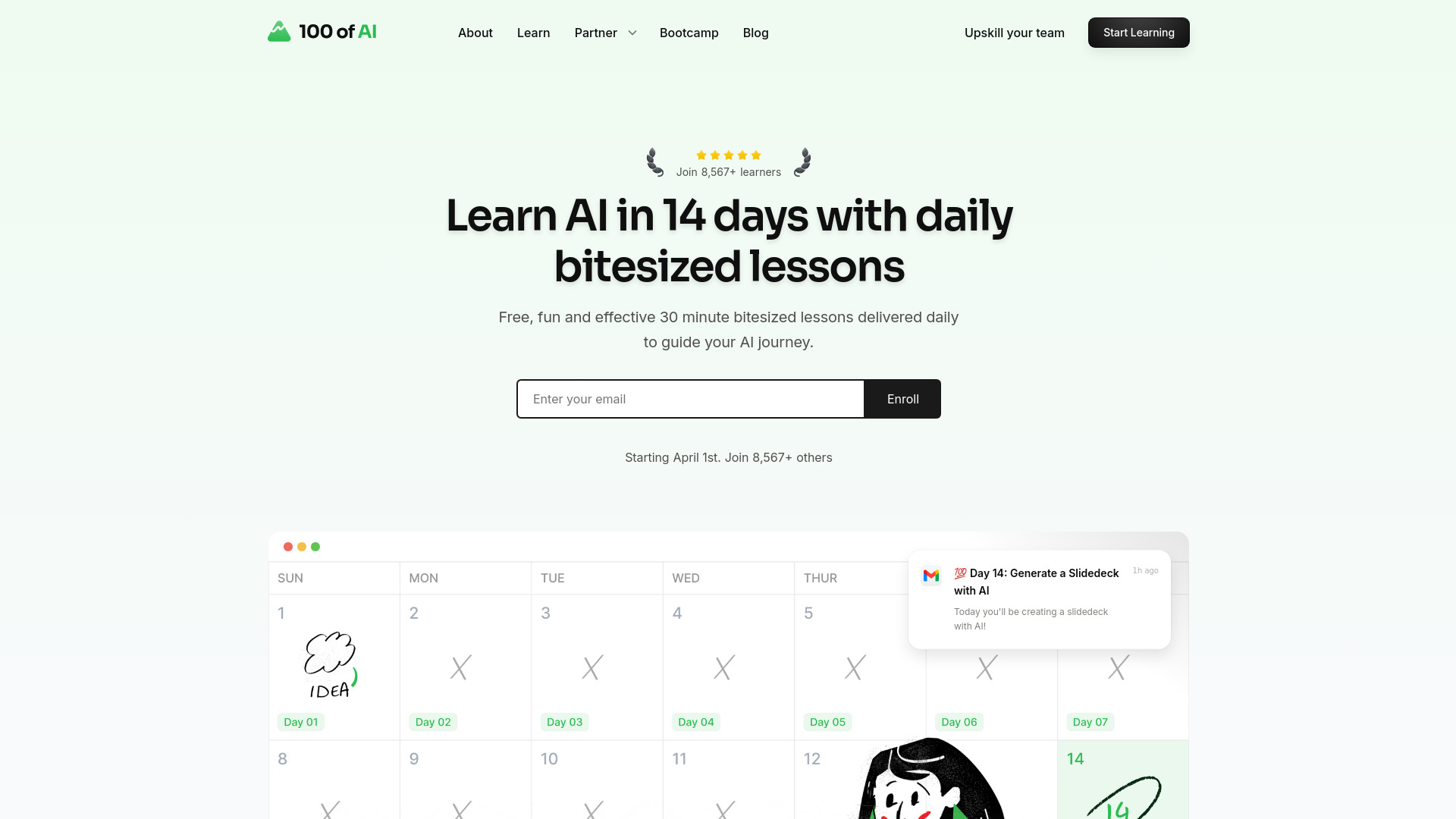
- Bite-sized daily AI lessons
- Starts at Check vendor pricing
- Monthly visits: 3,759 monthly visits

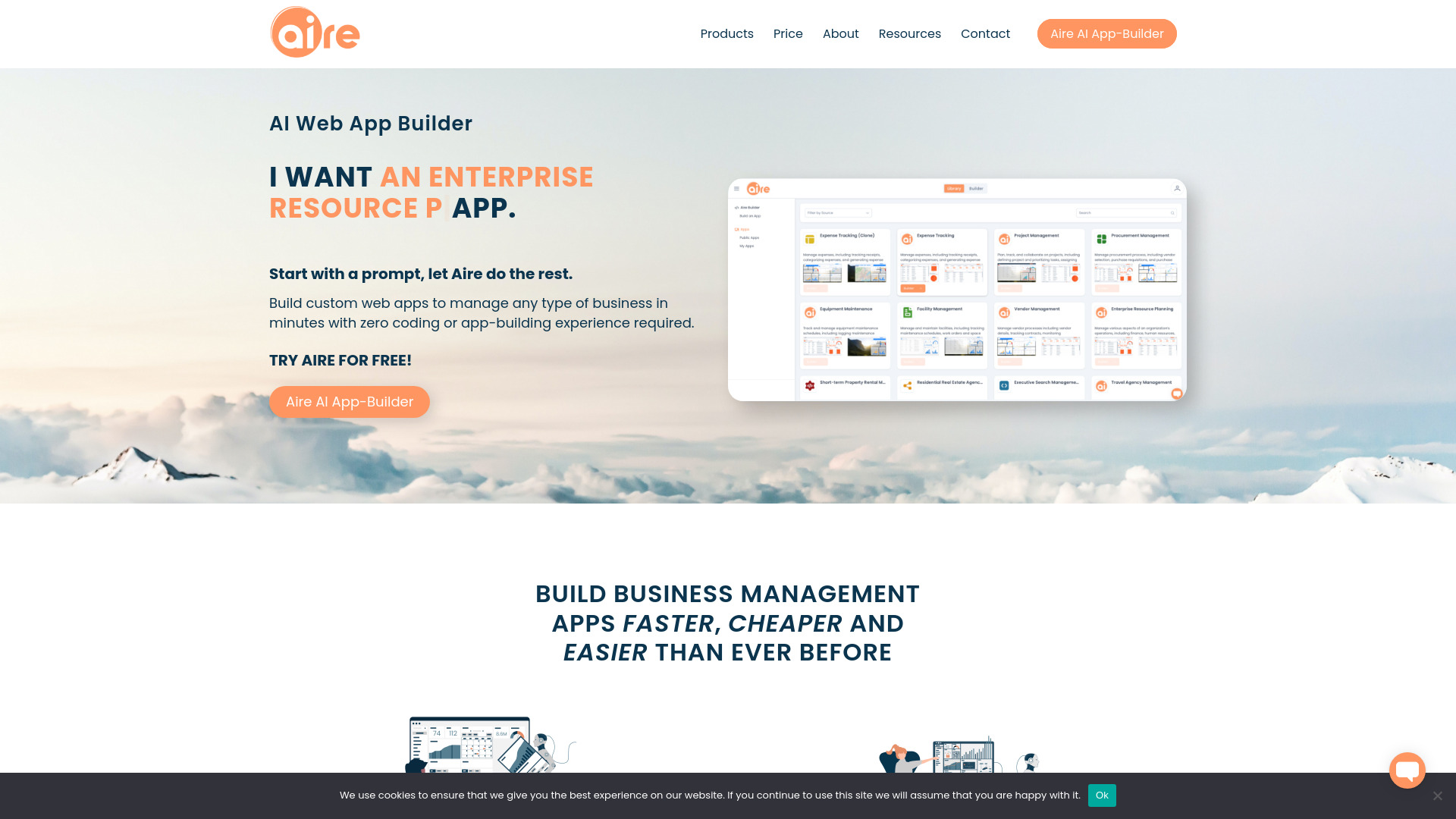
- Prompt-generated enterprise business apps
- Free trial available
- Starts at Check vendor pricing
- Monthly visits: 3,074 monthly visits

- Translating code between programming languages
- Free plan available
- Starts at Check vendor pricing
- Monthly visits: 1,604 monthly visits


- AI coding assistance in Xcode
- $5 in free credits
- Starts at $0/month
- Monthly visits: 2,317 monthly visits


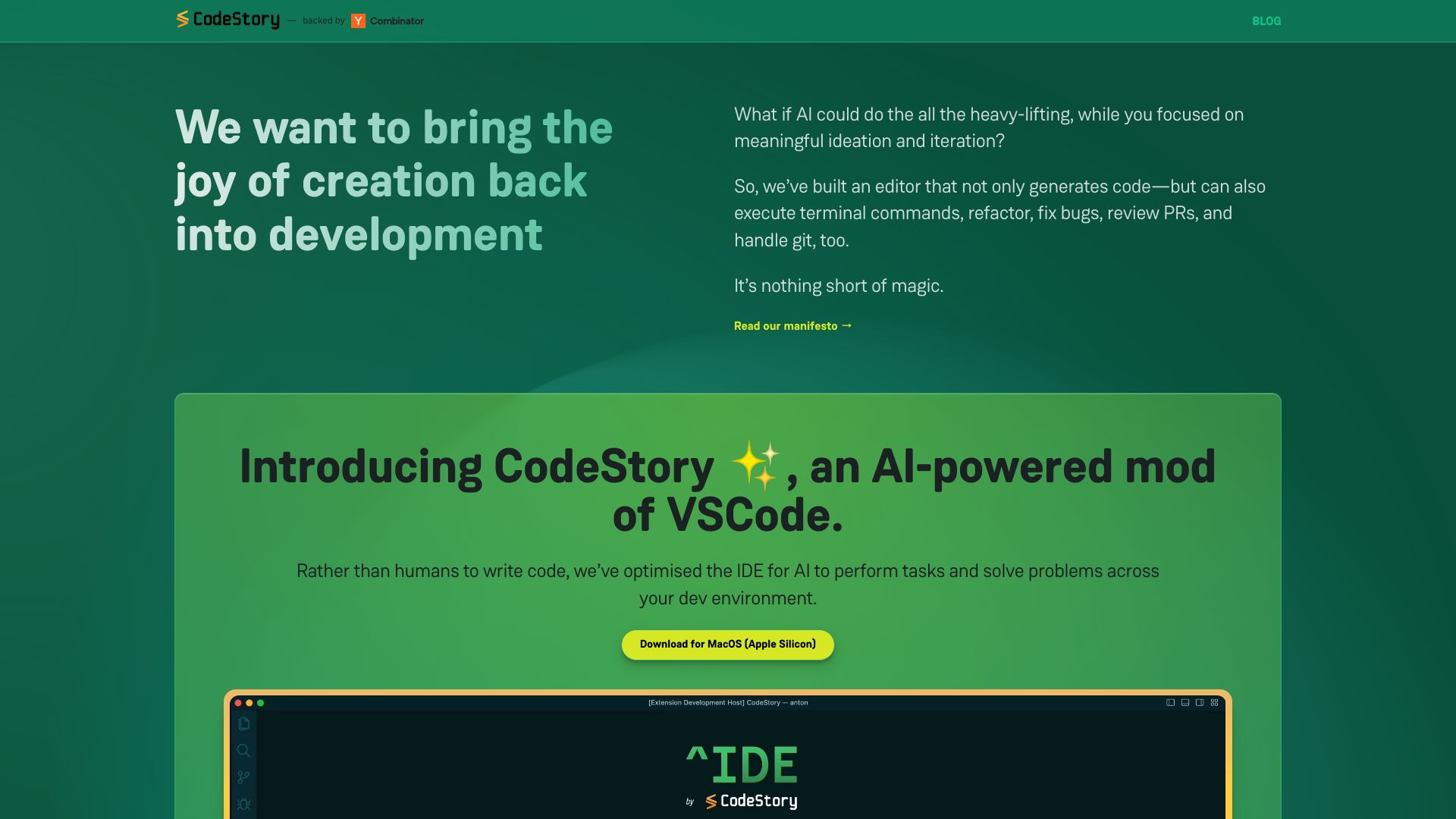
- AI-assisted bug fixing in codebases
- Starts at Check vendor pricing
- Monthly visits: 1,883 monthly visits

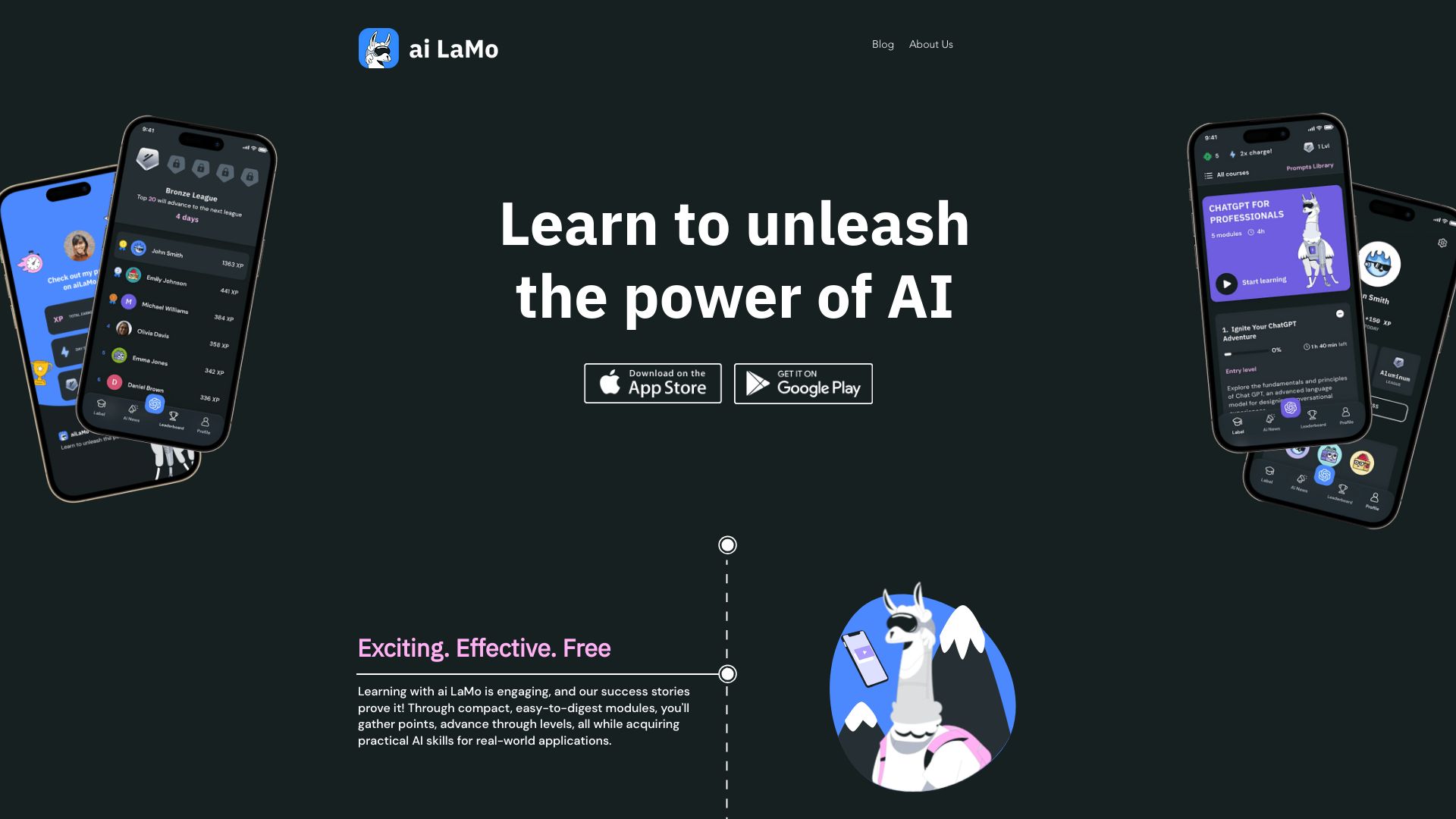
- Gamified AI skills learning
- Free plan available
- Starts at Check vendor pricing
- Monthly visits: 3,216 monthly visits

- No-code autonomous business agents
- Starts at $74.95/month
- Monthly visits: 1,635 monthly visits


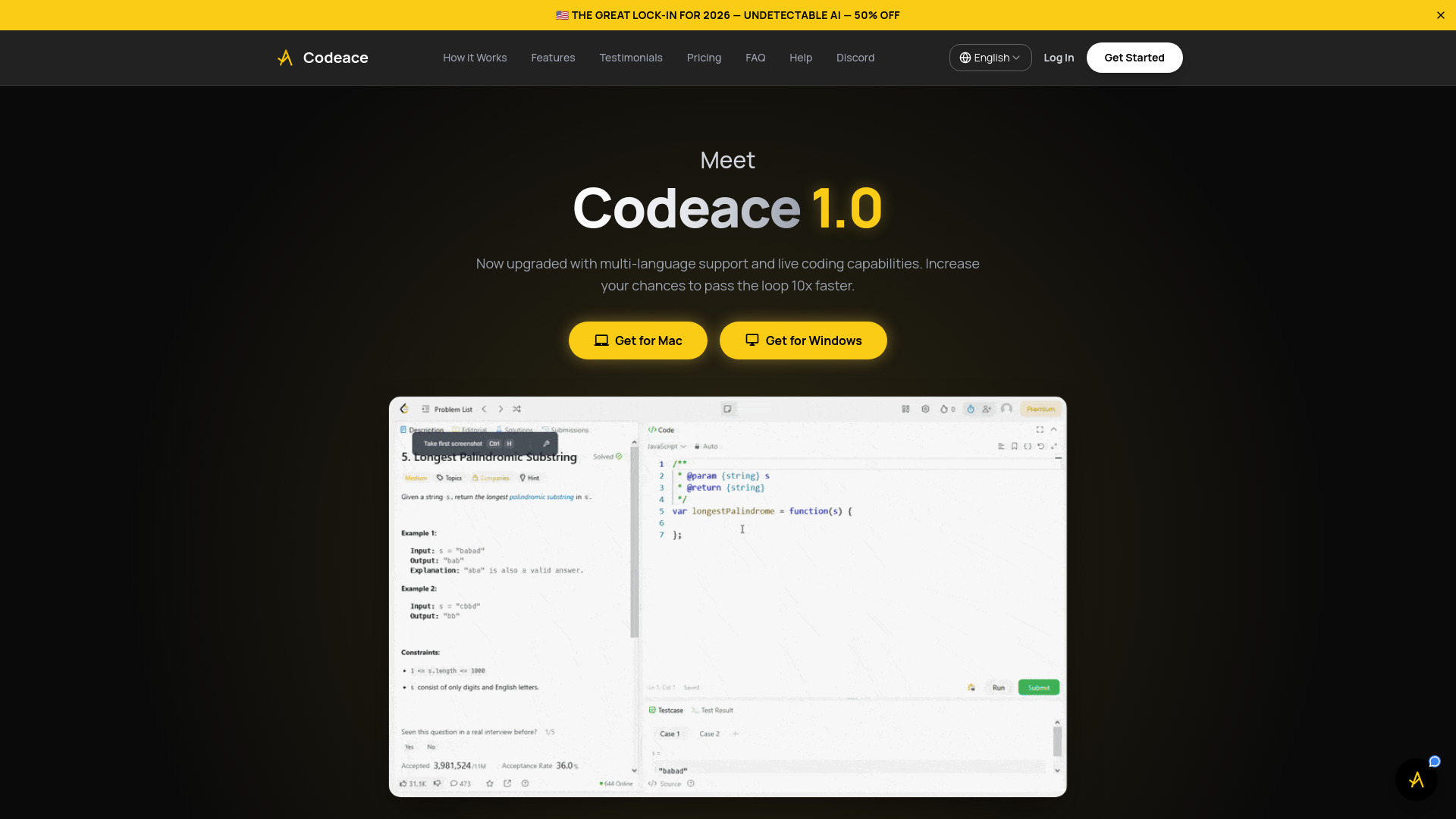
- Real-time coding interview assistance
- 3 free problem solutions
- Starts at $199/month
- Monthly visits: 2,179 monthly visits

- VS Code developers seeking an open-source coding agent
- $20 free credits
- Starts at Free extension; pay-as-you-go for model usage
- Monthly visits: 2,215 monthly visits


- Kids learning coding basics
- 50 queries
- Starts at $10/month
- Monthly visits: 832 monthly visits
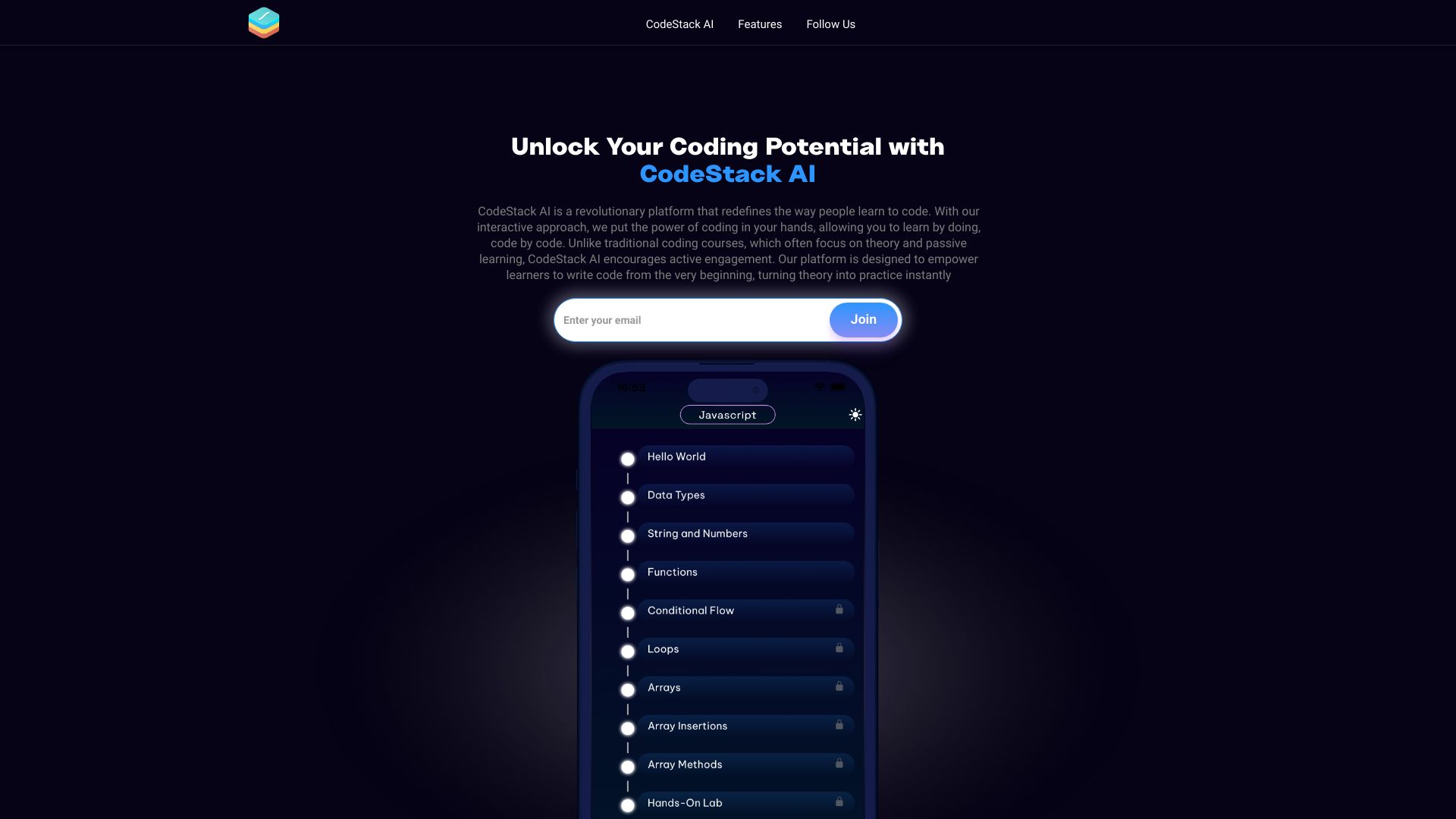
- Hands-on AI-guided coding lessons
- 14-day free trial
- Starts at Check vendor pricing
- Monthly visits: 330 monthly visits

- Privacy-first full-stack app generation
- 60 AI generation calls/month
- Starts at $12/month
- Monthly visits: 181 monthly visits

- AI-assisted coding and debugging
- Starts at Check vendor pricing

- AI coding with shared team quotas
- Free trial available
- Starts at ¥399/4 weeks

- Commit messages in JetBrains IDEs
- Starts at Check vendor pricing
- Monthly visits: 206 monthly visits


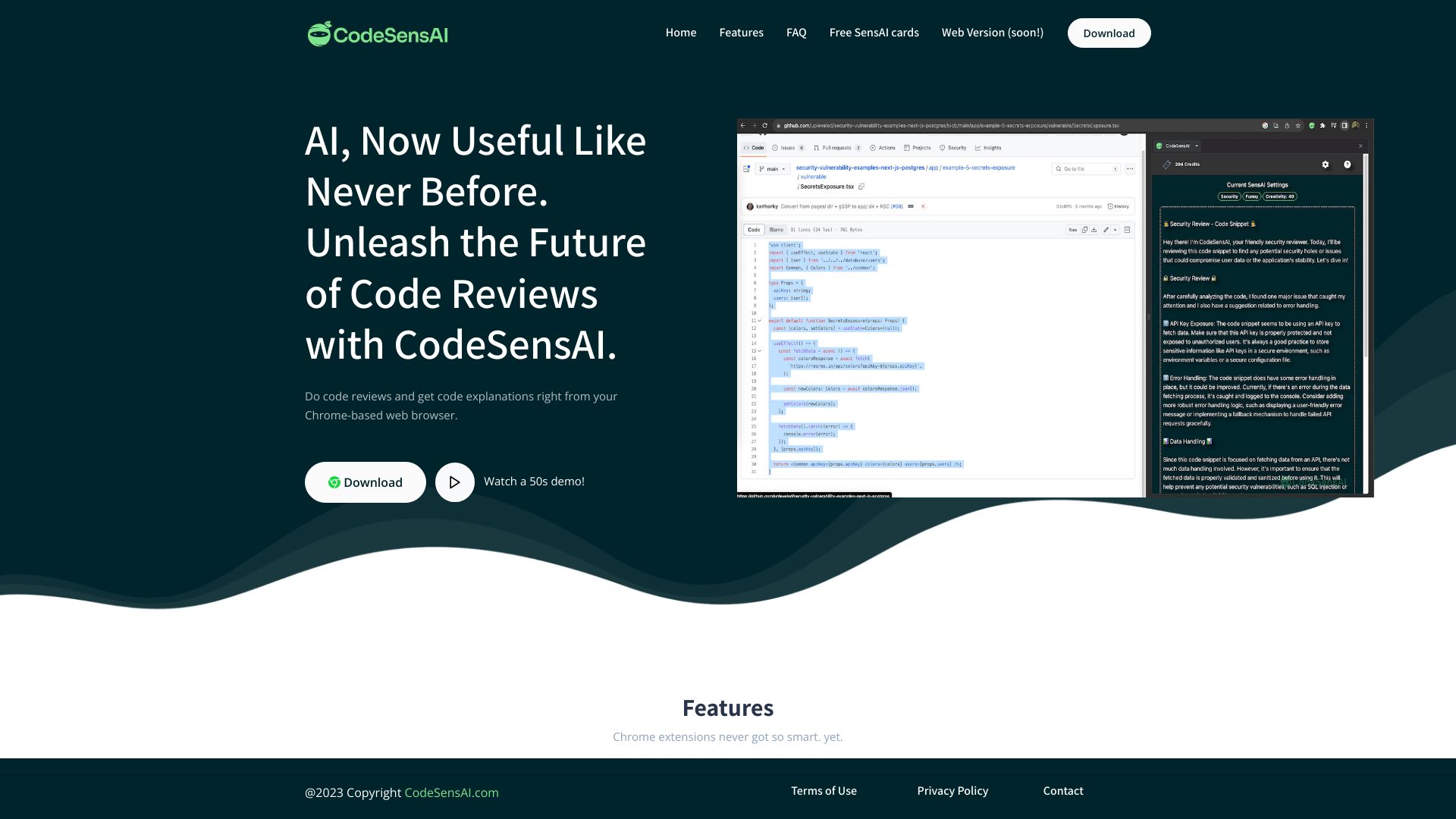
- Browser-based AI code reviews
- Free trial available
- Starts at Check vendor pricing
- Monthly visits: 190 monthly visits

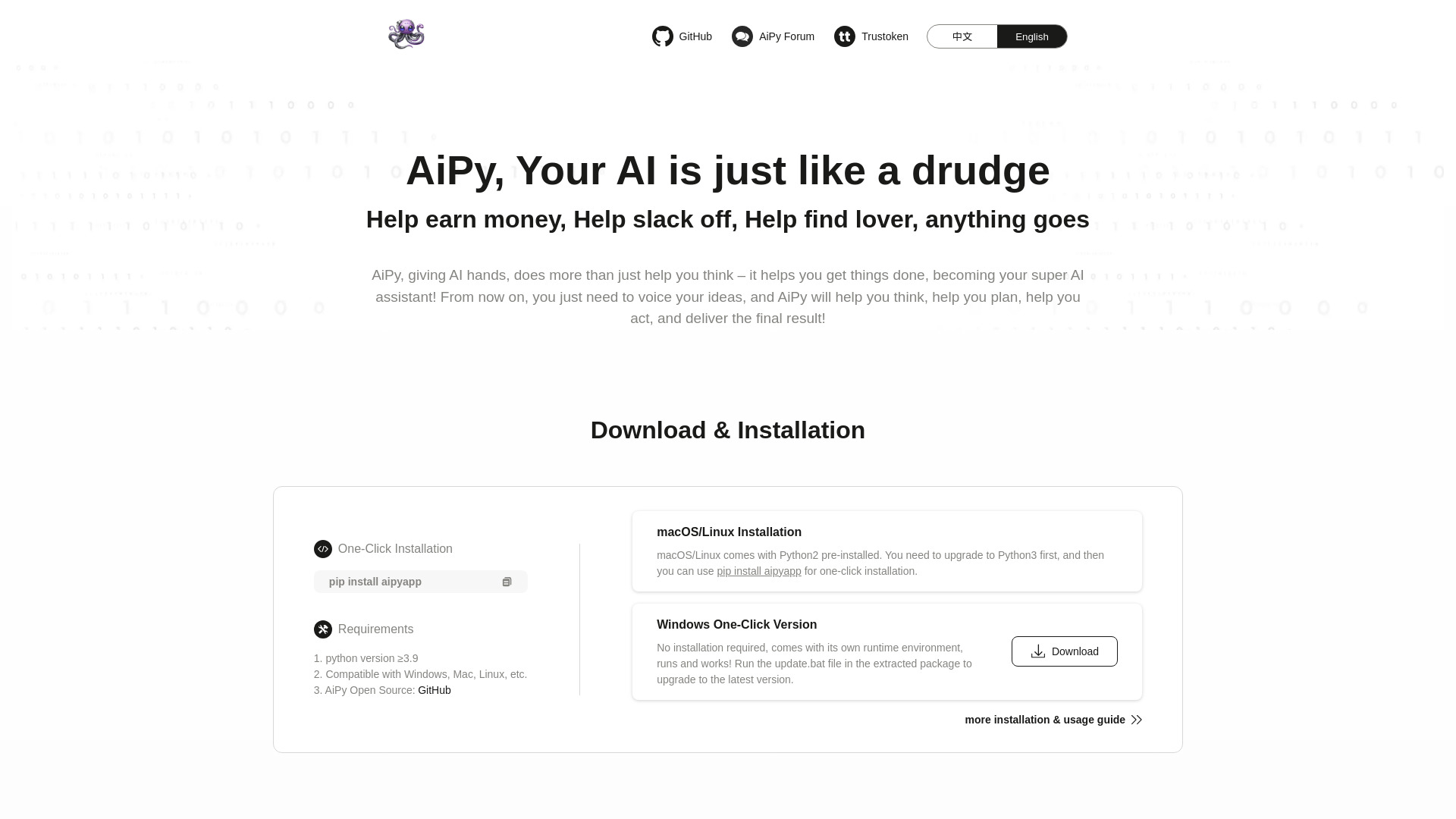
- Local Python-based task automation
- Free plan available
- Starts at Check vendor pricing
- Monthly visits: 68 monthly visits

- Desktop coding and shell-command automation
- Free plan available
- Starts at Check vendor pricing


- Conversational coding help for web app developers
- Starts at Check vendor pricing


- AI-assisted code debugging and conversion
- 2-day free trial
- Starts at Check vendor pricing


- Offline code-example lookup
- 5-day free trial
- Starts at $7.99/month


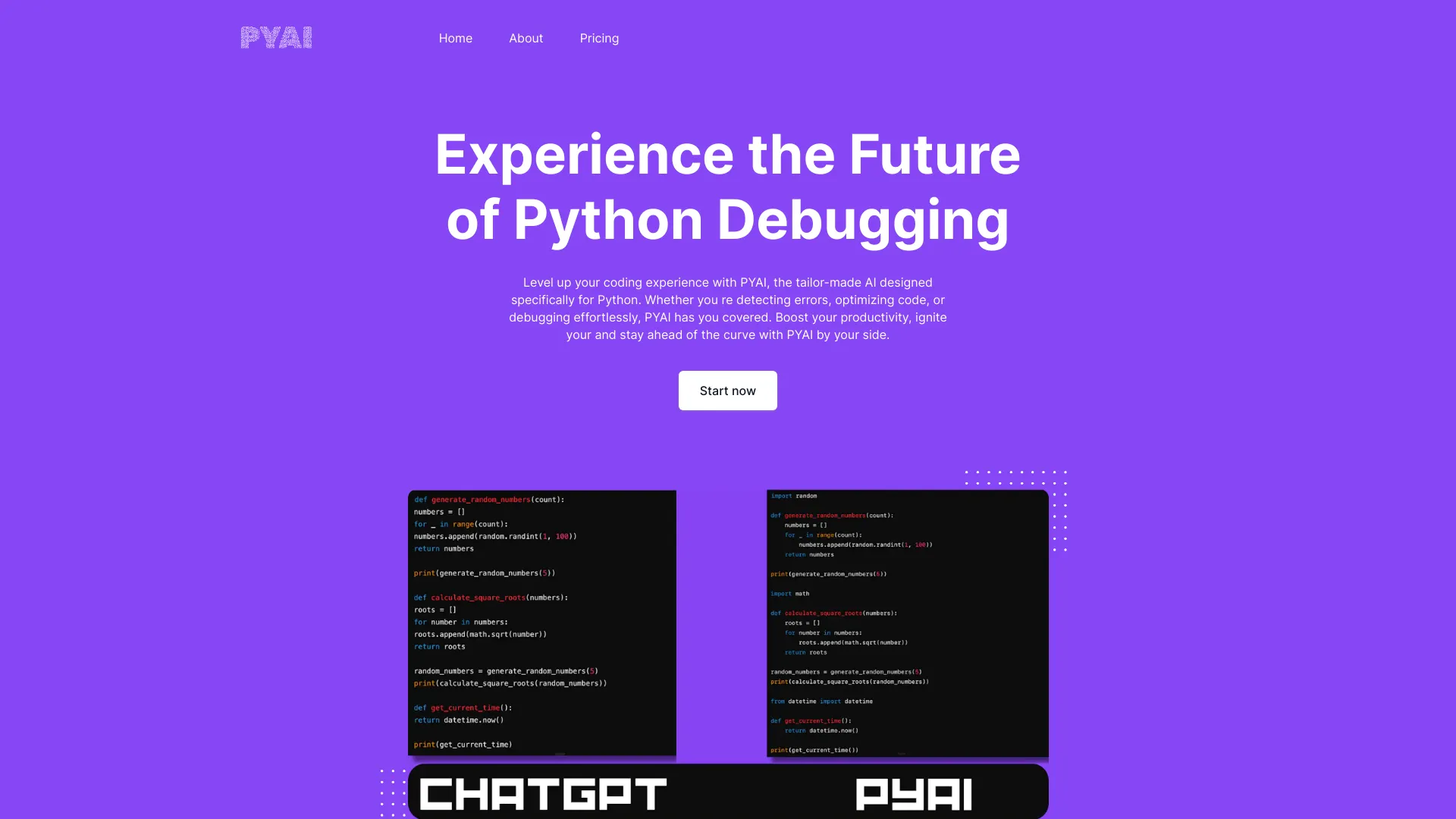
- Python code debugging and optimization
- Starts at Check vendor pricing

- Role-specific coding interview practice
- Free plan available
- Starts at Check vendor pricing

- Sharing codebase context with teams
- Starts at £60 one-time


- Beginners building AI-assisted coding projects
- Starts at Check vendor pricing


- Chat-based code explanations
- Starts at Check vendor pricing

- Quick JavaScript coding help
- Free plan available
- Starts at Check vendor pricing


- Checking AI-generated code for flaws
- 14-day free trial
- Starts at $9/mo, billed annually


- Building and refining coding prompts in Cursor
- 1 structured prompt template use
- Starts at $5.90/month


- Context-aware code generation and batch processing
- 200,000 tokens for 30 days
- Starts at $7.50/month


- Legacy code migration
- Starts at Check vendor pricing

- Coding error explanations and debugging prompts
- Starts at Check vendor pricing

- Building embeddable AI lead-generation widgets
- 300 AI-generation credits
- Starts at $0/mo

- Enterprise teams needing self-hosted coding assistance
- Starts at Check vendor pricing

- AI-assisted code and text utilities
- Free plan available
- Starts at Check vendor pricing

- AI-powered marketing content
- Starts at Check vendor pricing
- Quick code generation across programming languages
- Starts at Check vendor pricing

- Spec-driven coding workflows
- 50 interactions per month
- Starts at $0/mo
- AI code testing and refactoring
- Starts at Check vendor pricing


- Generating CSS animations from prompts
- Starts at Check vendor pricing

- AI coding research and open-source LLM analysis
- Starts at Check vendor pricing

- Quick AI-assisted code debugging
- Free plan available
- Starts at Check vendor pricing


- AI-powered source code vulnerability detection
- Free trial available
- Starts at From €119/month

- Private, browser-based code generation
- Free plan available
- Starts at Check vendor pricing


- AI-generated IaC templates
- Starts at Check vendor pricing


- Natural-language AI website creation
- Free plan available
- Starts at Check vendor pricing
- Codebase knowledge and engineering onboarding
- Starts at Check vendor pricing

- Free prompts for personal and business growth
- Free plan available
- Starts at Check vendor pricing
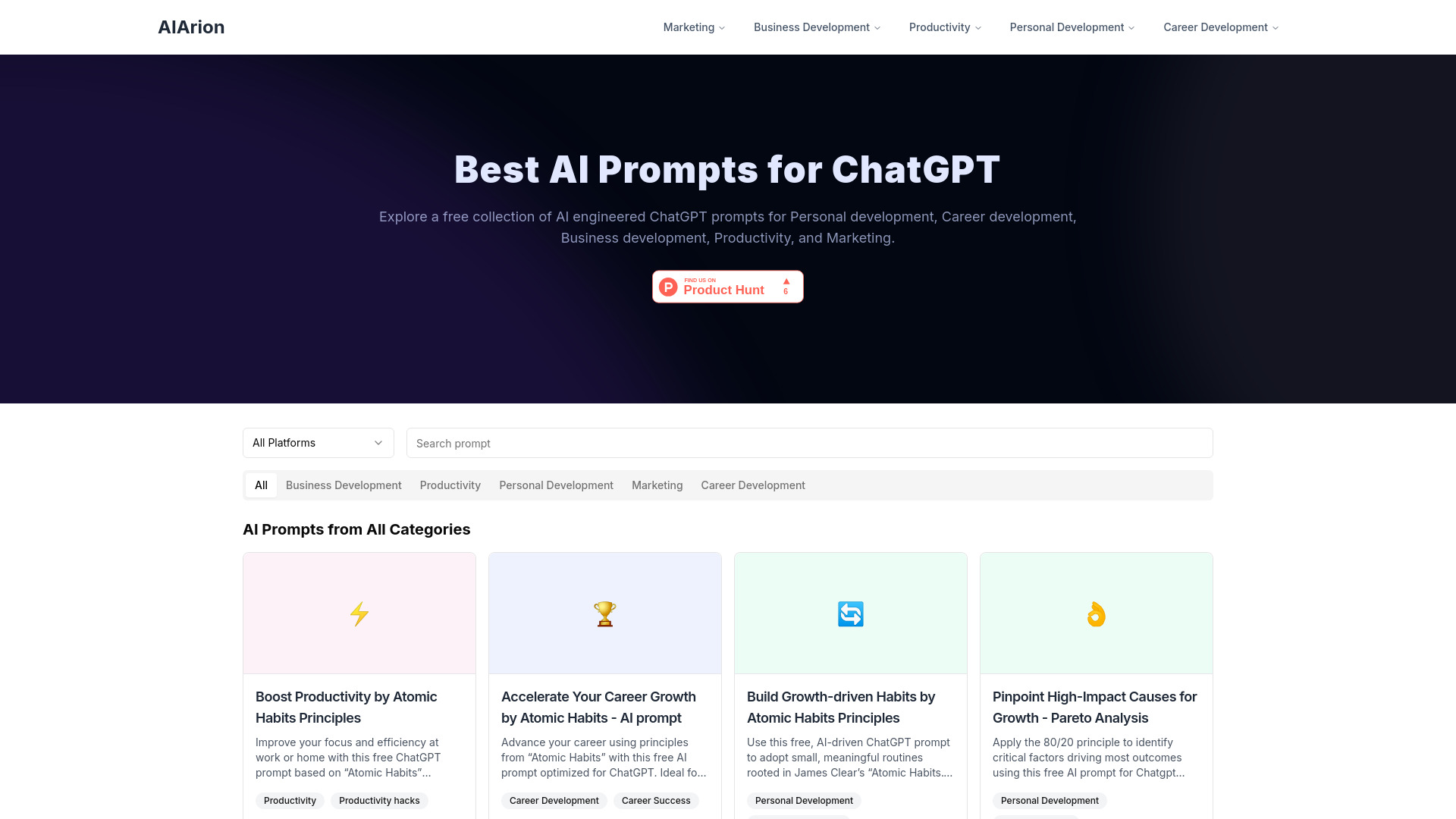
- Content creators needing AI code snippets
- 10,000 free word tokens + 5 image tokens
- Starts at From $9/month


- Structuring essays and research documents with AI
- Free plan available
- Starts at Check vendor pricing


- Generating WordPress and WooCommerce code snippets
- Free plan available
- Starts at Check vendor pricing


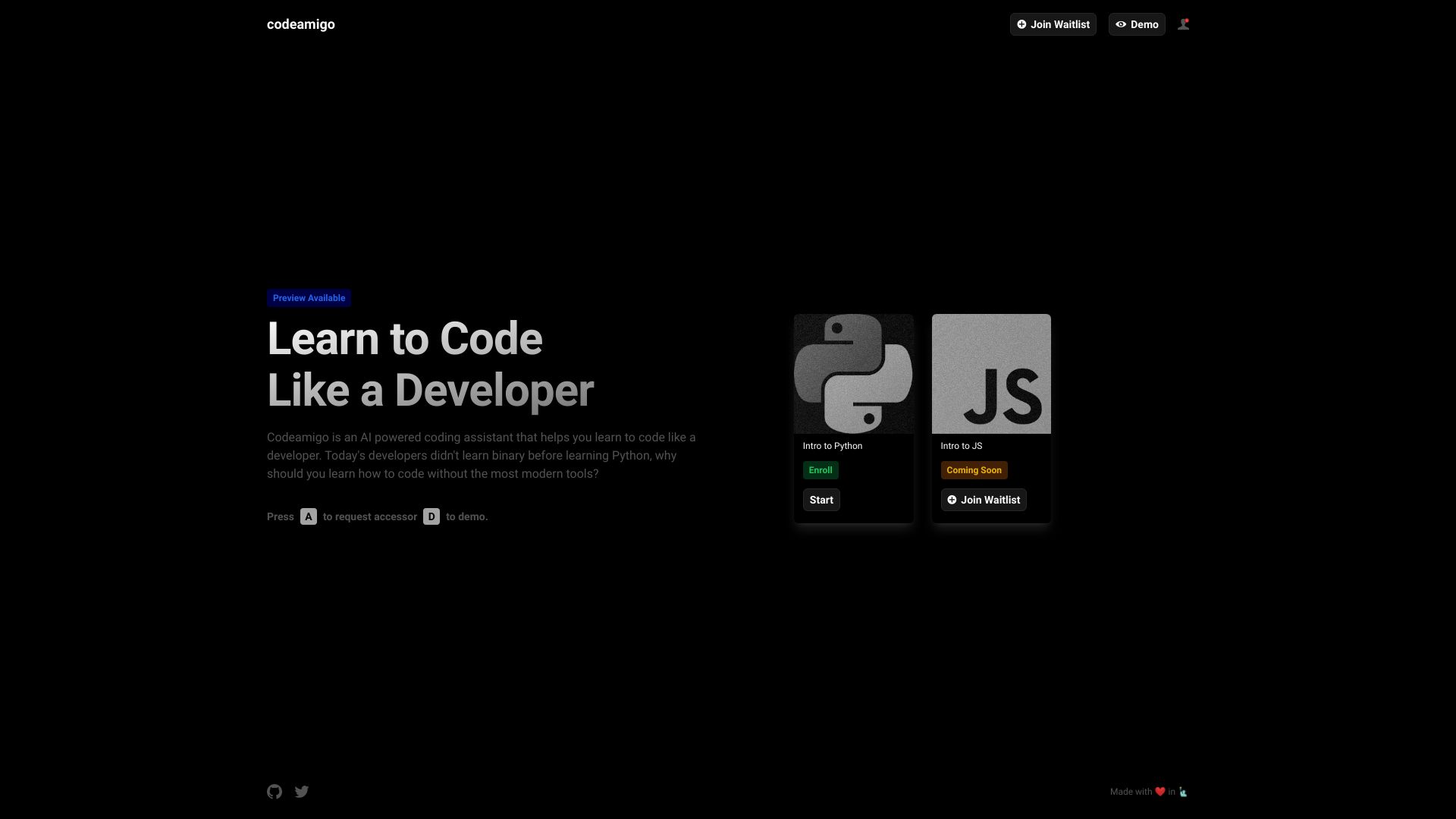
- Learning to code with modern tools
- Starts at Check vendor pricing

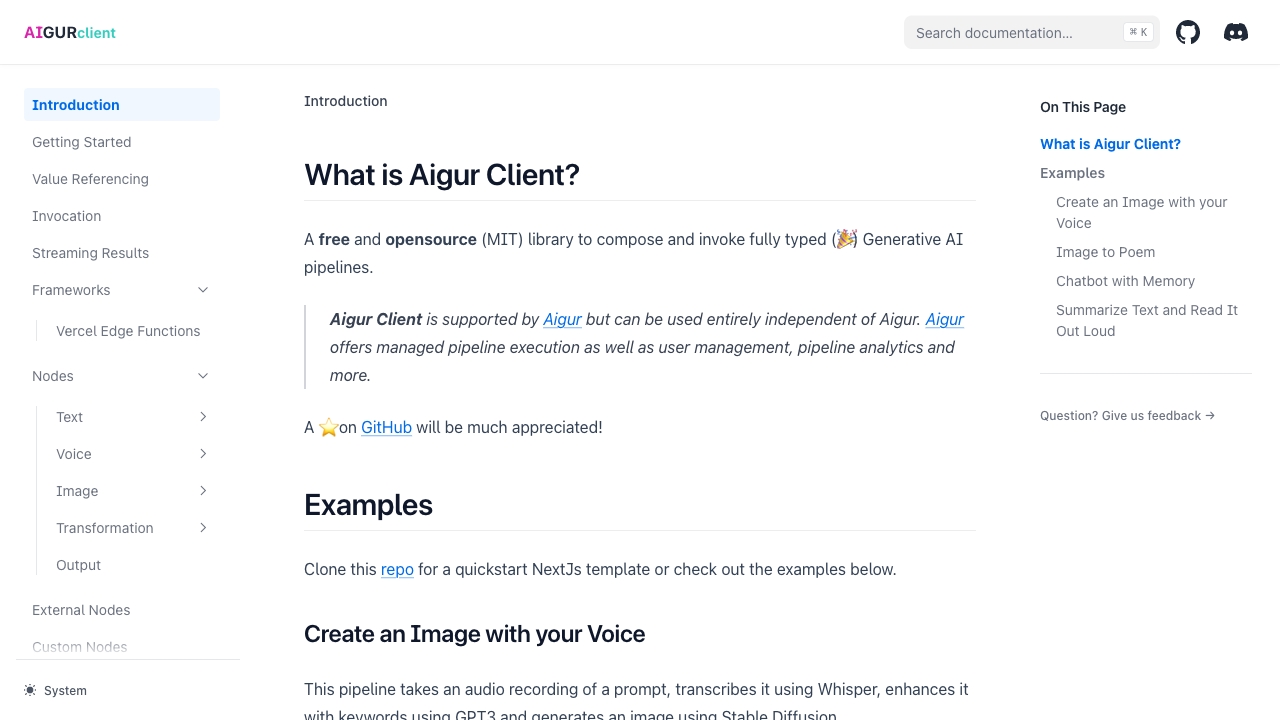
- Building multi-user generative AI apps
- Free plan available
- Starts at Free during beta

- AI social entertainment infrastructure
- Starts at Check vendor pricing


- AI coding widgets and workflow tools
- Starts at Check vendor pricing


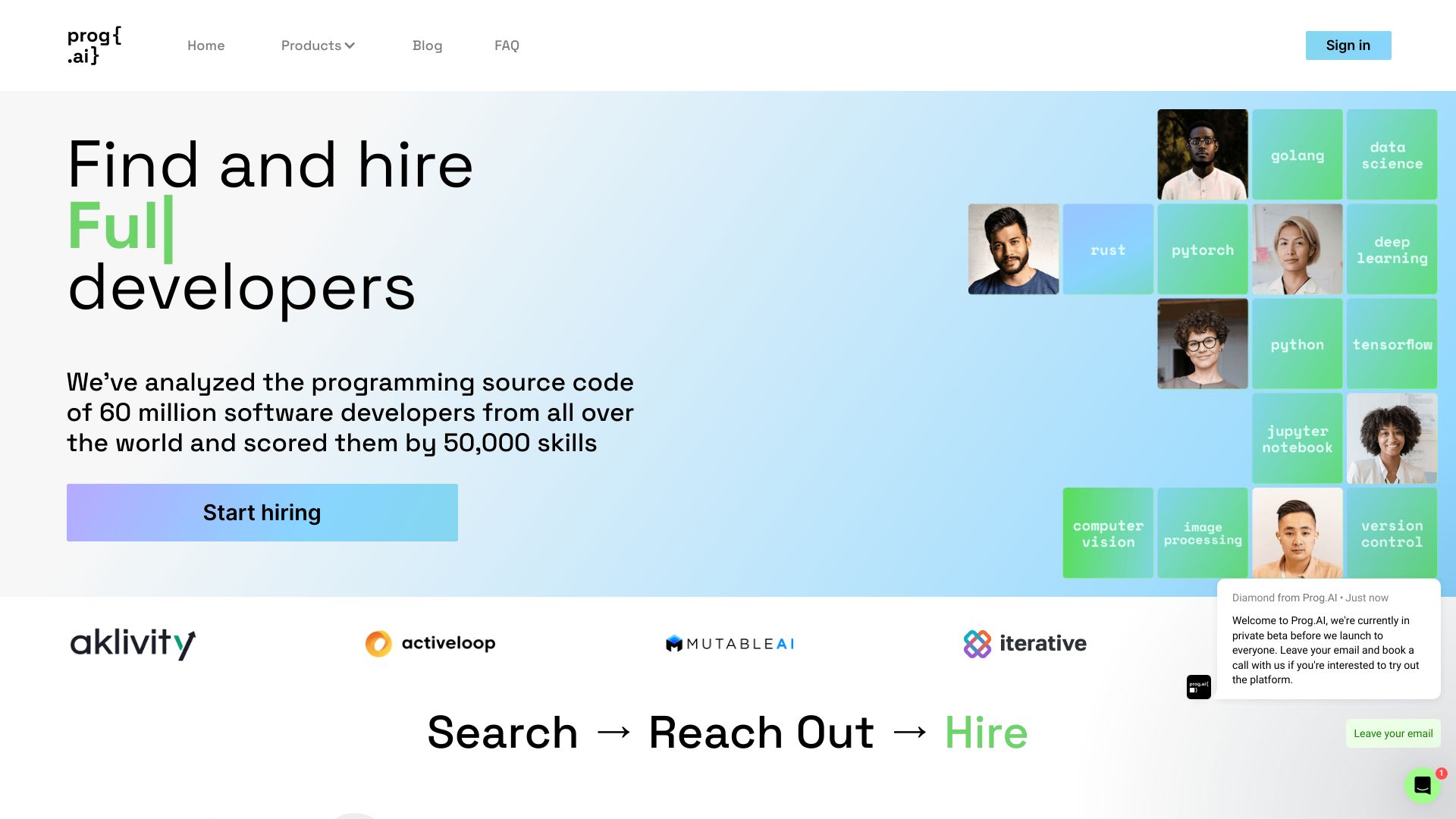
- Sourcing software engineers by GitHub contributions
- 14-day free trial
- Starts at Check vendor pricing

- Technical interview practice
- Starts at Check vendor pricing
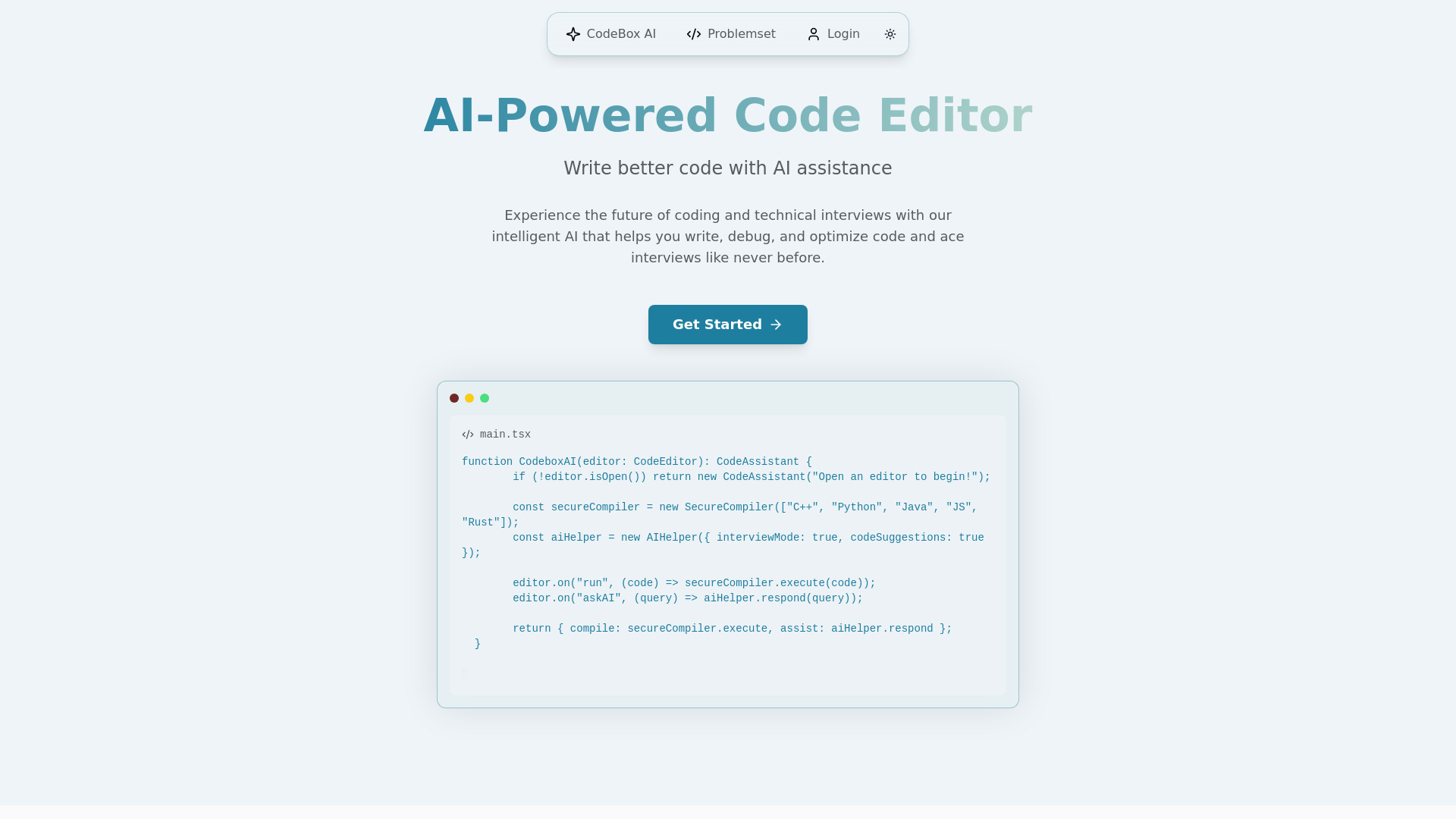

- AI-assisted debugging and bug fixes
- Up to 15 free IDE fixes
- Starts at From $0 per fix
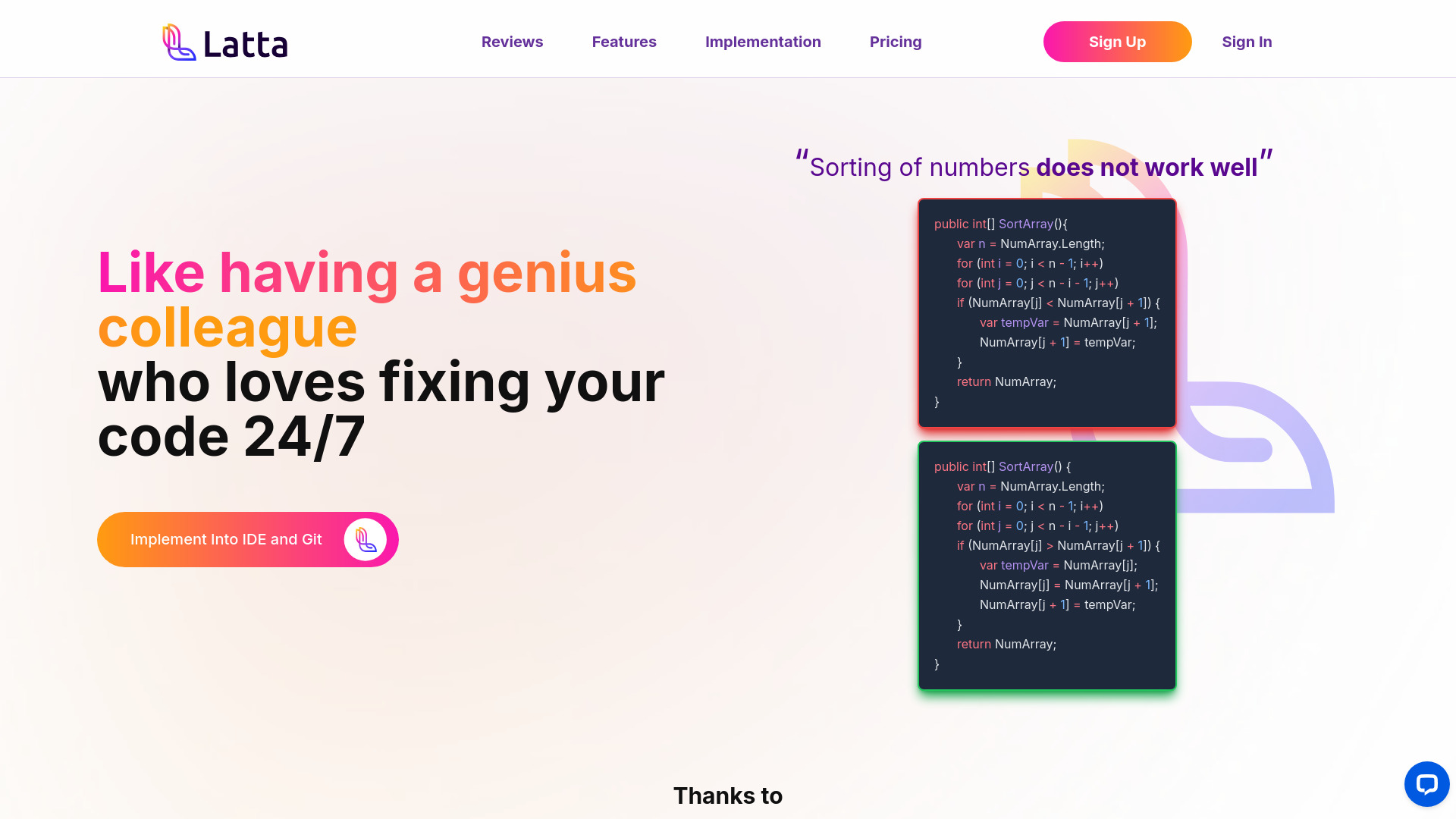
- AI and ML interview preparation
- Starts at Check vendor pricing
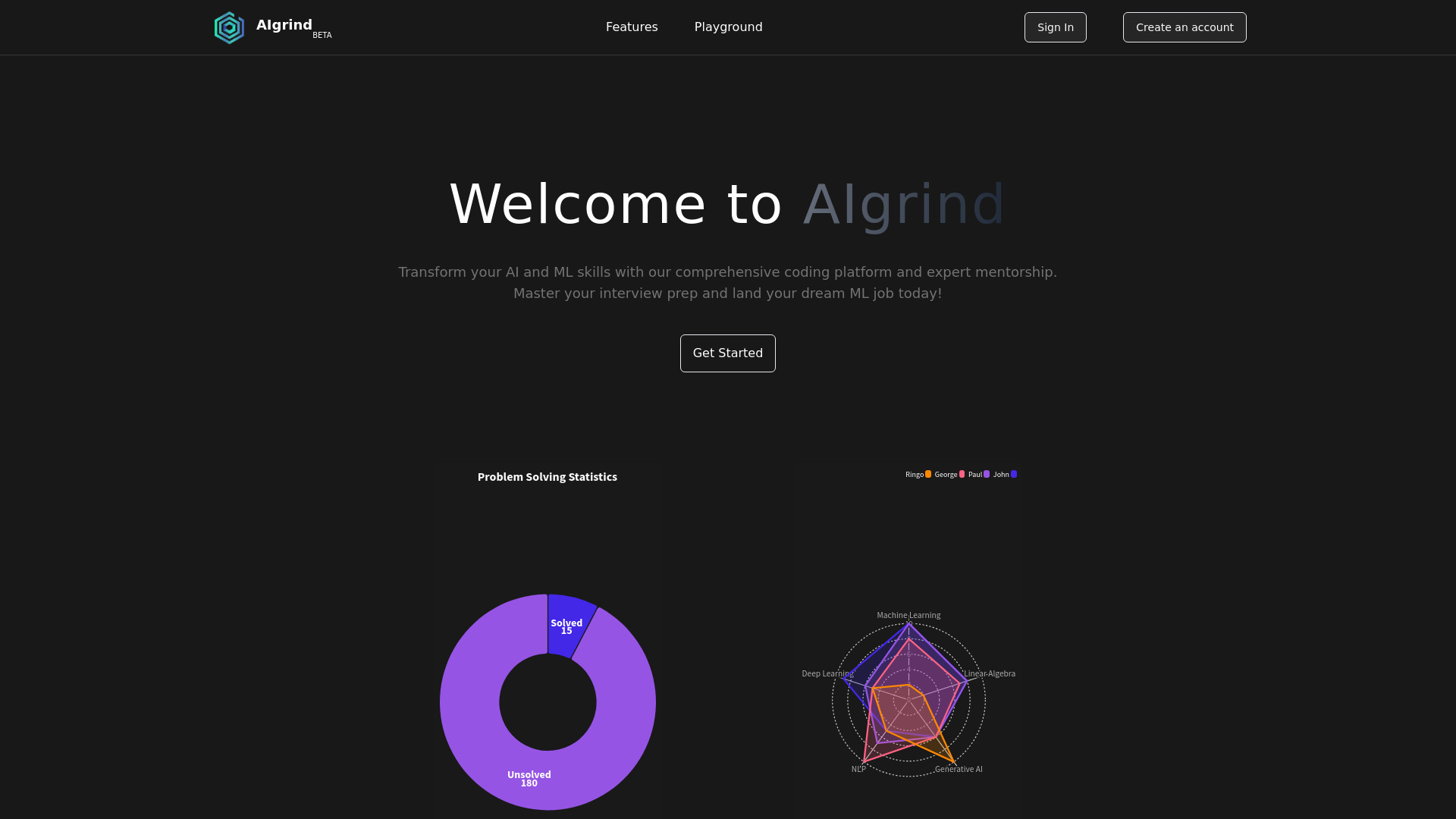

- Team-based AI product ideation
- Starts at Check vendor pricing
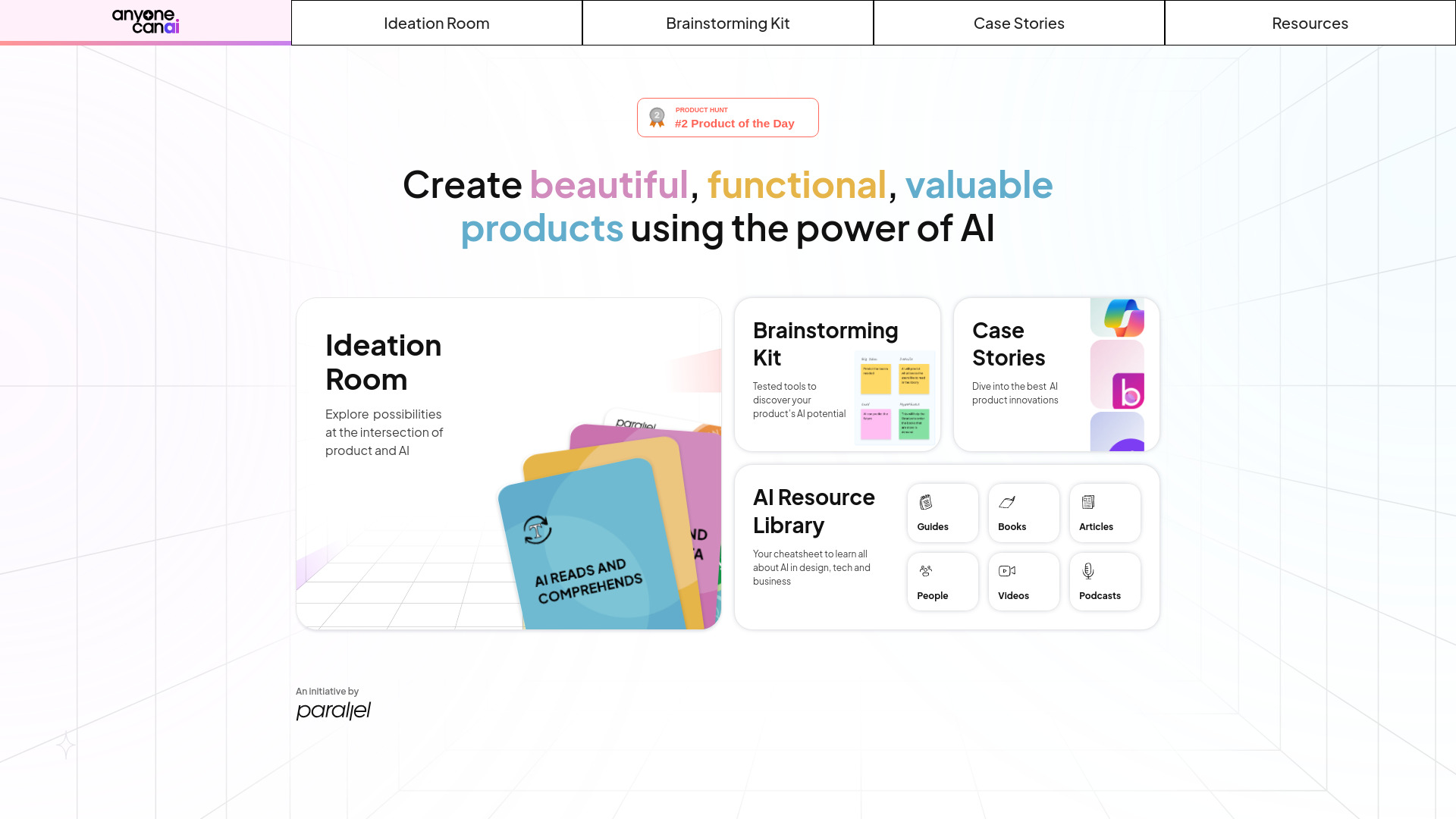

- AI tool discovery for engineers
- Starts at Check vendor pricing

- Vibe coders seeking senior engineering guidance
- 1 free hour
- Starts at $80/hour
- AI-generated cloud architecture designs
- 2 free designs
- Starts at $10/month


- AI-assisted coding and content creation
- 10K tokens, 10 images, 300 audio seconds
- Starts at $9.95/month

- Autonomous software engineering tasks
- Starts at Check vendor pricing

- Python learners needing code generation and debugging
- Starts at $37.50/mo billed annually

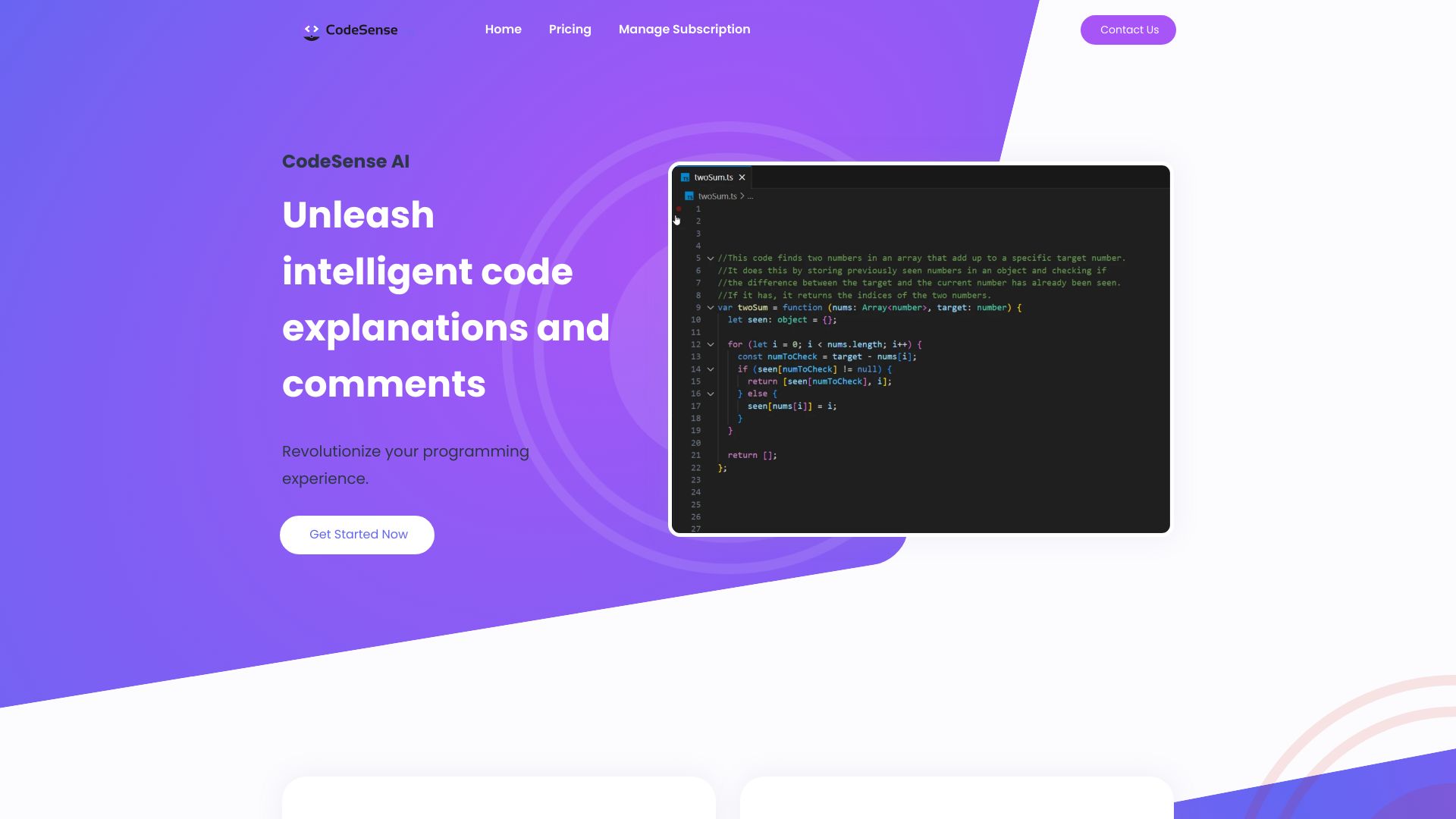
- AI explanations and comments for code snippets
- 30-day free trial
- Starts at $2/month
- No-code AI API creation
- Free plan available
- Starts at Check vendor pricing
- AI-generated SwiftUI iOS apps
- Starts at Check vendor pricing


- Previewing haircuts before salon visits
- 1 free try-on credit
- Starts at $99/year


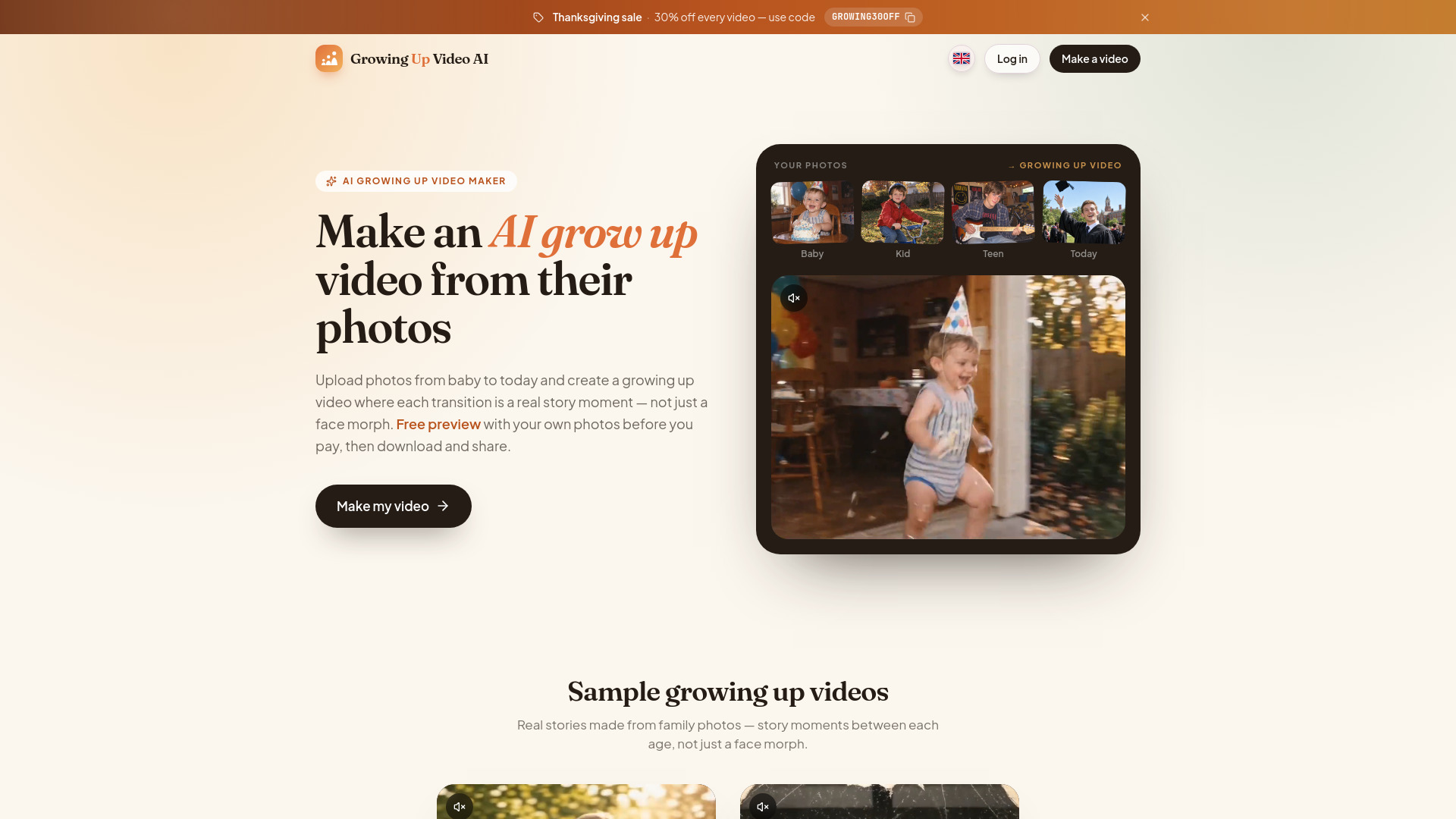
- Turning family photos into growing-up story videos
- 1 free preview of the first transition
- Starts at Check vendor pricing
Which AI coding tools should you try first?
Start with AIGoCode for a shared AI coding workspace, Aider for terminal pair programming, and PureCode AI for front-end UI work in VS Code. Add PearAI or Refact.ai to the trial list if an integrated editor or code completion and refactoring better matches your day-to-day tasks. The remaining featured tools are adjacent products, not direct coding recommendations.
What to test before choosing
Run the same small, representative task in each genuine coding candidate: ask a question about an existing project, try a code change you can review, and check whether the tool fits your editor or terminal habits. Then verify model access, API-key needs, free-plan limits, and live pricing with the vendor. For teams, include a real collaboration or usage-cost check rather than judging the tool on a quick demo alone.
Common mistakes when choosing AI coding tools
Treating the score as proof of coding fit. Several high-scoring products here focus on video, media, prompts, or website building instead.
Shopping for a model name instead of a workflow. A coding assistant, an AI code editor, and a prompt library solve different problems; identify the task first.
Skipping the environment check. Aider is terminal-based, while PureCode AI requires VS Code. Confirm that the tool works where your team actually codes.
Assuming free access means unlimited use. PureCode AI lists 50 chat messages per month, AI STUDIOS lists three video exports monthly, and Refact.ai lists 5,000 coins. Read the plan limits before relying on them.
Ignoring operating costs and setup. Aider may require API keys for certain LLMs, while AIGoCode describes usage-based pricing. Check the likely cost and setup for your chosen workflow.
Using traffic as a quality rating. Monthly visits provide market context, not evidence that a tool writes better code or suits your repository.
FAQ
AIGoCode ranks first overall and describes AI-assisted coding, intelligent question answering, supported agent and model access, usage management, and collaboration. For terminal-based pair programming, Aider is the more specific fit; for front-end UI work in VS Code, look at PureCode AI.