
Suggested tools for you
Quick Trust Line
- Tools reviewed
- 100
- Last checked
- September 26, 2026
- Reviewed by
- top100.ai software rankings editor
- What we checked
- Our rankings combine feature depth, audience fit, and market signals; always verify live pricing with the vendor before you buy.
Choosing an AI image enhancer is less about finding the tool with the biggest resolution number and more about matching its workflow to your images. We compared 100 tools for this 2026 leaderboard and shortlisted 10 for closer review, weighing image enhancement capabilities, practical fit, and market signals. The top ai image enhancer for a photographer restoring a single shot may not be the right pick for a store processing product photos or a creator who just needs a quick free upscale.
Start here
For a strong all-around photo workflow: Start with AirBrush, which pairs automatic enhancement with color, contrast, clarity, and sharpness improvements.
For free upscaling without an account: Try Imgupscaler AI, but keep its 4,000 x 4,000-pixel upload ceiling in mind.
For batches or high-resolution output: Compare Icons8 Smart Upscaler for batch processing and EnhancePhoto AI for listed upscaling up to 16K.
At-a-glance leaderboard
| Rank | Tool | Score | Best for | Monthly visits | Starting price |
|---|---|---|---|---|---|
| #1 | AirBrush | 97/100 | Photographers | 2.5M | Free: $0/month |
| #2 | Imgupscaler AI | 96/100 | Photography professionals | 2.0M | Check vendor pricing |
| #3 | Icons8 Smart Upscaler | 96/100 | Photographers | 2.5M | Prepaid package: $10 |
| #4 | AIEnhancer - Free AI Photo Enhancer | 96/100 | Content creators | 416.1K | Check vendor pricing |
| #5 | ImgLarger | 96/100 | Photographers | 356.1K | Free: $0/month |
| #6 | EnhancePhoto AI | 96/100 | Photographers | 244.8K | Free plan: $0/month |
| #7 | HitPaw FotorPea | 96/100 | Photographers | 774.6K | 1 month: $22.39 |
| #8 | Evoto AI | 96/100 | Headshot photographers | 1.3M | Check vendor pricing |
| #9 | LetsEnhance.io | 96/100 | E-commerce businesses | 967.5K | Check vendor pricing |
| #10 | Image Upscaler | 96/100 | Social media bloggers | 1.5M | Check vendor pricing |
Quick filters
| If you need... | Start with | Why it made the shortlist |
|---|---|---|
| Automatic color, contrast, and clarity improvements | AirBrush | Its listed strengths cover everyday photo enhancement, not just enlargement. |
| A no-login free option | Imgupscaler AI | Free upscaling and sharpening are listed without registration or a subscription. |
| Batch image processing | Icons8 Smart Upscaler | Batch processing is a named feature; free usage is limited. |
| Portrait retouching and color adjustments | Evoto AI | Its feature set is aimed at portrait editing, with batch editing also listed. |
How to narrow the list
Start with the job, not the resolution claim. If an image looks dull or soft, you may want color and contrast correction or sharpening; if it is too small for its intended use, prioritize upscaling. AirBrush explicitly lists clarity, sharpness, color, and contrast improvements, while several other picks put enlargement at the center of their offering.
Next, check how you actually work. A photographer cleaning up one image at a time may be comfortable with AirBrush's single-image workflow. A photographer handling a set should look at Icons8 Smart Upscaler's batch processing or Evoto AI's batch editing. For a no-sign-up test, Imgupscaler AI is the clearest fit; for portrait retouching, Evoto is more specialized, but it requires a software download.
Finally, test with a representative original file. Compare the output at the size you plan to publish or print, and inspect faces, fine textures, edges, and color. A tool's advertised maximum output is only useful if its actual result looks right for your image and workflow. Check the current free allowance and paid terms before sending a large batch through any service.
Ranking model
The scores and order are an editorial shortlist, not a promise that every tool will suit every image. We considered the listed enhancement features, fit for the stated audience, workflow constraints, and market signals. Most featured scores are close, so the use-case differences matter more than a one-point gap. Treat monthly visits as a signal of reach, not a measure of image quality.
| Ranking factor | What we considered |
|---|---|
| Enhancement fit | How directly listed features address image clarity, sharpening, color, portraits, or upscaling. |
| Workflow fit | Batch support, ease-of-use claims, desktop installation, and stated upload limits. |
| Audience fit | Whether the listed use case and features match the needs of photographers, creators, or businesses. |
| Market signal | Monthly visits as a measure of audience reach, not a quality guarantee. |
The 10 AI image enhancers we ranked

- Photographers improving color, contrast, clarity, and sharpness
- 7-day free trial
- Starts at Free: $0/month
- Monthly visits: 2.5M
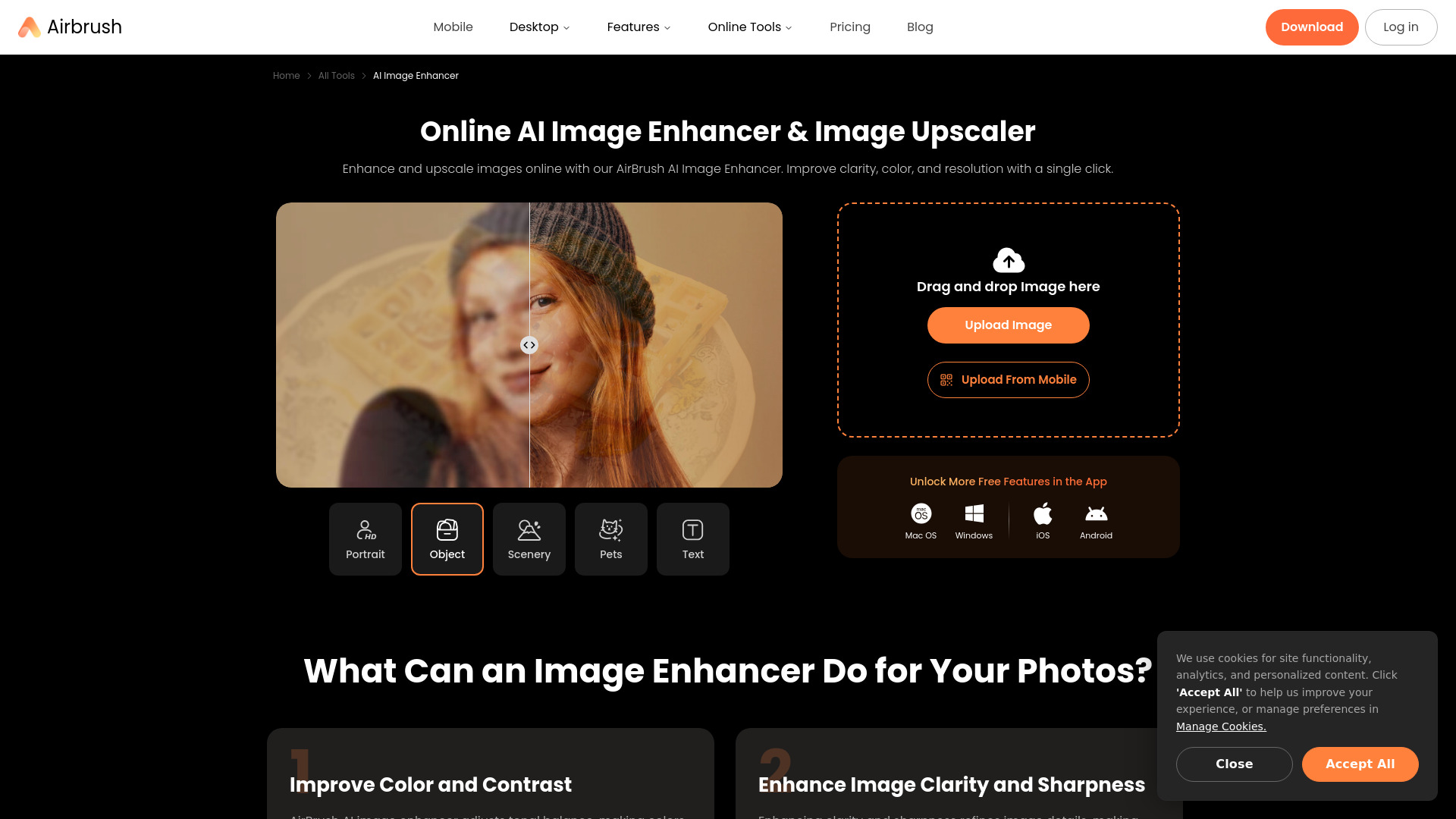
AirBrush takes the top spot because it covers the everyday fixes many people mean when they ask for an image enhancer: better color and contrast, plus improved clarity and sharpness. Its automatic AI enhancement gives you a direct starting point rather than requiring a long chain of manual adjustments. The product is presented as an online enhancer and upscaler, making it a natural first tool to test for a single photo that needs a visible cleanup.
Why it is top-ranked
| Scoring area | Score | Why it matters |
|---|---|---|
| Overall fit | 97/100 | The highest score in this shortlist. |
| Feature match | Strong | Color, contrast, clarity, and sharpness are named capabilities. |
| Audience match | Strong | Photographers are the stated best-fit audience. |
| Workflow caution | Note | It processes one image at a time, not in bulk. |
Best fit
Photographers improving individual photos without setting up a batch workflow.
People who want enhancement to address color and contrast as well as sharpness.
Anyone wanting to try the listed seven-day free trial before evaluating the paid workflow.
Limitations
It currently processes one image at a time, so it is not the right shortlist pick for bulk enhancement.
The listed starting-price field says free, while the product information also describes a seven-day trial and a paid offering from $9.95/month. Confirm the current plan terms directly.
Shortlist AirBrush if: You want a versatile first try for improving a photo's clarity, color, and contrast, and you do not need batch processing.

- Photography professionals seeking free upscaling and sharpening
- Unlimited free use; no login or sign-up required
- Starts at Check vendor pricing
- Monthly visits: 2.0M
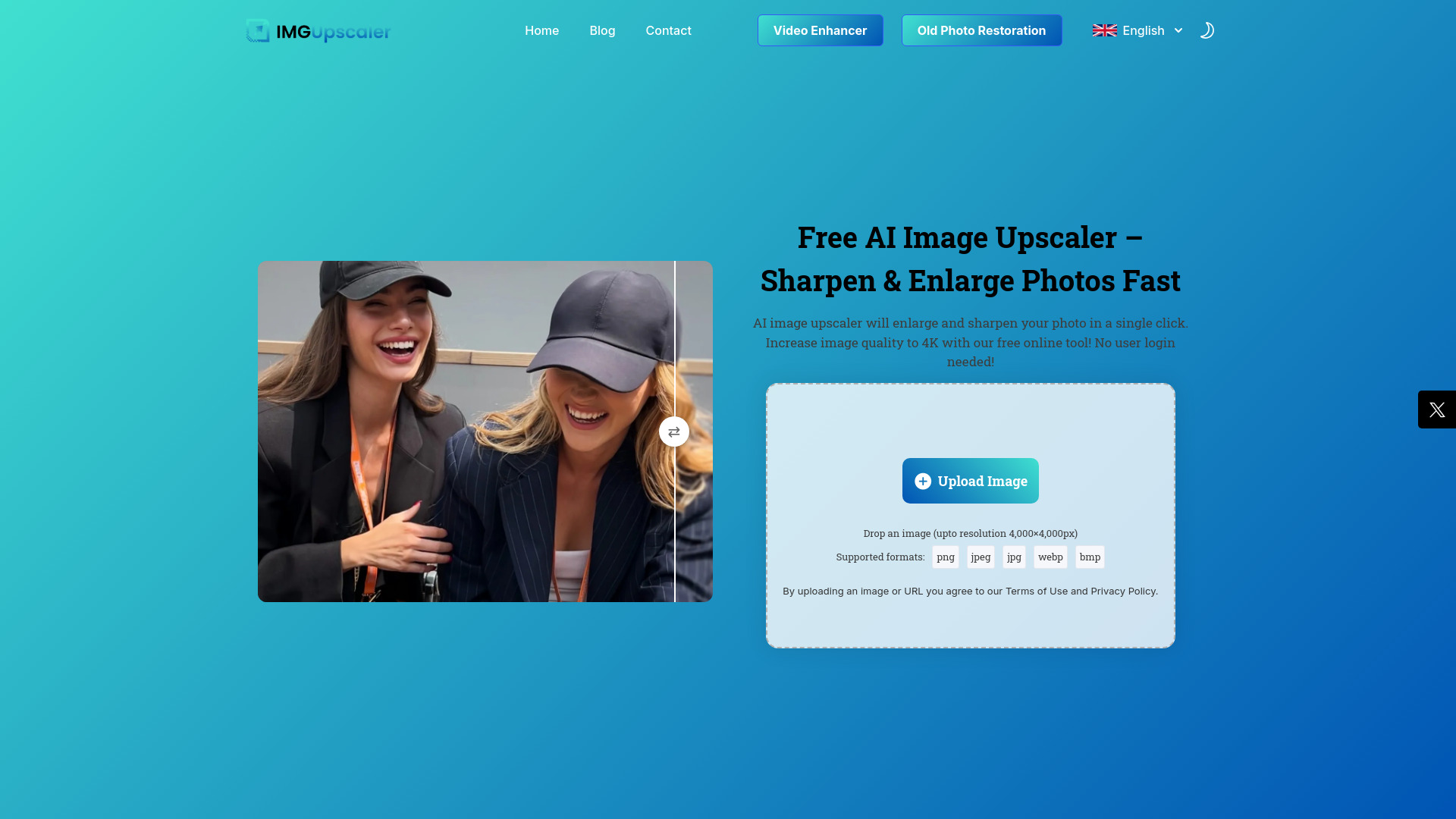
No account, no subscription, and a direct upscaling-and-sharpening workflow give Imgupscaler AI a clear appeal: it is easy to put a test image through the service before committing to anything. Its listed features include AI image upscaling and sharpening, which makes it a focused alternative to broader photo-editing suites. The main trade-off is a maximum upload resolution of 4,000 x 4,000 pixels, so check your source files before making it part of a higher-resolution workflow.
Why it is top-ranked
The listed free use does not require registration or a subscription, lowering the barrier to testing.
Upscaling and sharpening align directly with common image-quality fixes.
Its 4,000 x 4,000-pixel upload ceiling is specific and easy to check against your files.
Best fit
Photographers who want to try an online upscaler without creating an account.
People sharpening or enlarging files that fit within the stated upload limit.
Anyone comparing outputs before paying for a more specialized workflow.
Limitations
Uploads are capped at 4,000 x 4,000 pixels.
Its listed strengths focus on upscaling and sharpening; do not assume it includes broader editing tools without checking the current product.
Shortlist Imgupscaler AI if: Free, no-registration upscaling matters more to you than handling very large source files.

- Photographers upscaling and processing batches of images
- Limited free use; no sign-up listed
- Starts at Prepaid package: $10
- Monthly visits: 2.5M
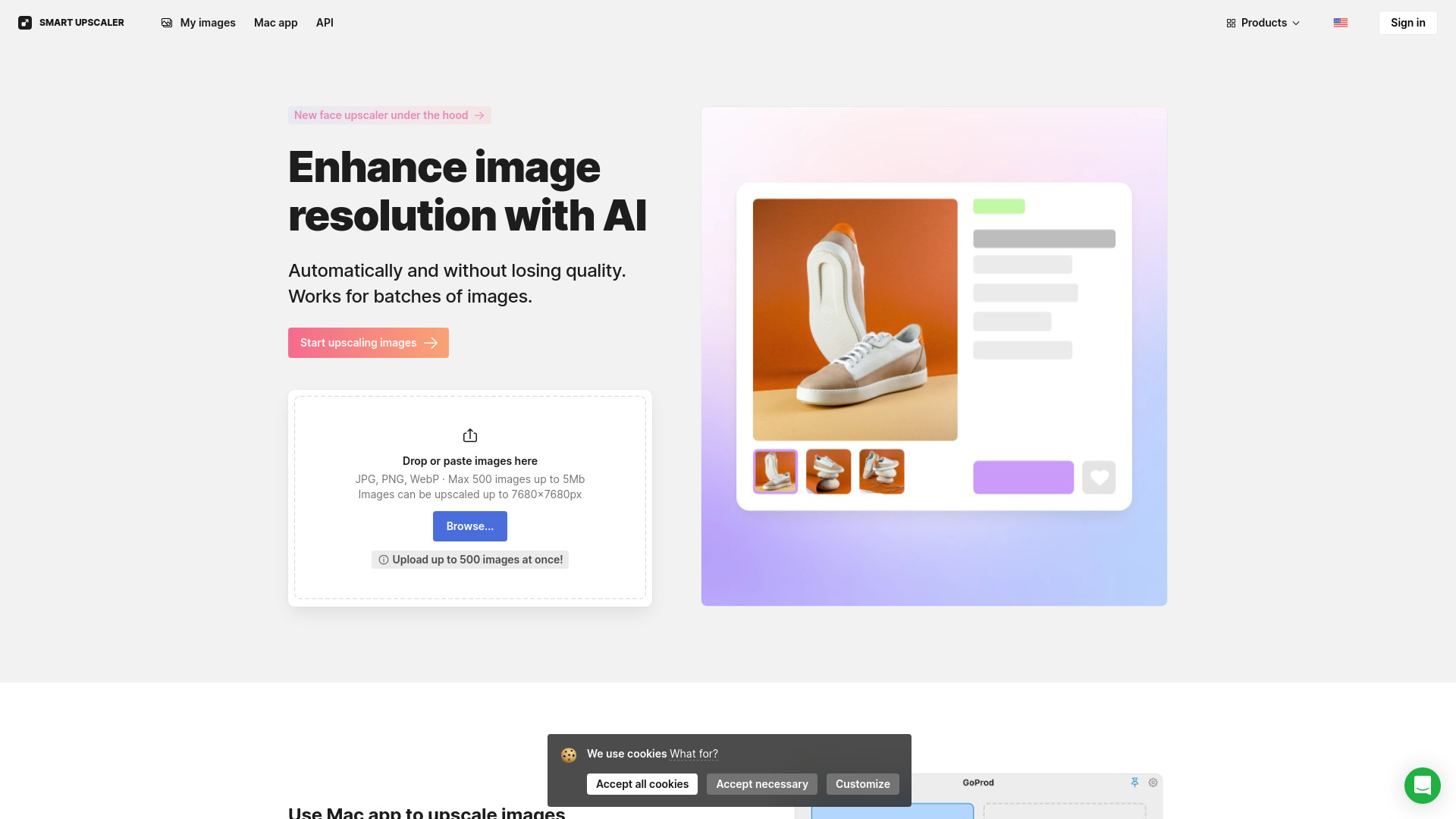
Batch processing is the distinguishing feature here. Icons8 Smart Upscaler is listed for AI-powered image enlargement, with support for processing multiple images, so it deserves a look if one-at-a-time tools slow down a repeat task. The product information also describes enhancement up to 8x. Free usage is limited, however, and the listed paid entry point is a $10 prepaid package; check how credits and batch jobs work before planning a large run.
Why it is top-ranked
Batch processing makes it stand out from single-image workflows.
AI-powered upscaling is a direct match for improving image resolution.
The listed up-to-8x enhancement gives you a concrete output claim to test on your own files.
Best fit
Photographers or creators who regularly need to process several images.
People comparing upscaling quality across a group of similar files.
Users who would rather buy a prepaid package than assume a recurring plan.
Limitations
Free usage is limited, so test the allowance before building a workflow around it.
Upscaling is the central listed capability; check whether it covers your other editing needs.
Shortlist Icons8 Smart Upscaler if: Batch processing is a higher priority than an unlimited free allowance.
- Content creators enhancing and upscaling photos
- Free photo enhancement and upscaling to 4K
- Starts at Check vendor pricing
- Monthly visits: 416.1K
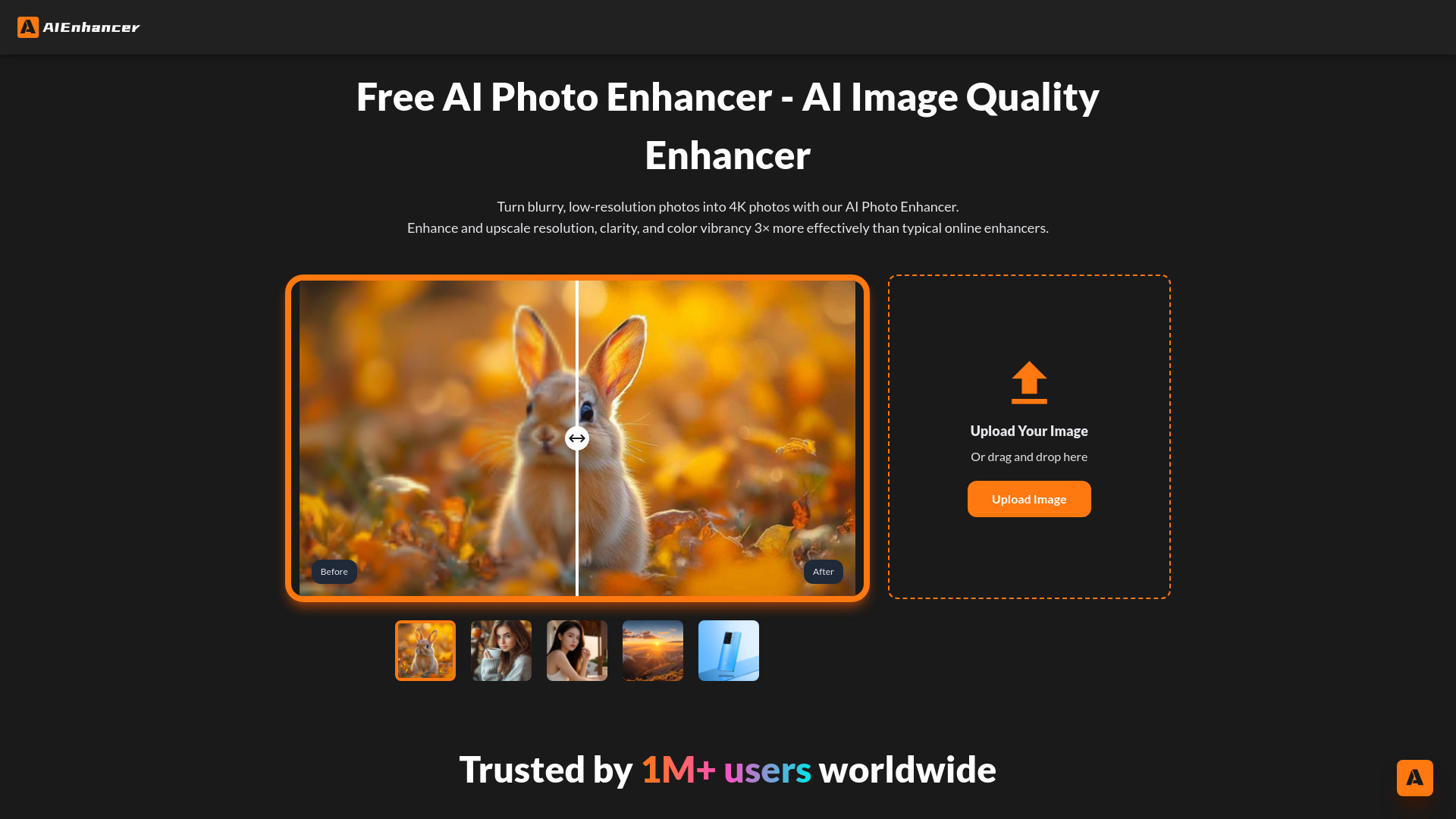
A short feature list can be a virtue when you want to test one specific job. AIEnhancer presents itself as a free AI photo enhancer, with product details listing 4K upscaling and noise and blur removal. That makes it a reasonable first stop for creators who want to see whether a simple enhancement pass helps a photo. The product information does not establish a detailed pricing structure or workflow limits, so verify those directly before relying on it for regular work.
Best fit
Content creators who want to test basic photo enhancement and 4K upscaling.
People whose images need noise or blur reduction.
Users who prefer to assess an online tool with a small, representative image first.
Limitations
The stated feature set is brief; confirm the controls and output options you need.
Current pricing and workflow limits should be checked with the vendor before regular use.
Shortlist AIEnhancer if: You want a free, straightforward test for photo enhancement, blur, noise, or 4K enlargement.

- Photographers enhancing, enlarging, editing, and converting images
- 100 credits/month; no sign-up required
- Starts at Free: $0/month
- Monthly visits: 356.1K
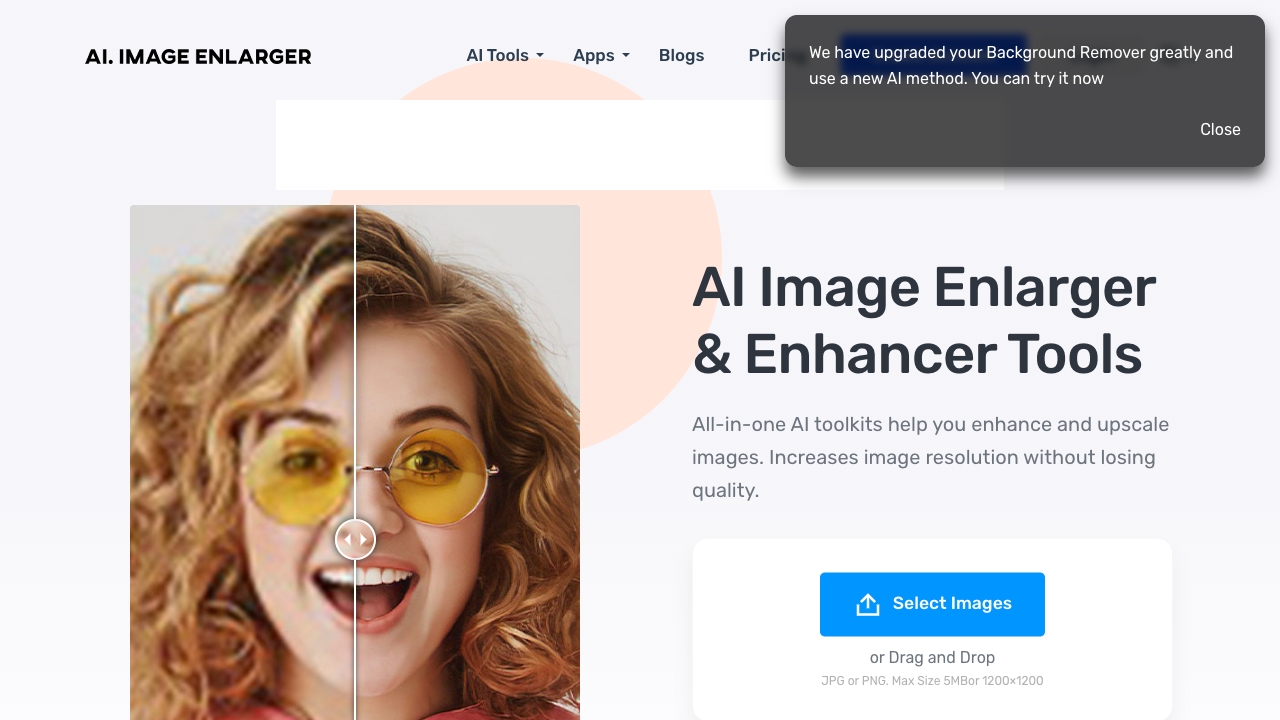
ImgLarger makes more sense when enhancement is one stop in a broader image workflow. Its listed toolkit includes image enlarging and enhancement alongside editing and conversion, and it offers 100 credits per month without requiring sign-up. That combination can be convenient for occasional jobs, but the credit allowance is worth tracking. Full access to features and higher resolutions requires a paid subscription, so do not treat the free tier as a guarantee of unlimited production use.
Best fit
Photographers who want enhancement, enlargement, editing, and conversion in one toolkit.
Occasional users who can work within a monthly credit allowance.
People who want to try the service without signing up first.
Limitations
Full feature access and higher resolutions require a paid subscription.
A 100-credit monthly allowance may not suit a high-volume workflow; check how credits are consumed.
Shortlist ImgLarger if: You want several image tasks in one place and can work within a credit-based free tier.

- Photographers upscaling and enhancing detailed images
- Free enhancement; upscaling listed up to 16K
- Starts at Free plan: $0/month
- Monthly visits: 244.8K
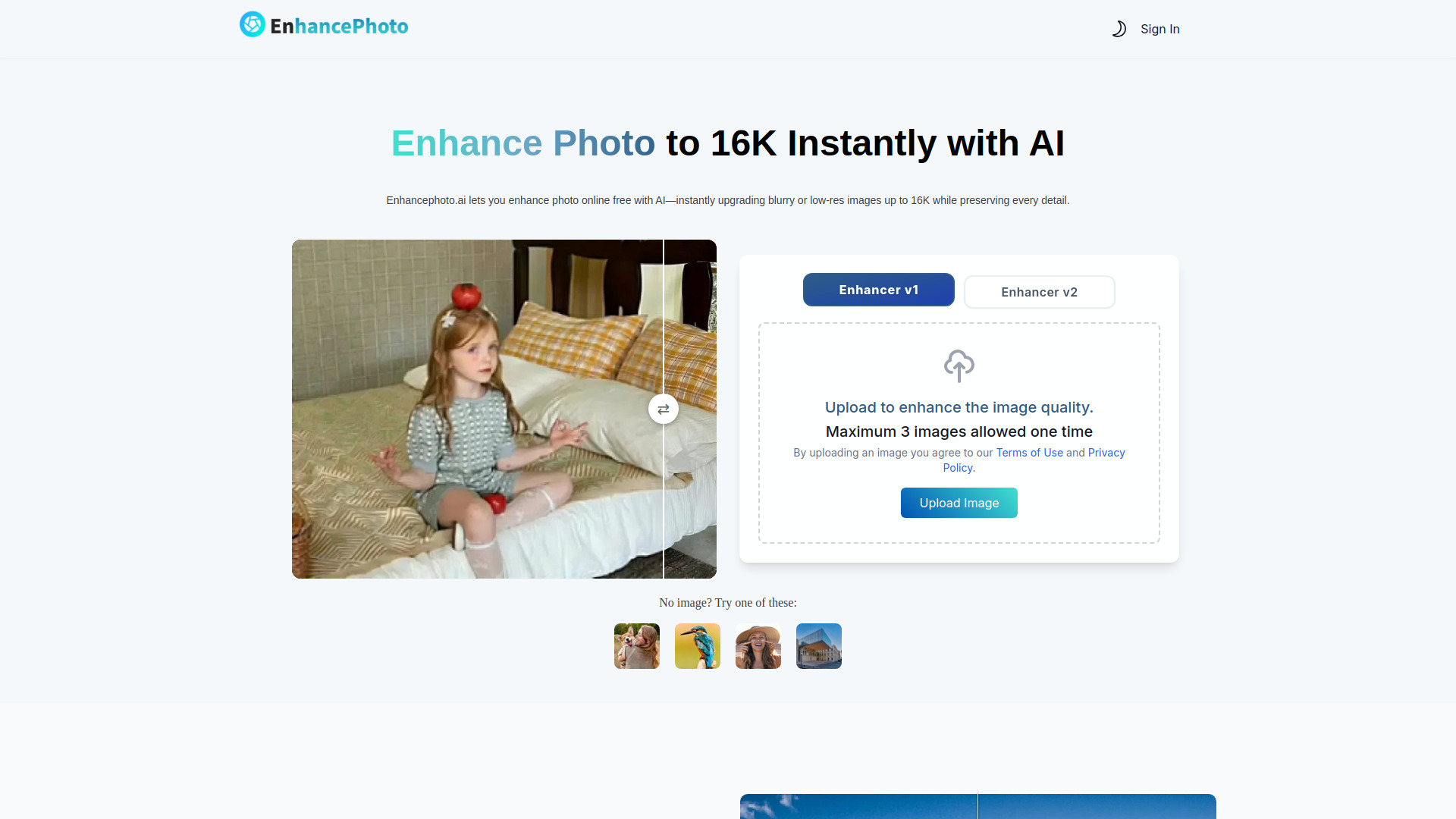
EnhancePhoto AI stands out for its stated ceiling: its product information lists AI enhancement and upscaling up to 16K, with an emphasis on preserving original details, colors, and textures naturally. Those are useful claims to check if you need larger output while keeping an image's character intact. The workflow has a practical cap, though: no more than three images can be uploaded at once. The service is listed as free for photo enhancement, with a paid offer also described from $3.90/month for 50 credits, so verify the live plan details.
Best fit
Photographers who want to test high-resolution upscaling on detailed images.
Users concerned about retaining original colors and textures during enhancement.
People working through small sets rather than large batches.
Limitations
A maximum of three images per upload makes it less suited to larger batches.
Confirm the current free allowance and paid credit terms before regular use.
Shortlist EnhancePhoto AI if: High-resolution enlargement is a priority and three-image upload batches fit your workflow.

- Photographers enhancing, enlarging, and editing photos
- 30 free background removals
- Starts at 1 month: $22.39
- Monthly visits: 774.6K
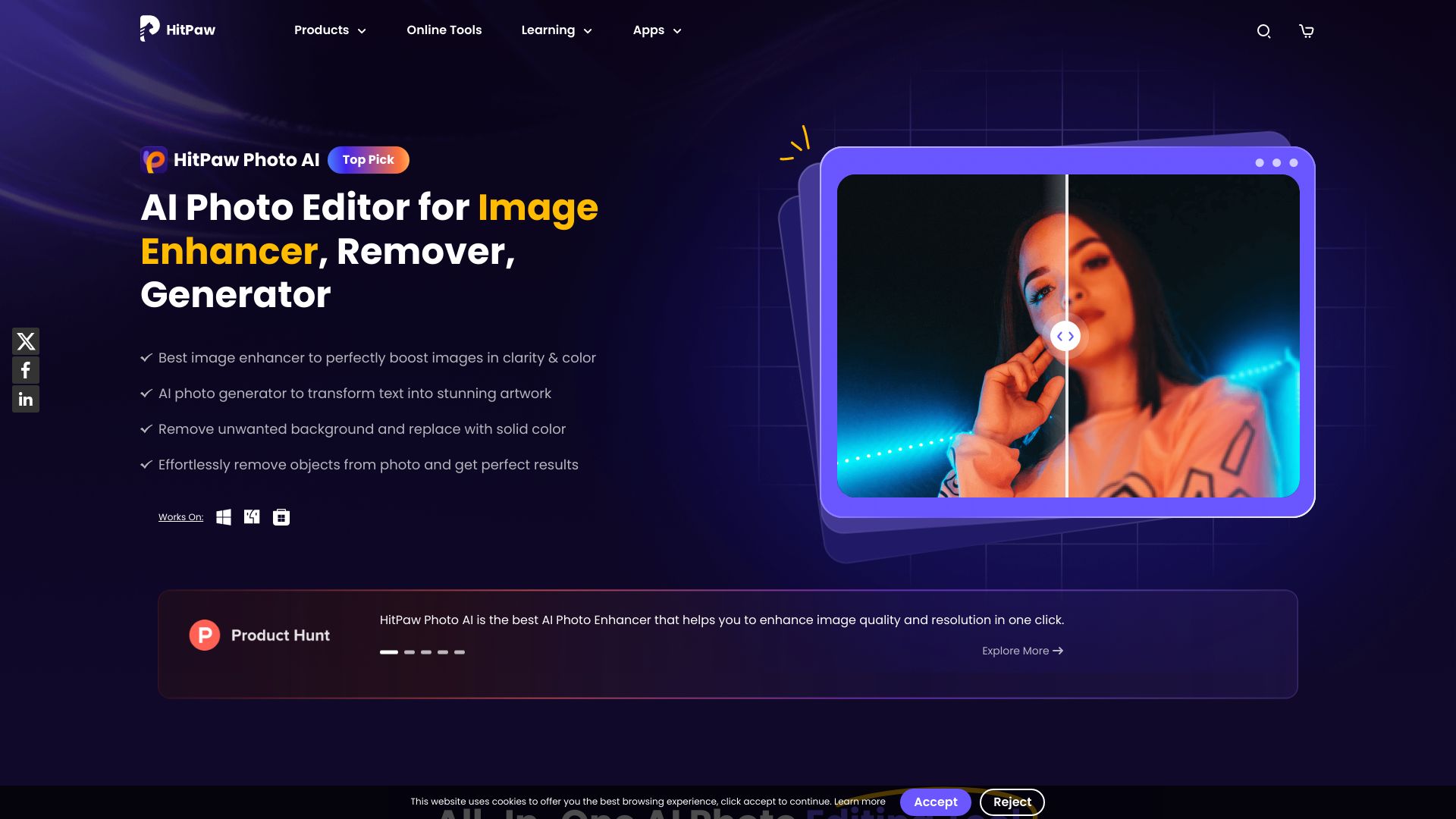
HitPaw FotorPea pairs one-click AI photo enhancement with other listed capabilities, including image enlargement to 4K, 8K, or 16K, object removal, and AI art generation. That makes it worth comparing if enhancement is only one part of the job. The trade-off is cost clarity: the listed one-month price is $22.39, while some features may require a paid subscription. Its free-access detail specifies 30 free background removals, so do not assume that means unlimited free enhancement.
Best fit
Photographers who want enhancement alongside enlargement or object removal.
Users who value a one-click starting point for photo improvements.
People who may also want the listed AI art generation tools.
Limitations
Some features may require a paid subscription.
The one-month price is higher than several entry points in this list; compare the features you will actually use.
The stated free allowance is for background removals, not a general unlimited enhancement plan.
Shortlist HitPaw FotorPea if: You want enhancement as part of a broader photo toolkit and are comfortable checking paid feature access.

- Headshot photographers retouching portraits and adjusting color
- Free access details not specified
- Starts at Check vendor pricing
- Monthly visits: 1.3M
Evoto AI is the specialist pick in this group. Its listed features focus on AI-powered portrait retouching and color adjustments, with batch editing also named in its product information. That puts it closer to a portrait-production workflow than a lightweight browser-based upscale. The catch is setup: Evoto requires a software download and installation, so it is less convenient if you only want to enhance one image in a browser. Check the vendor's current pricing before adopting it for a team or recurring workload.
Best fit
Headshot photographers looking for portrait retouching tools.
Users who need color adjustments alongside portrait edits.
Photographers who can benefit from a downloadable workflow and batch editing.
Limitations
You must download and install the software.
Its portrait focus may be unnecessary for simple sharpening or enlargement.
Pricing should be confirmed directly with the vendor.
Shortlist Evoto AI if: Portrait retouching and color work matter more than a browser-only workflow.

- E-commerce businesses enlarging and cleaning up product images
- 10 free credits
- Starts at Check vendor pricing
- Monthly visits: 967.5K
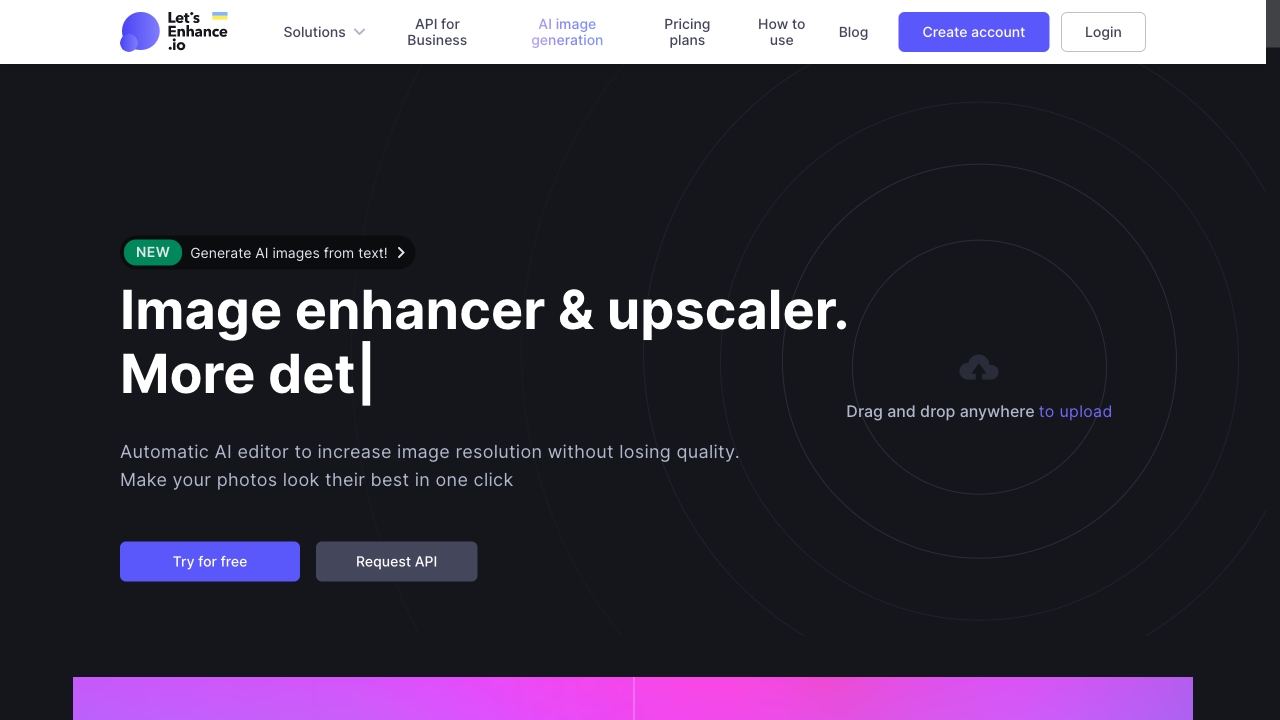
For stores, product images often need to stay clear when shown larger than the original file allows. LetsEnhance.io is listed for AI-powered upscaling and removing blur and pixelation, which gives e-commerce teams a focused reason to try it. Automatic enhancement with minimal input can help keep the process straightforward, but its free tier offers only 10 credits. Test a real product image and inspect edges, labels, and fine detail before deciding that the output is ready for a storefront.
Best fit
E-commerce businesses that need to enlarge product images.
Teams working with images affected by blur or pixelation.
Users looking for an automatic enhancement workflow with limited setup.
Limitations
The free tier is limited to 10 credits.
Check current paid pricing and credit terms before estimating ongoing costs.
Inspect product details carefully; a larger image is not automatically a more accurate one.
Shortlist LetsEnhance.io if: You need to upscale product images and can validate the result against your store's quality standards.

- Social media bloggers enhancing and unblurring images
- 3 credits per month
- Starts at Check vendor pricing
- Monthly visits: 1.5M
Image Upscaler combines image enlargement and unblurring, with additional editing and image-generation tools listed. That gives social media bloggers a reason to try it when a post image needs a quick improvement, rather than a dedicated desktop portrait workflow. Its stated free allowance is just three credits per month, so this is better treated as a limited trial than a dependable free production plan. Check what each credit covers and what the paid options cost before relying on it often.
Best fit
Bloggers who occasionally need to upscale or unblur an image for a social post.
Users who want image enhancement alongside other listed editing tools.
People willing to test the result before committing to a paid workflow.
Limitations
Three free credits per month is restrictive for frequent use.
Confirm the current pricing and credit rules directly with the vendor.
Its wider toolset may be more than you need if all you want is a basic sharpen.
Shortlist Image Upscaler if: You need occasional image fixes and can work within a small monthly free-credit allowance.
More tools to compare

- Quick AI photo enhancement
- Free plan available
- Starts at Check vendor pricing
- Monthly visits: 630,065 monthly visits
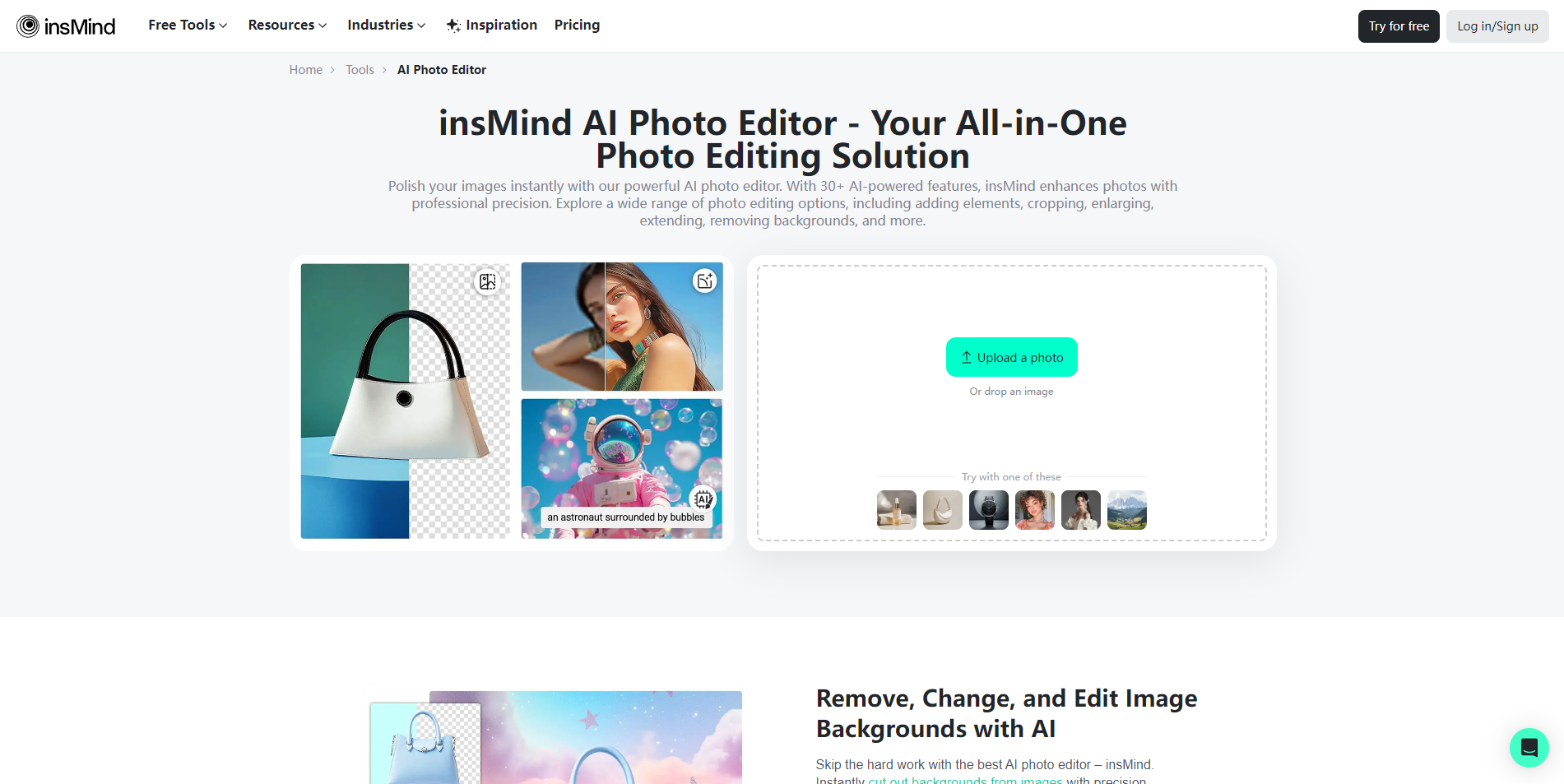

- High-resolution photo upscaling
- Free trial available
- Starts at $99
- Monthly visits: 353,133 monthly visits
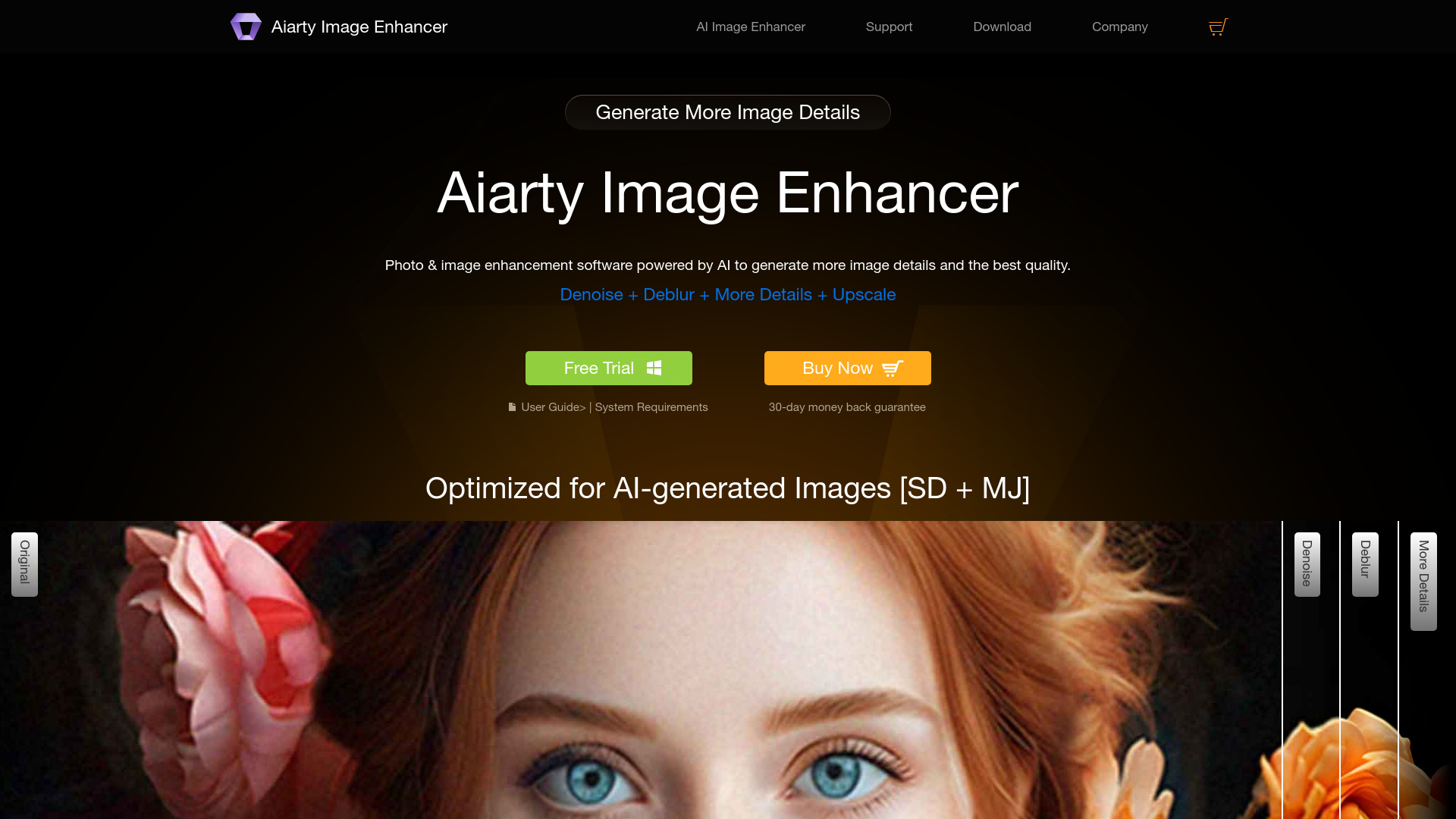

- Batch photo enhancement
- Free plan available
- Starts at $5.83/month
- Monthly visits: 630,065 monthly visits
- AI image outpainting
- Free plan available
- Starts at Check vendor pricing
- Monthly visits: 630,065 monthly visits

- AI image upscaling and enhancement
- Free plan available
- Starts at $8/month, billed yearly
- Monthly visits: 479,102 monthly visits

- Unblurring and sharpening photos
- 6 free images/day; 10 video previews/week
- Starts at $3.90/month
- Monthly visits: 575,797 monthly visits

- AI image enhancement and old photo restoration
- Free plan available
- Starts at From $39.95/month
- Monthly visits: 163,519 monthly visits

- Online AI image upscaling
- Free trial available
- Starts at Check vendor pricing
- Monthly visits: 296,079 monthly visits

- AI photo enhancement and 4K upscaling
- 4 credits per day
- Starts at $1.99/week
- Monthly visits: 43,899 monthly visits

- Professional image enhancement
- 5 free credits/day
- Starts at $7.90/month
- Monthly visits: 218,097 monthly visits

- Upscaling low-resolution photos
- 1 free image credit
- Starts at $4.50/month billed annually
- Monthly visits: 129,652 monthly visits

- Quick AI image enhancement and editing
- Free trial available
- Starts at $4.99
- Monthly visits: 100,273 monthly visits
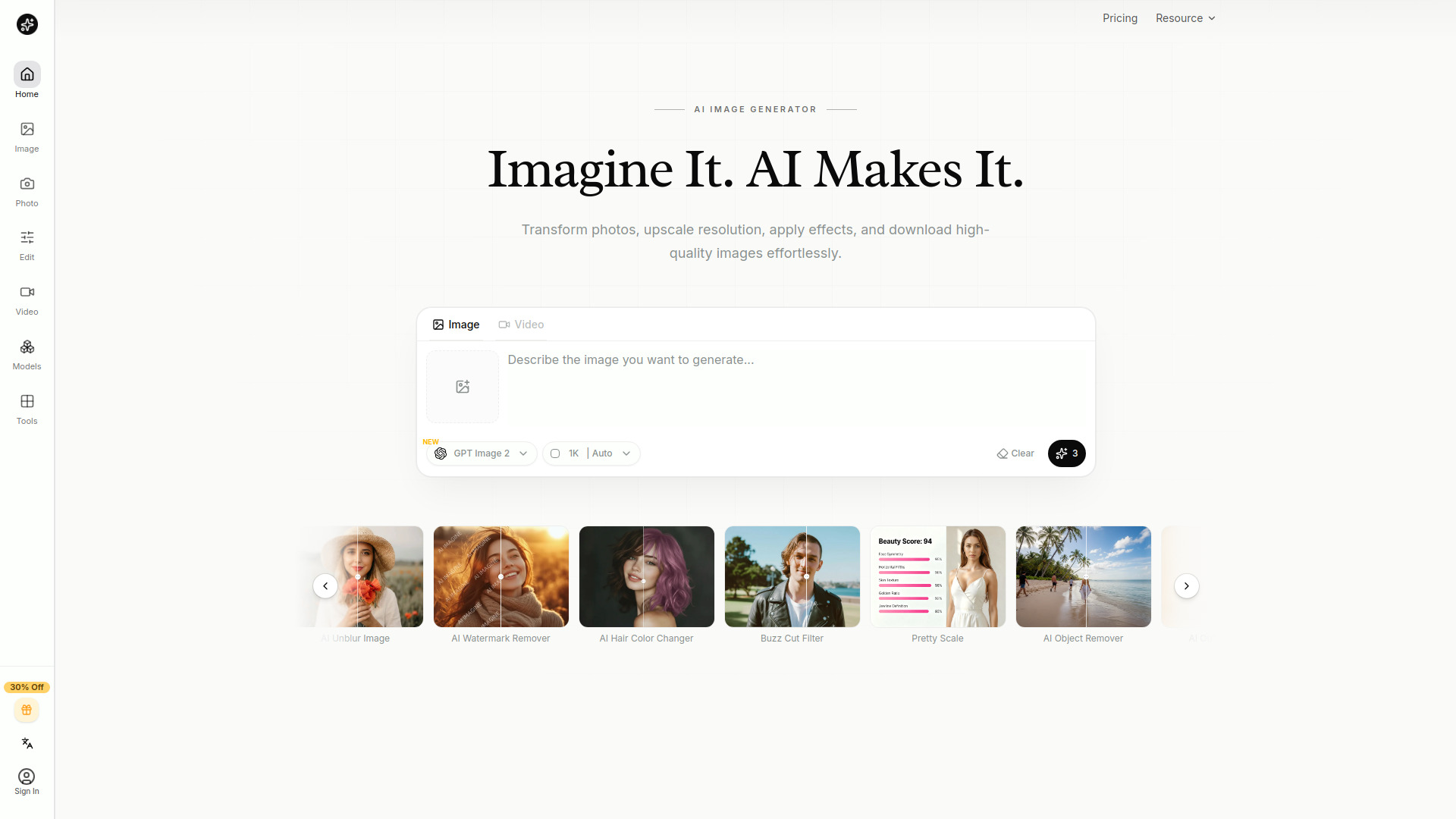

- AI image upscaling and enhancement
- Free plan available
- Starts at $9/month
- Monthly visits: 11,257 monthly visits
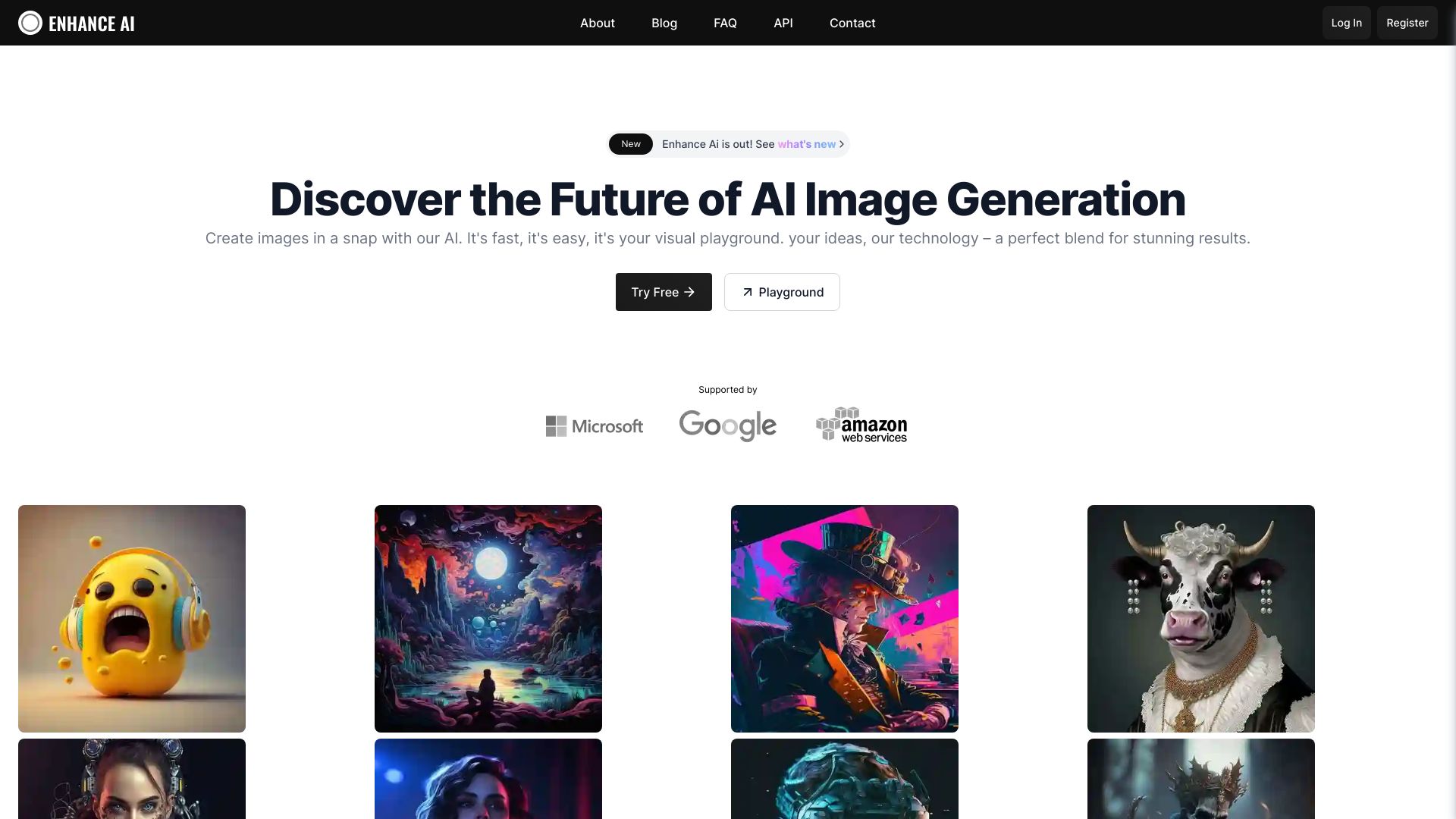

- AI photo enhancement and upscaling
- Free images up to 720px
- Starts at Check vendor pricing
- Monthly visits: 63,477 monthly visits
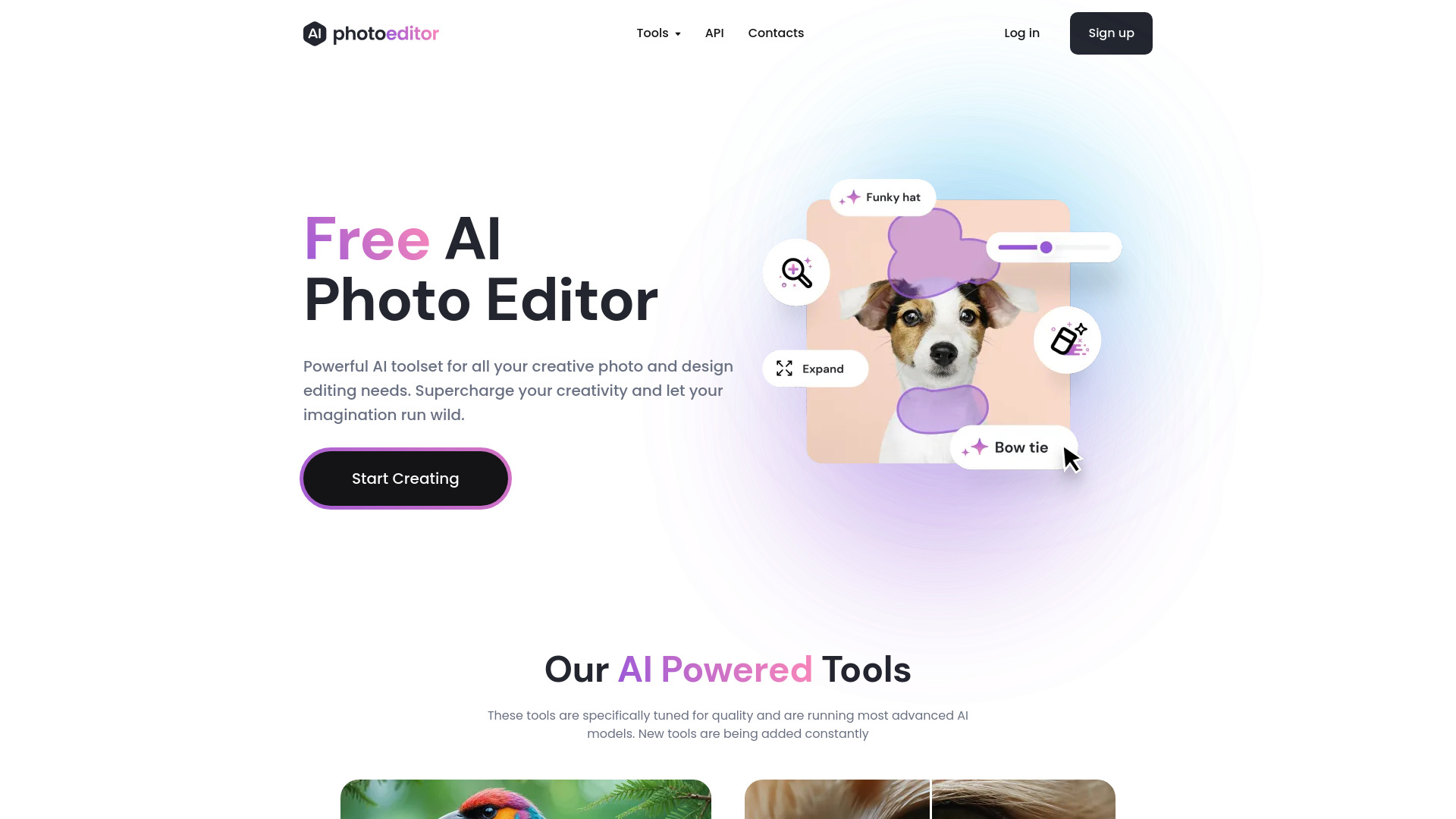

- Generative image upscaling
- Starts at Check vendor pricing
- Monthly visits: 73,594 monthly visits
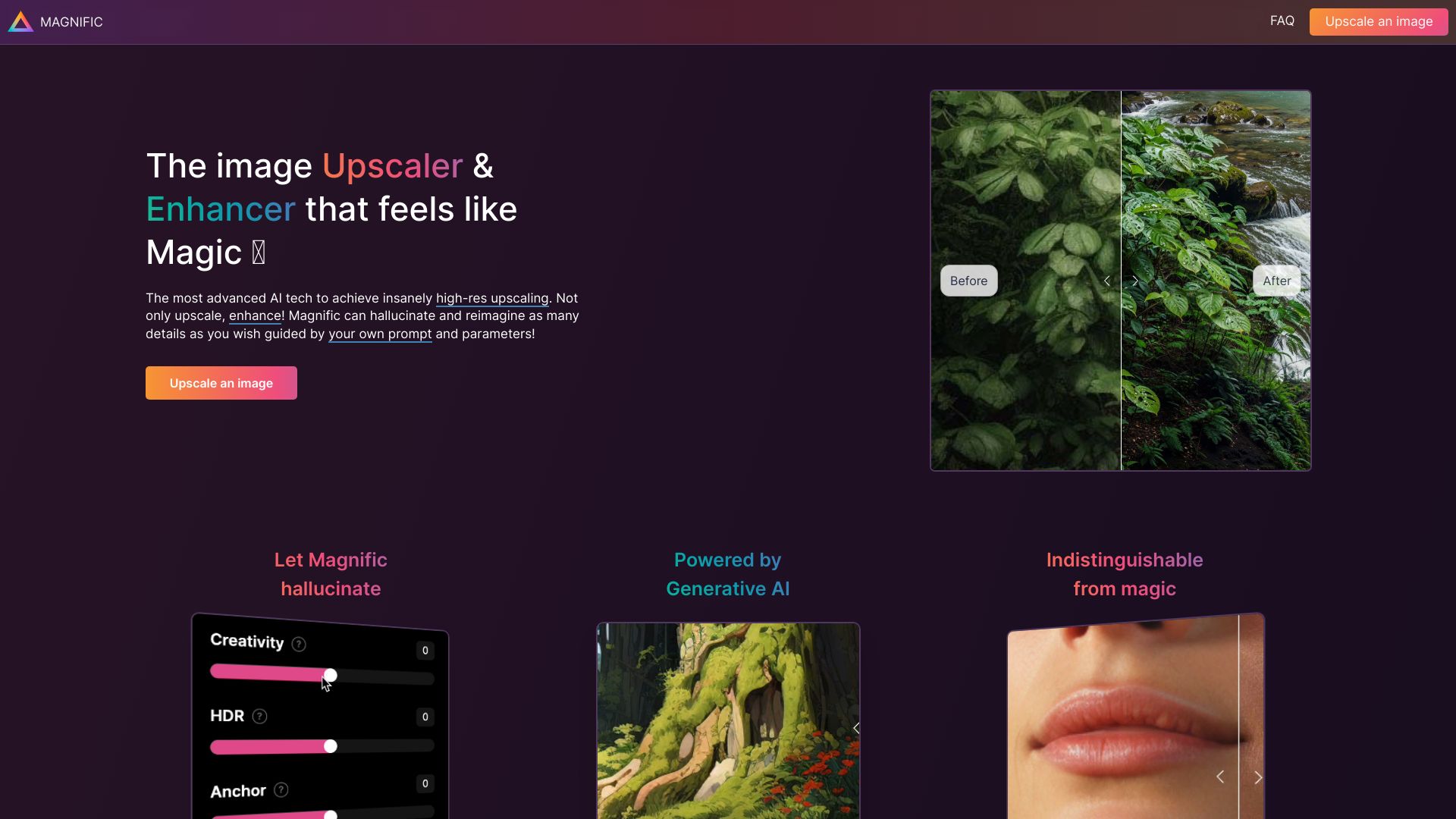

- Prompt-based photo editing
- Free plan available
- Starts at $7.99/month
- Monthly visits: 26,797 monthly visits
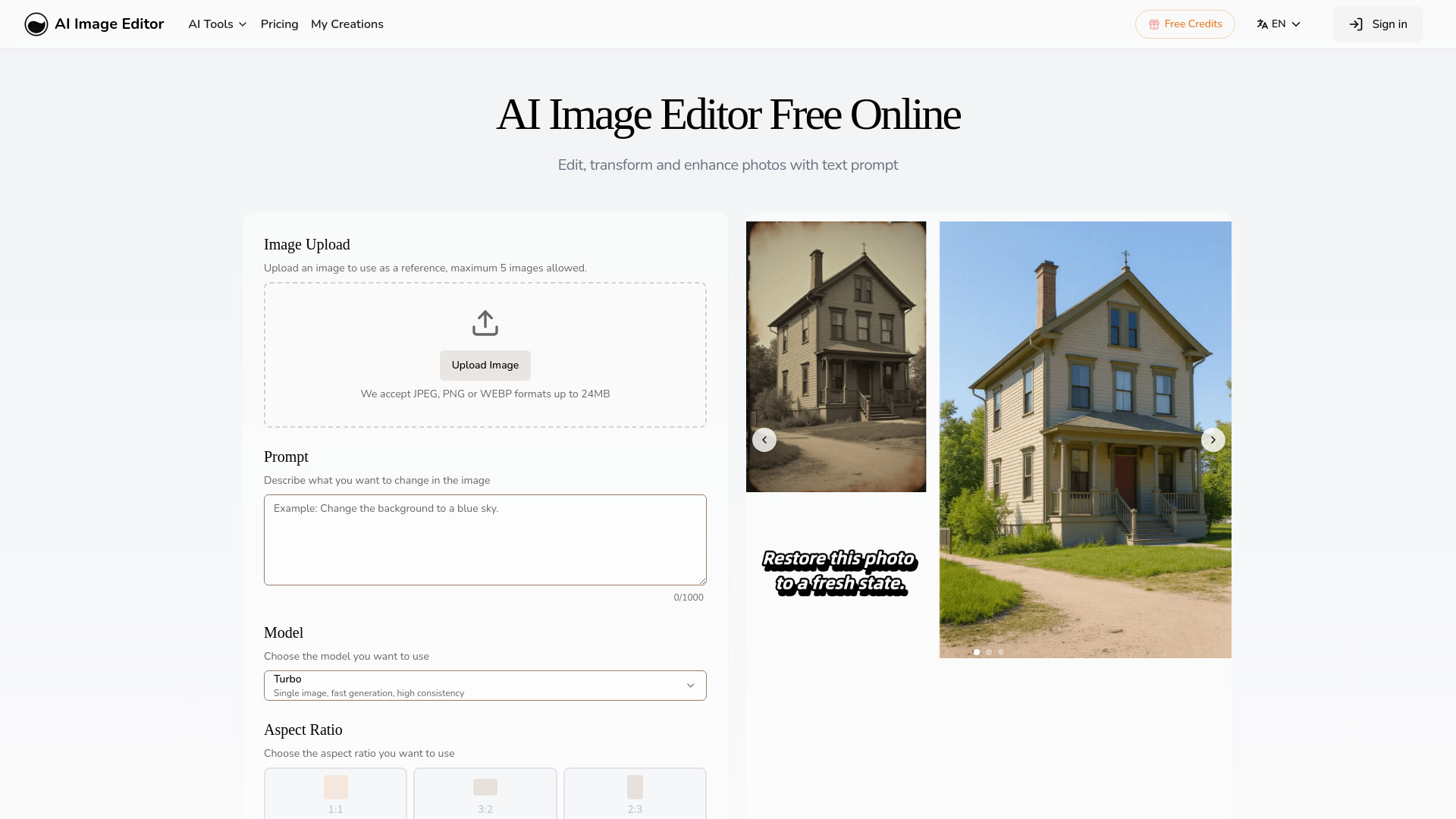
- Quick photo enhancement and background removal
- 5 free edits/month
- Starts at $19.99/month
- Monthly visits: 2,887 monthly visits

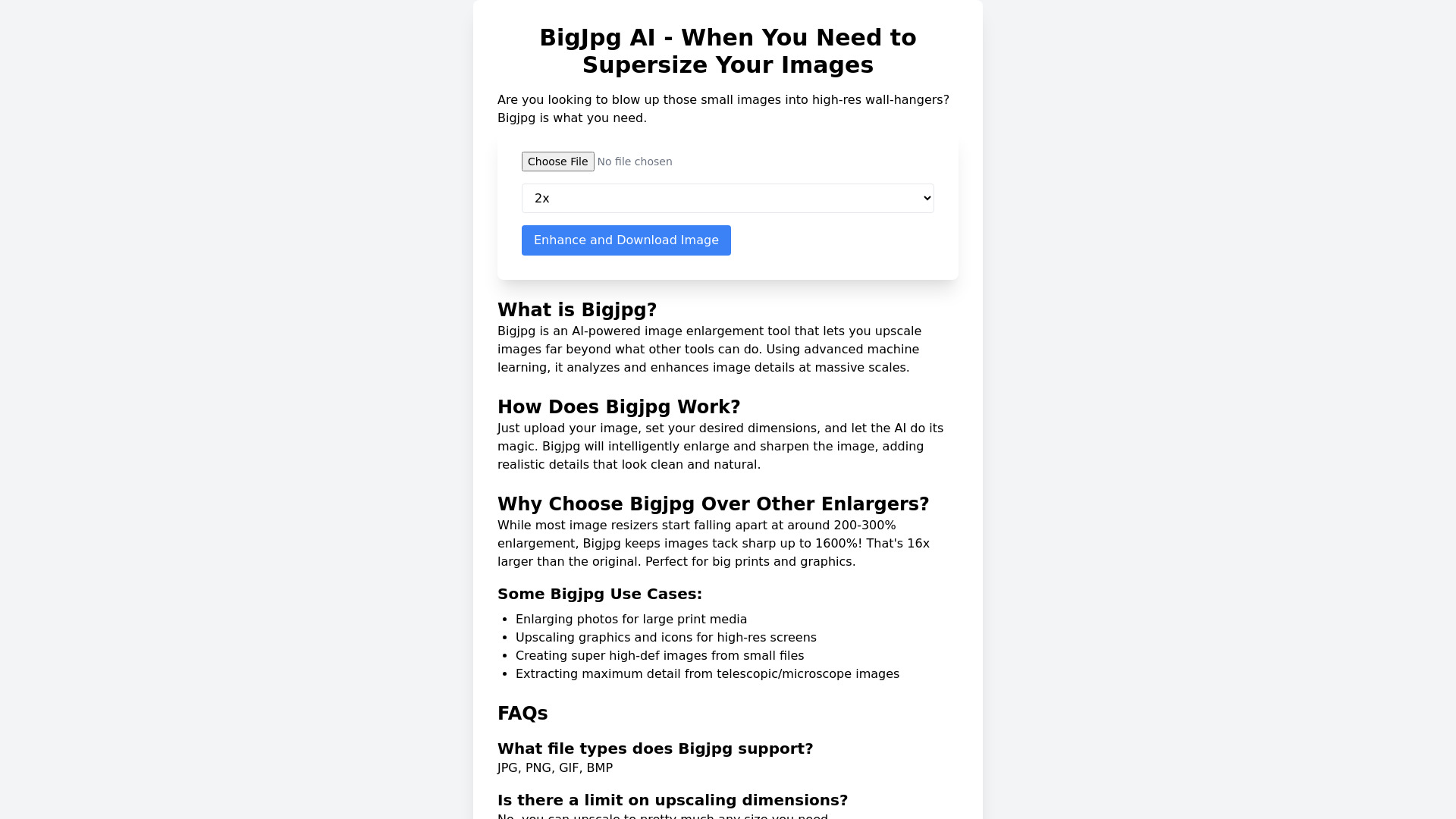
- High-resolution image enlargement
- Free forever; up to 8x upscaling
- Starts at $0
- Monthly visits: 35,514 monthly visits

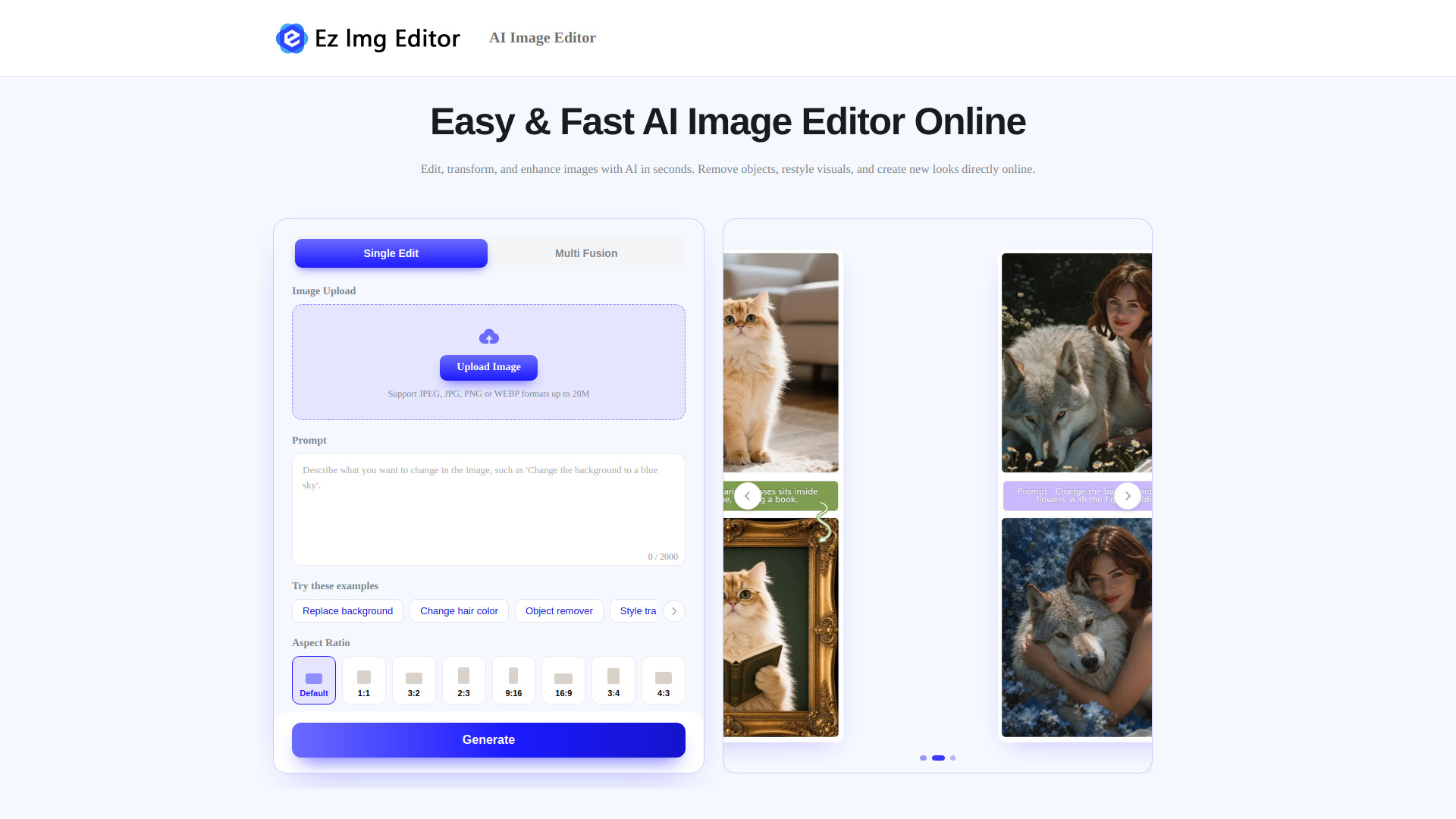
- Quick AI photo cleanup and background edits
- Free plan available
- Starts at Check vendor pricing
- Monthly visits: 34,525 monthly visits

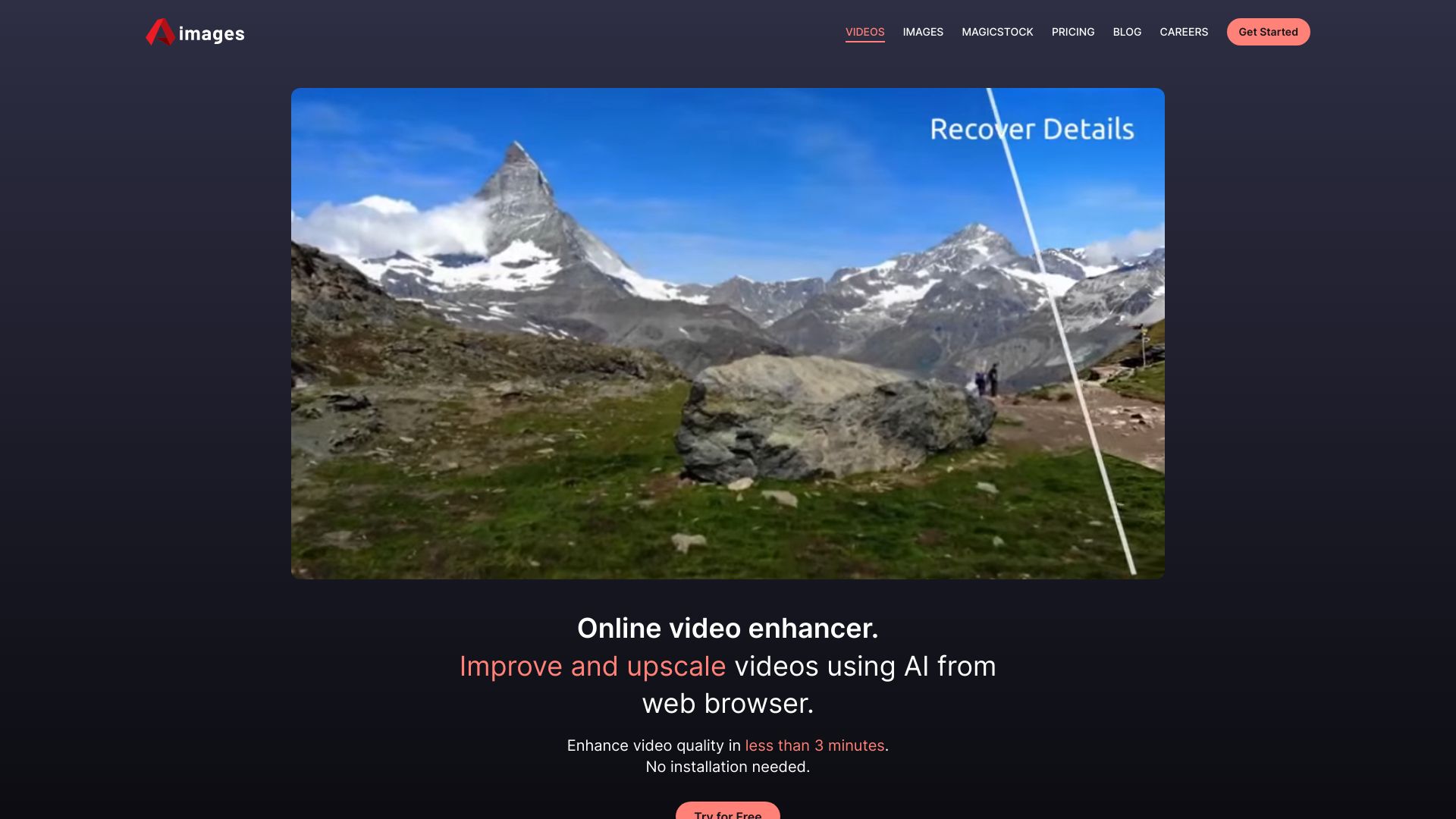
- AI video and image upscaling
- 1 free credit
- Starts at €0/mo (Free plan)
- Monthly visits: 1,100 monthly visits

- 4K image upscaling and restoration
- 5 free credits/month
- Starts at $89/year
- Monthly visits: 8,587 monthly visits

- Quick photo enhancement and upscaling
- Free plan available
- Starts at Check vendor pricing
- Monthly visits: 710,857 monthly visits

- Prompt-based photo cleanup and enhancement
- Free plan available
- Starts at $9.90 one-time
- Monthly visits: 10,306 monthly visits

- AI photo enhancement and editing
- 1 free image
- Starts at $9.99/month
- Monthly visits: 8,926 monthly visits

- Quick AI image upscaling
- 2 conversions per 24 hours
- Starts at Check vendor pricing
- Monthly visits: 5,813 monthly visits
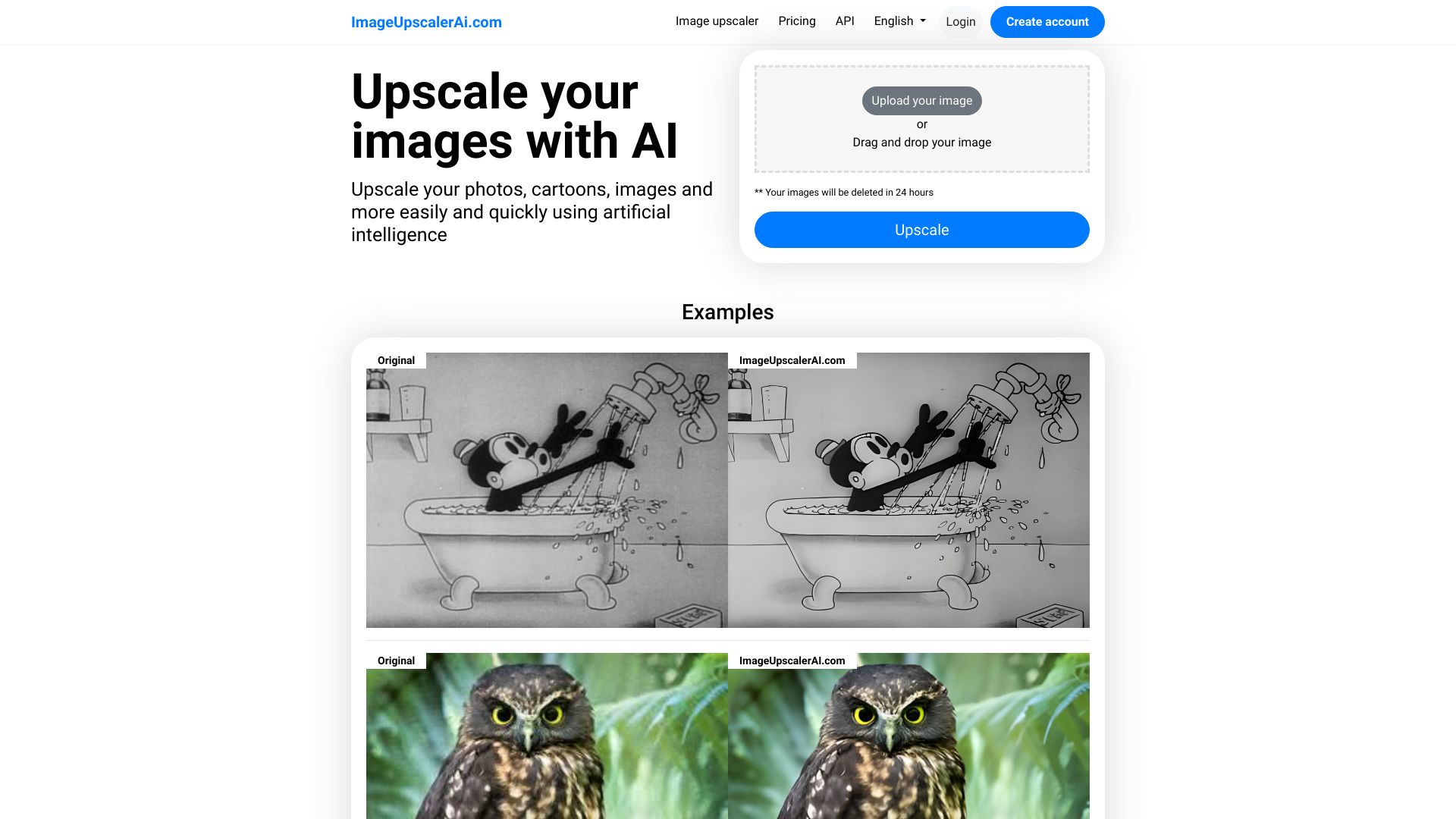

- Upscaling photos and anime
- Free plan available
- Starts at Check vendor pricing
- Monthly visits: 8,901 monthly visits

- Mac users enhancing photos and anime art
- Starts at Check vendor pricing
- Monthly visits: 2,921 monthly visits
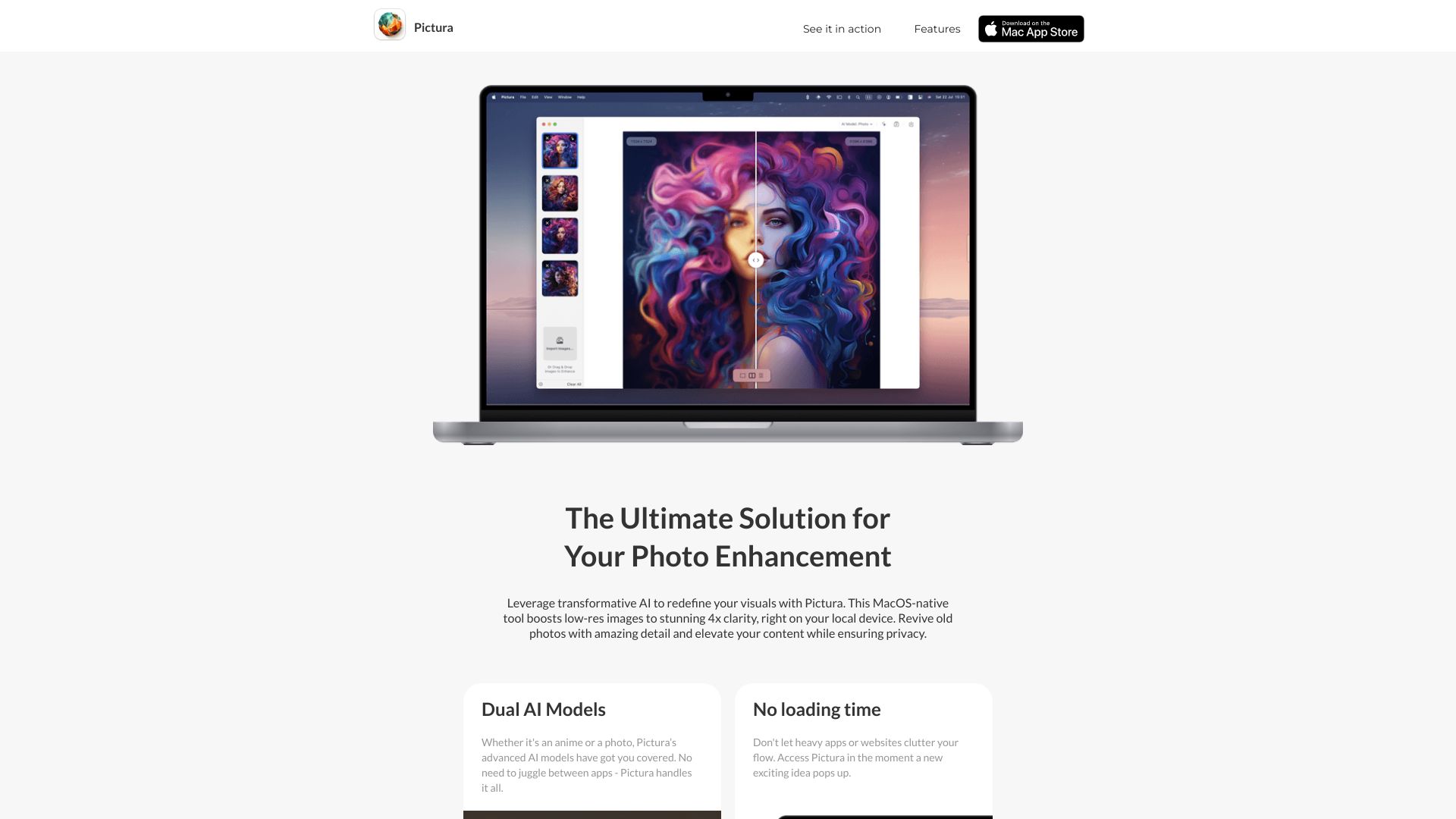

- AI image upscaling and enhancement
- Free trial available
- Starts at From $99/year
- Monthly visits: 652 monthly visits
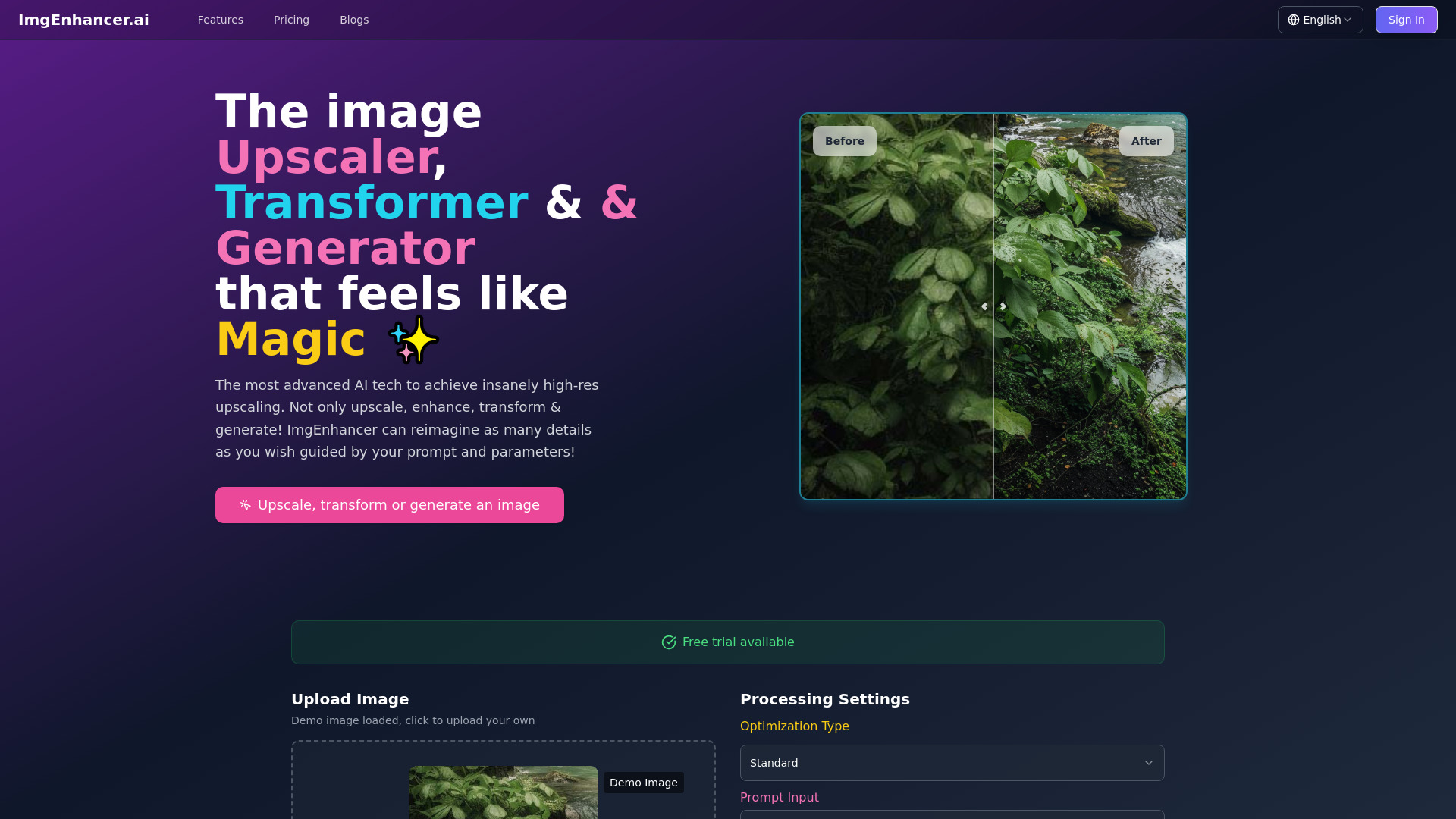

- Structure-preserving AI photo edits
- Free plan available
- Starts at $7.90/month
- Monthly visits: 2,670 monthly visits

- E-commerce product image enhancement
- Free plan available
- Starts at Check vendor pricing
- Monthly visits: 419,734 monthly visits

- Upscaling images to high resolution
- Free plan available
- Starts at Check vendor pricing
- Monthly visits: 2,052 monthly visits

- Prompt-based photo editing
- 20 free credits every 24 hours
- Starts at From $9.90 one-time
- Monthly visits: 1,504 monthly visits

- All-in-one AI photo editing
- Free plan available
- Starts at From $9.90/month
- Monthly visits: 459 monthly visits

- Upscaling and restoring blurry photos
- 1 free image enhancement
- Starts at $99/year
- Monthly visits: 749 monthly visits

- Prompt-guided image transformations
- Free plan available
- Starts at $9.99 one-time
- Monthly visits: 426 monthly visits

- Anime image upscaling
- Free plan available
- Starts at Check vendor pricing
- Monthly visits: 593 monthly visits

- Upscaling blurry and old videos
- Free plan available
- Starts at From $29.95
- Monthly visits: 499,921 monthly visits
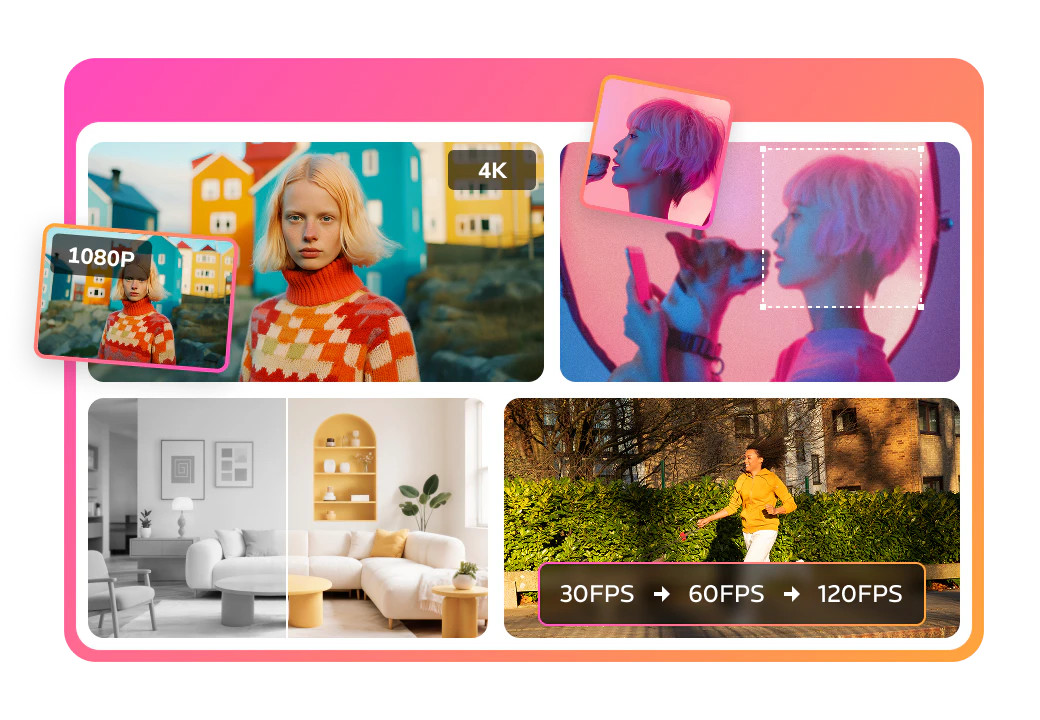

- Video upscaling and restoration
- Free trial available
- Starts at Check vendor pricing
- Monthly visits: 786,953 monthly visits
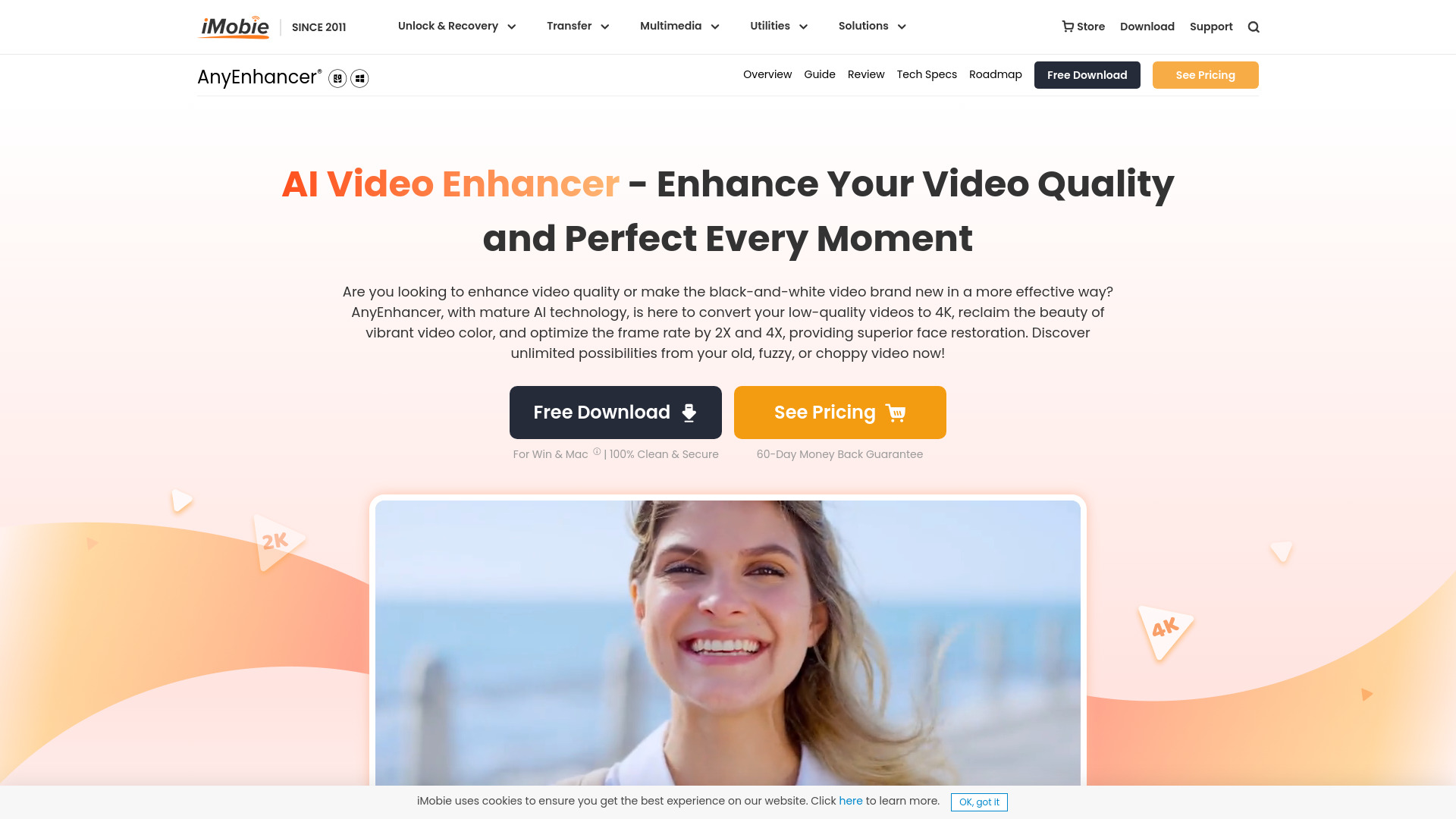

- AI photo enhancement and image editing
- 50 free tool uses/day
- Starts at $8/month
- Monthly visits: 207 monthly visits
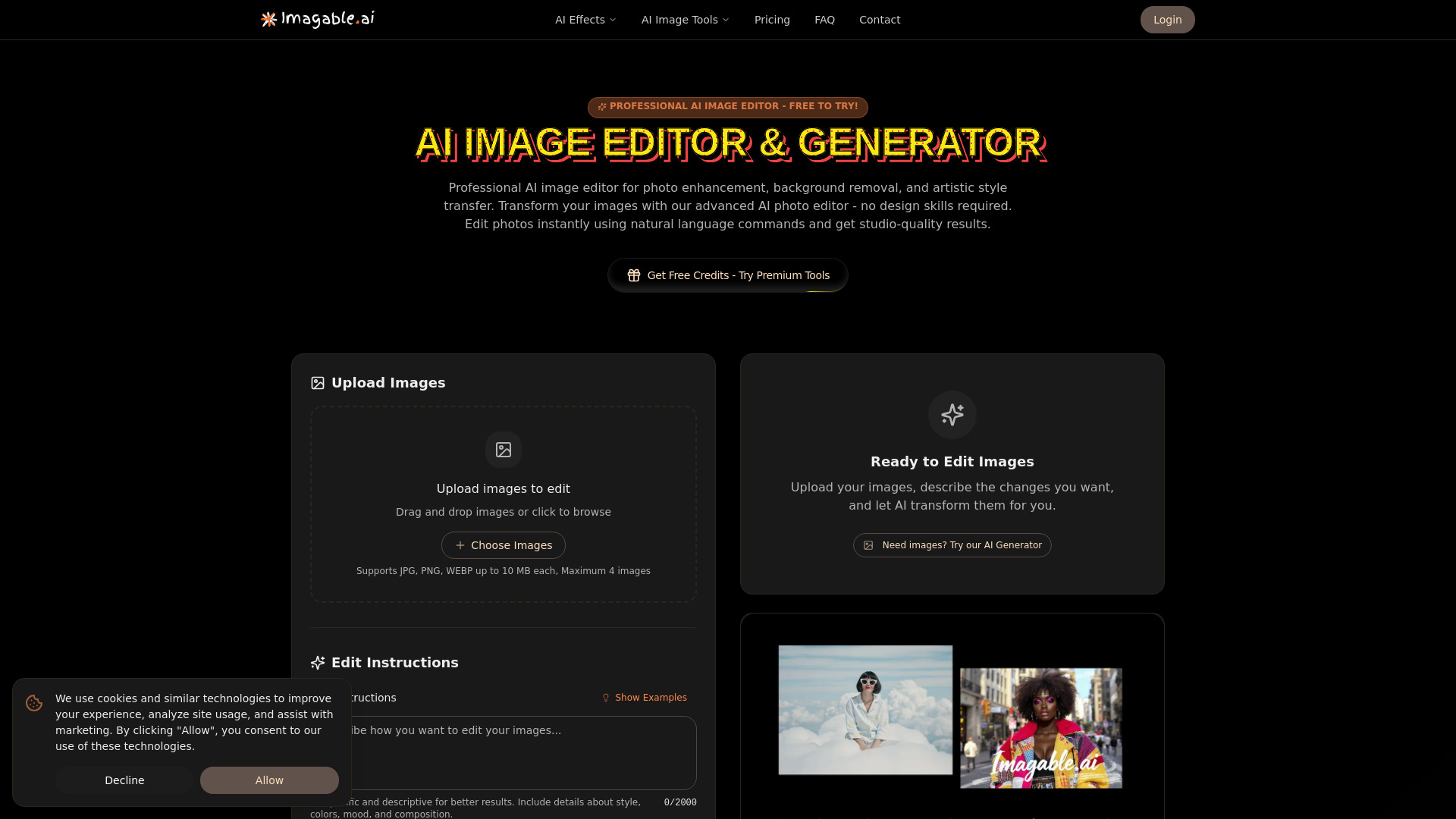

- AI image upscaling and photo editing
- Free plan available
- Starts at Check vendor pricing
- Monthly visits: 311 monthly visits
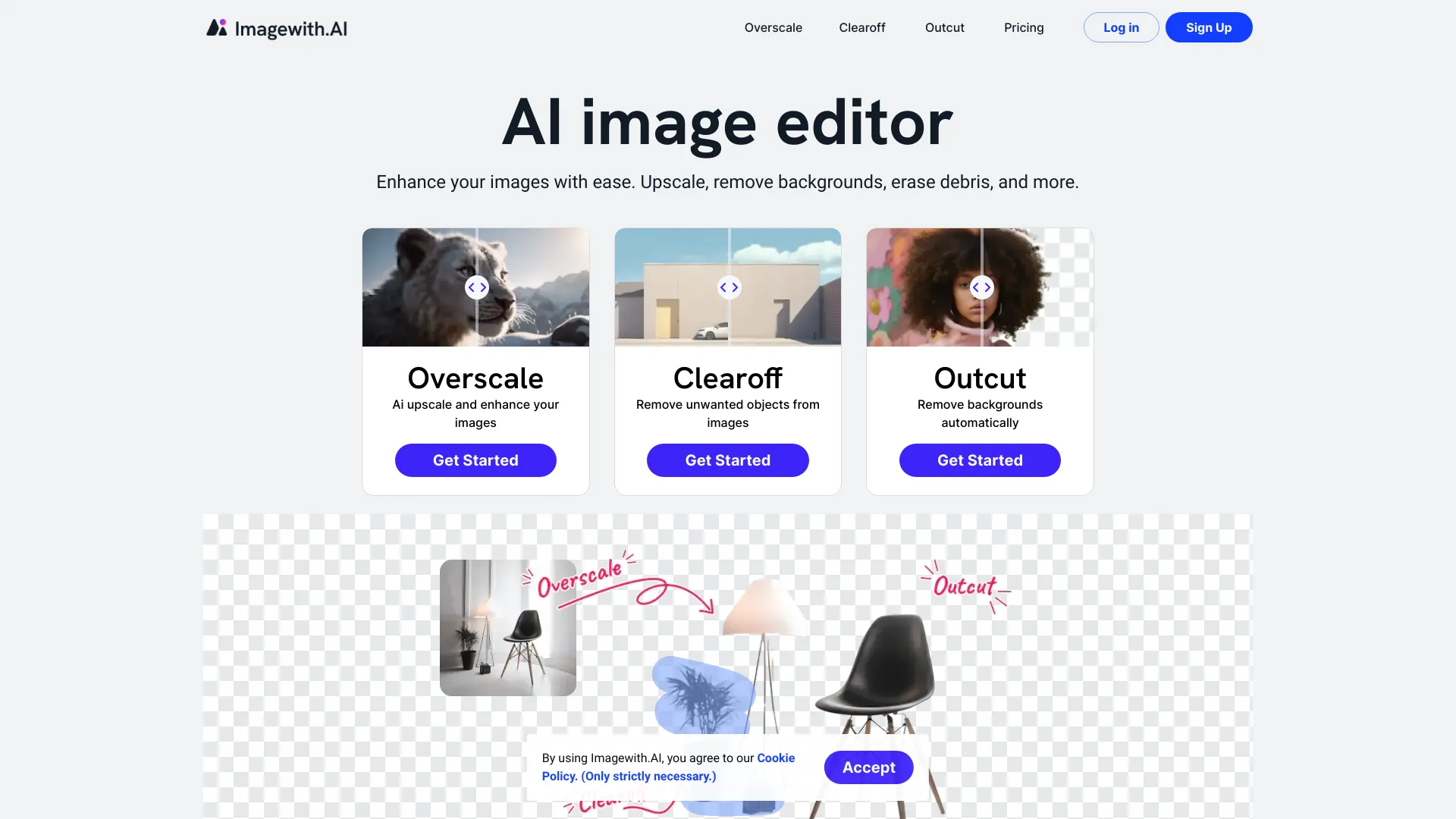

- Free photo enhancement
- Free plan available
- Starts at Check vendor pricing
- Monthly visits: 756,743 monthly visits

- Restoring and upscaling blurry video
- 3 free video enhancements
- Starts at US$49.99/year
- Monthly visits: 1.2M monthly visits

- AI photo and video enhancement
- Free plan available
- Starts at Check vendor pricing
- Monthly visits: 714,541 monthly visits

- Restyling existing images with text prompts
- Free plan available
- Starts at $7.99/month
- Monthly visits: 313,679 monthly visits

- AI photo enhancement and background removal
- Free trial available
- Starts at Check vendor pricing
- Monthly visits: 563,756 monthly visits

- Naturally extending photo backgrounds
- Free plan available
- Starts at $59.99/year
- Monthly visits: 424,487 monthly visits

- Free AI image enhancement and text-to-image creation
- Unlimited free image enhancements
- Starts at Check vendor pricing
- Monthly visits: 85,223 monthly visits

- Batch photo upscaling
- 5 free credits/day
- Starts at $7.90/month

- Free AI photo enhancement
- 10 free credits/day
- Starts at $8/month
- Monthly visits: 49 monthly visits
- Upscaling and sharpening blurry photos
- Starts at $5 for 10 enhancements

- Upscaling and sharpening blurry photos
- Free plan available
- Starts at Check vendor pricing

- Fast AI image creation and editing
- 4 credits per day
- Starts at $12/month
- Monthly visits: 127,150 monthly visits
- AI image upscaling and photo restoration
- Starts at Check vendor pricing

- Blending multiple photos into one composition
- Free plan available
- Starts at $12.99/month
- Monthly visits: 36,929 monthly visits

- Removing unwanted objects from photos
- Free plan available
- Starts at Check vendor pricing
- Monthly visits: 49,240 monthly visits
- Free image upscaling and photo restoration
- Free plan available
- Starts at Check vendor pricing

- AI image upscaling and retouching
- 1,000 SAI images/month
- Starts at $0/month
- Monthly visits: 37,581 monthly visits

- Expanding photos to fit social media aspect ratios
- Starts at Check vendor pricing

- AI photo enhancement and quick edits
- Free plan available
- Starts at From $8/month
- Monthly visits: 21,935 monthly visits

- AI photo enhancement and restoration
- Free plan available
- Starts at From $9.00

- Daily AI image enhancement
- 1 free enhancement per day
- Starts at $9.99/month
- AI-powered image editing
- Starts at Check vendor pricing

- All-in-one AI photo enhancement
- 2 free credits (registration reward)
- Starts at Check vendor pricing
- Monthly visits: 5,008 monthly visits

- AI-powered image editing and creation
- Starts at $9/user/month billed annually
- Monthly visits: 5,121 monthly visits

- AI photo enhancement and restoration
- Free plan available
- Starts at Check vendor pricing
- Monthly visits: 1,295 monthly visits
- Upscaling images up to 400%
- Free plan available
- Starts at Check vendor pricing

- All-in-one AI image enhancement
- 10 credits/month
- Starts at $9.90/month

- AI image and video upscaling
- 10 credits per month
- Starts at $7.99/month

- 8K photo enhancement and image edits
- 7-day free trial
- Starts at $99.99/month
- Monthly visits: 4,137 monthly visits

- Downloading and editing business product images
- Free plan available
- Starts at Check vendor pricing
- Monthly visits: 5,390 monthly visits
- Controlled image transformations
- Free plan available
- Starts at From $19.90 one-time

- AI-generated art and character images
- Starts at Check vendor pricing
- Monthly visits: 3,604 monthly visits
- Enhancing e-commerce product photos
- 3 free images
- Starts at $9.99

- Turning portraits into anime avatars
- Free plan available
- Starts at Check vendor pricing
- Monthly visits: 2,637 monthly visits

- AI image enhancement and editing
- 1 free image
- Starts at $9.99/month
- Monthly visits: 504 monthly visits

- Prompt-based photo edits and restoration
- Starts at $7.99/month
- Monthly visits: 538 monthly visits

- AI headshots and photo enhancement
- Starts at $9.90 one-time
- Monthly visits: 59 monthly visits
- Sharpening and upscaling blurry photos
- 50 free credits
- Starts at $9.99/month

- Creative photo style filters
- 20 free credits
- Starts at $4.99 one-time purchase

- Prompt-based photo enhancement
- Free plan available
- Starts at $9.99/month
- AI photo enhancement
- Starts at Check vendor pricing
- AI selfie avatar generation
- 12 free AI-generated avatars, one time
- Starts at Check vendor pricing

- Free HD image upscaling
- Free plan available
- Starts at Check vendor pricing

- AI photo style transformations
- Free trial available
- Starts at $25/month

- Restoring faded and damaged photos
- Free plan available
- Starts at Check vendor pricing

- AI portraits from selfies
- Starts at Check vendor pricing

- Generative AI image expansion
- Free plan available
- Starts at $14.99/month
- Quick text-to-image creation
- Free plan available
- Starts at $19.90/month

- Prompt-based photo editing
- 5 free credits/day
- Starts at Check vendor pricing

- Shopify product image cleanup
- Starts at From $5/month
Which AI image enhancer should you try first?
Start with AirBrush for a general photo-improvement workflow, Imgupscaler AI for free no-login upscaling, or Icons8 Smart Upscaler if batch processing is the deciding factor. Choose by the task you need to complete, not by score alone: Evoto AI is the portrait specialist, while LetsEnhance.io has a clearer e-commerce angle. For high-resolution output, test EnhancePhoto AI against your actual source files before you commit.
What to test before choosing
Use the same original image in each finalist and compare the result at its intended display size. Look closely at faces, text, edges, color, and texture; then check upload limits, batch behavior, free credits, and whether the tool runs in a browser or requires installation. Before paying, confirm current pricing and test the exact workflow you expect to repeat.
Common mistakes when choosing an AI image enhancer
Choosing by maximum resolution alone. A 4K, 8K, or 16K label does not tell you whether faces, edges, or textures will look convincing. Inspect the output at its real use size.
Treating every free offer as unlimited. Some tools list credits, trials, or feature-specific free access. Check the allowance and what consumes it.
Ignoring throughput. Single-image processing, three-image upload limits, and batch tools suit different workloads. Make sure the workflow matches your volume.
Assuming enhancement and editing are the same job. Upscaling, sharpening, color correction, portrait retouching, and object removal are distinct needs. Choose based on the specific fix you want.
Skipping a privacy and quality check. Before uploading sensitive images, review the vendor's current policies; before publishing results, compare them with the original for unwanted changes.
FAQ
AirBrush ranks first with a score of 97/100. Its listed capabilities cover color, contrast, clarity, and sharpness, making it the strongest general match in this shortlist. Its single-image workflow is a limitation if you need bulk processing.