
Suggested tools for you
Quick Trust Line
- Tools reviewed
- 100
- Last checked
- August 3, 2026
- Reviewed by
- top100.ai software rankings editor
- What we checked
- These rankings combine feature depth, audience fit, and market signals, but you should always verify live pricing and plan limits with the vendor.
Choosing the top ai video editing app is less about finding the tool with the longest feature list and more about matching the workflow to the editor. We compared 100 tools across usability, AI-assisted editing, output quality, audience fit, and market traction, then shortlisted the 10 strongest options for closer review. The result spans beginner-friendly desktop software, long-to-short video tools, enhancement specialists, avatar platforms, and a few useful adjacent picks.
Start here
Best overall: Movavi is the easiest recommendation for beginners who want a familiar editor with AI-powered features and broad video tools.
Best for repurposing: Vizard.ai and HiClip focus on turning long-form footage into short social clips with much less manual work.
Best for enhancement or generated presenters: Choose Topaz Labs for quality enhancement, or AI STUDIOS for avatars, voices, and scripted video production.
At-a-glance leaderboard
| Rank | Tool | Score | Best for | Standout angle |
|---|---|---|---|---|
| #1 | Movavi | 95/100 | Beginner video editors | Friendly editing workflow |
| #2 | Topaz Labs | 95/100 | Photographers | AI enhancement and upscaling |
| #3 | Vizard.ai | 95/100 | Social media marketers | Automatic clipping and text editing |
| #4 | Clipfly | 95/100 | Beginners | Online all-in-one editing |
| #5 | Runway Aleph AI | 94/100 | Content creators | Generative visual changes |
| #6 | DreamVid | 94/100 | Personal photo animation | Photo-to-video effects |
| #7 | SNAPVID | 94/100 | Content creators | Viral shorts creation |
| #8 | AI STUDIOS | 94/100 | Educators | Avatars and multilingual voices |
| #9 | BeautyPlus | 94/100 | Social media users | Filters and portrait enhancement |
| #10 | HiClip | 94/100 | Content creators | AI clipping and reframing |
Quick filters
| Need | Start with | Why |
|---|---|---|
| A straightforward general editor | Movavi | Beginner-friendly interface with video and photo editing |
| Long video to short clips | Vizard.ai | Finds engaging sections and supports text-based editing |
| Video quality repair | Topaz Labs | Upscaling, sharpening, and noise reduction |
| Presenter-led lessons | AI STUDIOS | 150+ avatars and voices in 80+ languages |
How to narrow the list
Start with the type of edit you actually make. A creator cutting interviews into social clips needs automatic clipping and transcript-based controls; a photographer restoring old footage needs enhancement and noise reduction; an educator may care more about avatars, voices, and repeatable script-to-video production. Those are different jobs, even when vendors call all of them editing.
Next, decide whether you need a full timeline or a focused AI workflow. Movavi and Clipfly are closer to general-purpose editors. Vizard.ai, SNAPVID, and HiClip are more useful when the goal is rapid repurposing. Runway Aleph AI and DreamVid sit nearer to generative visual creation, while BeautyPlus is primarily an image and portrait tool with video-adjacent capabilities.
Finally, check the economics of your output. Free access can mean a trial, a monthly upload allowance, a small export quota, or a free tool with paid features. Watermarks, credits, short processing limits, and export caps can matter more than the headline price when you publish frequently.
Ranking model
The scores below are editorial rankings rather than a claim that every tool suits every editor. Equal scores reflect different strengths, so use the fit notes-not just the number-to make the final call.
| Criterion | Weight | What we looked for |
|---|---|---|
| Workflow usefulness | 35% | How directly the core feature solves a real editing job |
| Ease of use | 25% | Learning curve and suitability for the stated audience |
| AI leverage | 20% | Whether automation reduces repetitive editing work |
| Market signal and value | 20% | Usage traction, access terms, and practical scope |
The 10 highest-ranked AI video editing tools

- Beginner video editors
- 7-day free trial
- Starts at Video Suite: NT$690
- Monthly visits: 2.1M
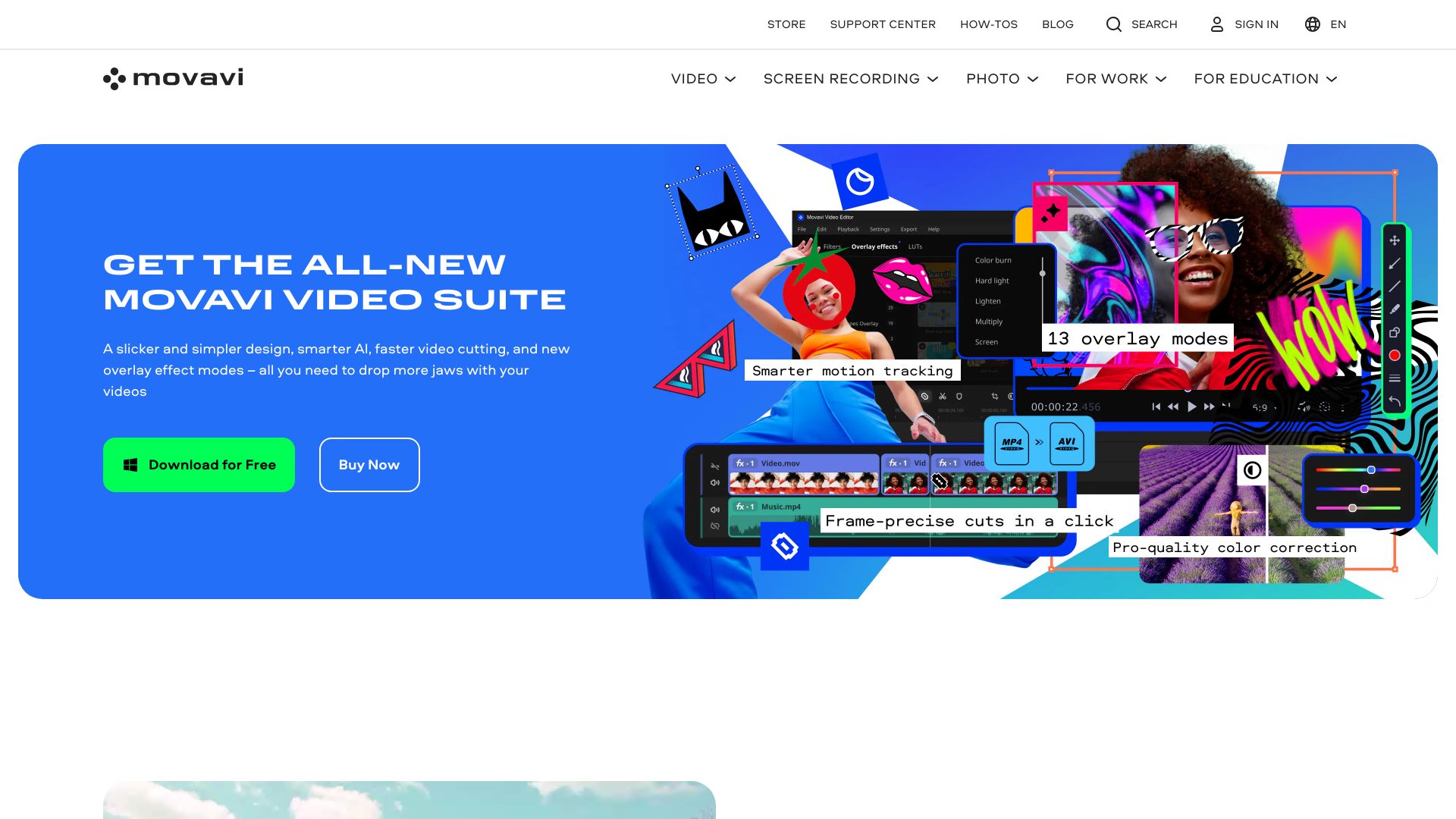
Movavi earns the top spot because it starts from the workflow most people actually want: import clips, make clean edits, and finish a usable video without studying a professional editing manual. Its feature mix includes video editing and photo editing, while its positioning also includes AI-powered features, media conversion, and screen recording. That breadth makes it a sensible first stop for mixed personal and small-business projects.
Why it is top-ranked
| Area | Assessment |
|---|---|
| Usability | Strong fit for beginners who want an easy-to-use interface |
| Scope | Covers video editing alongside photo editing and related media tasks |
| Access | A 7-day free trial gives new users a practical starting point |
| Market signal | 2.1M monthly visits and a 95/100 score indicate broad traction |
Best fit
First-time editors making tutorials, family videos, social posts, or simple promotional content.
Small teams that need one approachable tool for both photo and video work.
Users who value a guided desktop-style workflow over highly technical controls.
Limitations
Free versions have limitations, including watermarks and limited features.
Advanced editors may outgrow the simpler interface or want deeper professional controls.
The listed Video Suite price is in NT$, so confirm the current regional checkout price.
Shortlist Movavi if: You want the safest all-purpose starting point among the best ai video editing apps without a steep learning curve.

- Photographers
- Local processing and AI enhancement tools
- Starts at Video AI: $249-$299
- Monthly visits: 2.8M
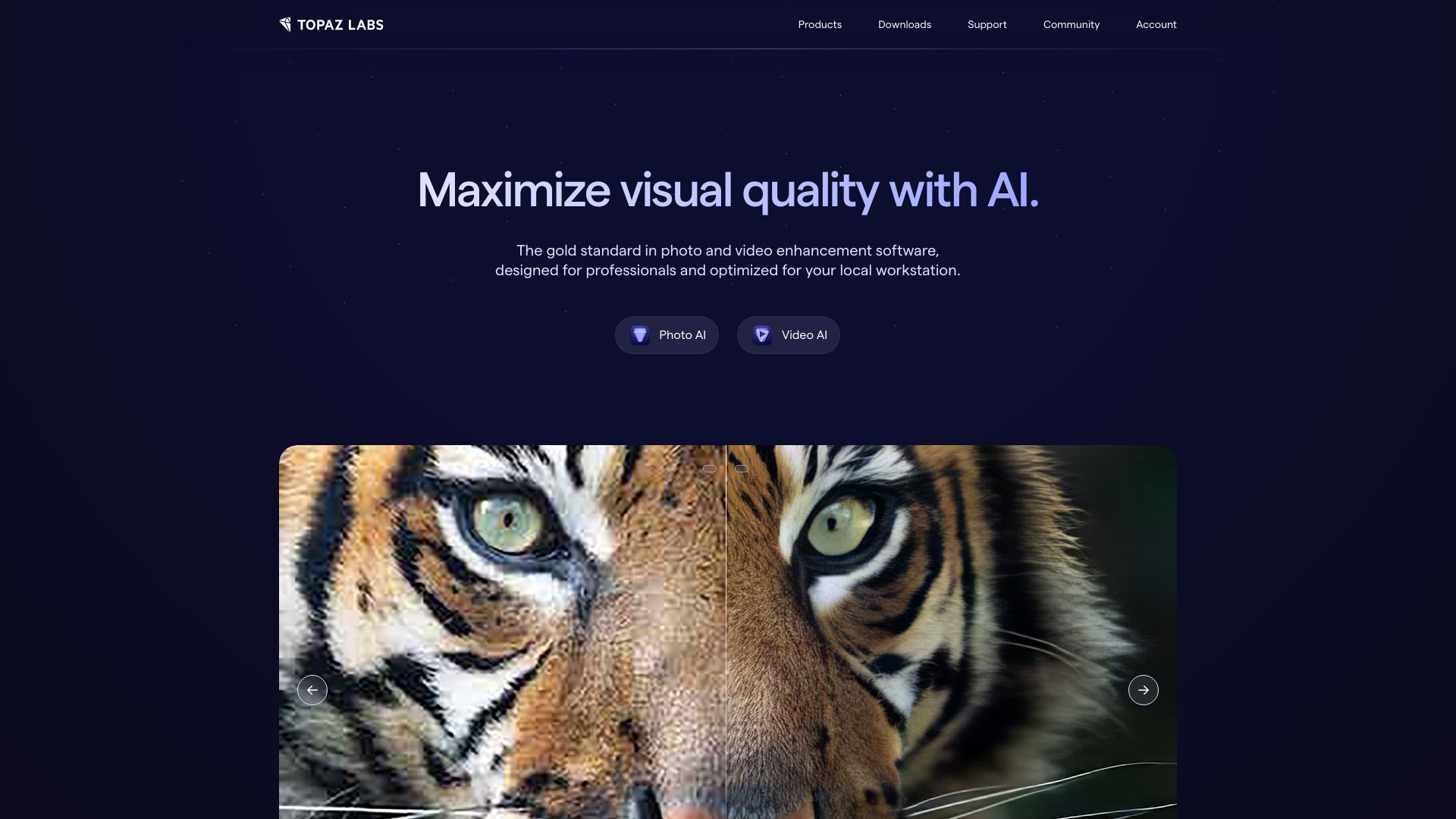
Topaz Labs takes a different route from a conventional timeline editor. Its strength is improving existing material through AI-powered image and video enhancement, with upscaling, noise reduction, and sharpening among the highlighted capabilities. For photographers and creators who already have an editing setup, this can be more valuable than another general-purpose app.
Why it is top-ranked
It tackles a high-value specialist task: improving video and image quality rather than merely arranging clips.
Local processing is part of the product story, which can suit users who prefer work handled on their own machine.
Its 2.8M monthly visits match the strong 95/100 score, although the software sits at a premium price point.
Best fit
Photographers who also deliver video and need stronger source quality.
Creators repairing noisy, soft, or undersized footage before a final edit.
Users willing to pay for enhancement quality instead of a broad beginner editor.
Limitations
The software can be expensive, with Video AI listed at $249-$299.
It is a specialist enhancement choice, not the clearest pick for complete timeline-based production.
Users seeking a low-cost or fully free workflow should compare the trial and paid terms carefully.
Shortlist Topaz Labs if: Your biggest editing problem is poor source footage, not the mechanics of cutting a sequence.

- Social media marketers
- 60 upload minutes per month
- Starts at Free: $0
- Monthly visits: 1.8M
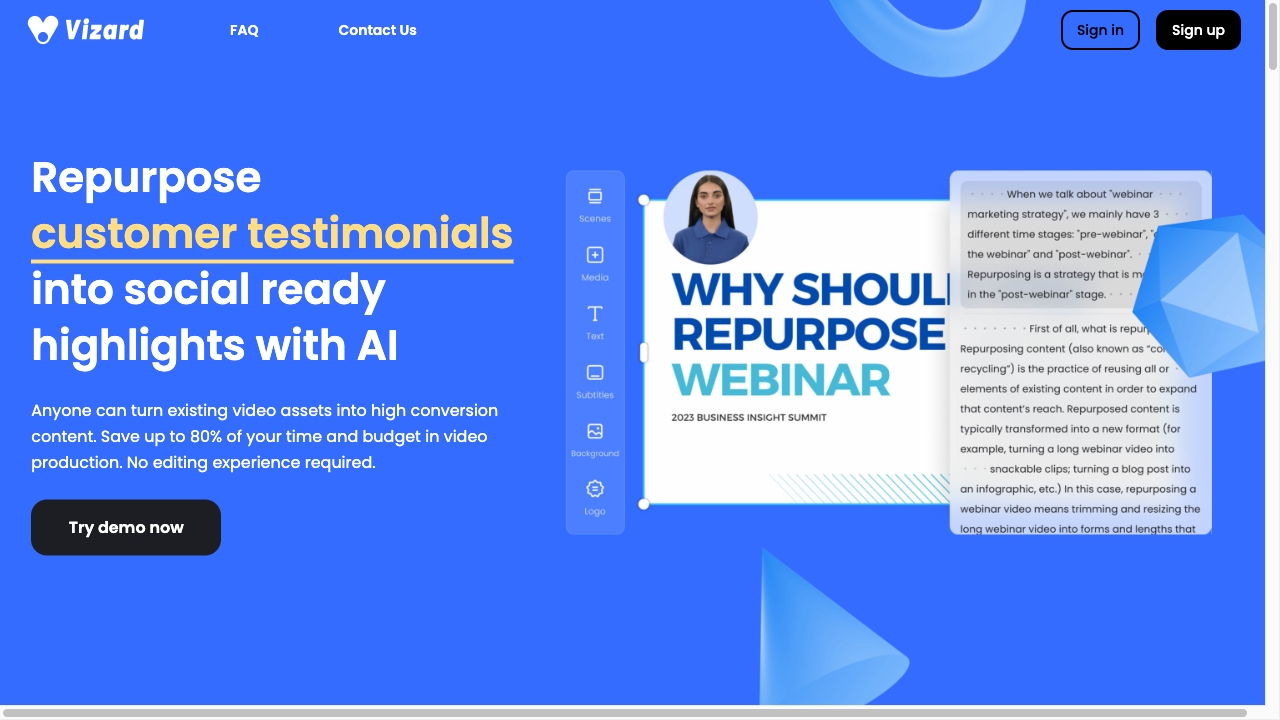
Vizard.ai is built around the tedious part of content marketing: finding the useful moments inside a long recording and turning them into publishable short clips. Its AI clipping feature automatically identifies engaging sections, while text-based editing lets you edit video by deleting the corresponding words in the transcript. That combination gives marketers a faster path from webinar, podcast, or interview to a social content queue.
Why it is top-ranked
Automatic clip discovery directly addresses the most repetitive part of long-to-short production.
Transcript editing lowers the friction of removing a sentence, pause, or section without hunting through a timeline.
The free allowance of 60 upload minutes per month makes it unusually easy to test against real footage before paying.
Best fit
Social media marketers repurposing interviews, podcasts, webinars, and other long recordings.
Lean content teams that need multiple short clips from a single source video.
Editors who prefer transcript-driven decisions to frame-by-frame trimming.
Limitations
AI selection may not always produce perfect results, so every suggested clip needs a human review.
It is less compelling when you need highly manual, cinematic timeline work.
Frequent publishers should watch upload-minute and plan limits as their library grows.
Shortlist Vizard.ai if: You want the best ai video editor app for turning long-form content into a steady supply of social clips.

- Beginners
- All-in-one AI video editor
- Starts at Check vendor pricing
- Monthly visits: 618K
Clipfly appeals to users who want an online, all-in-one AI video editor rather than a specialized production environment. Its highlighted toolkit combines easy video creation and editing with an AI video enhancer. The attraction is obvious: beginners can explore creation and improvement in one place without needing advanced editing skills.
Best fit
New editors who want to create and refine videos in a simple online workflow.
Casual creators who prefer an all-in-one tool over assembling several specialist apps.
Users looking for a low-friction first pass before deciding whether they need professional software.
Limitations
It may have limitations compared with professional video editing software.
Online simplicity can become restrictive for complex, highly controlled productions.
Pricing is hidden behind a less tidy presentation, so check the vendor before planning a recurring budget.
Shortlist Clipfly if: You want an approachable online editor with AI enhancement and do not need a professional post-production suite.

- Content creators
- AI-enhanced video editing
- Starts at Hobby: $7.92/month
- Monthly visits: 23.1K
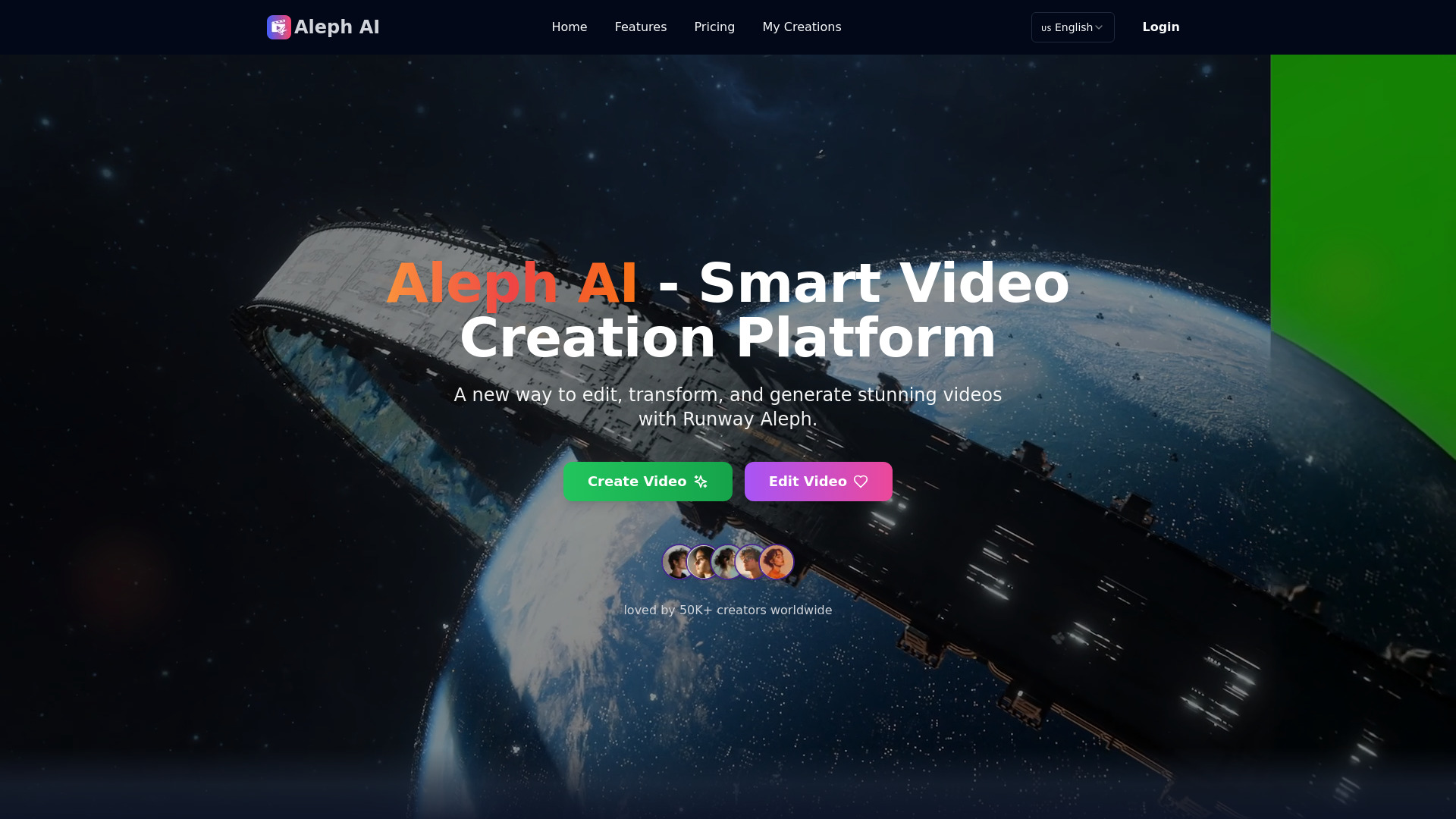
Runway Aleph AI is the most visually ambitious pick in this group. Its multi-task visual generation can add or remove objects, transform environments, and modify elements in one workflow. Dynamic camera control also supports generating different camera angles or perspectives. This is not simply a faster way to trim clips; it is aimed at creators who want to change what appears in the footage.
Best fit
Content creators experimenting with generated visual changes and new perspectives.
Short-form projects where a five-to-30-second segment is the creative unit.
Users who want AI-assisted transformation rather than only automatic cutting.
Limitations
It is currently limited to processing videos between 5 and 30 seconds in length.
Generative edits demand careful review because a visually plausible result may still miss the intended detail.
Its lower usage signal means buyers should test reliability and fit directly before building a larger workflow.
Shortlist Runway Aleph AI if: You need to alter a short scene's objects, environment, or camera perspective rather than just edit its timeline.

- Personal photo animation for family, friends, and pets
- AI image-to-video and face swap
- Starts at Check vendor pricing
- Monthly visits: 2.5M
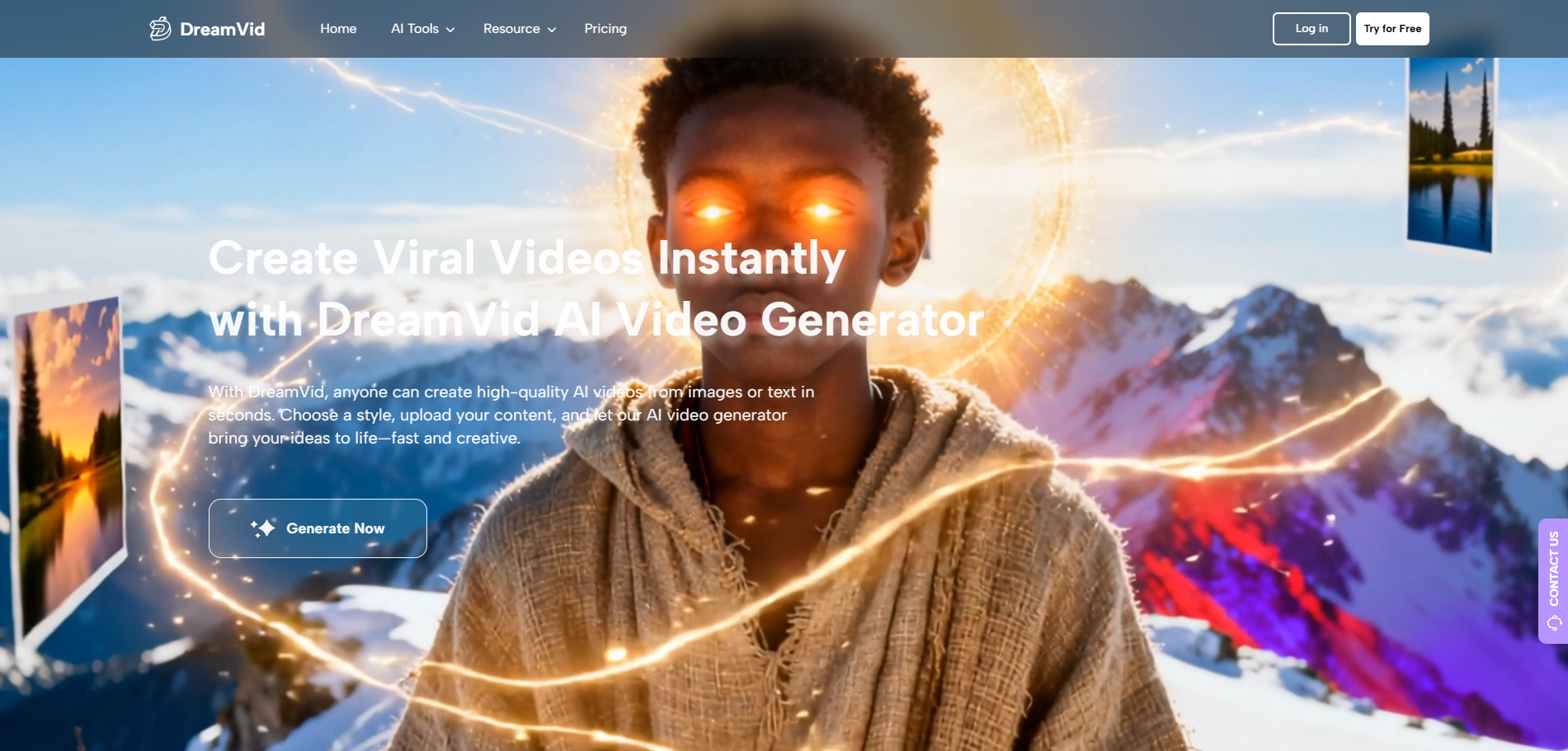
DreamVid is a useful reminder that the best free ai video editing apps are not all built for marketers. Its standout workflow turns personal images into animated videos, including AI hugging and kissing video creation, with an intuitive interface aimed at people without specialized skills. The product is better understood as an image-to-video and creative effects platform than as a conventional editor.
Best fit
Individuals animating photos of family members, friends, or pets.
Casual users who want a quick creative result without learning editing terminology.
People comparing photo animation, face swap, and image-to-video workflows in one service.
Limitations
Its personal-effects focus is a mismatch for users who need detailed timeline editing.
Pricing and workflow limits should be checked before committing to regular production.
As with any automated transformation, review the result closely before sharing a personal image publicly.
Shortlist DreamVid if: Your source material is a photo and your goal is a playful animated clip, not a traditional edited video.

- Content creators
- 7-day free trial
- Starts at Basic: $16/month billed yearly
- Monthly visits: 15.2K
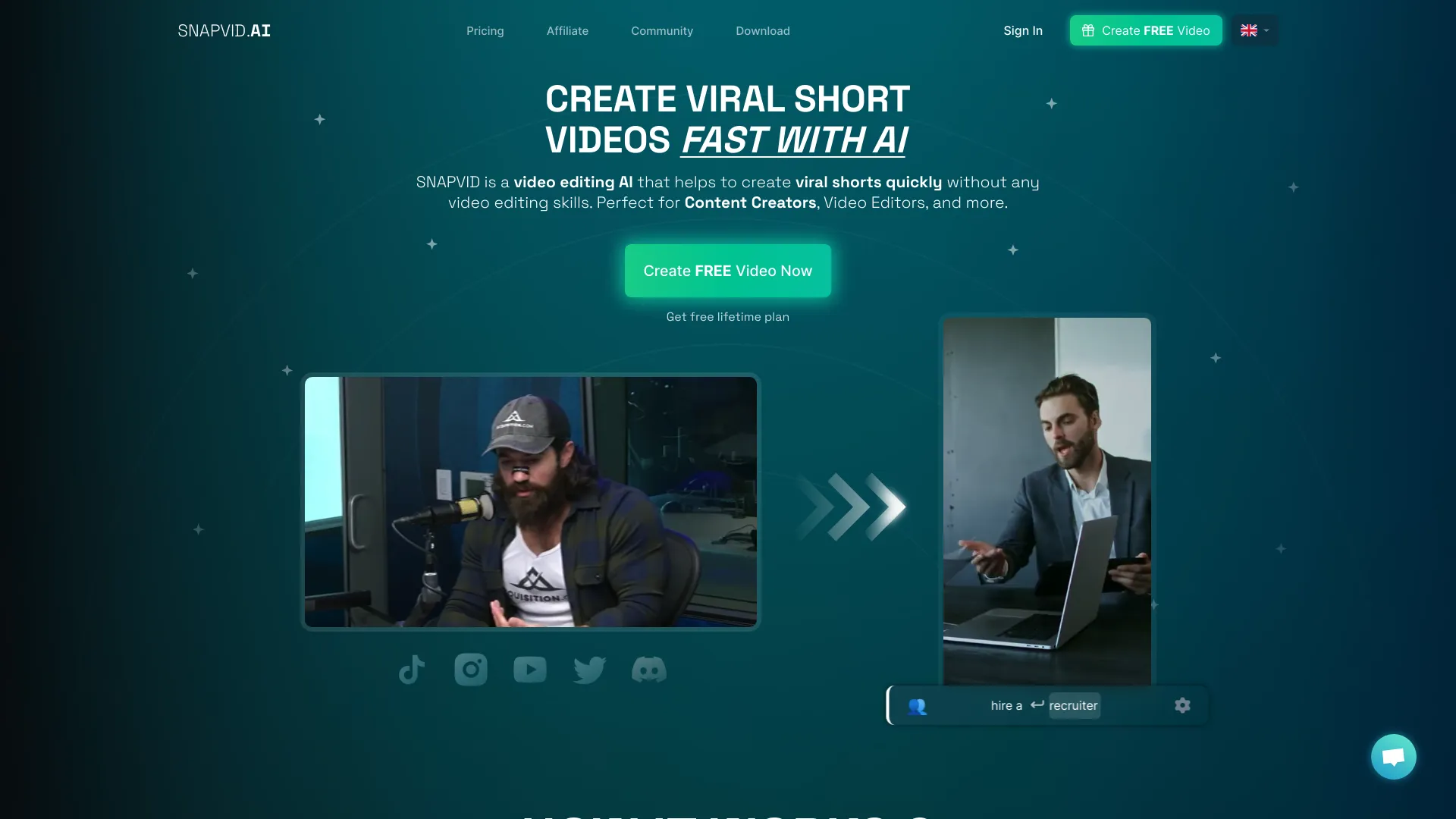
SNAPVID keeps its promise narrow and practical: help creators produce short videos quickly. Its AI-powered video editing and viral shorts creation workflows are designed for people who do not want to become video editors before publishing. The tool also highlights AI auto B-roll and long-to-shorts cutting, which makes it a natural competitor to other repurposing platforms.
Best fit
Content creators making frequent short-form posts from longer source material.
Users who want automatic B-roll support and quick long-to-short cuts.
Beginners who value speed and repeatability over granular manual control.
Limitations
A credit system limits the number of videos per month on some plans.
A $16 monthly Basic price is shown as billed yearly, so compare the billing commitment with your publishing volume.
Automated edits still need a check for pacing, context, captions, and brand fit.
Shortlist SNAPVID if: You need a focused short-form production tool and can work within a credit-based allowance.

- Educators
- 3 video exports per month
- Starts at Free: $0/month
- Monthly visits: 1.1M
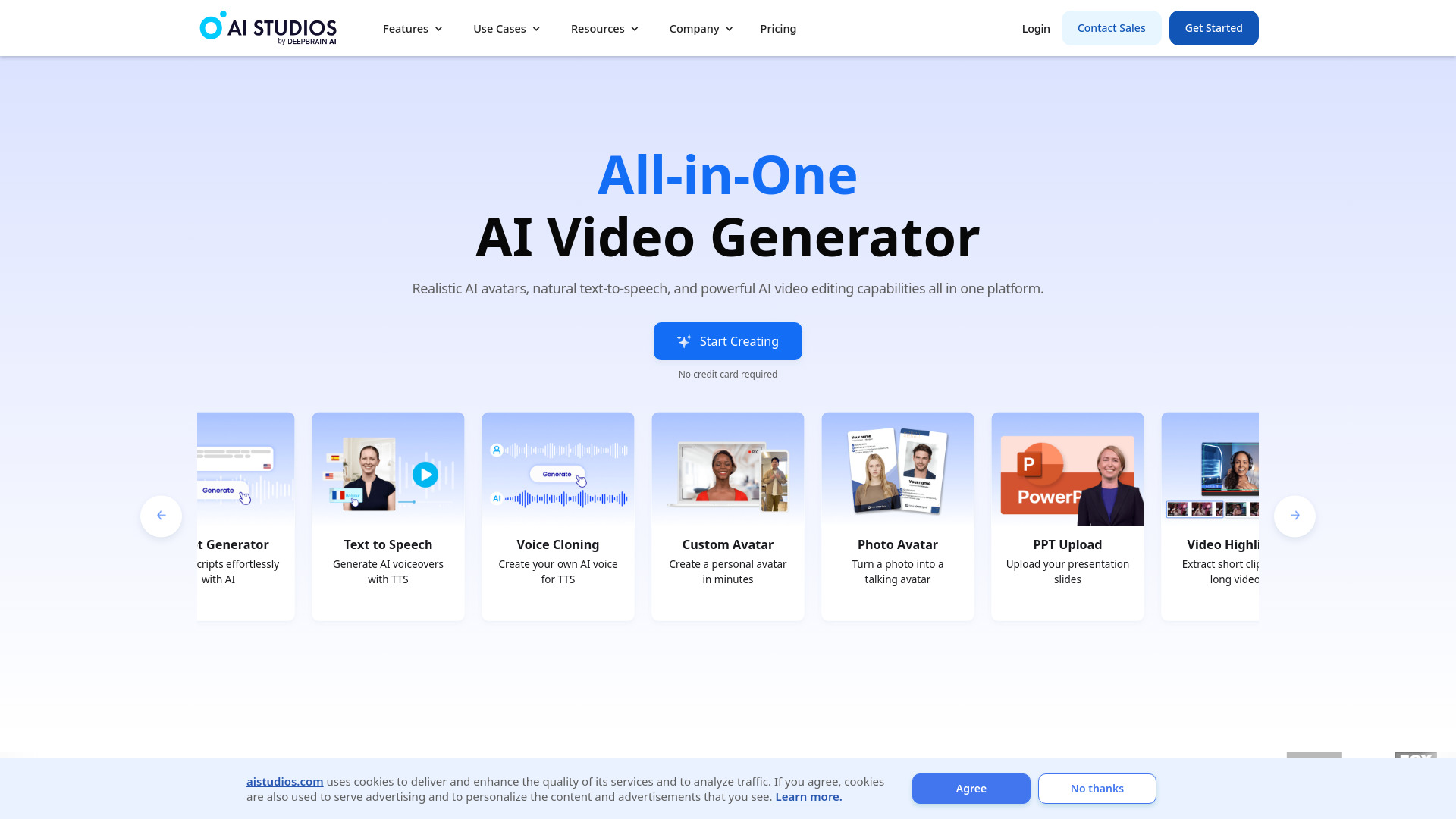
AI STUDIOS is less about editing camera footage and more about producing presenter-led videos from text. Its catalog includes 150+ realistic digital avatars and AI voices in 80+ languages. For educators, that creates a repeatable way to turn lessons, announcements, or training scripts into videos without recording a presenter for every update.
Best fit
Educators building repeatable lessons, explainers, or training content.
Teams that need avatar presenters and multilingual voice options.
Users who prefer text-to-video production over filming and editing live footage.
Limitations
The free plan allows three video exports per month, which may be restrictive for regular publishing.
Avatar-led production is not the right fit for footage-heavy, documentary, or highly personal video.
A generated presenter can improve consistency, but it does not replace careful instructional scripting.
Shortlist AI STUDIOS if: You want to turn written material into consistent avatar-led videos with broad language coverage.

- Social media users
- 7-day free trial
- Starts at Check vendor pricing
- Monthly visits: 944.2K
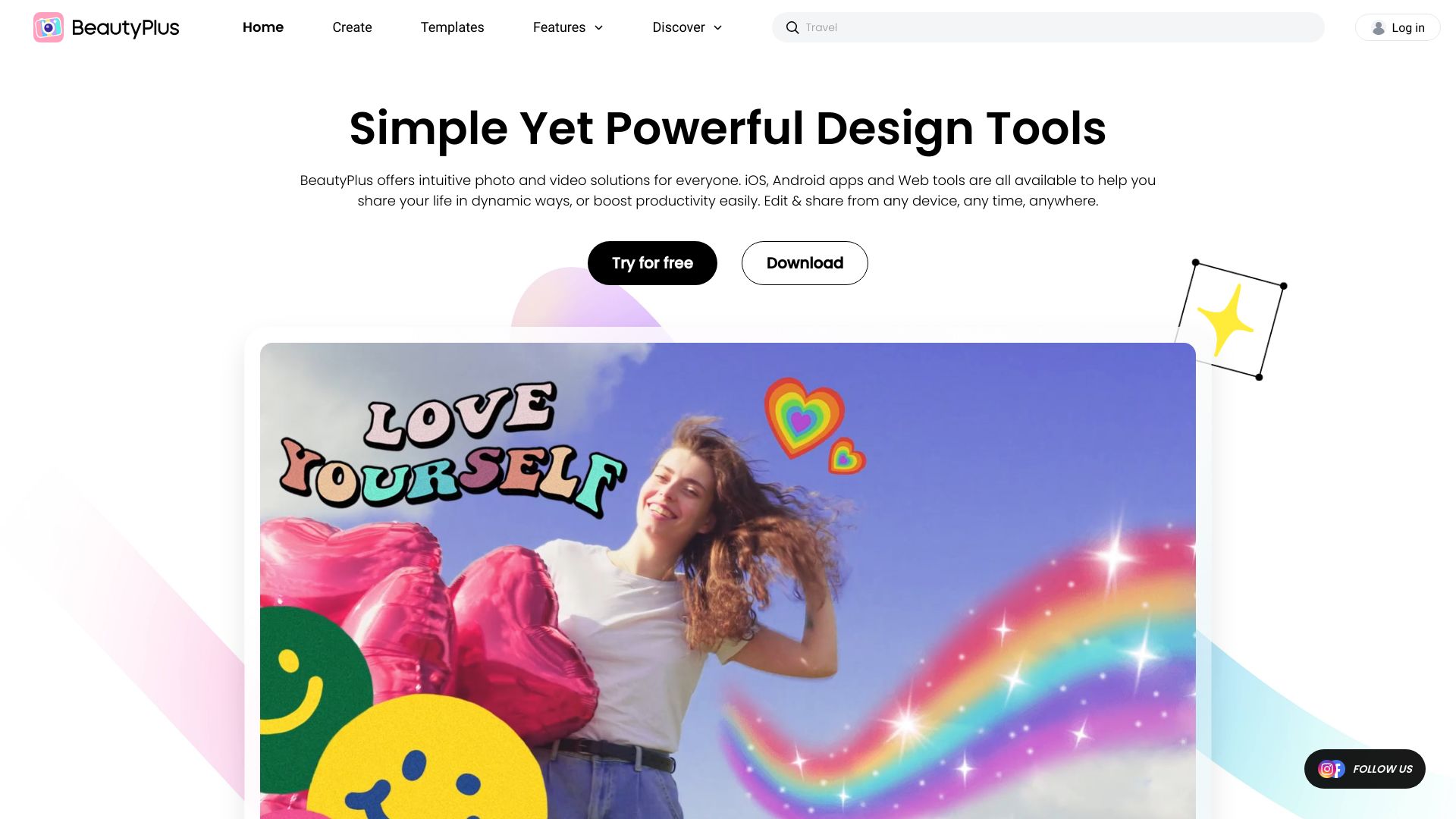
BeautyPlus is an adjacent pick for social creators whose video workflow starts with appearance and portrait treatment. Its highlighted tools include an AI photo editor and AI filters, alongside portrait enhancement and video enhancement in its broader offering. It is not the first app I would choose for a multi-track production, but it can make sense when the visual polish of people-centered social content matters most.
Best fit
Social media users enhancing portraits, selfies, and short visual posts.
Creators who want filters and portrait treatment near their video workflow.
Casual editors who value approachable mobile-style creative tools.
Limitations
Some features may require a subscription or in-app purchases.
Its photo and portrait emphasis makes it a weaker fit for serious timeline editing.
Check exactly which video enhancement features are included before treating it as a full editor.
Shortlist BeautyPlus if: Your social videos are primarily portrait-driven and visual enhancement matters more than complex editing controls.

- Content creators
- Get free clips
- Starts at Check vendor pricing
- Monthly visits: 7.5K
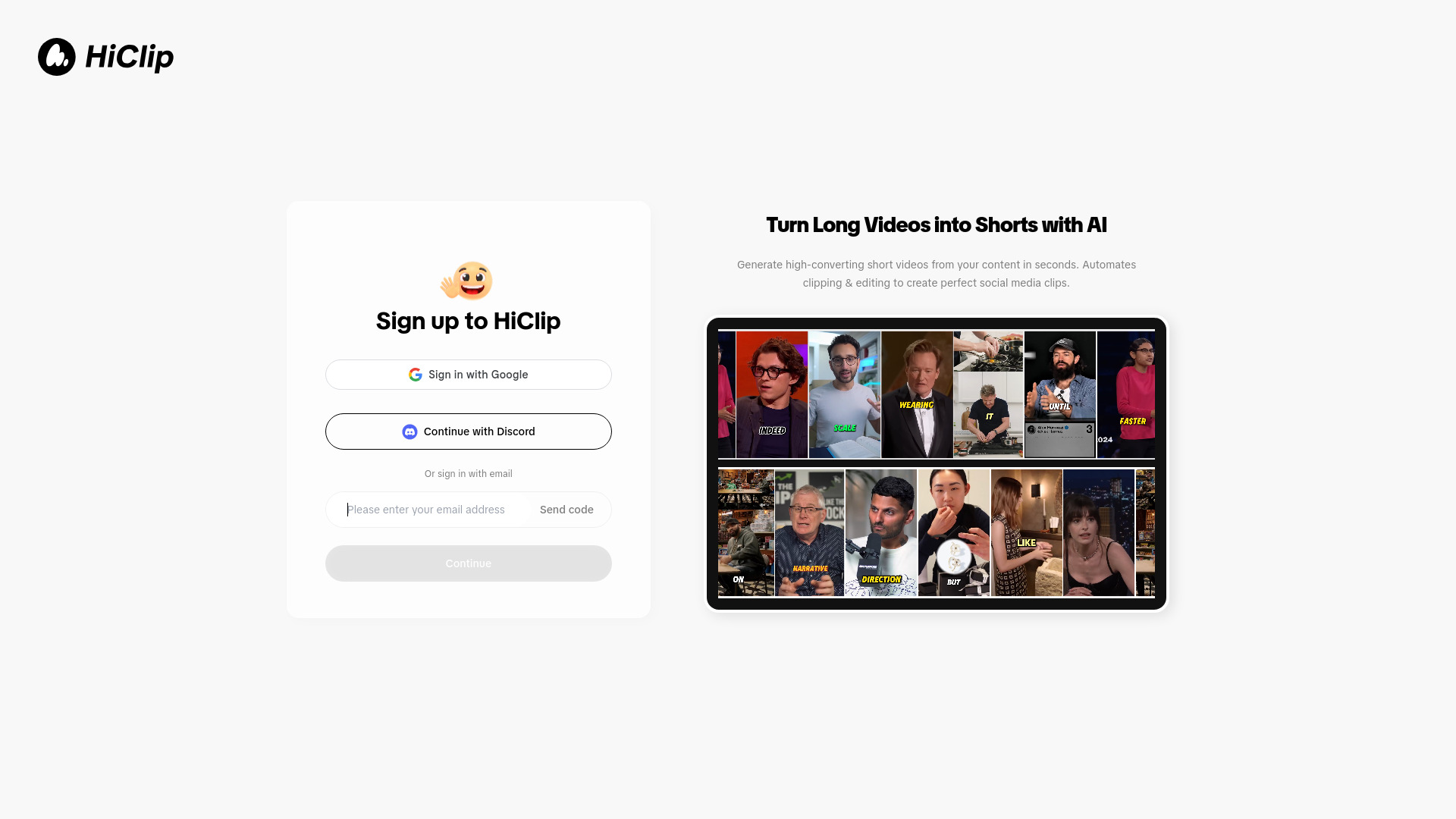
HiClip takes the most automated approach to repurposing in this ranking. Its AI Video Clipping Agent turns long videos into short clips, and AI Reframe helps adapt the presentation for different formats. The product claims to save over 85% of manual editing time; treat that as a workflow promise to validate with your own footage, but the underlying use case is clear and valuable for busy creators.
Best fit
Creators converting long recordings into short, platform-friendly clips.
Users who want clipping and reframing handled in a focused workflow.
Teams that would rather review AI suggestions than make every cut manually.
Limitations
The tool's relatively small usage signal makes a direct trial especially important.
Automatic clipping can miss context, setup, or a creator's preferred pacing.
Pricing is not presented cleanly, so confirm quotas and export terms with the vendor.
Shortlist HiClip if: You want an AI agent to handle the first pass of long-to-short editing and reframing.
More tools to compare

- Easy AI video editing for creators
- 7-day free trial for resources
- Starts at US$19.99/quarter
- Monthly visits: 620,288 monthly visits

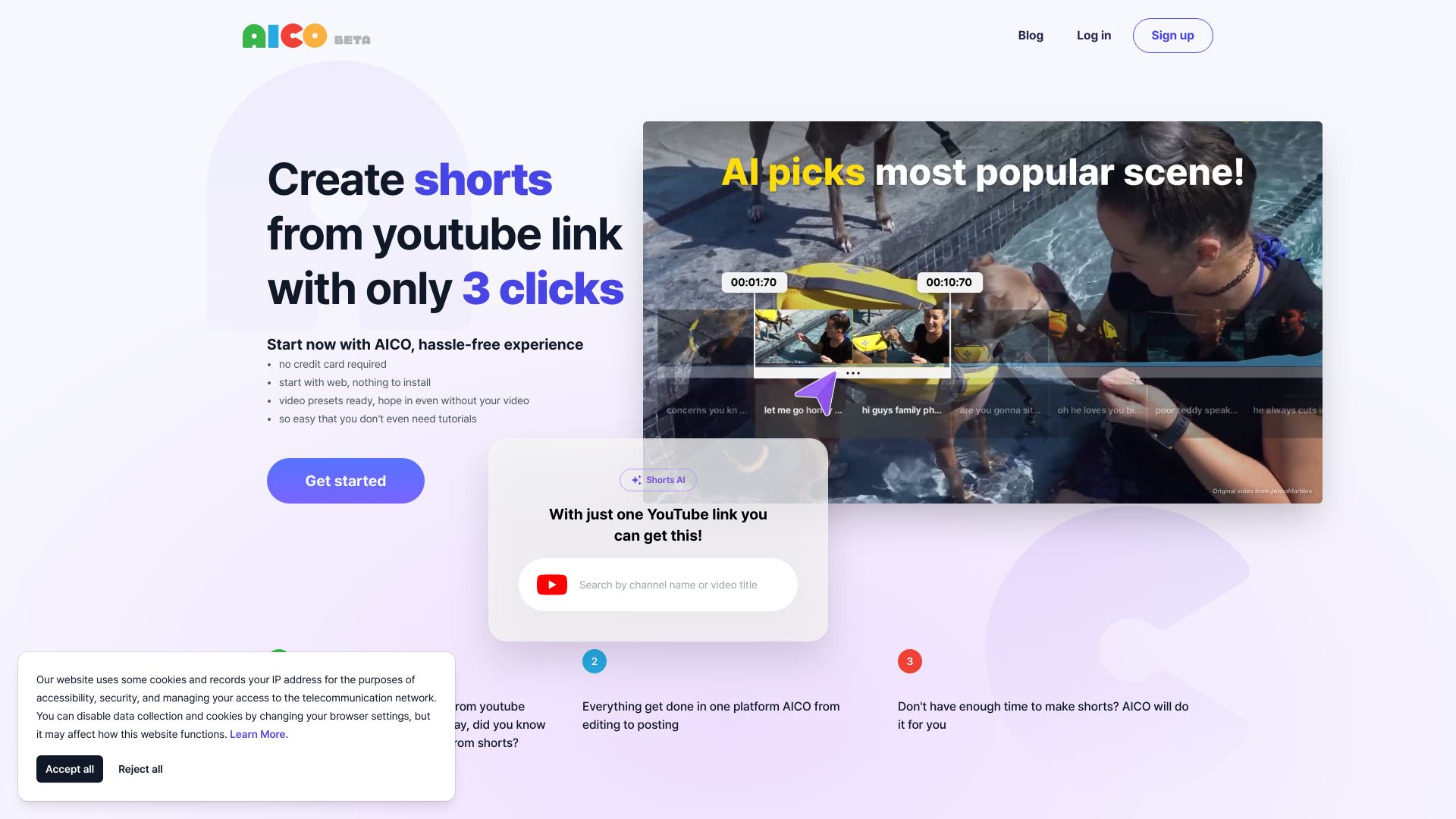
- YouTube video-to-Shorts editing
- Free trial available
- Starts at Check vendor pricing
- Monthly visits: 3,771 monthly visits

- AI short-form video creation
- Starts at Check vendor pricing
- Monthly visits: 161,570 monthly visits
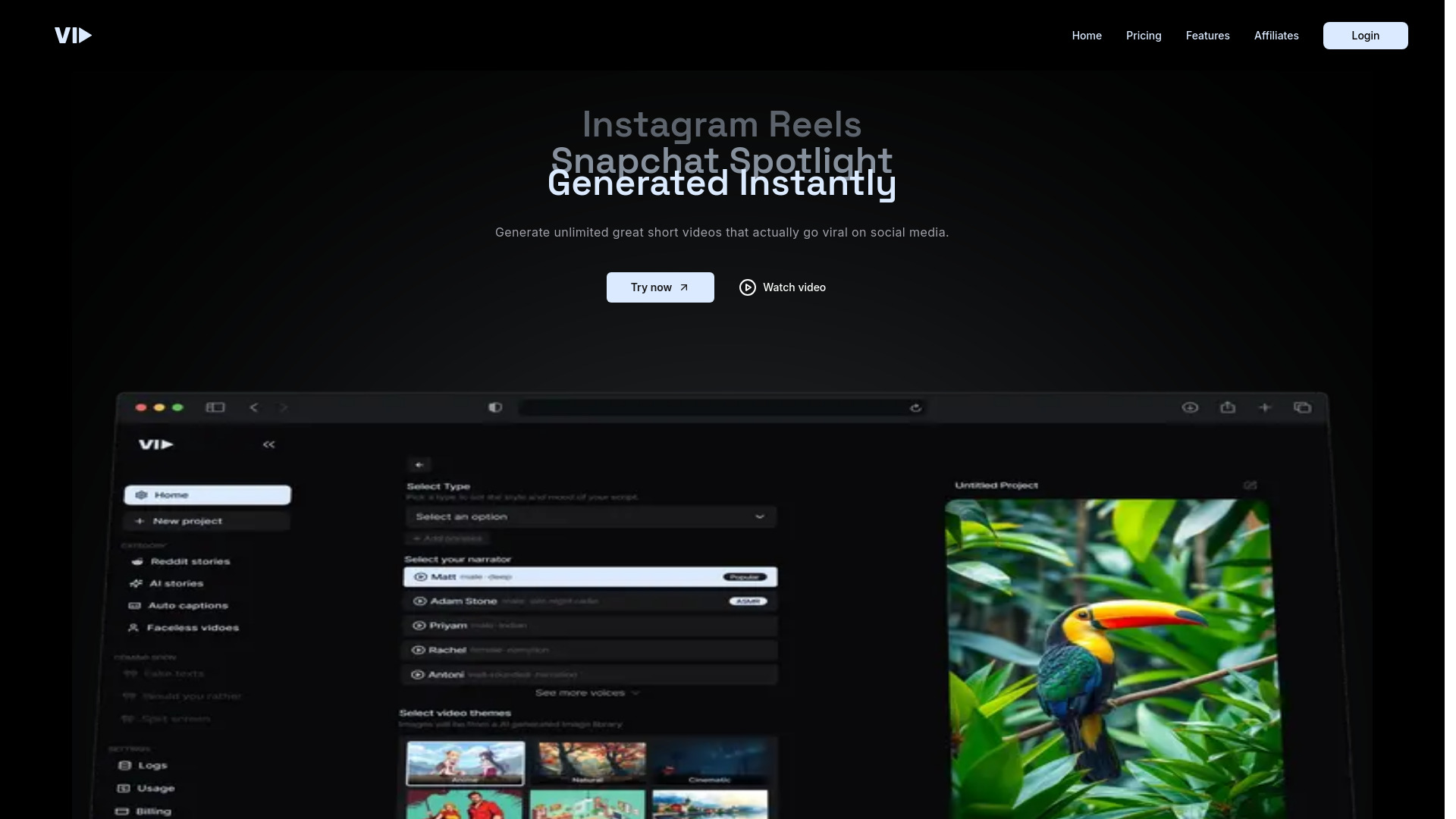

- Prompt-based video editing
- Starts at Check vendor pricing
- Monthly visits: 81,079 monthly visits
- Beginner-friendly AI video editing
- 7-day free trial
- Starts at From NT$157/month
- Monthly visits: 73,127 monthly visits

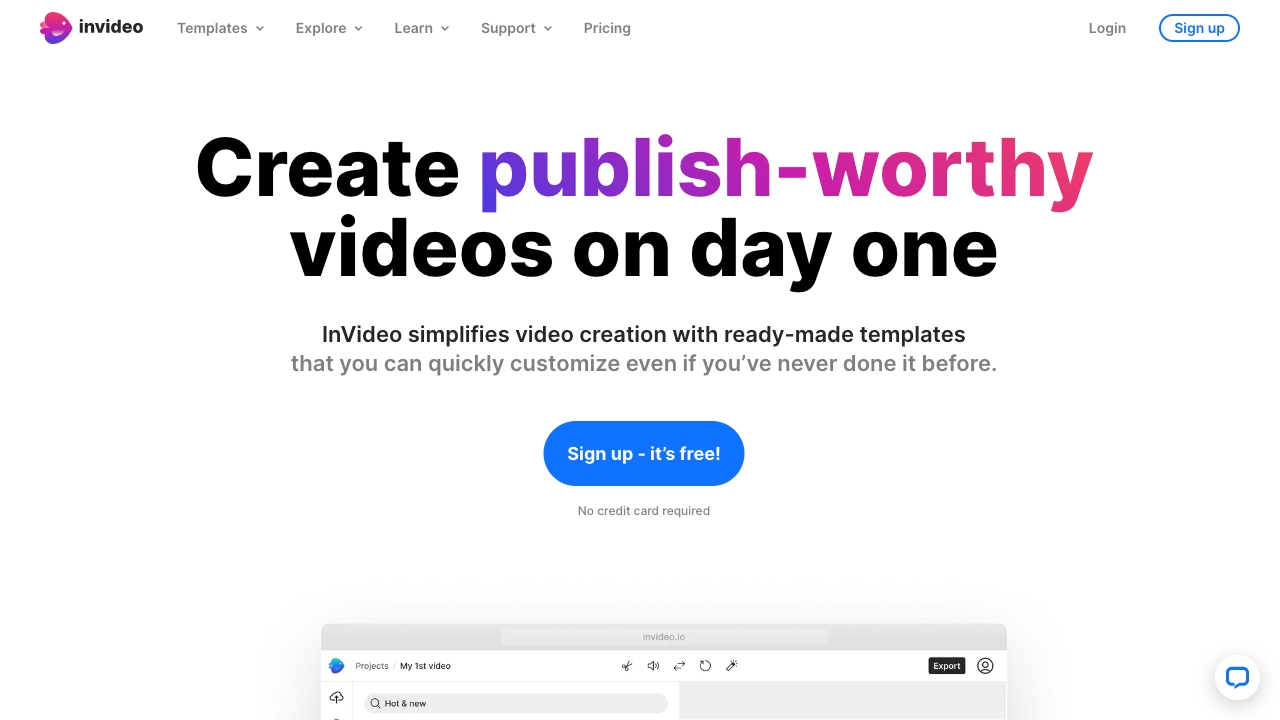
- Template-led video creation
- 10 minutes of AI generation/week
- Starts at $0/month
- Monthly visits: 7M monthly visits

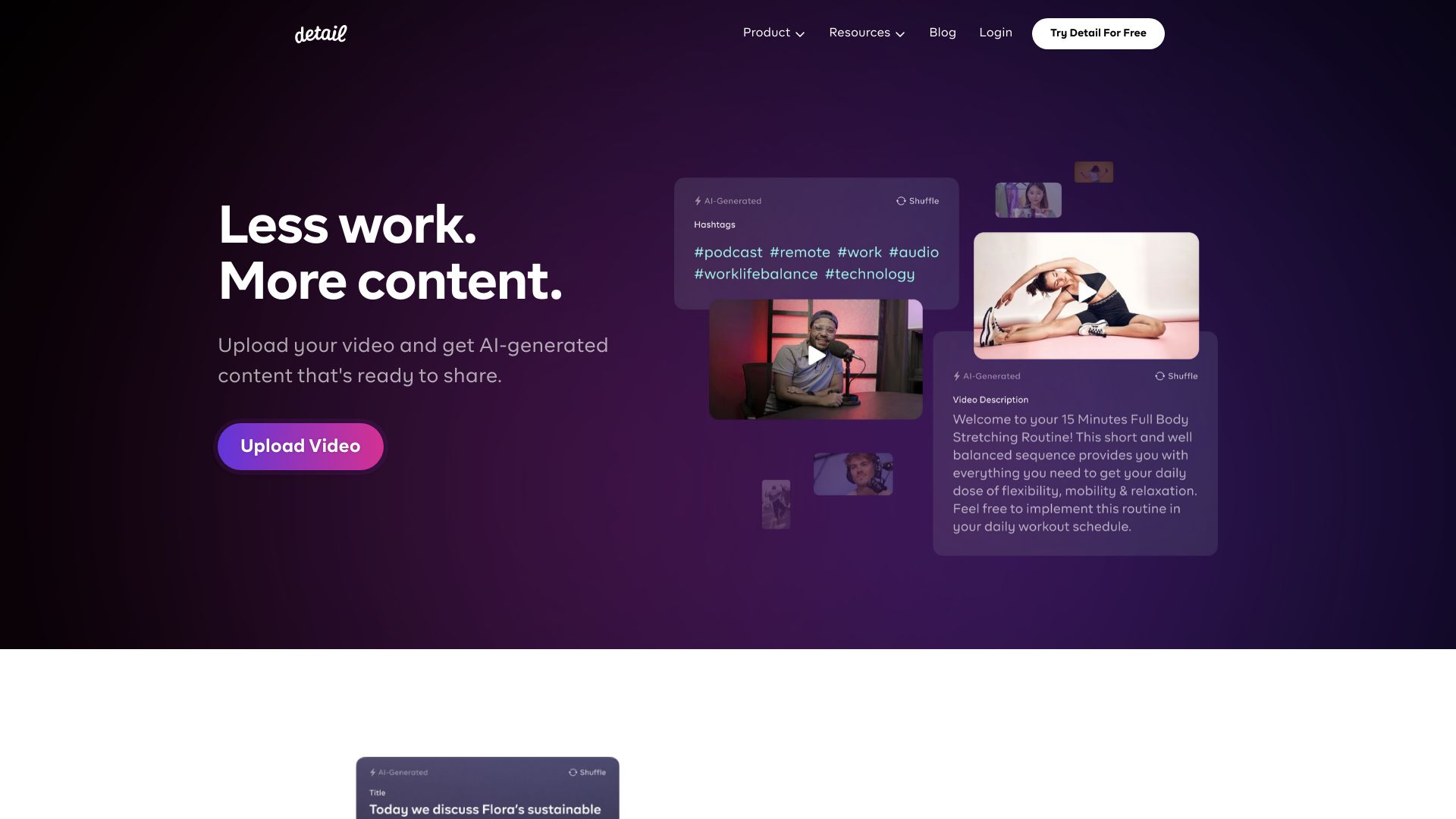
- AI podcast and reaction video editing
- Free plan available
- Starts at From €4.99/month
- Monthly visits: 52,488 monthly visits

- Creators automating social video editing
- 3 exports/month
- Starts at $9/month
- Monthly visits: 455 monthly visits
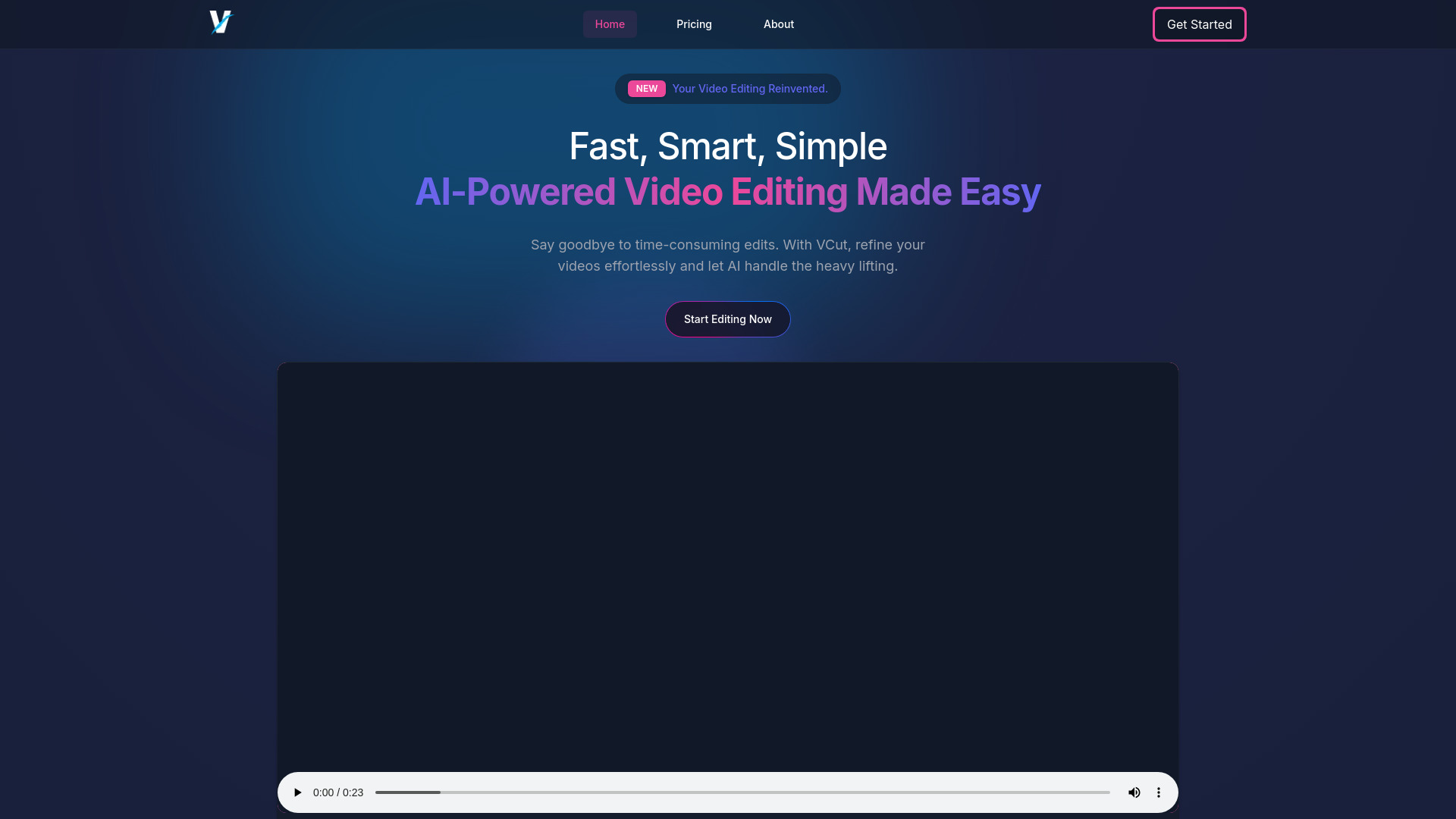

- AI video editing and subtitles
- Free plan available
- Starts at Check vendor pricing
- Monthly visits: 23,066 monthly visits
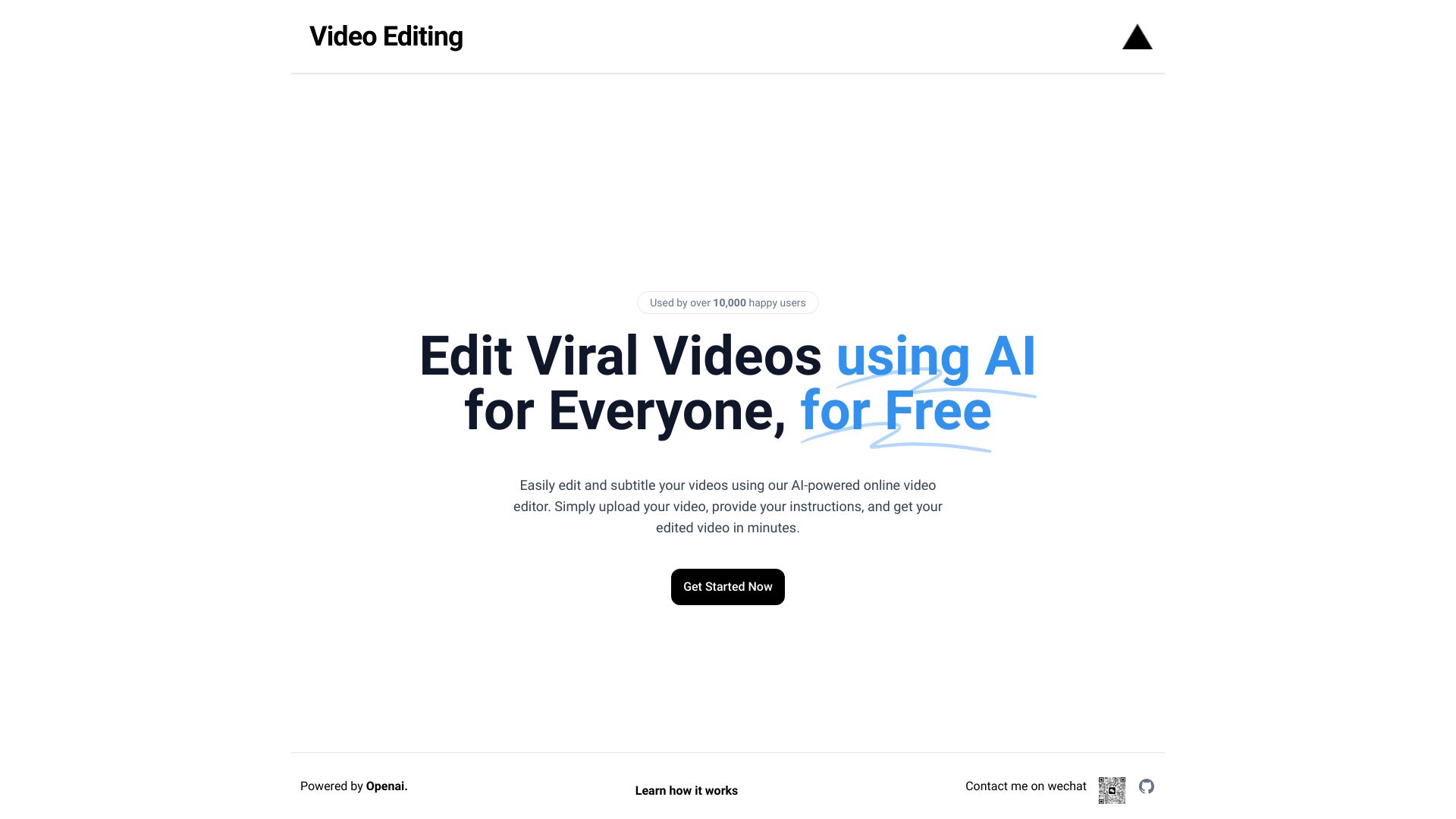

- AI photo object removal
- Free plan available
- Starts at Check vendor pricing
- Monthly visits: 1.4M monthly visits
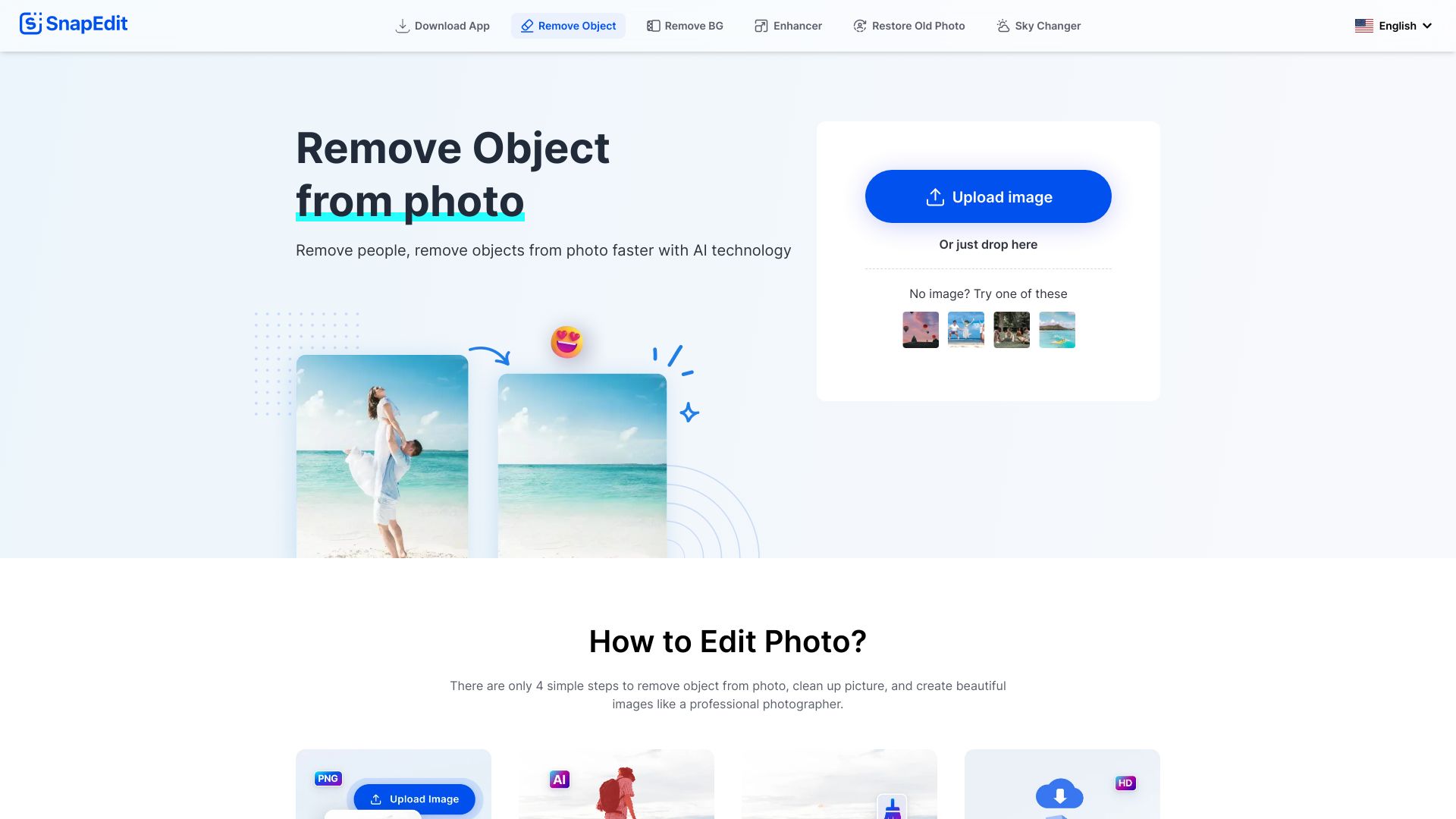

- Short-form video creators
- Free trial available
- Starts at From $6.93/month
- Monthly visits: 163 monthly visits
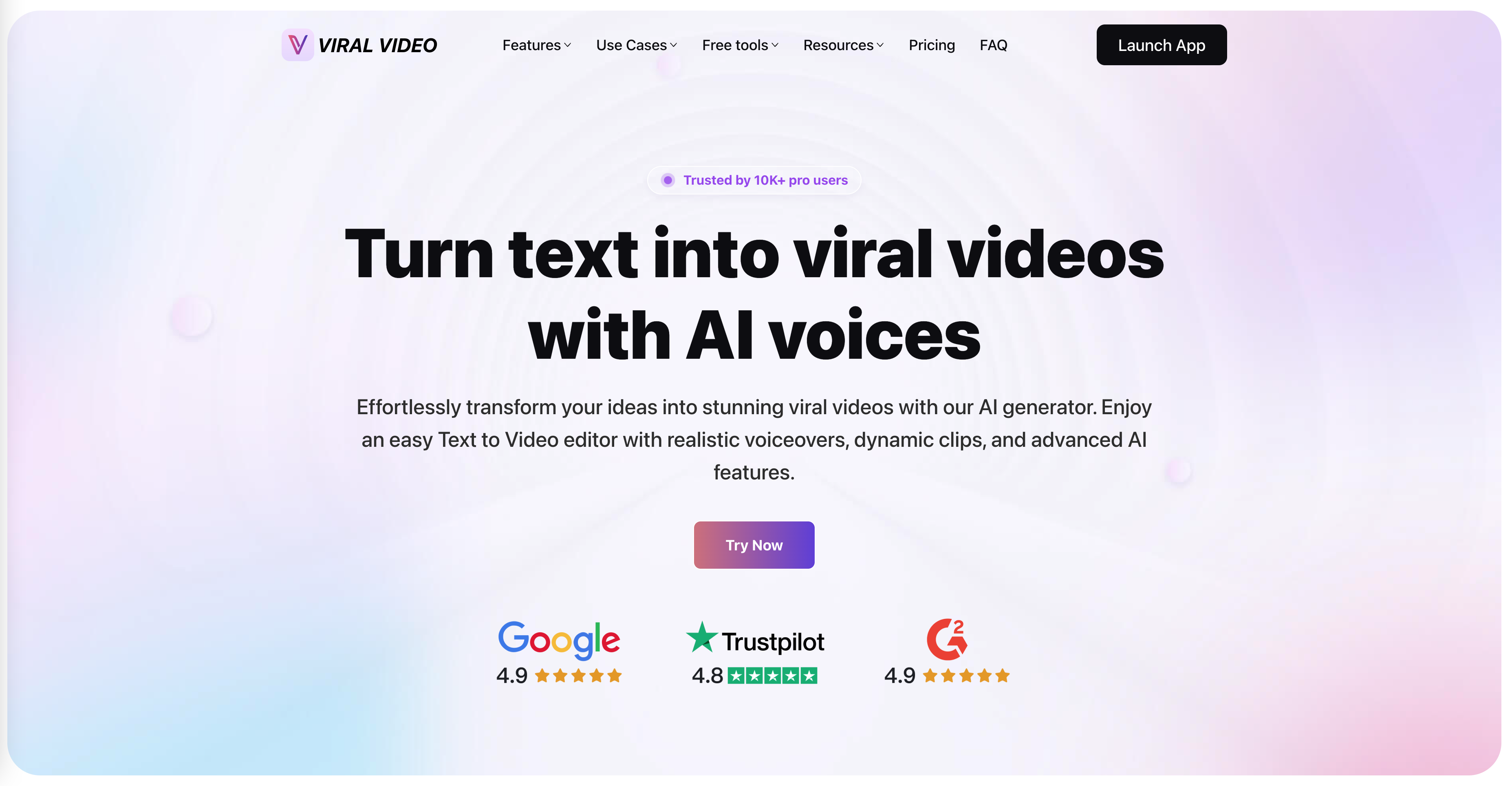

- Short-form video creators
- 50 free minutes (one-time)
- Starts at $9/month
- Monthly visits: 179,286 monthly visits

- AI product photo editing
- 7-day free trial
- Starts at Check vendor pricing
- Monthly visits: 784,507 monthly visits

- Developers building AI video apps
- Starts at Check vendor pricing
- Monthly visits: 7,194 monthly visits

- Enhancing and upscaling low-quality videos
- Free trial available
- Starts at Check vendor pricing
- Monthly visits: 1.1M monthly visits

- AI-powered vlog editing
- Starts at Check vendor pricing
- Monthly visits: 2,442 monthly visits

- AI video editing and repurposing
- 3 free downloads/month
- Starts at From $18/month (annual)
- Monthly visits: 422,217 monthly visits

- Text-to-video and image animation
- Free trial available
- Starts at $7.99/month
- Monthly visits: 502,855 monthly visits

- All-in-one AI video production
- Starts at Check vendor pricing
- Monthly visits: 92,955 monthly visits

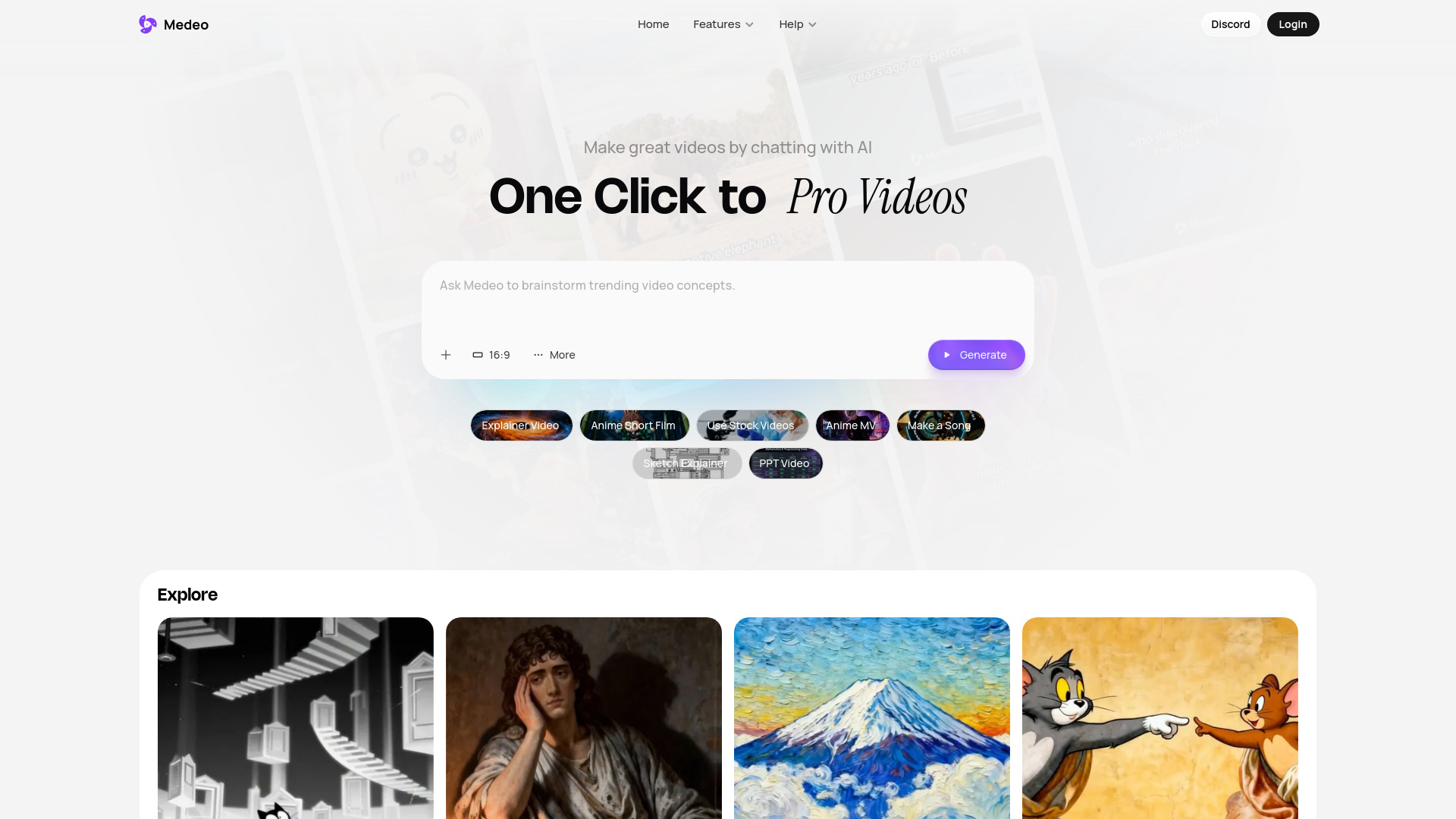
- Chat-based AI video creation
- Starts at Check vendor pricing
- Monthly visits: 313,719 monthly visits

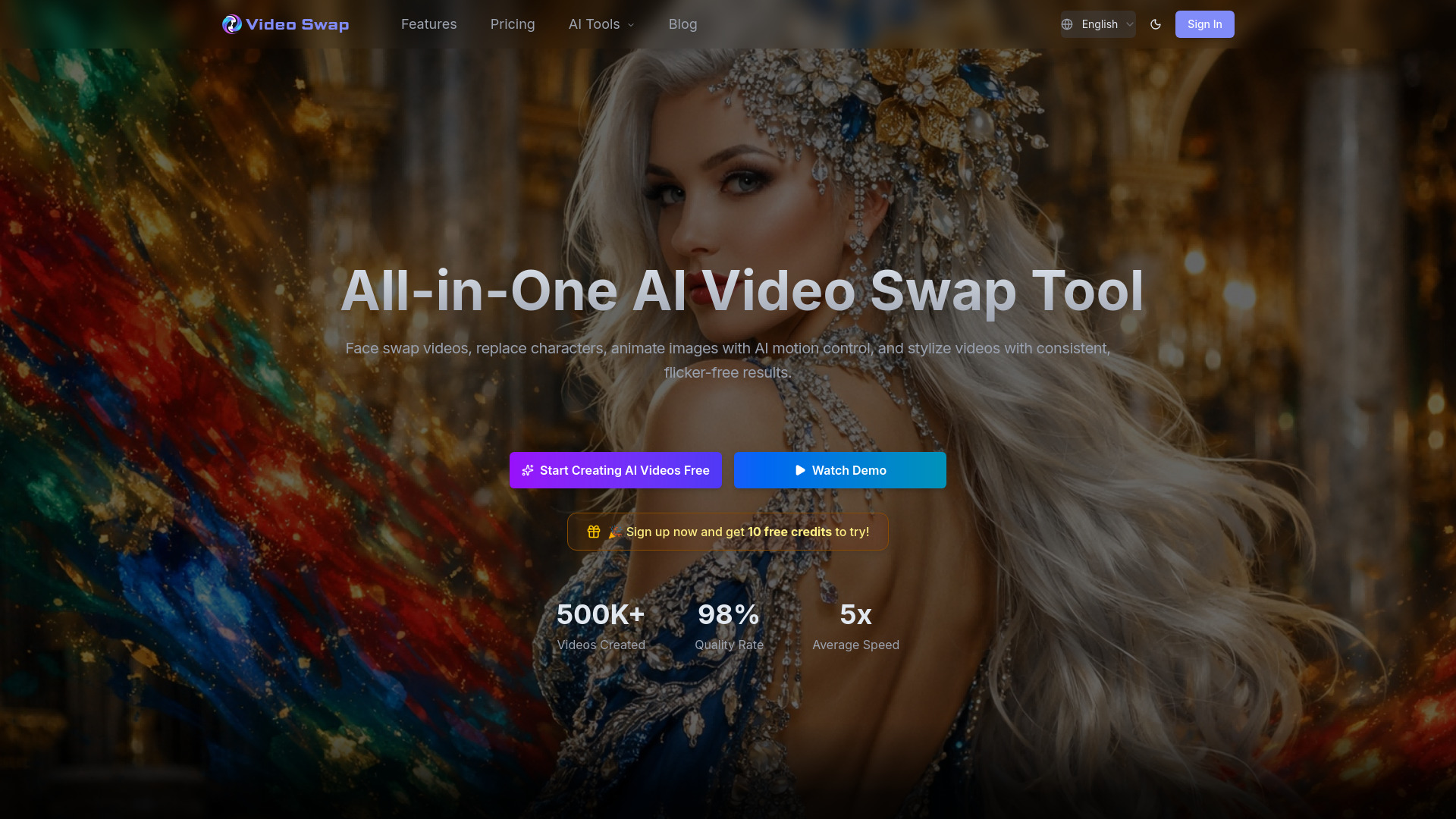
- Face swaps and character replacement
- 10 free credits
- Starts at From $21.90/month
- Monthly visits: 3,427 monthly visits

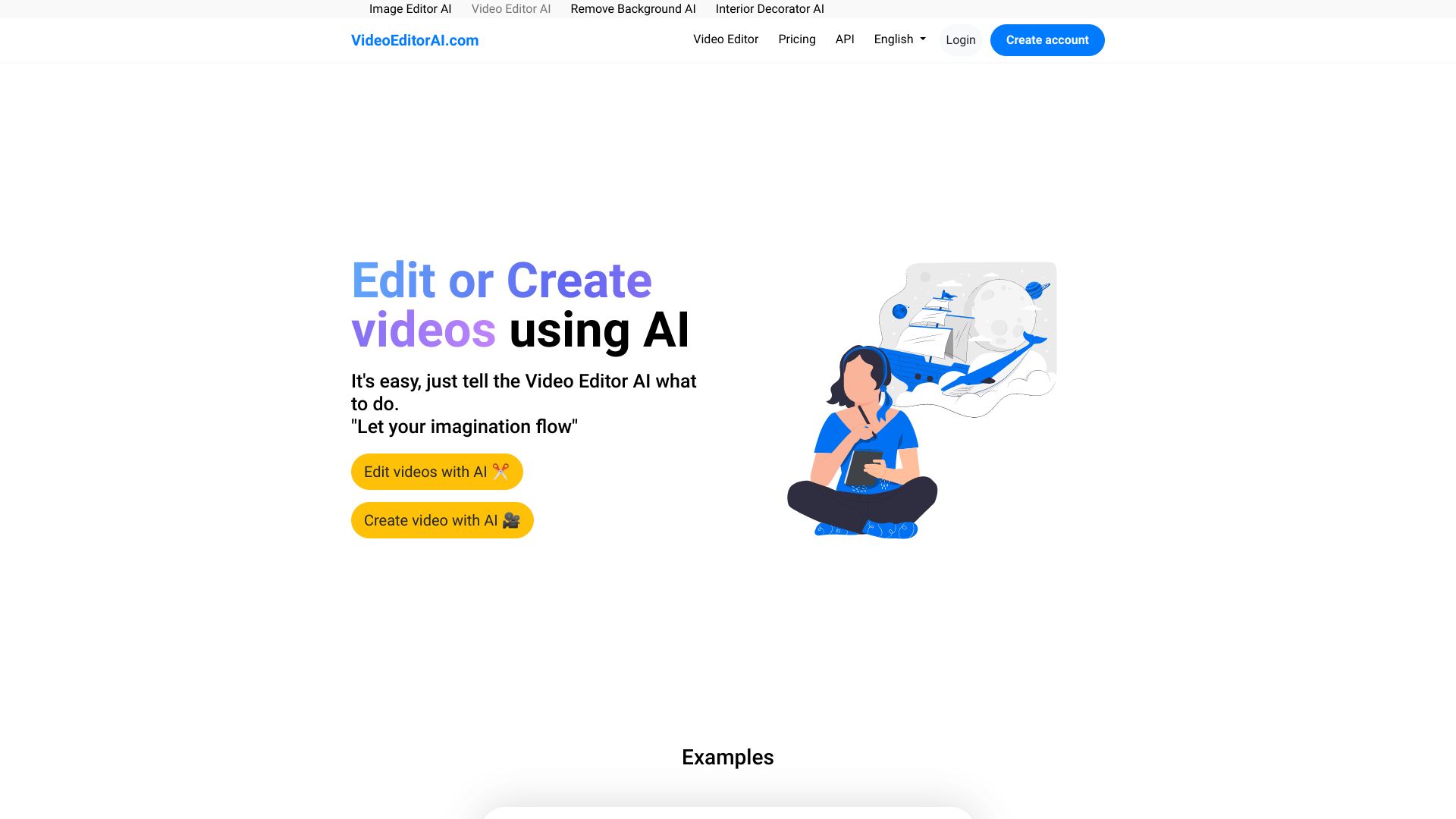
- AI-assisted video editing and creation
- Starts at US$9/user/month annually
- Monthly visits: 504 monthly visits

- AI anime photo and video editing
- Free plan available
- Starts at Check vendor pricing
- Monthly visits: 2,461 monthly visits
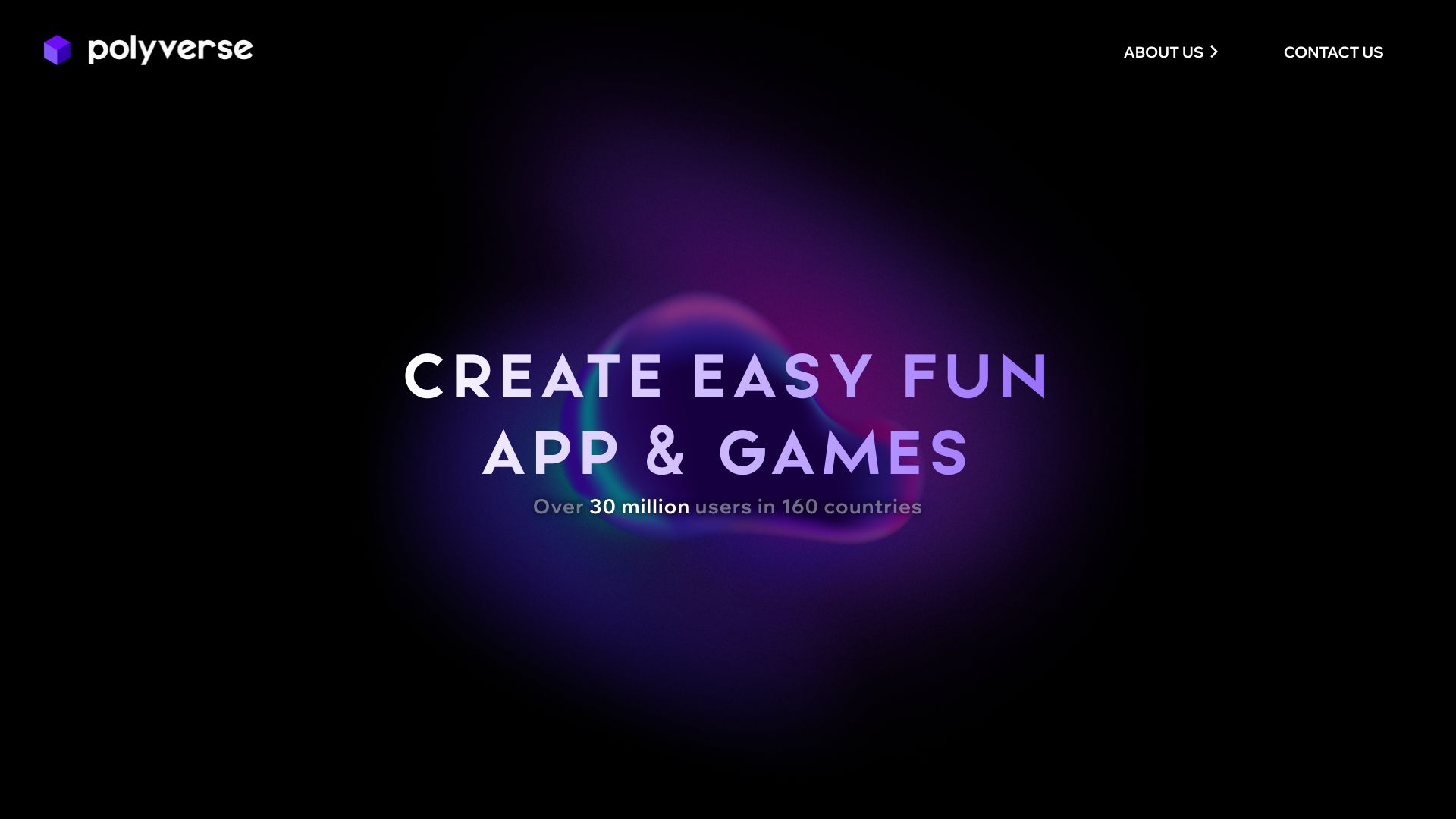

- AI-assisted video and image creation
- Free plan available
- Starts at From $19
- Monthly visits: 1,932 monthly visits

- AI video and image generation
- 20 free generation credits/month
- Starts at $7.99/month
- Monthly visits: 111,592 monthly visits


- AI video enhancement and upscaling
- Free plan available
- Starts at $39.95/month
- Monthly visits: 148,365 monthly visits

- AI image-to-video creation
- 1 free credit
- Starts at Check vendor pricing
- Monthly visits: 780 monthly visits

- AI video generation with native audio
- 50 credits on $2.9 trial
- Starts at $2.9 trial plan
- Monthly visits: 84,794 monthly visits

- AI video editing and motion design
- Free plan available
- Starts at Check vendor pricing
- Monthly visits: 1,272 monthly visits

- AI photo editing and creative effects
- 7-day free trial
- Starts at Check vendor pricing
- Monthly visits: 105,932 monthly visits

- Creators making cinematic Veo 3 videos
- Starts at $2.99 for 3 videos
- Monthly visits: 80,706 monthly visits

- Creators seeking advanced video effects
- Free plan available
- Starts at $7.99/week

- AI video ads and avatar content
- Free plan available
- Starts at Check vendor pricing
- Monthly visits: 53,666 monthly visits
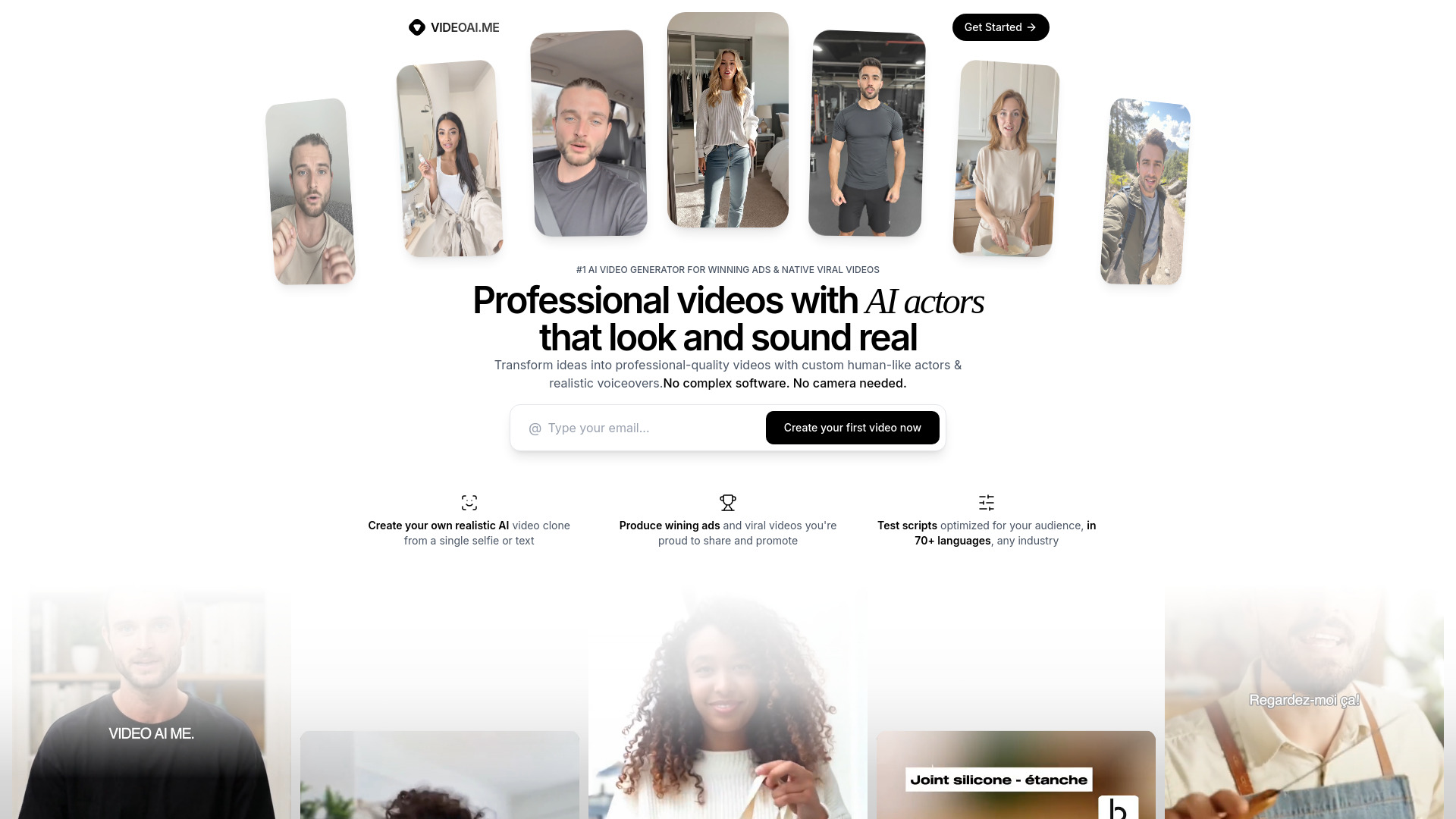

- AI video workflows for creators and businesses
- Free plan available
- Starts at Check vendor pricing
- Monthly visits: 25,654 monthly visits
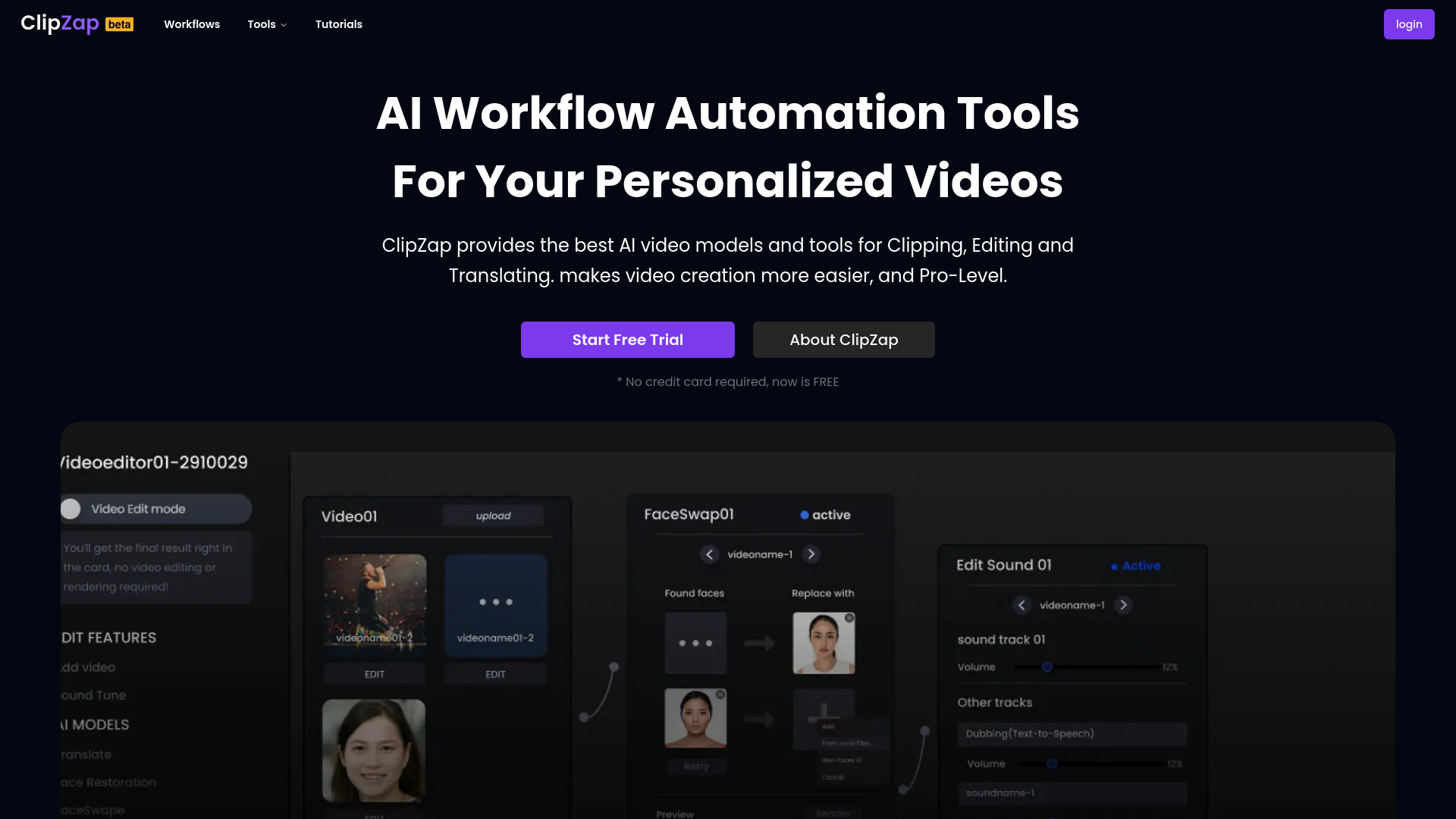
- Mobile photo and video editing
- Free plan available
- Starts at Check vendor pricing
- Monthly visits: 61 monthly visits
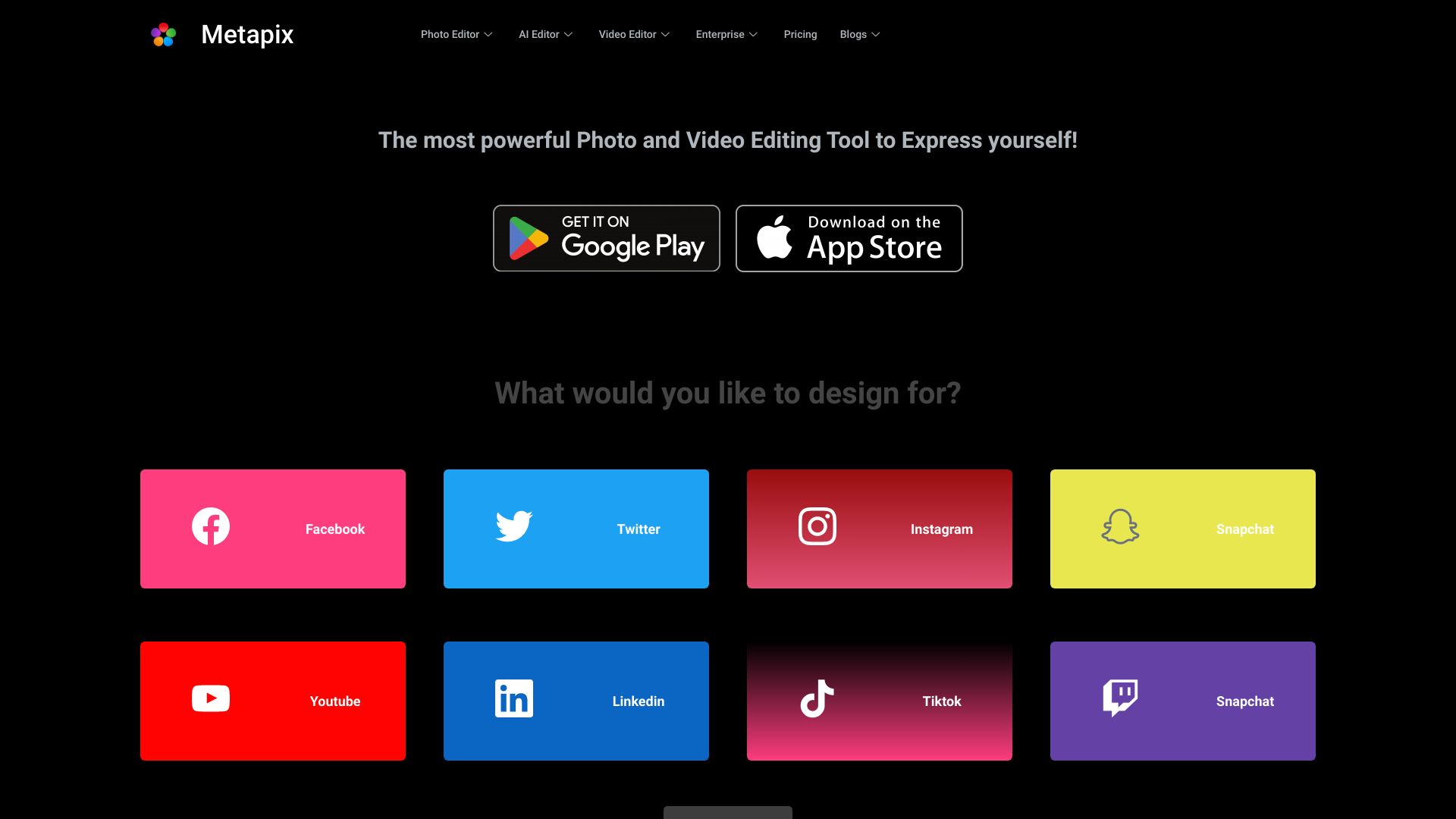

- Cinematic image-to-video creation
- Free plan available
- Starts at $15/month
- Monthly visits: 20,779 monthly visits
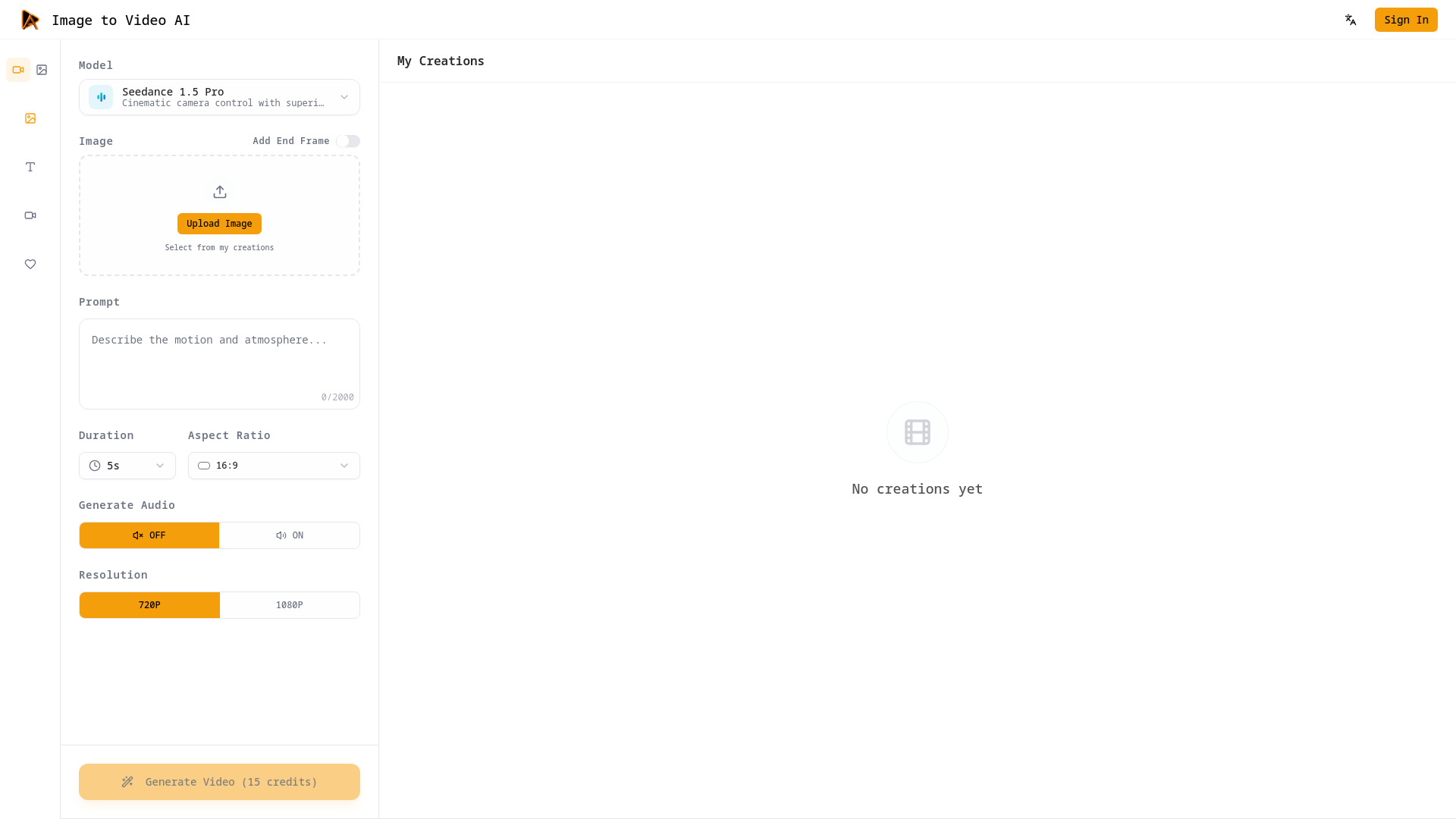
- Text-prompt video editing
- Free plan available
- Starts at From $20.90/month
- Monthly visits: 413 monthly visits

- Marketers and storytellers
- Free plan available
- Starts at $19.90/month
- Monthly visits: 331 monthly visits

- Photo-to-video creators
- 20 free credits
- Starts at $16.58/month
- Monthly visits: 3,352 monthly visits
- AI-powered browser video editing
- Free plan available
- Starts at Check vendor pricing

- Free AI face-swap videos
- Unlimited face swaps, max 10s
- Starts at $97 one-time
- Monthly visits: 295 monthly visits
- Marketers creating social videos
- 5 free video minutes/month
- Starts at $0/month

- Agent-powered video editing workflows
- Starts at Check vendor pricing

- AI shorts with animated captions
- 3 free uploads
- Starts at $8/mo

- Creators resizing and compressing videos
- Free plan available
- Starts at From $5.00
- Monthly visits: 376 monthly visits
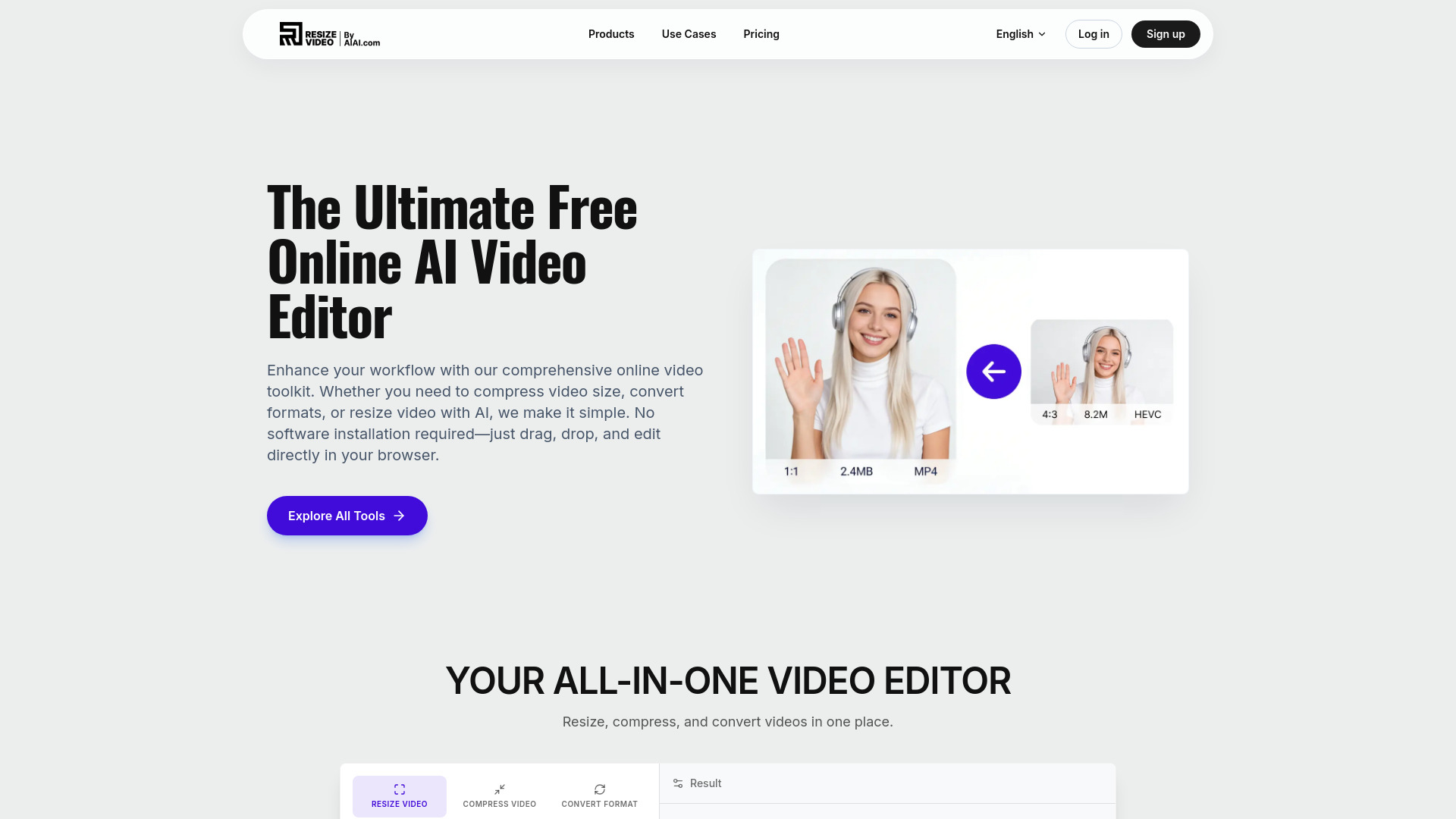

- Premiere Pro and DaVinci Resolve editors
- 14-day free trial
- Starts at $6.6/month
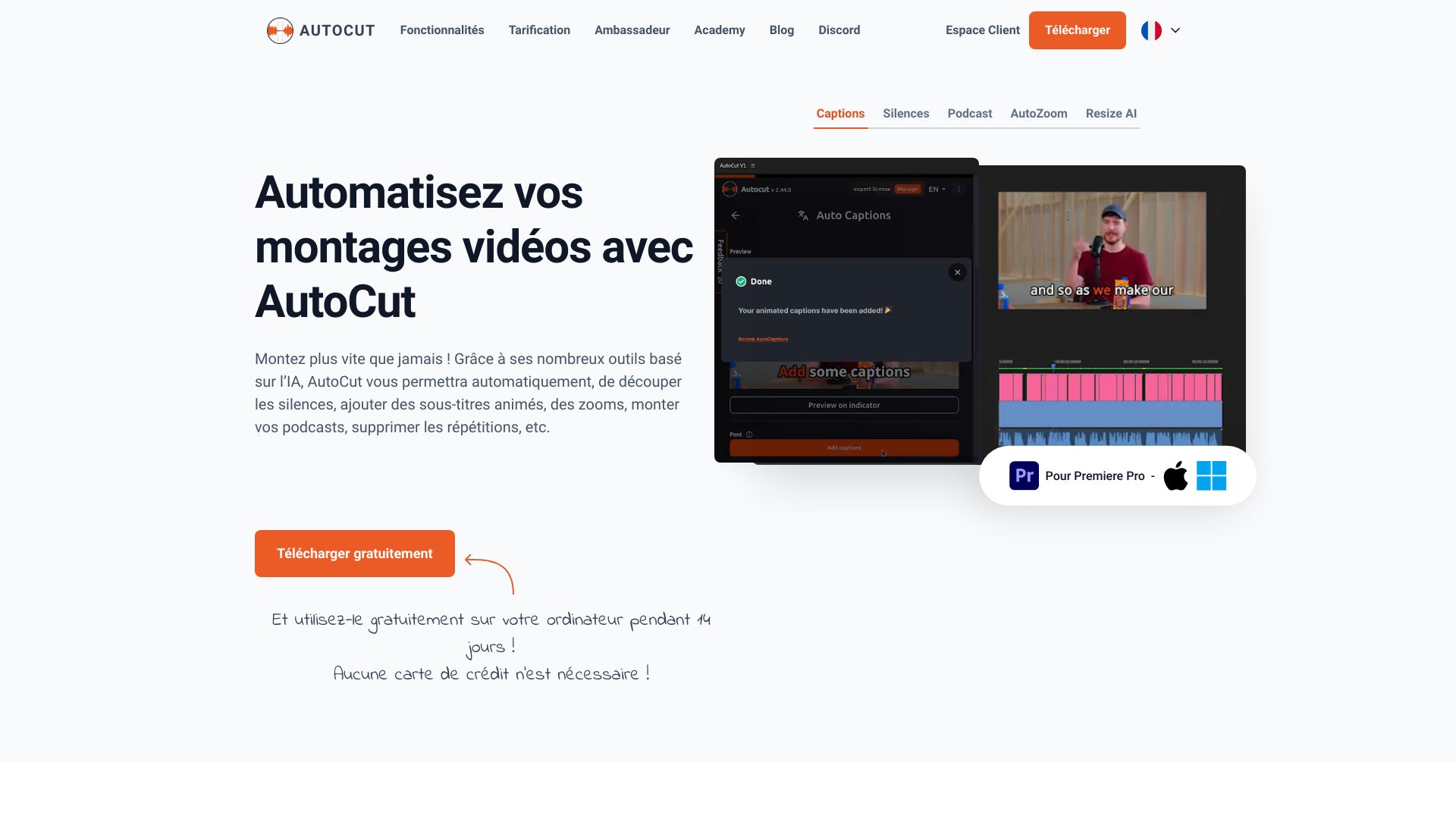

- Multimodel video creators
- 300 credits forever
- Starts at $15/mo
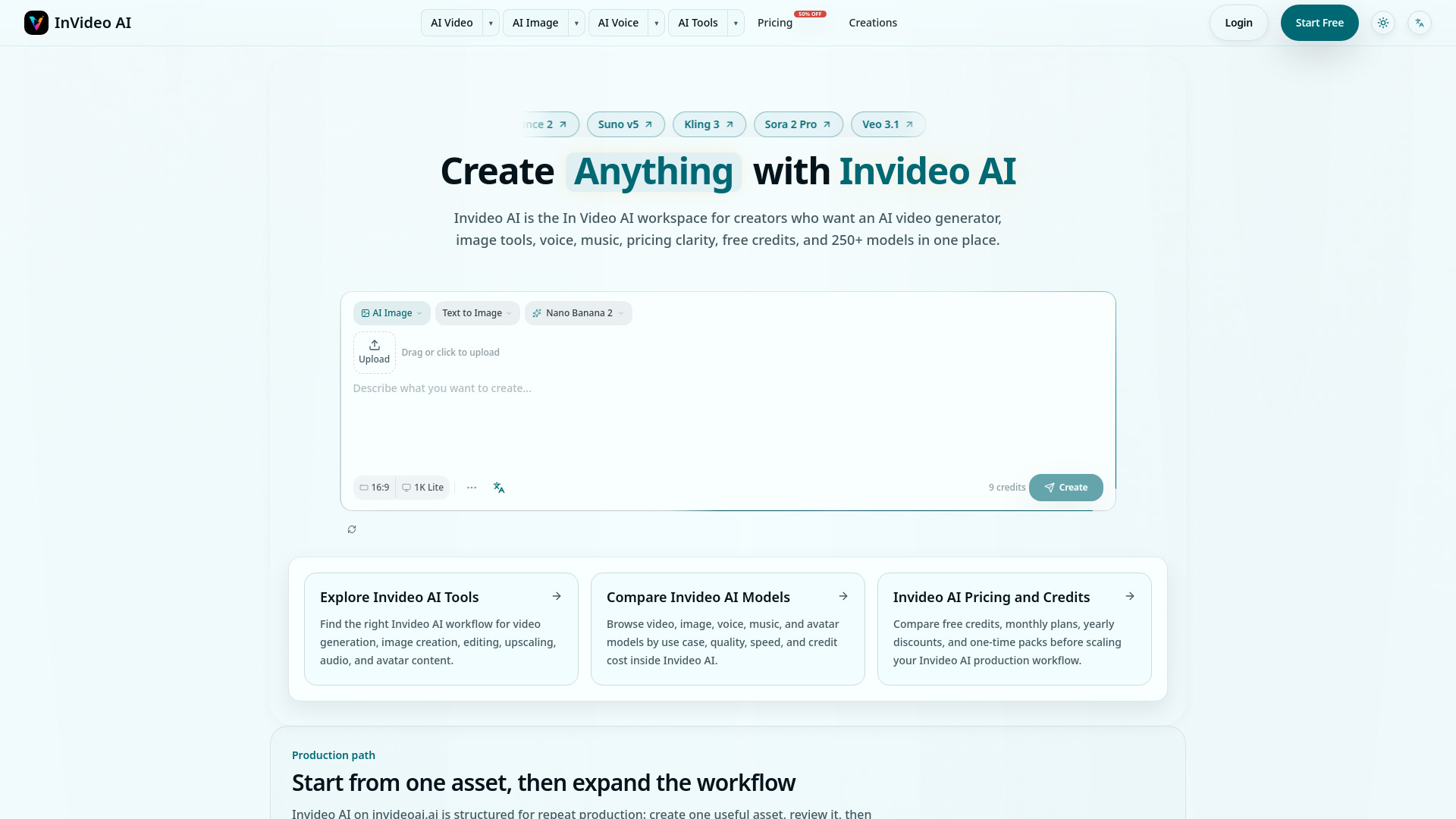

- Creators repurposing long videos
- Starts at $125
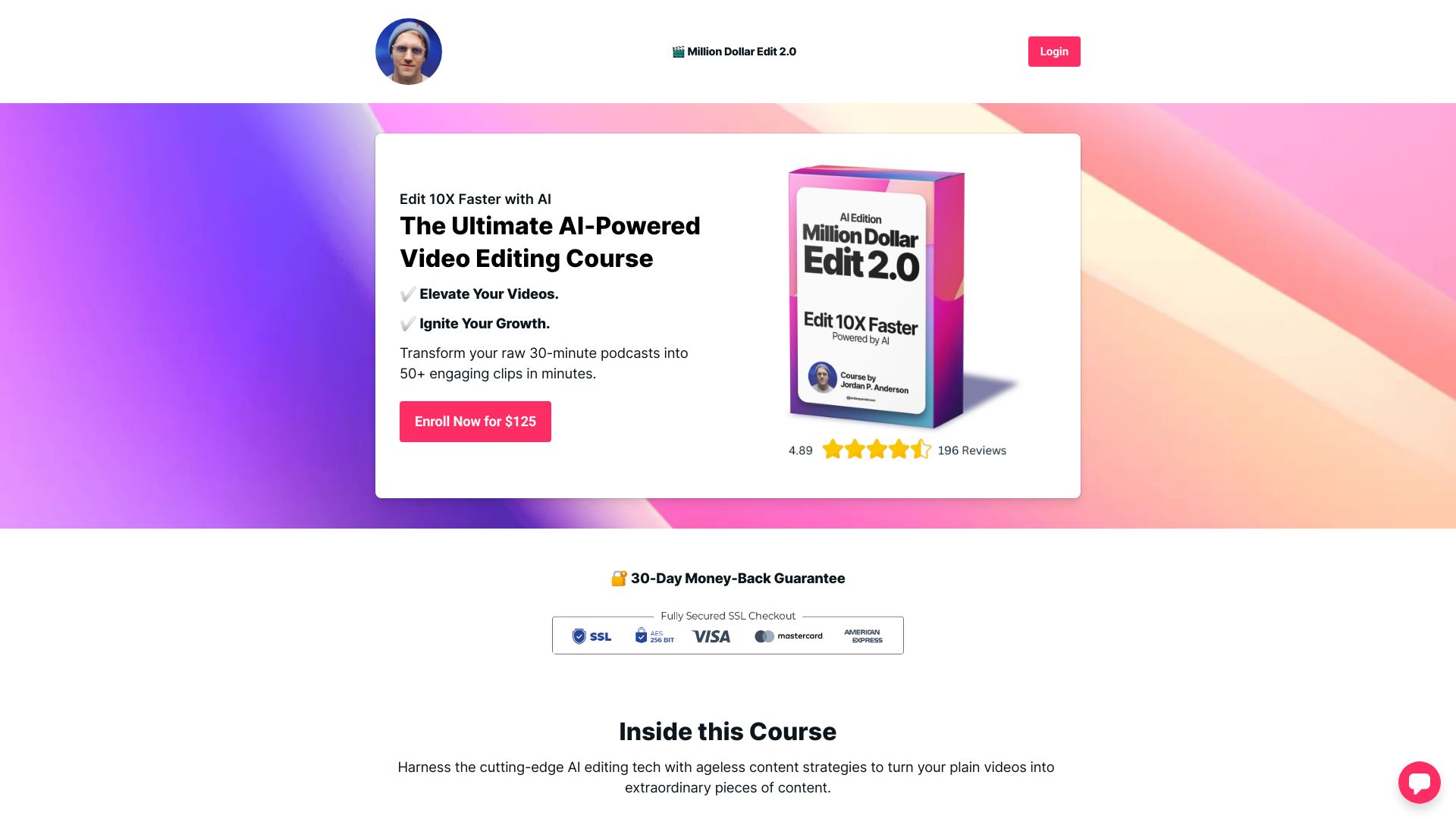

- Photo-to-video creation
- Starts at Check vendor pricing
- Monthly visits: 9,062 monthly visits

- Creators making AI videos
- 50 credits/month
- Starts at $20/month
- Monthly visits: 1,760 monthly visits

- Animating photos into short videos
- 30 free credits
- Starts at From $4.90
- Monthly visits: 5,516 monthly visits

- Text-to-video and image-to-video creators
- Free plan available
- Starts at Check vendor pricing
- Monthly visits: 2,679 monthly visits

- AI video art and avatars
- Starts at Check vendor pricing
- Monthly visits: 2,127 monthly visits
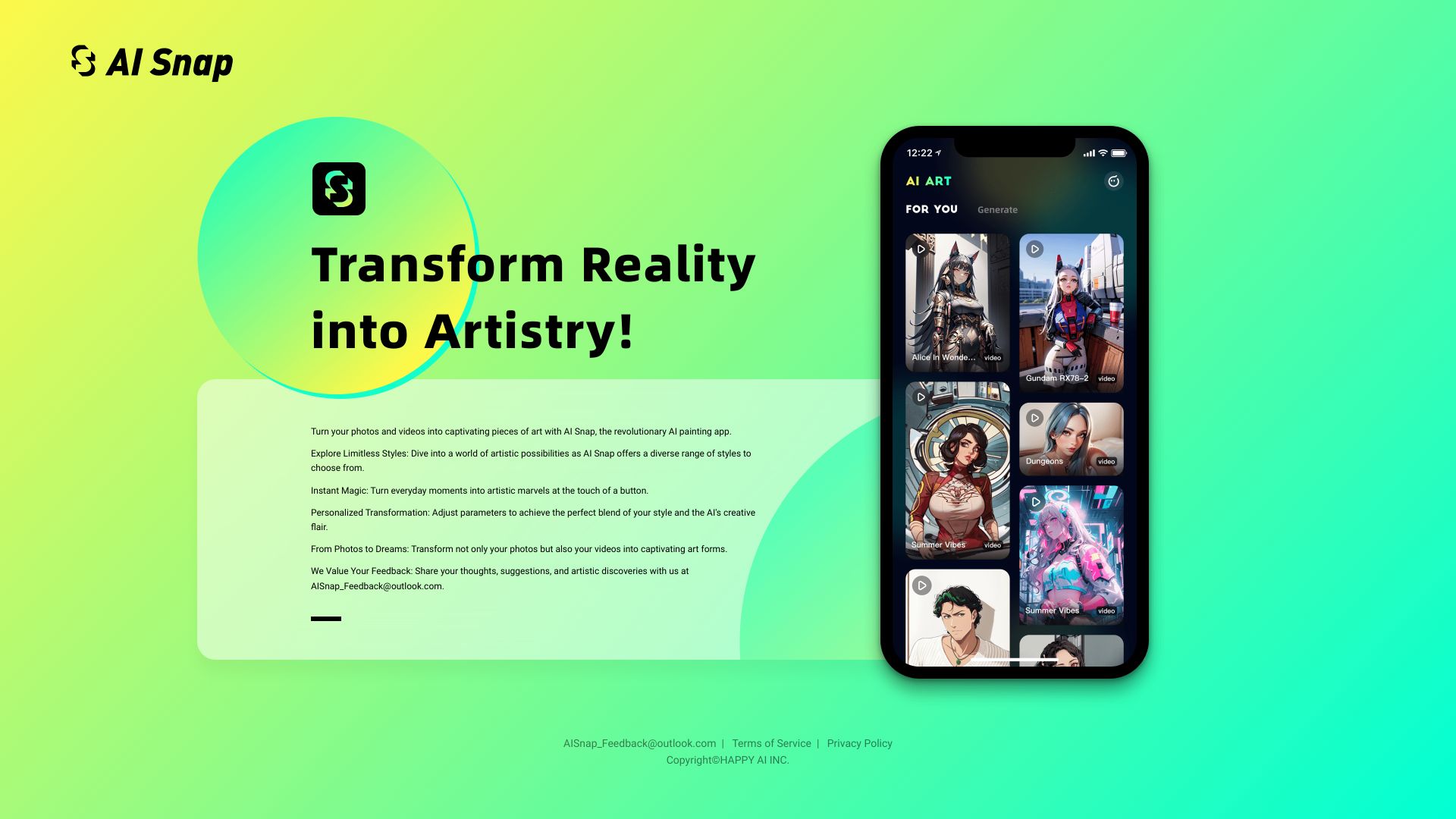

- AI video and image generation
- Starts at From $29/month
- Monthly visits: 927 monthly visits
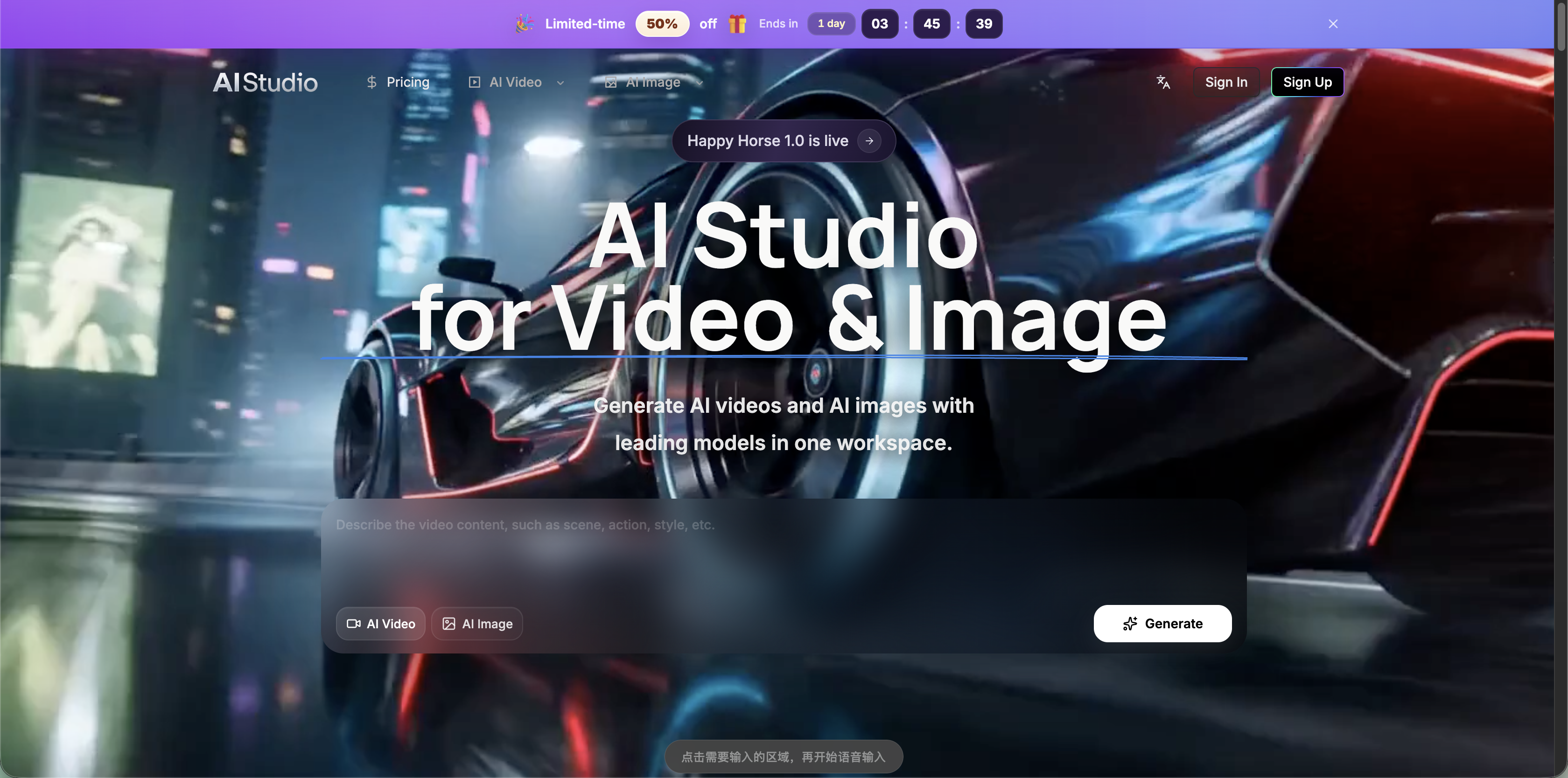

- AI-powered short-form video editing
- Free trial available
- Starts at Check vendor pricing
- Monthly visits: 2,763 monthly visits
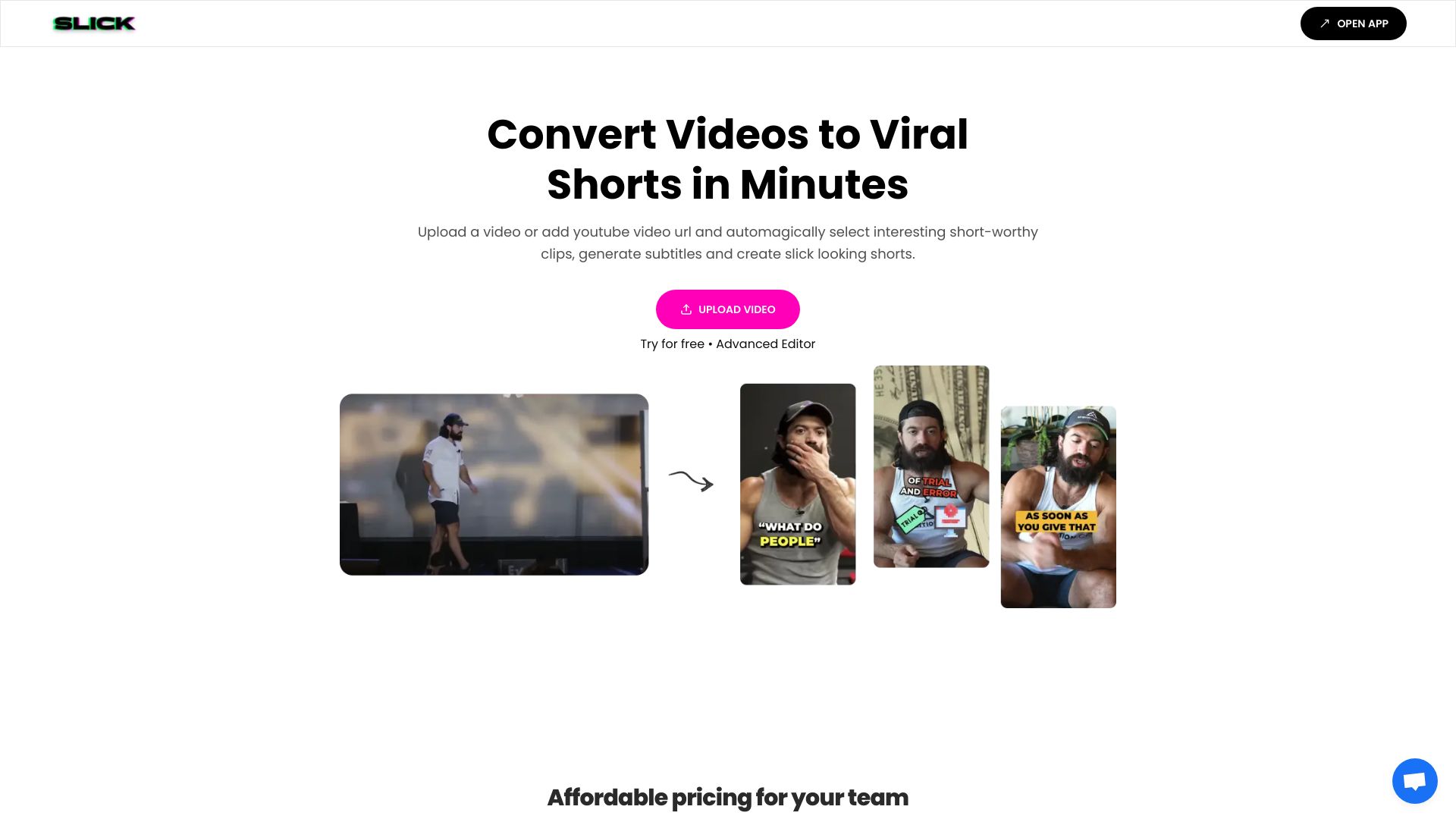

- Product marketing videos
- Starts at €49/month
- Monthly visits: 725 monthly visits
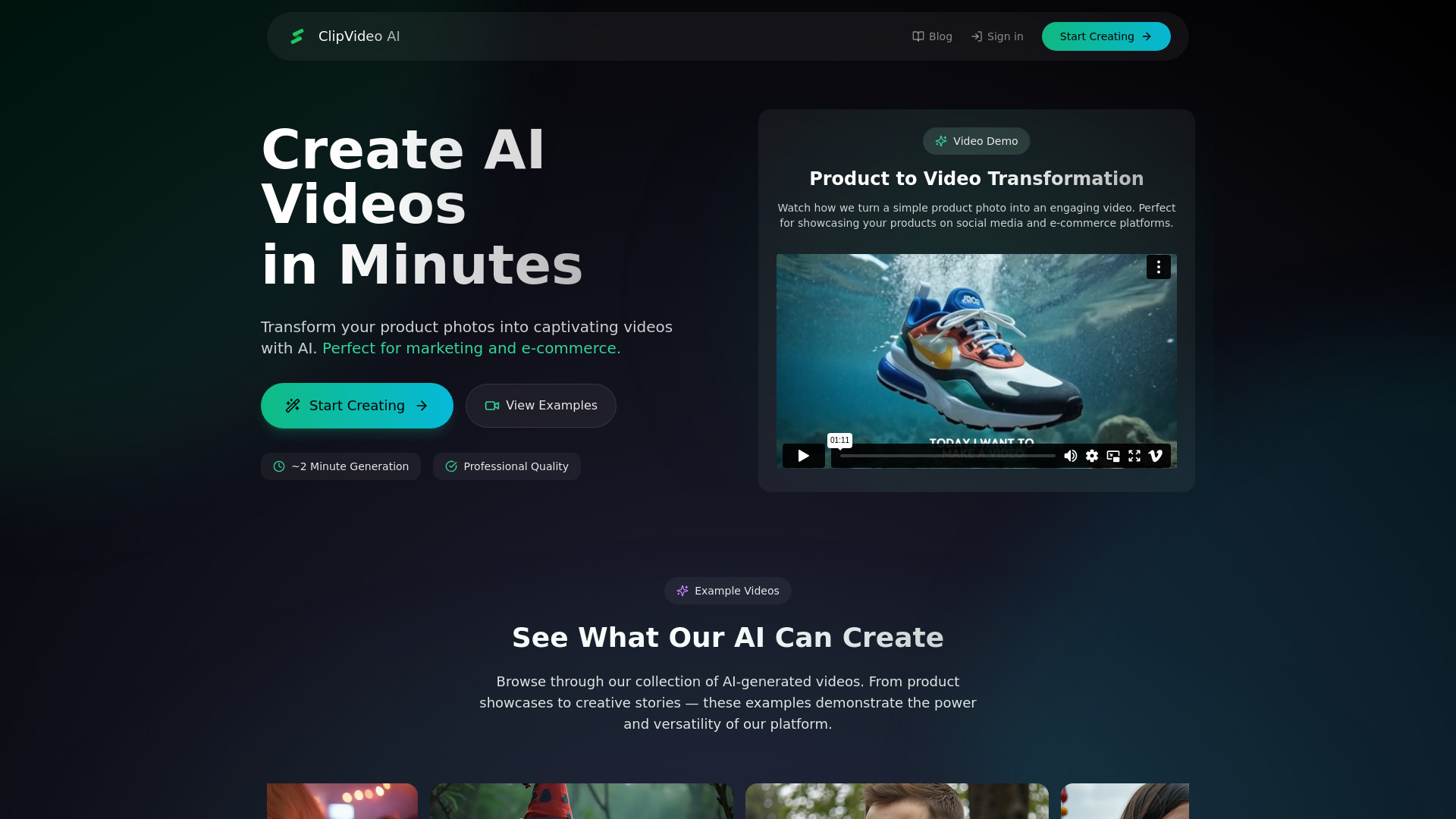

- Prompt-based photo editing
- 20 free credits every 24 hours
- Starts at From $9.90 one-time
- Monthly visits: 1,724 monthly visits
- Prompt-driven editing of real footage
- Starts at Check vendor pricing
- Monthly visits: 1,953 monthly visits

- Creators animating still images
- 5 free credits
- Starts at $7.99/month
- Monthly visits: 1,259 monthly visits

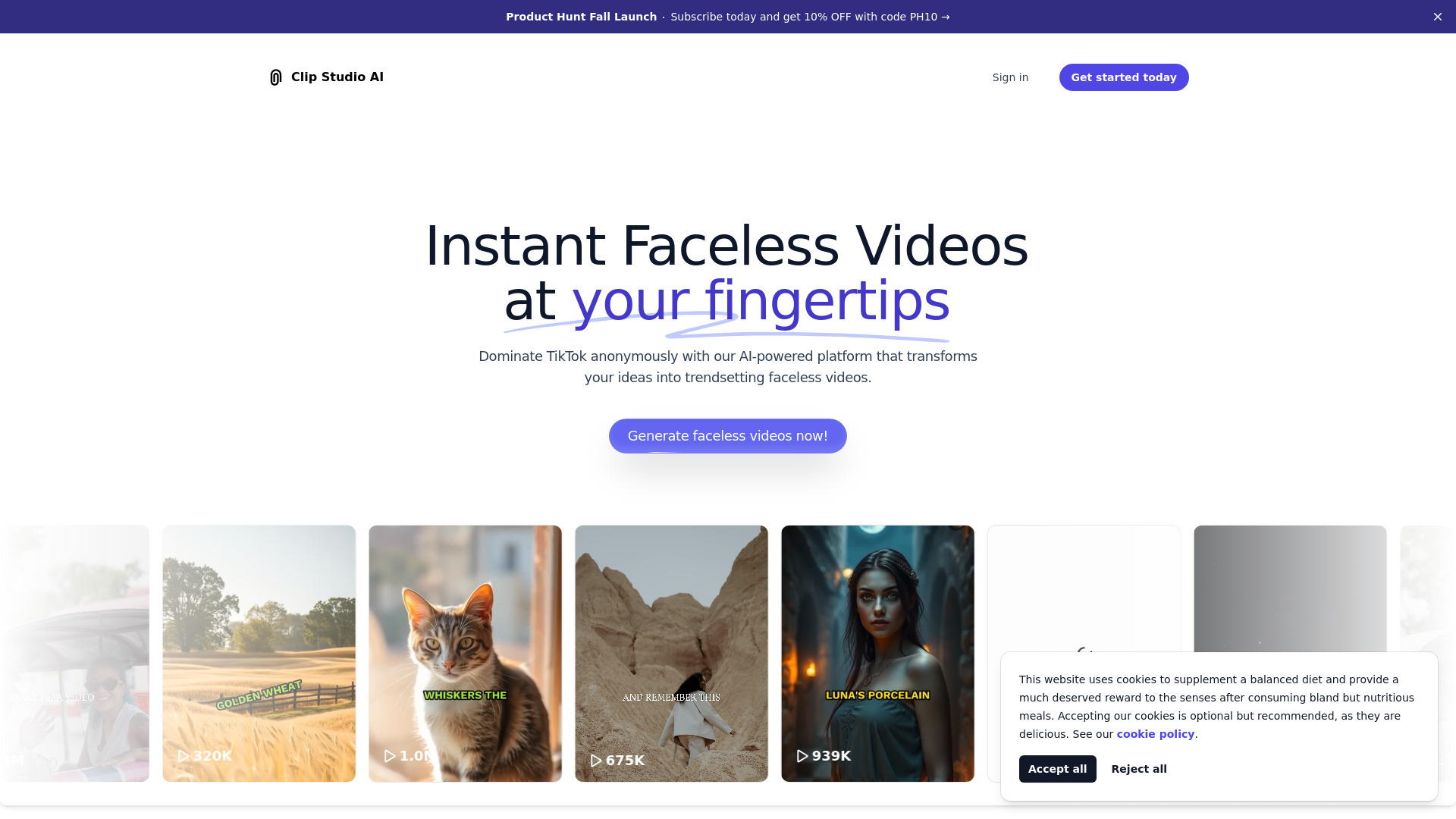
- Faceless social video creators
- Starts at $9/month
- Monthly visits: 1,232 monthly visits

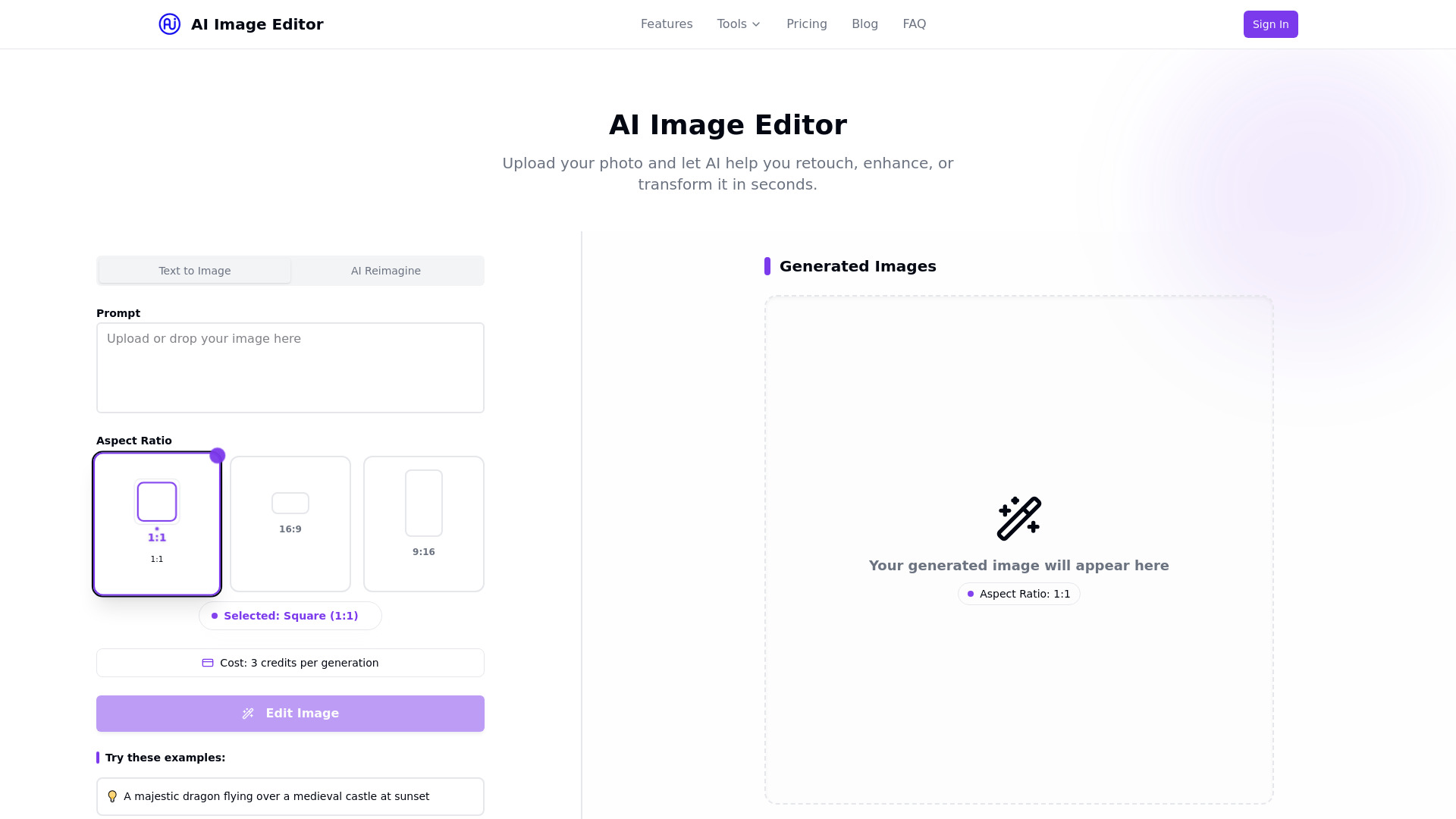
- Photo enhancement and AI image editing
- 5 free edits/month
- Starts at $19.99/month
- Monthly visits: 837 monthly visits

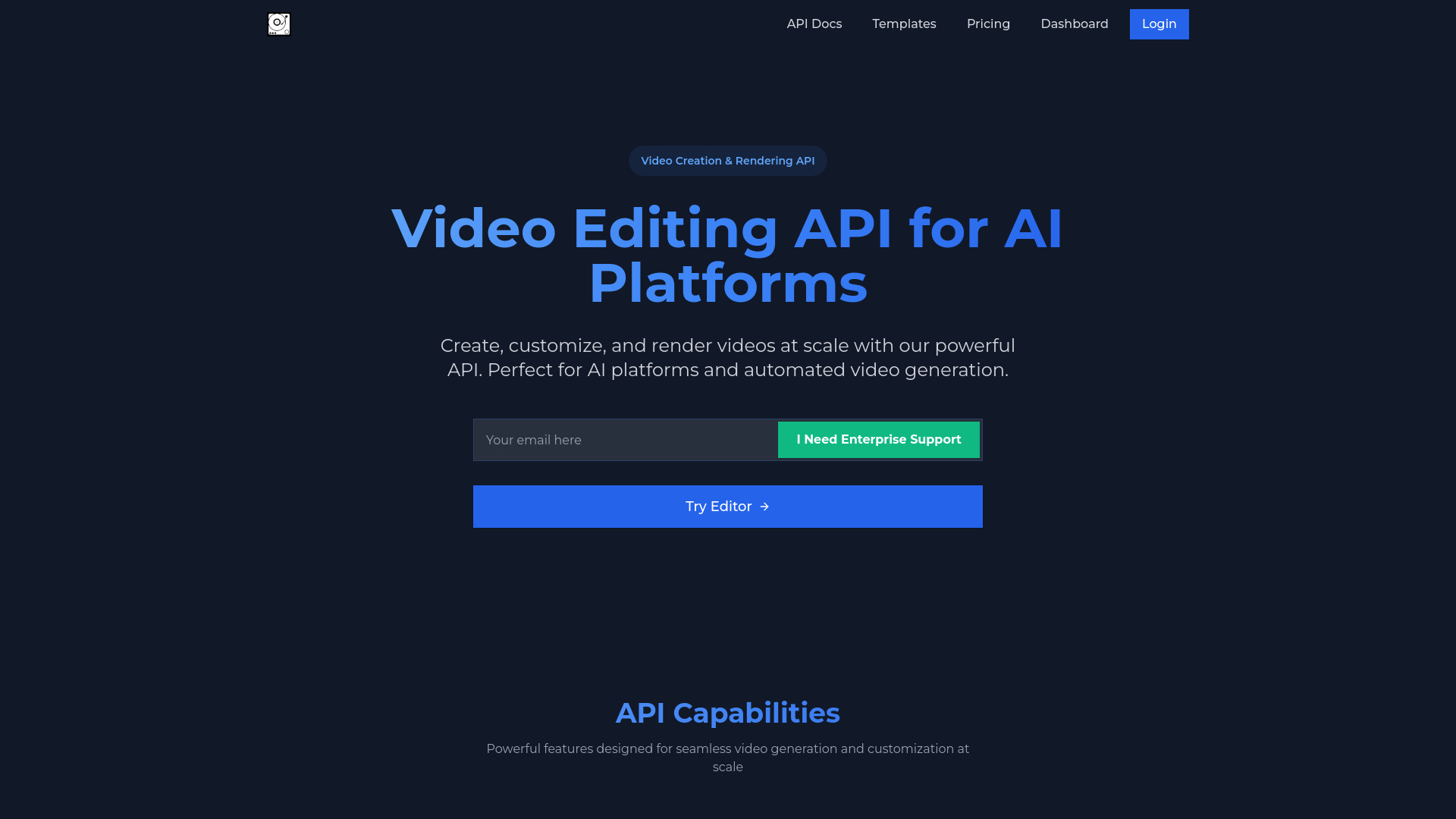
- AI video platforms and API workflows
- Free plan available
- Starts at Check vendor pricing

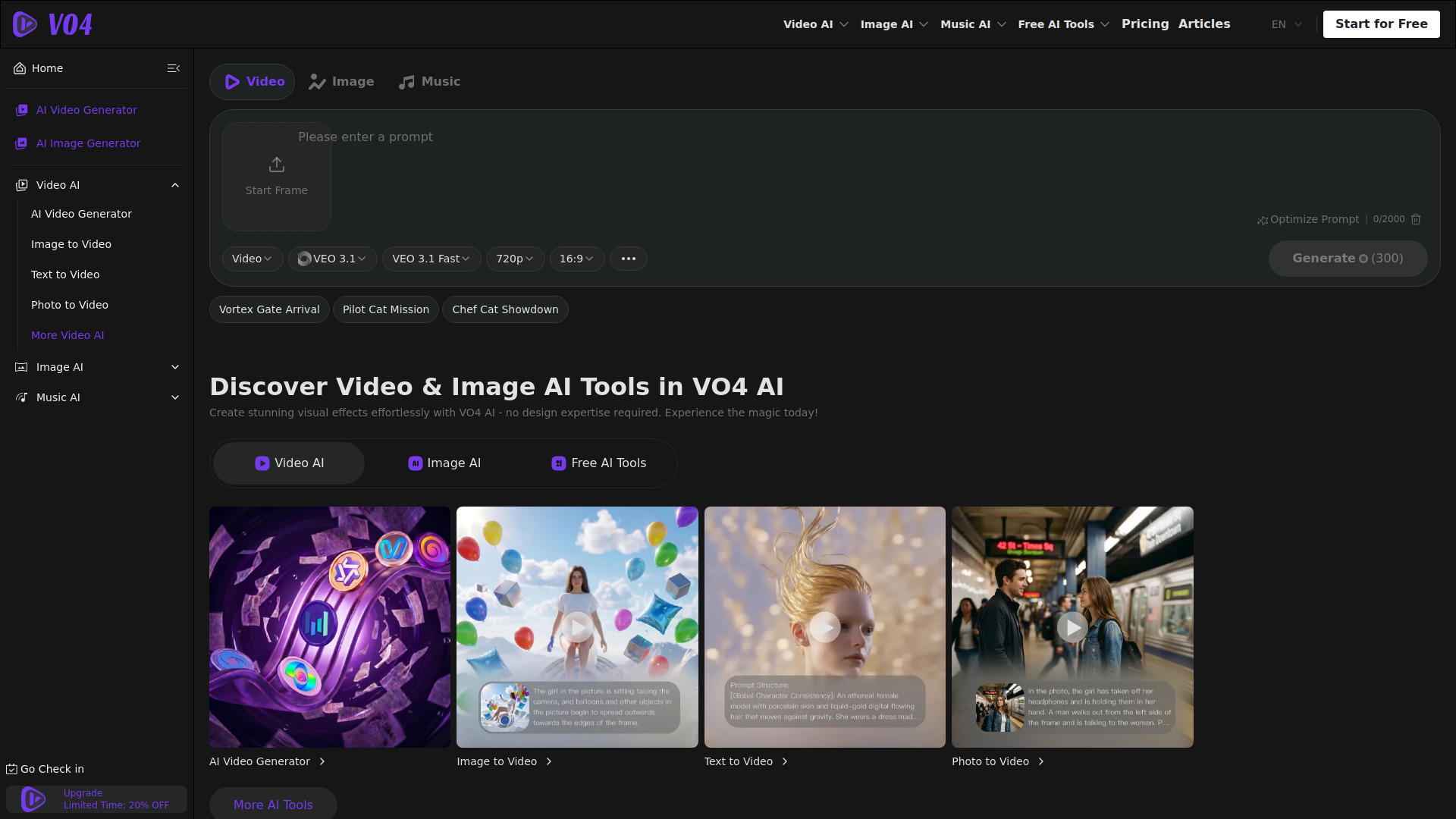
- AI video, image, and music generation
- 40 free credits for new users
- Starts at $9.99/month
- Monthly visits: 713 monthly visits

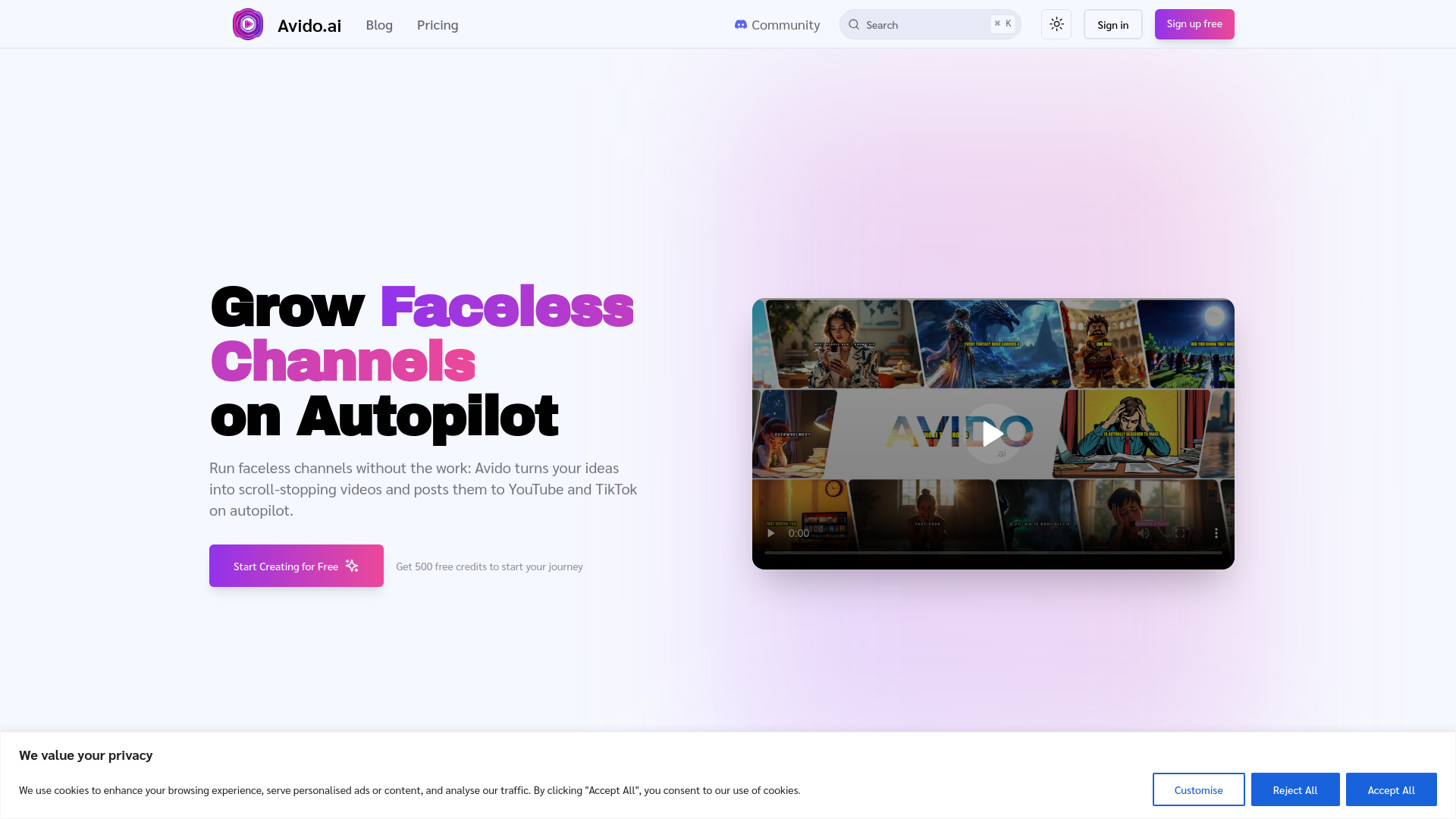
- Faceless YouTube and TikTok channels
- 500 free credits
- Starts at $8/month
- Monthly visits: 292 monthly visits

- AI-assisted video creation
- Starts at Check vendor pricing
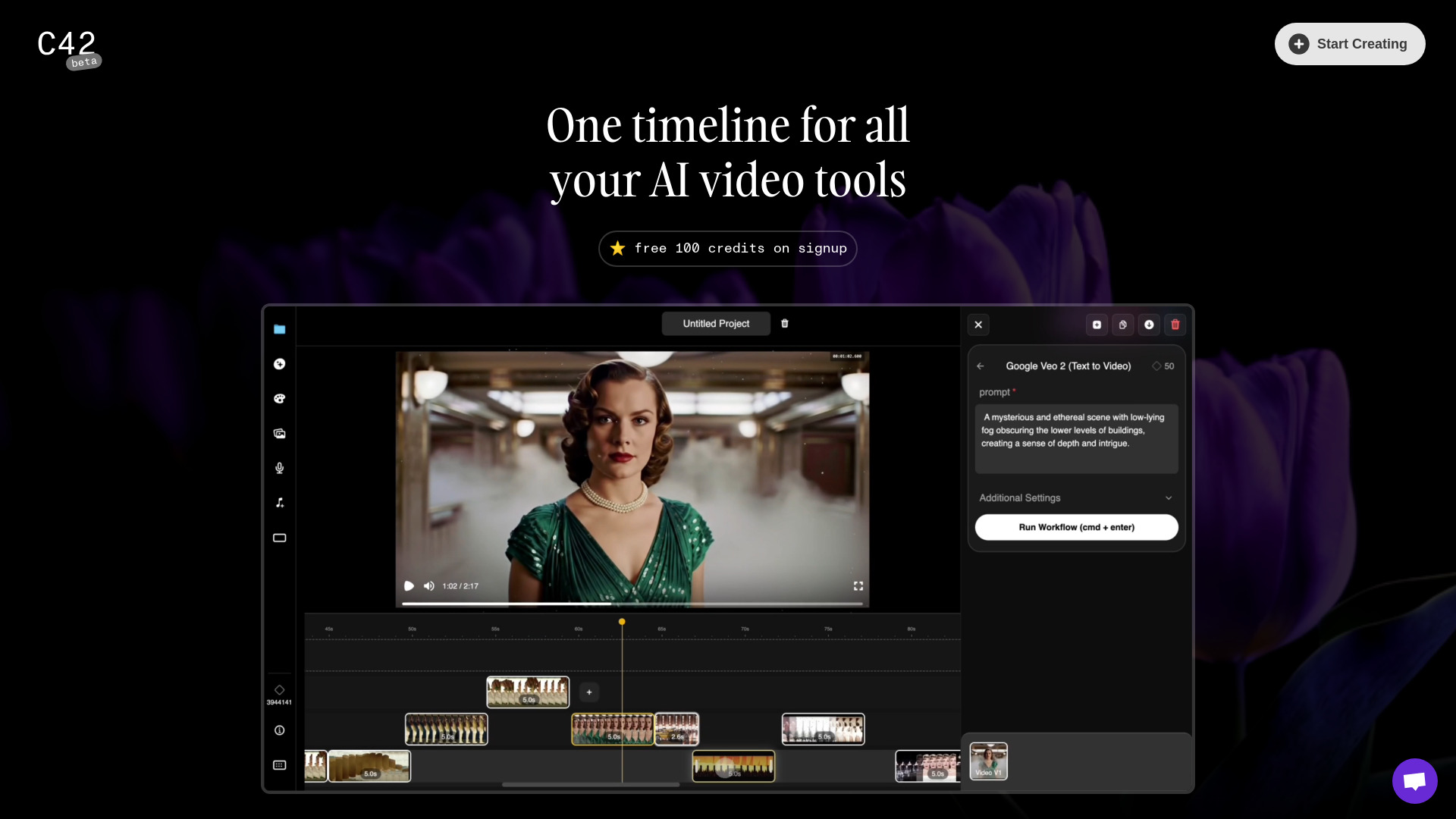
- AI storytelling and animated video creation
- Starts at Check vendor pricing
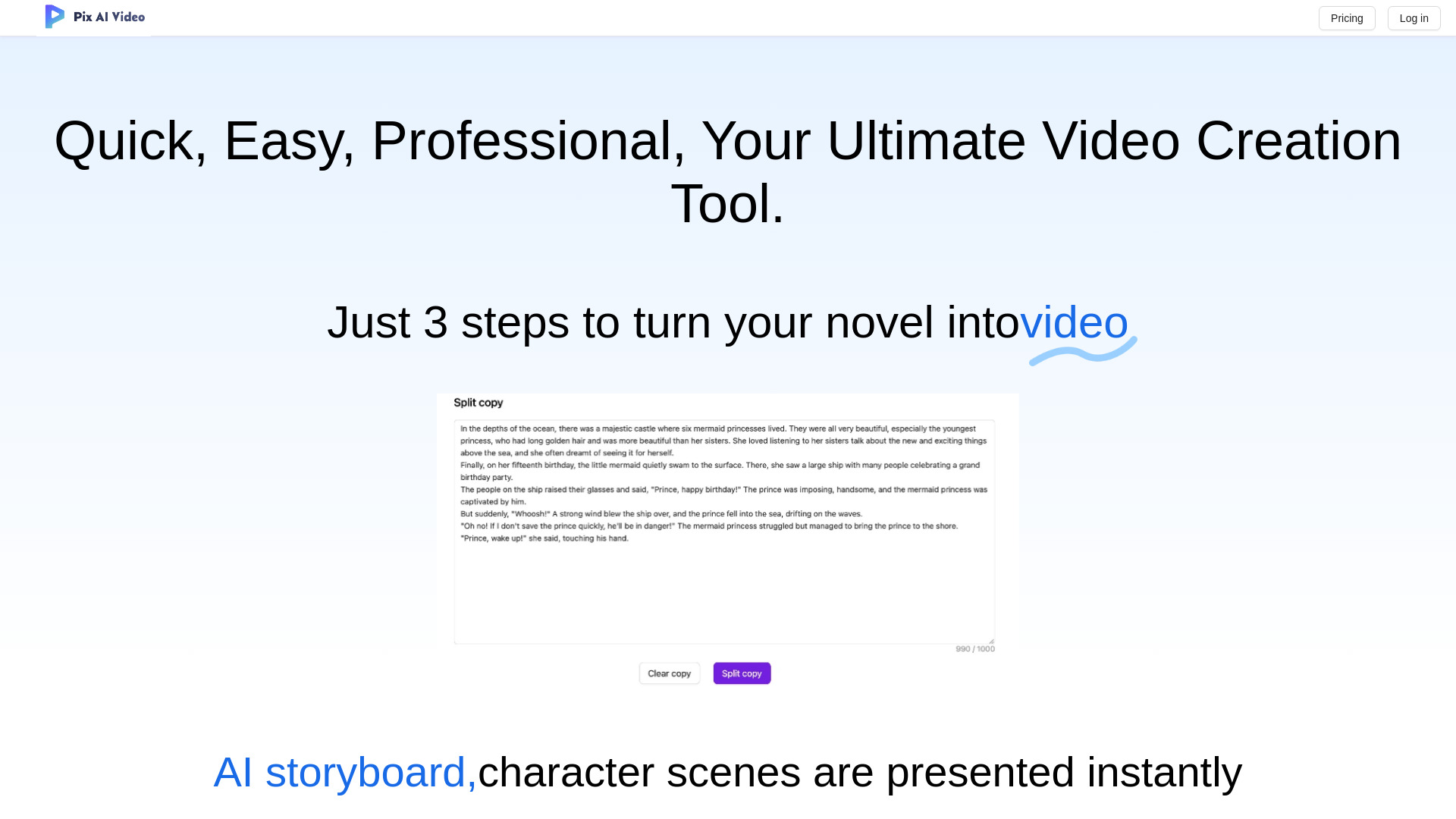
- Image-to-video creators
- Free plan available
- Starts at $13.9 one-time
- Monthly visits: 191 monthly visits
- AI-filter video editing
- Starts at Check vendor pricing

- Text-to-video creation
- Starts at Check vendor pricing
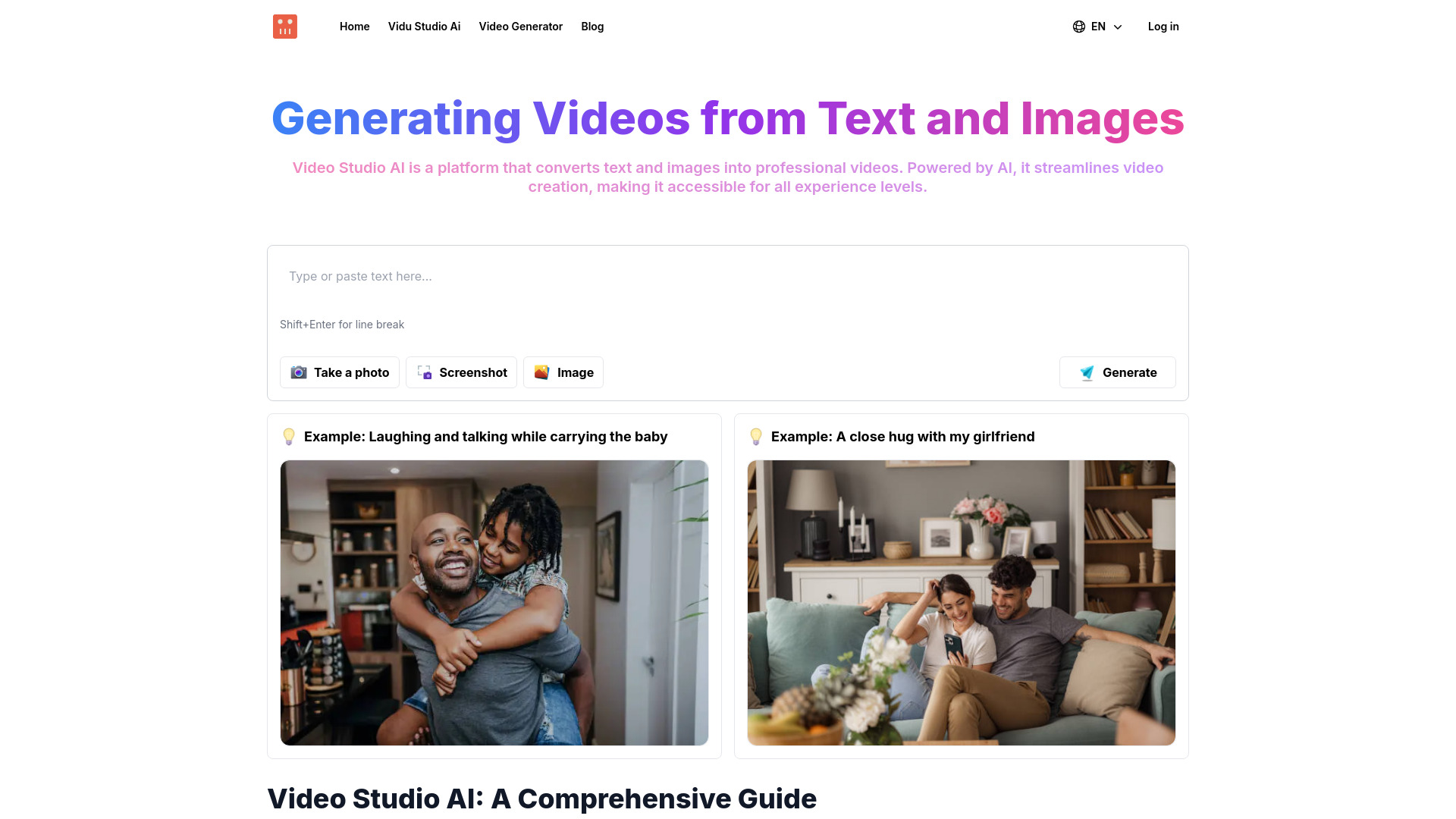

- Creating social clips from long-form video
- Starts at Check vendor pricing

- Photo and video editing
- Free plan available
- Starts at Free
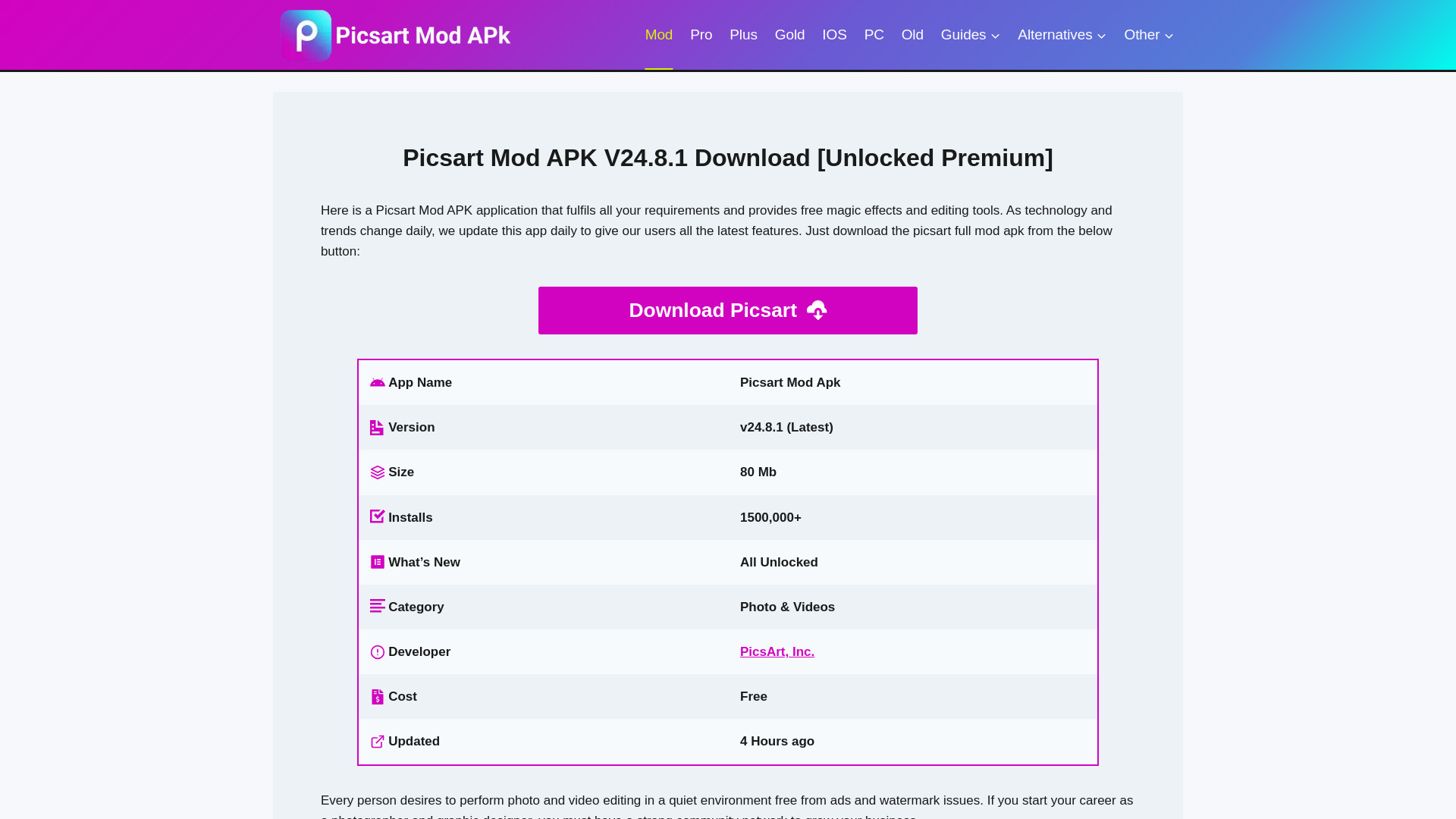

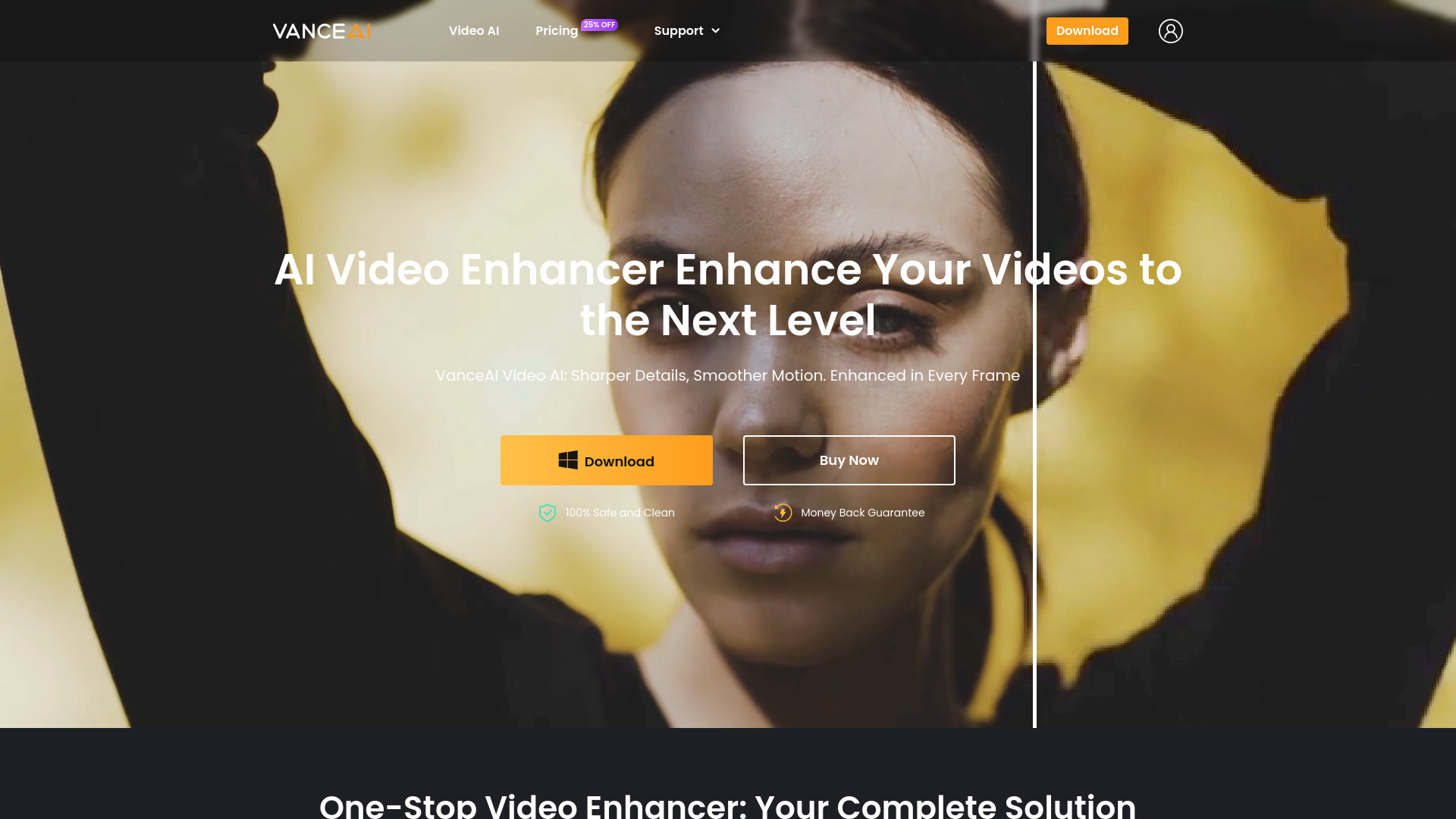
- AI video quality enhancement
- 3 free trials/month
- Starts at Check vendor pricing

- Offline text-to-image generation
- Starts at Check vendor pricing

- Image-to-video content creators
- Free trial available
- Starts at $9.90

- Short-form social videos
- Starts at From $9.99/month

- AI video and content creation
- 5 free credits
- Starts at From $6.90/month

- Text-to-video and image-to-video creators
- Free plan available
- Starts at $10/month

- AI video creators
- Free plan available
- Starts at $7.4/month

- Short-form AI video creation
- Up to 5-second videos
- Starts at Check vendor pricing

- Consistent AI image editing
- Free trial available
- Starts at $4.99/mo

- Photo and video face swaps
- Free trial available
- Starts at From $5.99

- AI image and video creation
- 10 credits daily
- Starts at $10/month

- Faceless YouTube and TikTok video automation
- 3 free videos/month
- Starts at $19/month

- Fast AI shorts generation
- Starts at Check vendor pricing

- AI image generation and editing
- 5 free credits
- Starts at Check vendor pricing

- Cinematic AI video concepts
- Starts at $29.99/month
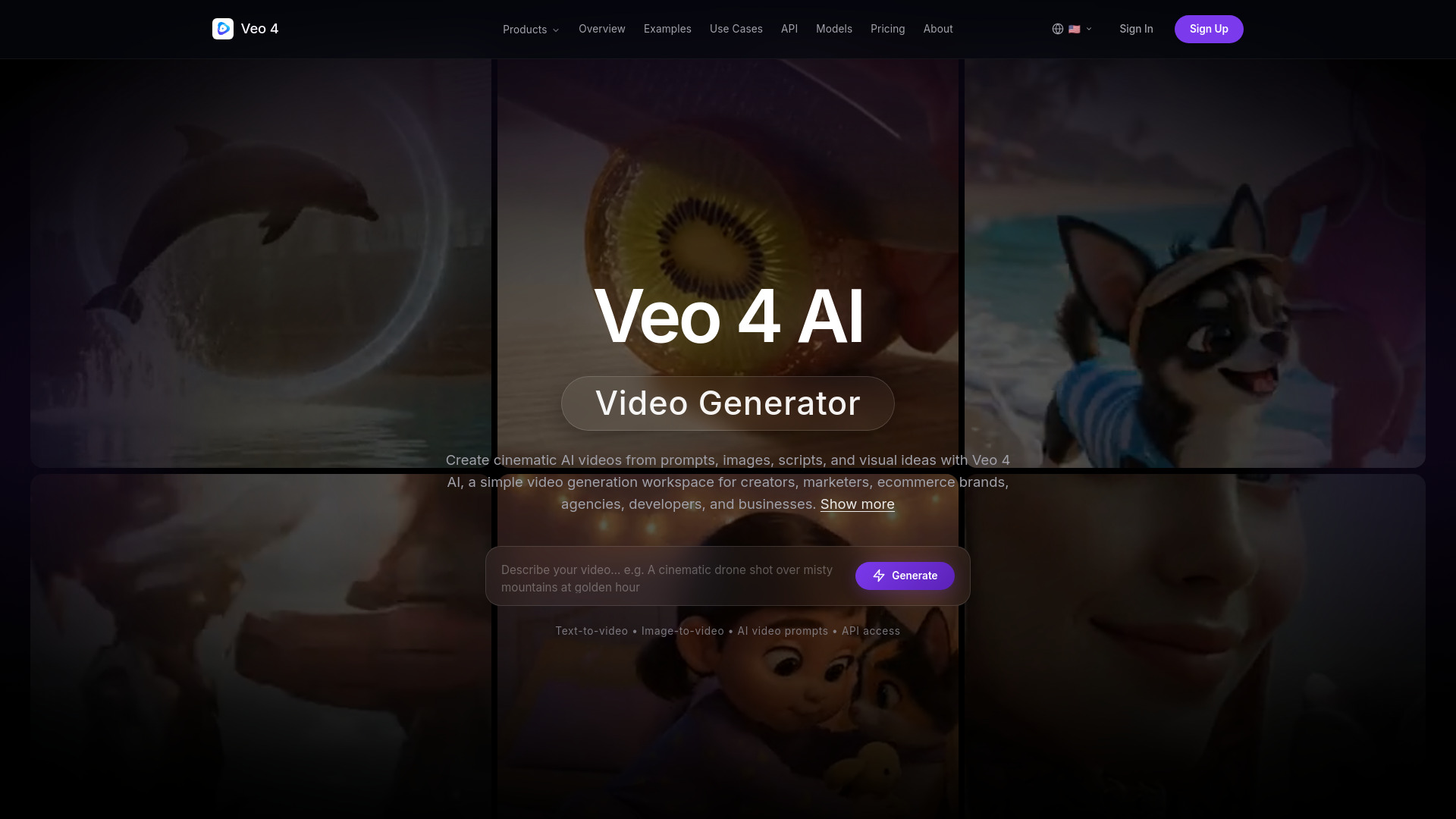

- Cinematic AI video storytelling
- Free trial available
- Starts at $24.90/month

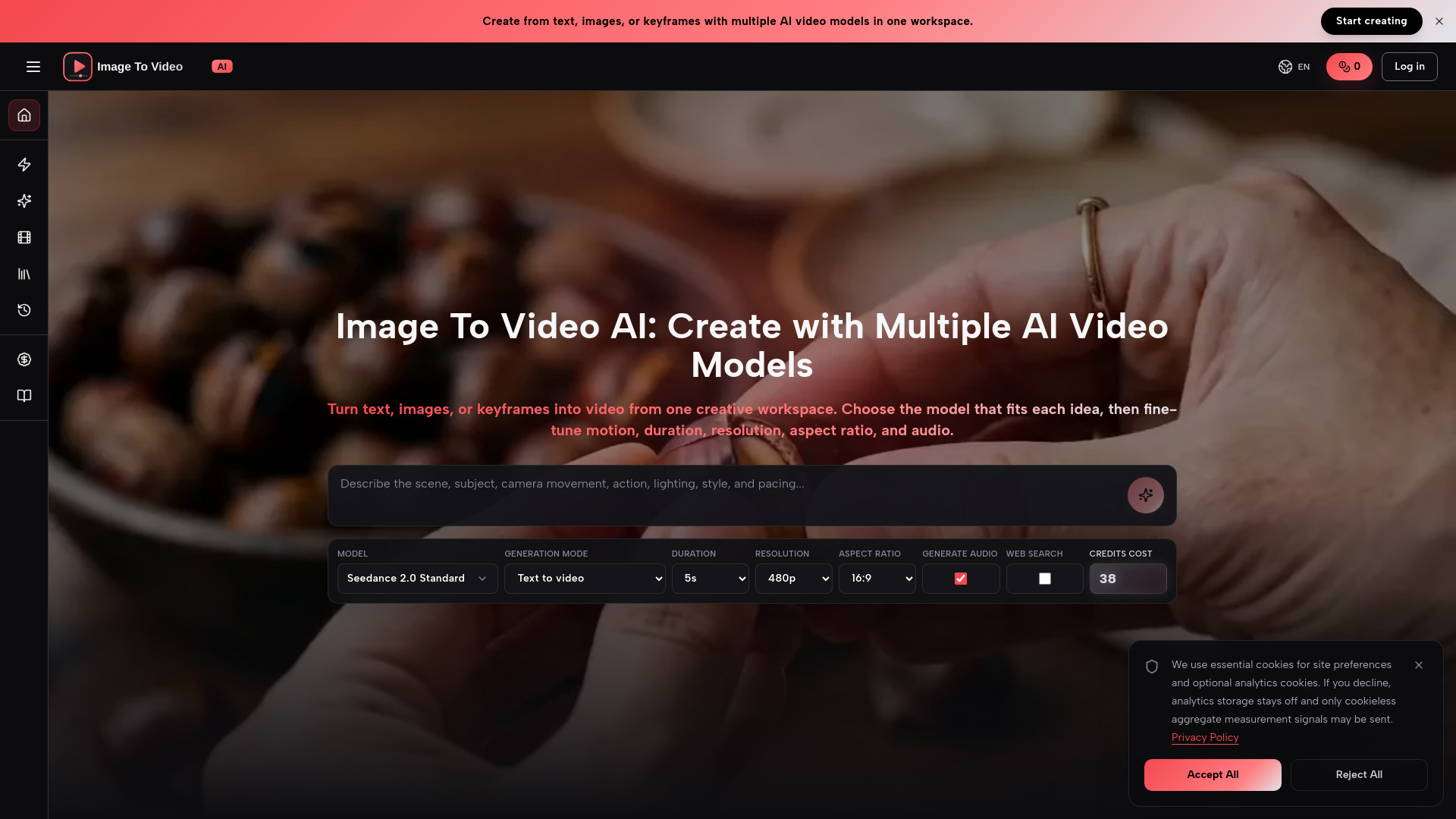
- Multi-model image-to-video creation
- 1 free credit daily
- Starts at $29.9/month

- AI-powered short-form video repurposing
- Free trial available
- Starts at Check vendor pricing

- Cinematic AI video generation
- Free plan available
- Starts at From $7.90/month (annual)
Which AI video editing app should you try first?
For most beginners, start with Movavi; it offers the clearest general-purpose path. Choose Vizard.ai, SNAPVID, or HiClip when your real job is repurposing long videos. Pick Topaz Labs for enhancement, Runway Aleph AI for generative scene changes, and AI STUDIOS for avatar-led lessons. DreamVid and BeautyPlus are better treated as focused creative companions than complete editors.
If budget is the deciding factor, compare the best free ai video editor app options by the actual restriction: trial length, upload minutes, exports, credits, watermarks, or locked features. A free plan that cannot export your normal workload is less useful than a modest paid plan with predictable capacity.
What to test before choosing
Run the same two or three source videos through your finalists. Check how much manual correction the AI clipping produces, whether text-based edits preserve natural pacing, how enhancement handles faces and noise, and whether exports retain the resolution and format you need. Then test one complete publish cycle, including download, captions, thumbnail, and any handoff to your team.
Also verify current pricing, credit expiration, export limits, processing length, and commercial-use terms. These details change the practical value of the best free ai video editing apps far more than a feature checklist does.
Common mistakes when choosing an AI video editor
Confusing generation with editing: A tool that creates a clip from text may not provide the timeline, trimming, or export controls needed for existing footage.
Ignoring the source format: Short generative tools can be excellent for small scenes but unsuitable for long recordings or full lessons.
Treating automation as final judgment: AI can find a promising moment, but humans still need to check context, pacing, faces, captions, and brand safety.
Comparing free plans by price alone: Upload minutes, export counts, credits, watermarks, and trial windows determine whether free access is genuinely useful.
Overlooking audience fit: The best ai video editing app for a photographer may be a poor choice for a social marketer or educator.
Skipping a real export test: Always render a representative project before buying, especially when pricing is unclear or the tool has a processing-length restriction.
FAQ
Movavi ranks first in this comparison with a score of 95/100. It combines a beginner-friendly interface with video editing, photo editing, and AI-powered features, making it the strongest general-purpose recommendation. Topaz Labs and Vizard.ai also score 95/100 but serve more specialized workflows.