
Suggested tools for you
Quick Trust Line
- Tools reviewed
- 100
- Last checked
- August 23, 2026
- Reviewed by
- top100.ai software rankings editor
- What we checked
- Our rankings combine feature depth, audience fit, and market signals, but you should always verify live pricing with the vendor.
Choosing among the top ai video editing tools is less about finding the tool with the longest feature list and more about matching the workflow to the editor. We compared 100 tools in this category, then shortlisted 10 that stand out for clipping, generation, subtitling, avatars, enhancement, and prompt-based editing. The result is a practical leaderboard for creators, marketers, educators, designers, and professional editors who want to spend less time wrestling with a timeline.
Start here
Best overall: Vizard.ai turns long videos into short social clips with AI clipping and text-based editing.
Best for generated visuals: Veo3 AI creates videos from text and images, with a stated 4K capability that needs careful plan-level verification.
Best for an editor-led workflow: Eddie AI uses prompts to shape interview footage and exports to MP4, Adobe, Resolve, and Final Cut Pro.
At-a-glance leaderboard
| Rank | Tool | Best for | Score | Monthly visits | Starting price |
|---|---|---|---|---|---|
| #1 | Vizard.ai | Social media marketers | 96/100 | 1.6M | Free: $0 |
| #2 | Veo3 AI | Content creators | 95/100 | 539.5K | Mini Plan: $15/month |
| #3 | VideoGen | Professionals | 95/100 | 232.0K | Pro: $12/month |
| #4 | cre8tiveAI | Designers | 95/100 | 40.9K | Entry plan: $0/month |
| #5 | Runway Aleph AI | Content creators | 95/100 | 25.0K | Hobby: $7.92/month |
| #6 | Nova A.I. | Content creators | 95/100 | 30.6K | Check vendor pricing |
| #7 | AI STUDIOS | Educators | 94/100 | 1.1M | Free: $0/month |
| #8 | VideoWeb AI | Content creators | 94/100 | 176.0K | Free: $0 |
| #9 | VCut.lol | Content creators | 94/100 | 4.5K | Free: $0/month |
| #10 | Eddie AI | Video editors | 94/100 | 86.1K | Check vendor pricing |
Quick filters
| Your priority | Start with | Why it fits |
|---|---|---|
| Repurpose long-form footage | Vizard.ai | Finds engaging sections and creates short clips automatically. |
| Generate videos from prompts | Veo3 AI | Supports text-to-video and image-to-video creation. |
| Add presenters and multilingual voices | AI STUDIOS | Offers 150+ avatars and voices in 80+ languages. |
| Edit interviews with prompts | Eddie AI | Crafts stories from interviews and exports to major editing formats. |
How to narrow the list
Start with the raw material you already have. Vizard.ai, Nova A.I., VCut.lol, and Eddie AI are aimed at working with existing footage, while Veo3 AI, Runway Aleph AI, VideoGen, and VideoWeb AI lean more heavily into generating video or visual assets. That distinction matters: an excellent text-to-video tool will not automatically be the fastest way to clean up a 45-minute interview.
Next, decide whether speed or control matters more. Automatic clipping and trimming can remove repetitive work, but AI decisions still need review. Prompt-based editing can make story development faster, while enhancement tools such as cre8tiveAI focus on improving visual quality rather than replacing the whole editing process.
Finally, check the export and usage constraints before committing. Credits, rate limits, watermarks, short input-duration limits, and restricted exports can matter more than a low monthly price. Nova A.I. and Eddie AI require a direct pricing check, so they deserve an extra verification step before a team adopts them.
Ranking model
The leaderboard combines the published score with practical audience fit and the usefulness of the featured workflow. Market reach is shown separately as a usage signal rather than treated as proof of quality.
| Ranking factor | What we looked for |
|---|---|
| Workflow depth | Whether the tool handles a meaningful editing or creation task. |
| Audience fit | How clearly the workflow serves its stated best-for audience. |
| Practical access | Free entry, quotas, starting price, and visible restrictions. |
| Market signal | Monthly visits and usage signal as context, not a quality guarantee. |
The ranked list of top AI video editing tools

- Social media marketers
- 60 upload minutes/mo / AI clipping and repurposing
- Starts at Free: $0
- Monthly visits: 1.6M
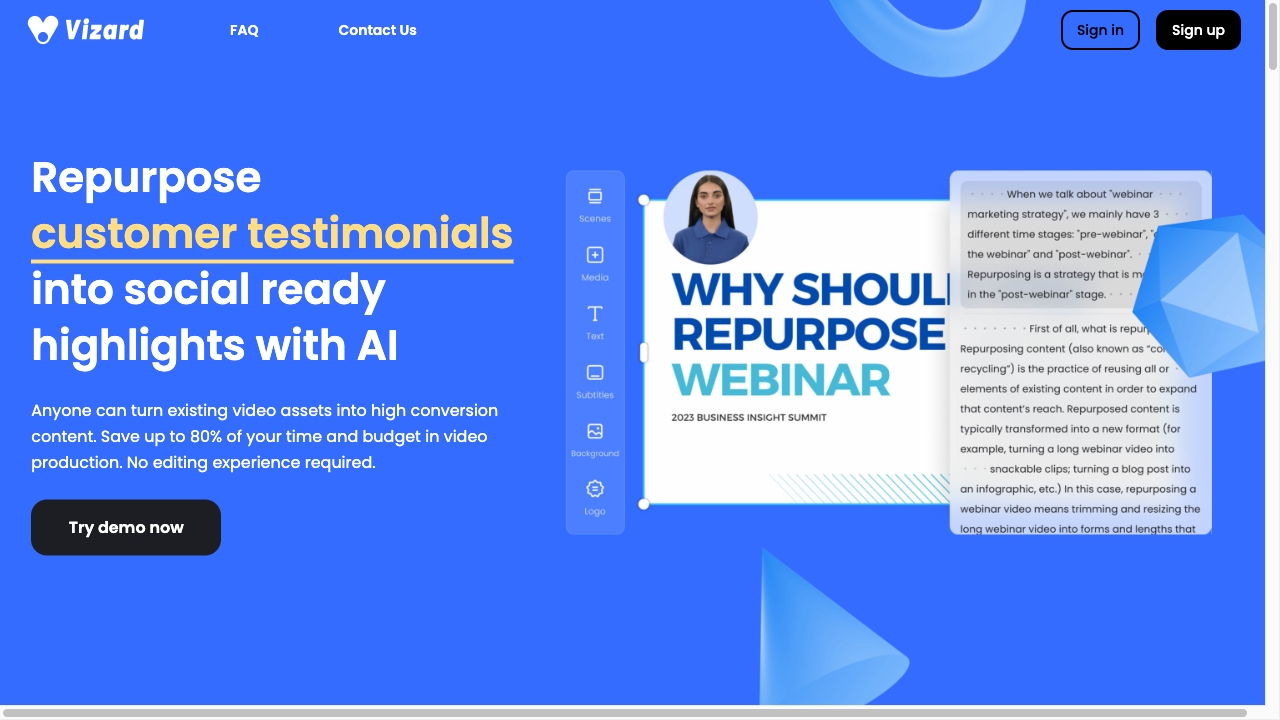
Vizard.ai earns the top spot by focusing on one of the most valuable editing jobs: turning long-form video into a usable stream of short content. Its AI clipping feature identifies engaging sections and generates clips, while text-based editing lets you edit by deleting words from the transcription. That combination is unusually practical for social teams that need volume without building every cut manually.
Why it is top-ranked
| Signal | Assessment |
|---|---|
| Core workflow | AI clipping targets the full repurposing process. |
| Editing approach | Text-based editing reduces timeline friction. |
| Access | Free entry includes 60 upload minutes per month. |
| Audience fit | Strong match for social media marketers and short-form production. |
Best fit
Social teams repurposing podcasts, webinars, interviews, or other long videos.
Marketers who prefer transcript-led editing to manual timeline work.
Teams trying to reduce production time and budget.
Limitations
AI-selected clips may still need human review.
Reliance on AI does not guarantee a perfect result every time.
Shortlist Vizard.ai if: You need a fast, repeatable way to turn long videos into social clips.

- Content creators
- Free to start; 200-credit plan from $9/month
- Starts at Mini Plan: $15.00/month
- Monthly visits: 539.5K
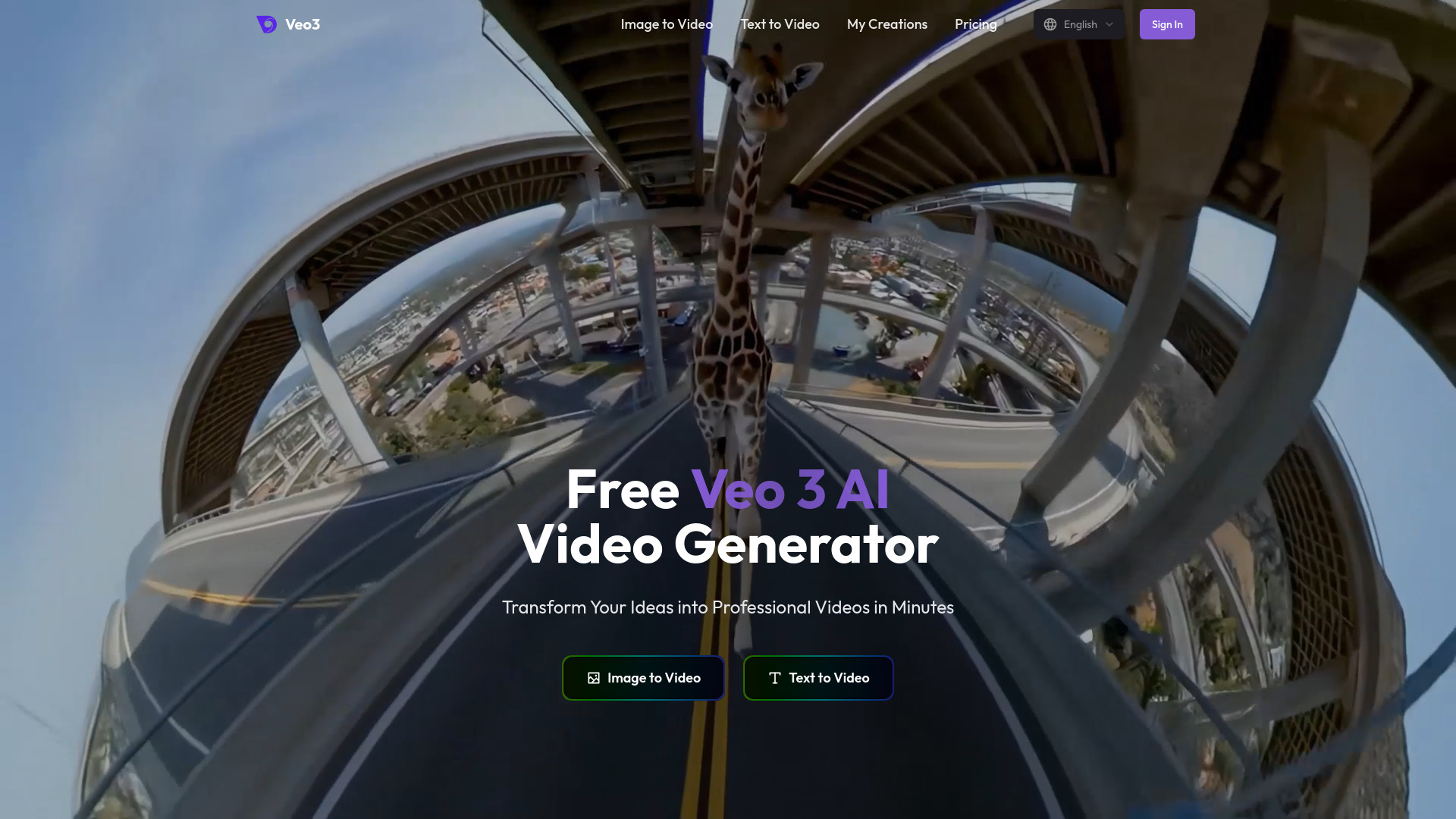
Text and image prompts are the center of Veo3 AI's workflow. It is built for creators who want to generate video rather than simply trim existing footage, and its homepage states 4K video generation. Here's the catch: paid-plan information specifies 1080p output, which conflicts with that broader 4K claim. Treat resolution as something to confirm at checkout, not a reason to assume every plan delivers the same result.
Why it is top-ranked
Text-to-video and image-to-video give creators two clear starting points.
The stated 4K capability makes it appealing for high-resolution visual work, subject to plan verification.
Free access makes it easy to test the generation workflow before paying.
Best fit
Content creators building videos from concepts, scripts, or reference images.
Users who want generation as the first step rather than a conventional timeline.
Limitations
The 4K homepage claim conflicts with 1080p language on paid plans.
Generated output may not map neatly to a traditional editing workflow.
Shortlist Veo3 AI if: You want prompt-driven video generation and are willing to verify output resolution carefully.

- Professionals
- Free; instant video generation and AI voiceovers
- Starts at Pro: $12/month
- Monthly visits: 232.0K
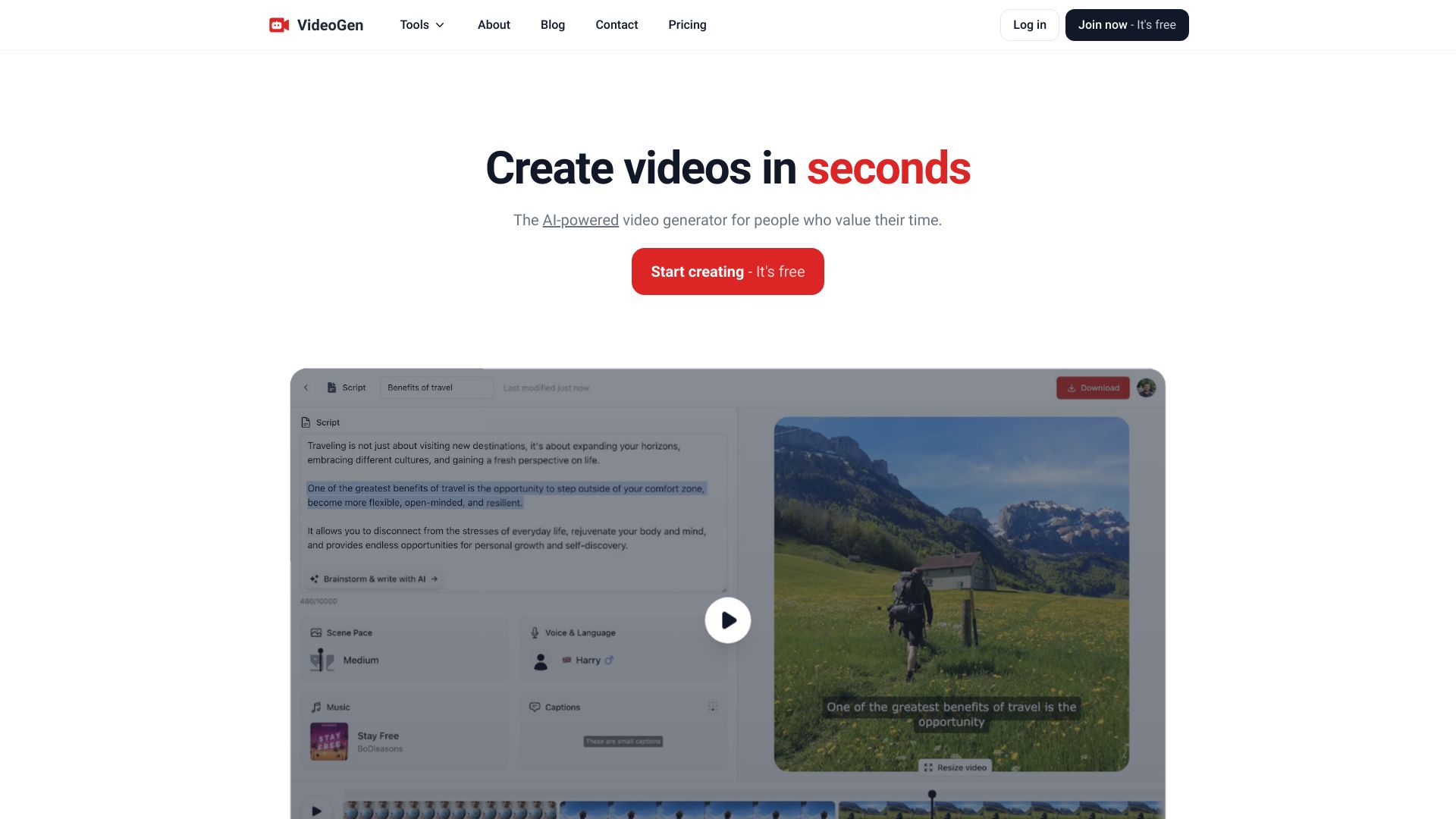
VideoGen combines AI script writing with automatic video editing, making it a sensible option for professionals who want to move from idea to finished draft quickly. The product's value is less about fine-grained manual control and more about compressing the early production stages into one workflow. Realistic AI voiceovers add another useful piece for narrated content.
Why it is top-ranked
Script writing and editing sit together instead of requiring separate tools.
Instant generation and AI voiceovers support fast content production.
A $12/month Pro starting point keeps the first paid step relatively clear.
Best fit
Professionals producing narrated explainers or frequent social videos.
Teams looking to reduce the cost and time of initial video production.
Limitations
Rate limits apply to certain AI features.
Fast generation may be less useful when every edit needs detailed manual control.
Shortlist VideoGen if: You want scripts, voiceovers, and an edited first draft in one place.

- Designers
- 1,000 SAI images/month on the Entry Plan
- Starts at Entry plan: US $0.00/month
- Monthly visits: 40.9K
For designers, the appeal here is targeted visual enhancement rather than automated social repurposing. cre8tiveAI includes Photo Refiner for image upscaling and Face Refiner for high-resolution faces, alongside video resolution enhancement and automatic painting. Its processing is positioned as fast, with the product describing processing in under 10 seconds for the listed workflow.
Best fit
Designers improving image or video resolution before delivery.
Users who need dedicated face and photo refinement tools.
People who want to test enhancement features on a free Entry Plan.
Limitations
A credit-based system requires careful usage management.
It is a narrower enhancement platform than a full timeline editor.
Shortlist cre8tiveAI if: Your priority is improving visual quality, not generating a complete edited video from scratch.

- Content creators
- AI editing and multi-task visual generation
- Starts at Hobby: $7.92/month
- Monthly visits: 25.0K
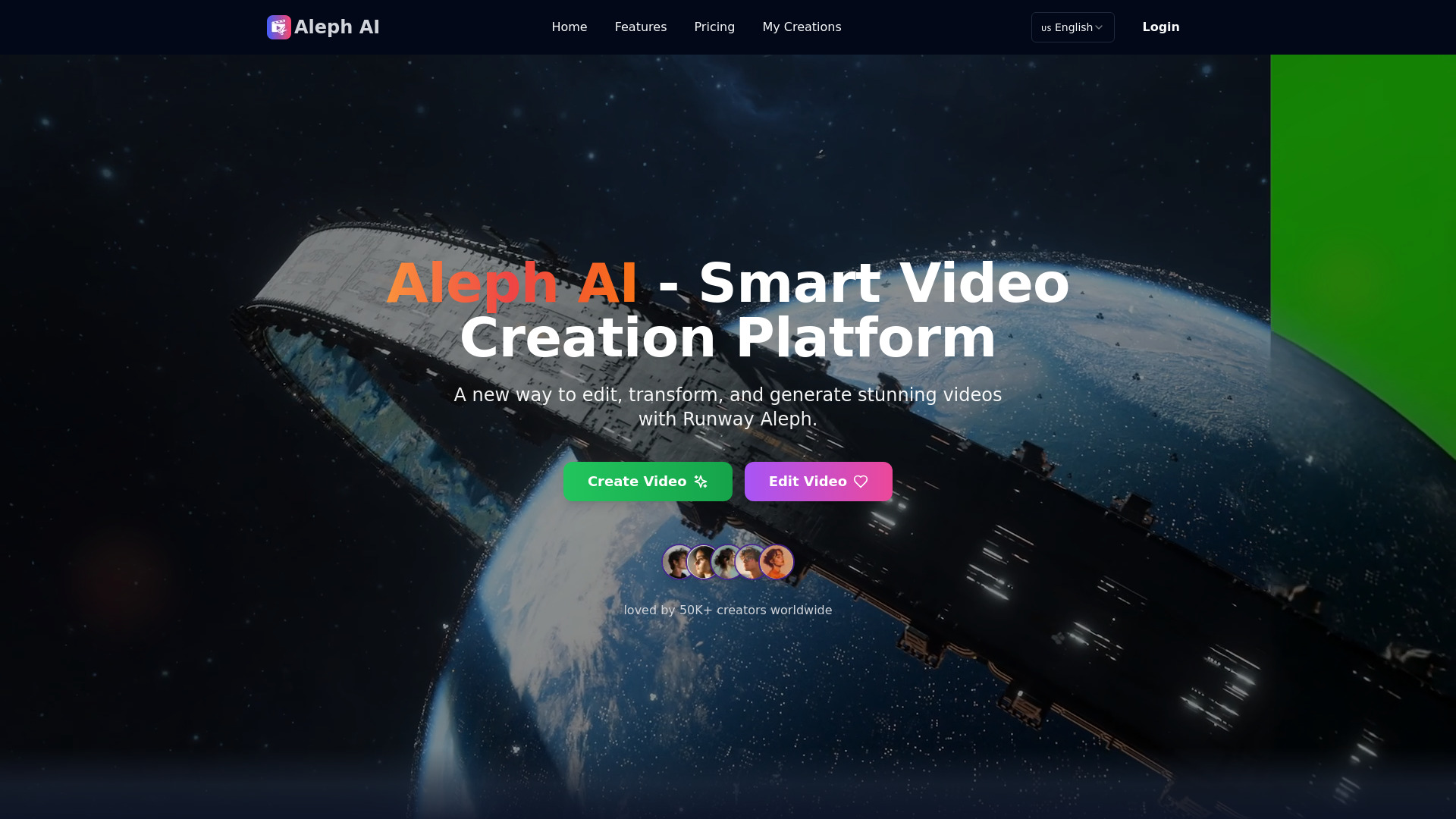
Runway Aleph AI takes a more ambitious approach to visual editing. It can add or remove objects, transform environments, modify multiple elements, and generate different camera angles or perspectives. That makes it attractive for creators who want to alter the visual world inside a shot rather than simply cut between shots.
Best fit
Content creators experimenting with object removal and environment changes.
Visual teams that need dynamic camera perspectives or generated transformations.
Limitations
Processing is currently limited to videos between 5 and 30 seconds.
Short input limits make it a poor fit for long-form editing by itself.
Shortlist Runway Aleph AI if: You are transforming short clips and need more than conventional cuts or captions.
- Content creators
- Free access; subtitling, translation, and social resizing
- Starts at Check vendor pricing
- Monthly visits: 30.6K
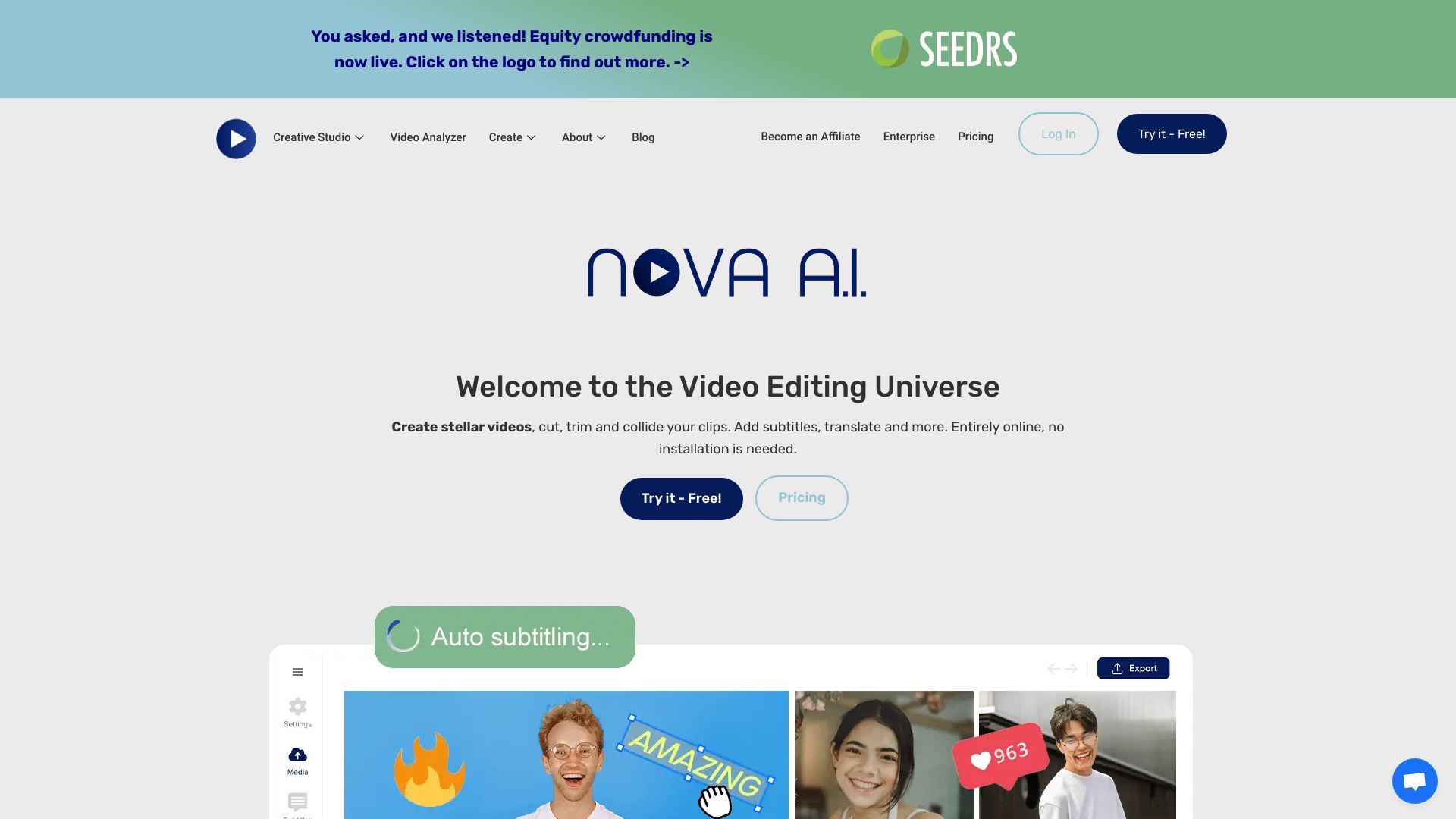
Localization is Nova A.I.'s clearest angle. Auto subtitling, video translation, and resizing for social media address the repetitive work that appears after the original edit is complete. The interface is described as easy to use, which should appeal to creators who want an online editor without a steep setup process.
Best fit
Creators adapting one video for multiple social formats.
Teams adding subtitles or translating videos for broader audiences.
Users who value a straightforward online editing interface.
Limitations
Operations may experience delays.
Pricing is not presented as a clean public figure, so verify the current offer directly.
Shortlist Nova A.I. if: Subtitles, translation, and social resizing matter more to you than elaborate visual generation.

- Educators
- 3 video exports per month
- Starts at Free: $0/month
- Monthly visits: 1.1M
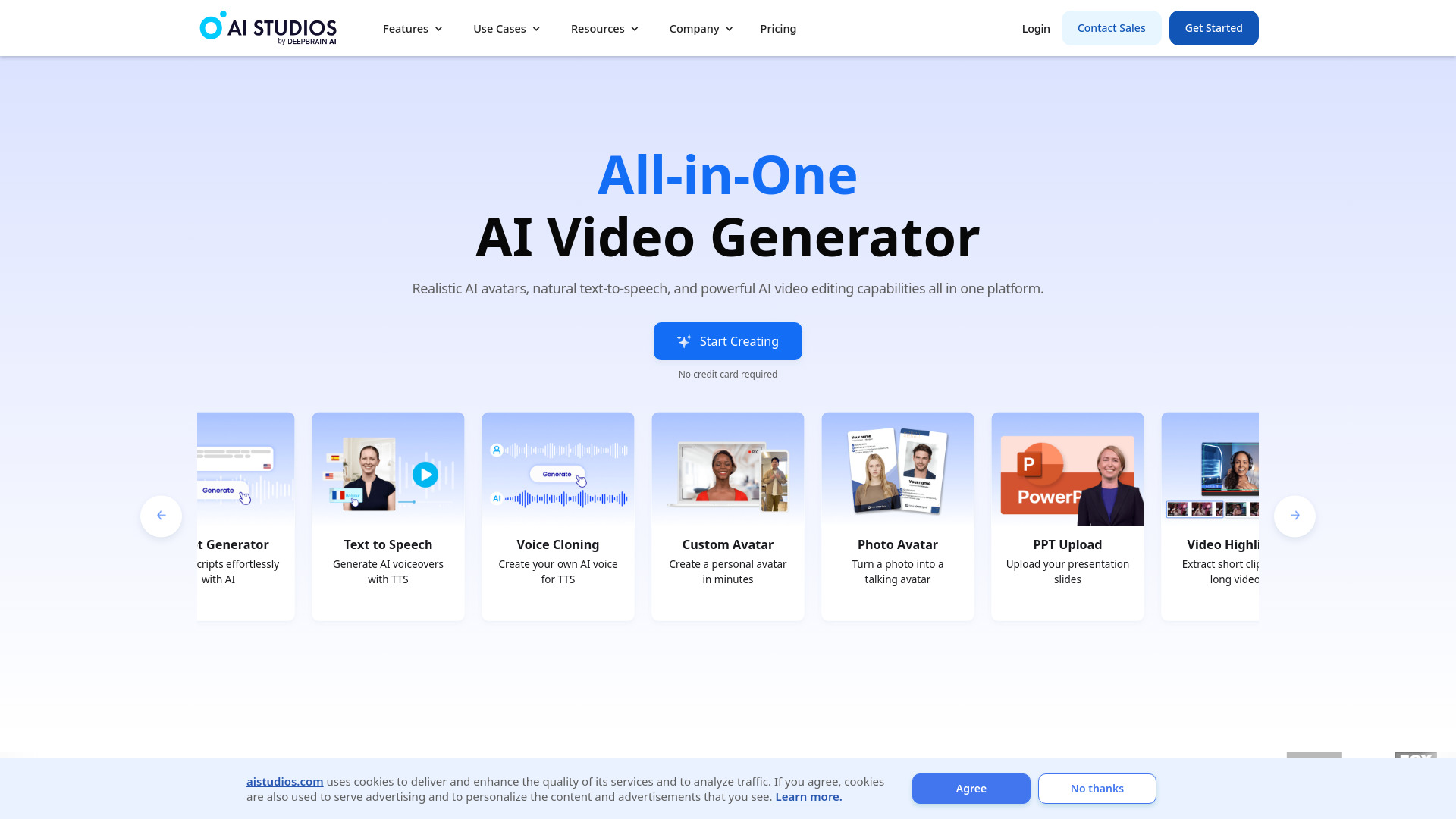
AI STUDIOS is the most clearly presentation-oriented option on this list. It combines more than 150 realistic digital avatars with AI voices in 80+ languages, giving educators a way to create presenter-led material from text. It is less about polishing a traditional video timeline and more about producing structured lessons, announcements, or explainers with a synthetic presenter.
Best fit
Educators creating repeatable lessons or instructional explainers.
Teams that need avatars and multilingual voice options in one platform.
Users who want an all-in-one creation and editing environment.
Limitations
The free plan allows only three video exports per month.
Free access has limited features, so frequent publishing may require a paid plan.
Shortlist AI STUDIOS if: Your videos need a digital presenter, multilingual voices, and a simple text-led production flow.

- Content creators
- 40 new-user credits plus 20 daily check-in credits
- Starts at Free: $0
- Monthly visits: 176.0K
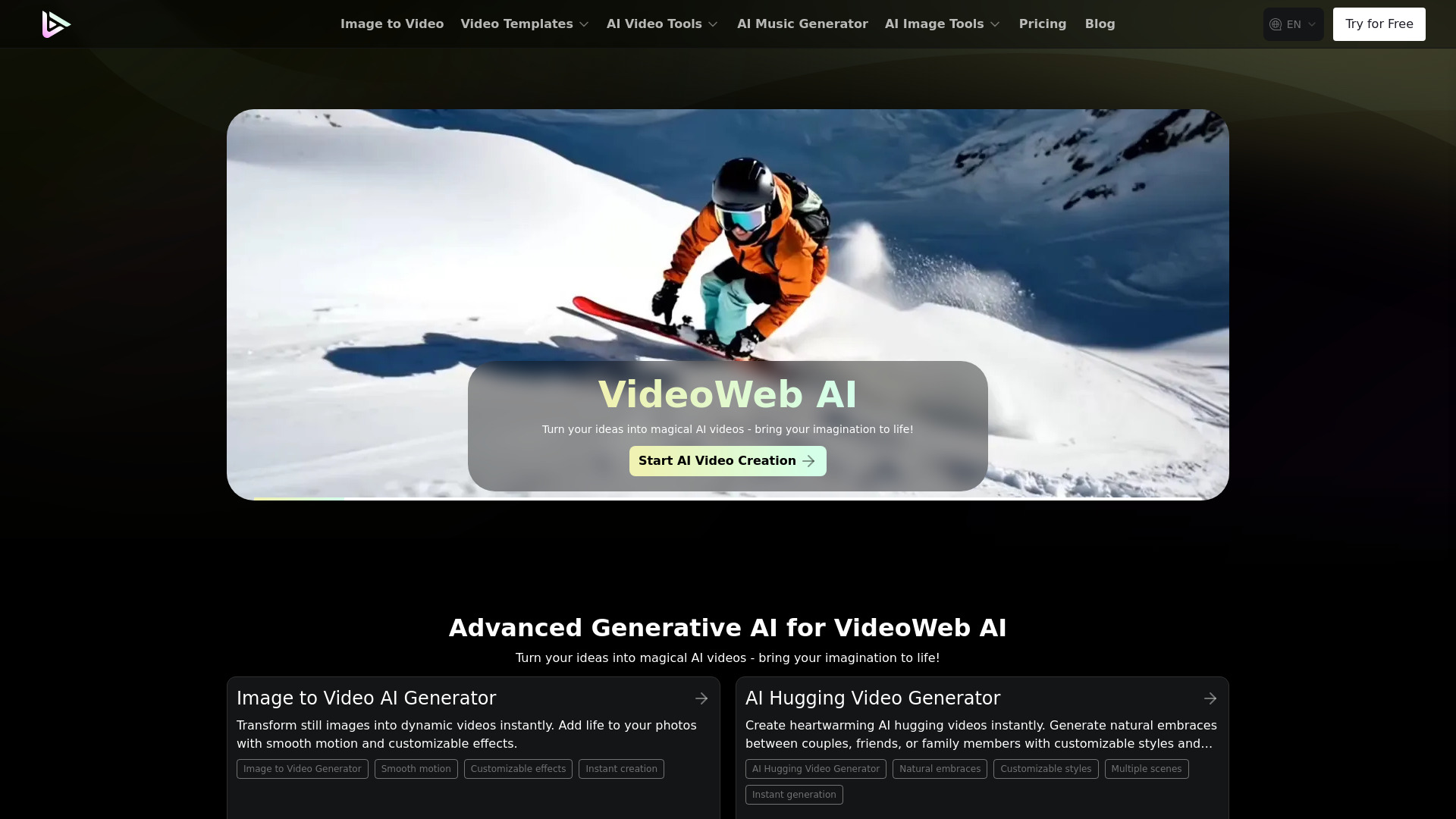
VideoWeb AI broadens the brief beyond video editing by putting video, image, and music creation in one place. That breadth can be convenient for creators who need several types of assets for a single project. New users receive 40 credits, with 20 additional credits through daily check-ins, making the free entry useful for exploring the broader creative toolkit.
Best fit
Content creators building video projects alongside images and music.
Users who prefer one creative workspace over several specialist tools.
Limitations
Premium features use a credit-based system.
The broad toolkit may be more than you need if your work is strictly conventional video editing.
Shortlist VideoWeb AI if: You want video generation alongside image and music creation and can manage credits.

- Content creators
- 3 exports per month
- Starts at Free: $0/month
- Monthly visits: 4.5K
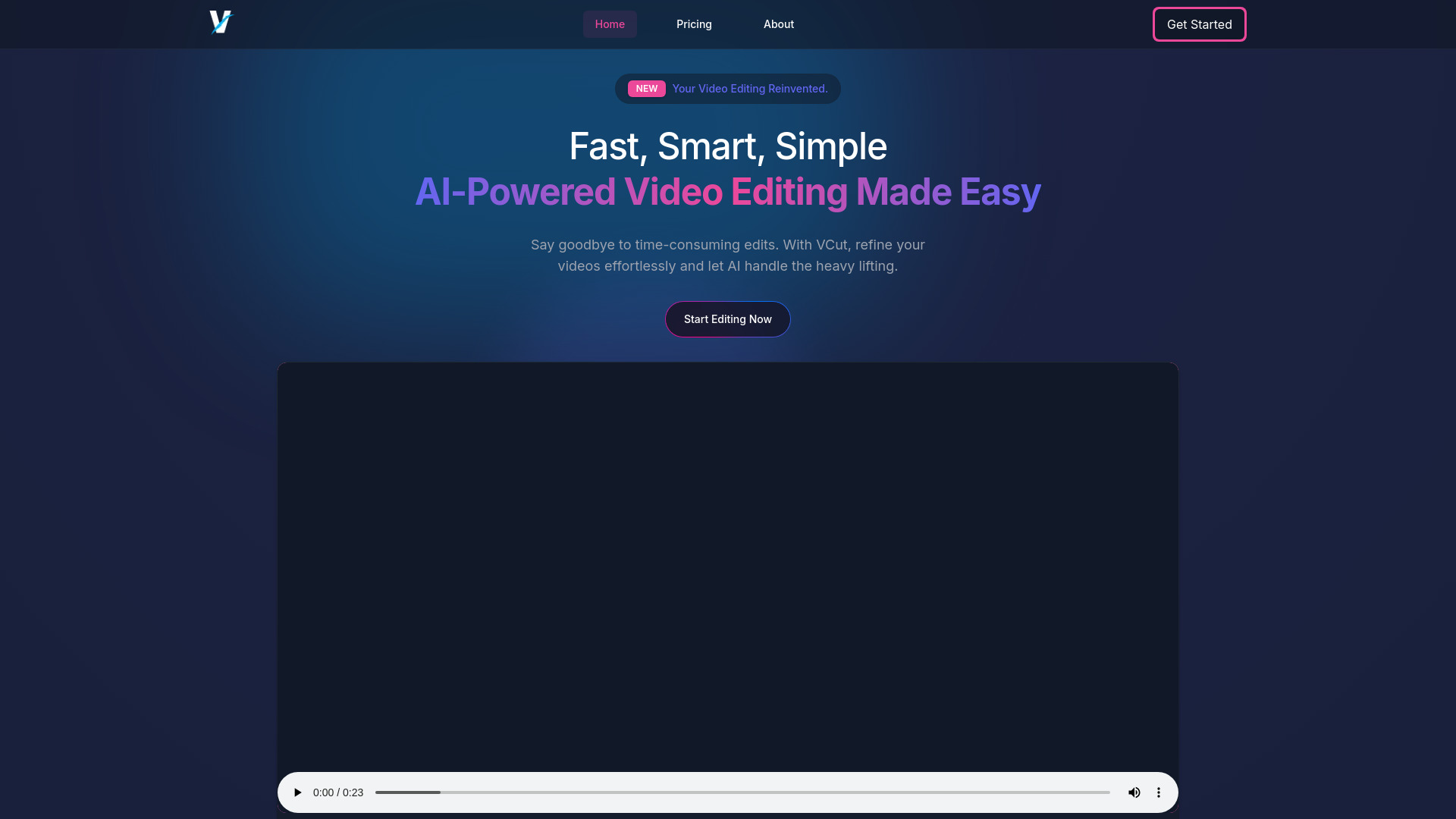
VCut.lol focuses on the small edits that consume disproportionate amounts of creator time. Its AI editing and automatic trimming can remove mistakes and pauses, while caption creation handles a second common publishing task. Three free exports per month provide a straightforward test, although the free plan includes a watermark, limited exports, and a file upload limit.
Best fit
Creators cleaning up talking-head videos or short social clips.
Users who want automatic trimming and captions without a complex editor.
Limitations
The free plan includes a watermark and limited exports.
File upload limits can restrict larger or more frequent projects.
Shortlist VCut.lol if: You need quick cleanup and captions for short videos and can work within export limits.

- Video editors
- Prompt-to-video editing with MP4, Adobe, Resolve, and FCP export
- Starts at Check vendor pricing
- Monthly visits: 86.1K
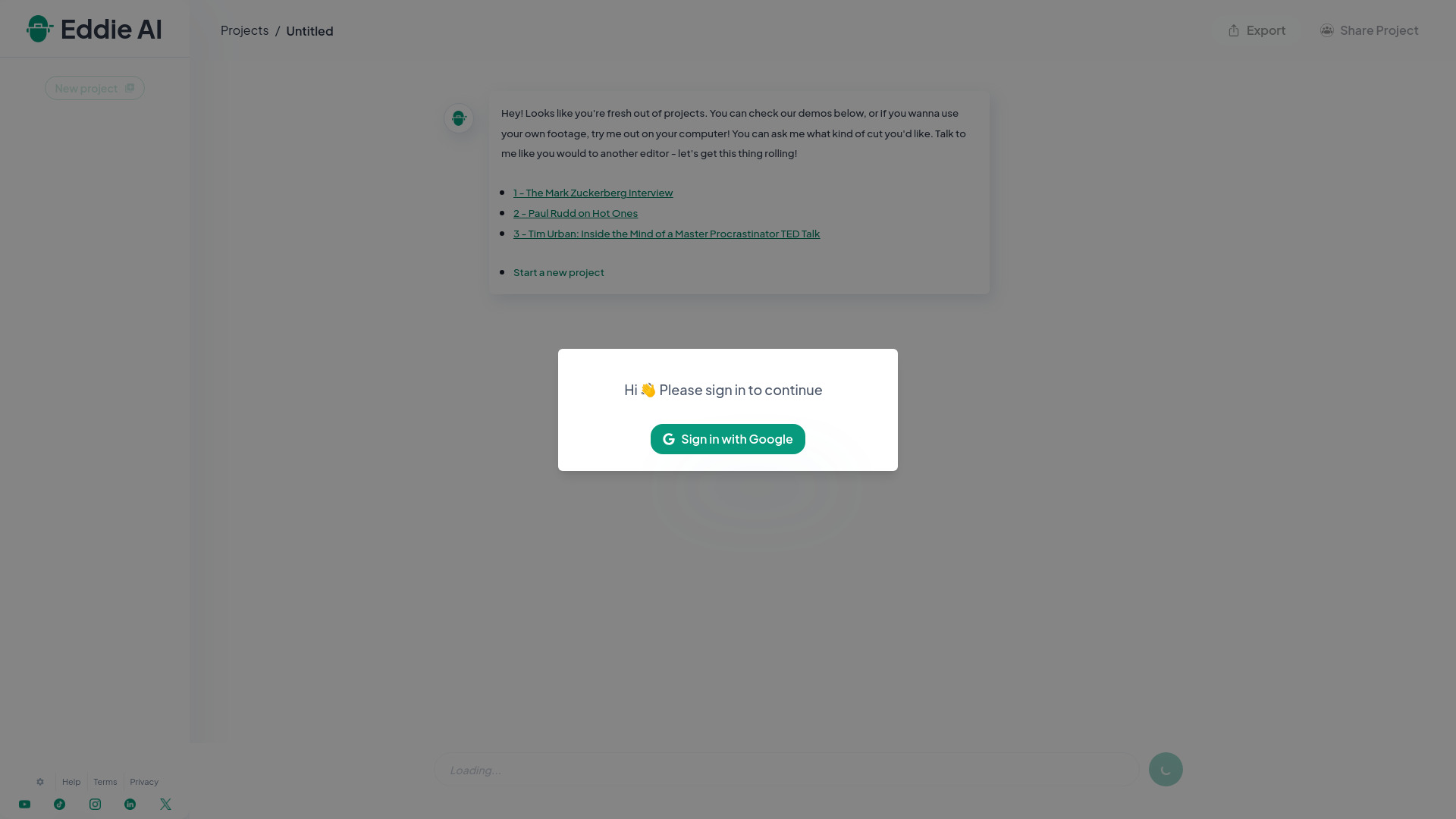
Eddie AI is aimed at editors who want assistance with the story, not just the cut. Its prompt-to-video editing and AI-assisted story crafting are designed for shaping interviews and video content into a narrative. Export support for MP4, Adobe, Resolve, and Final Cut Pro makes it easier to bring the result into an established post-production workflow.
Best fit
Video editors working from interviews or conversation-heavy footage.
Teams that want AI help with story structure while retaining a familiar editor.
Users who need exports for Adobe, Resolve, or Final Cut Pro workflows.
Limitations
Effective prompting may take time to learn.
Pricing requires a direct vendor check.
Shortlist Eddie AI if: You want AI to help find and shape the story while your existing editing software remains part of the process.
More tools to compare

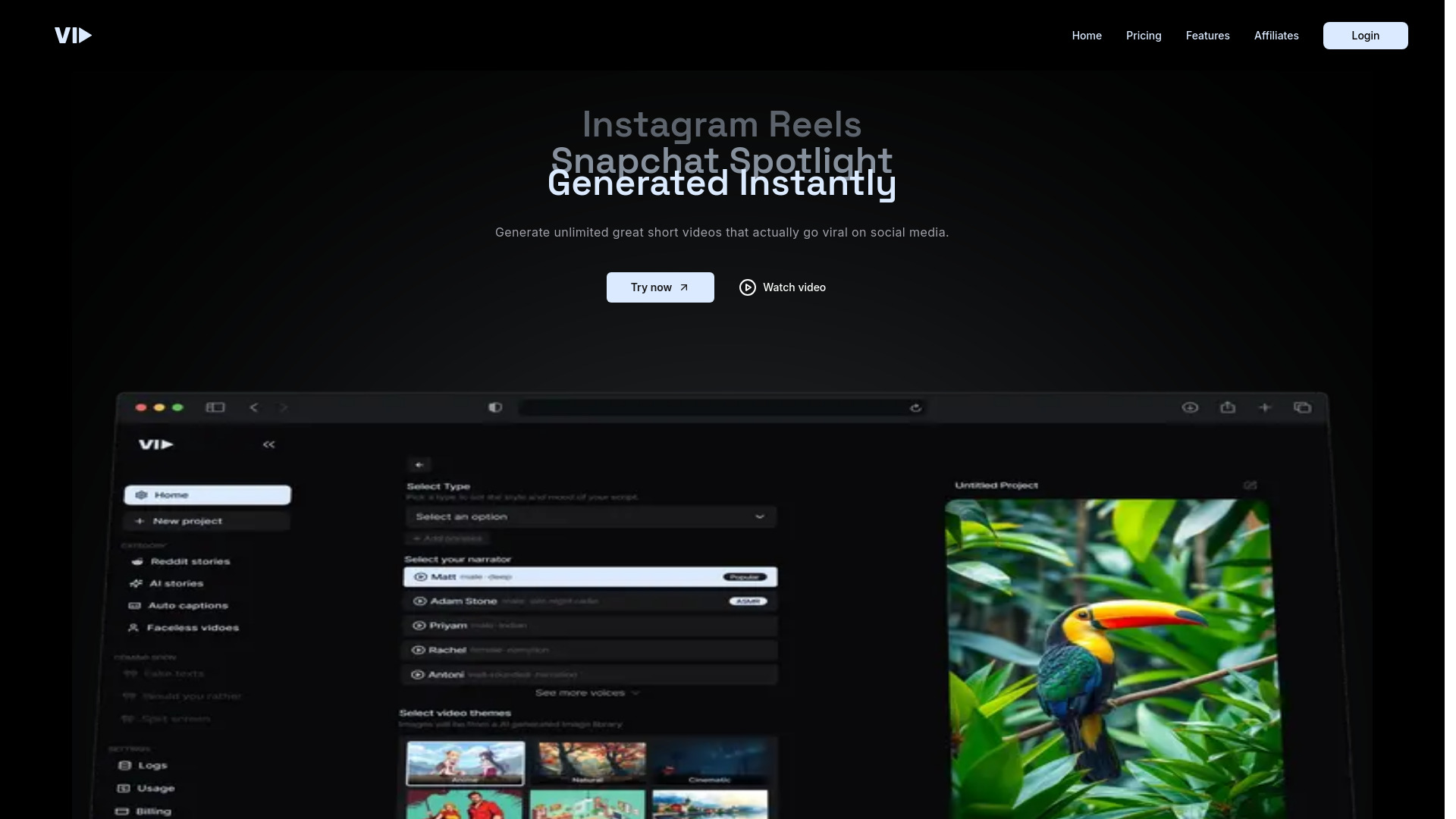
- Short-form video creators
- Starts at Check vendor pricing
- Monthly visits: 116,892 monthly visits

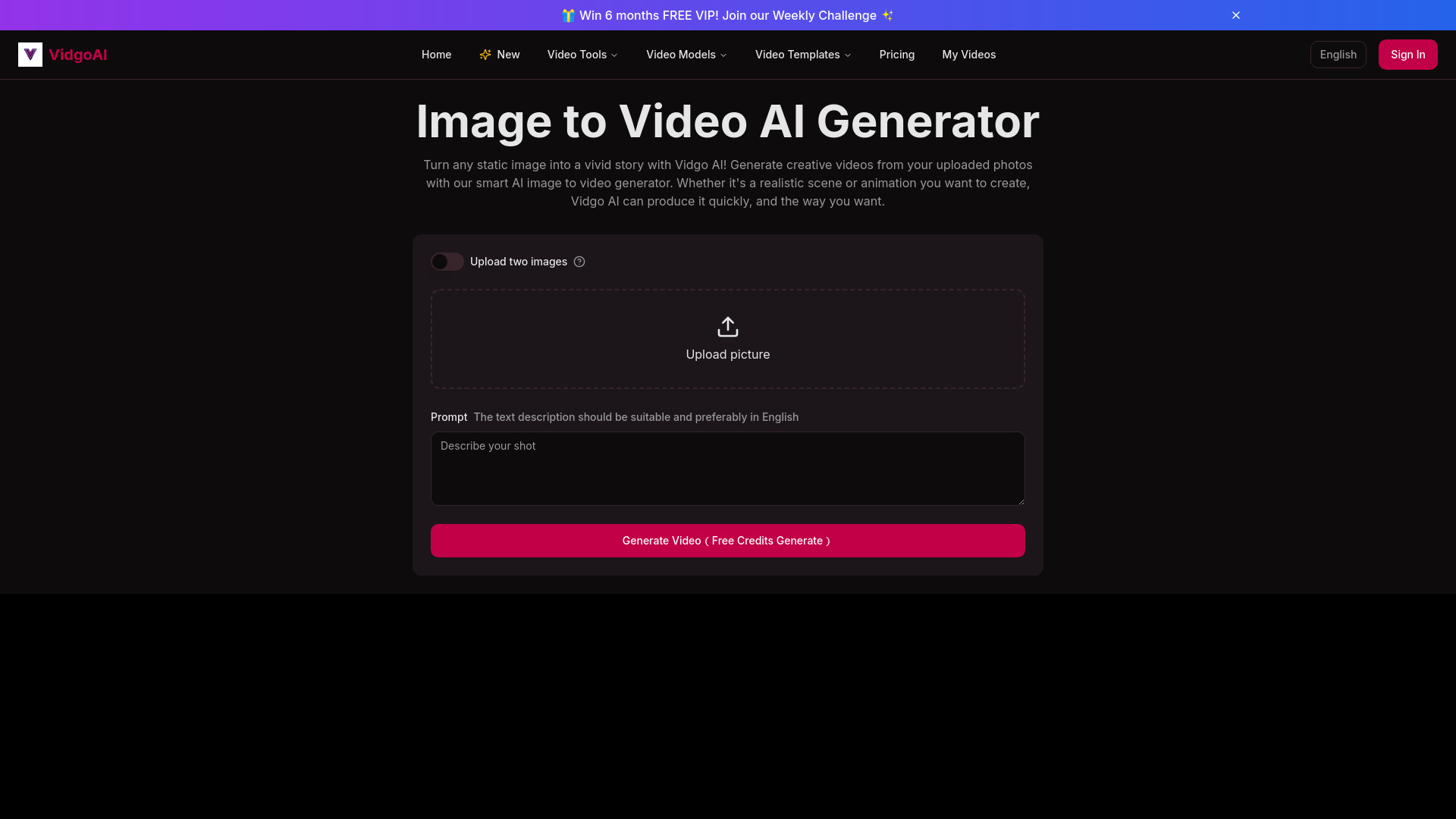
- AI image-to-video creators
- Free plan available
- Starts at Check vendor pricing
- Monthly visits: 57,761 monthly visits

- Short-form video creators
- 3 free uploads
- Starts at $8/month
- Monthly visits: 875 monthly visits
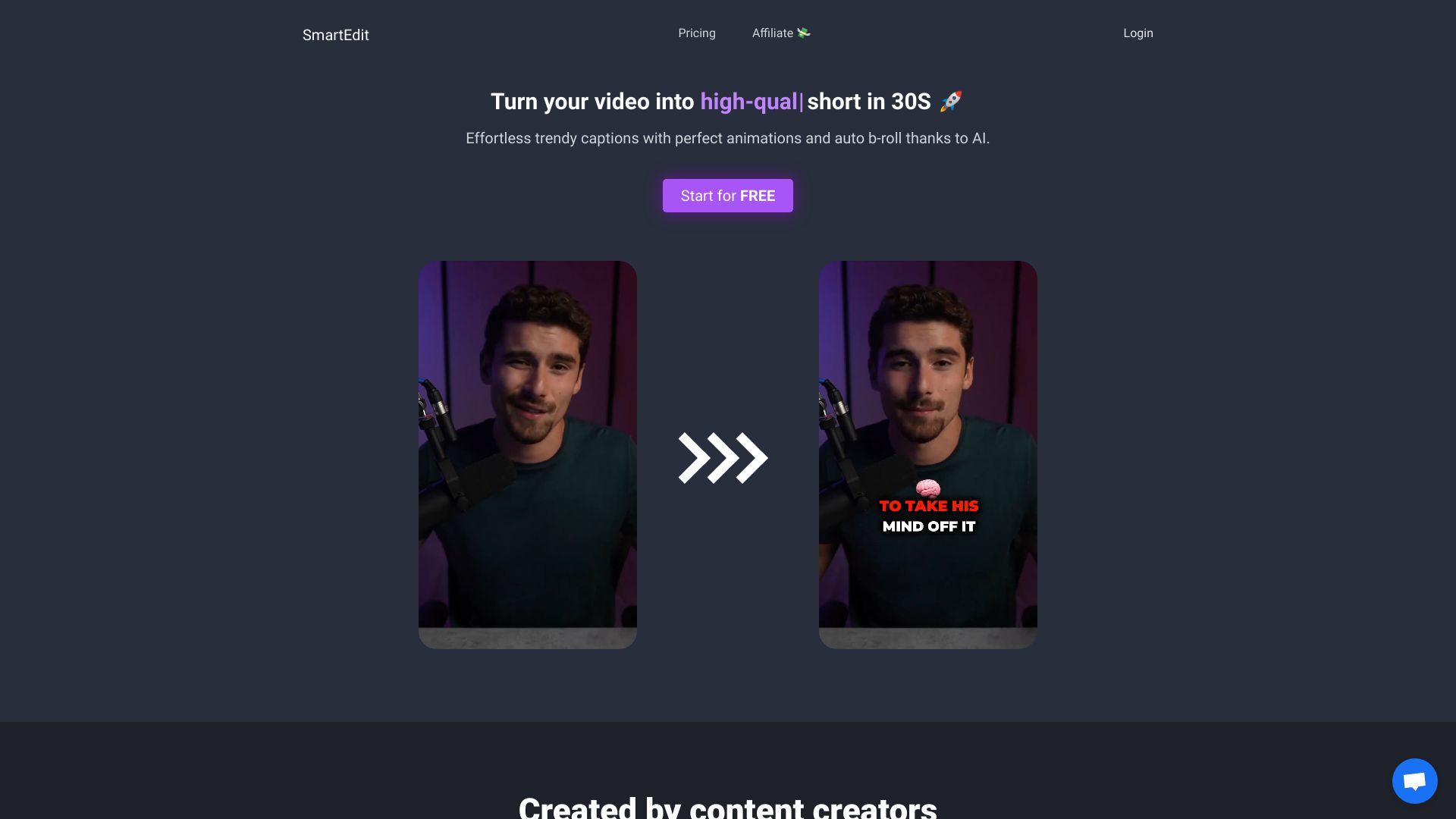

- Template-based video creation
- 10 minutes of AI generation/week
- Starts at $28/month
- Monthly visits: 6.8M monthly visits

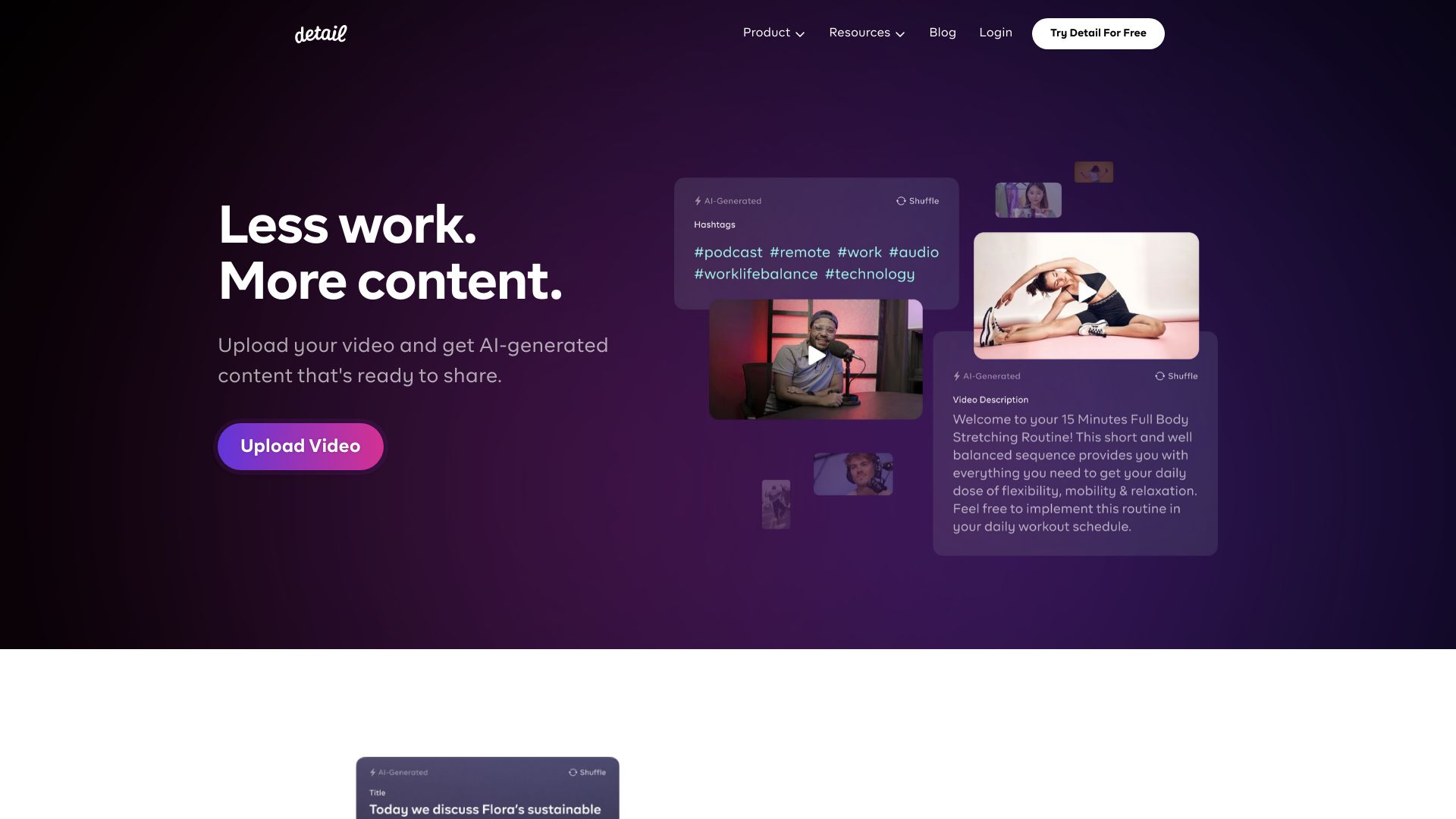
- AI podcast and reaction video editing
- Free plan available
- Starts at Free; Pro from €4.99/month
- Monthly visits: 68,902 monthly visits

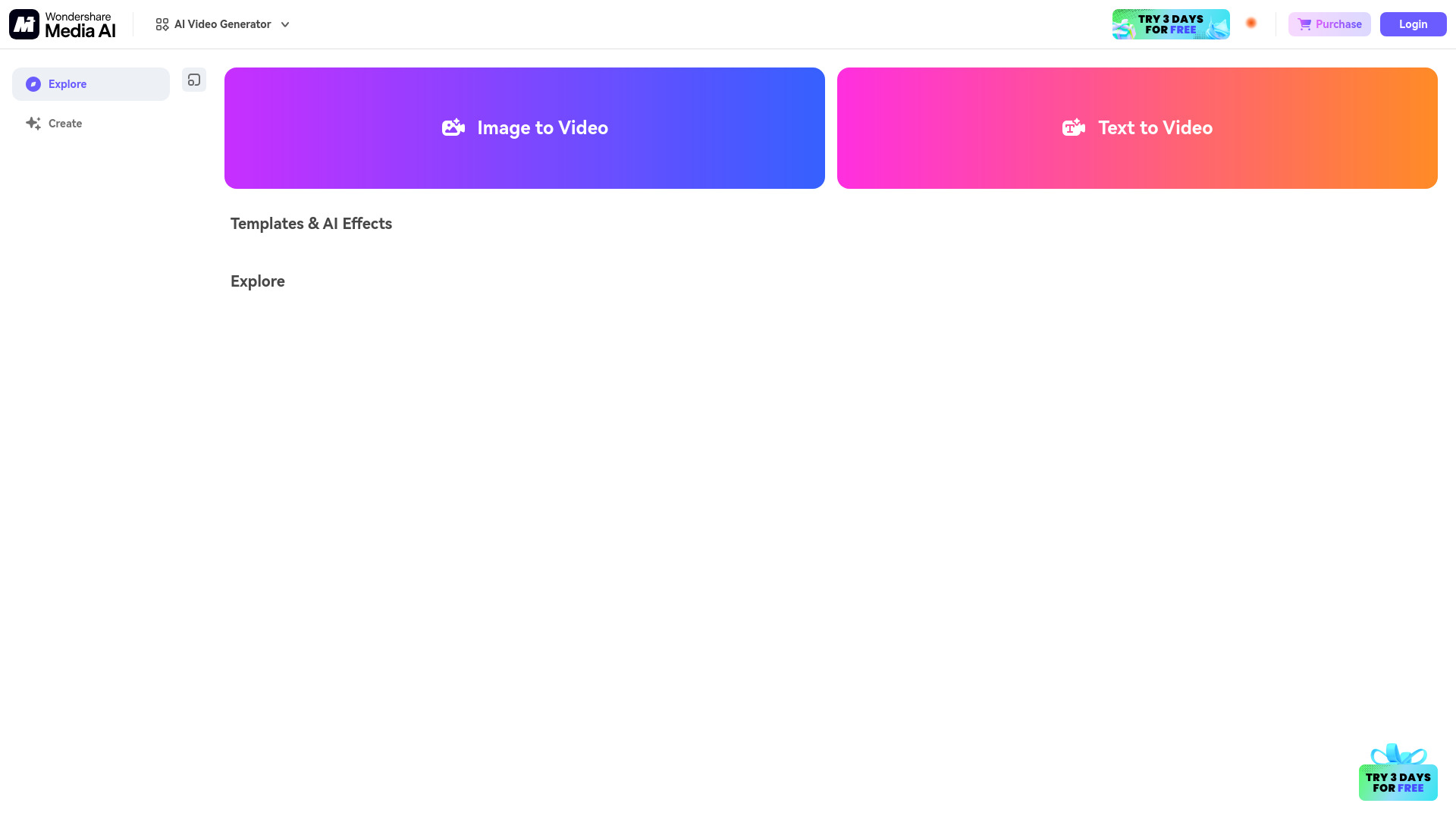
- AI video, image, and audio creation
- Free plan available
- Starts at Check vendor pricing
- Monthly visits: 4.3M monthly visits

- Short-form video creators
- 50 free minutes, one-time
- Starts at From $9/month
- Monthly visits: 207,985 monthly visits

- AI video editing and subtitling
- Free plan available
- Starts at Check vendor pricing
- Monthly visits: 18,116 monthly visits

- Facial expression editing and animation
- Starts at $9.99/month
- Monthly visits: 22,429 monthly visits

- Developers building AI video apps
- Starts at Check vendor pricing
- Monthly visits: 4,879 monthly visits

- Text-to-video and image-to-video creation
- Free plan available
- Starts at $0 with paid plans from $7.99/month
- Monthly visits: 1.2M monthly visits

- Free image-to-video generation
- Free plan available
- Starts at $5.99/month
- Monthly visits: 793,786 monthly visits

- E-commerce product photo editing
- 7-day free trial
- Starts at Check vendor pricing
- Monthly visits: 674,433 monthly visits

- Upscaling blurry videos to 4K
- Free plan available
- Starts at Starting at $29.95
- Monthly visits: 562,996 monthly visits

- Free AI photo editing
- Free plan available
- Starts at Check vendor pricing
- Monthly visits: 792,609 monthly visits

- AI video editing and content repurposing
- 3 free downloads/month
- Starts at From $18/month billed annually
- Monthly visits: 418,055 monthly visits

- Cinematic Veo 3 video generation
- Starts at $2.90 trial
- Monthly visits: 89,322 monthly visits

- AI video generation and style transfer
- 1 free credit
- Starts at Check vendor pricing
- Monthly visits: 791 monthly visits

- AI video production
- Starts at Check vendor pricing
- Monthly visits: 75,109 monthly visits

- AI-powered vlog creation
- Starts at Check vendor pricing
- Monthly visits: 1,310 monthly visits
- AI video and image creation
- 20 free generation credits
- Starts at $7.99/month
- Monthly visits: 105,606 monthly visits


- AI video creators
- 40 free credits
- Starts at $6.00
- Monthly visits: 94,214 monthly visits

- AI video upscaling and restoration
- Free plan available
- Starts at $39.95/month
- Monthly visits: 138,371 monthly visits

- Prompt-based photo editing
- Free plan available
- Starts at $7.99/month
- Monthly visits: 86,772 monthly visits

- Text-to-video and image-to-video creation
- Free plan available
- Starts at $19.90/month
- Monthly visits: 1,007 monthly visits

- Veo3-powered text and image-to-video creation
- 3-video trial for $2.99
- Starts at $2.99 for 3 videos
- Monthly visits: 80,298 monthly visits

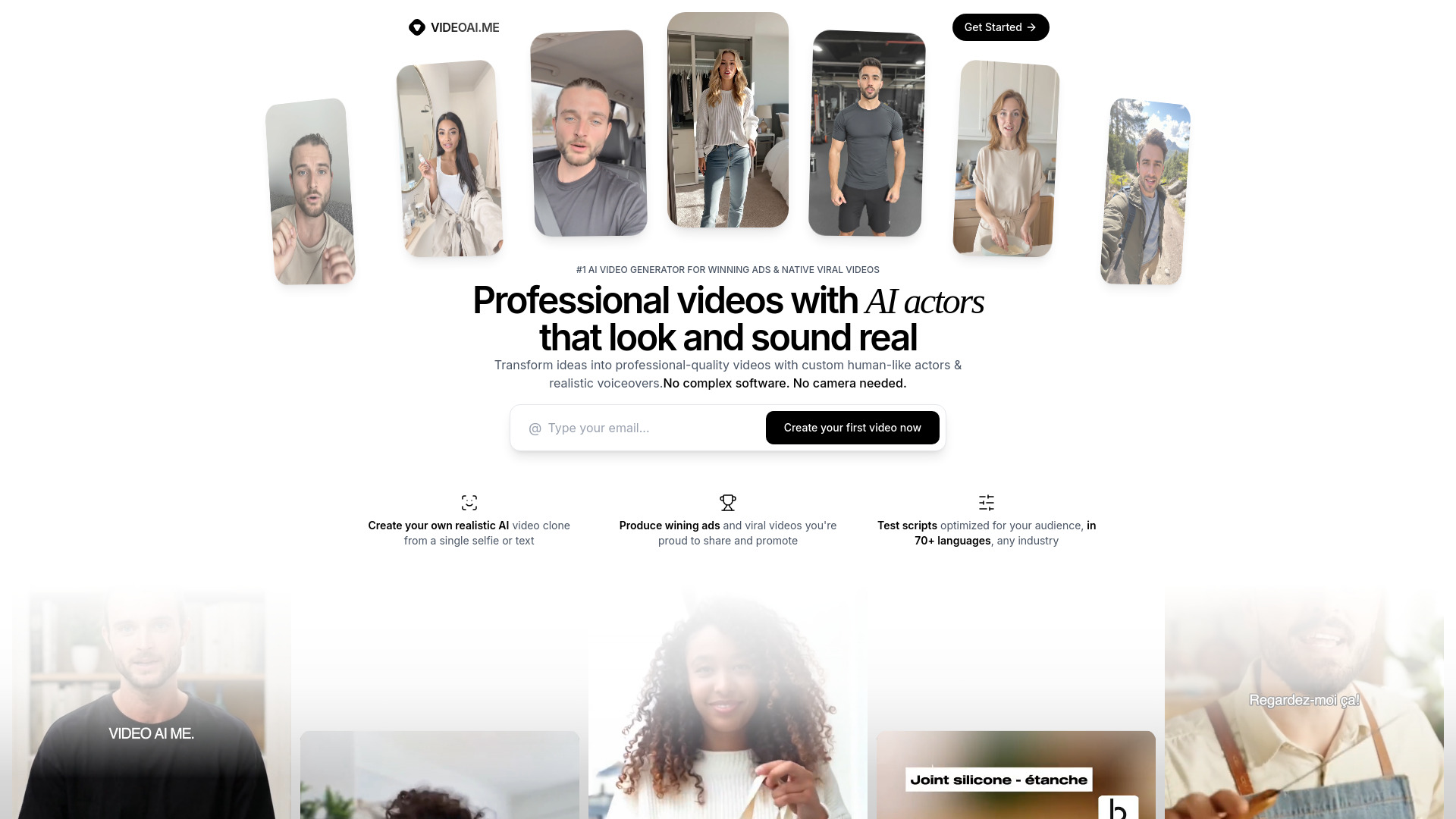
- AI actor videos and multilingual marketing ads
- Free plan available
- Starts at Check vendor pricing
- Monthly visits: 68,326 monthly visits
- Creators using multiple video models
- 10 credits/month
- Starts at From $8.30/mo (annual)
- Monthly visits: 49,794 monthly visits

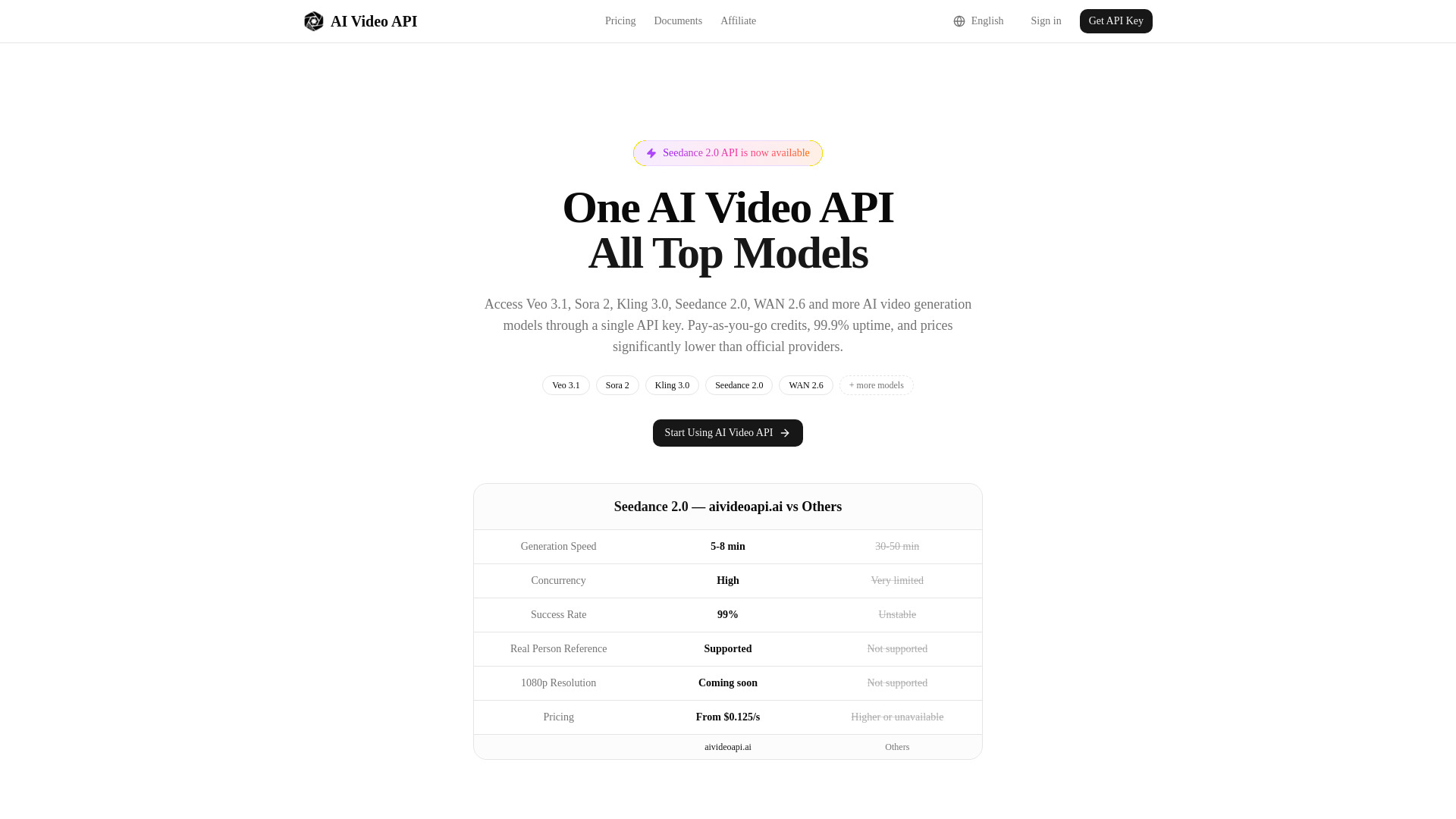
- Developers needing one AI video API
- Starts at From $1
- Monthly visits: 912 monthly visits

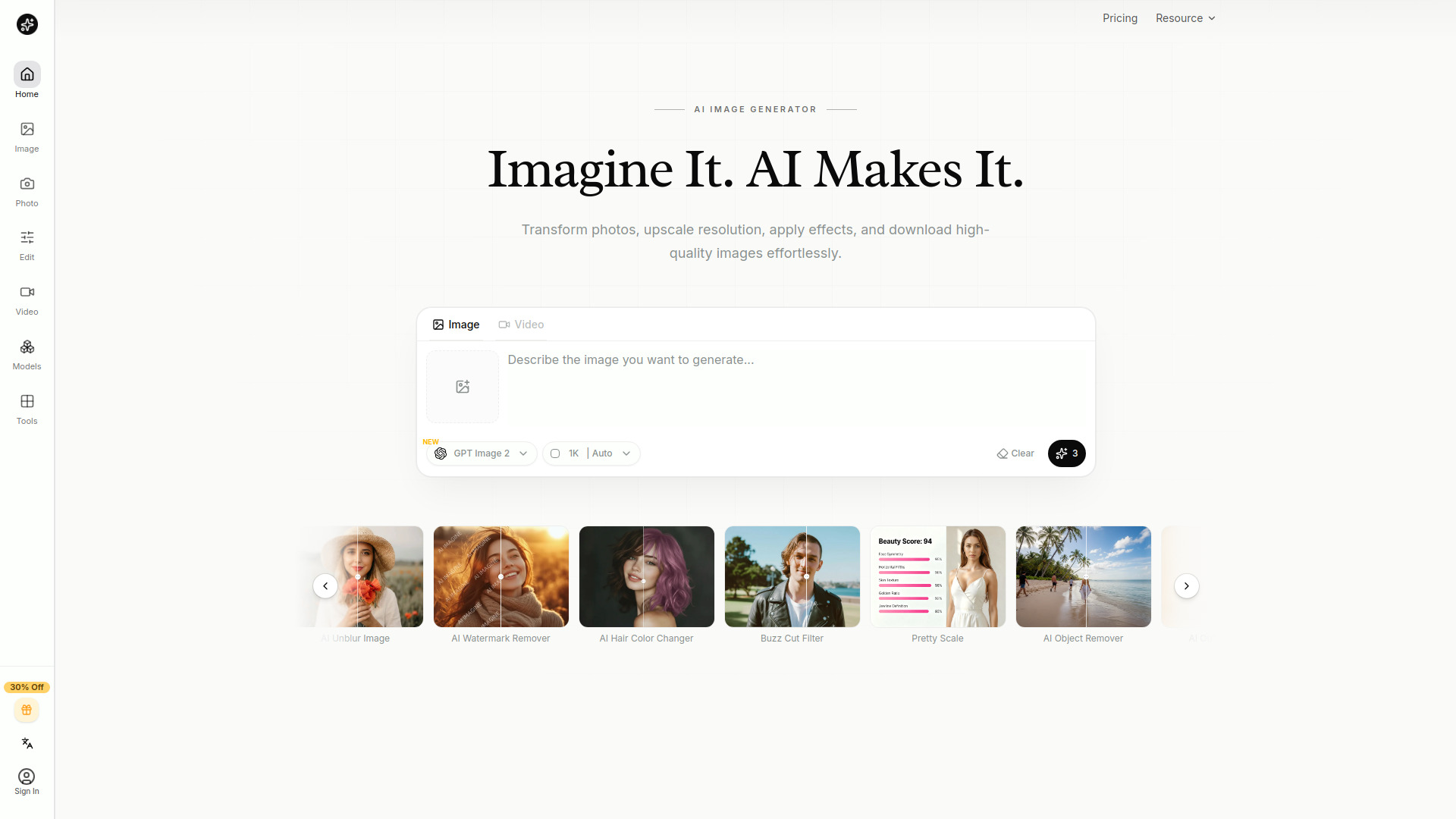
- Creators needing fast visual edits
- Free trial available
- Starts at From $4.99/month
- Monthly visits: 58,213 monthly visits

- Cinematic image-to-video creation
- Free plan available
- Starts at $15/month
- Monthly visits: 22,100 monthly visits
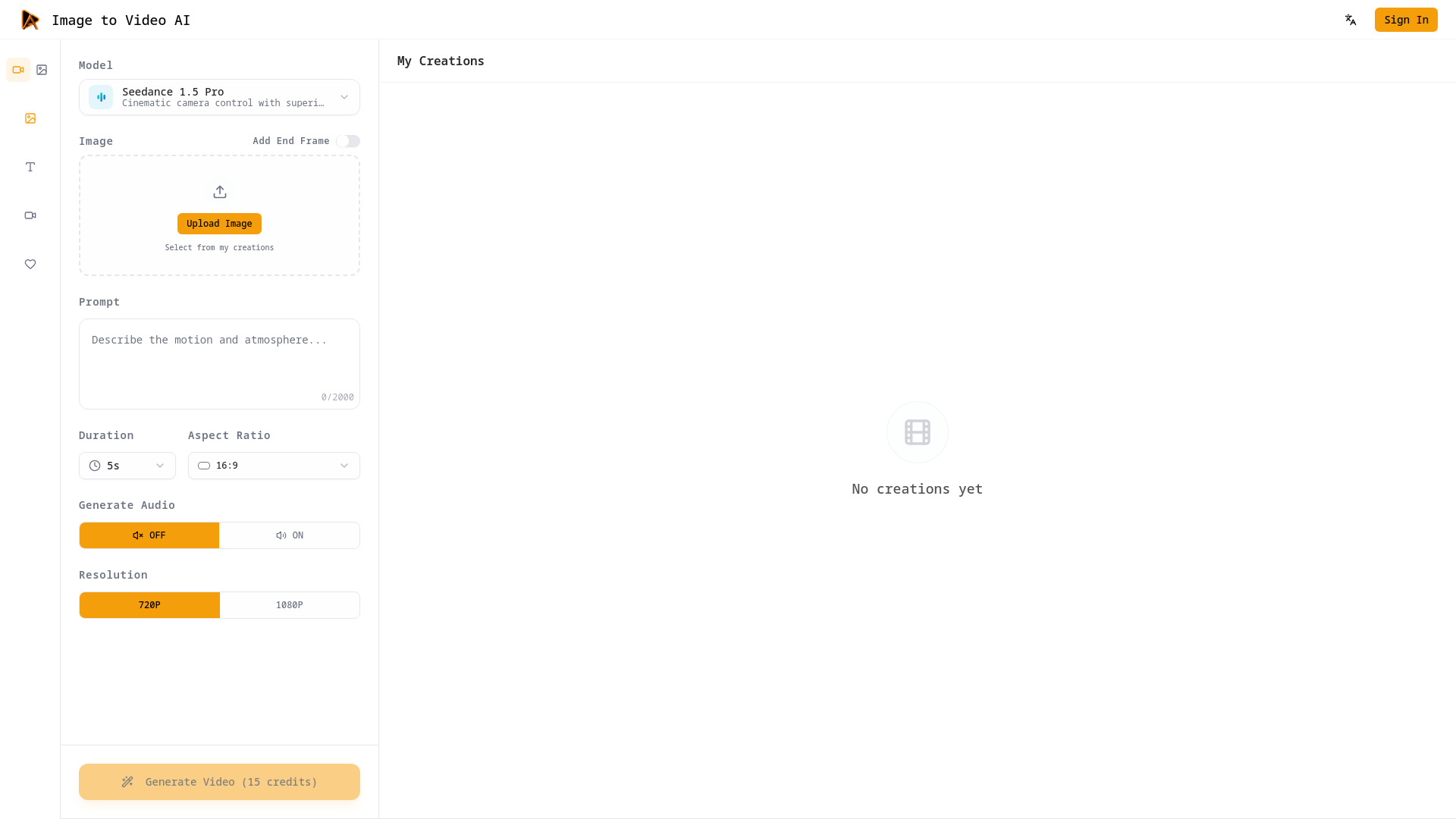

- Image-to-video creation
- Free plan available
- Starts at Check vendor pricing
- Monthly visits: 30,929 monthly visits

- AI-assisted video creation and editing
- Starts at $9/user/month (annual)
- Monthly visits: 32 monthly visits

- Animating photos into short videos
- 30 free credits
- Starts at From $4.90 one-time
- Monthly visits: 11,459 monthly visits

- Multi-model AI video and image generation
- 5 free credits
- Starts at From $9.9/month
- Monthly visits: 40,079 monthly visits

- AI content workflow automation
- Free plan available
- Starts at Check vendor pricing
- Monthly visits: 18,630 monthly visits

- Multi-model video and image production
- Starts at $29/month
- Monthly visits: 5,875 monthly visits

- Marketers creating social videos
- 5 minutes of video per month
- Starts at $34/month

- Multimodel video creation
- 300 free credits forever
- Starts at $15/mo
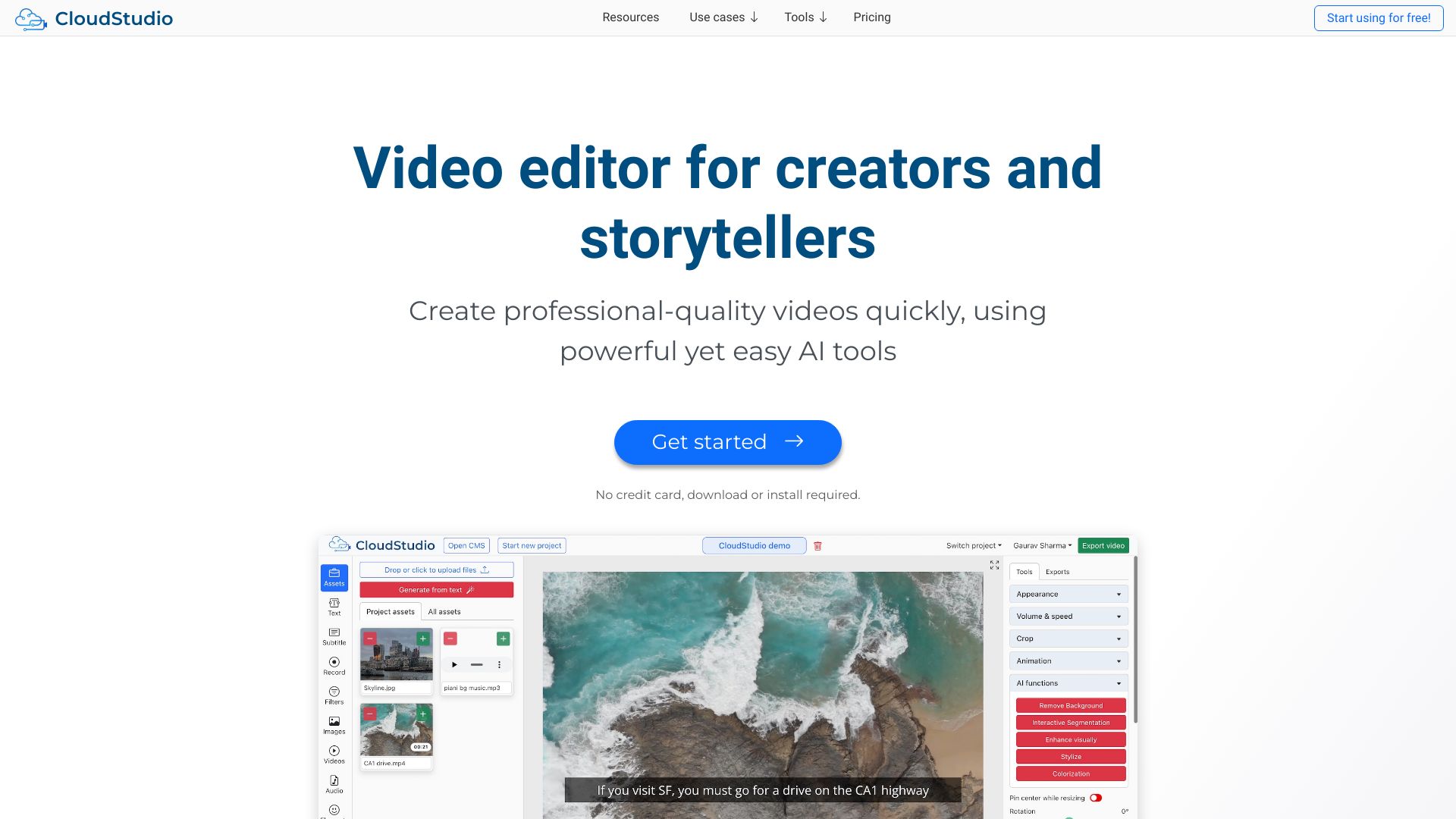
- AI video editing for creators
- Free plan available
- Starts at Check vendor pricing

- Free AI image and video editing
- Free plan available
- Starts at Check vendor pricing

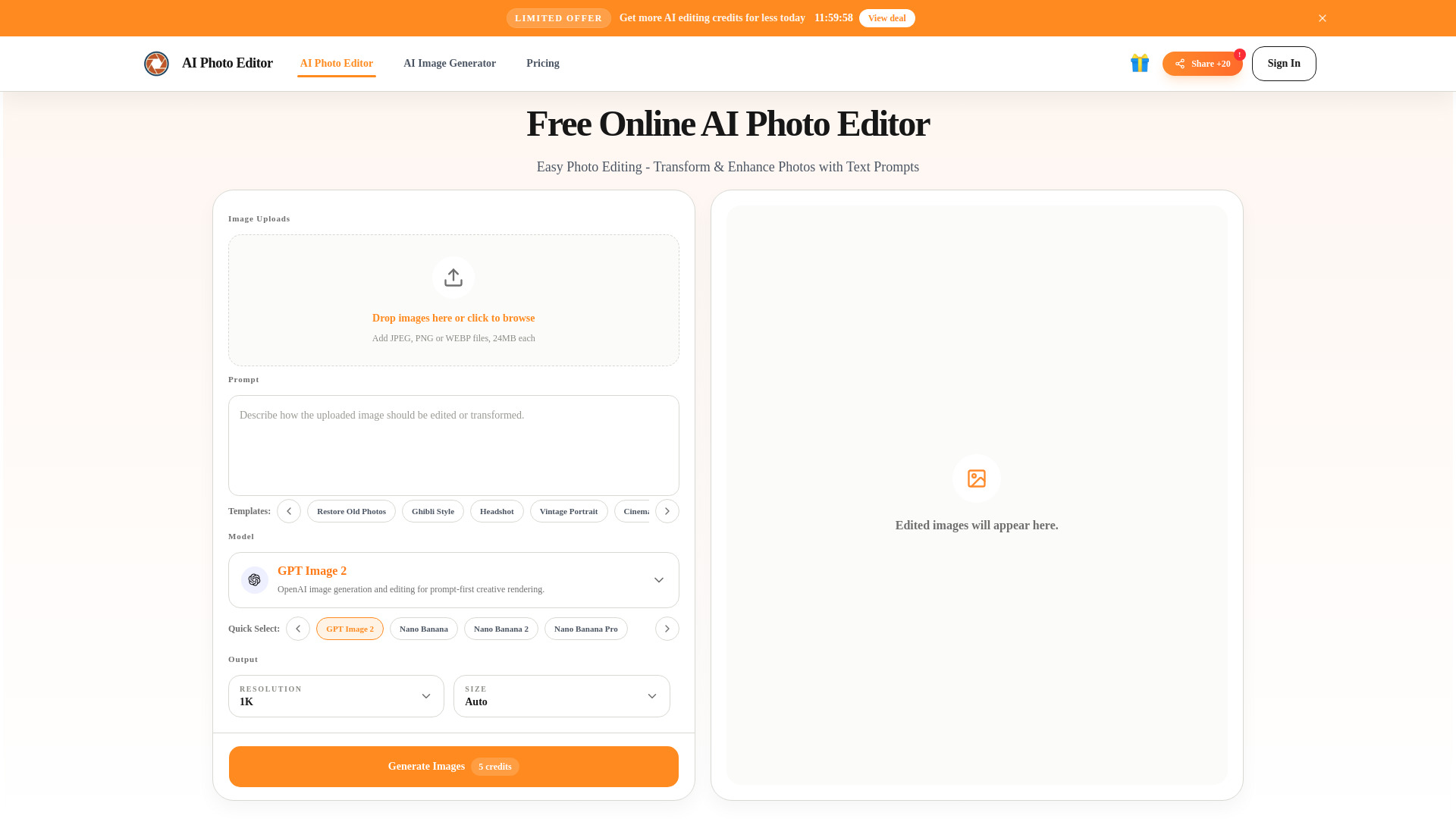
- Prompt-based photo editing
- 20 free credits every 24 hours
- Starts at From $9.90
- Monthly visits: 11,565 monthly visits

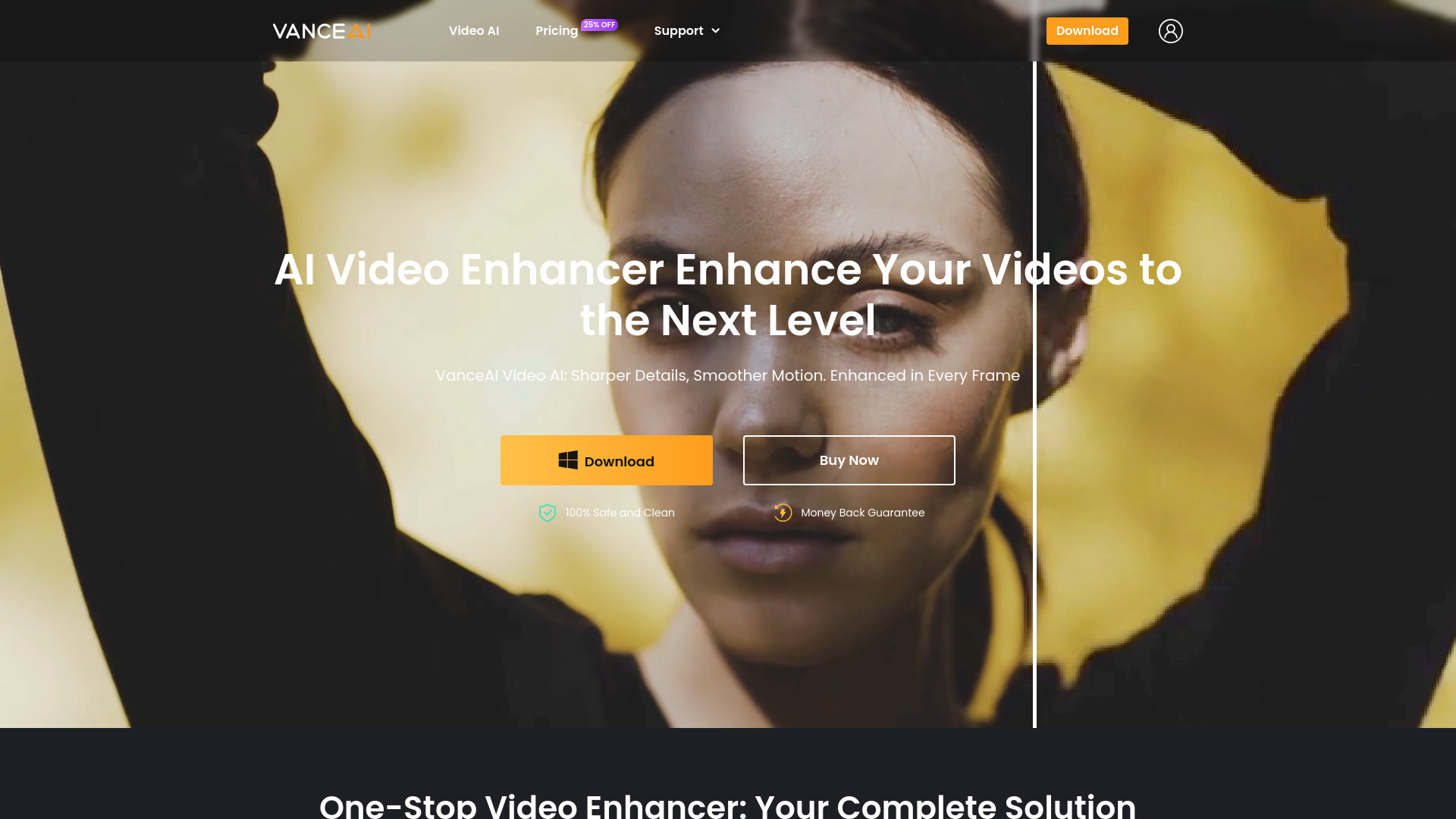
- AI video enhancement and restoration
- 3 free trials/month
- Starts at Check vendor pricing
- Monthly visits: 115 monthly visits

- Prompt-based image editing and creation
- Free plan available
- Starts at US$12/user/month
- Monthly visits: 13,704 monthly visits

- Creators turning long videos into social clips
- Starts at $125

- AI image and video creation
- 20 credits for daily check-in
- Starts at $9.90/month
- Monthly visits: 12,186 monthly visits

- Prompt-based video editing
- Starts at Check vendor pricing

- Agent-based video editing workflows
- Starts at Check vendor pricing
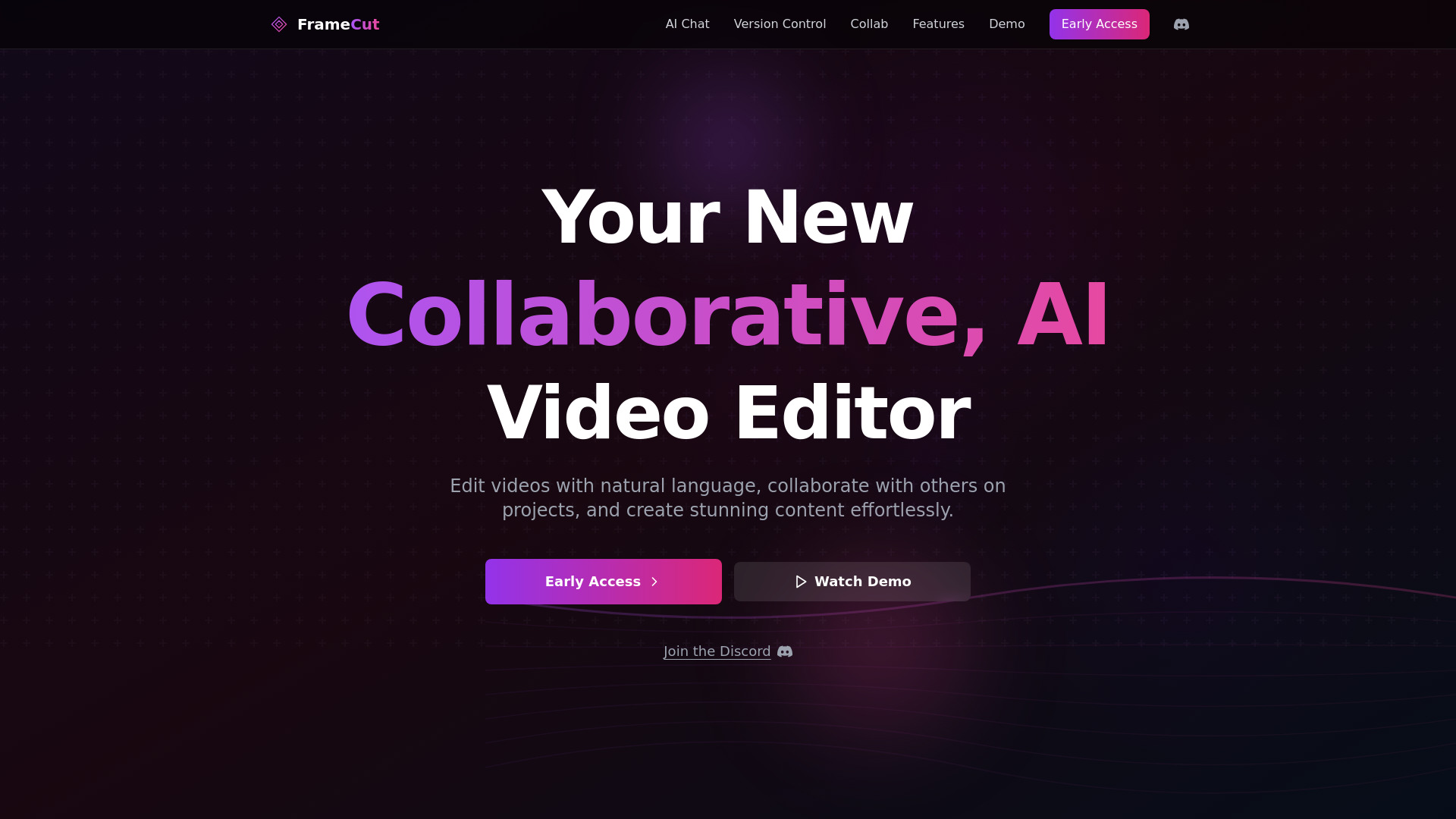

- Creators turning photos into cinematic videos
- 20 free credits
- Starts at From $16.58/month
- Monthly visits: 3,040 monthly visits
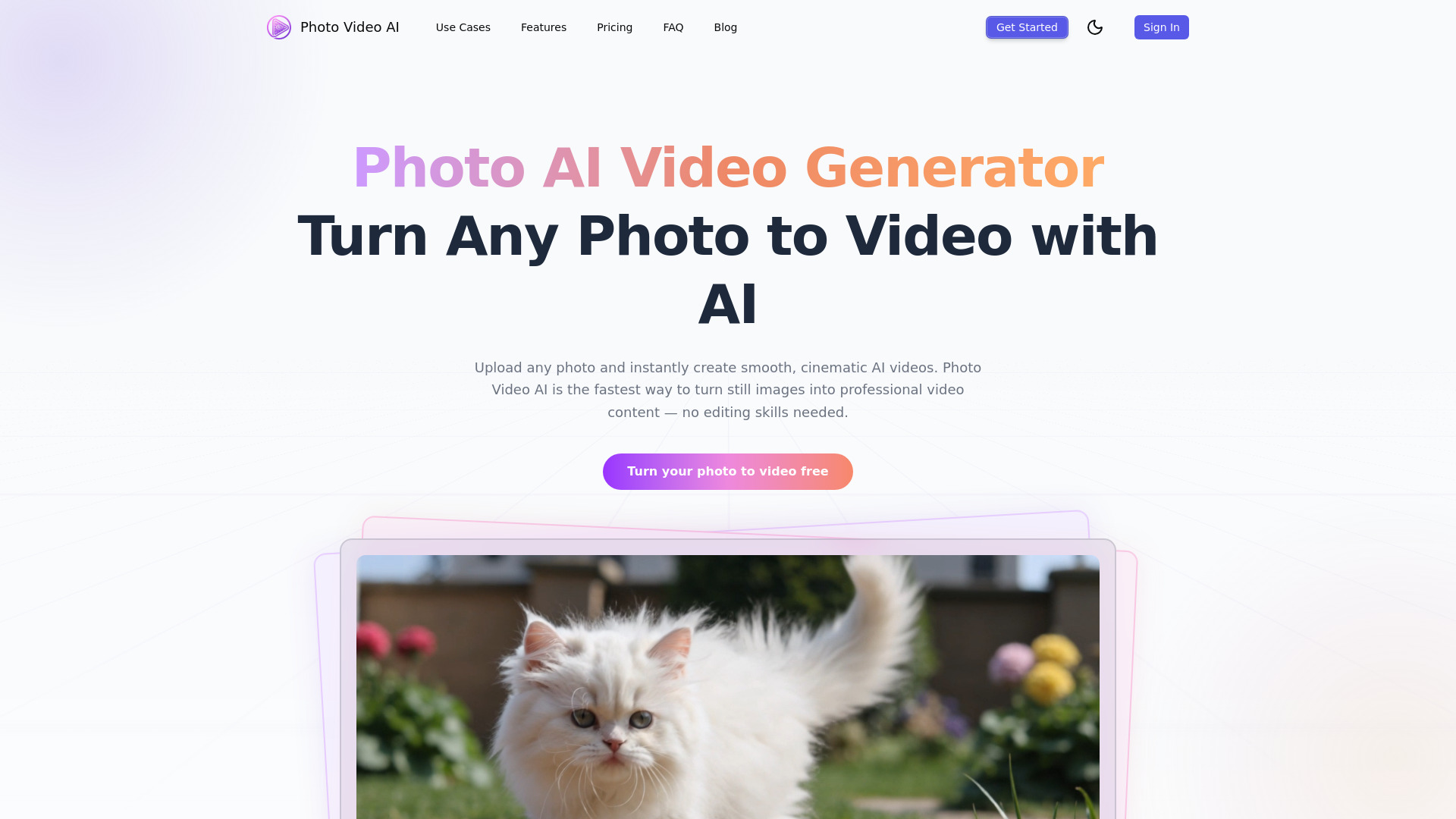

- AI video generation from images and text
- 300 credits/month
- Starts at $9.99/month
- Monthly visits: 9,659 monthly visits
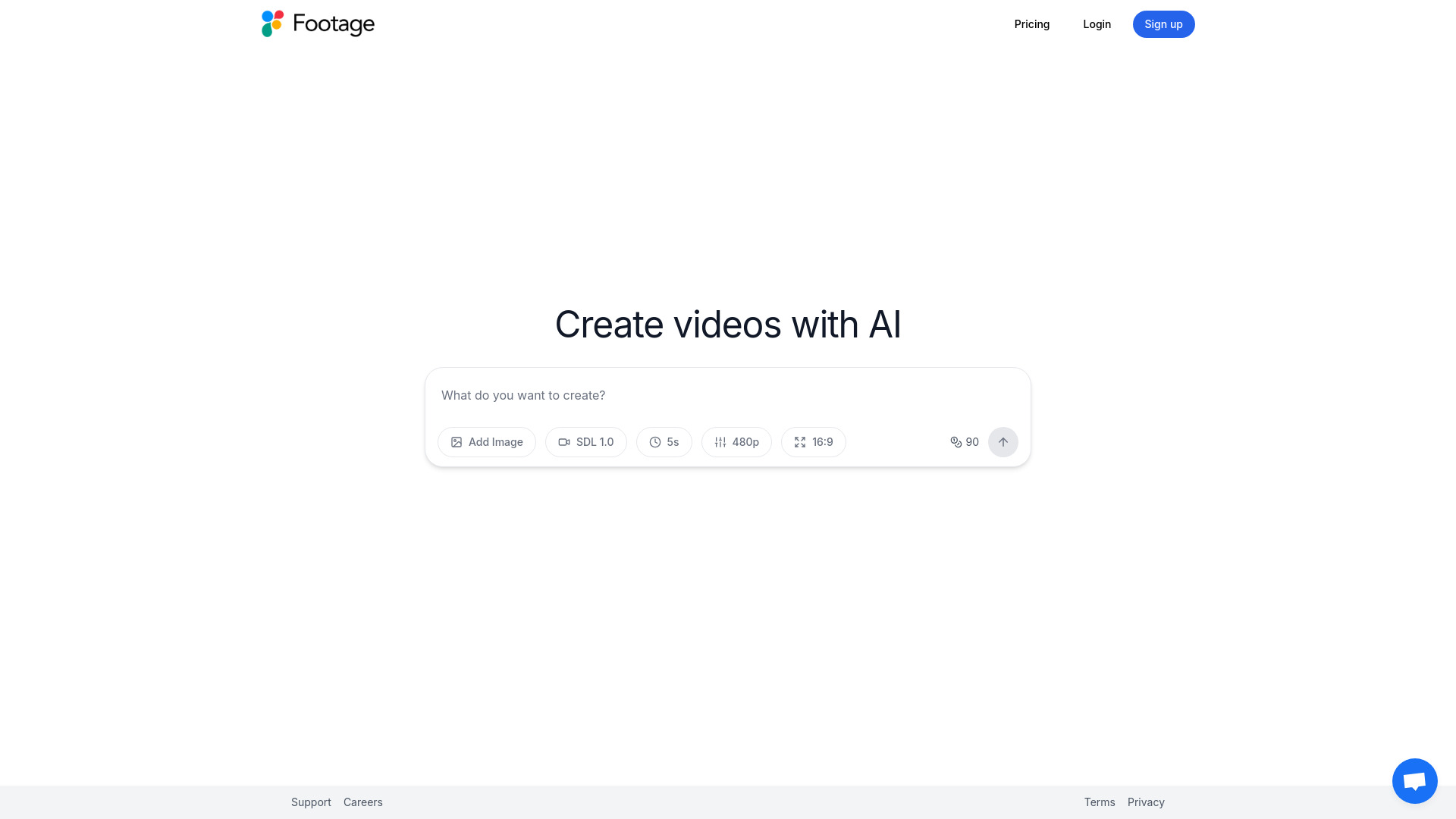
- Text-prompt video transformation
- Free plan available
- Starts at $29.90/month
- Monthly visits: 80 monthly visits
- Image-to-video creators
- 5 free credits
- Starts at $7.99/month
- Monthly visits: 3,687 monthly visits

- Consistent character image editing
- Free plan available
- Starts at $4.99/mo
- Monthly visits: 3,257 monthly visits
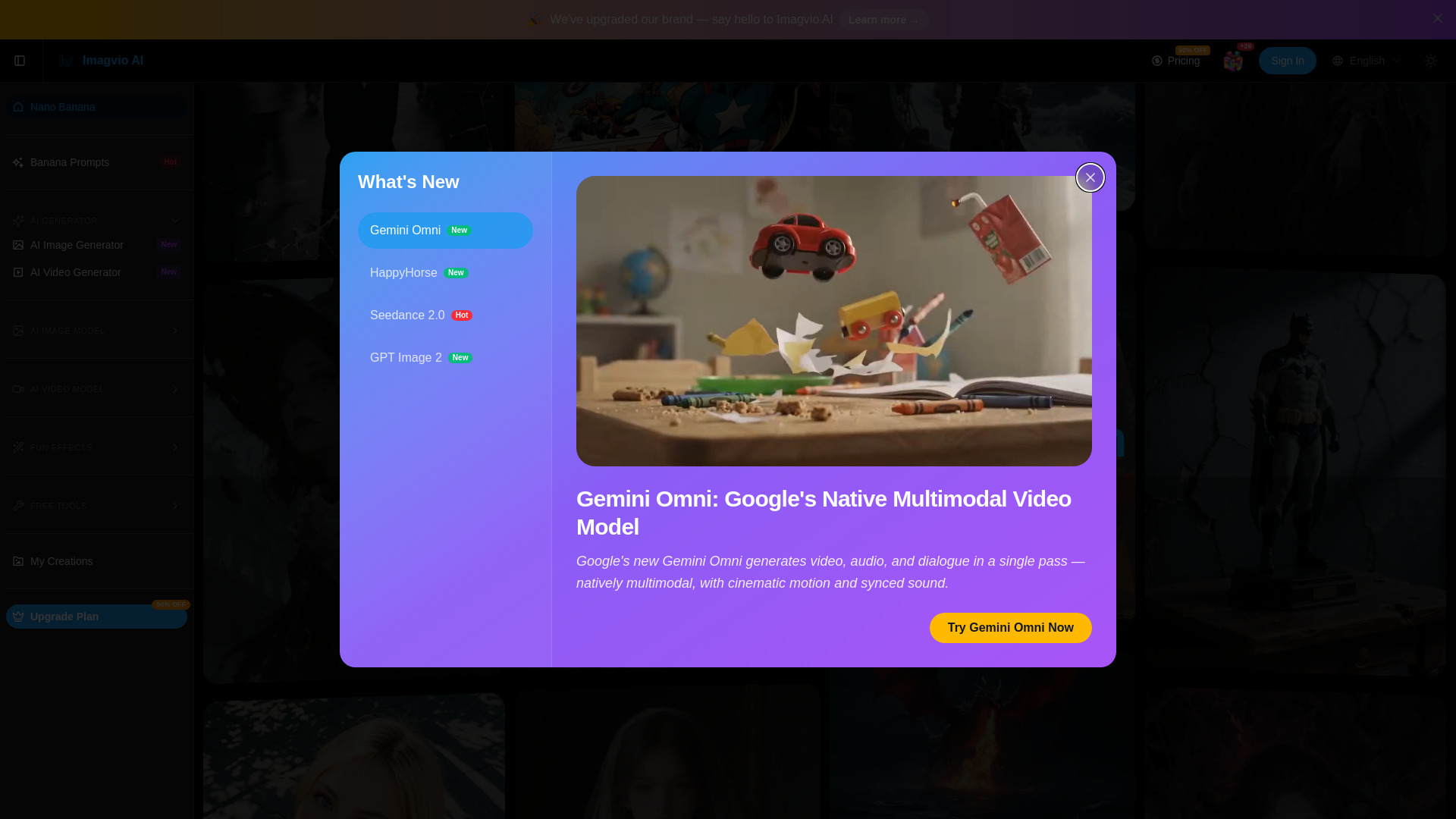
- Image-to-video content creators
- Free plan available
- Starts at $13.90 one-time
- Monthly visits: 1,847 monthly visits

- Product videos for marketers
- Starts at €49/month
- Monthly visits: 1,587 monthly visits
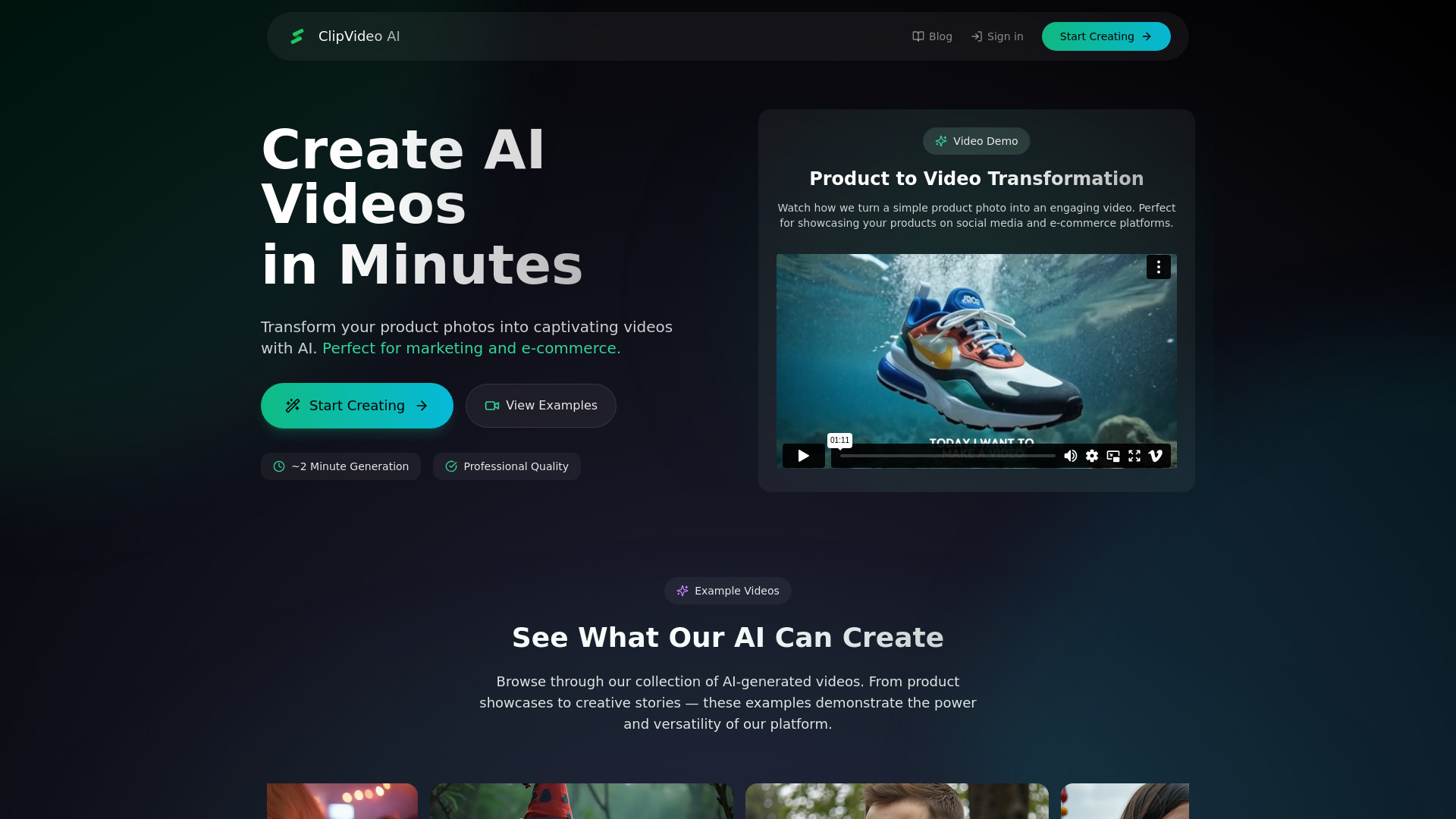

- Beginner text-to-video creation
- Free plan available
- Starts at Check vendor pricing
- Monthly visits: 2,170 monthly visits
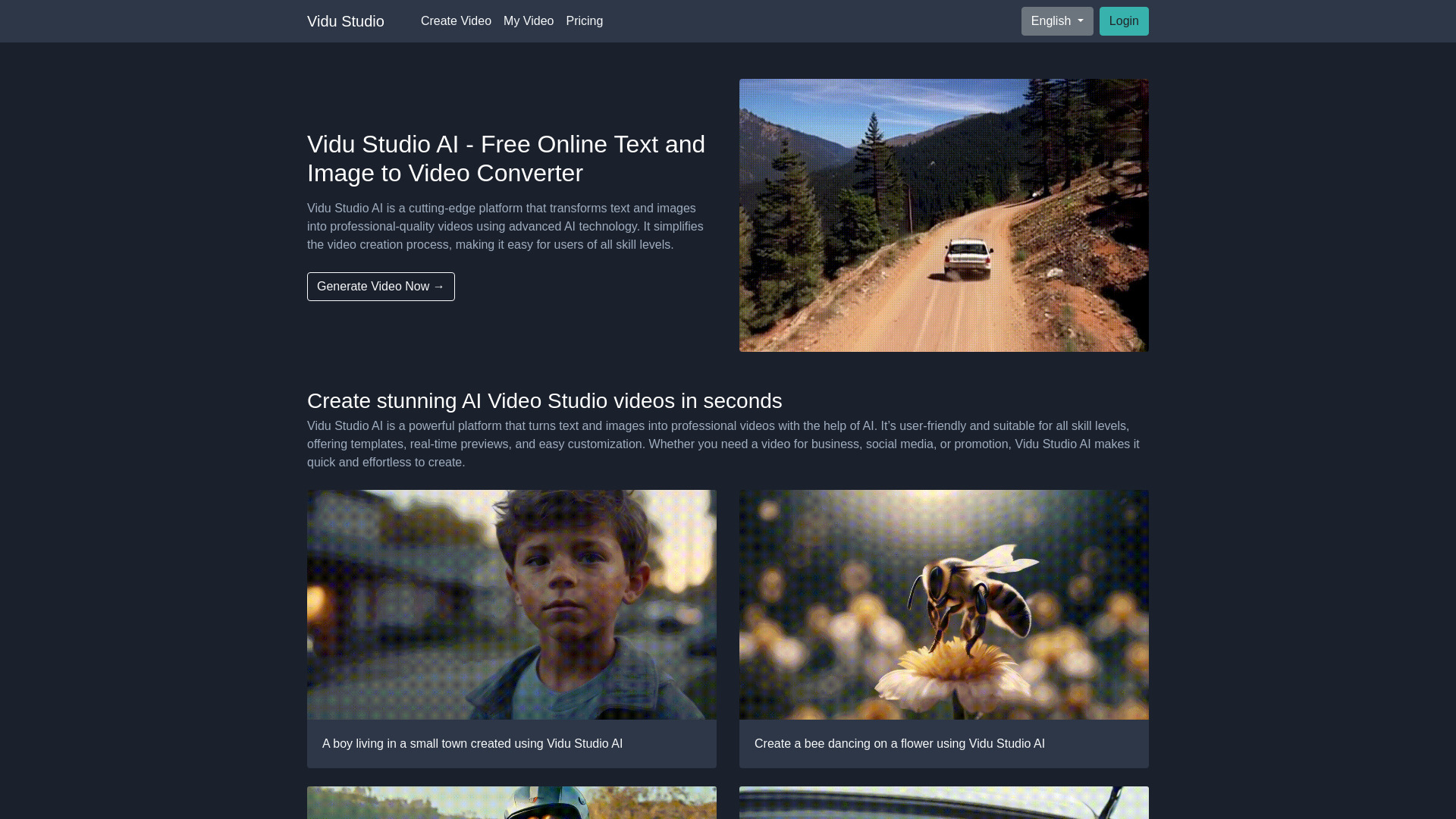

- AI product photo editing
- Starts at Check vendor pricing
- Monthly visits: 1,691 monthly visits
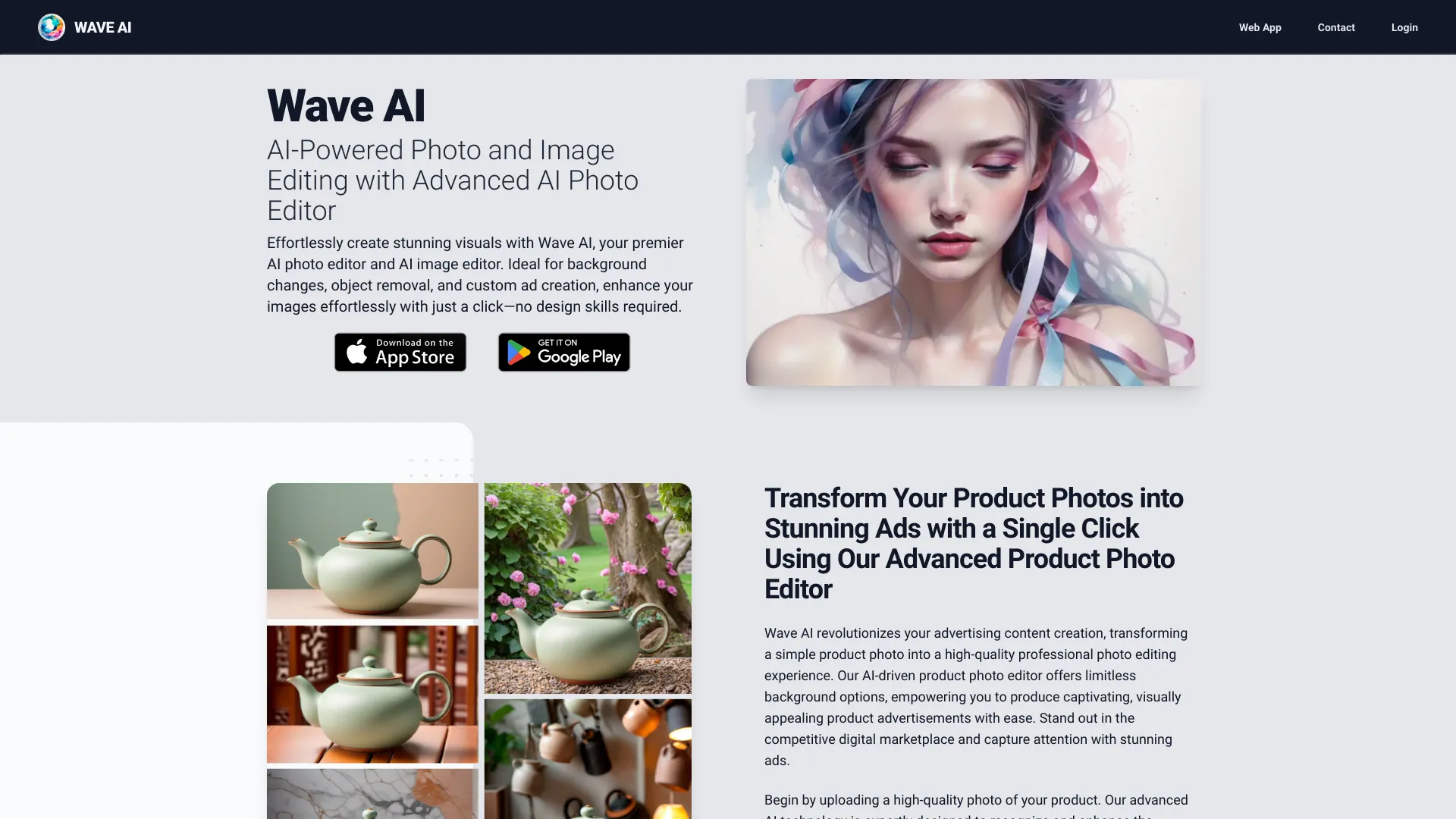

- AI editing of real footage
- Starts at Check vendor pricing
- Monthly visits: 1,489 monthly visits
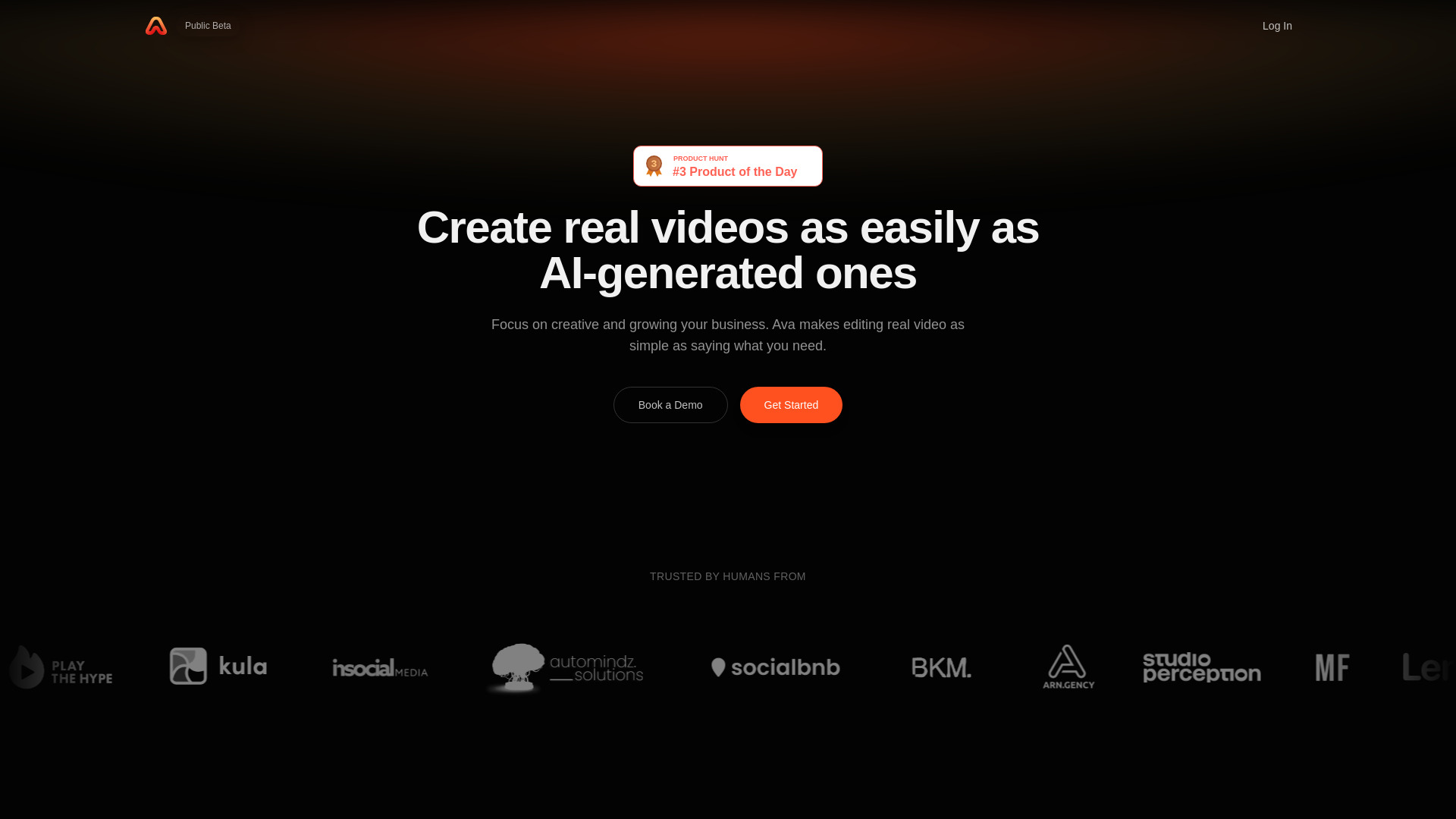

- Multi-model image-to-video creation
- 5 daily login credits
- Starts at $23.90/month
- Monthly visits: 1,787 monthly visits

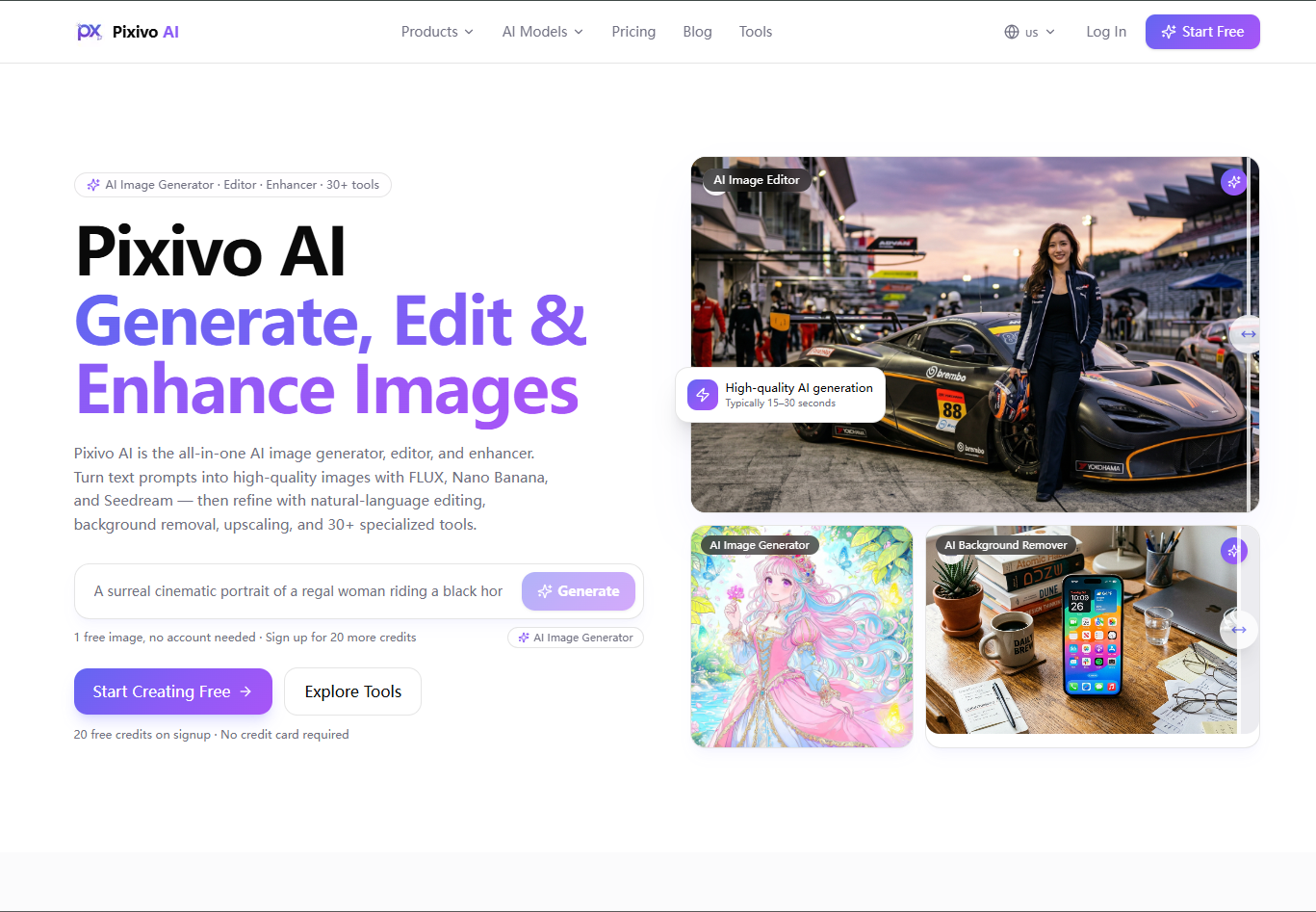
- All-in-one AI image creation
- 20 free credits on signup
- Starts at $4.99 for 200 credits
- Monthly visits: 1,776 monthly visits
- Quick photo enhancement
- 5 free edits/month
- Starts at $19.99/month
- Monthly visits: 1,362 monthly visits

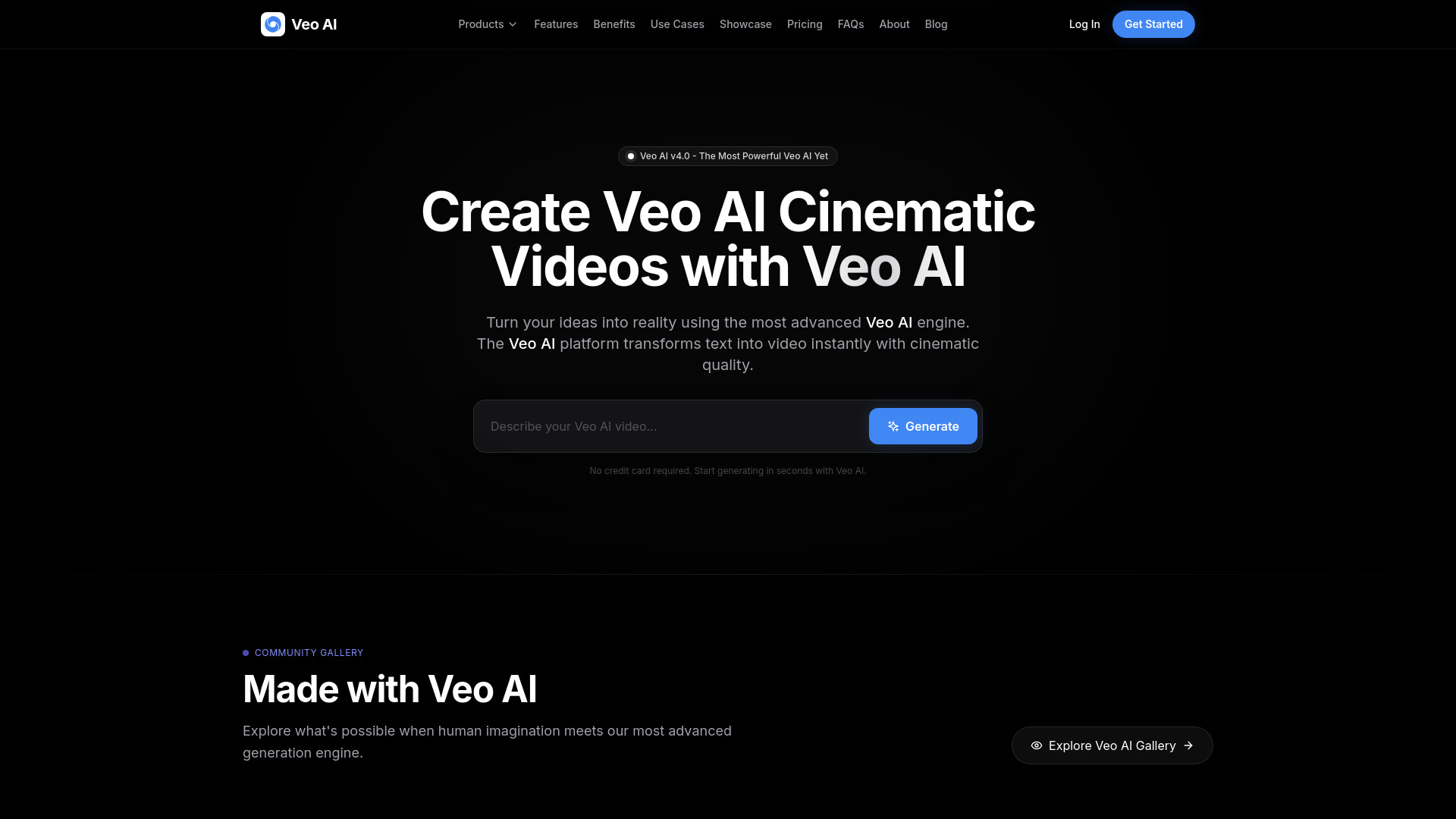
- Cinematic AI video generation
- Starts at $4.99/week
- Monthly visits: 1,133 monthly visits
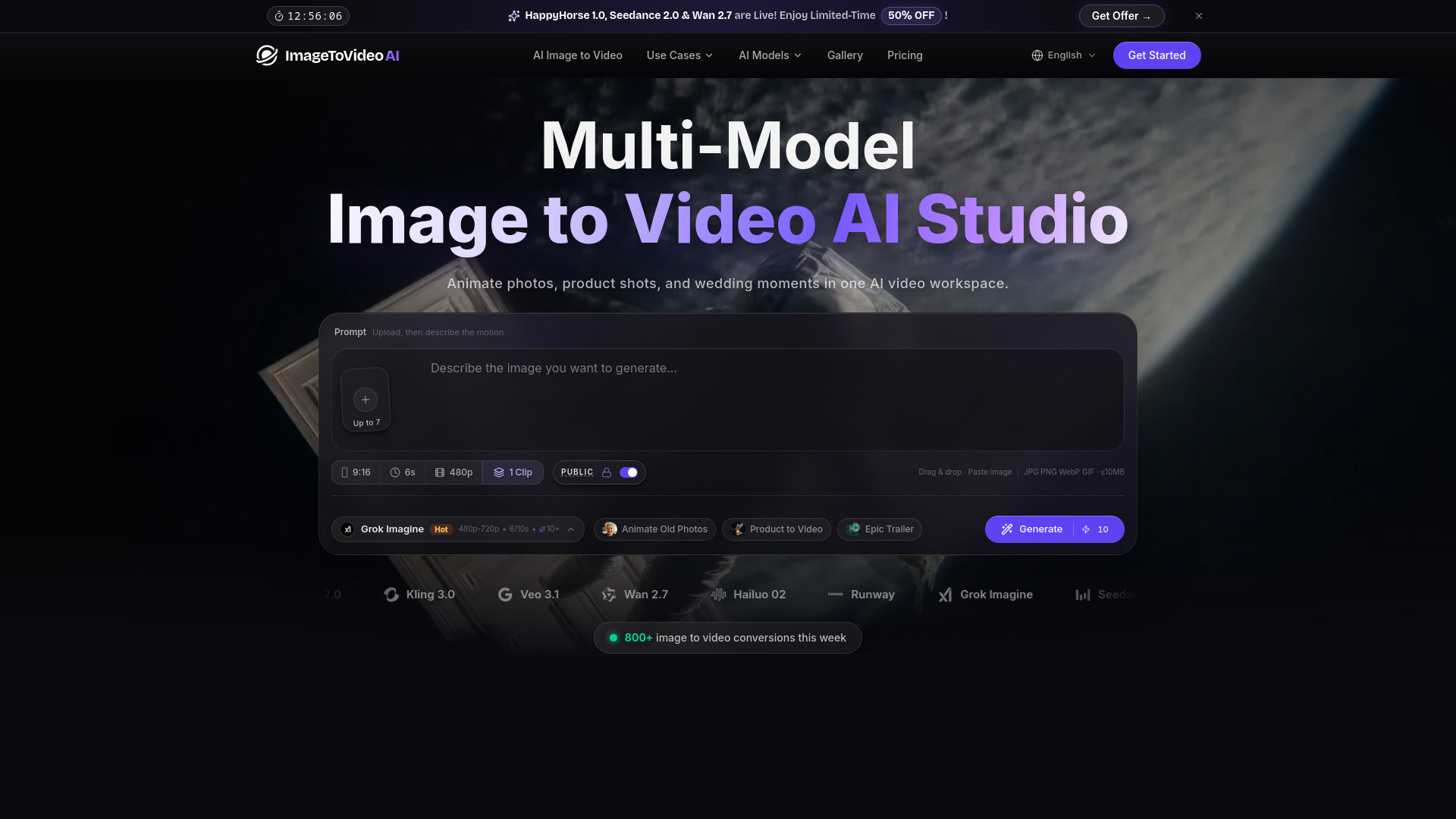
- Image-to-video generation
- Free plan available
- Starts at From $14.90/month
- Monthly visits: 412 monthly visits

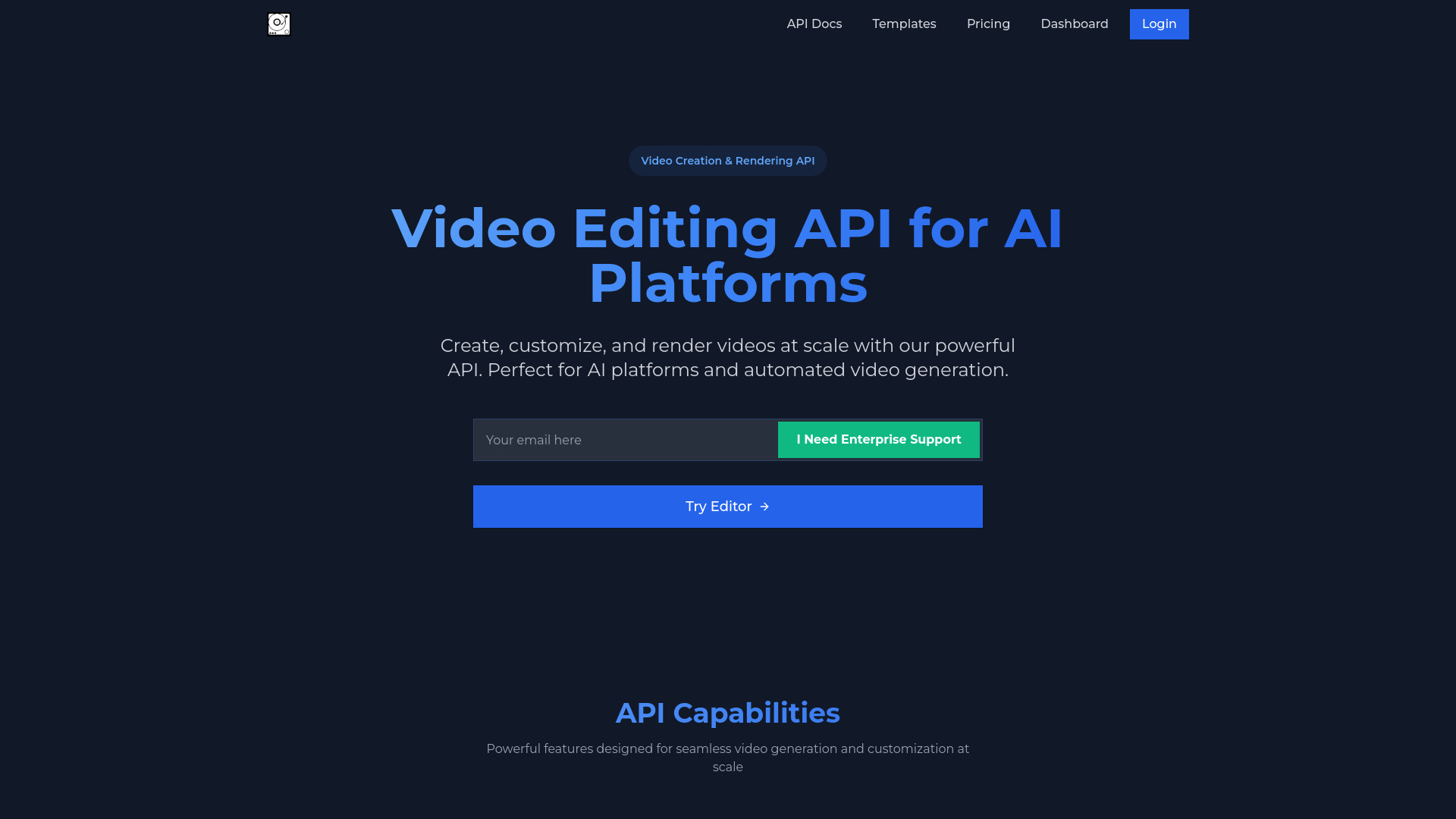
- AI video platforms and automated video generation
- Free plan available
- Starts at Check vendor pricing

- Turning photos into videos
- 50 free credits
- Starts at $11.1/month
- Monthly visits: 196 monthly visits
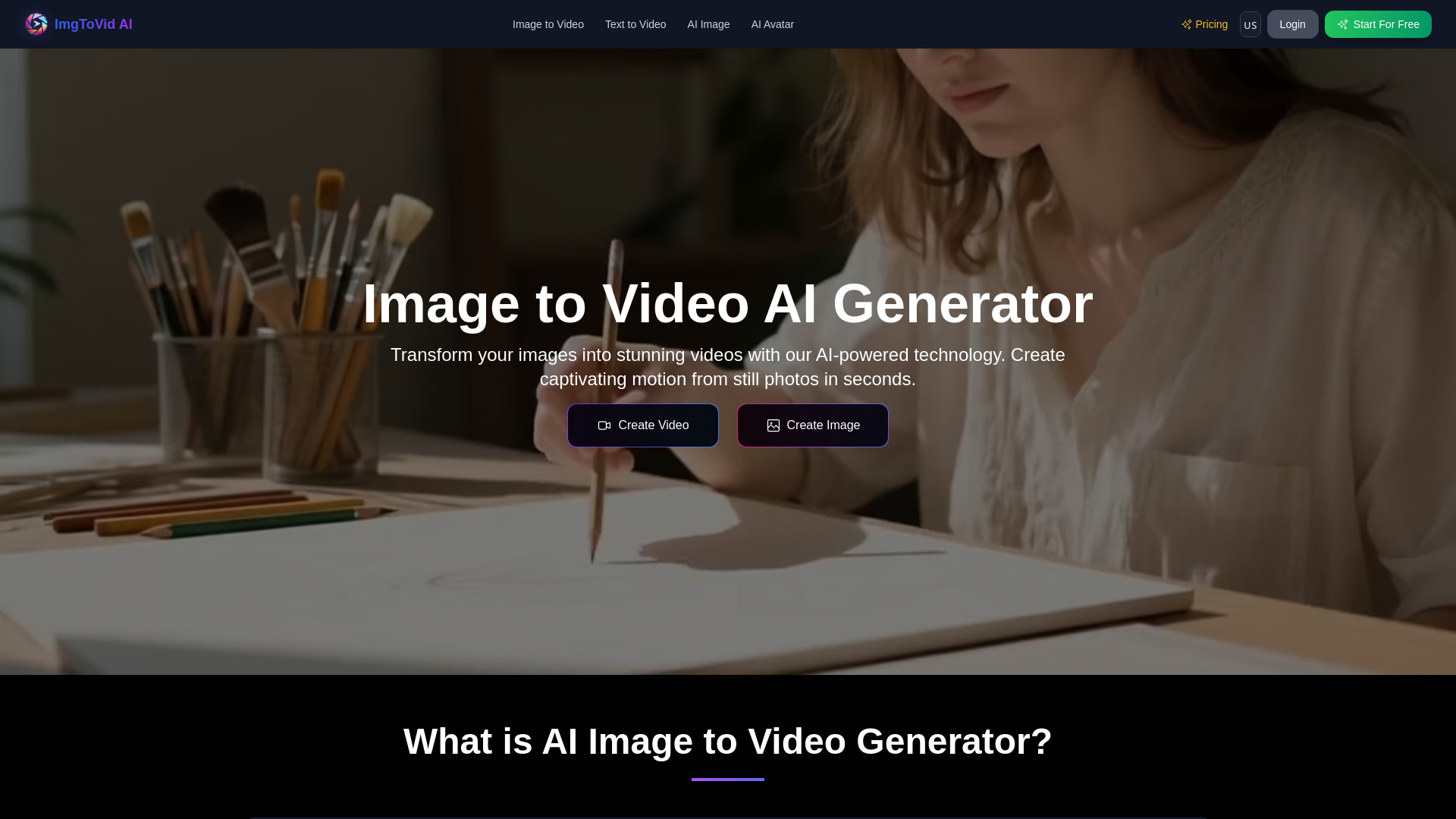

- Text-to-video creation
- Starts at Check vendor pricing
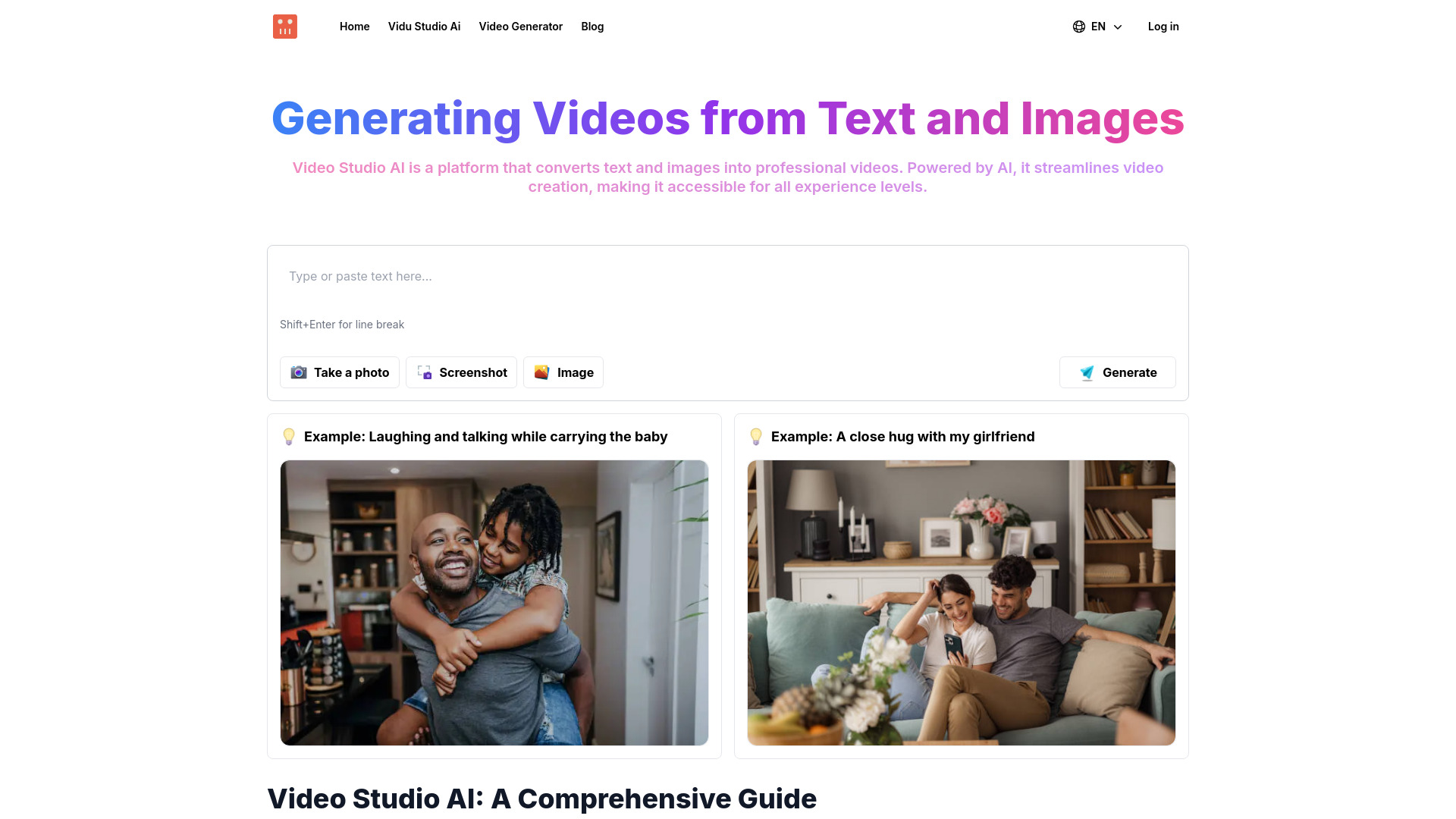

- AI-assisted filmmaking
- Starts at Check vendor pricing
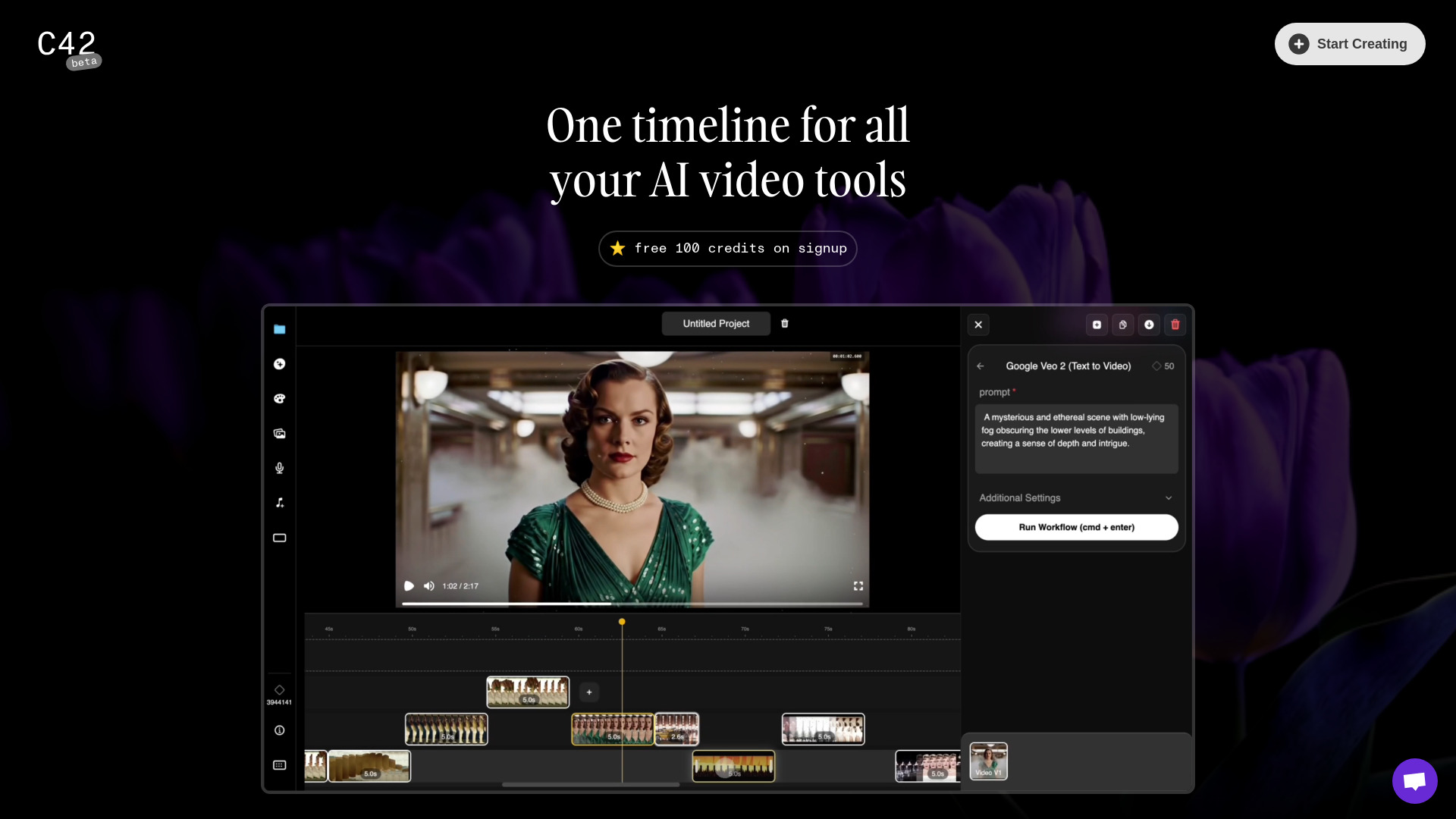
- AI storytelling video creation
- Starts at Check vendor pricing
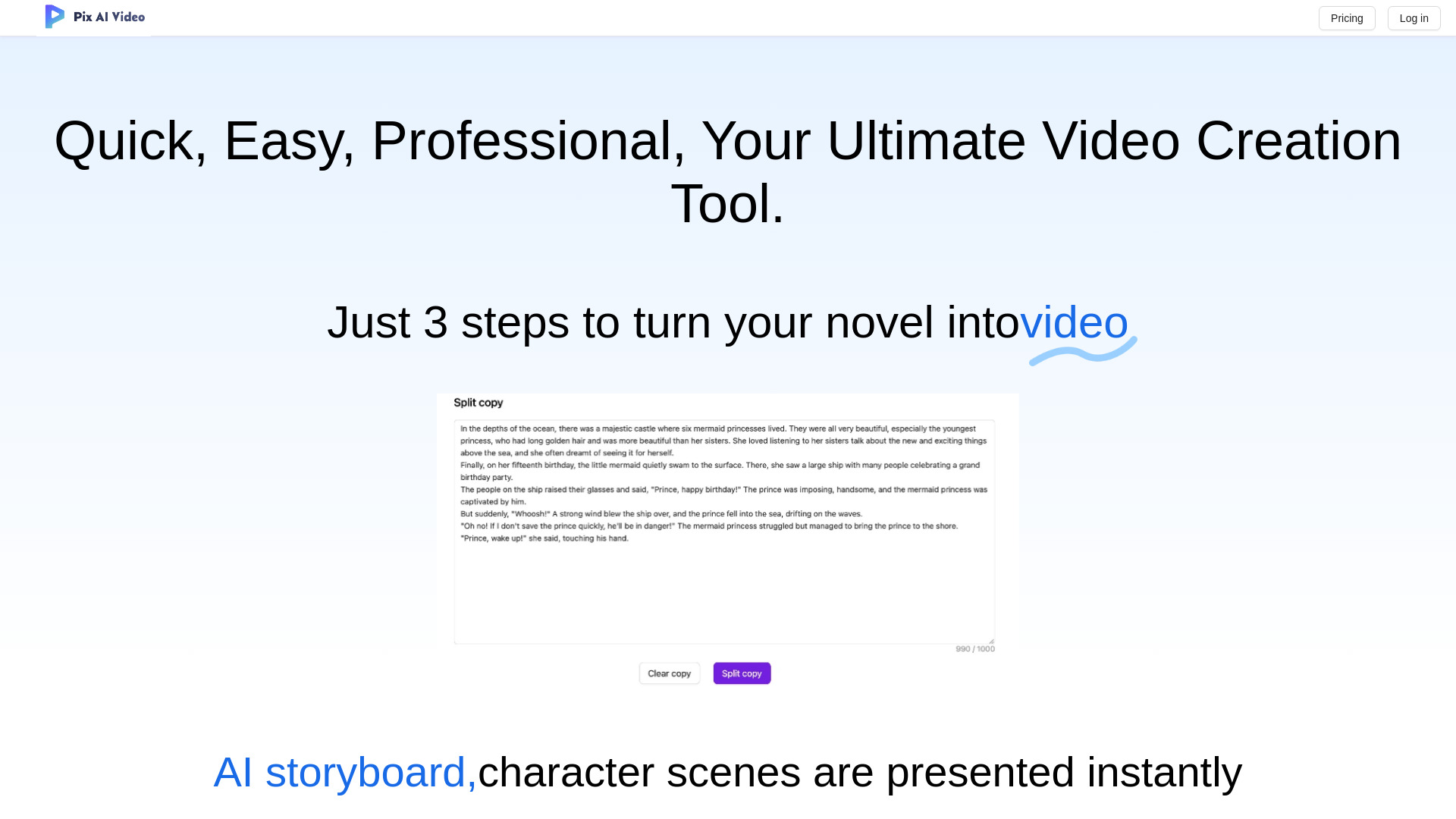

- All-in-one AI video, image, and music creation
- 10 free credits/month
- Starts at $7.45/month
- Monthly visits: 39 monthly visits

- Browser-based video resizing and compression
- Free plan available
- Starts at $5.00 for 100 credits

- Image-to-video creators
- 5-second free videos
- Starts at From $29.90/month
- Multi-model image-to-video creation
- 1 free credit daily
- Starts at $29.90/month
- Short-form AI video creators
- 5-second videos at 360p
- Starts at Check vendor pricing

- Text-to-video creators
- 50 credits/month
- Starts at $0/month

- Social media video creators
- Free trial available
- Starts at From $9.90
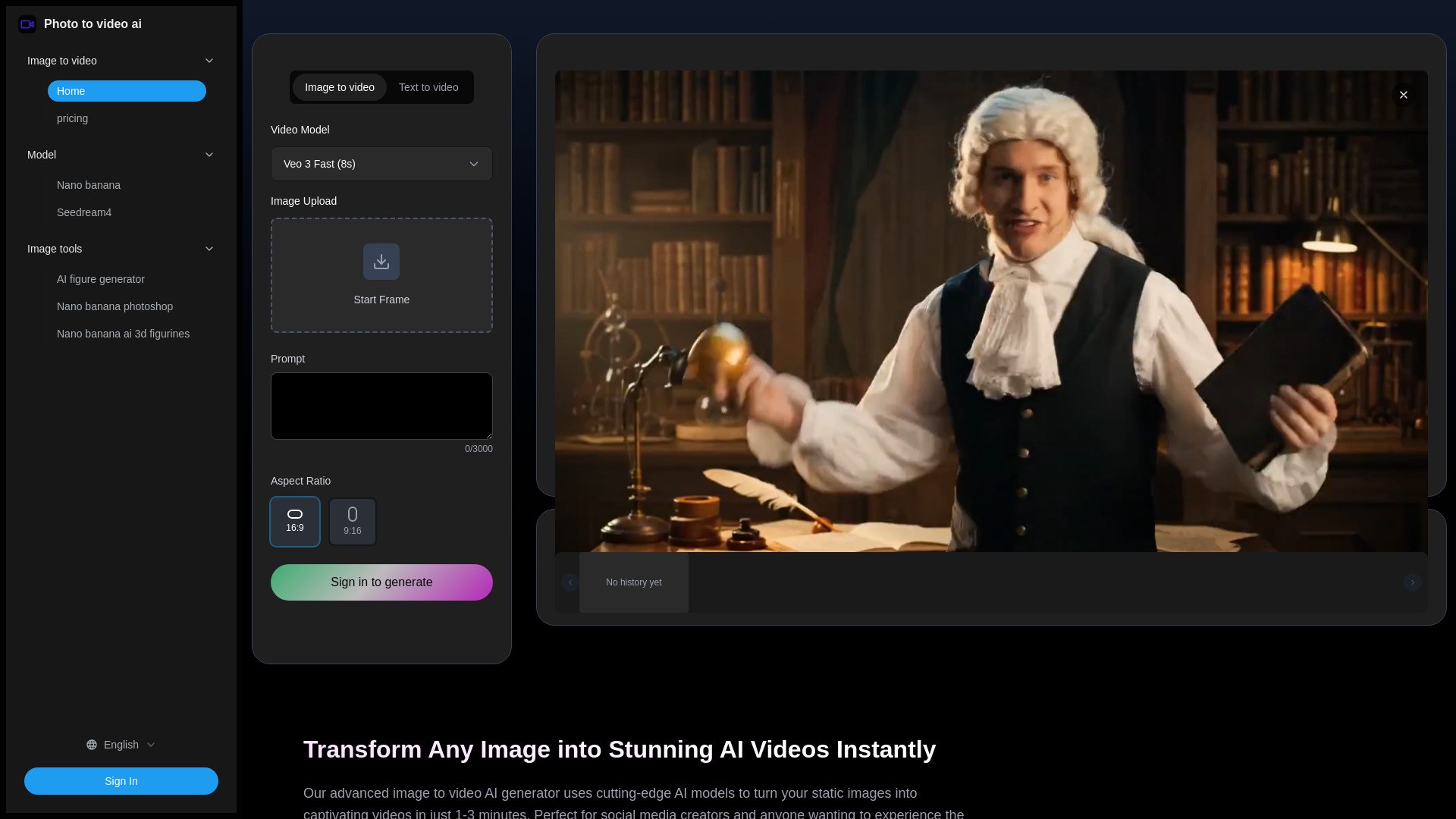

- Image-to-video creators
- 80 free credits
- Starts at $19/month
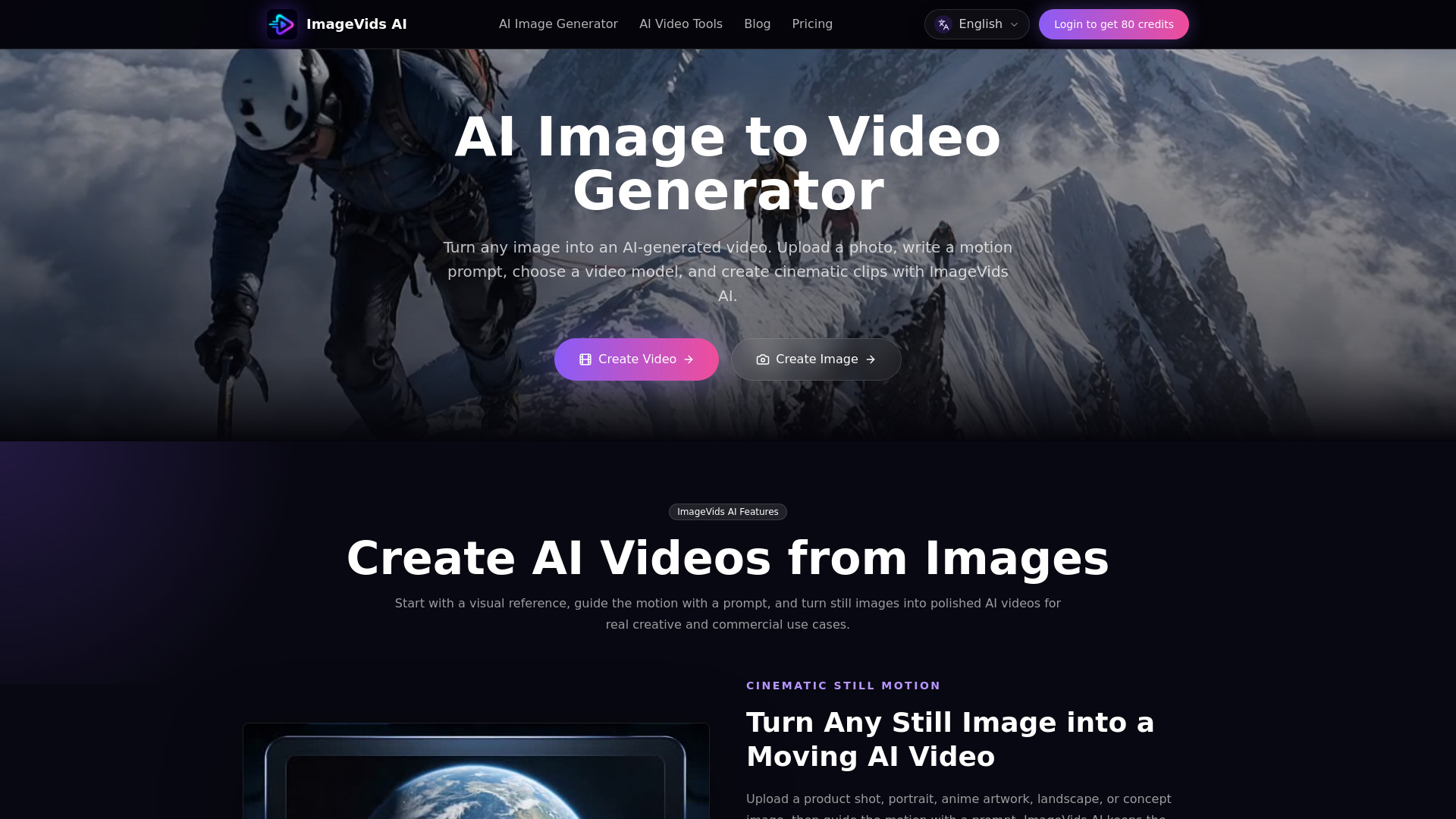

- Multi-model AI video creation
- 5 free credits
- Starts at $6.90/month
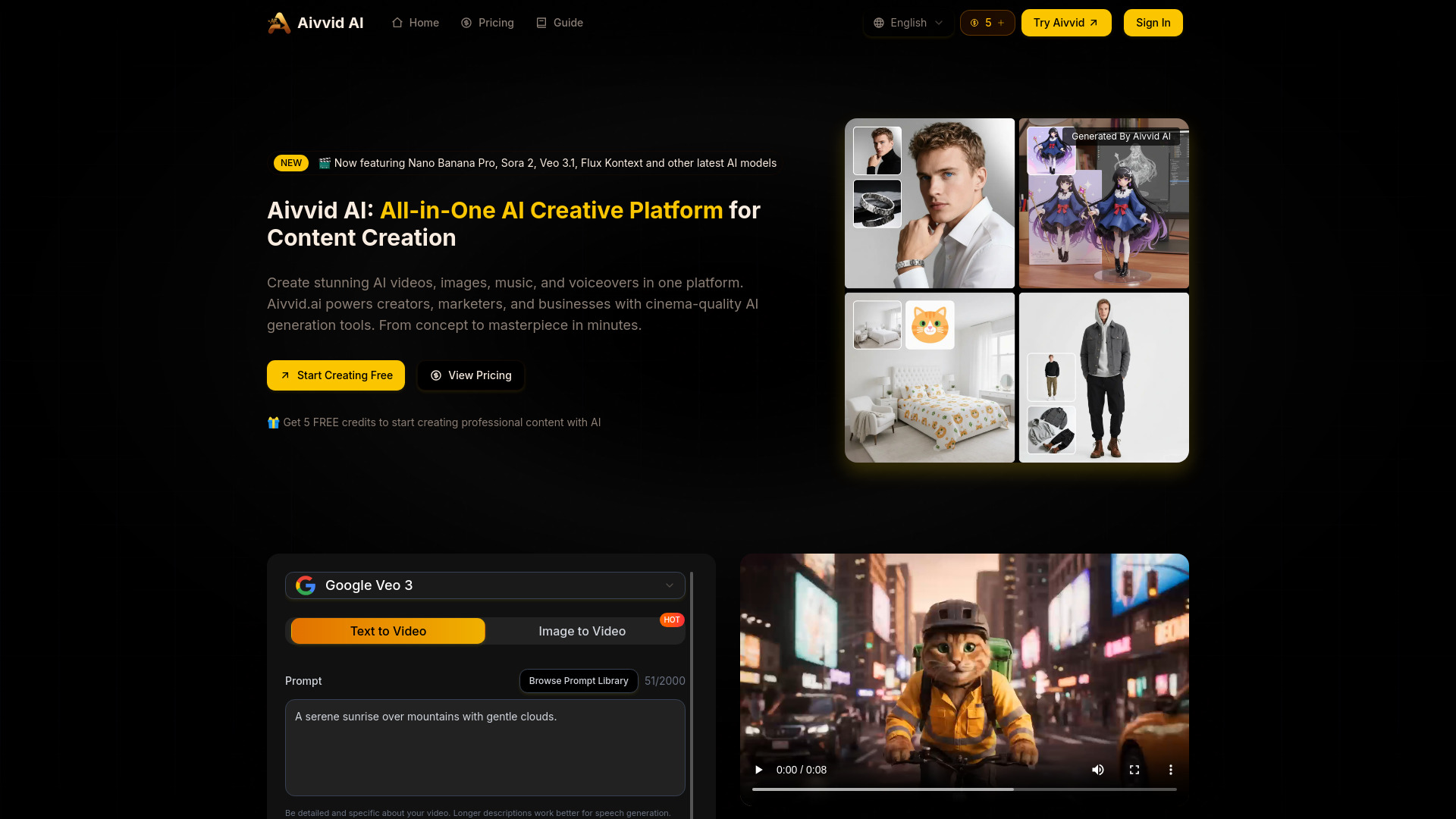

- Free AI video generation
- Free plan available
- Starts at $6.9 one-time
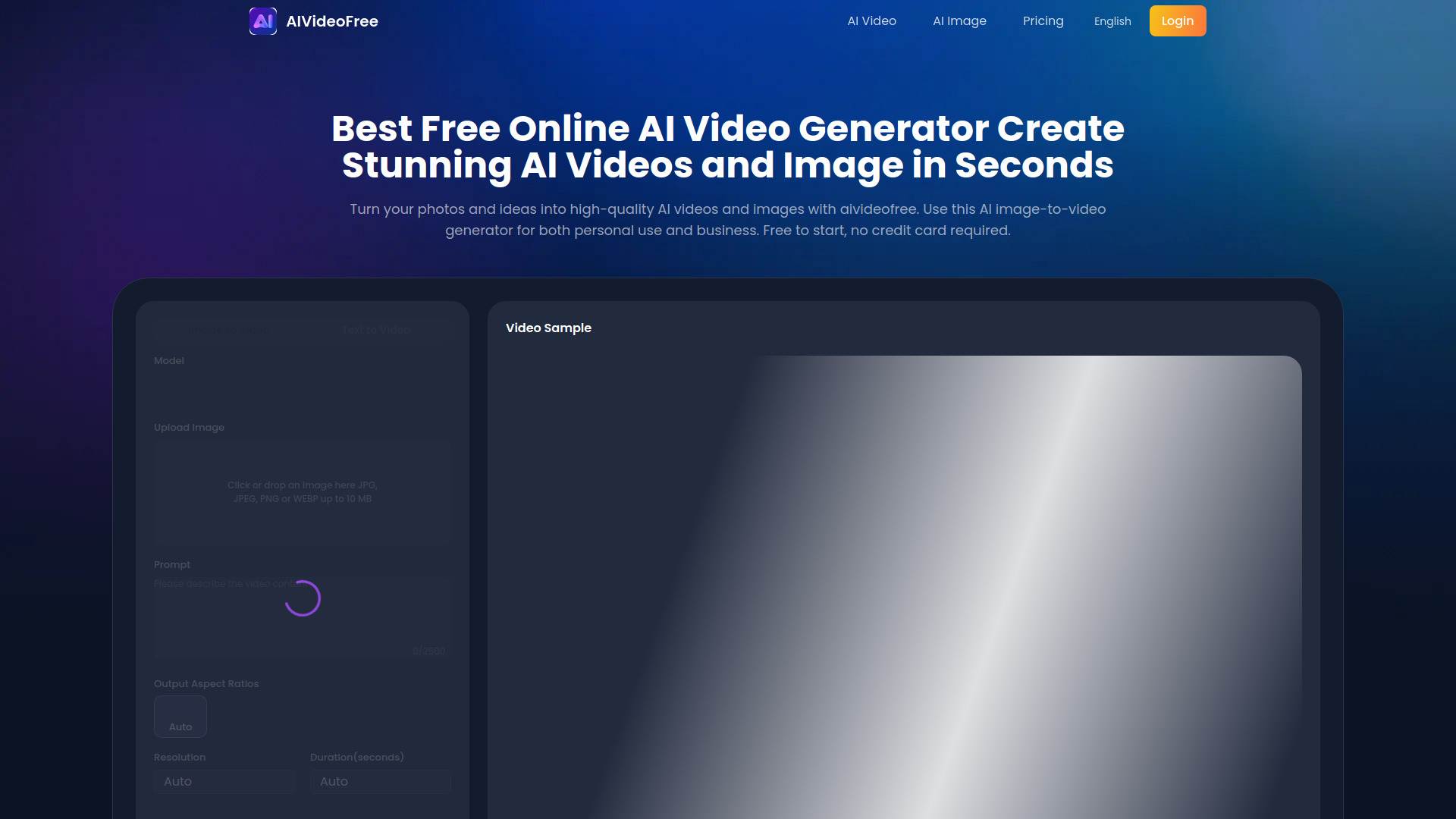

- Text-to-video and image animation
- Free plan available
- Starts at From $10/month
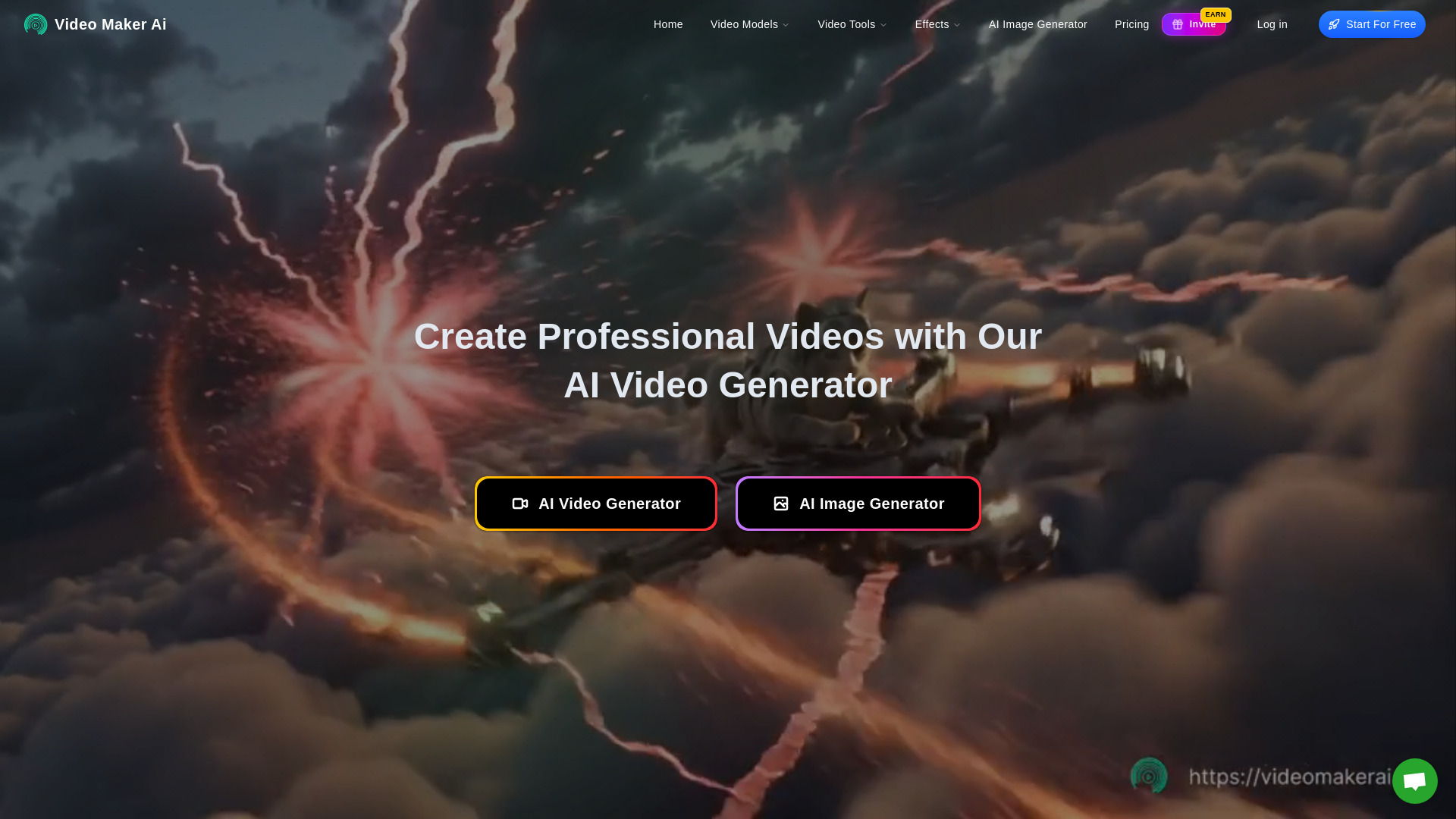
- Multi-model AI video creation
- Starts at Check vendor pricing
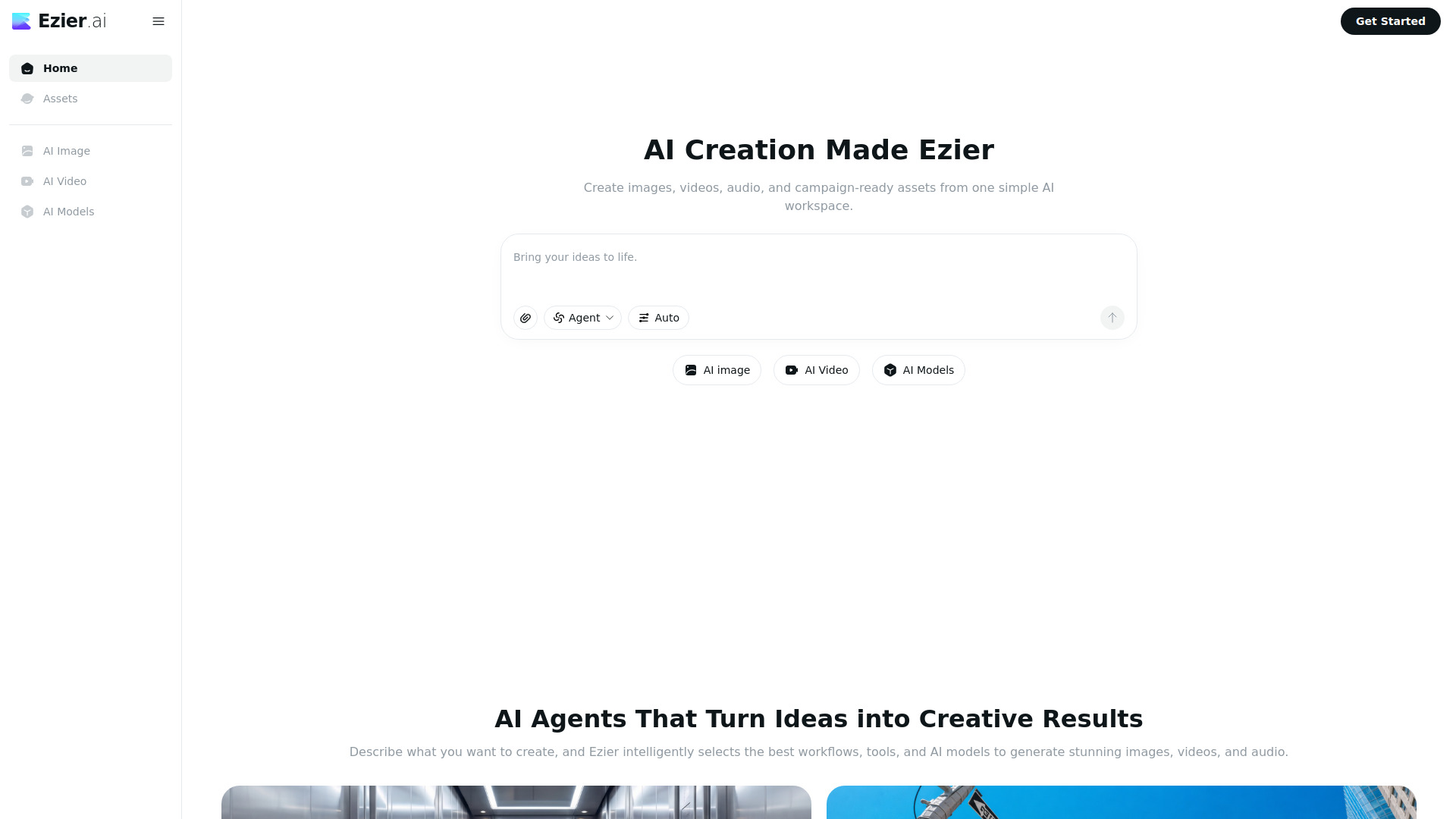

- Cinematic AI video generation
- Free plan available
- Starts at From $7.90/month (annual)
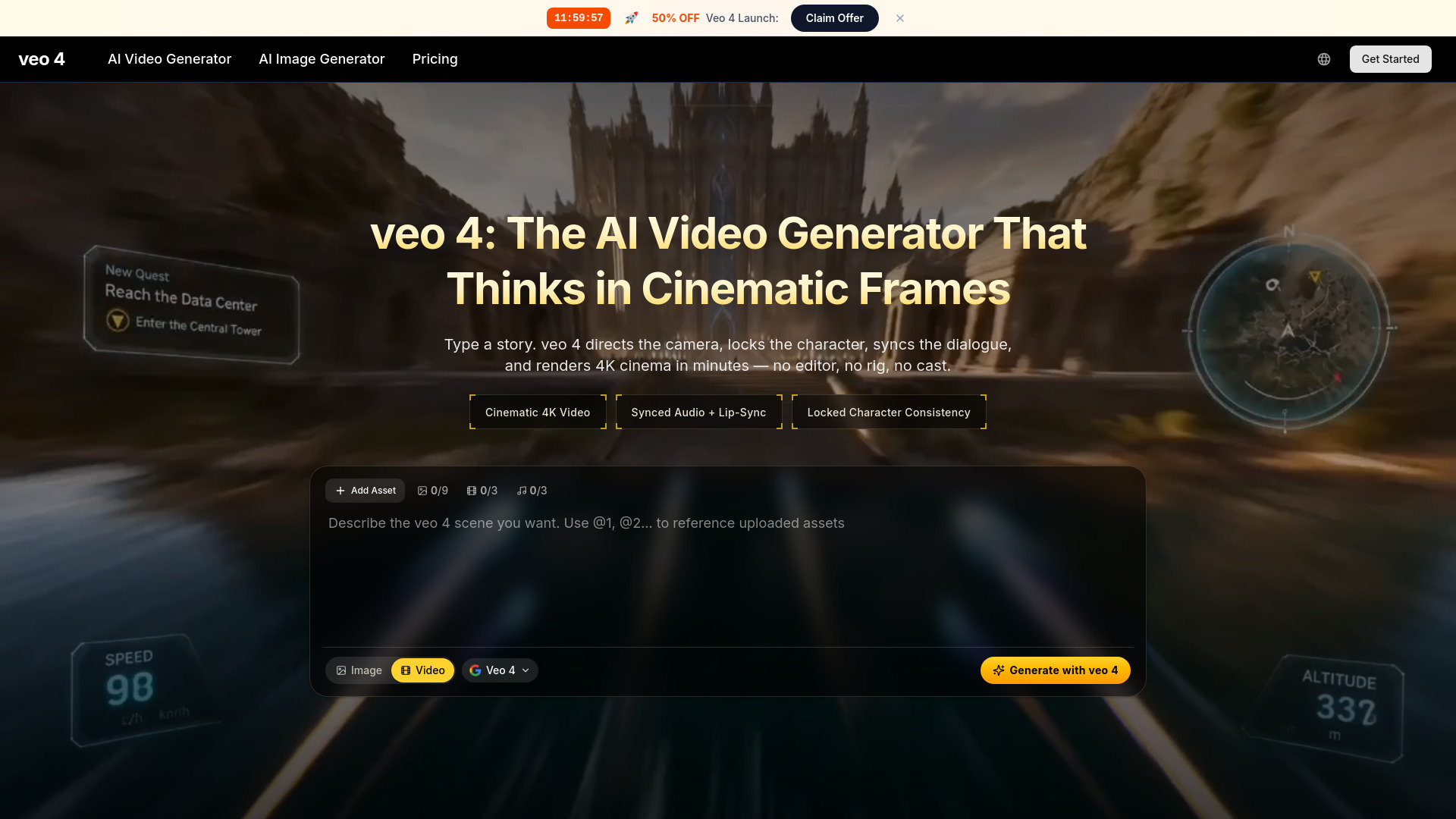

- Cinematic AI video concepts
- Starts at From $29.99/month
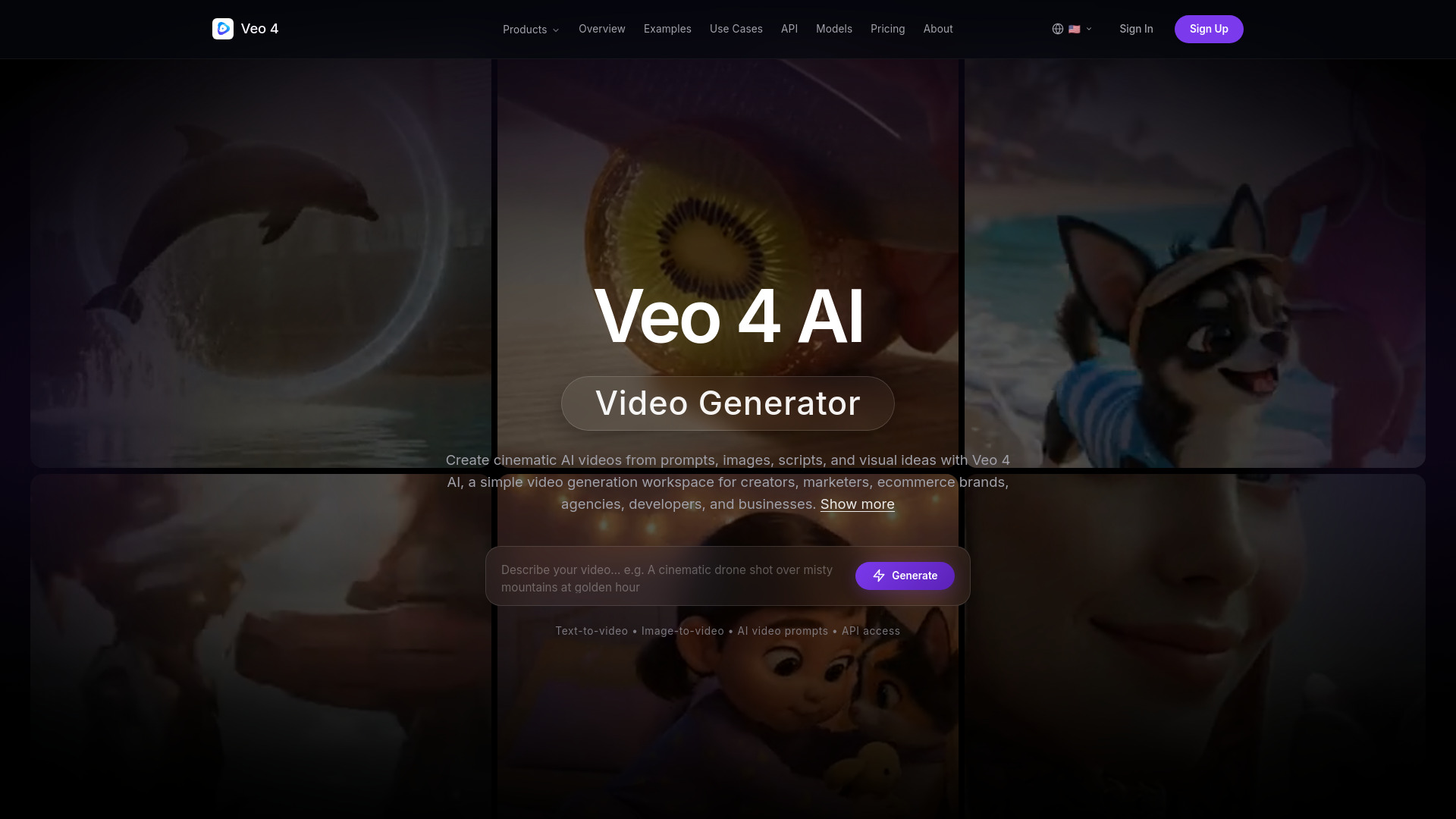

- Faceless YouTube and TikTok channels
- 3 free videos/month
- Starts at $19/month

- AI video style conversion
- Free trial available
- Starts at Check vendor pricing

- Cinematic AI video storytelling
- Free trial available
- Starts at $24.90/month

- Multi-model video, image, and music creation
- 40 free credits for new users
- Starts at $9.99/month

- Creators using multiple AI video and image models
- Free plan available
- Starts at From $14.07/month

- Multilingual video voice-overs
- 3 free credits
- Starts at $5 one-time payment

- Cinematic AI video generation
- Starts at $10/month

- AI image and video creators
- 10 free credits daily
- Starts at From $10/month
Which AI video editing tool should you try first?
For most social marketers, start with Vizard.ai: its clipping and transcript editing solve a specific, recurring production bottleneck. Choose Veo3 AI or VideoGen when generation is the starting point, and pick AI STUDIOS when the finished video needs an avatar or multilingual voice. Designers should look at cre8tiveAI, while interview-focused editors have a stronger reason to test Eddie AI.
The adjacent tools are worth considering when your workflow is narrower. Nova A.I. is the localization pick, VCut.lol handles quick cleanup, Runway Aleph AI changes short clips at a visual level, and VideoWeb AI bundles several creative asset types.
What to test before choosing
Run the same short source clip or prompt through two finalists. Check how much review the AI output needs, whether captions or cuts are editable, and whether the export matches your publishing destination. Then test the limits that affect your real workload: upload duration, credits, export counts, watermarks, rate limits, and resolution.
Also verify the current price and plan terms at checkout. Veo3 AI's resolution language deserves particular scrutiny, while Nova A.I. and Eddie AI do not present a clean starting price here. A free plan is useful for testing, but it is not evidence that the tool will remain economical at your monthly volume.
Common mistakes when choosing AI video editing tools
Confusing generation with editing: A text-to-video generator may not help you clean up existing interviews or webinars.
Ignoring the review step: Automatic clips, trims, captions, and stories still need a human pass for accuracy and context.
Treating a free plan as unlimited: Export caps, watermarks, file limits, credits, and rate limits can change the economics quickly.
Assuming headline resolution applies everywhere: Confirm the output resolution for the exact plan you would buy.
Overlooking your handoff format: If the project must continue in Adobe, Resolve, or Final Cut Pro, test the export before adopting a new workflow.
Picking breadth over fit: An all-in-one video, image, and music platform is convenient only if you will actually use those extra capabilities.
FAQ
Vizard.ai is the strongest starting point because it identifies engaging sections of long videos and turns them into short clips. VCut.lol is a simpler option for automatic trimming and captions, while Nova A.I. adds translation and social resizing.