
Suggested tools for you
Quick Trust Line
- Tools reviewed
- 100
- Last checked
- November 23, 2026
- Reviewed by
- top100.ai software rankings editor
- What we checked
- Our rankings combine feature depth, audience fit, and market signals, but you should verify live pricing and specific image-editing capabilities with each vendor.
Finding a true canvas-expansion or outpainting workflow takes more than picking a popular image generator. This guide to top ai generative expand software compares 100 tools, but the leading products surfaced here are broader AI studios, creative generators, and adjacent platforms-not all explicitly advertise generative image expansion. Treat this as a practical shortlist for investigating the wider workflow, and confirm that a tool can extend an existing image beyond its original borders before committing.
Start here
For developers building with generative models: Google AI Studio leads this shortlist with Gemini model access and API key integration.
For hands-on image creation and enhancement: Krea AI is the closest broad creative workspace in the featured group; verify whether its current editor supports the exact outpainting controls you need.
For a specific expand-image job: Check the live product first. None of the listed feature summaries explicitly promises canvas expansion or outpainting.
At-a-glance leaderboard
| Rank | Tool | Score | Best for | Monthly visits | Starting price |
|---|---|---|---|---|---|
| #1 | Google AI Studio | 93/100 | Developers | 112.6M | Check vendor pricing |
| #2 | Krea AI | 92/100 | Graphic designers | 4.6M | Free: $0 |
| #3 | Imagine.art | 92/100 | Artists | 2.5M | Check vendor pricing |
| #4 | Media AI Generator | 92/100 | Content creators | 3.3M | Check vendor pricing |
| #5 | Agnes AI | 92/100 | Software developers | 902.2K | Free API: Free |
| #6 | AI Illustration Generator | 92/100 | Designers | 2.2M | Check vendor pricing |
| #7 | OpenGen ai | 92/100 | Content creators | 1.1M | Check vendor pricing |
| #8 | AnyGen | 92/100 | Marketing account managers | 307.9K | Free: $0/month |
| #9 | GizAI | 92/100 | Content creators | 328.9K | Basic: $8/month |
| #10 | AI STUDIOS | 92/100 | Educators | 588.0K | Free: $0 /Mo |
Quick filters
| If you need... | Start with | Why it may fit |
|---|---|---|
| A developer-oriented model workspace | Google AI Studio | Gemini models and API key integration |
| Image generation and enhancement | Krea AI | Image and video enhancement plus realtime generation |
| Text-to-image creation and remixing | Imagine.art | Text to Image and Image Remix |
| Consistent illustration styles | AI Illustration Generator | Illustration generation focused on consistent art styles |
How to narrow the list
First, separate generative expand from ordinary text-to-image generation. Expansion usually means placing an existing image on a larger canvas and generating believable content in the newly exposed area. A tool that makes images from prompts, remixes an image, or enhances its resolution may be useful in the same creative process, but those features do not establish that it can outpaint.
Next, test with your own images and compositions. Look for controls to set canvas size, choose which edges to extend, guide the fill with a prompt, and regenerate only the expanded region. Check whether the original subject stays consistent and whether the output can be exported at the dimensions and quality your workflow requires. Those specific controls are not stated for the featured tools below, so confirm them in the live product rather than inferring them from general AI-generation features.
Finally, weigh workflow fit against access. A free tier is useful for testing, but it may impose generation limits, watermarks, or feature restrictions. For team or production use, check current terms, export options, and pricing directly with the vendor.
Ranking model
The scores are comparative directory scores, not a guarantee that a tool performs outpainting. Because this shortlist includes adjacent creative and AI platforms, direct expansion capability should be your first verification step.
| Ranking factor | Weight | What we considered |
|---|---|---|
| Feature depth | 35% | The stated generation, enhancement, and workflow capabilities |
| Audience fit | 30% | Whether the product's described use aligns with creative or developer workflows |
| Access and usability signals | 20% | Free access, entry options, and how approachable the stated workflow appears |
| Market signal | 15% | Monthly visits as a directional indicator, not a quality guarantee |
Ranked AI generative expand software and adjacent tools
The order below reflects overall score and the stated capabilities, with an important qualification: these are not ten confirmed outpainting editors. The top entries are useful adjacent tools to investigate, but none of the provided product descriptions explicitly names generative expand or outpainting. We would not buy on the strength of this ranking alone without a hands-on test of the exact canvas-expansion workflow.

- Developers building with Gemini models
- Completely free in Google AI Studio; Gemini models; 2M-token context window
- Starts at Check vendor pricing
- Monthly visits: 112.6M
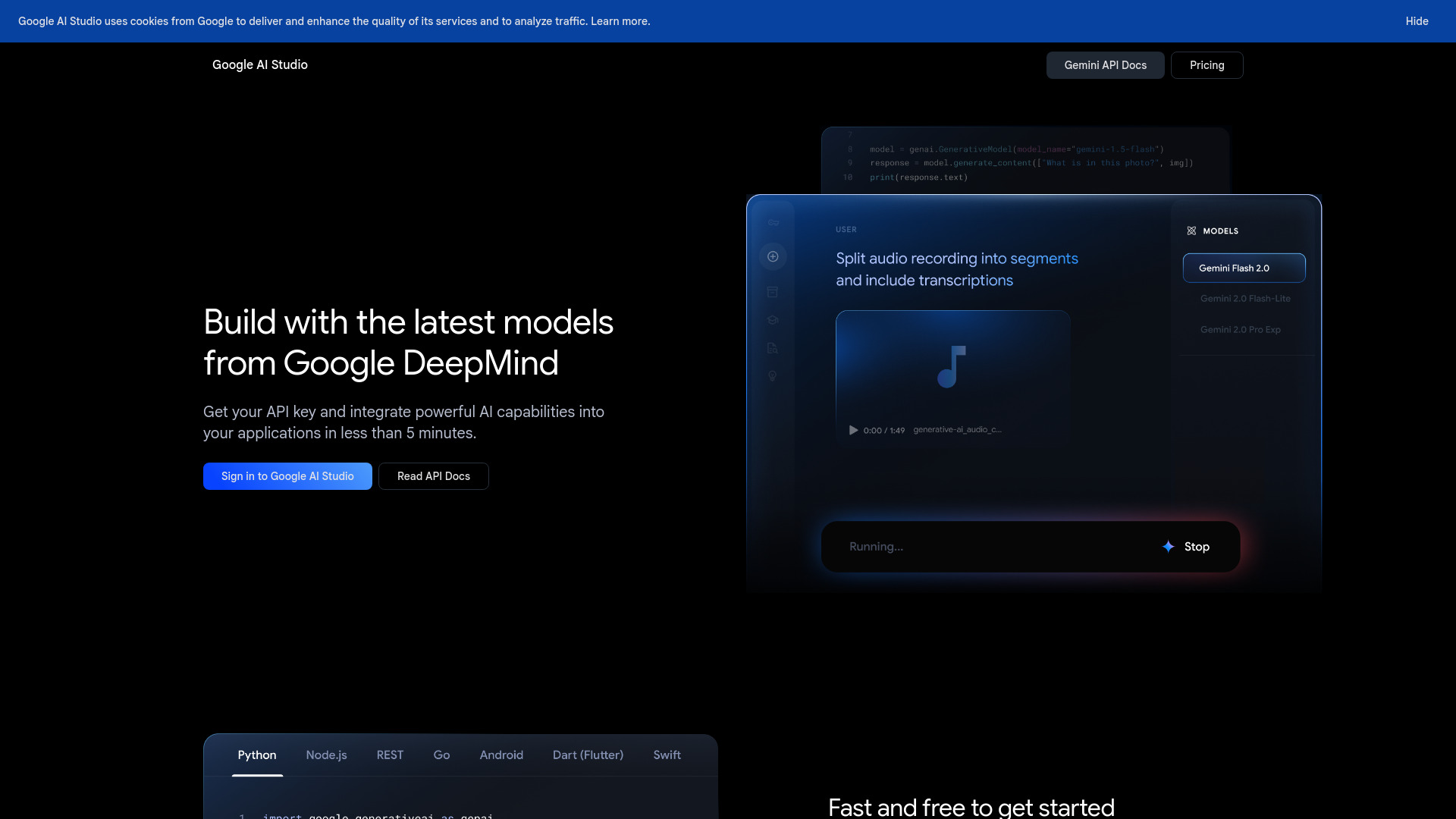
Google AI Studio takes the top score, but its strongest fit is model experimentation and development-not a ready-made image-expansion editor. The stated capabilities center on building with Gemini models and connecting a Gemini API key. That makes it a sensible place for developers exploring generative workflows, while leaving a key question unanswered for designers: does the current product offer a direct outpainting interface, or would you need to build one around the API?
Why it is top-ranked
| Factor | Score | Reason |
|---|---|---|
| Overall score | 93/100 | Highest score among the featured tools |
| Model workflow | Strong | Build with Gemini models |
| Developer access | Strong | Gemini API key integration |
| Expansion-specific evidence | Unconfirmed | No explicit canvas-expansion feature is listed |
Best fit
Developers prototyping AI-powered image workflows.
Teams that want to explore Gemini models and API access before building a product workflow.
Technical users comfortable validating whether an API can support their particular expansion use case.
Limitations
Its listed features do not establish a point-and-click outpainting workflow.
Preview models may change before becoming stable and have more restrictive rate limits.
A high overall score and large audience do not confirm image-edge extension quality.
Shortlist Google AI Studio if: you are a developer exploring Gemini and will verify or build the specific expansion workflow yourself.

- Graphic designers creating and enhancing visual assets
- Free daily generations
- Starts at Free: $0
- Monthly visits: 4.6M
Krea AI is the most natural creative-studio candidate in this group: it lists realtime AI generation and image and video enhancement, with an intuitive interface cited as a strength. Those capabilities make it worth exploring for visual iteration. But enhancement is not synonymous with expanding an image's canvas, so test the editor directly before treating it as an outpainting solution. Pro features require a paid subscription.
Why it is top-ranked
Realtime generation and image enhancement put it closer to a visual production workflow than general-purpose writing tools.
Free daily generations offer a way to test the creative experience before paying.
Its score ties several tools, but its image-focused feature set makes it a particularly relevant adjacent option.
Best fit
Graphic designers iterating on visual concepts and image assets.
Creators who want generation and enhancement in one workspace.
Users willing to test whether the current editor includes canvas expansion.
Limitations
Pro features require a paid subscription.
The listed features do not explicitly confirm outpainting or edge selection.
Video generation may be irrelevant if your job is strictly still-image expansion.
Shortlist Krea AI if: you want an approachable visual-generation workspace and can confirm its current image editor handles expansion.

- Artists creating and remixing AI images
- Free AI art generation
- Starts at Check vendor pricing
- Monthly visits: 2.5M
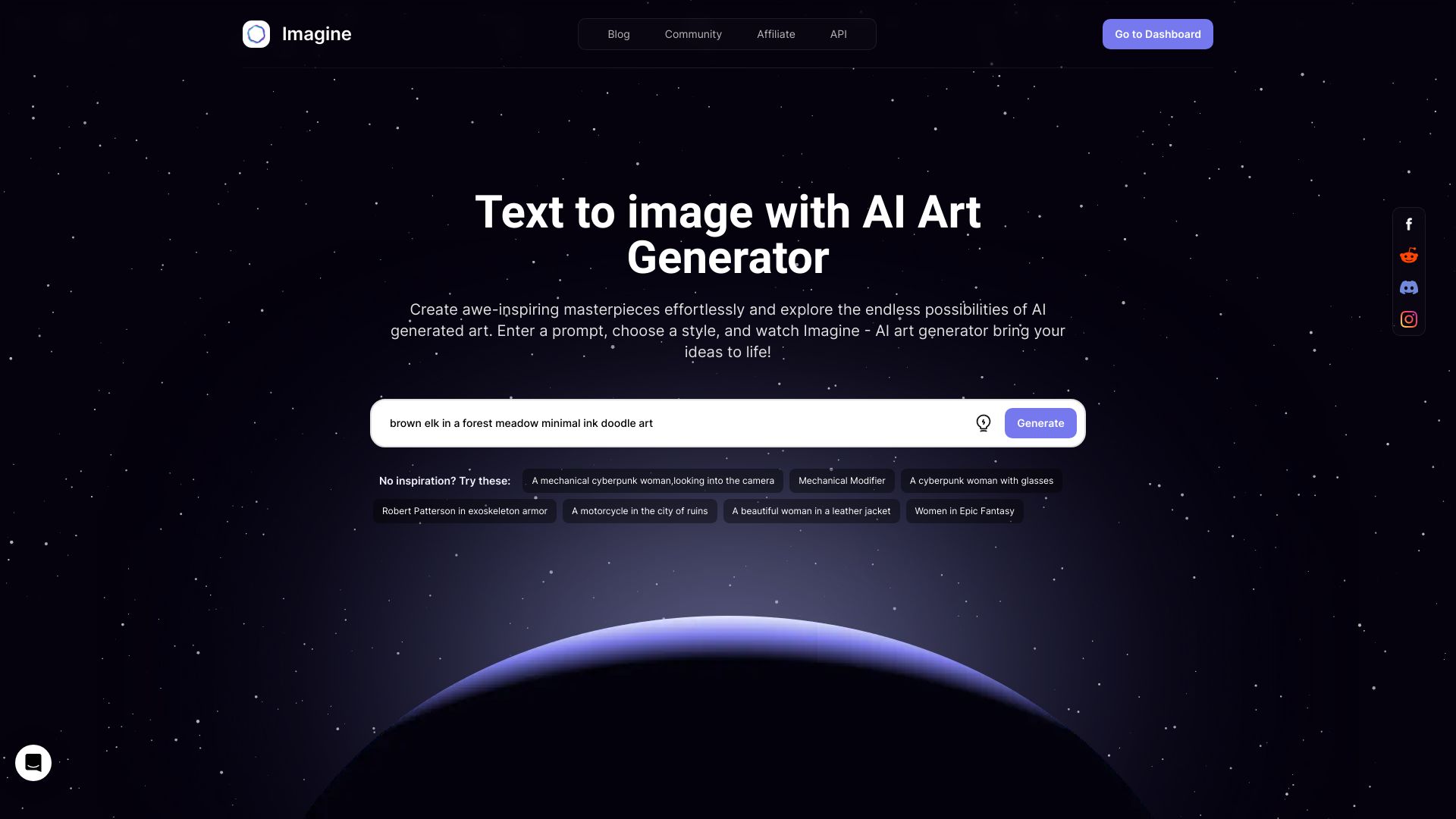
For artists, Imagine.art offers a clear starting point: its stated features include text-to-image and Image Remix. Remixing an existing image is adjacent to an expansion workflow, but it does not prove the tool can preserve the original frame while generating beyond its borders. Try a real image rather than judging the feature by its name. Its free art generation is appealing for exploration; the free version has limited features.
Why it is top-ranked
Text-to-image generation gives artists a direct route from prompt to visual concept.
Image Remix makes it relevant to users who want to work from existing imagery.
Free AI art generation lowers the barrier to an initial test, although feature limits apply.
Best fit
Artists exploring prompt-led image creation.
Users who want to remix existing imagery as part of a broader creative process.
Individuals testing a visual tool before settling on a paid workflow.
Limitations
The free version has limited features.
Image Remix should not be assumed to include canvas expansion.
Starting price is unclear; check current vendor pricing before planning a budget.
Shortlist Imagine.art if: your workflow combines prompt-based art and image remixing, and a live test confirms the expansion controls you need.

- Content creators making AI-generated media
- Free online AI video, image, and audio generation
- Starts at Check vendor pricing
- Monthly visits: 3.3M
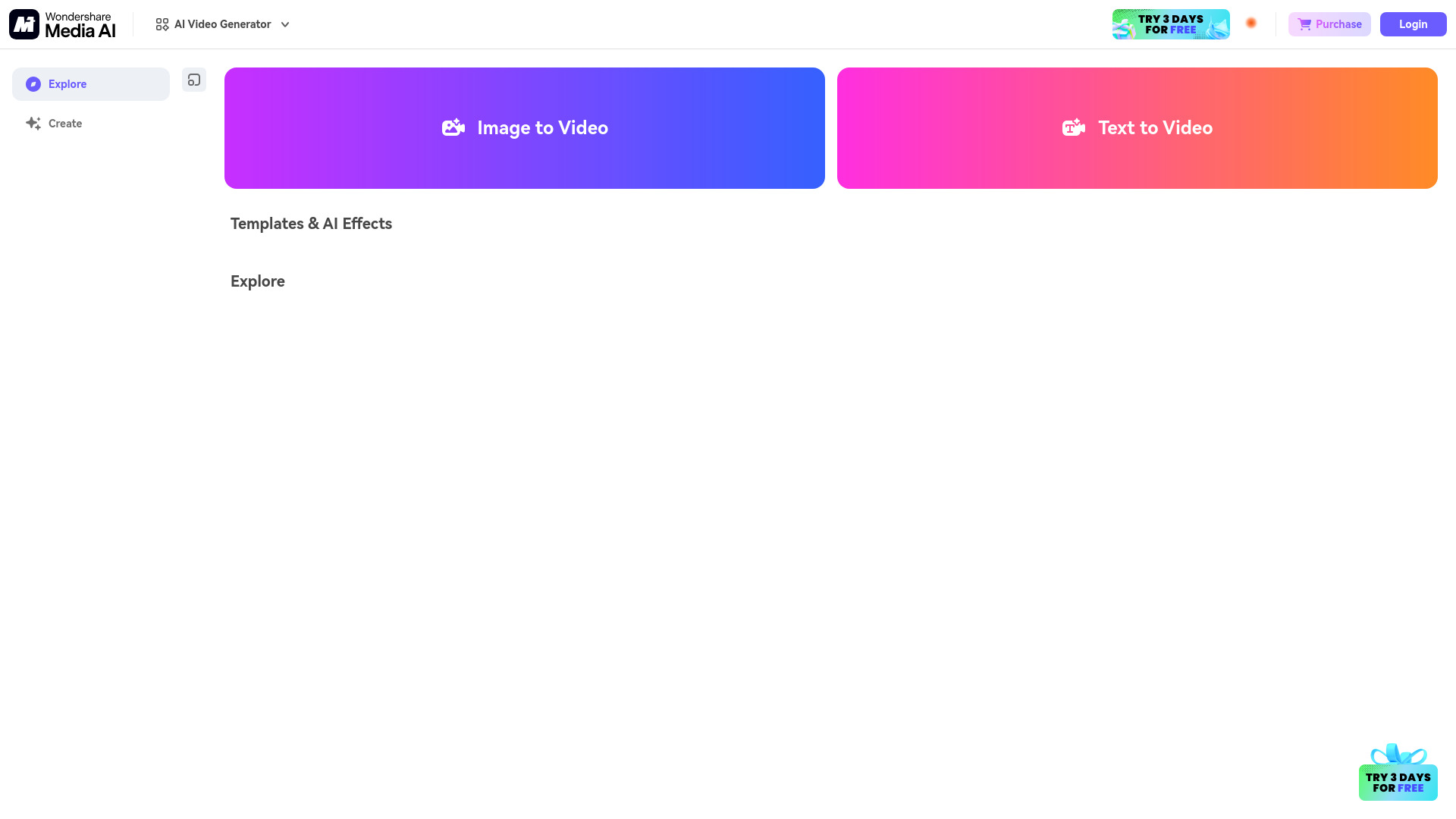
Media AI Generator belongs on an adjacent-tools shortlist rather than a strict outpainting shortlist. Its pitch is breadth across AI video, image, and audio generation, with diverse effects and styles. That range may suit creators assembling different kinds of media in one place, but it does not tell us whether an existing still image can be extended. VIP features require payment, so check both the feature boundary and the current upgrade terms before relying on it.
Best fit
Content creators producing more than static images.
Users who want to explore image generation alongside video or audio tools.
People looking for a free online starting point for mixed-media experimentation.
Limitations
The stated feature set does not explicitly include generative expand or outpainting.
VIP features require payment.
A broad generator may be less suitable than a dedicated editor for precise edge-by-edge expansion.
Shortlist Media AI Generator if: you need a mixed-media generator and can verify that its image tools support your specific canvas task.

- Software developers building multimodal AI workflows
- Free API access to frontier models; multimodal AI gateway
- Starts at Free API: Free
- Monthly visits: 902.2K
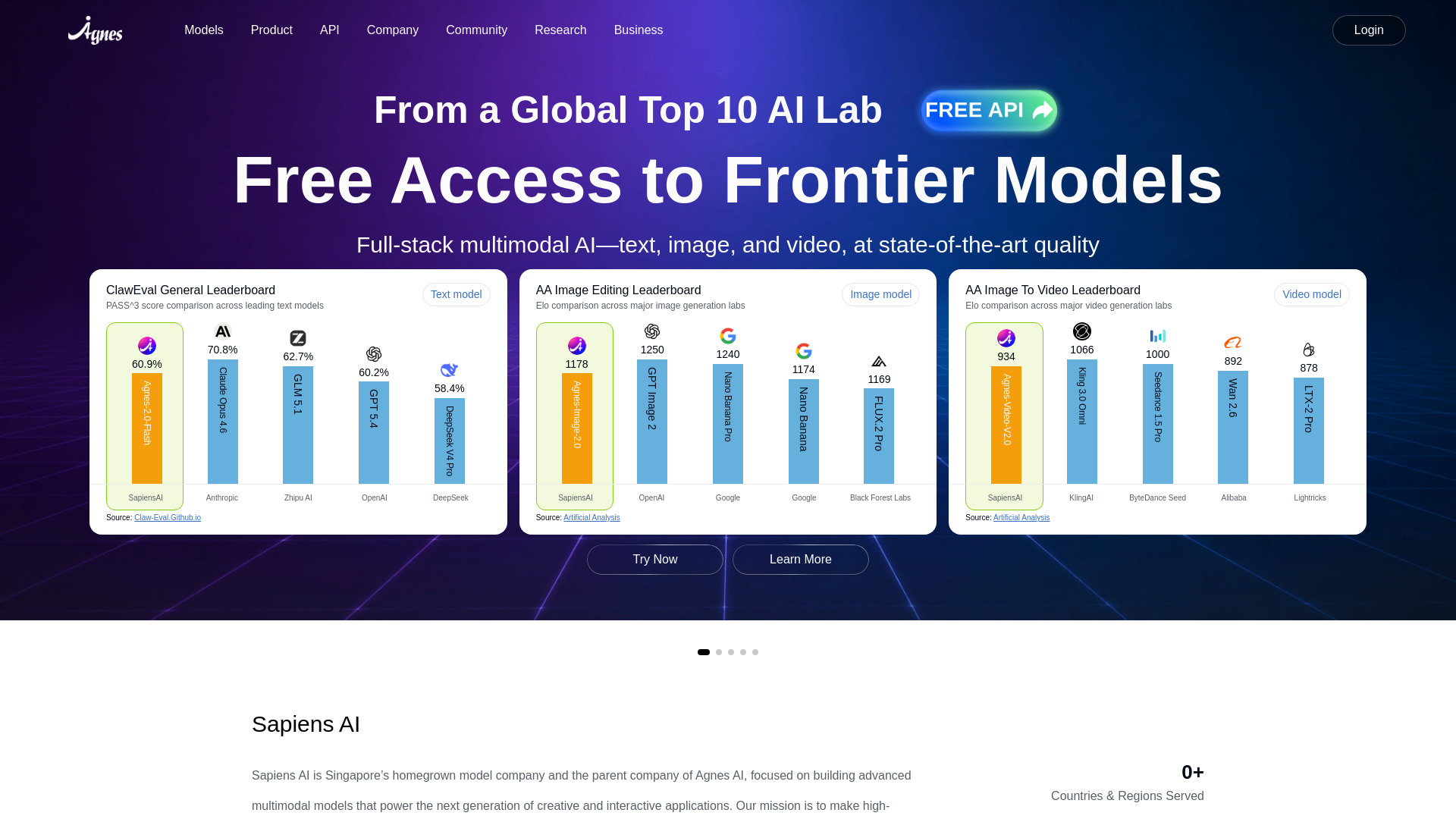
Agnes AI is aimed at builders who want a unified gateway across AI applications and workflows. Its described capabilities span text, image, and video generation, and a free API tier offers a way to explore the platform. That is useful infrastructure context, not confirmation of a finished outpainting interface. The stated limitation also matters: its image and video generation models rank slightly below leading alternatives such as OpenAI and Kling on Elo leaderboards.
Best fit
Software developers comparing multimodal APIs and workflow access.
Teams that prefer a unified gateway rather than juggling separate applications.
Builders willing to prototype and assess output quality for their own image tasks.
Limitations
No explicit outpainting feature is listed.
Image and video models are described as ranking slightly below top industry leaders on Elo leaderboards.
API access may be a less direct route than an editor for nontechnical users.
Shortlist Agnes AI if: you are building a multimodal workflow and want to test its free API before choosing a production approach.

- Designers generating consistent illustrations
- Generate consistent AI art; free images have watermarks
- Starts at Check vendor pricing
- Monthly visits: 2.2M
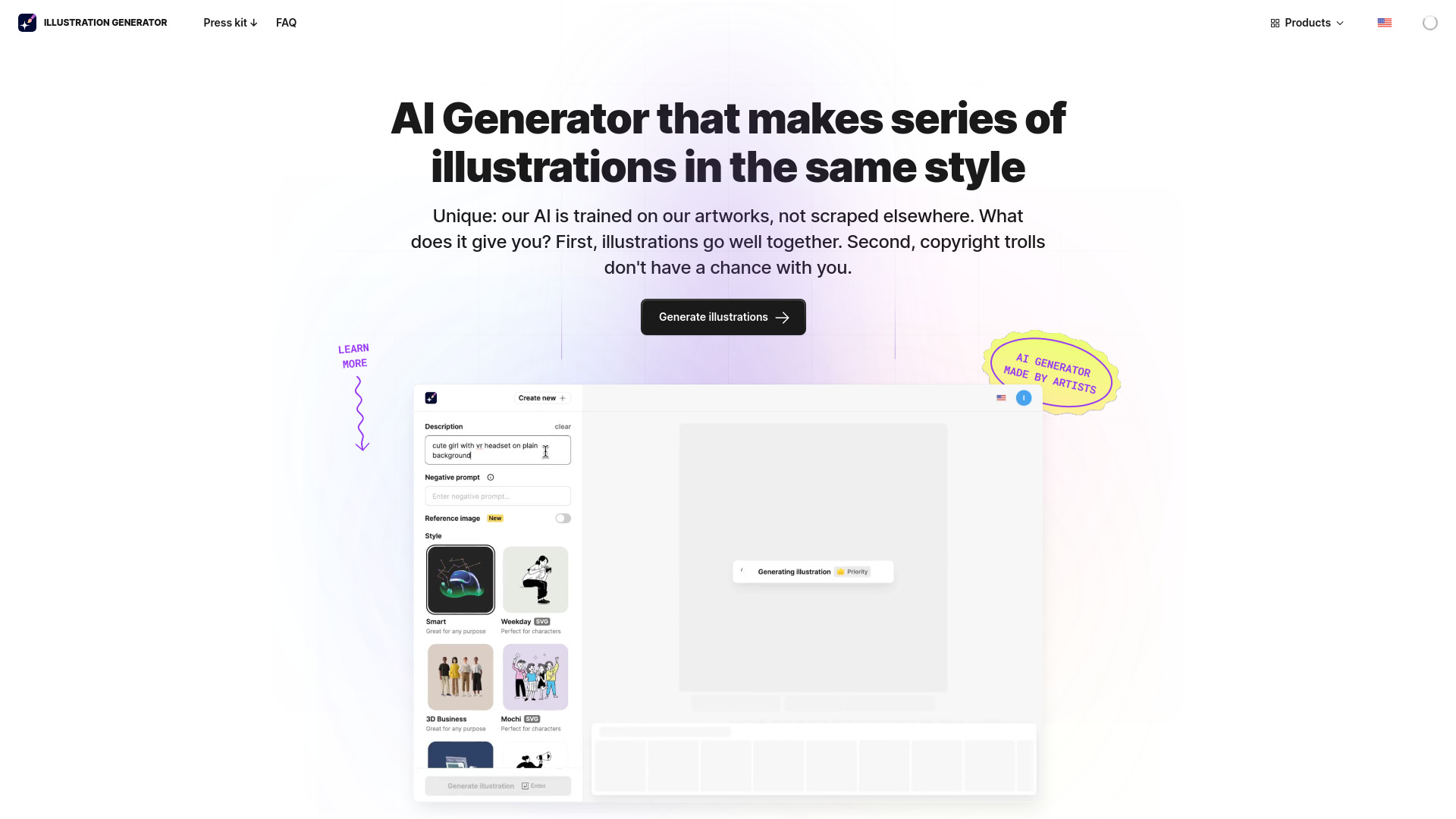
Icons8's AI Illustration Generator focuses on a narrower problem than general image generators: producing illustrations in consistent art styles. That focus can be useful when a design system needs visuals that feel related. It is still a style-generation tool based on the listed capabilities, not a confirmed outpainting editor. Free images carry watermarks, so inspect the export and licensing details that matter to your project before making it part of a production pipeline.
Best fit
Designers creating a family of illustrations in a consistent style.
Teams exploring generated visuals for design or content work.
Users who can evaluate watermarked free output before considering paid access.
Limitations
Free images have watermarks.
The listed features do not confirm extending an existing image beyond its frame.
Its illustration focus may not suit photographic or highly realistic expansion tasks.
Shortlist AI Illustration Generator if: consistent illustration style matters more than a confirmed photo-outpainting workflow.

- Content creators producing AI video and images
- Video generation from text and images; 14+ models in one workspace
- Starts at Check vendor pricing
- Monthly visits: 1.1M
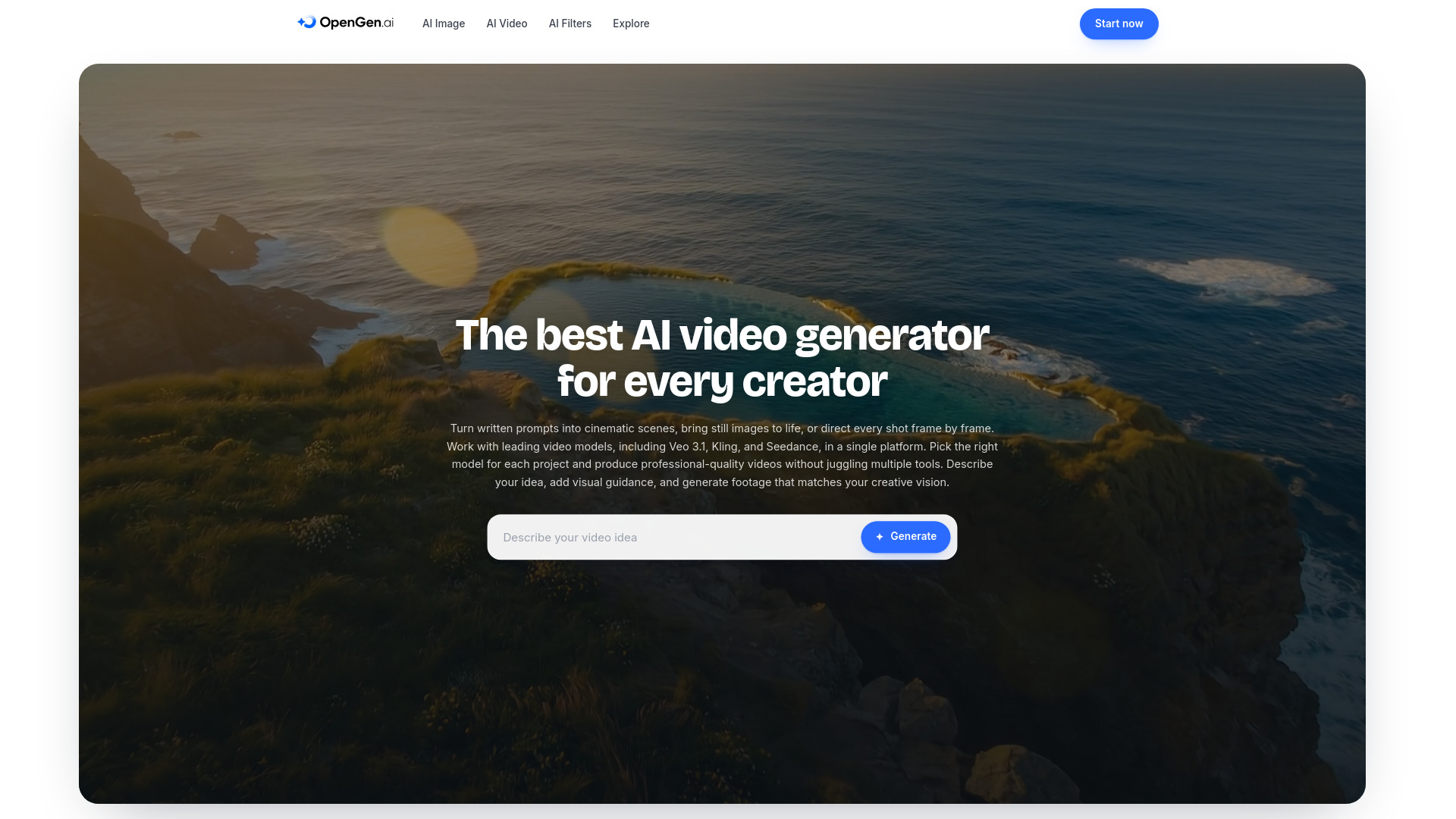
OpenGen ai brings multiple video and image models into one workspace, with video generation from prompts, photos, and visual references. That can help creators compare models without immediately splitting work across separate tools. Its stated controls include start and end frame control for video, which should not be confused with expanding an image's borders. Subscription prices and package limits are not disclosed in the description, so confirm costs before scaling up.
Best fit
Content creators comparing video and image models in one place.
Users generating video from prompts, photos, or visual references.
Creators who value access to a range of models over a single-purpose editor.
Limitations
No explicit still-image outpainting capability is listed.
Subscription prices and package limits are unclear.
Video frame controls do not establish canvas expansion for static images.
Shortlist OpenGen ai if: you want to explore multiple generation models, especially for video, and can verify its still-image editing options.

- Marketing account managers creating and refining content
- 200 daily credits; AI slides and documents
- Starts at Free: $0/month
- Monthly visits: 307.9K
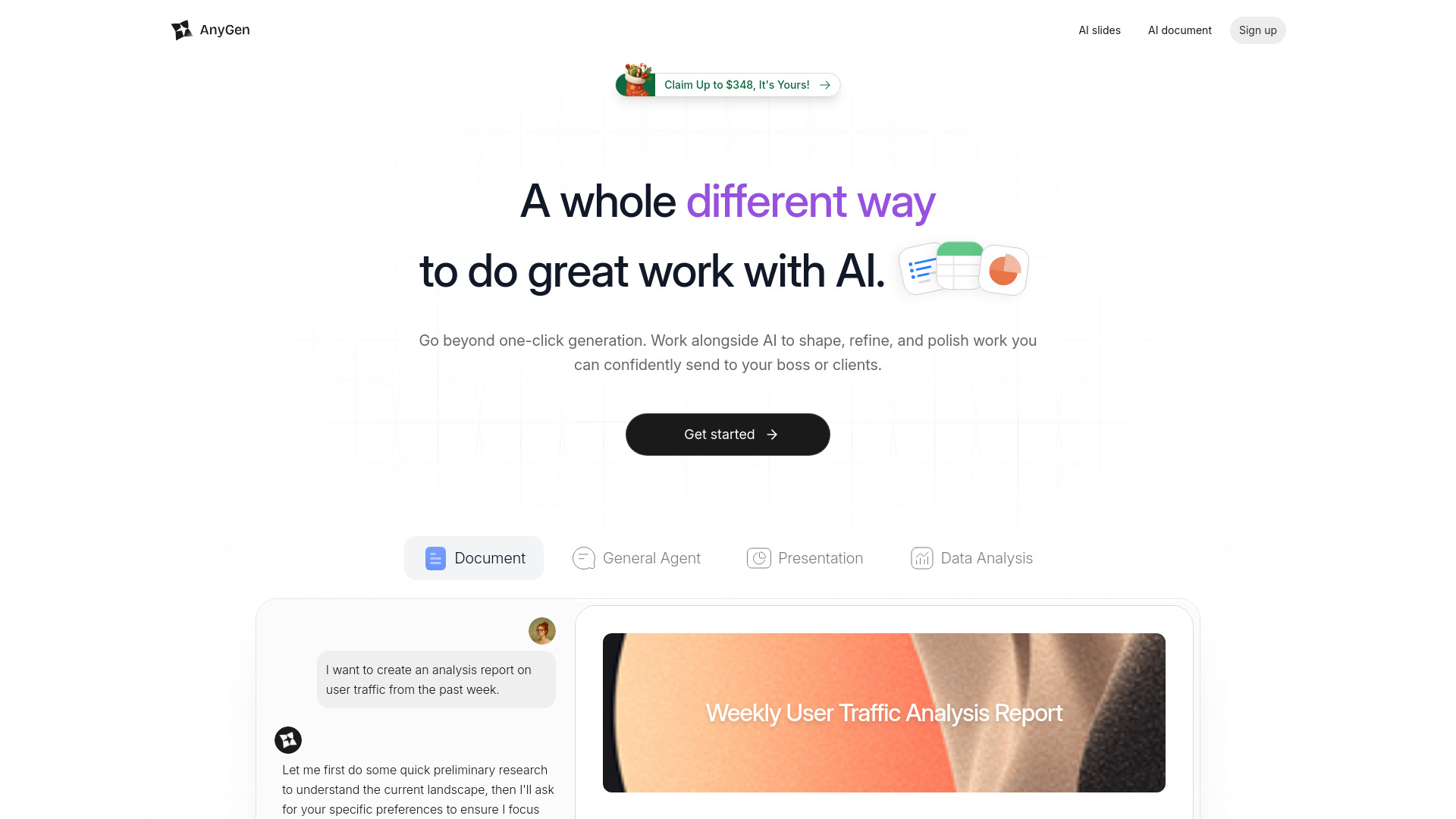
AnyGen is the clearest workflow departure in this ranking: it is described as a collaborative workspace for writing, documents, presentations, and data analysis, rather than an image-expansion product. Its emphasis on shaping and refining AI output can appeal to marketing teams, but that is not the same task as outpainting. The free access includes 200 daily credits, while the listed features include an AI writing assistant and document generation.
Best fit
Marketing account managers coordinating written content and presentations.
Teams that want to refine AI-generated work rather than rely on one-click output.
Users interested in a broader collaboration and analysis workspace.
Limitations
Its listed features do not include image generation or canvas expansion.
It is a poor first choice if the core requirement is extending image borders.
Check the live plan details to understand credit usage for your intended workflow.
Shortlist AnyGen if: your broader need is collaborative content creation, not an image-outpainting editor.

- Content creators using a broad set of AI tools
- All-in-one AI tools, notes, and drive; no login stated
- Starts at Basic: $8/month
- Monthly visits: 328.9K
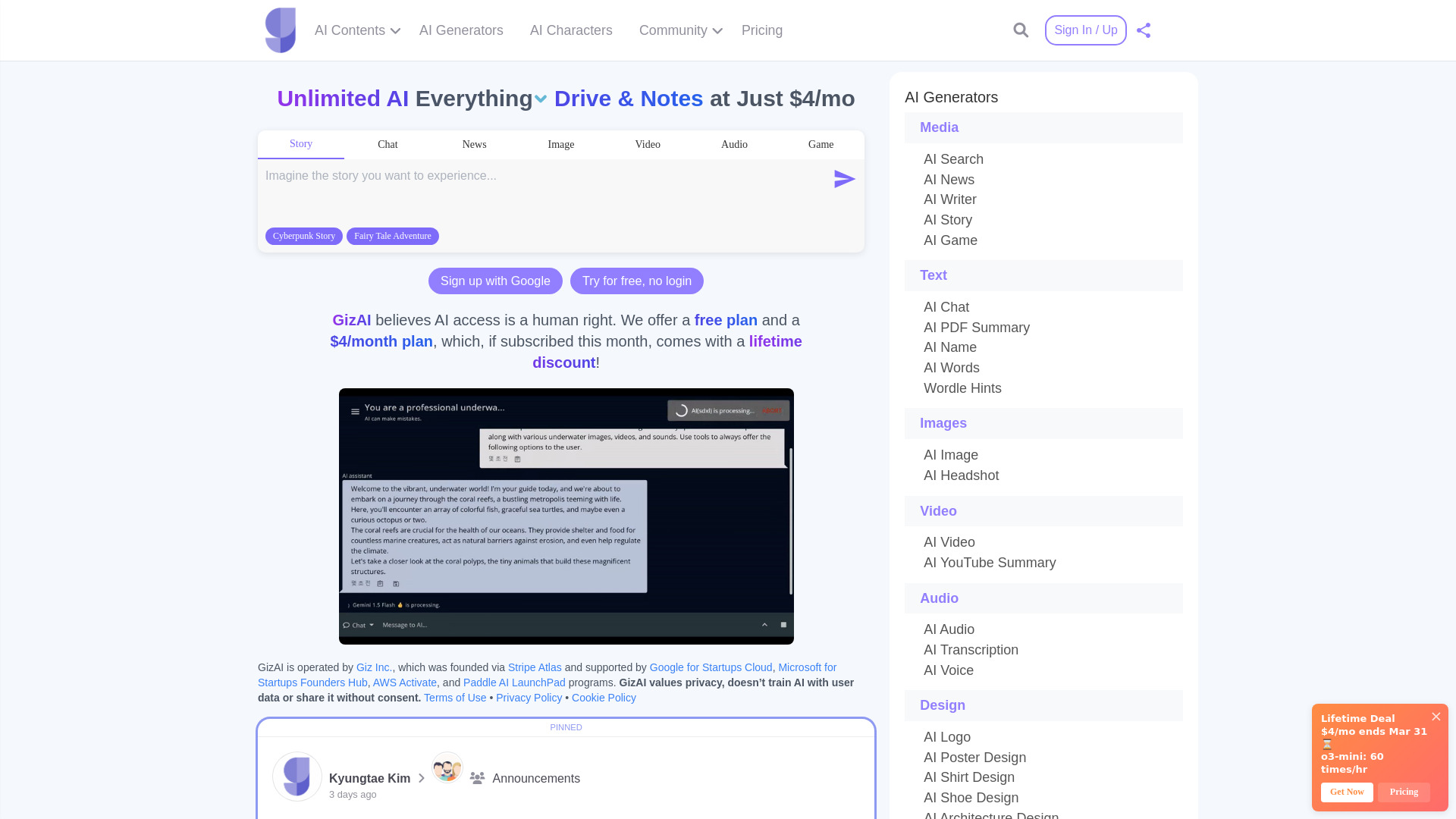
GizAI takes an all-in-one approach, listing a chatbot and AI writer alongside notes, drive, and a wider selection of AI tools. The breadth could be convenient when a creator wants a single place for several tasks. For generative expansion, though, convenience is not capability: its stated features do not specify an outpainting editor. AI usage is rate-limited, and the listed Basic plan starts at $8 per month.
Best fit
Content creators who want several AI utilities in one platform.
Users combining chatbot or writing tasks with notes and storage.
People who value a broad toolkit over a specialist image workflow.
Limitations
Rate limits apply to AI usage.
The listed features do not confirm image canvas expansion.
A general-purpose workspace may offer less control than a dedicated image editor.
Shortlist GizAI if: you need an all-in-one AI toolkit and image expansion is only a secondary task to verify.

- Educators creating avatar-led videos
- 3 video exports/month; AI avatars and multilingual voices
- Starts at Free: $0 /Mo
- Monthly visits: 588.0K
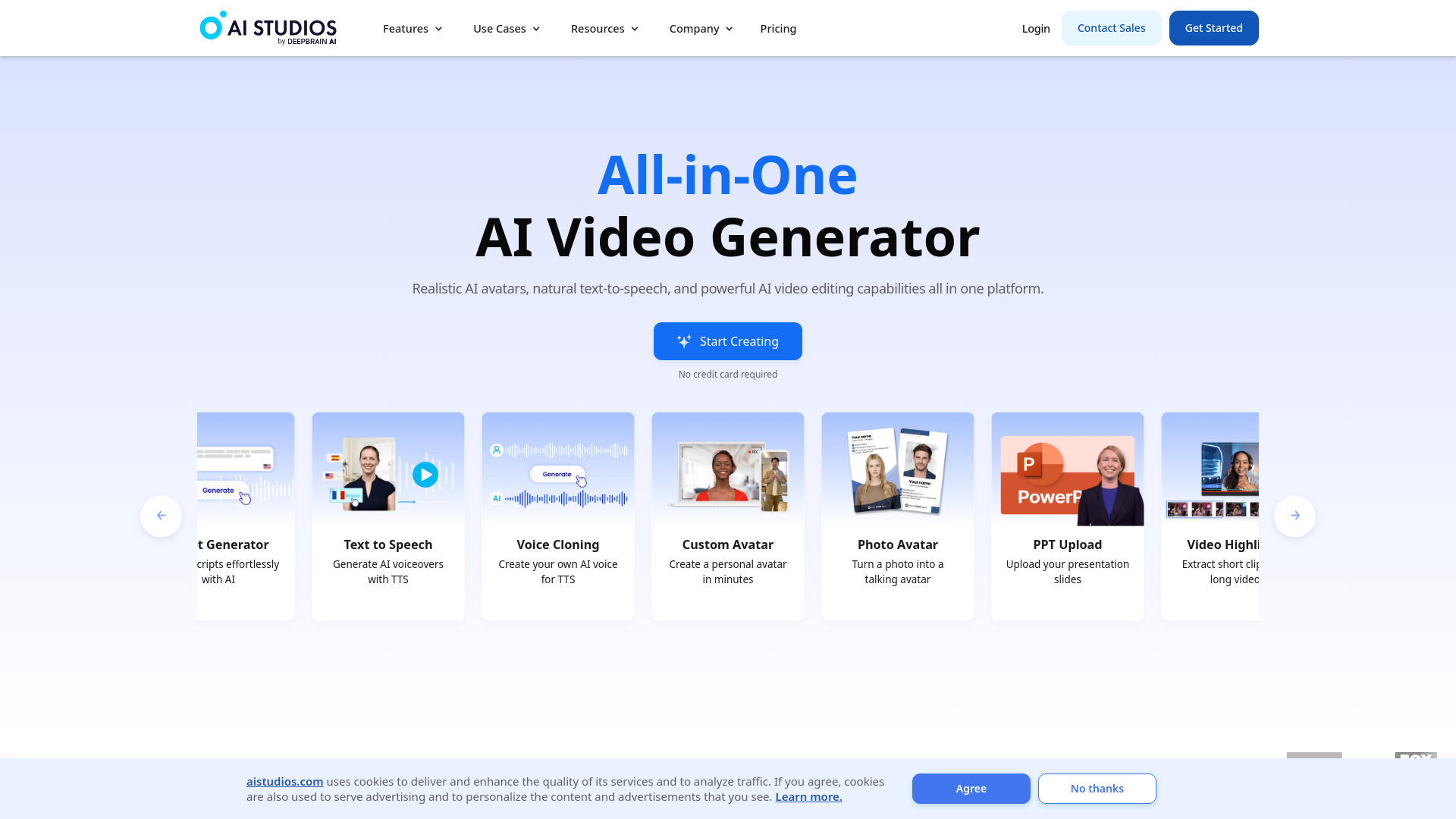
AI STUDIOS is built around video creation, editing, avatars, and voice rather than expanding still images. Its listed library includes more than 150 realistic digital avatars and voices in over 80 languages, making it a more relevant adjacent option for educators preparing narrated or presenter-led material. The free plan limits video exports to three per month and restricts features, so check whether the paid workflow fits before building a repeatable publishing process.
Best fit
Educators producing presenter-led instructional videos.
Teams that need avatar and voice options across multiple languages.
Users creating videos from text rather than editing image borders.
Limitations
Its described capabilities do not establish generative image expansion.
The free plan limits video exports and features.
It is off-target when the task is strictly still-image outpainting.
Shortlist AI STUDIOS if: your actual need is avatar-led video production, not extending an image canvas.
More tools to compare

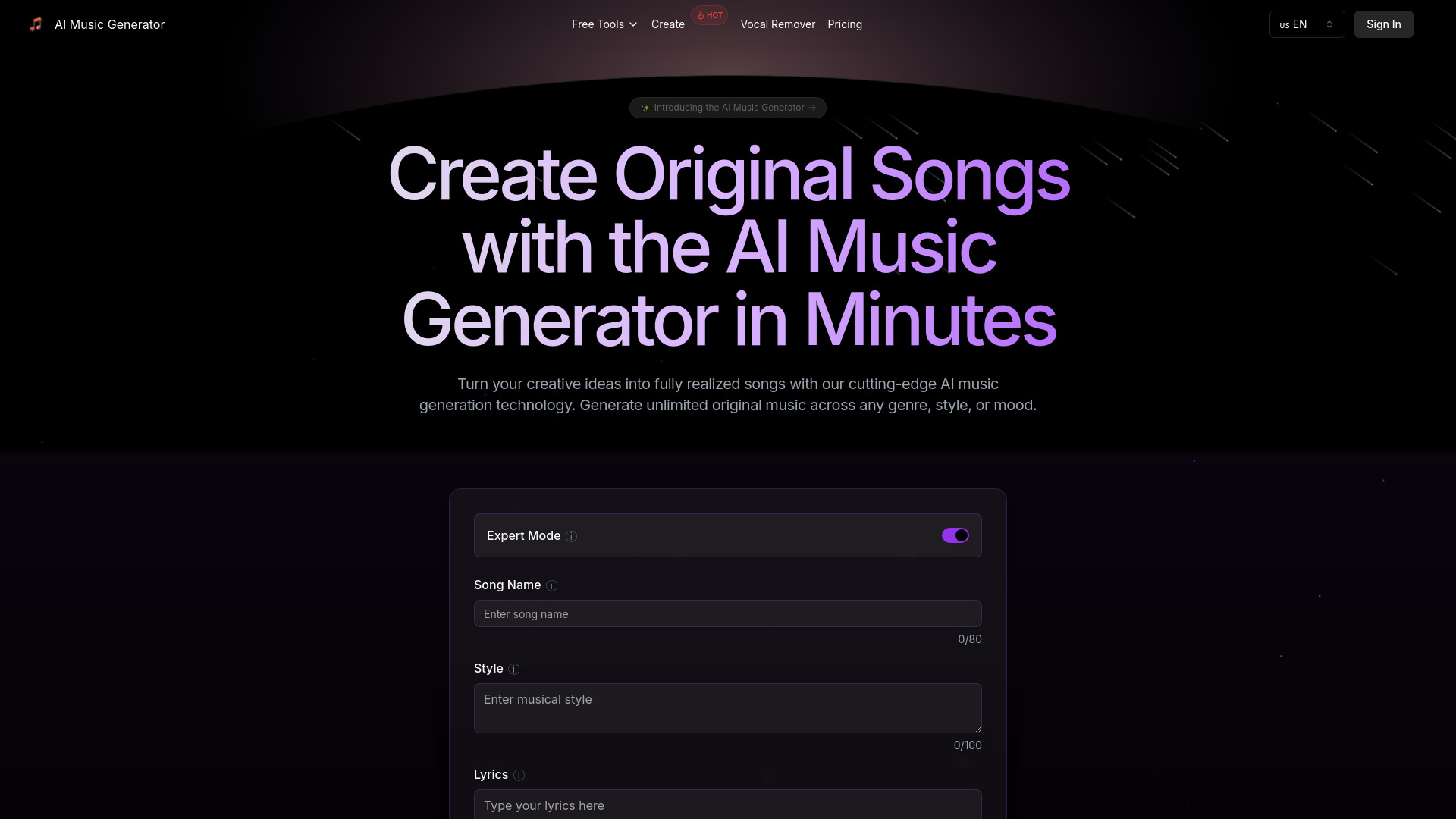
- Musicians creating AI music videos
- Free plan available
- Starts at $13/month
- Monthly visits: 412,861 monthly visits

- AI image expansion and marketing creatives
- 20 free credits
- Starts at Check vendor pricing
- Monthly visits: 370,027 monthly visits

- Content creators needing custom songs
- Free plan available
- Starts at Check vendor pricing
- Monthly visits: 205,609 monthly visits

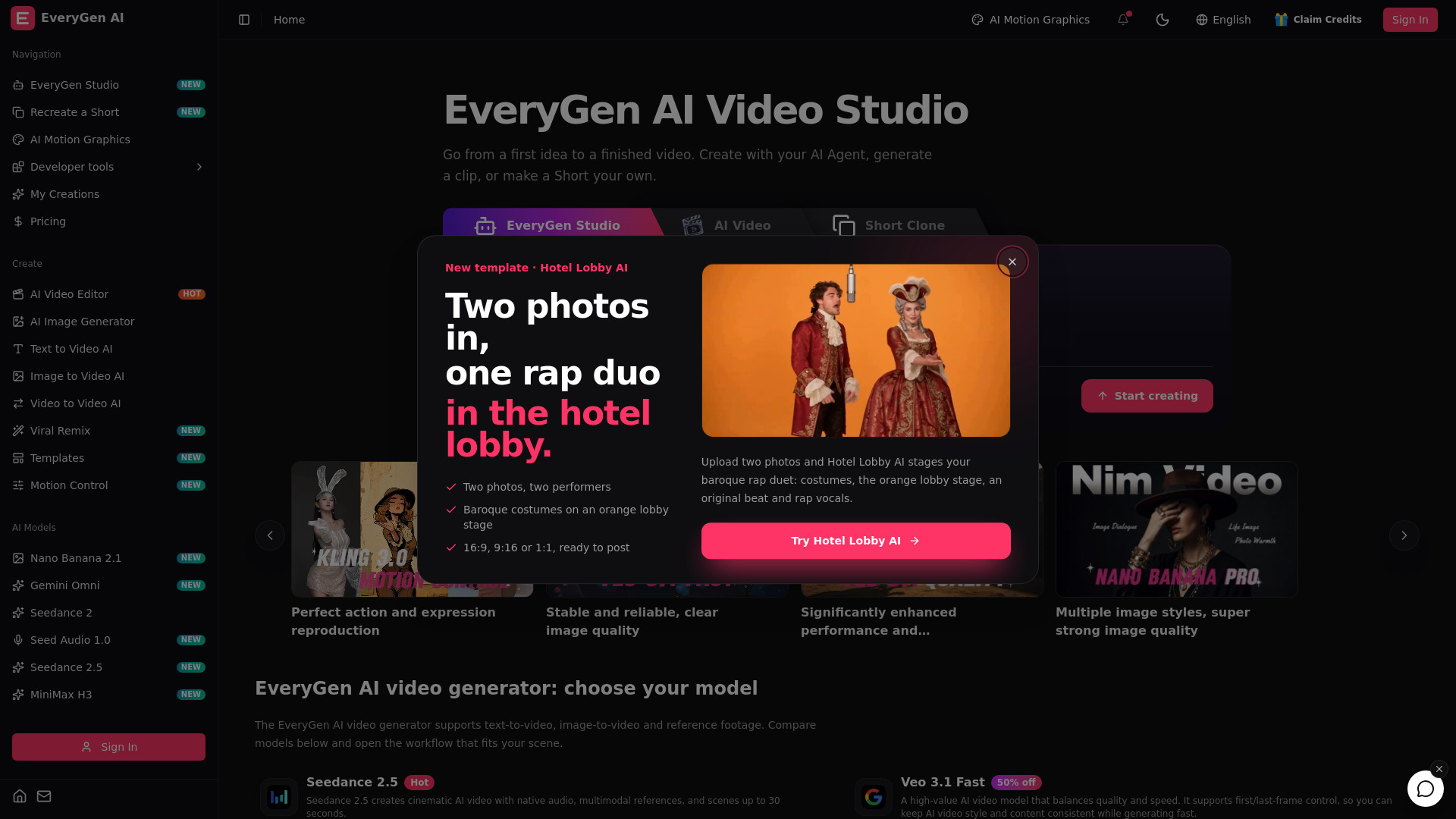
- AI video creators and short-form teams
- Starts at From $9/month
- Monthly visits: 104,260 monthly visits

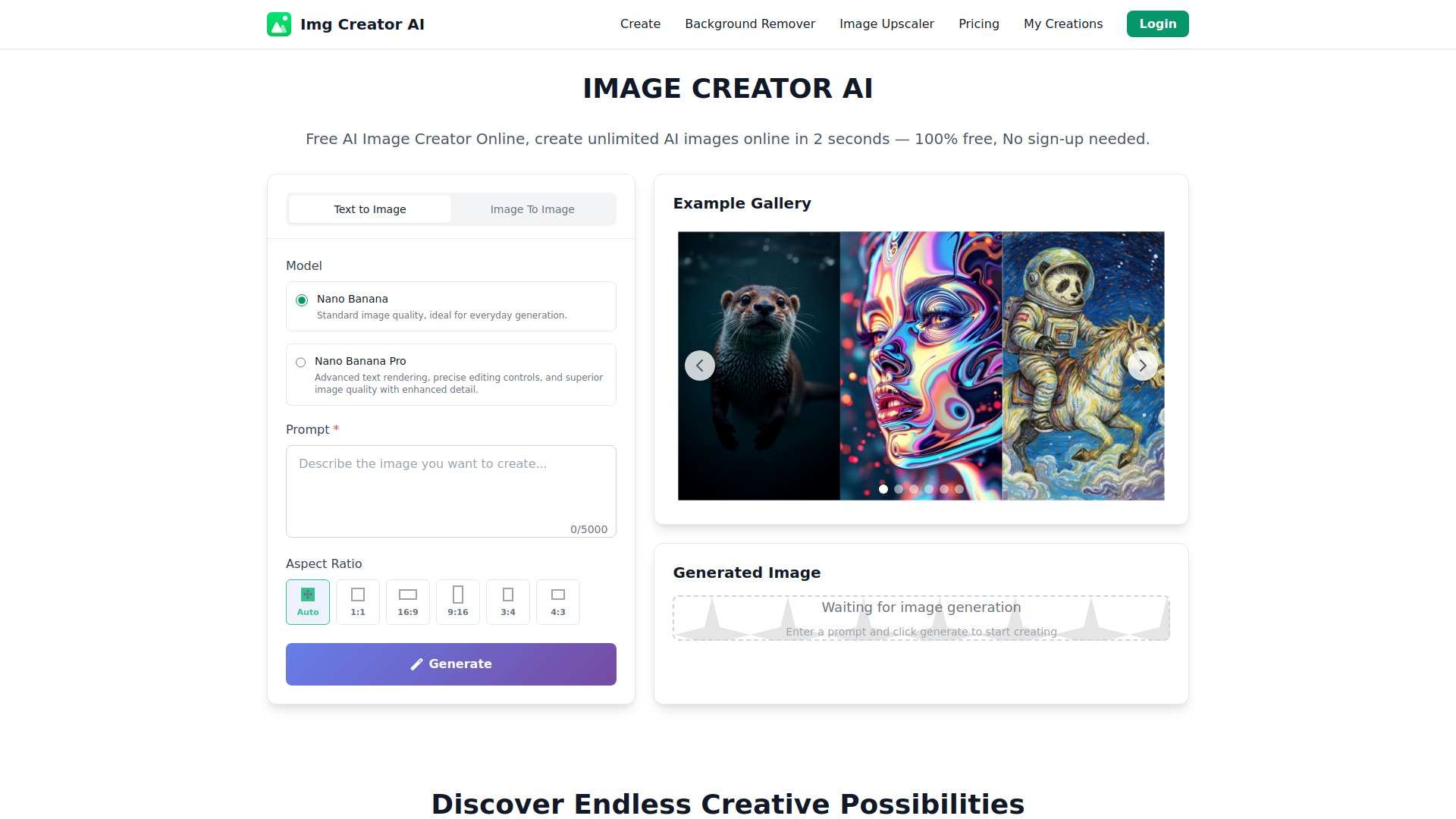
- Free AI image generation and editing
- 4 free credits/day
- Starts at $6/month (annual billing)
- Monthly visits: 243,689 monthly visits

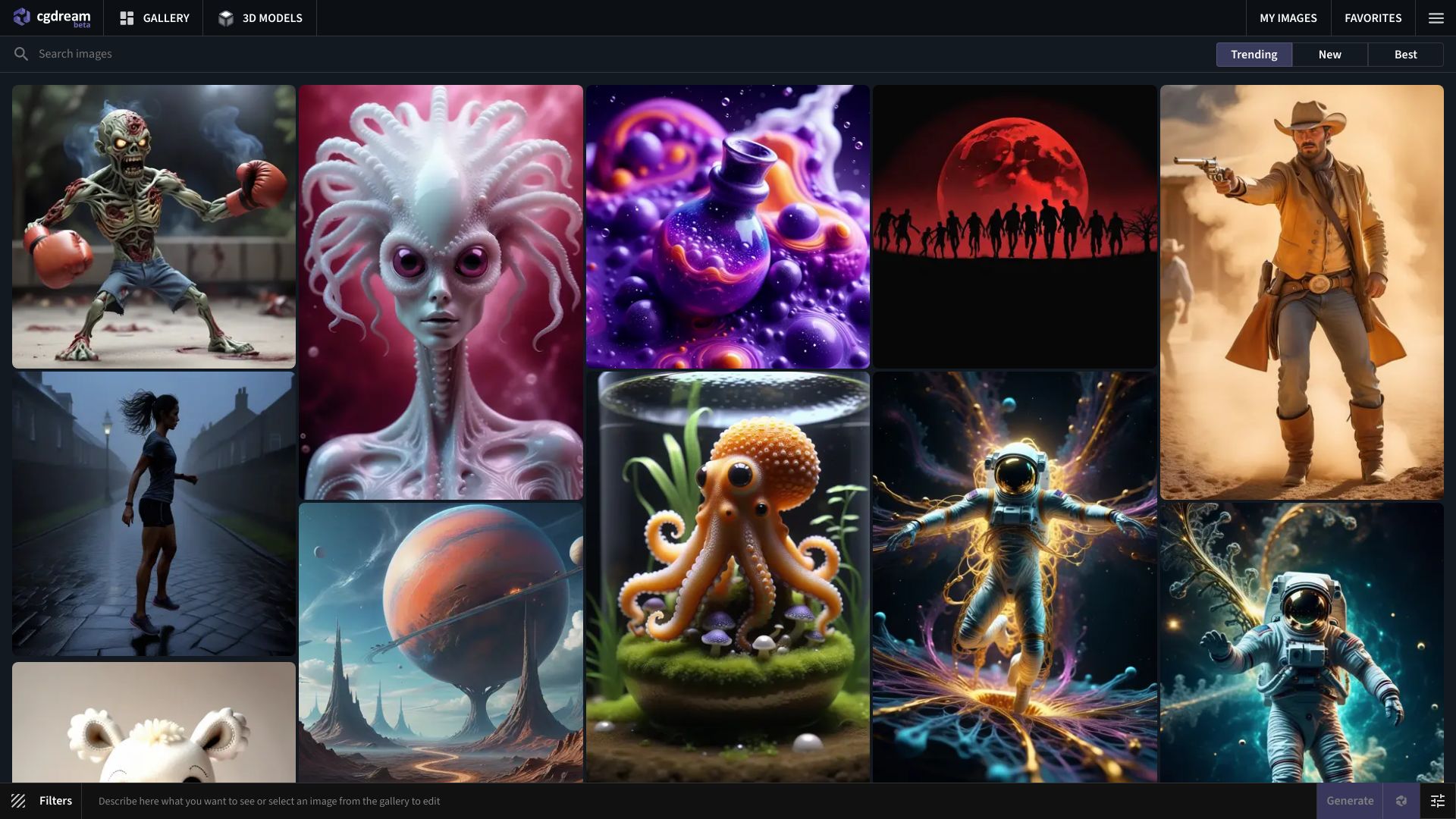
- AI image generation from 3D models
- Free trial available
- Starts at Check vendor pricing
- Monthly visits: 139,507 monthly visits

- AI photo and video creators
- Starts at Check vendor pricing
- Monthly visits: 214,846 monthly visits

- Free image, video, and music generation
- Free plan available
- Starts at Check vendor pricing
- Monthly visits: 219,579 monthly visits

- Residential floorplan planning
- Free plan available
- Starts at $0/month
- Monthly visits: 228,890 monthly visits

- Fast image generation and editing
- Free trial available
- Starts at From $4.99
- Monthly visits: 157,830 monthly visits

- Generating 3D assets from text and images
- 50 free 3D assets
- Starts at From $0.99/month
- Monthly visits: 107,537 monthly visits

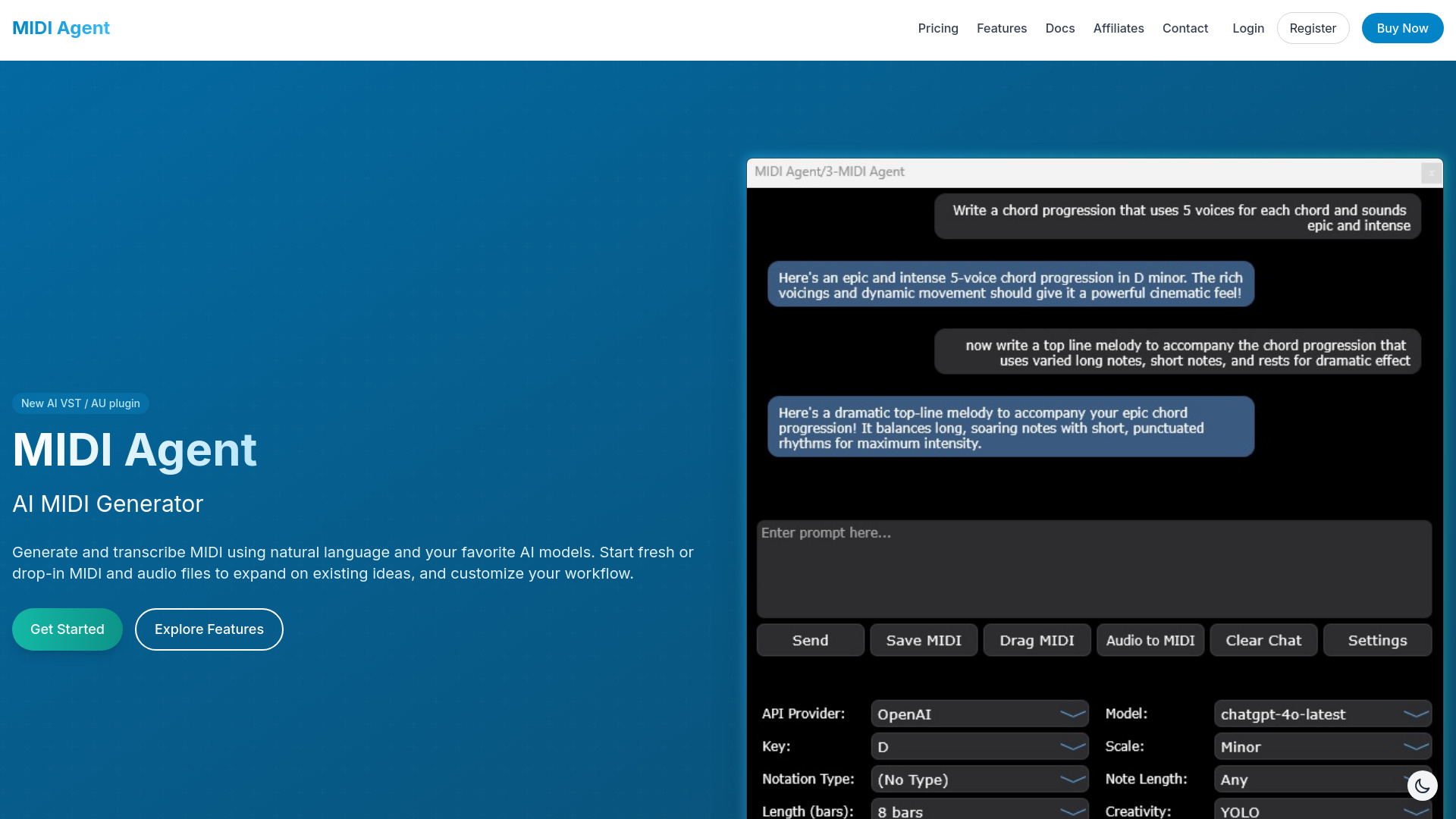
- AI MIDI generation in DAWs
- Starts at $49 lifetime
- Monthly visits: 53,322 monthly visits
- AI music creation
- 2 generations per day
- Starts at $0
- Monthly visits: 95,071 monthly visits
- AI artwork generation from images
- Starts at Check vendor pricing
- Monthly visits: 47,520 monthly visits
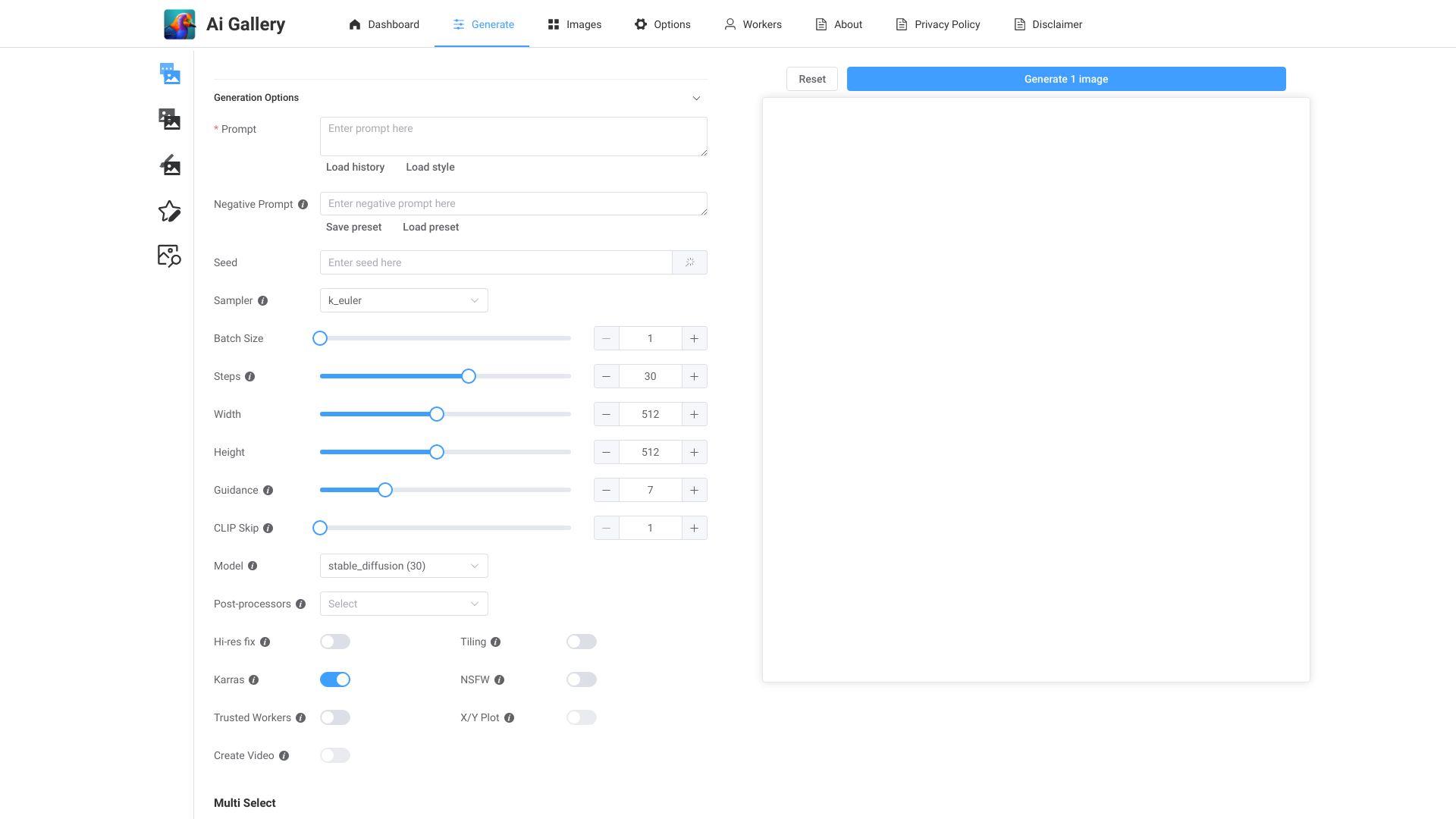
- Multi-format AI asset creation
- Starts at Check vendor pricing
- Monthly visits: 14,223 monthly visits
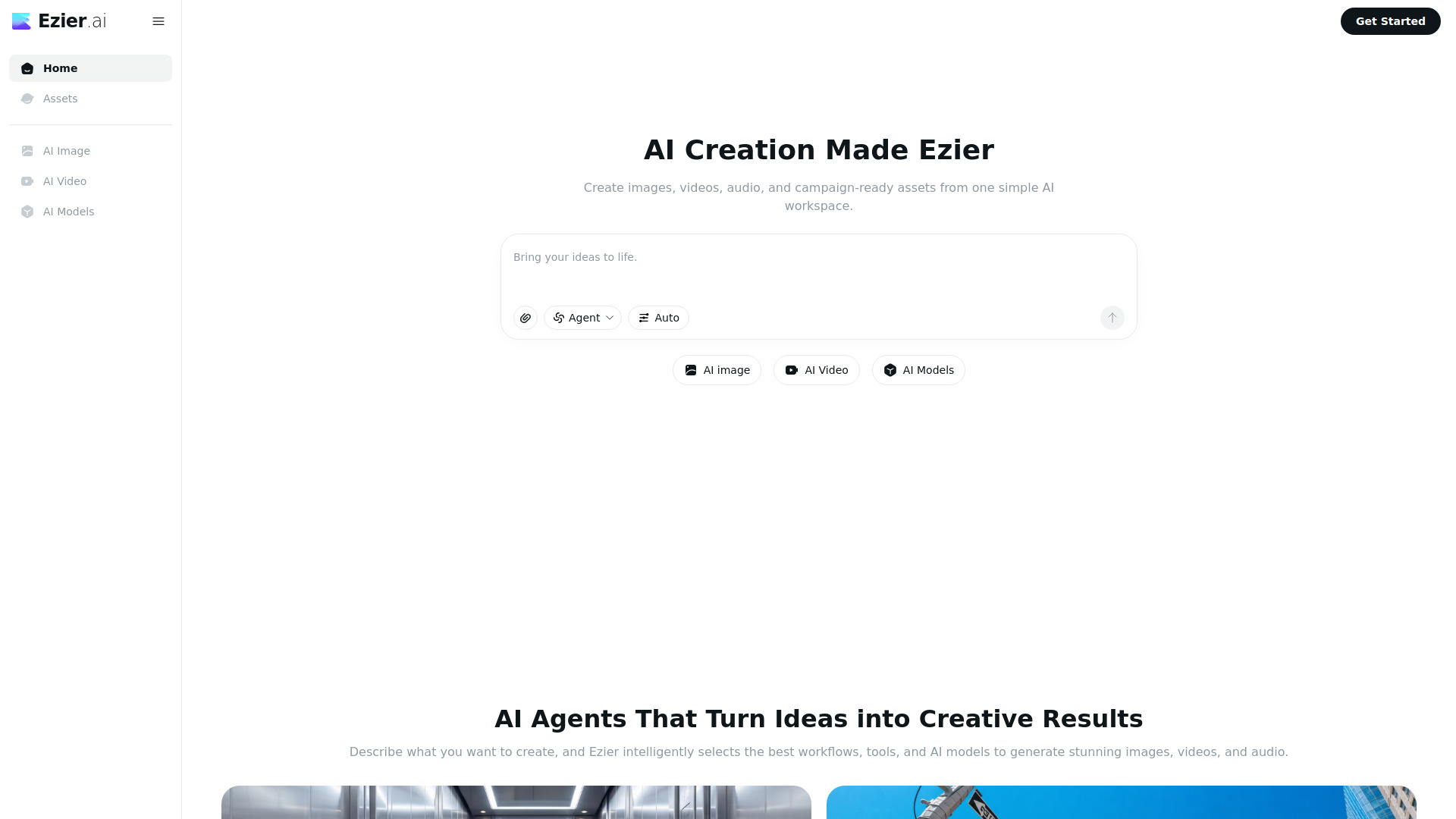

- AI image and video generation
- 5 credits per day
- Starts at From $113.88/year
- Monthly visits: 70,875 monthly visits
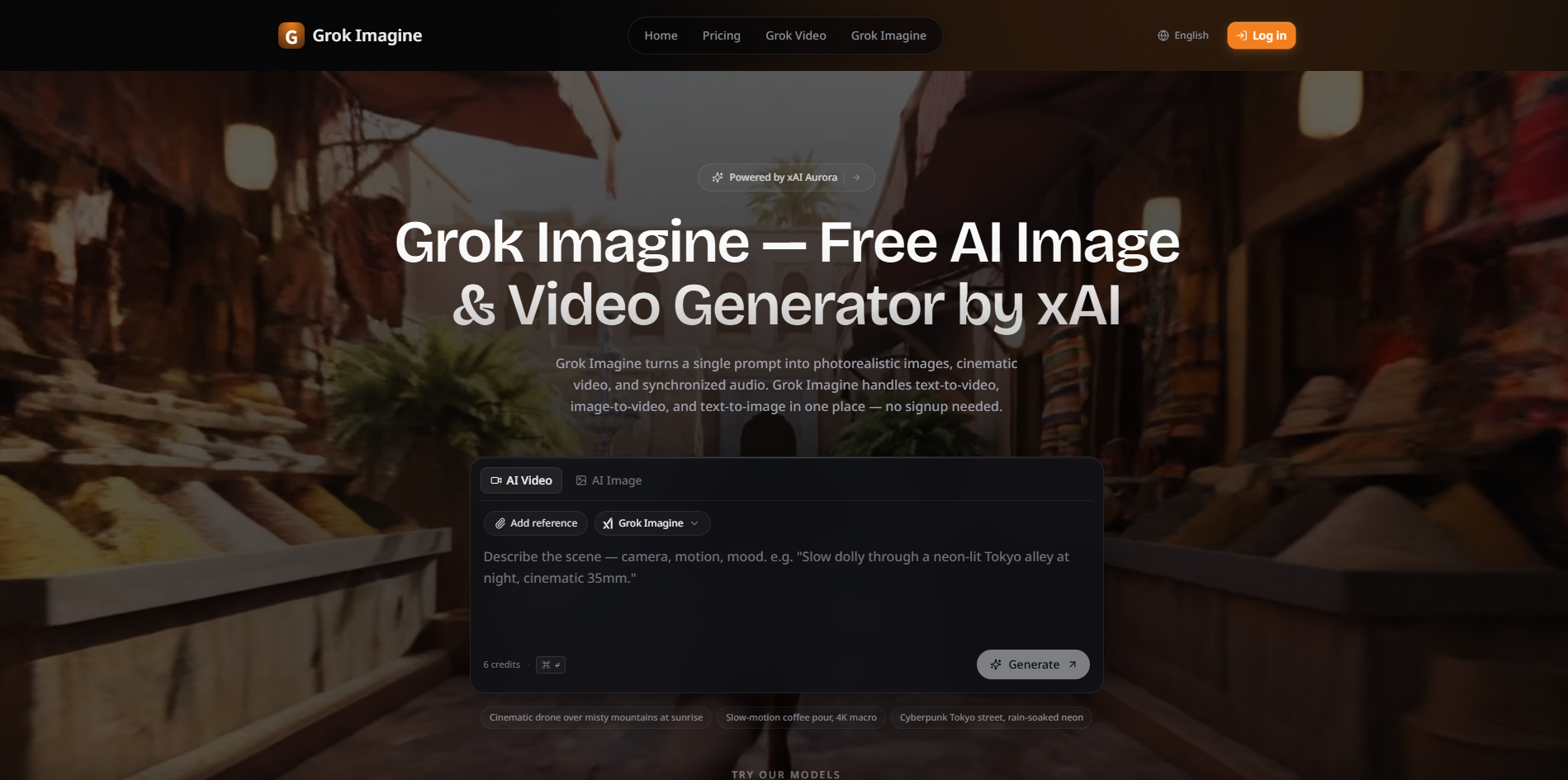

- AI-powered creative generators
- Free plan available
- Starts at Check vendor pricing
- Monthly visits: 57,742 monthly visits
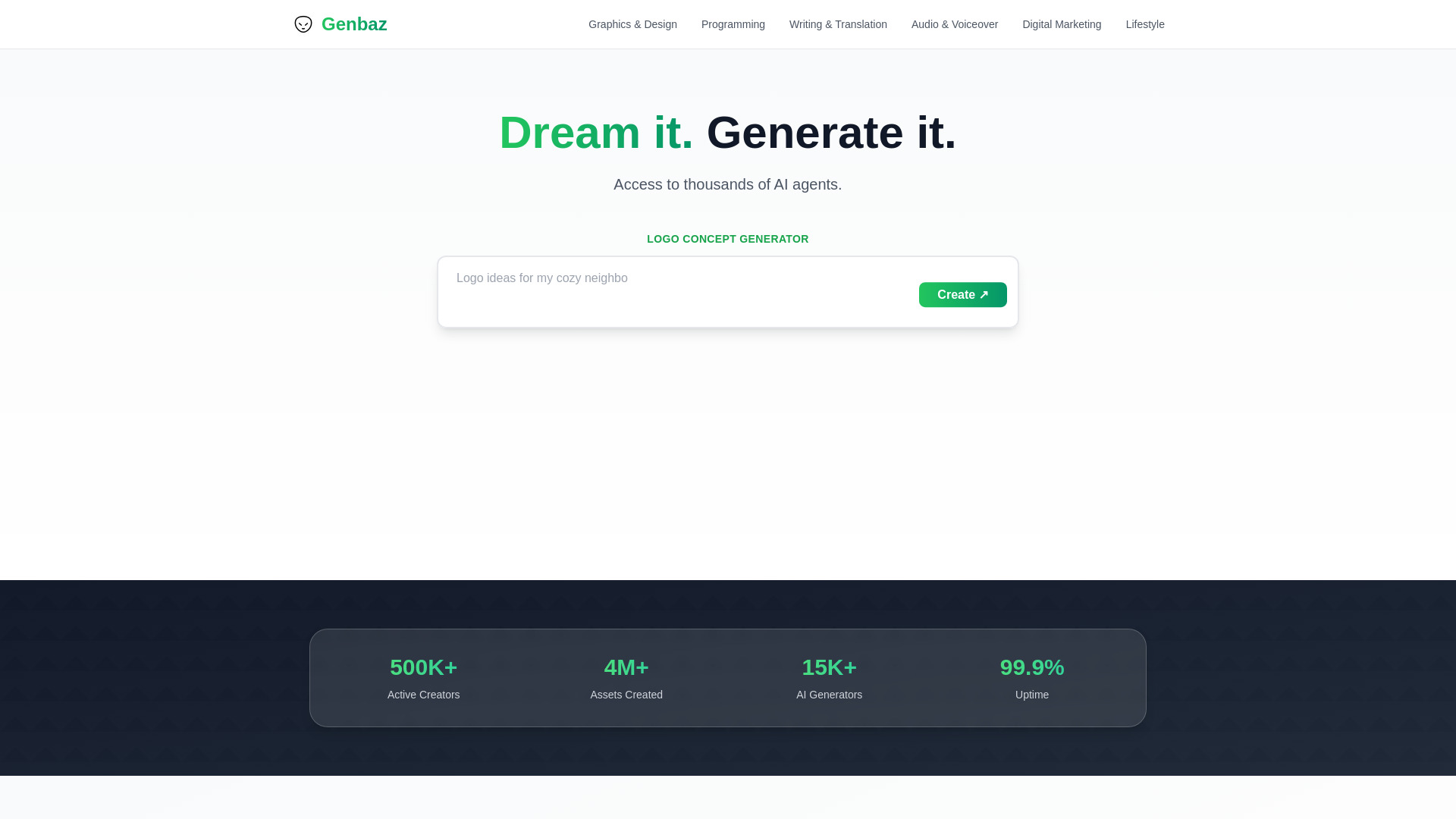

- AI image and video generation
- Free trial available
- Starts at From $30 for 2,000 credits
- Monthly visits: 60,985 monthly visits
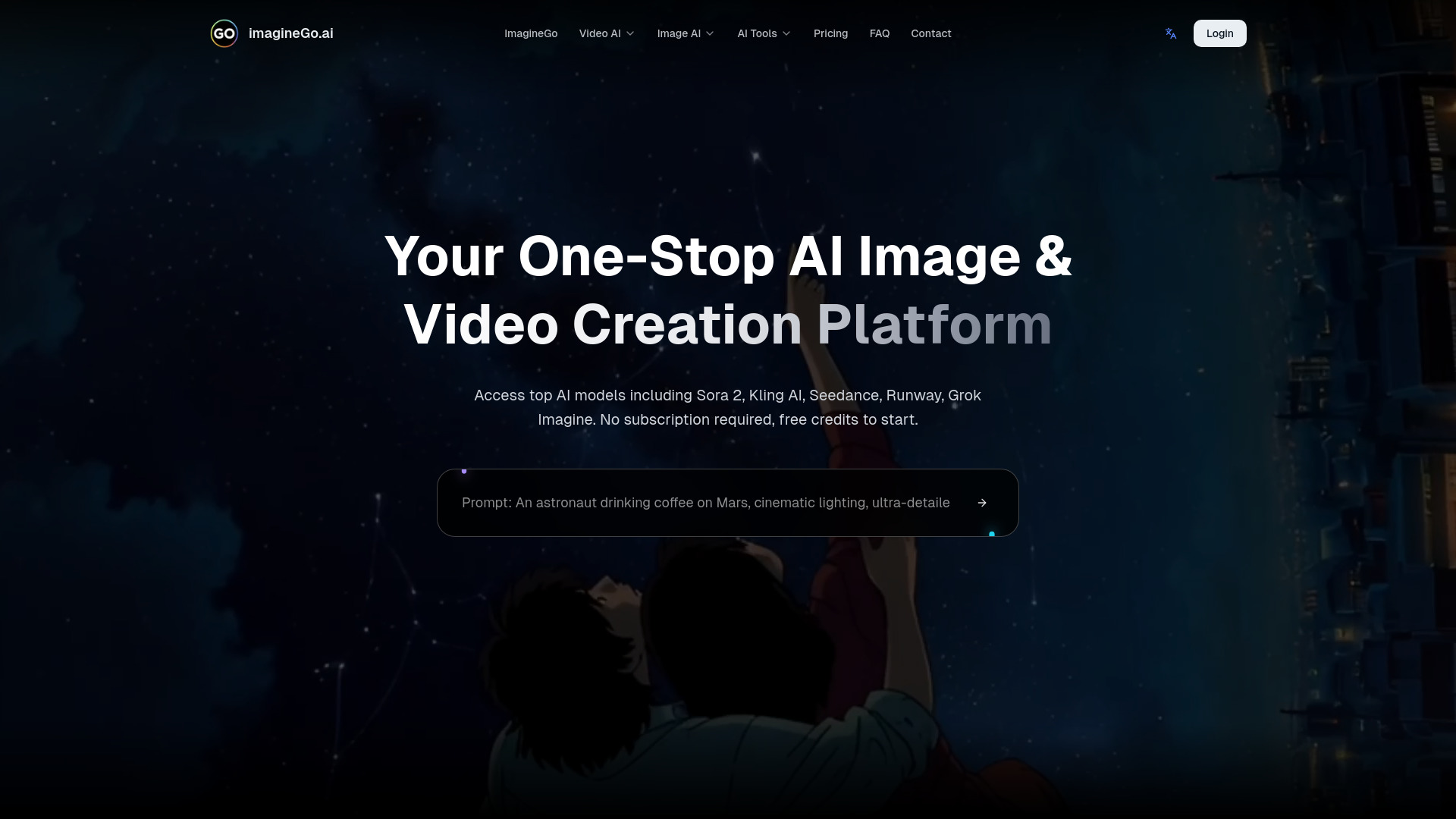
- AI video, image and music generation
- 10 daily credits
- Starts at Free
- Monthly visits: 8,309 monthly visits

- Cinematic AI video generation
- Free trial available
- Starts at $18/month
- Monthly visits: 42,721 monthly visits
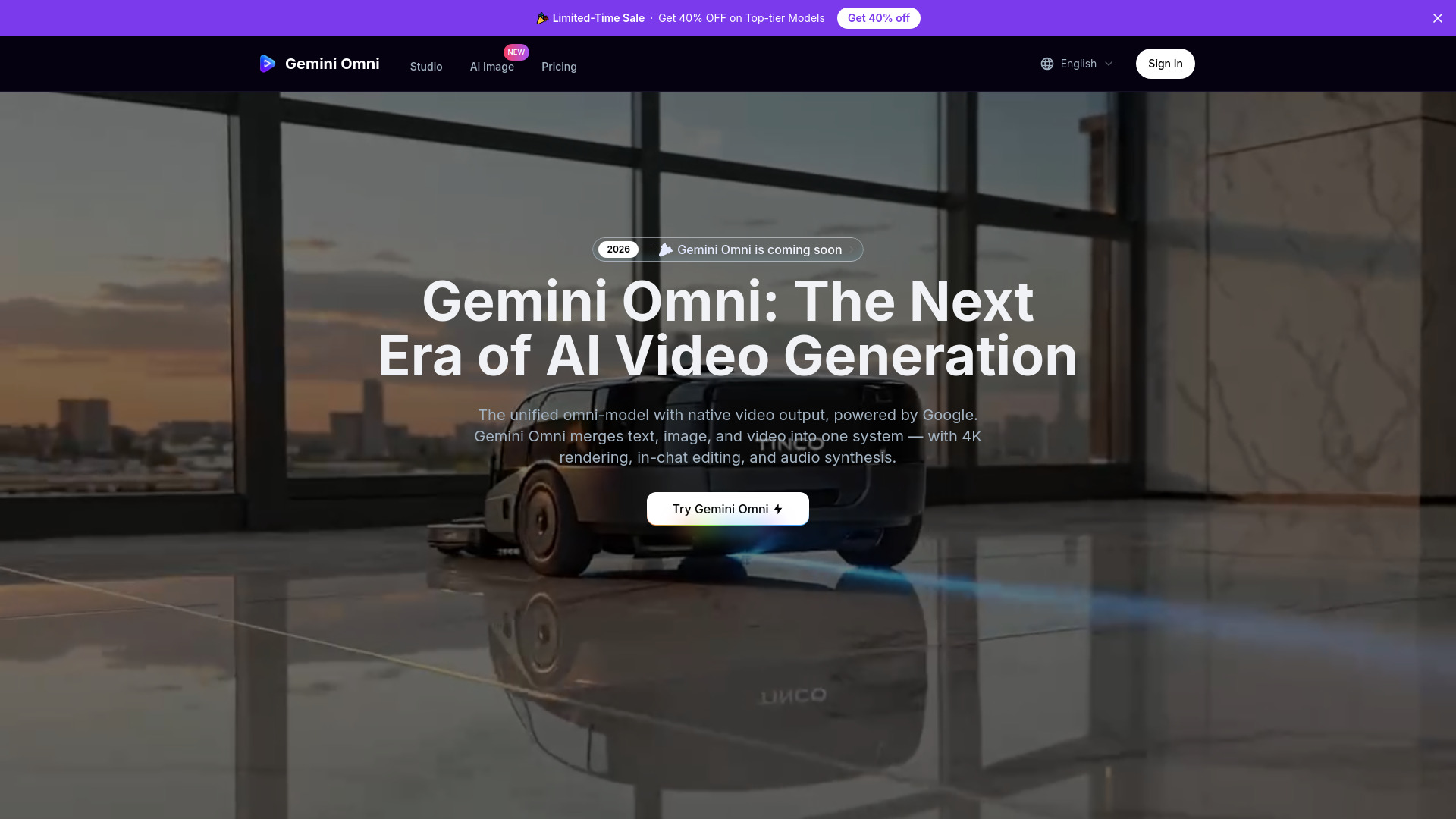

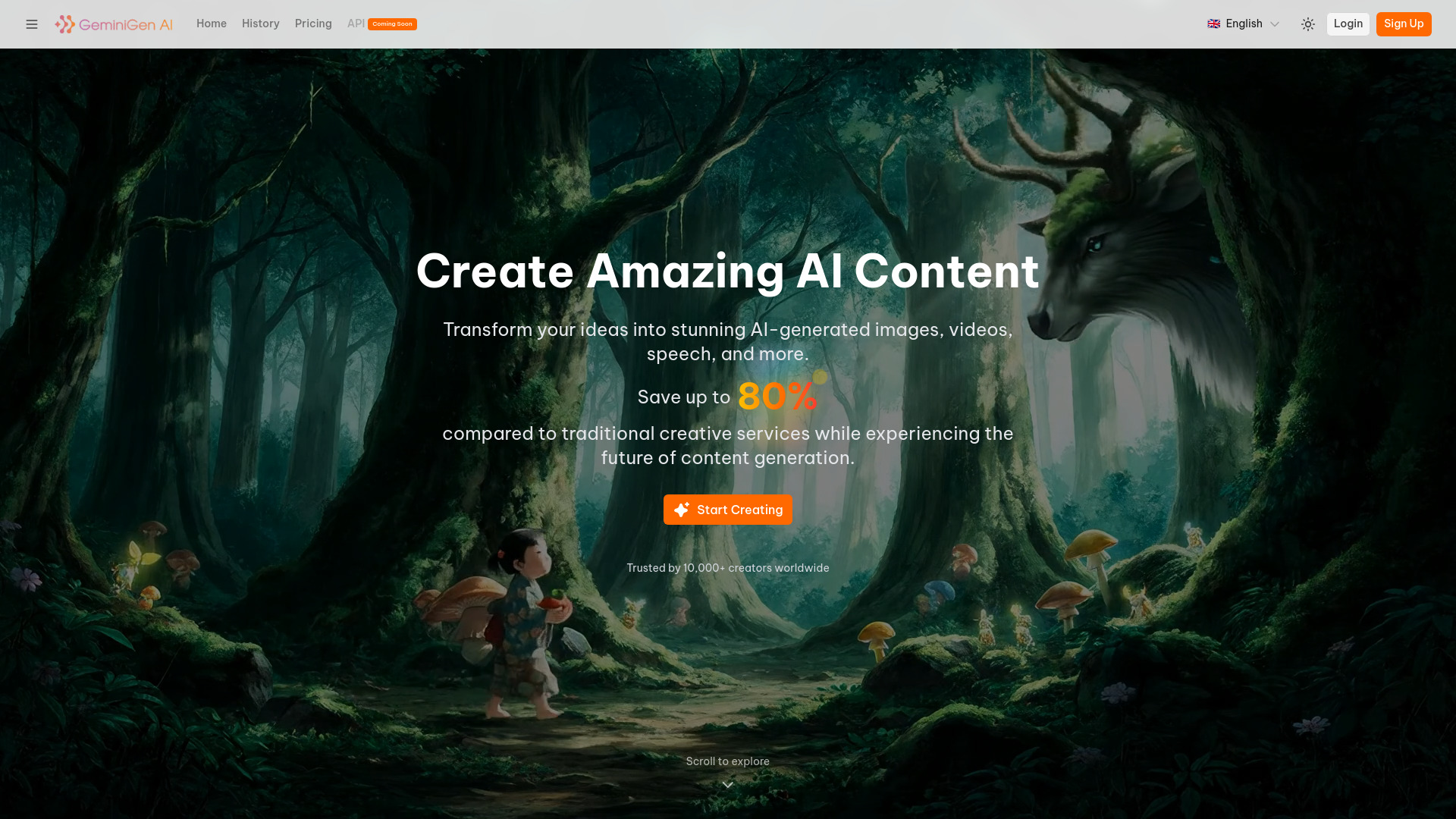
- AI image, video, and speech creation
- Free plan available
- Starts at $0
- Monthly visits: 27,929 monthly visits

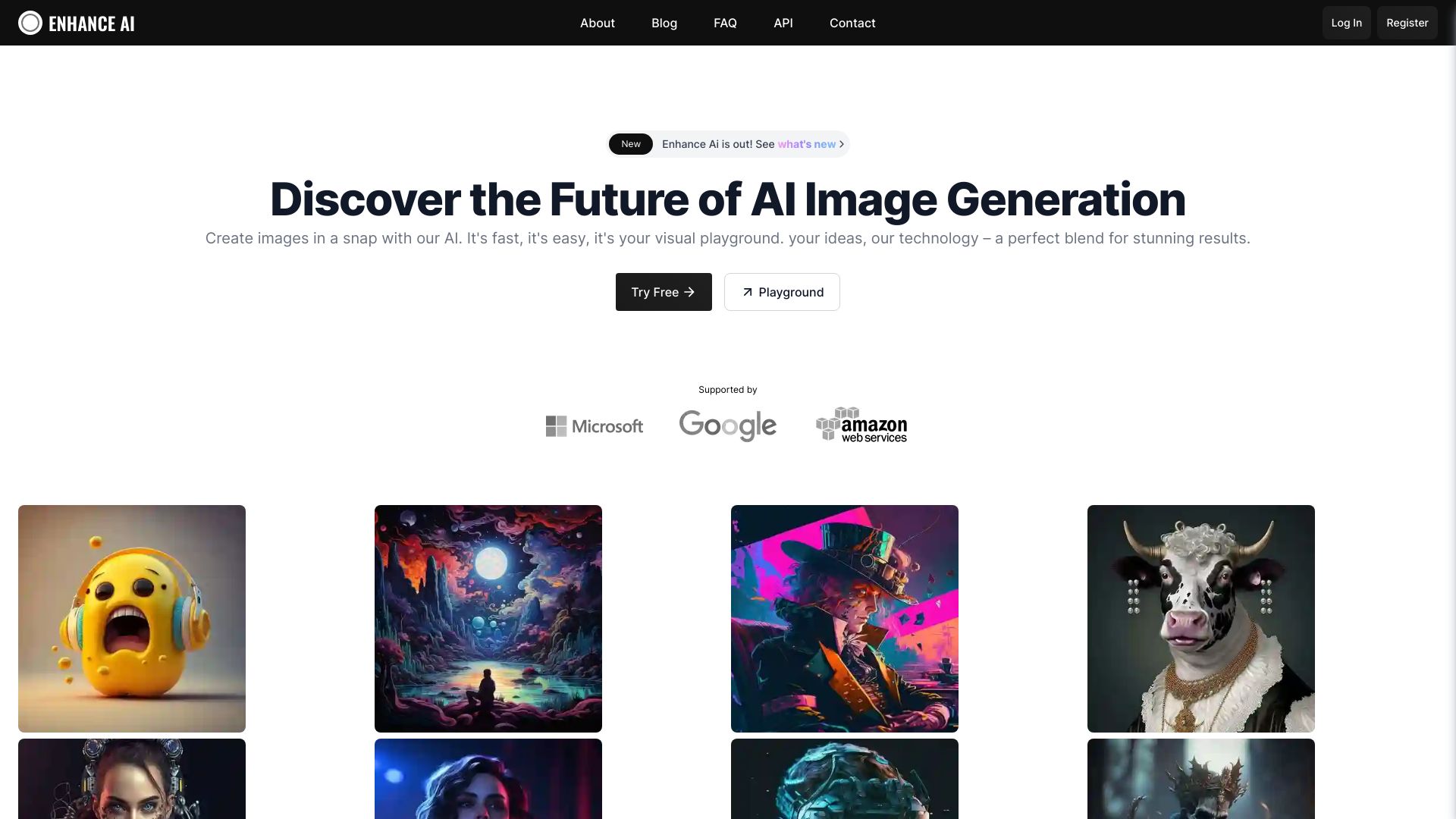
- AI image generation and upscaling
- Free plan available
- Starts at $9/month
- Monthly visits: 13,835 monthly visits

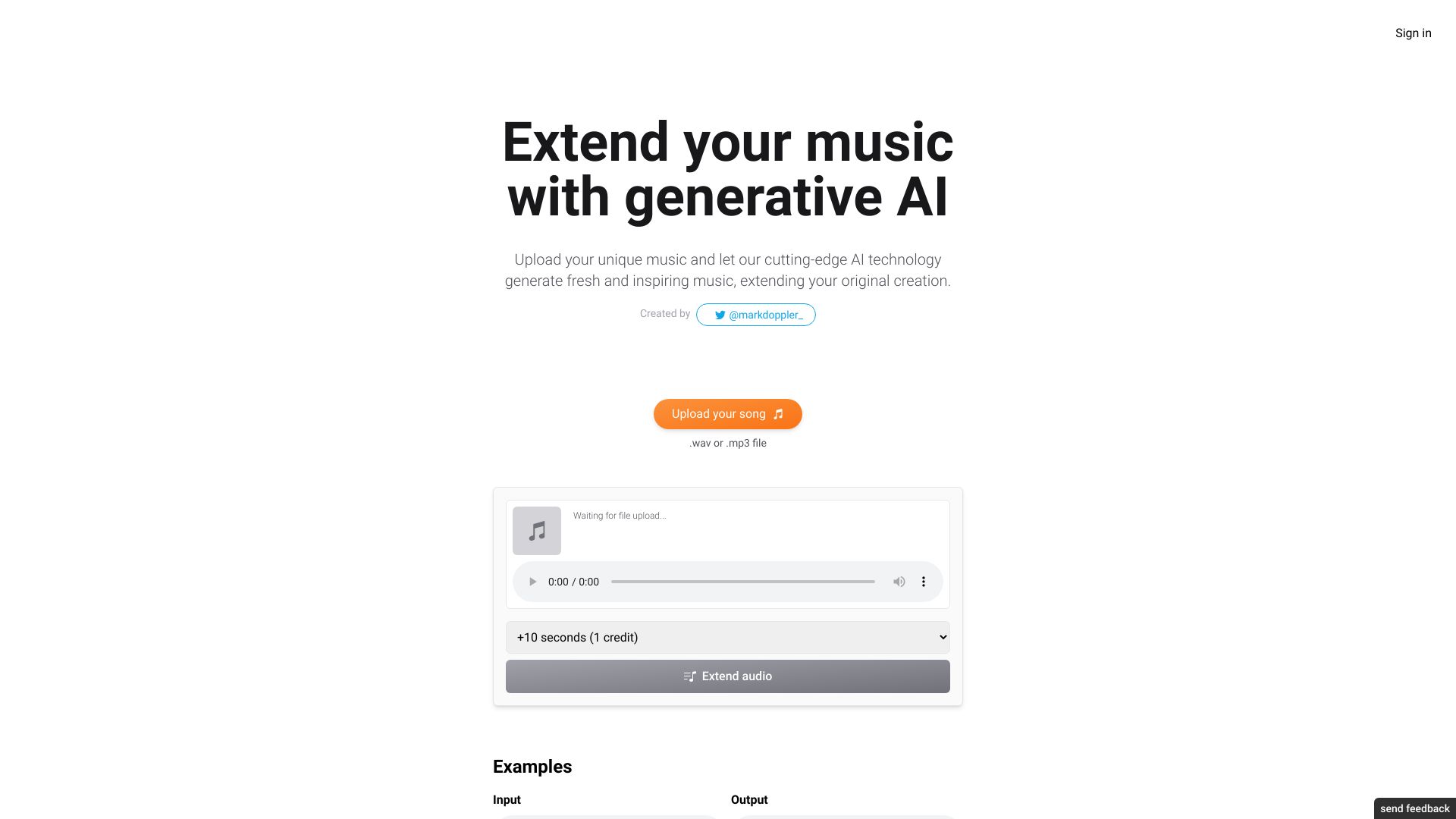
- Extending original music compositions
- Starts at Check vendor pricing
- Monthly visits: 12,058 monthly visits

- AI video and image generation
- 50 free credits/month
- Starts at From $13.99/month
- Monthly visits: 11,920 monthly visits

- Comparing multiple AI models
- Starts at Check vendor pricing
- Monthly visits: 13,606 monthly visits

- AI-generated ad content for creators and brands
- Starts at €19.99/month
- Monthly visits: 17,087 monthly visits

- Interactive AI world generation
- Free trial available
- Starts at Check vendor pricing
- Monthly visits: 8,938 monthly visits

- Multi-modal image, video, and music creation
- Free plan available
- Starts at $8.3 / month
- Monthly visits: 5,816 monthly visits

- AI-generated sound effects, samples, and loops
- 100 generations/month
- Starts at $0 forever
- Monthly visits: 3,107 monthly visits

- Generative AI founders and builders
- Starts at Check vendor pricing
- Monthly visits: 7,749 monthly visits

- Cinematic AI video creation
- Free trial available
- Starts at From $9.90/month
- Monthly visits: 8,594 monthly visits
- AI image and video drafts
- Starts at From $29.90/month
- Monthly visits: 3,910 monthly visits

- AI-generated drum samples
- Starts at From $7/month
- Monthly visits: 4,036 monthly visits

- Generative image expansion
- Free plan available
- Starts at $14.99/month
- Monthly visits: 97 monthly visits
- Cinematic text-to-video creation
- Free trial available
- Starts at $9.90
- Monthly visits: 3,218 monthly visits
- Fast text-to-music creation
- 2 free songs daily
- Starts at $12.99/month
- Monthly visits: 1,422 monthly visits

- On-brand marketing visuals
- 10 free credits
- Starts at $9.99/month
- Monthly visits: 2,100 monthly visits
- AI image generation for creators and marketers
- Free plan available
- Starts at Check vendor pricing
- Monthly visits: 2,621 monthly visits

- AI music, lyrics, and album cover creation
- Free plan available
- Starts at Check vendor pricing
- Monthly visits: 1,948 monthly visits
- Prompt-based 3D assets for game creators
- Starts at Check vendor pricing
- Monthly visits: 1,925 monthly visits

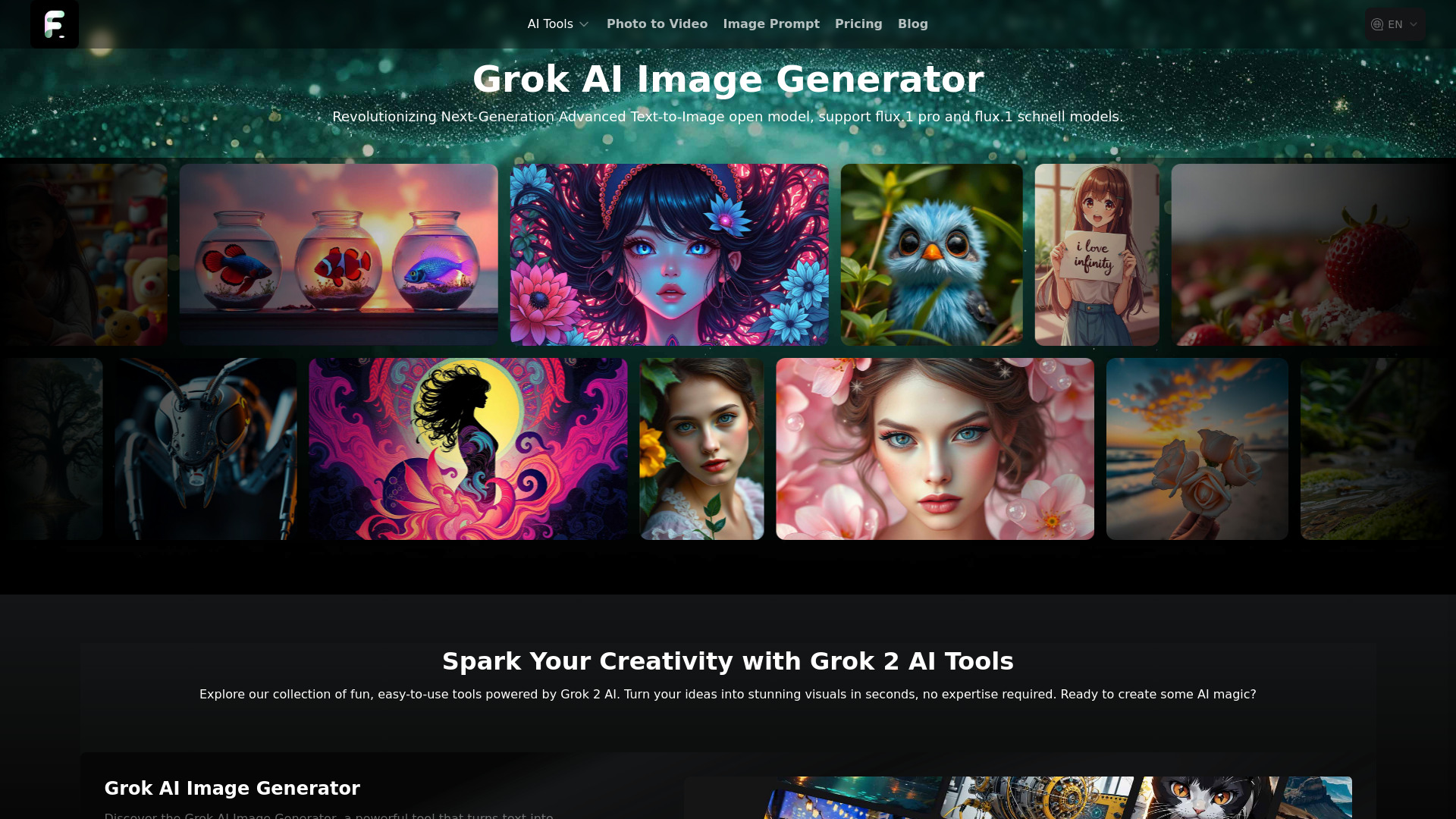
- Fast text-to-image creation
- 60 free credits
- Starts at Check vendor pricing
- Monthly visits: 1,485 monthly visits

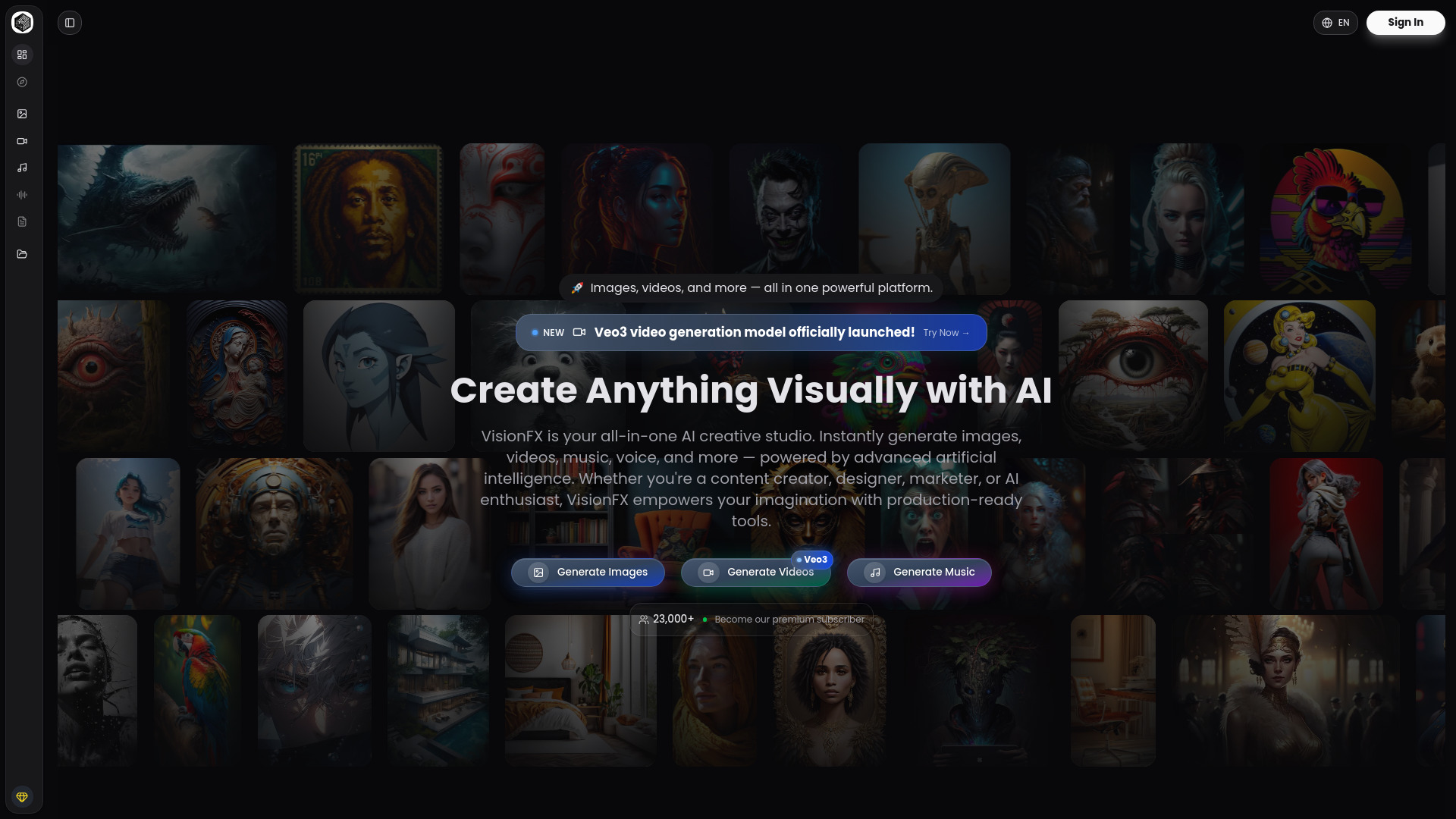
- Creators needing multimodal AI content
- Free plan available
- Starts at Check vendor pricing
- Monthly visits: 1,798 monthly visits

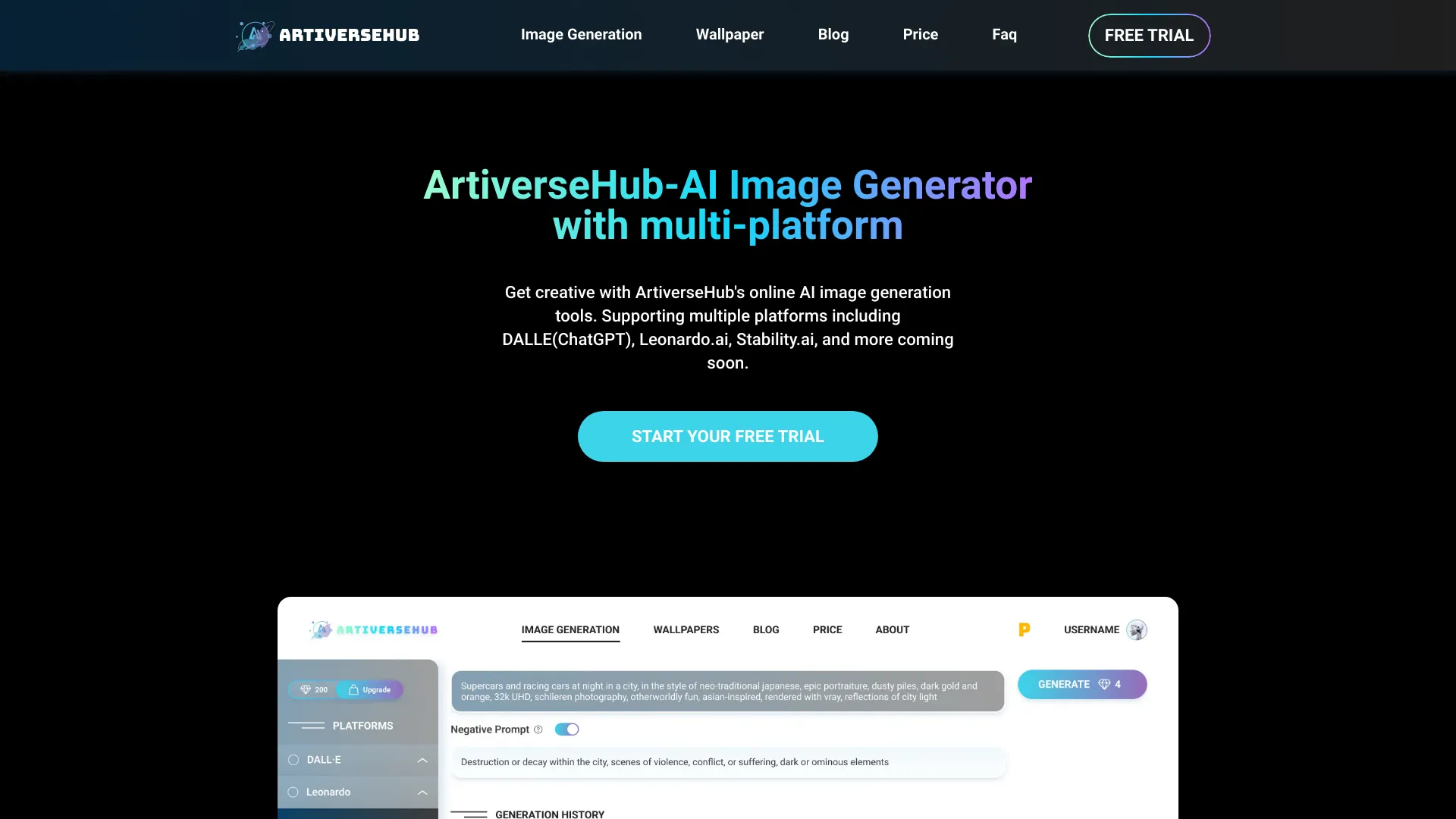
- Multi-platform AI image generation
- Free trial available
- Starts at From $5 one-time
- Monthly visits: 807 monthly visits

- Image-to-3D and CAD generation
- Starts at $8/month
- Monthly visits: 418 monthly visits

- All-in-one AI creative studio
- Free trial available
- Starts at £7.99 one-time for 7-day access
- Monthly visits: 179 monthly visits


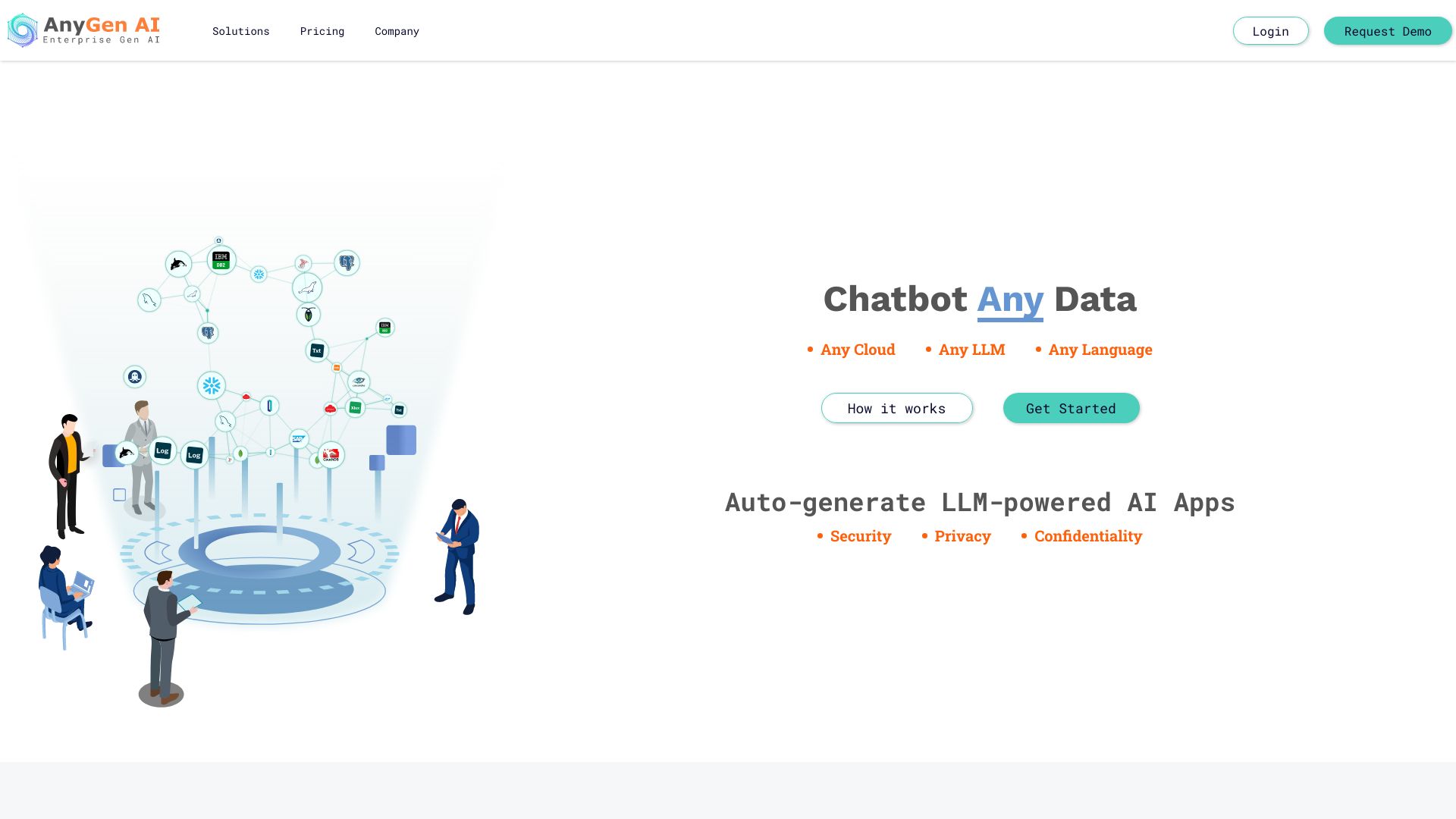
- Enterprise GenAI app lifecycle management
- Starts at Check vendor pricing
- Monthly visits: 108 monthly visits

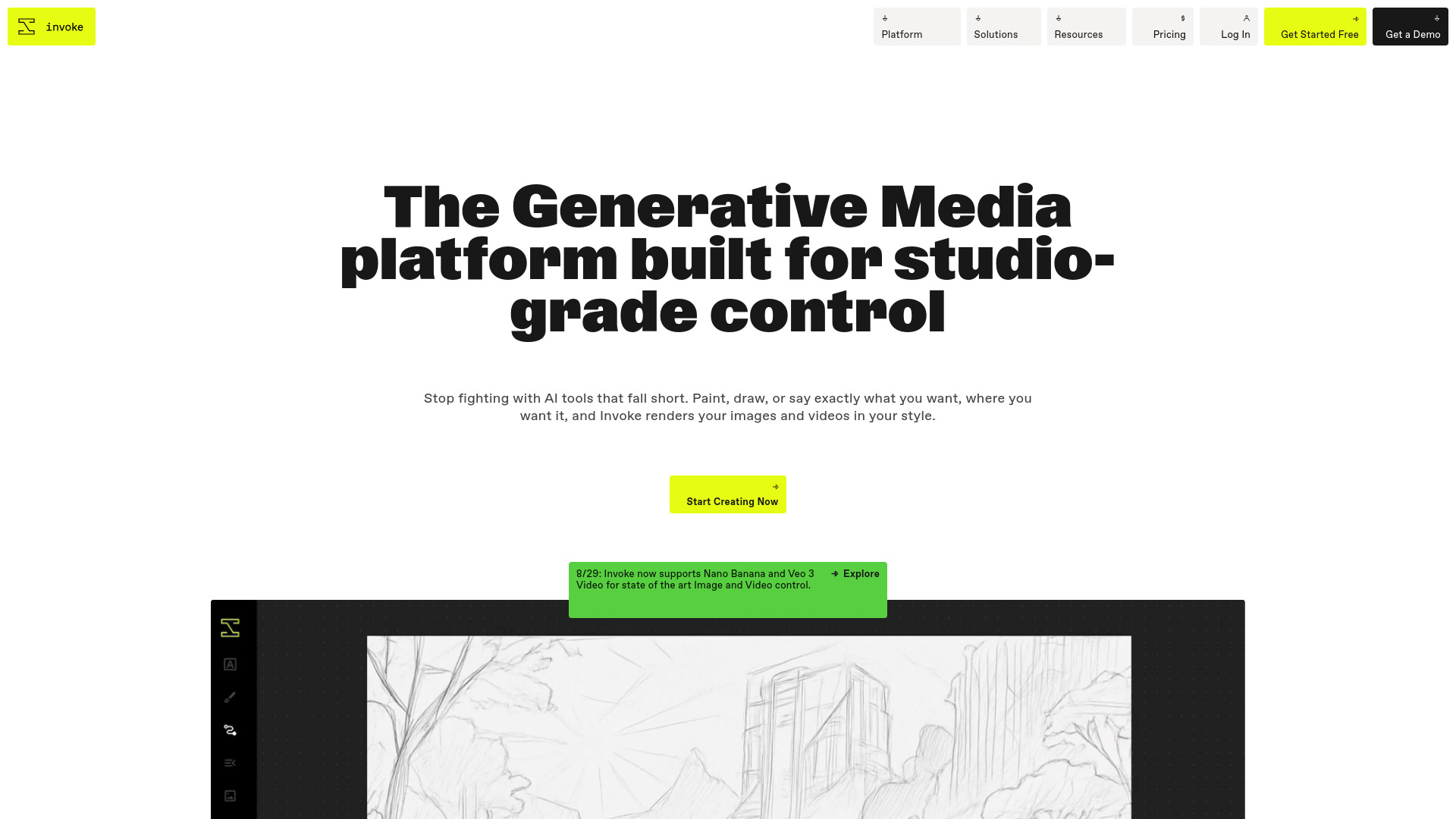
- Studio-grade generative media control
- 10-day free trial
- Starts at $15/month
- Monthly visits: 34 monthly visits

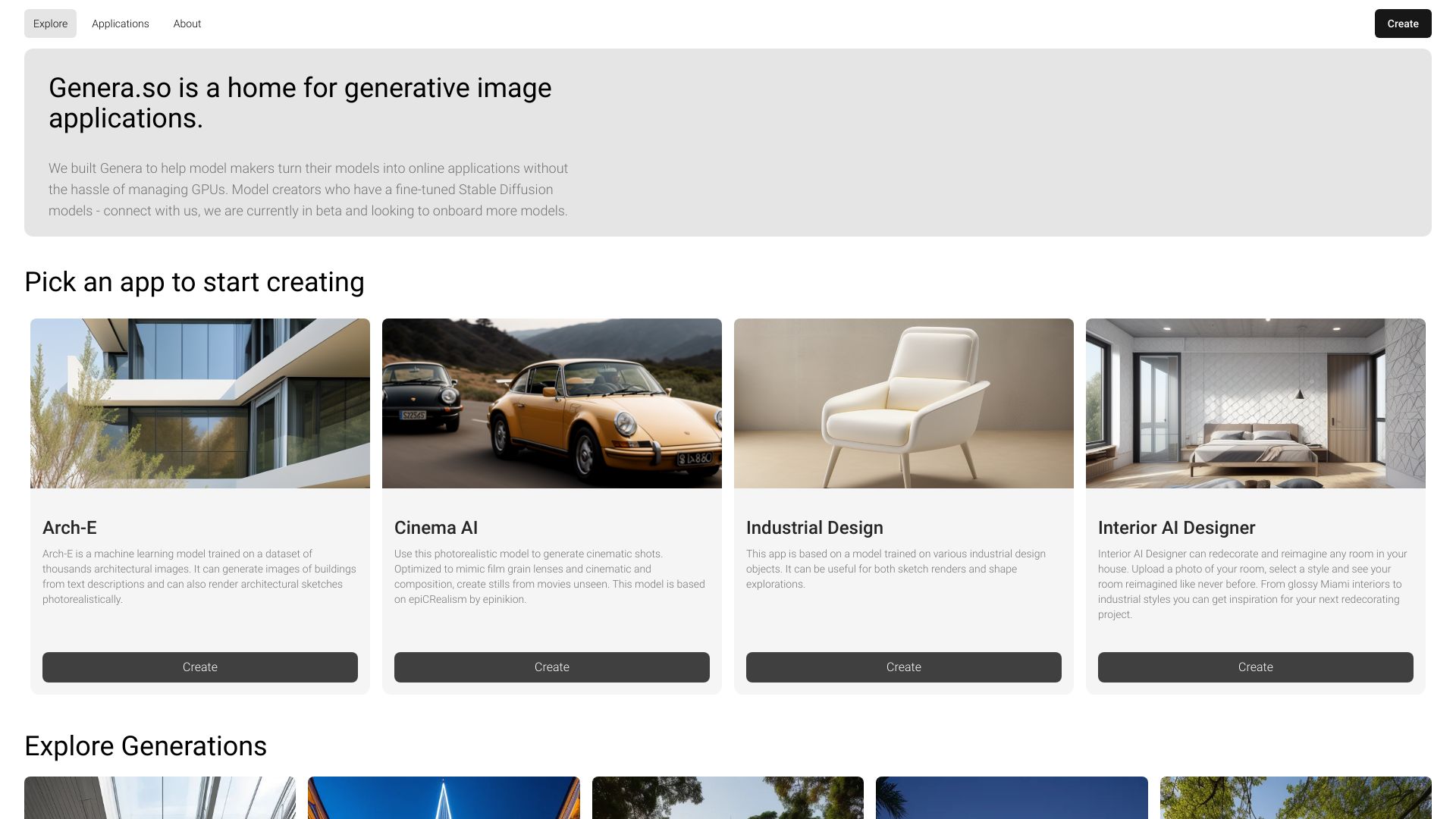
- Generative apps for architecture and interiors
- Free plan available
- Starts at Check vendor pricing

- All-in-one AI content generation
- Free plan available
- Starts at $19/month

- AI-powered sound design for music producers
- Free plan available
- Starts at Check vendor pricing
- Generative AI content and digital experiences
- Starts at $29/month

- Creating custom AI-generated visuals
- Starts at Check vendor pricing

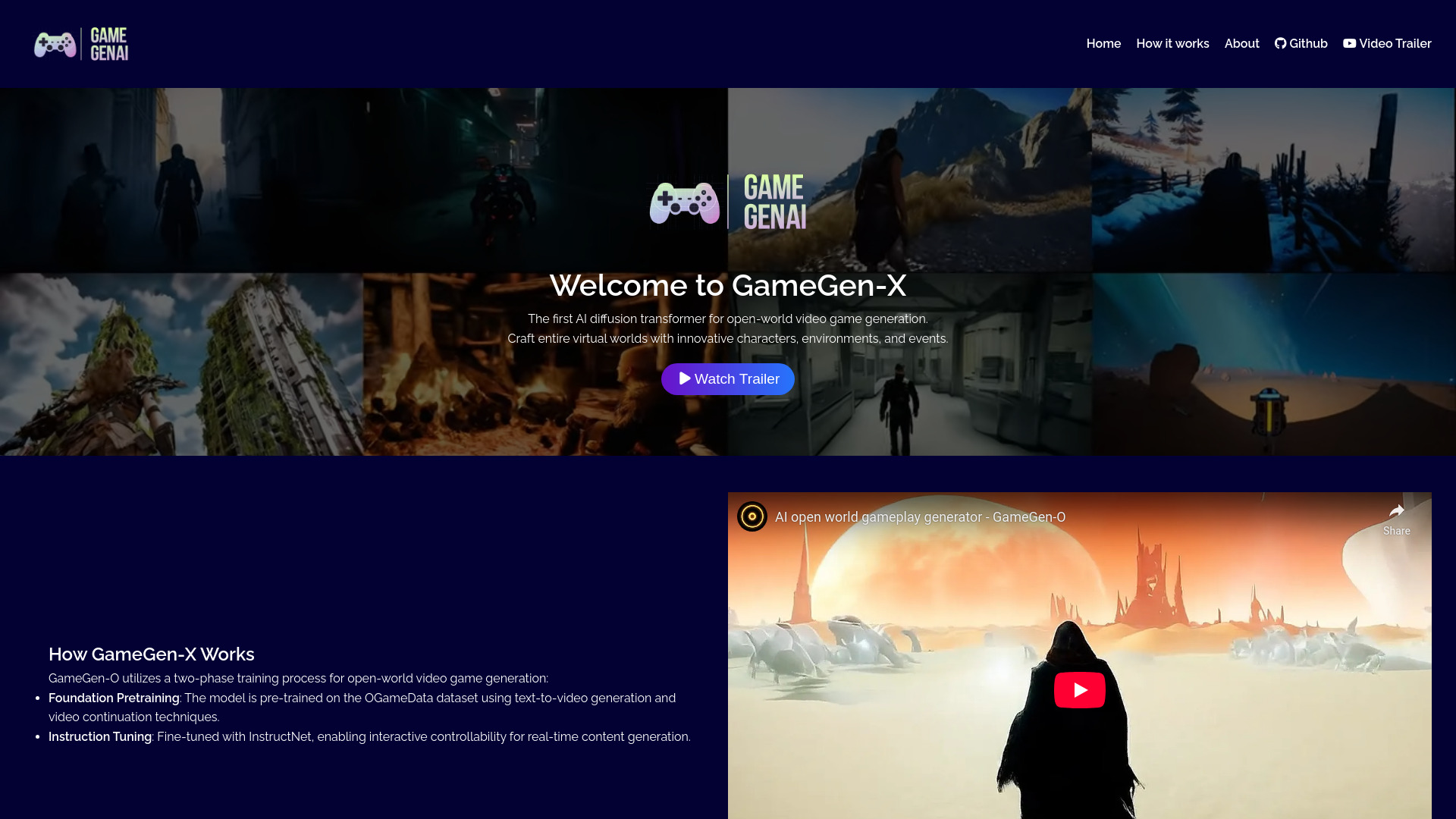
- Open-world video game generation
- Starts at Check vendor pricing

- Low-code generative AI app creation
- Starts at Check vendor pricing
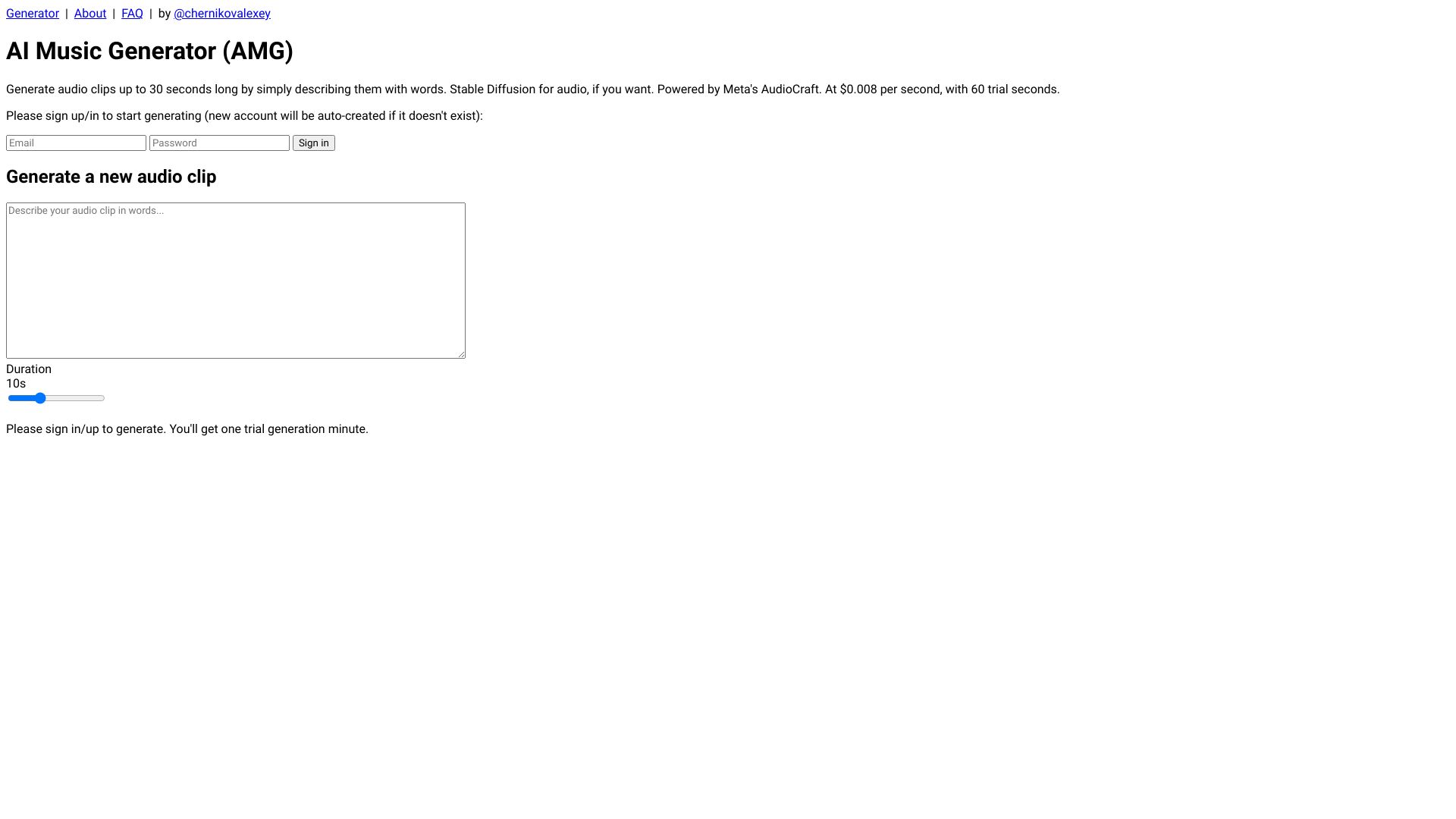
- Text-to-music clips up to 30 seconds
- 60 trial seconds
- Starts at $0.008 per second
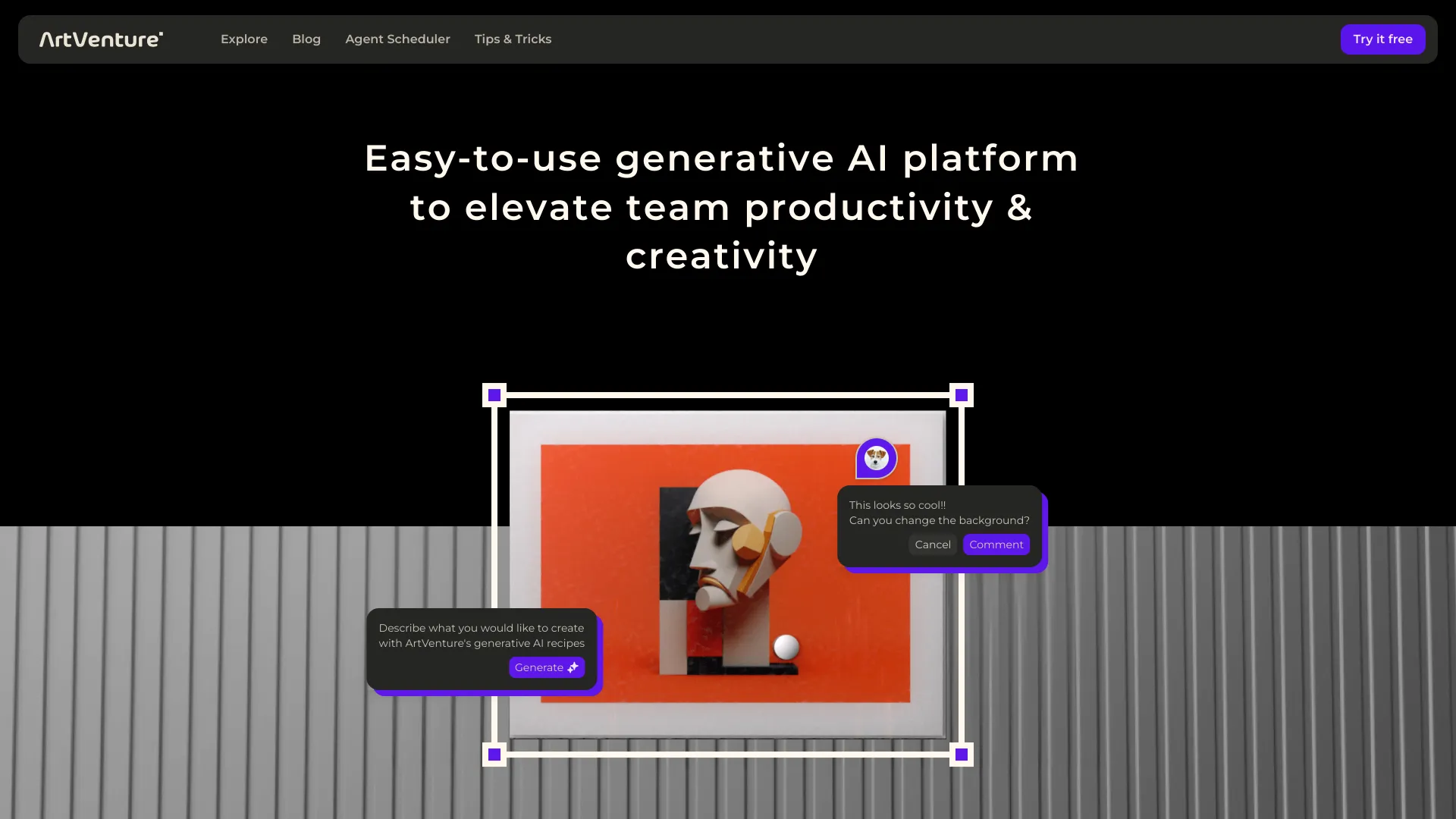
- Collaborative generative AI image creation
- Free plan available
- Starts at Check vendor pricing
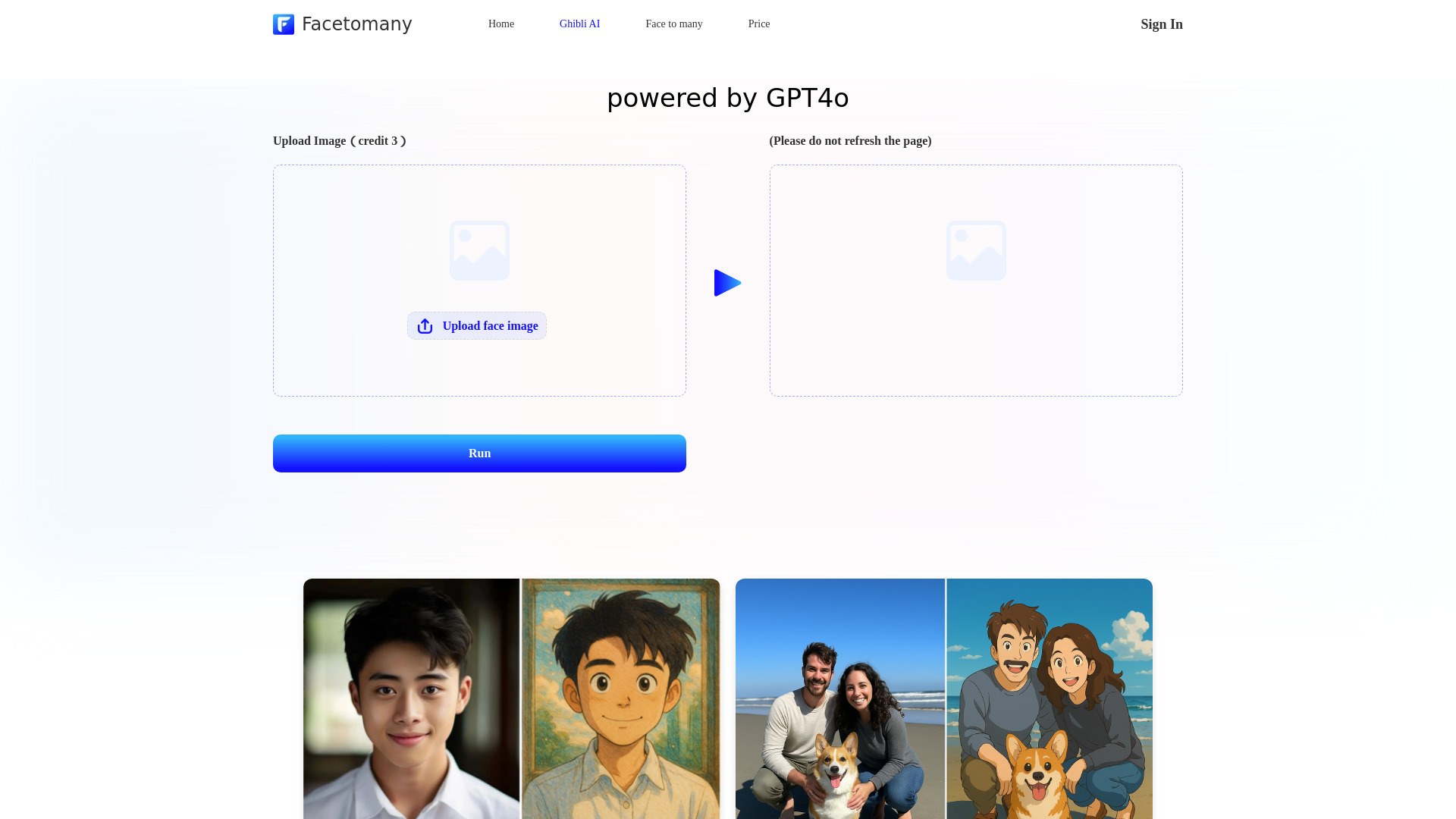
- Ghibli-style image generation
- 3 free credits
- Starts at Check vendor pricing
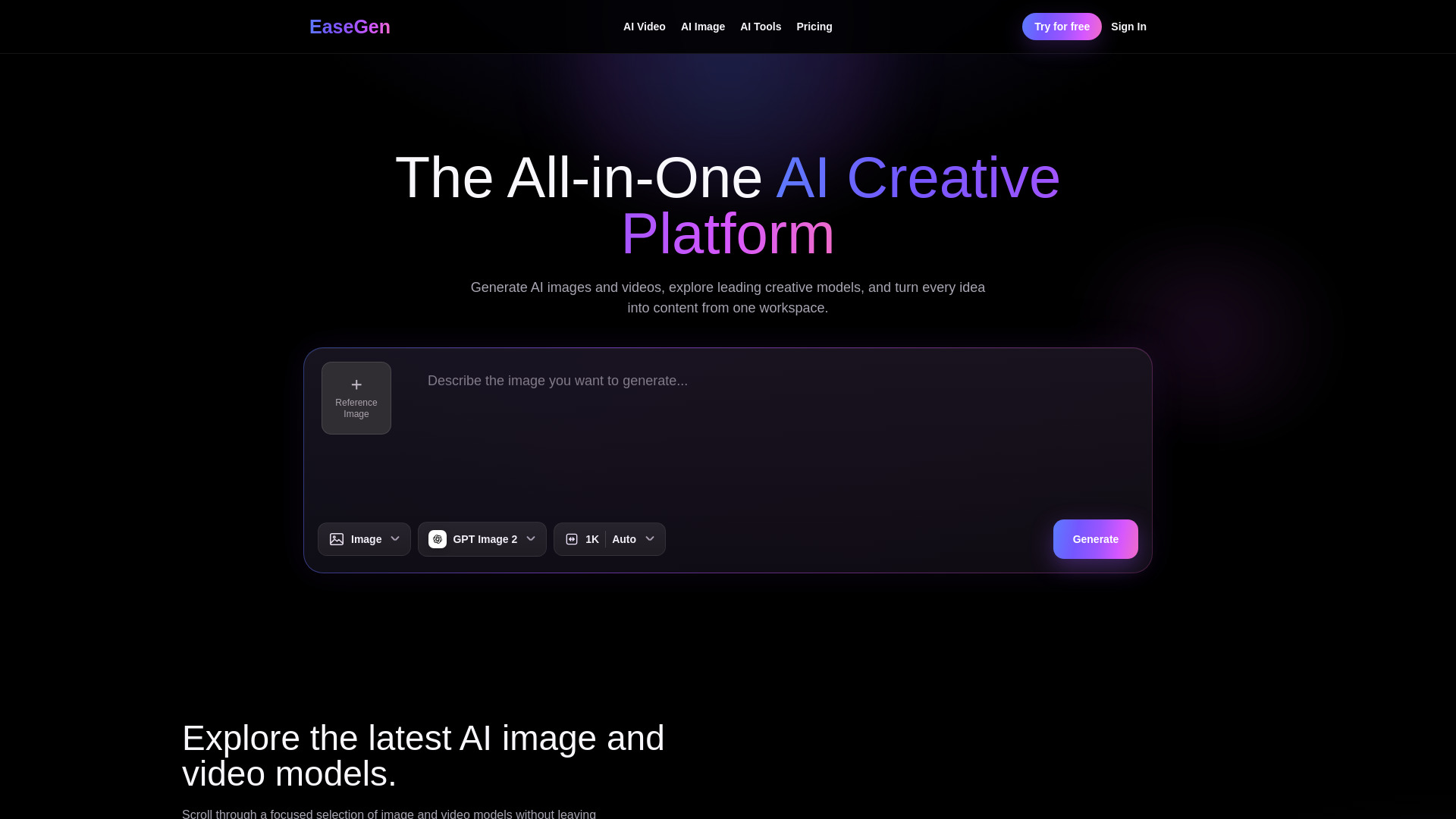
- Multi-model image and video creation
- Free plan available
- Starts at From $6.99/month, billed yearly
- Text-to-3D world generation
- Starts at ¥39.9/month

- Mobile 3D design and AI art
- Starts at Check vendor pricing

- Playable 3D world prototyping
- Starts at Check vendor pricing

- Typed generative AI pipelines
- Free plan available
- Starts at Free during beta

- Production-ready API generation
- Free plan with 10 AI credits
- Starts at From $49/month
- Generative AI art news
- Starts at Check vendor pricing

- Accessing multiple AI models in one workspace
- Starts at Check vendor pricing
- All-in-one AI content creation
- 10,000 free tokens
- Starts at From $25/month
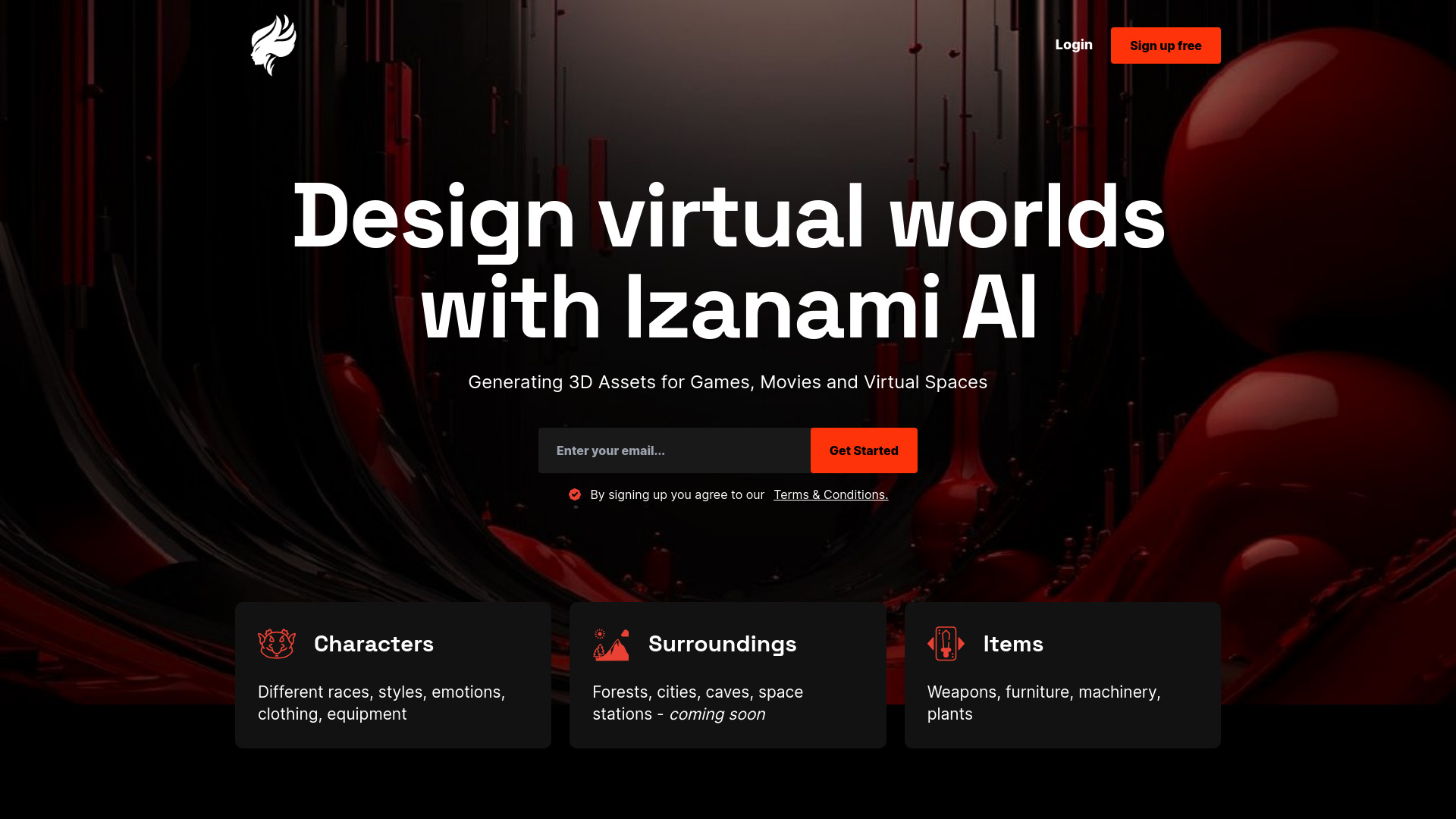
- AI-generated 3D assets
- Starts at Check vendor pricing
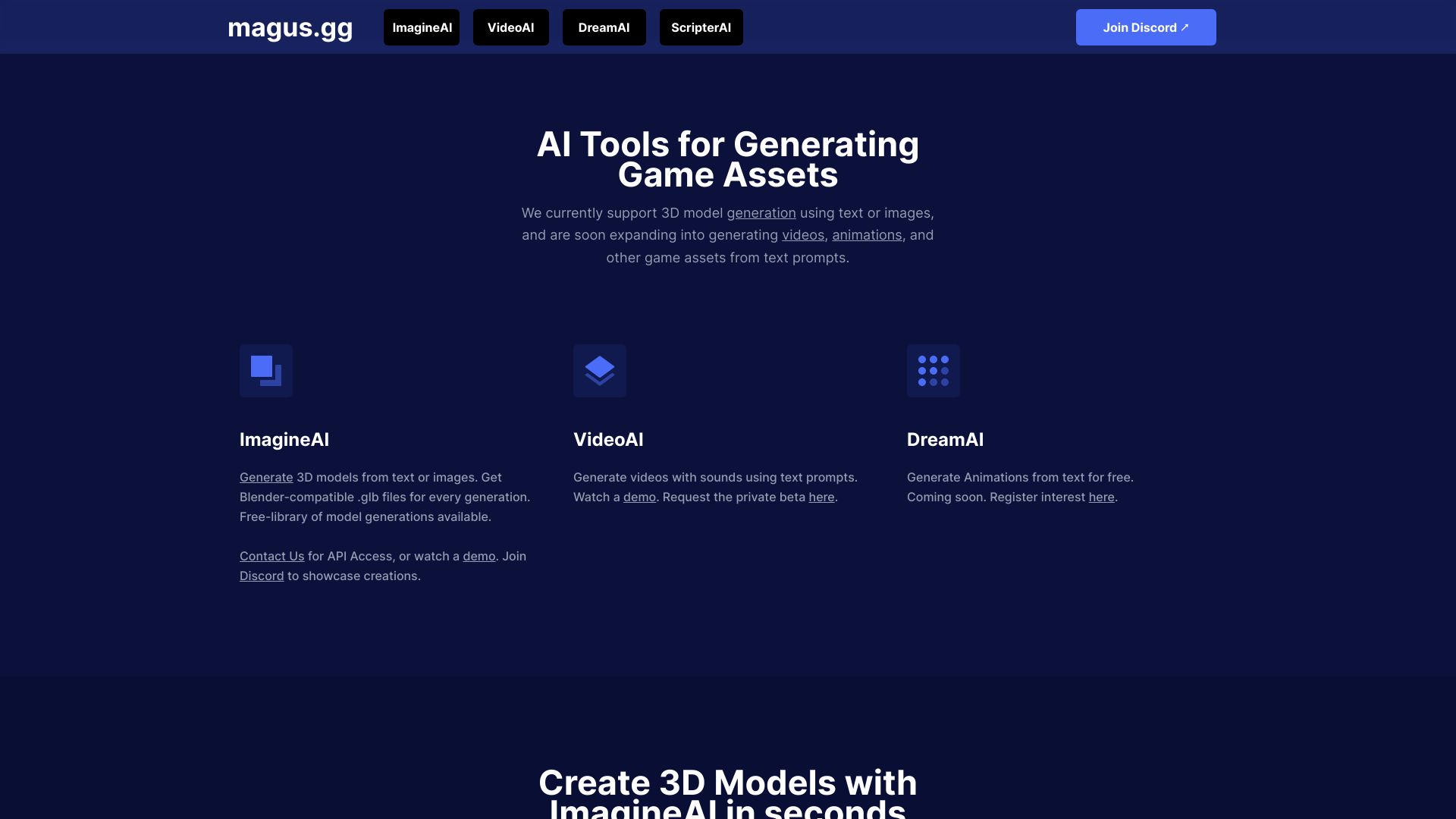
- AI-generated 3D game assets
- 15 free generations
- Starts at From $7.99 per 100 generations

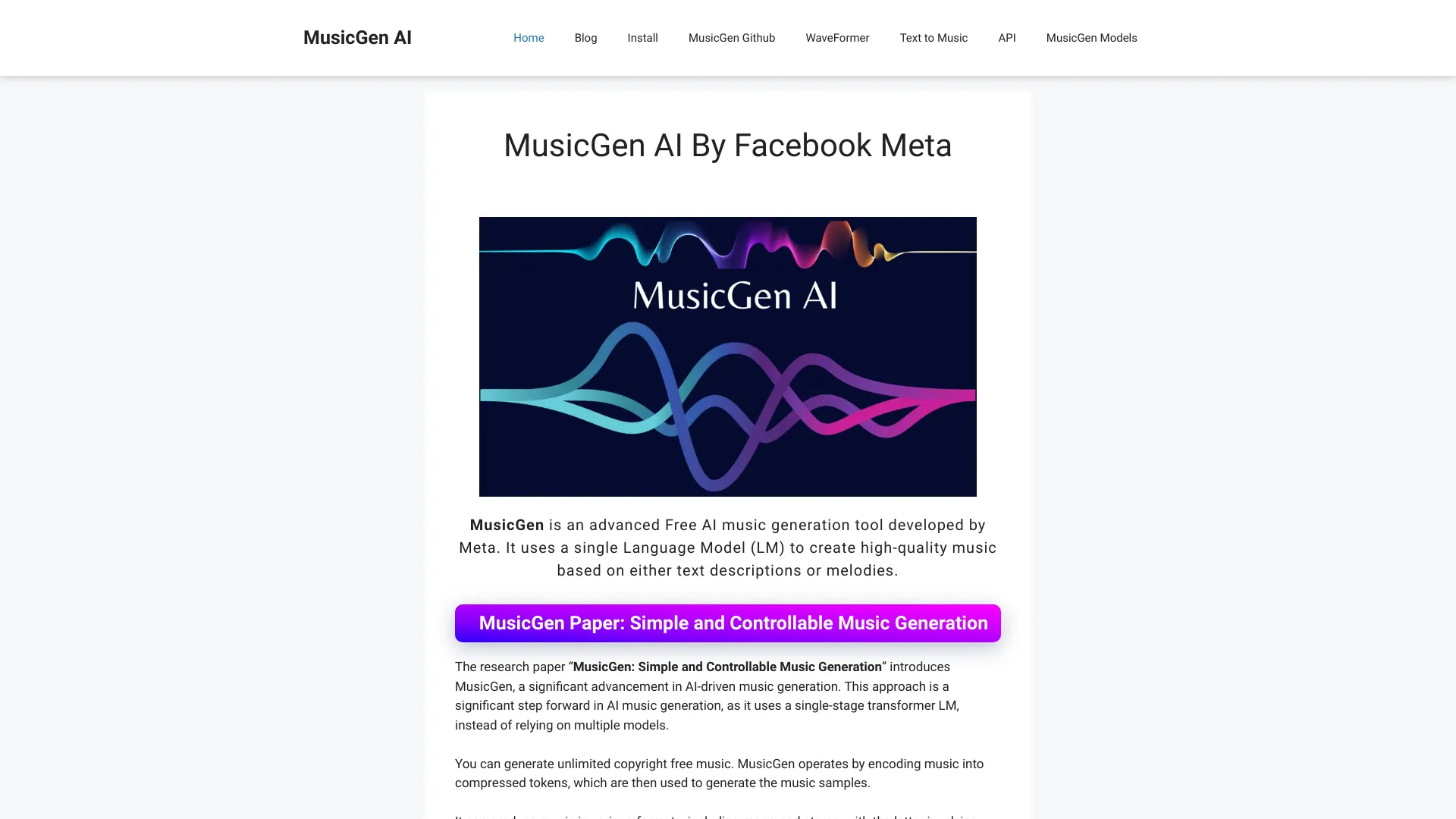
- Free text-to-music creation
- Free plan available
- Starts at Free

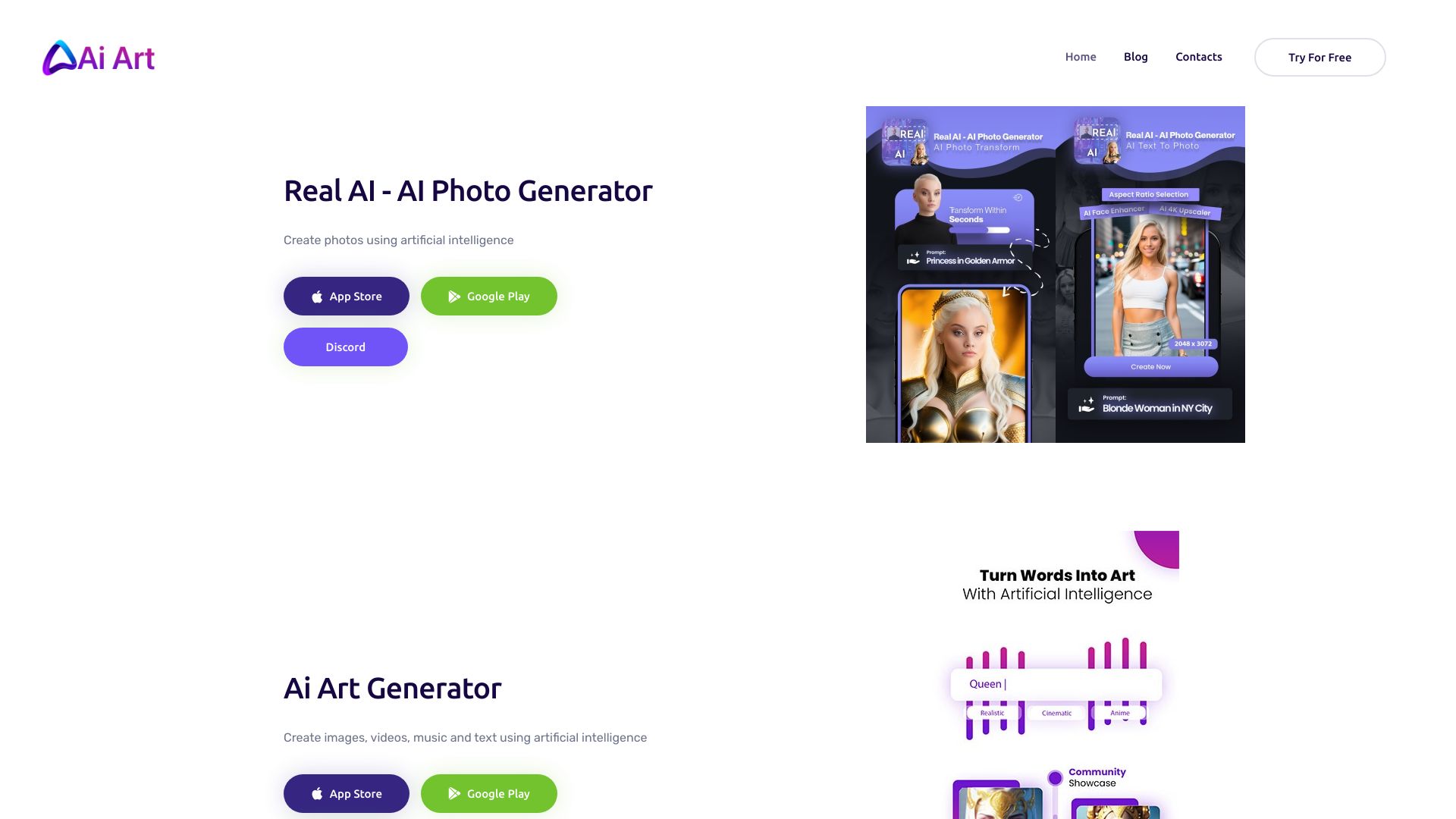
- AI photo generation and transformation
- Free plan available
- Starts at Check vendor pricing

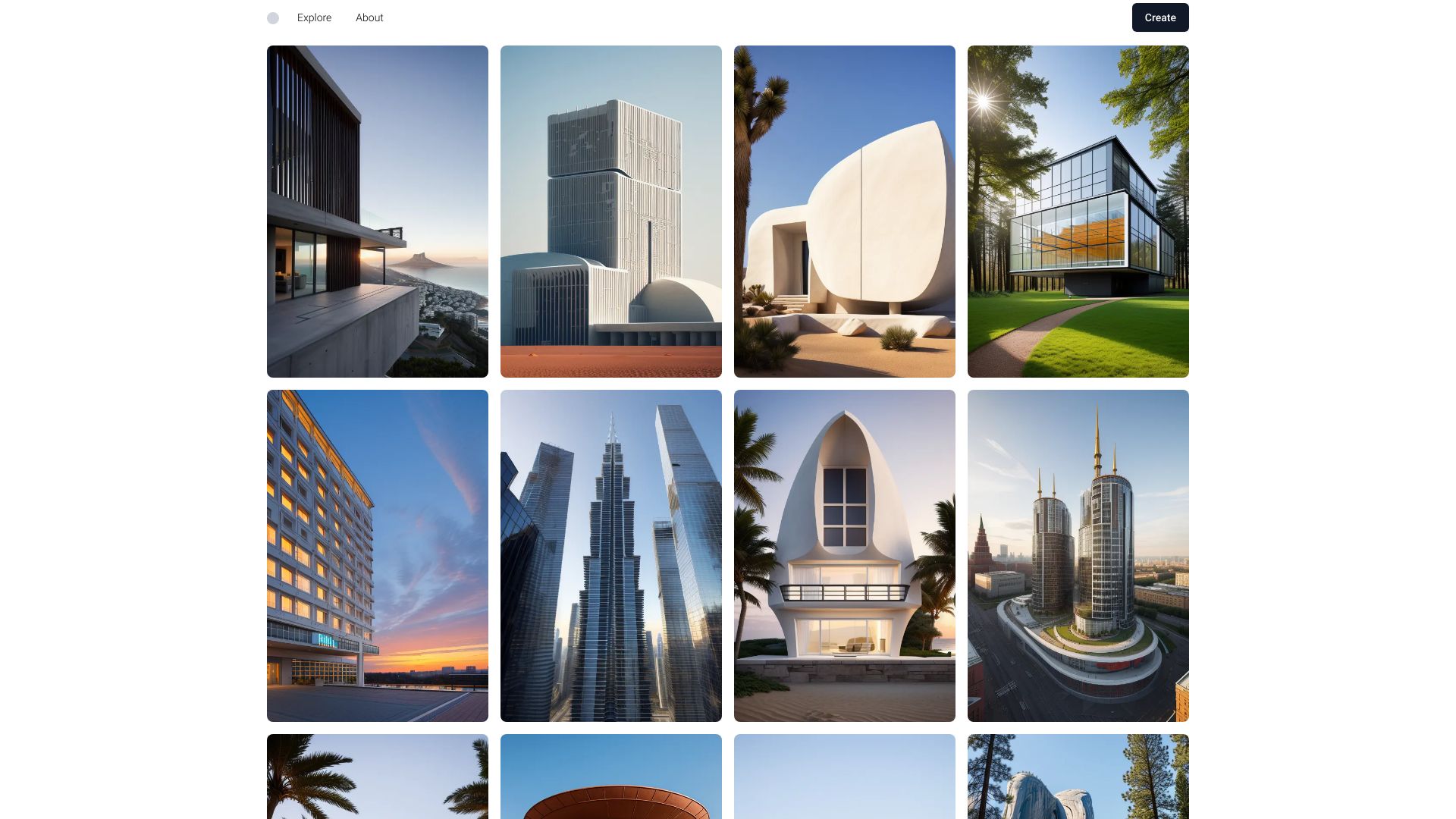
- Architectural concept visualization
- Free trial available
- Starts at Check vendor pricing

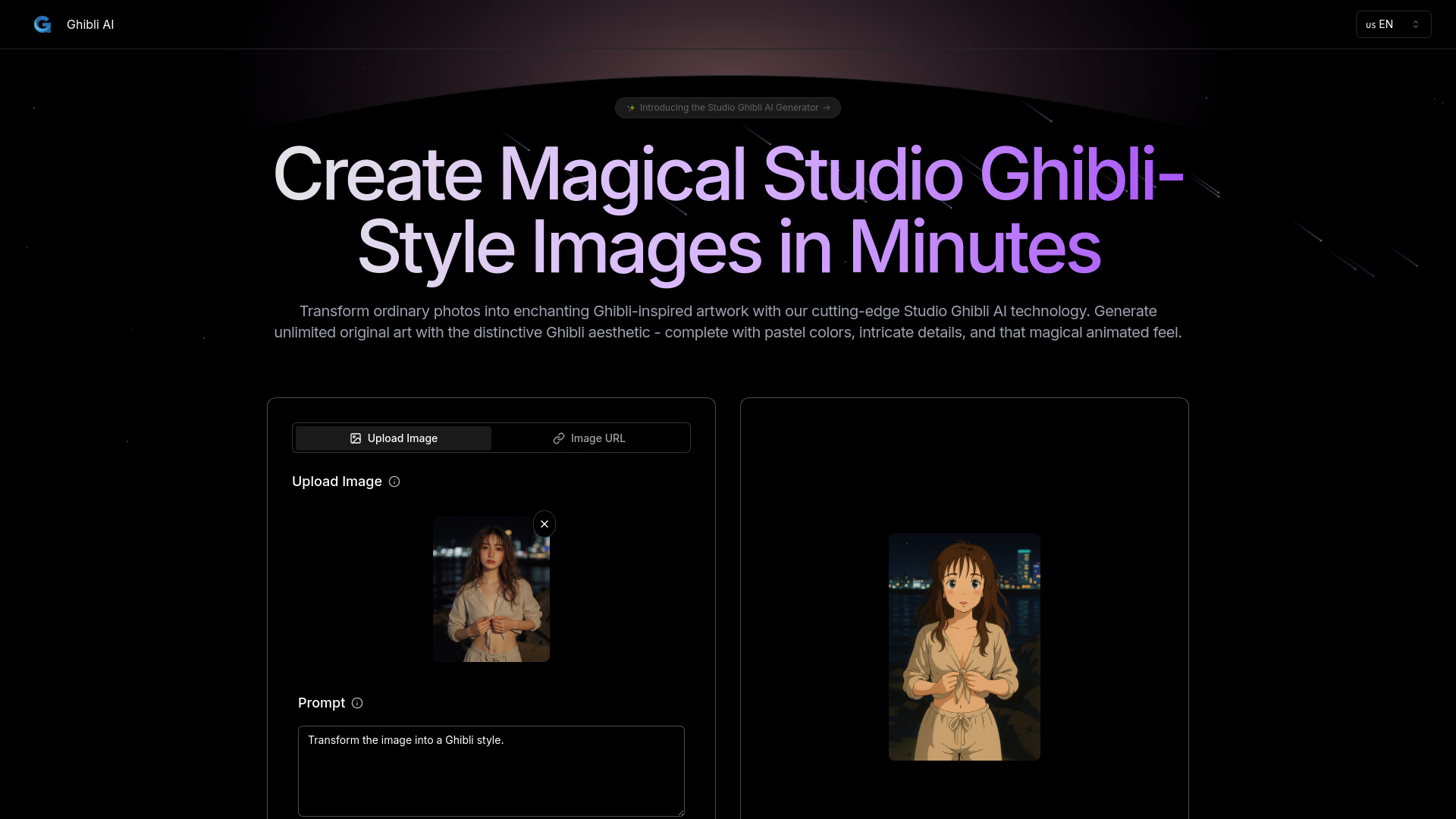
- Ghibli-style image generation
- Free plan available
- Starts at Check vendor pricing

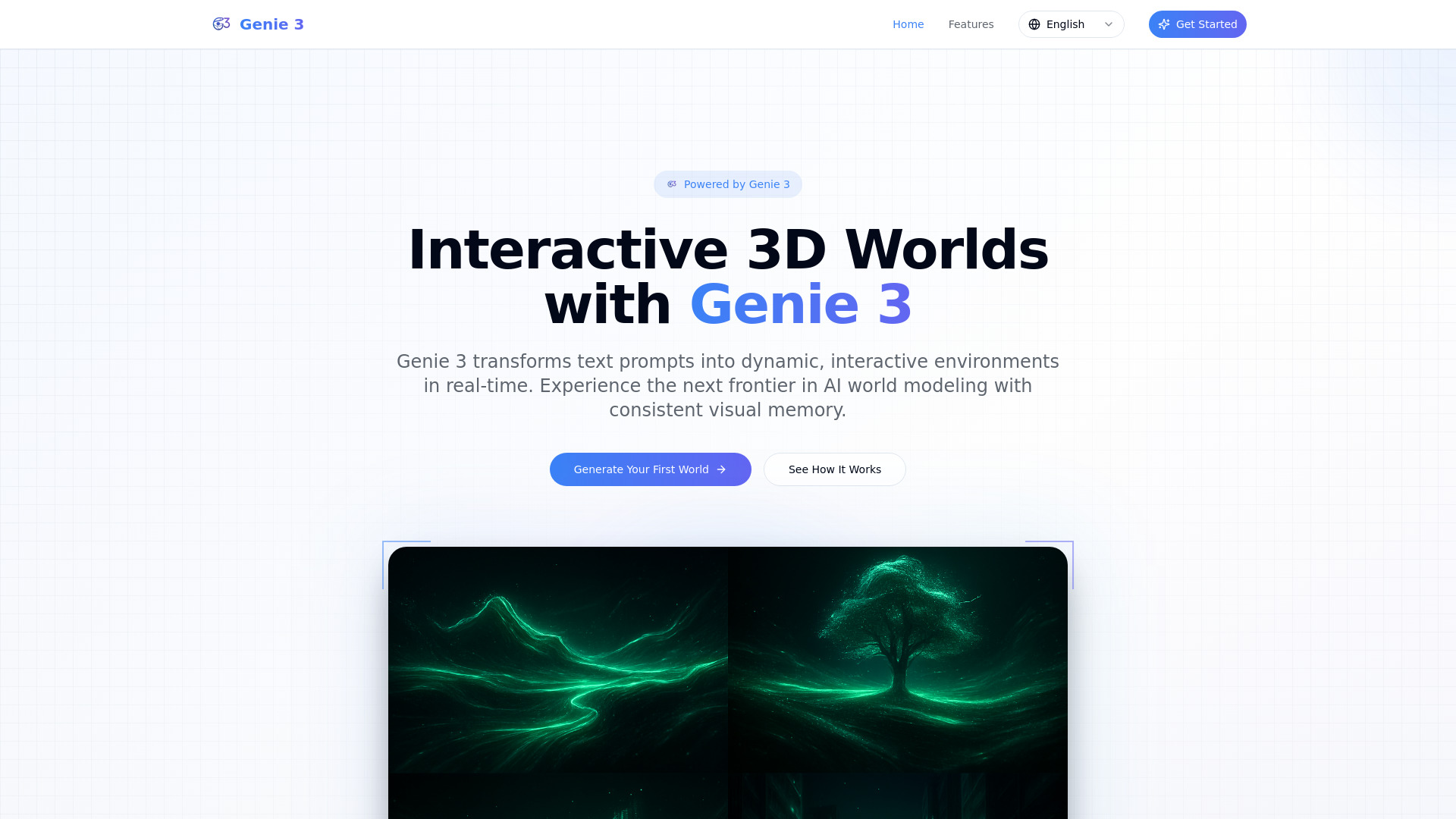
- Real-time interactive 3D world generation
- Starts at Check vendor pricing

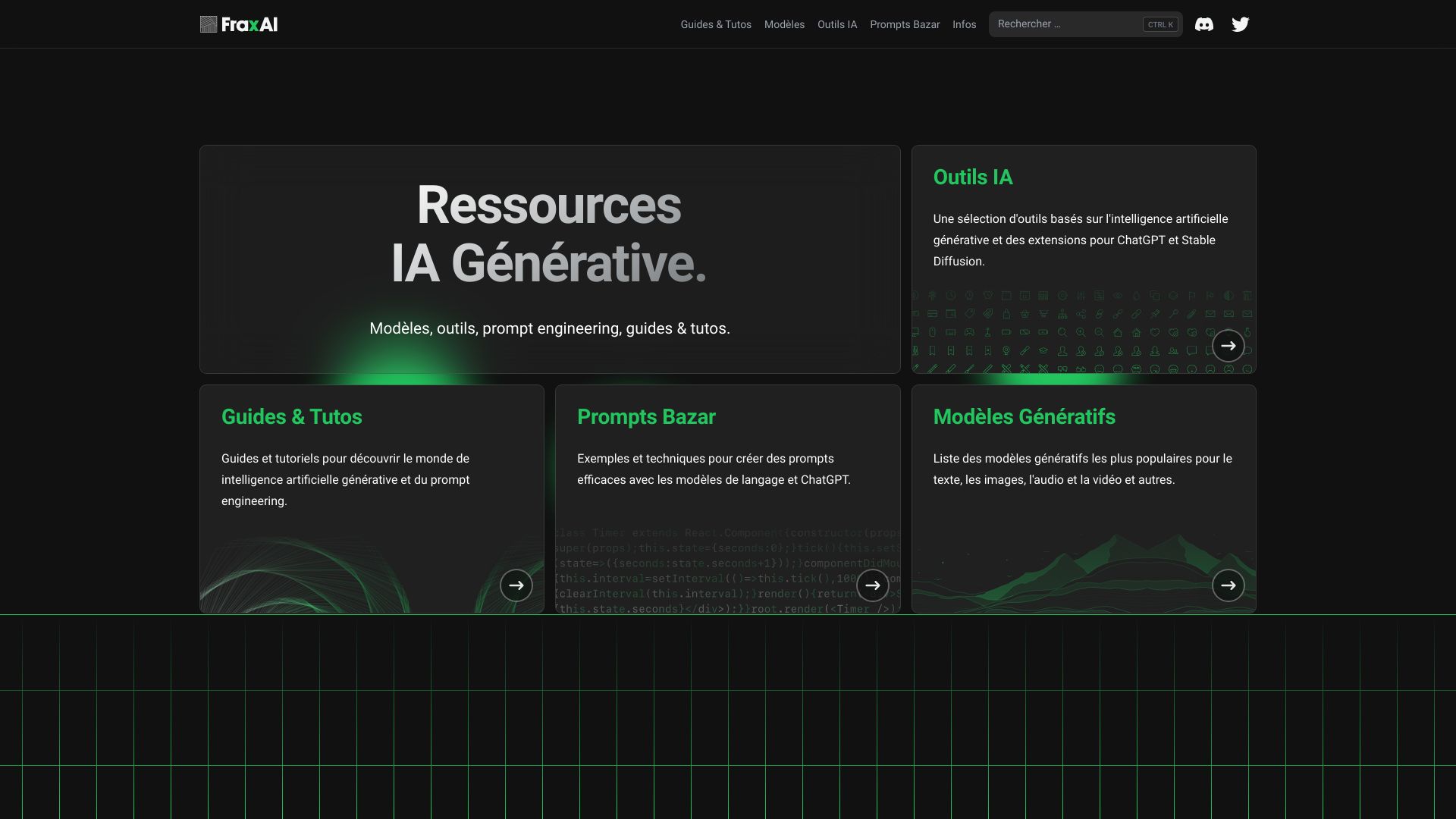
- French generative AI guides
- Starts at Check vendor pricing

- 30-second native 4K AI video generation
- Free trial available
- Starts at From $9.90 one-time
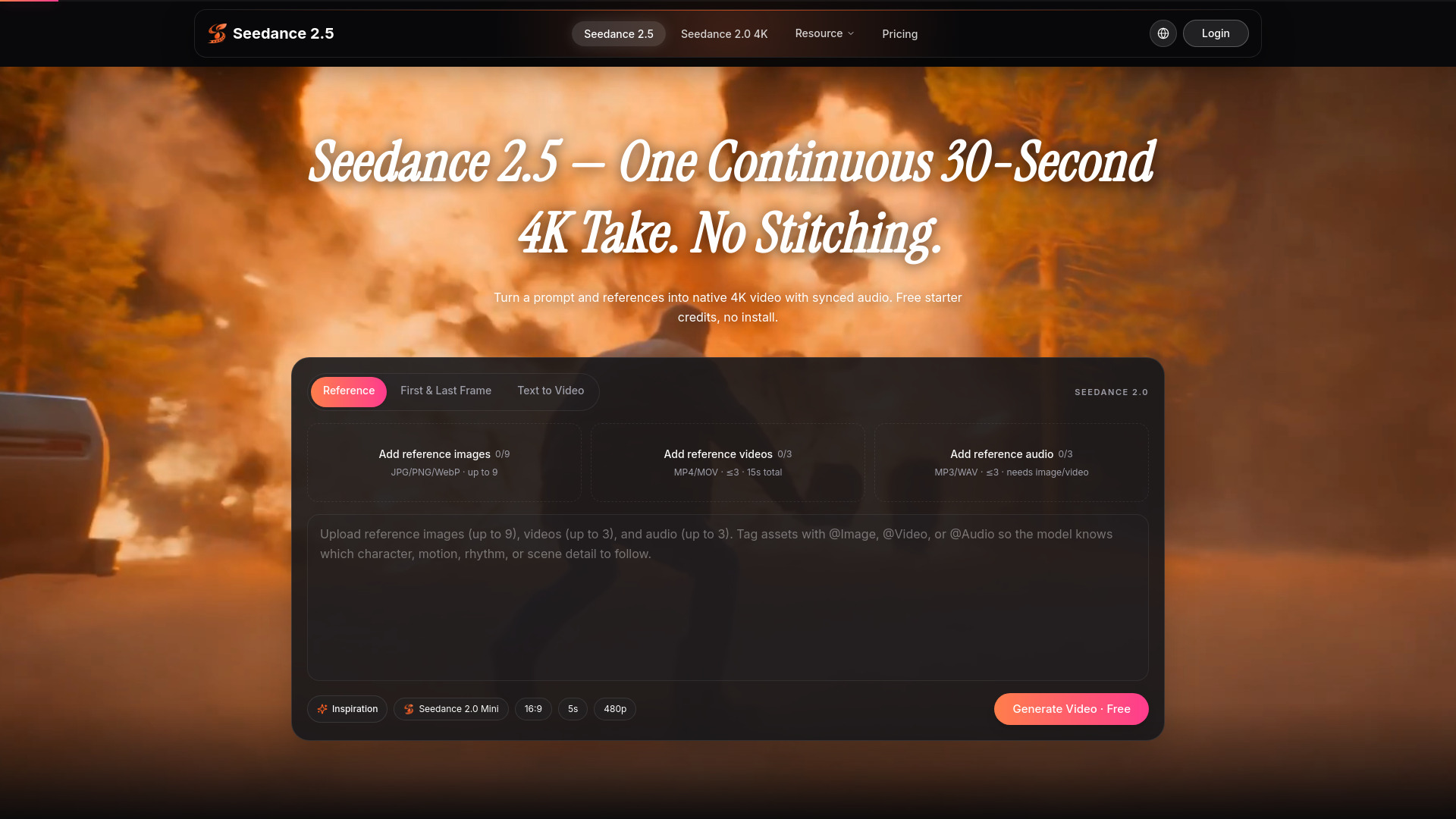

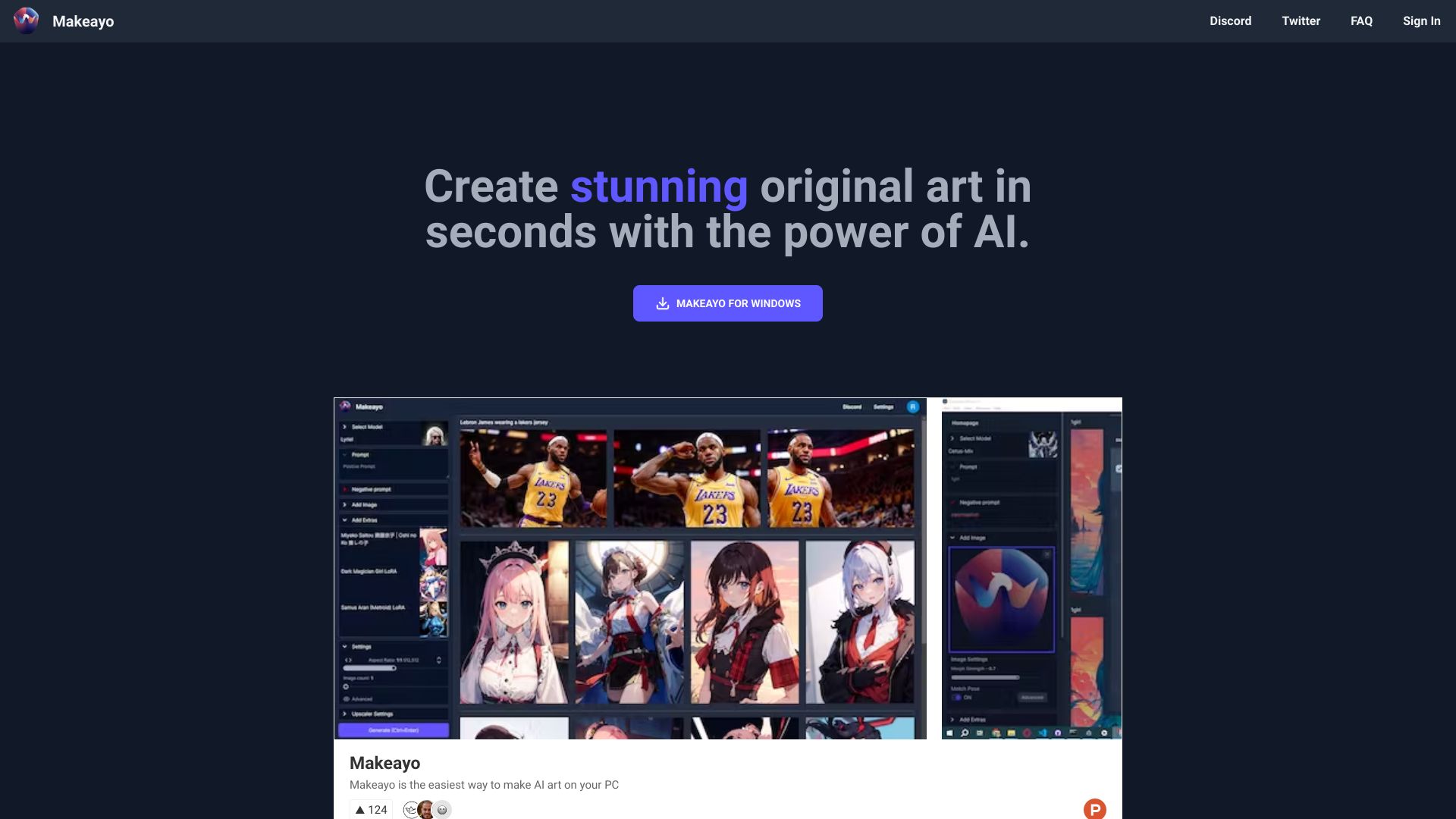
- Desktop generative art on Windows
- Free plan available
- Starts at Free

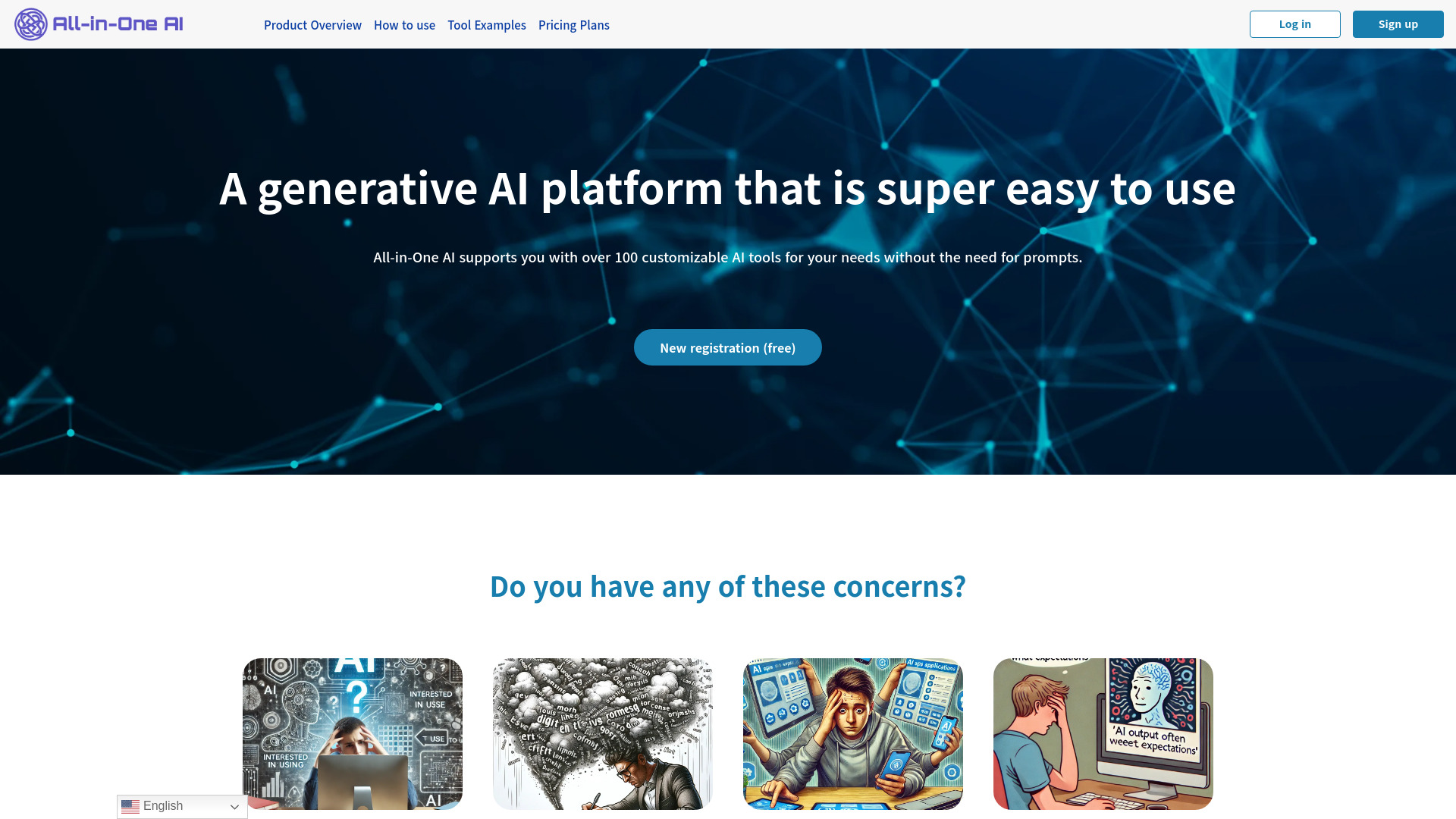
- Prompt-free text and image generation
- 50,000 tokens on free plan
- Starts at $9/month
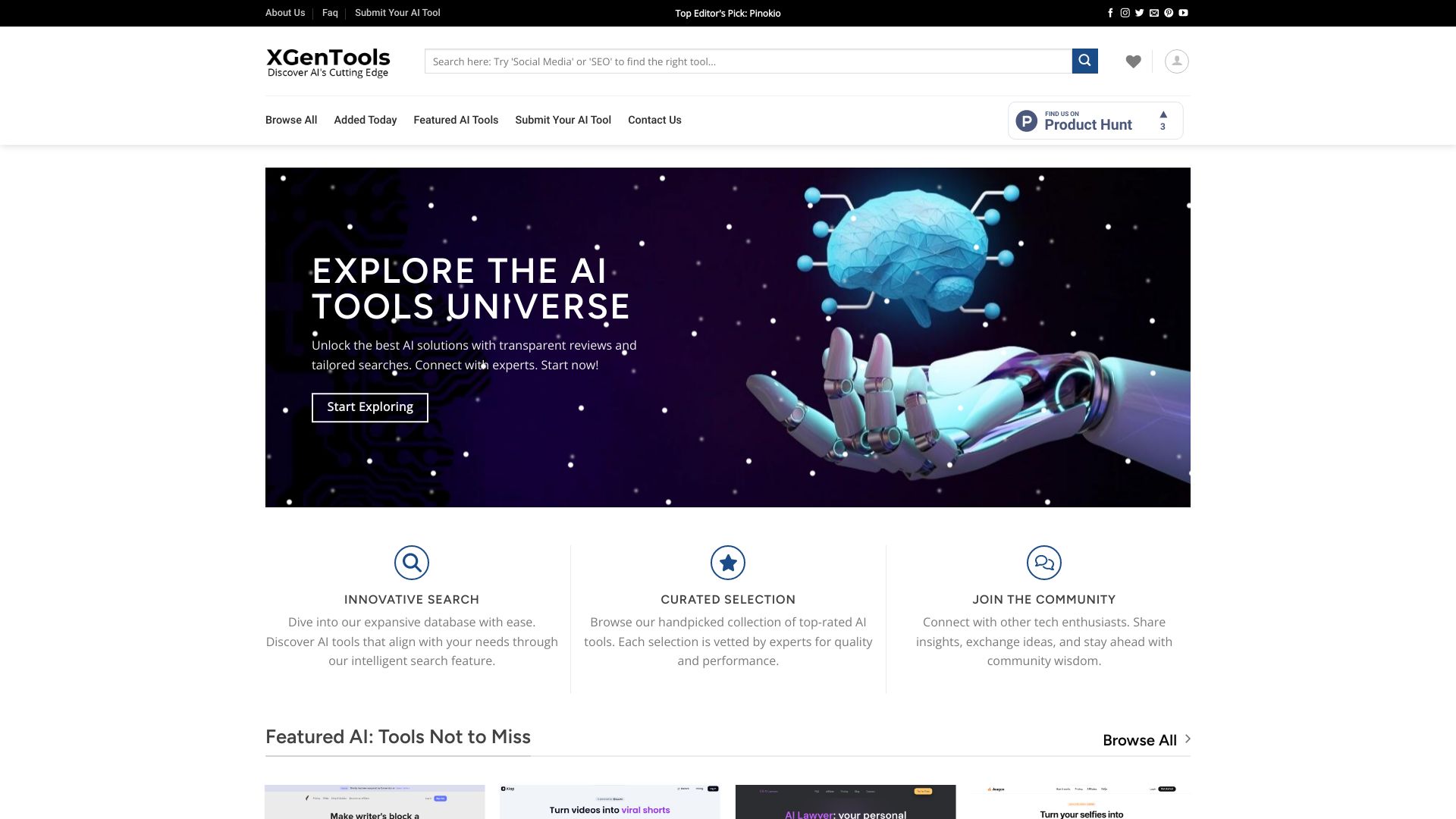
- AI tool discovery
- Starts at Check vendor pricing

- Unlimited AI content generation
- Free plan available
- Starts at Check vendor pricing

- Photo-to-Ghibli-style transformations
- 3 free credits
- Starts at $0.90 per image

- Cinematic AI videos with synchronized sound
- Free trial available
- Starts at $9.90/month, billed annually

- Professional image creation
- 3 free generations
- Starts at From $9.90/month

- Ghibli-style image generation
- Free plan available
- Starts at $2.90 per credit
- On-the-go PDF summaries
- 5 messages/month
- Starts at $19/month

- High-resolution AI image generation
- Free plan available
- Starts at $10/month

- AI image expansion and creative tools
- Free trial available
- Starts at $9.90/week

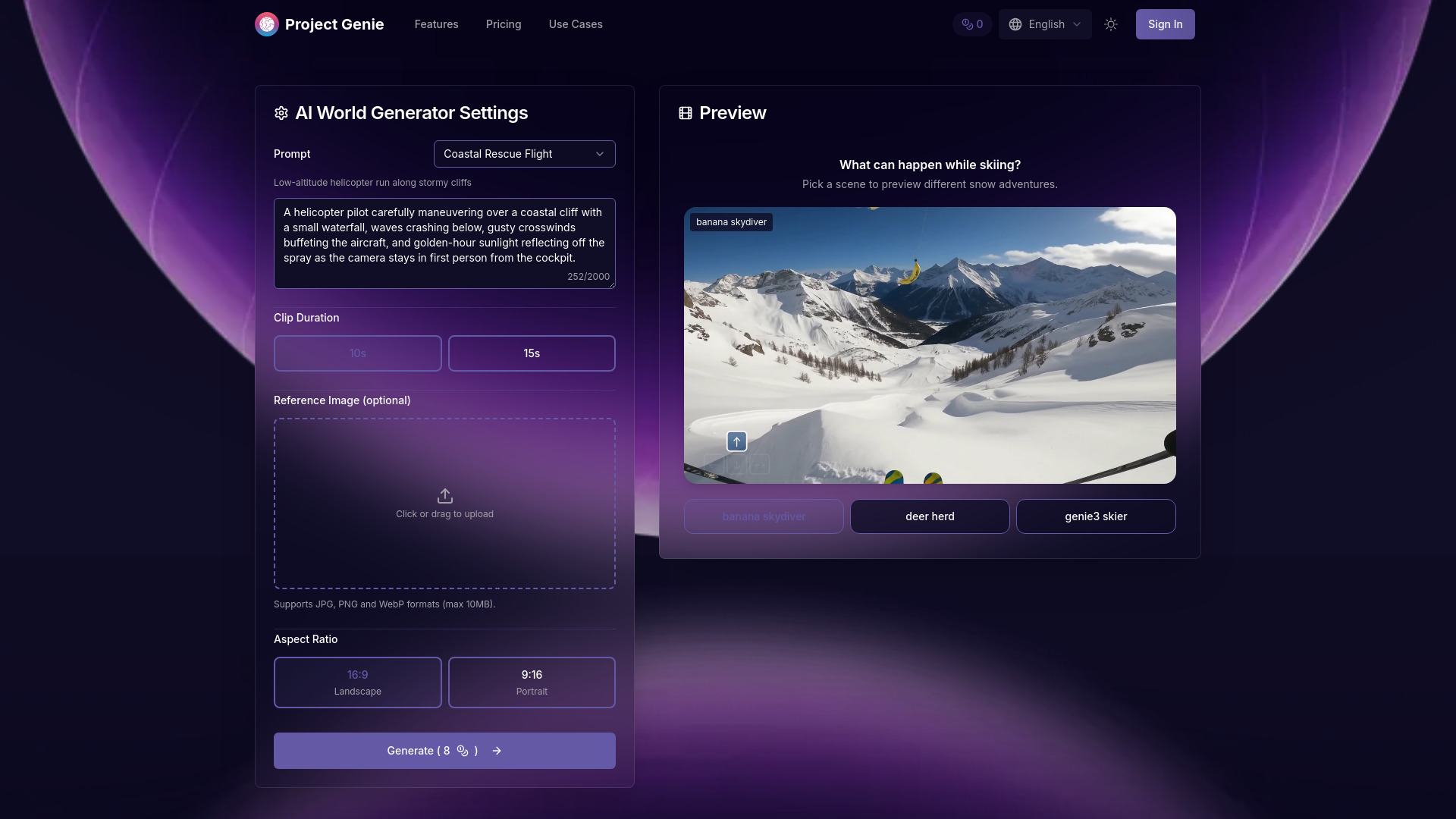
- Interactive 3D world creation
- 20 free credits
- Starts at $0/month

- Text-to-video and image-to-video creators
- 100 credits/day
- Starts at US$10/mo

- AI image and video generation
- 20 credits on sign up
- Starts at $8/month, billed yearly

- Unlimited AI artwork generation
- Unlimited free AI artworks
- Starts at Check vendor pricing
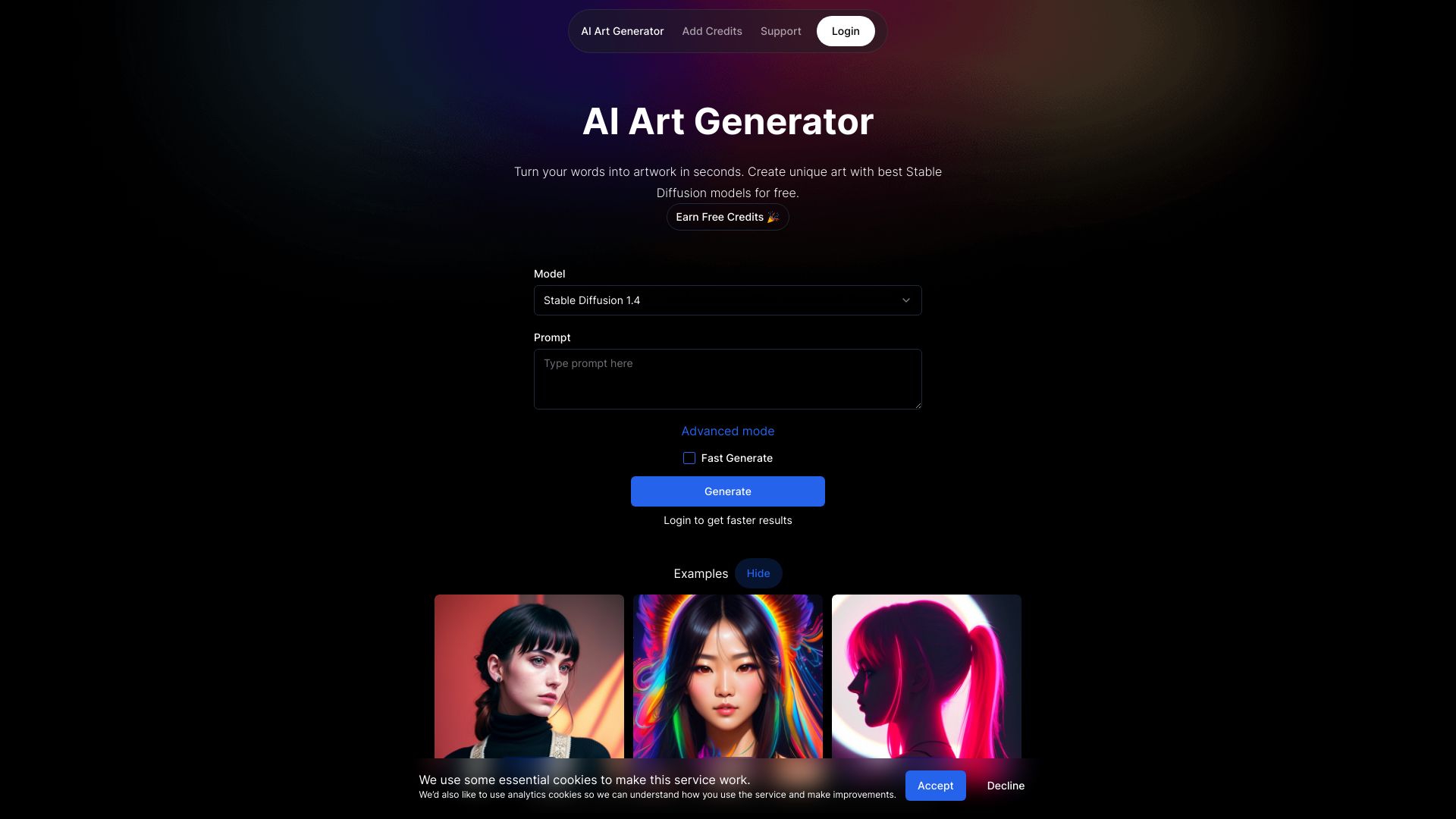
Which AI generative expand software should you try first?
For a developer-led workflow, start with Google AI Studio; for a visual creative workspace, test Krea AI and Imagine.art. Those are adjacent candidates, not confirmed outpainting recommendations. If you need a dependable image-expansion feature today, make the ability to extend an existing image-and preserve its subject and style-a pass/fail test in the live product before comparing convenience or audience size.
What to test before choosing
Use the same image and prompt in each candidate. Check for explicit canvas-size and edge controls, believable generated content beyond the original frame, preservation of the original image, export quality, and any watermark or usage limits. Then verify current pricing and commercial-use terms with the vendor; the price and free-tier details in this comparison are starting points, not a substitute for checking the live plan.
Common mistakes when choosing AI generative expand software
Assuming every image generator can outpaint. Text-to-image generation and image remixing are not proof of canvas expansion.
Confusing enhancement with expansion. Improving an image does not necessarily add content outside its original boundaries.
Choosing by traffic alone. Monthly visits are a market signal, not a measure of expansion quality.
Ignoring the export. Watermarks, output dimensions, and plan limits can matter more than a successful preview.
Skipping a real-image test. Use your own assets to judge whether edges, subjects, and style remain coherent.
FAQ
It extends an existing image beyond its original borders by generating content in the added canvas area. It is often called outpainting. Before selecting a tool, confirm that it supports this operation specifically; text-to-image generation alone is different.