
Suggested tools for you
Quick Trust Line
- Tools reviewed
- 100
- Last checked
- September 7, 2026
- Reviewed by
- top100.ai software rankings editor
- What we checked
- Our rankings combine feature depth, audience fit, and market signals, but you should always verify live pricing and usage limits with the vendor.
Start here
Best overall: Planner 5D is the clearest starting point for homeowners who want AI plan recognition and 2D-to-3D conversion without building a workflow from scratch.
Best for graphic work: Dzine AI gives graphic designers unusually direct control over image composition and style.
Best free option: Home Design AI stands out for unlimited designs, image-to-image transformation, and no required signup.
At-a-glance leaderboard
| Rank | Tool | Score | Best for | Monthly visits | Starting price |
|---|---|---|---|---|---|
| #1 | Planner 5D | 95/100 | Homeowners | 3.6M | Free: $0 |
| #2 | Dzine AI | 95/100 | Graphic designers | 807.0K | Check vendor pricing |
| #3 | AI Illustration Generator | 95/100 | Designers | 2.5M | Check vendor pricing |
| #4 | MyArchitectAI | 95/100 | Architects | 523.3K | Free |
| #5 | Design Arena | 95/100 | AI researchers | 1.4M | Check vendor pricing |
| #6 | STUDIO AI | 95/100 | Web designers | 766.5K | Check vendor pricing |
| #7 | Home Design AI | 95/100 | Interior designers | 285.4K | Free |
| #8 | VDraw AI | 95/100 | Bloggers | 243.8K | Starter (Free): 0$ |
| #9 | Design Bundles | 95/100 | Crafters | 719.9K | Hobbyist: $11.99 USD |
| #10 | Rendair | 95/100 | Architects | 578.2K | Check vendor pricing |
Quick filters
| Need | Start with | Why it fits |
|---|---|---|
| Turn a floor plan into a visual model | Planner 5D | AI plan recognition and 2D-to-3D conversion |
| Control generated image composition | Dzine AI | Composition controls and predefined styles |
| Create consistent illustrations | AI Illustration Generator | Consistent art styles from text or images |
| Produce architectural renders quickly | MyArchitectAI or Rendair | Fast rendering or text-to-render workflows |
How to narrow the list
The phrase top AI design tools covers several very different jobs. A homeowner converting a sketch into a 3D room does not need the same product as a blogger making an infographic or an architect preparing a client render. Start with the output you need, not the most impressive demo.
For top AI tools for graphic design, prioritize control over composition, repeatable styles, and the ability to revise an image rather than simply generate one. Dzine AI and AI Illustration Generator are the most relevant choices in this list. If your work is web-first, STUDIO AI deserves a closer look because its emphasis is on turning designs into live websites and automating tasks.
Architecture and interiors require a different test. Look for plan recognition, image-to-image transformation, rendering speed, and support for the kind of input you already have. Planner 5D, MyArchitectAI, Home Design AI, and Rendair cover those adjacent workflows, but they are not interchangeable.
Ranking model
The 100-tool review uses a practical blend of product capability, audience fit, and market signal. Scores should guide your shortlist, not replace a hands-on test-especially where free quotas, watermarks, and paid features affect the final result.
| Criterion | Weight | What we looked for |
|---|---|---|
| Core design capability | 35% | Whether the tool directly supports a useful design output |
| Workflow fit | 25% | Match between the product and its stated audience or use case |
| Ease of adoption | 20% | Whether the workflow appears approachable for the target user |
| Market signal | 20% | Monthly visits and usage signal as context for product traction |
The 10 highest-ranked AI design tools

- Homeowners planning spaces in 3D
- Unlimited projects; AI plan recognition; tools from $4.99/month
- Starts at Free: $0
- Monthly visits: 3.6M
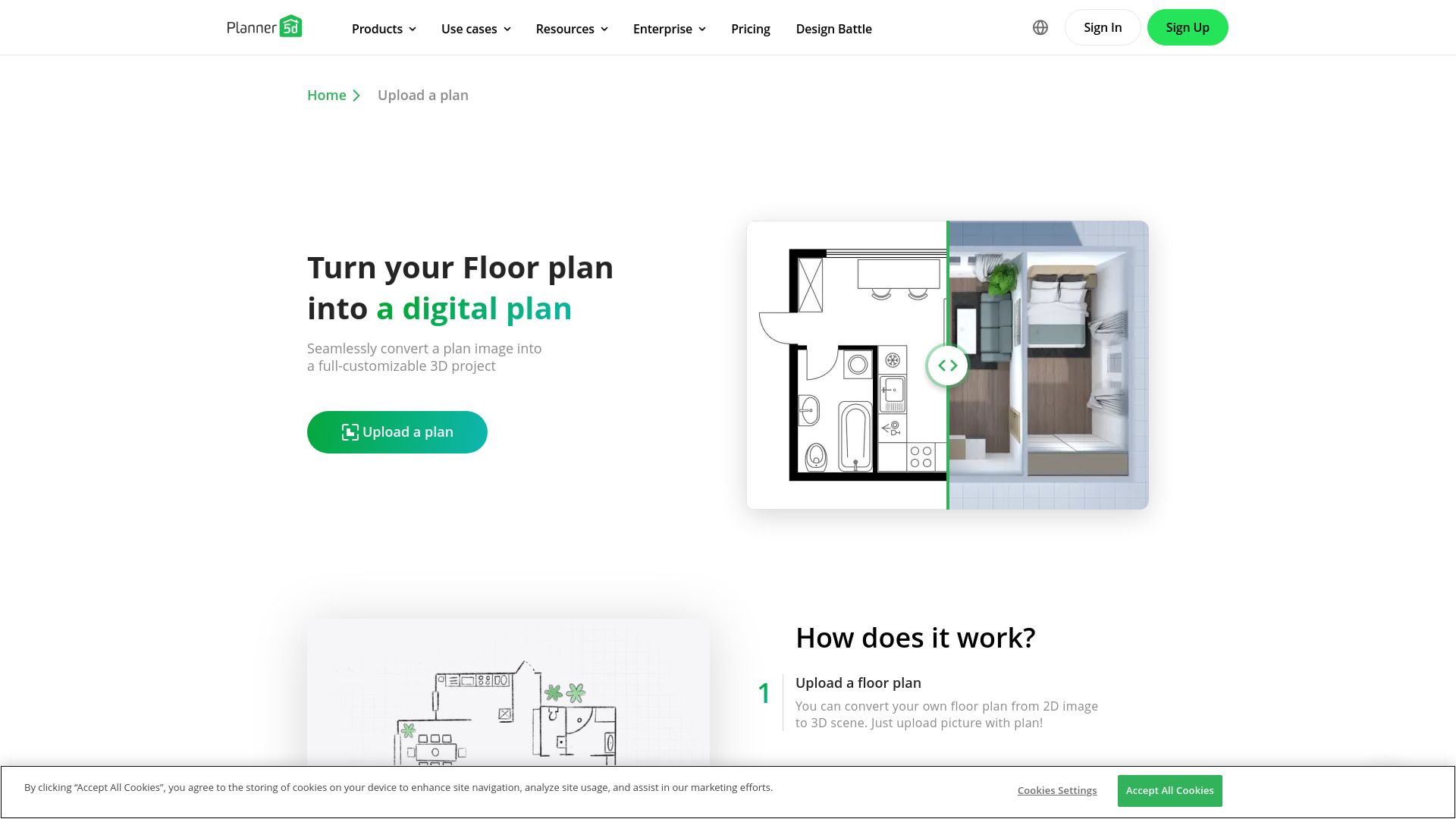
Planner 5D wins the overall slot because it addresses a concrete design bottleneck: translating a 2D plan into something people can understand spatially. Its AI Plan Recognition and 2D-to-3D Floor Plan Conversion make it more immediately useful than a general image generator for homeowners who are making layout decisions.
Why it is top-ranked
| Signal | Assessment |
|---|---|
| Core workflow | AI-powered conversion of 2D plans to 3D models |
| Feature focus | AI Plan Recognition |
| Audience fit | Strong match for homeowners |
| Access | Unlimited projects are available free; advanced features may be paid |
Best fit
Homeowners exploring a renovation or room layout.
People who think in floor plans but need a 3D view before deciding.
Users who want a focused home-design workflow rather than a general creative suite.
Limitations
Advanced features may require a paid subscription.
It is a space-planning choice, not a broad replacement for every graphic design workflow.
Shortlist Planner 5D if: you want the most direct path from a 2D home plan to a navigable 3D design.

- Graphic designers controlling image composition
- 32 regular image credits/day; design and editing tools
- Starts at Check vendor pricing
- Monthly visits: 807.0K
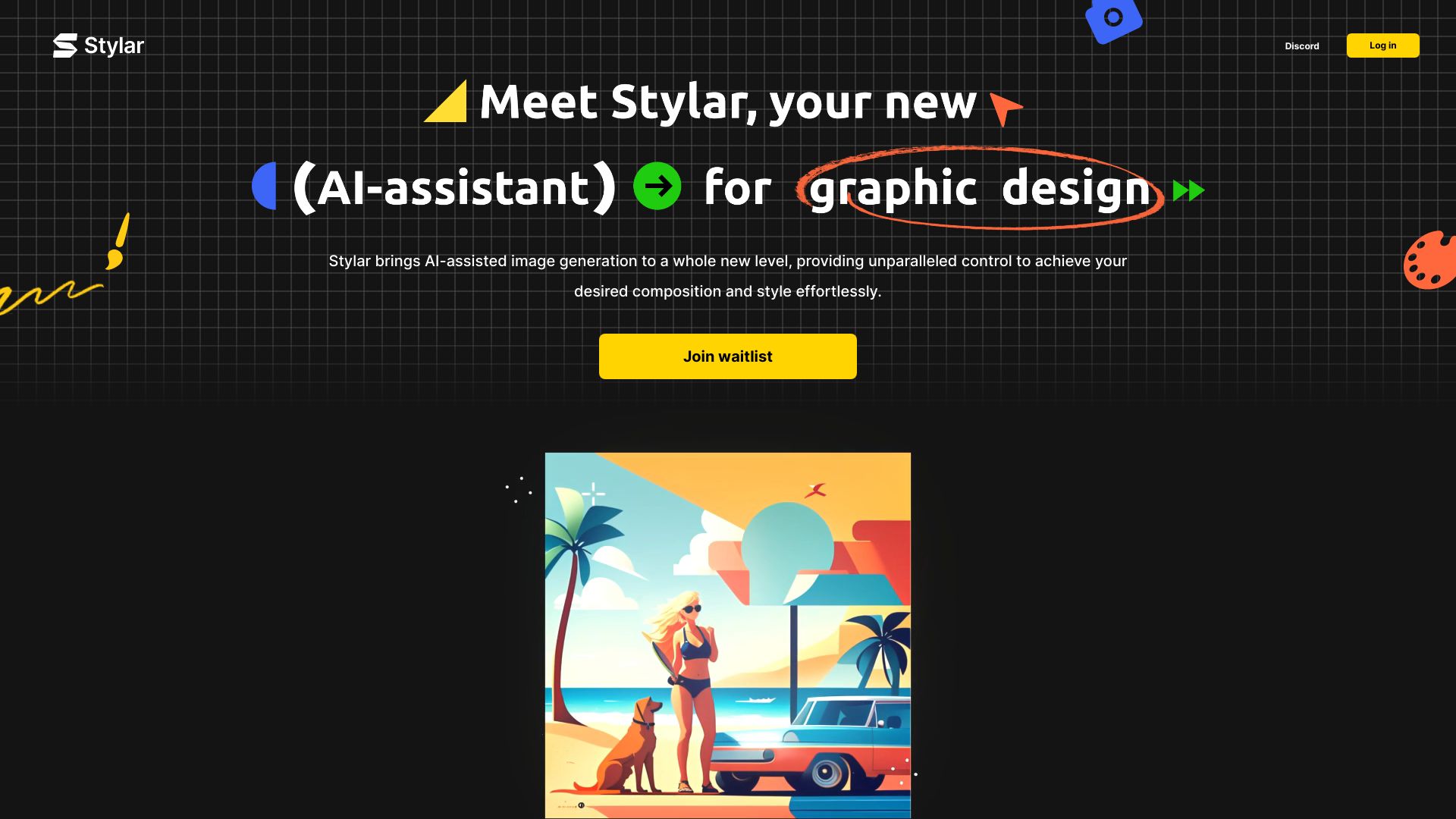
The strongest argument for Dzine AI is control. Rather than treating generation as a one-click lottery, it emphasizes image composition and predefined styles, which gives graphic designers a more deliberate way to steer results. That makes it one of the most credible top AI graphic design tools here for people who expect to iterate.
Why it is top-ranked
Unparalleled control over image composition is its clearest differentiator.
Predefined styles make customization less dependent on perfect prompting.
A user-friendly interface gives beginners a reasonable entry point without removing creative control.
Best fit
Graphic designers developing variations from a visual direction.
Beginners who want structured styles instead of an empty prompt box.
Teams testing image concepts before committing to a finished asset.
Limitations
Premium subscription is required for high-volume image creation.
The free allowance is credit-based, so frequent iteration can consume it quickly.
Shortlist Dzine AI if: composition control matters more to you than generating the first image as quickly as possible.

- Designers creating consistent illustration sets
- Free access available; free images include watermarks
- Starts at Check vendor pricing
- Monthly visits: 2.5M
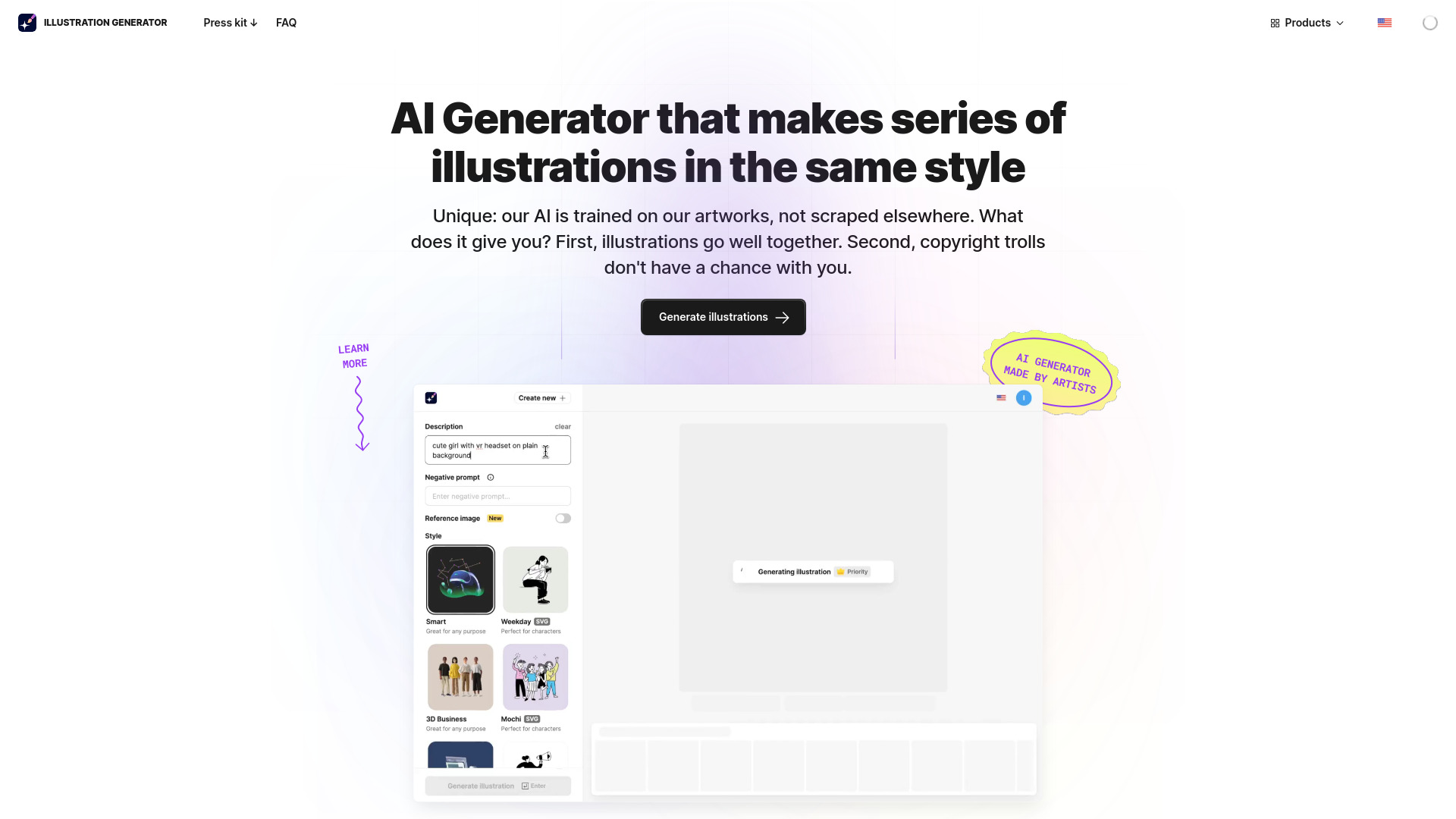
Illustration work often fails when every generated image looks like it came from a different project. AI Illustration Generator earns its place by focusing on consistent art styles, a practical advantage for designers building a set of icons, editorial visuals, or campaign assets. It can work from text or images, giving the workflow more than one starting point.
Why it is top-ranked
AI-powered illustration generation is tightly aligned with a defined design task.
Consistent art styles make a collection more coherent than isolated generations.
Its 2.5M monthly visits provide a strong usage signal for an illustration-focused product.
Best fit
Designers who need multiple illustrations with a shared visual language.
Teams creating editorial, product, or marketing visuals.
Users who want a more illustration-specific tool than a general image generator.
Limitations
Watermarks appear on free images.
You will need to confirm current commercial-use and paid-plan details before production use.
Shortlist AI Illustration Generator if: your priority is a consistent illustration style across a batch of assets.

- Architects producing quick photorealistic renders
- 10 renders/month; renders in under 10 seconds
- Starts at Free
- Monthly visits: 523.3K
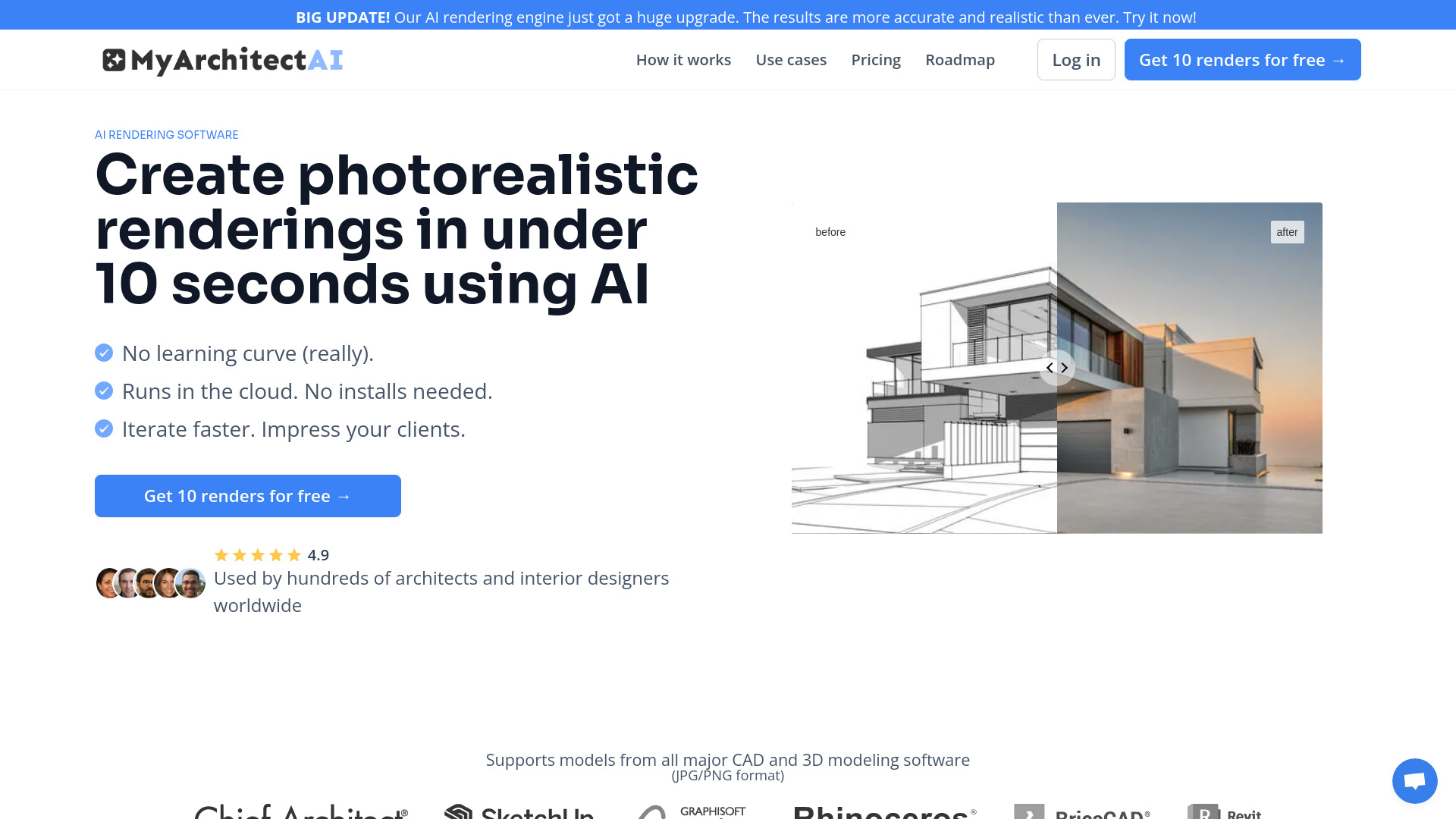
When speed is the deciding factor, MyArchitectAI is easy to understand. It targets photorealistic AI rendering and advertises renders in under 10 seconds, with AI style transfer as another useful lever. Compatibility with various CAD software makes the product relevant to architects who already have source material and want a faster visual pass.
Best fit
Architects preparing quick concept visuals.
Professionals who already work with CAD material.
Users who value a short render cycle and no-install workflow.
Limitations
The product aims for roughly 90% of the result, so it may not match the detail of traditional rendering tools.
The free allowance is limited to 10 renders per month.
Shortlist MyArchitectAI if: you need a fast architectural visual for exploration rather than a final, detail-perfect render.

- AI researchers comparing design models
- Free benchmark access available
- Starts at Check vendor pricing
- Monthly visits: 1.4M
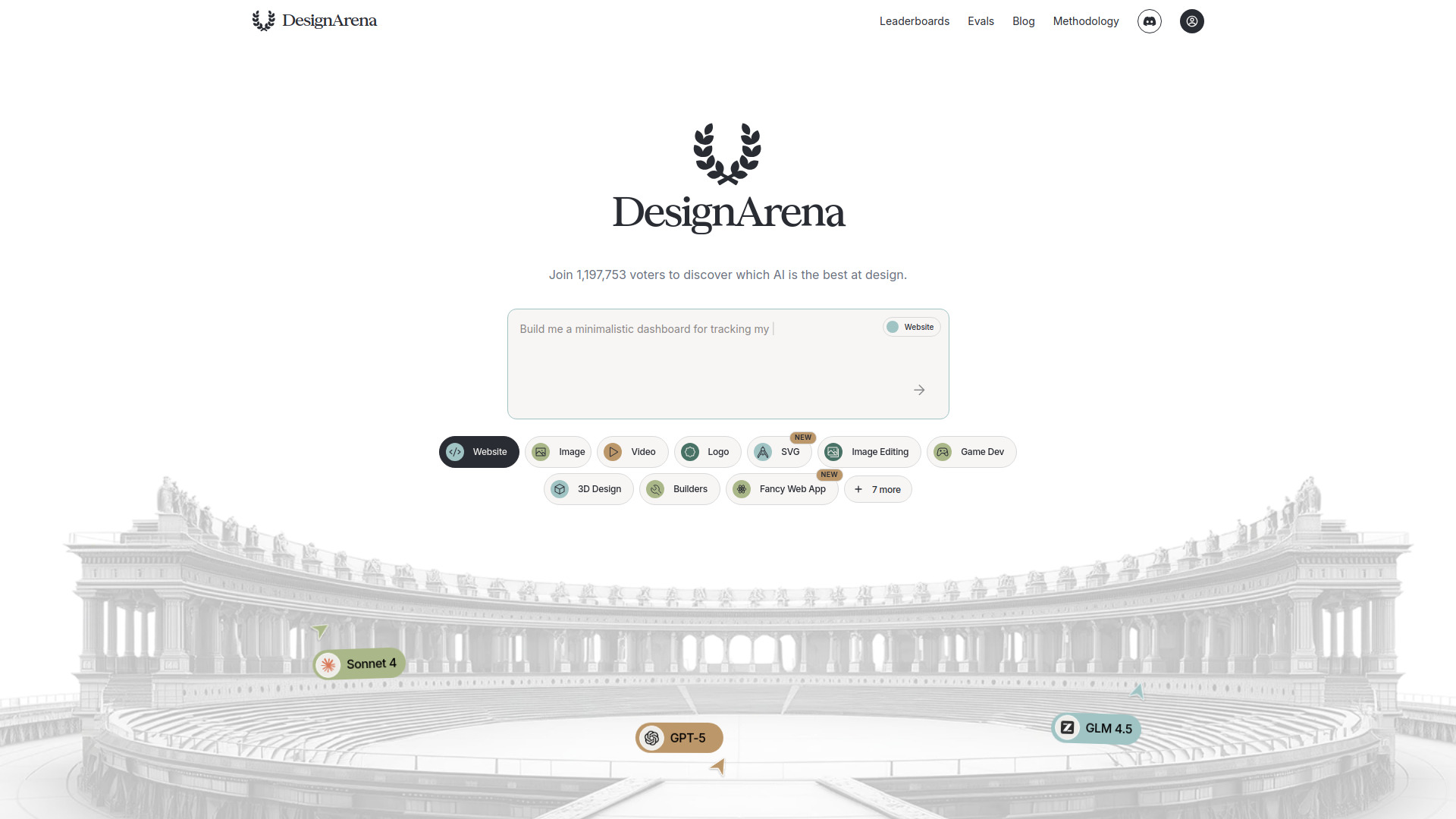
Design Arena is the unusual entry on this leaderboard: it helps evaluate AI design models rather than produce a finished poster, room, or render. Its global crowdsourced benchmark and Elo- or Bradley-Terry-based leaderboards turn preference data from 1,197,753 voters into a useful comparison layer for researchers and practitioners deciding which models deserve testing.
Best fit
AI researchers tracking model performance.
Teams comparing design models before choosing a generation stack.
Readers who want behavior-based rankings rather than vendor claims.
Limitations
It is a benchmark and leaderboard, not a full design production environment.
Model rankings marked with an asterisk can change.
Shortlist Design Arena if: you are choosing among AI design models and need comparative evidence before building a workflow.

- Web designers building live responsive sites
- 2,000 visitors/month; AI design and automation
- Starts at Check vendor pricing
- Monthly visits: 766.5K
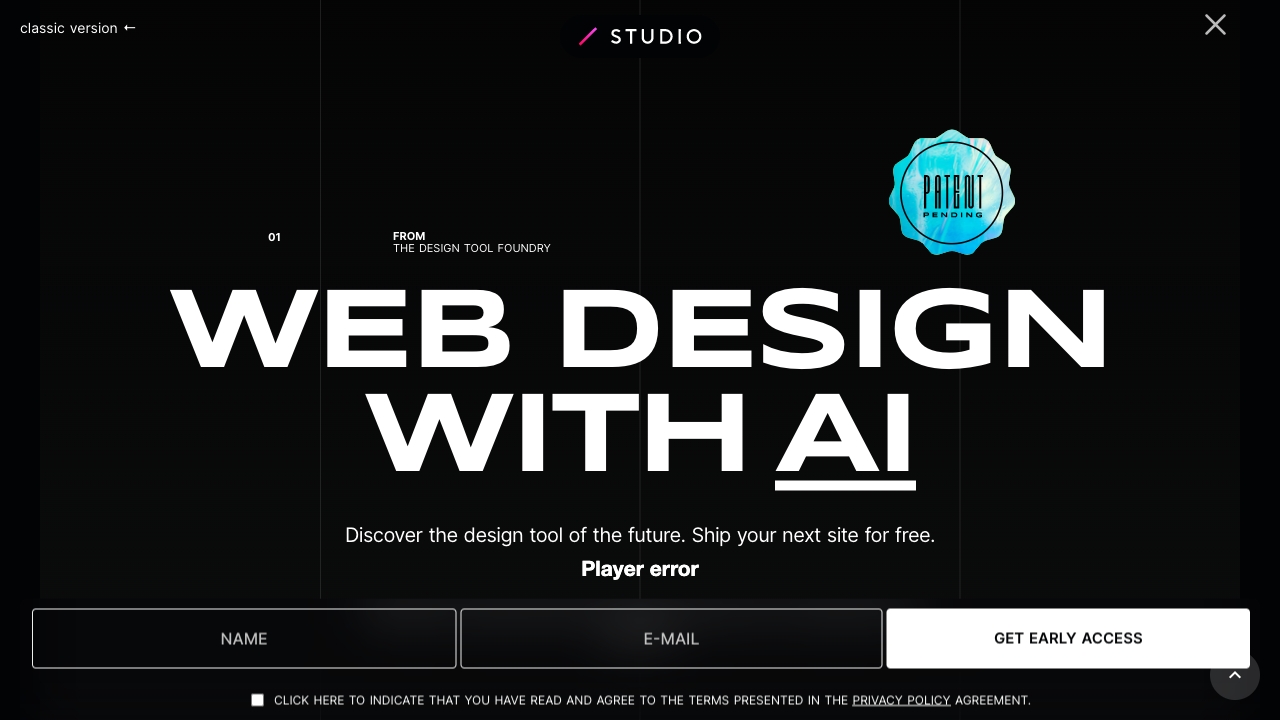
STUDIO AI sits closer to a design-to-website workflow than a traditional image generator. AI-powered design suggestions, automated task completion, responsive design, and multi-step task automation point toward a product where the output is a live website. That distinction matters: web designers can judge it by how much implementation work it removes, not just by how attractive its first concept looks.
Best fit
Web designers moving from visual design into a live site.
Users who want AI suggestions during the design process.
Projects where responsive behavior and task automation matter.
Limitations
You may need time to learn how to use its AI features fully.
It is less relevant if you only need standalone illustrations or social graphics.
Shortlist STUDIO AI if: your design workflow ends with a responsive website, not an exported image.

- Interior designers exploring room transformations
- Unlimited designs; no signup required
- Starts at Free
- Monthly visits: 285.4K
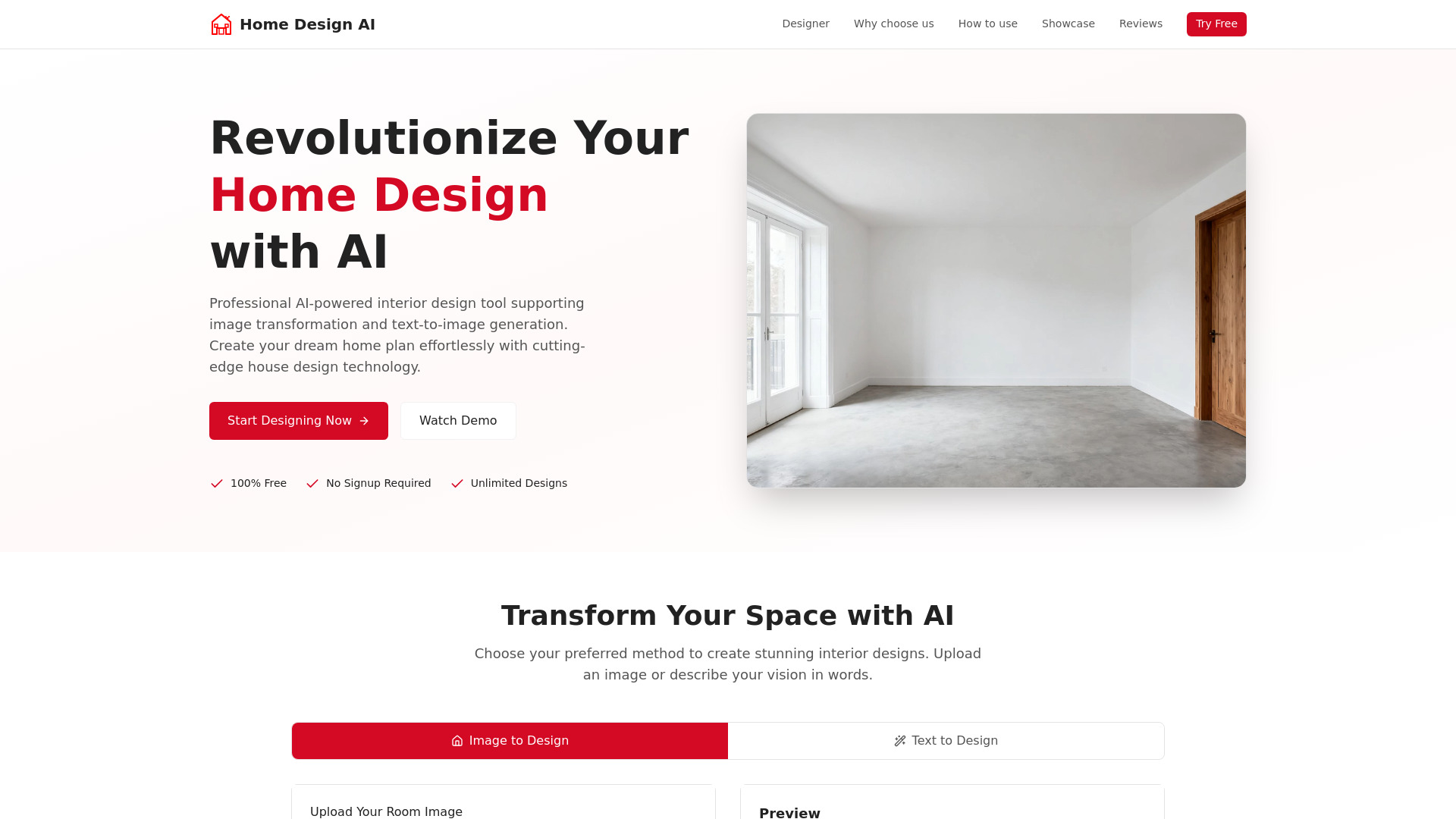
Home Design AI is the most appealing low-friction pick for interior concepts. Unlimited designs, image-to-image transformation, text-to-image creation, and no required signup make it easy to test several directions before investing time in a more elaborate workflow. It is a particularly good fit for visual exploration, where rapid alternatives are more valuable than a formal production pipeline.
Best fit
Interior designers exploring different room directions.
Homeowners who want to transform an existing room image.
Anyone who wants to experiment without creating an account first.
Limitations
Confirm current product fit, pricing, and workflow limits before committing.
It may be better for concept exploration than precise technical planning.
Shortlist Home Design AI if: you want to generate many interior concepts for free before narrowing the direction.

- Bloggers turning information into visuals
- Limited AI credits; infographic and chart generators
- Starts at Starter (Free): 0$
- Monthly visits: 243.8K
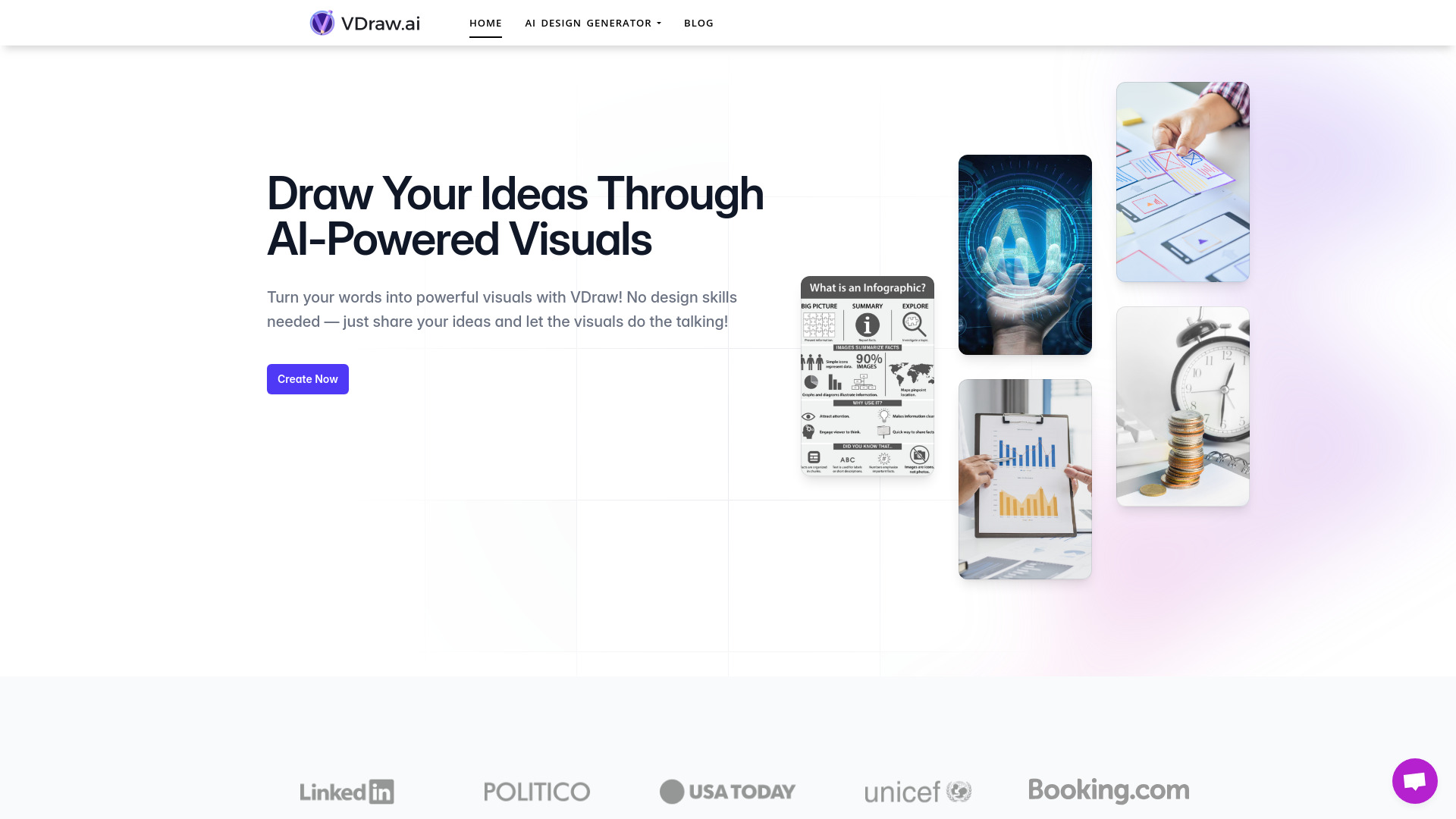
VDraw AI focuses on the point where content becomes visual communication. Its AI infographic generator and AI chart generator are a natural fit for bloggers who have information ready but lack the time or design skills to turn it into a readable visual. The trade-off is familiar with freemium products: the free creation allowance is limited.
Best fit
Bloggers creating supporting visuals for articles.
Content teams turning data or explanations into infographics.
Non-designers who need a simpler route to charts and visual summaries.
Limitations
The freemium model limits the number of free creations.
Limited AI credits can make repeated revisions harder to sustain.
Shortlist VDraw AI if: you need an infographic or chart quickly and do not want to build it from scratch.

- Crafters sourcing assets and AI-generated artwork
- 7-day free trial; 30 products; downloads vary by membership
- Starts at Hobbyist: $11.99 USD
- Monthly visits: 719.9K
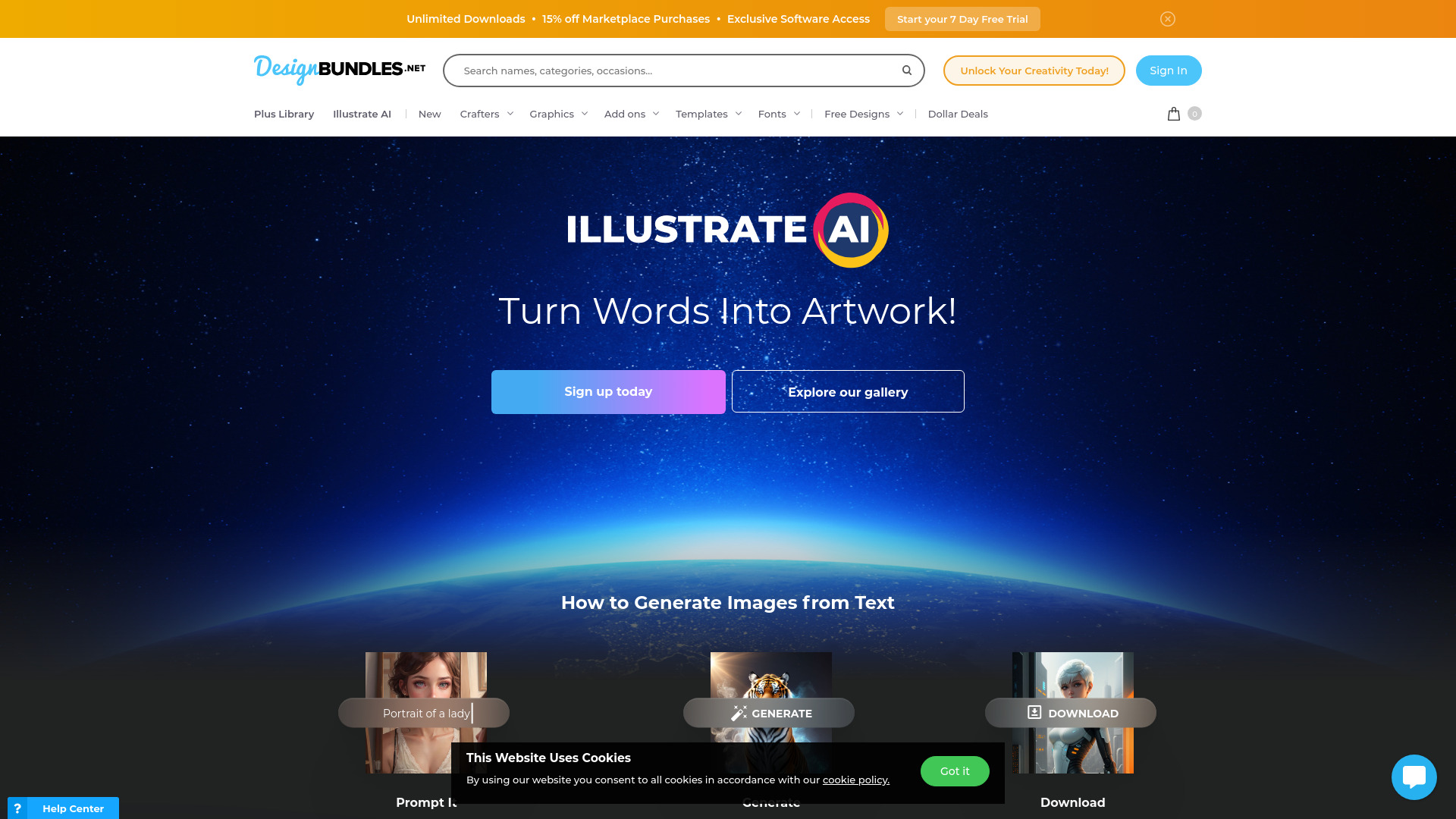
Design Bundles takes a broader route than most entries here. Its value comes from combining an extensive library of fonts, graphics, and templates with AI-powered image generation through Illustrate AI. For crafters, that mix can be more practical than a pure generator because the workflow starts with ready-to-use assets as well as original creation.
Best fit
Crafters looking for fonts, graphics, and templates in one marketplace.
Makers who want to combine purchased assets with AI-generated images.
Users who prefer browsing a library before generating something new.
Limitations
Unlimited downloads are limited to Plus members.
The 7-day trial and membership terms should be checked before relying on high-volume downloads.
Shortlist Design Bundles if: your design process needs a deep asset library as much as it needs AI generation.

- Architects creating concept visualizations
- Text-to-render, elevation-to-render, and 3D-base-to-render access
- Starts at Check vendor pricing
- Monthly visits: 578.2K
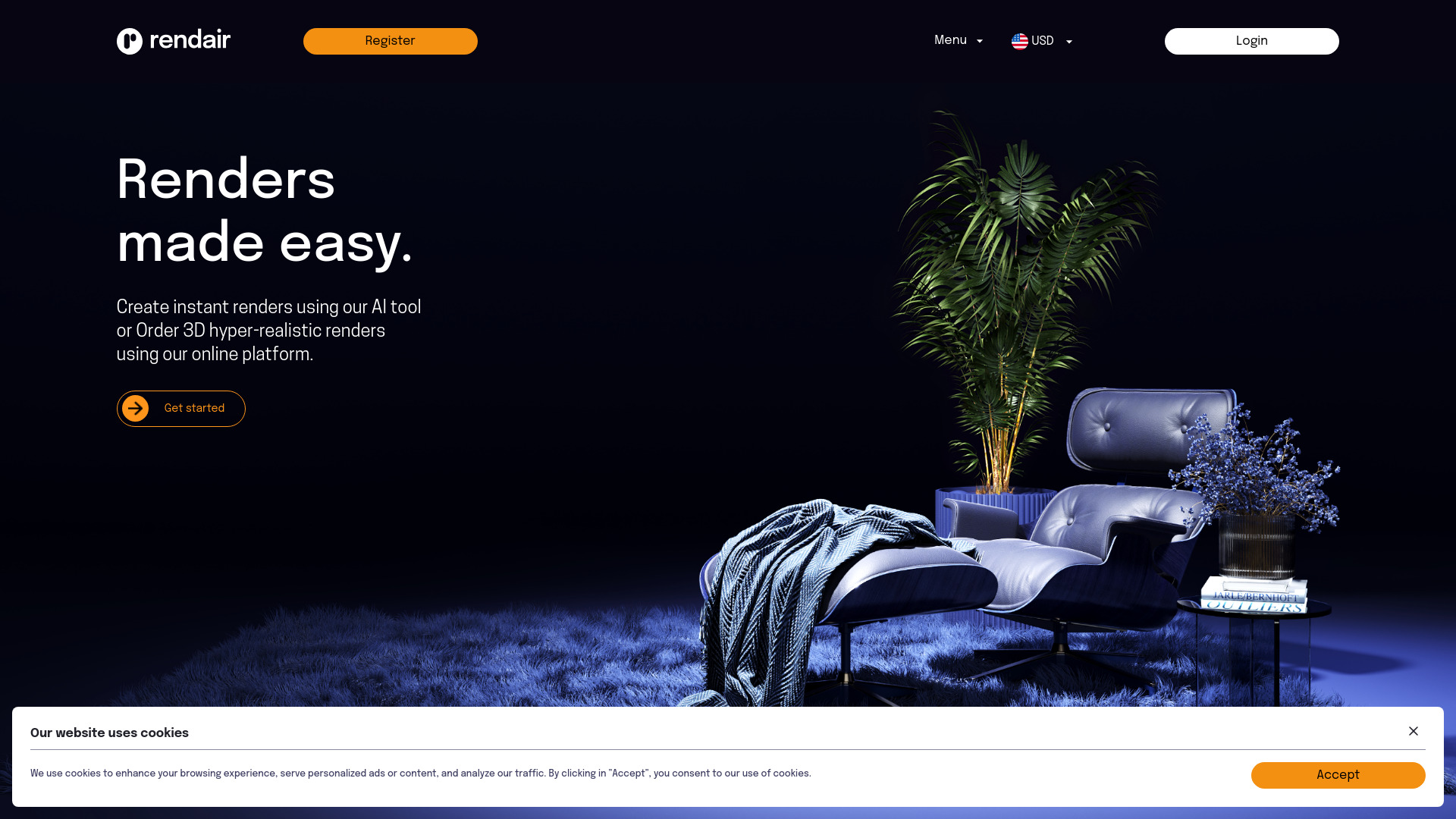
Rendair earns the final featured spot by supporting several architectural inputs: text to render, elevation to render, and 3D base to render. That breadth gives architects more ways to begin a visualization, although the quality of the result will depend partly on how clearly the project is described and framed.
Best fit
Architects producing early-stage project renders.
Teams with elevations or 3D bases that need visual treatment.
Users who want text and image-based rendering paths in one platform.
Limitations
Strong results may require specific prompting skills.
Pricing is not presented as a clear public starting point, so confirm the current offer with the vendor.
Shortlist Rendair if: you want one architectural rendering workflow that accepts text, elevations, and 3D bases.
More tools to compare

- Visual collaboration and AI diagramming
- 500 AI tokens
- Starts at From $35.99/year
- Monthly visits: 261,945 monthly visits


- AI home remodeling and architecture
- 1 free design
- Starts at From $14.99/month
- Monthly visits: 155,252 monthly visits
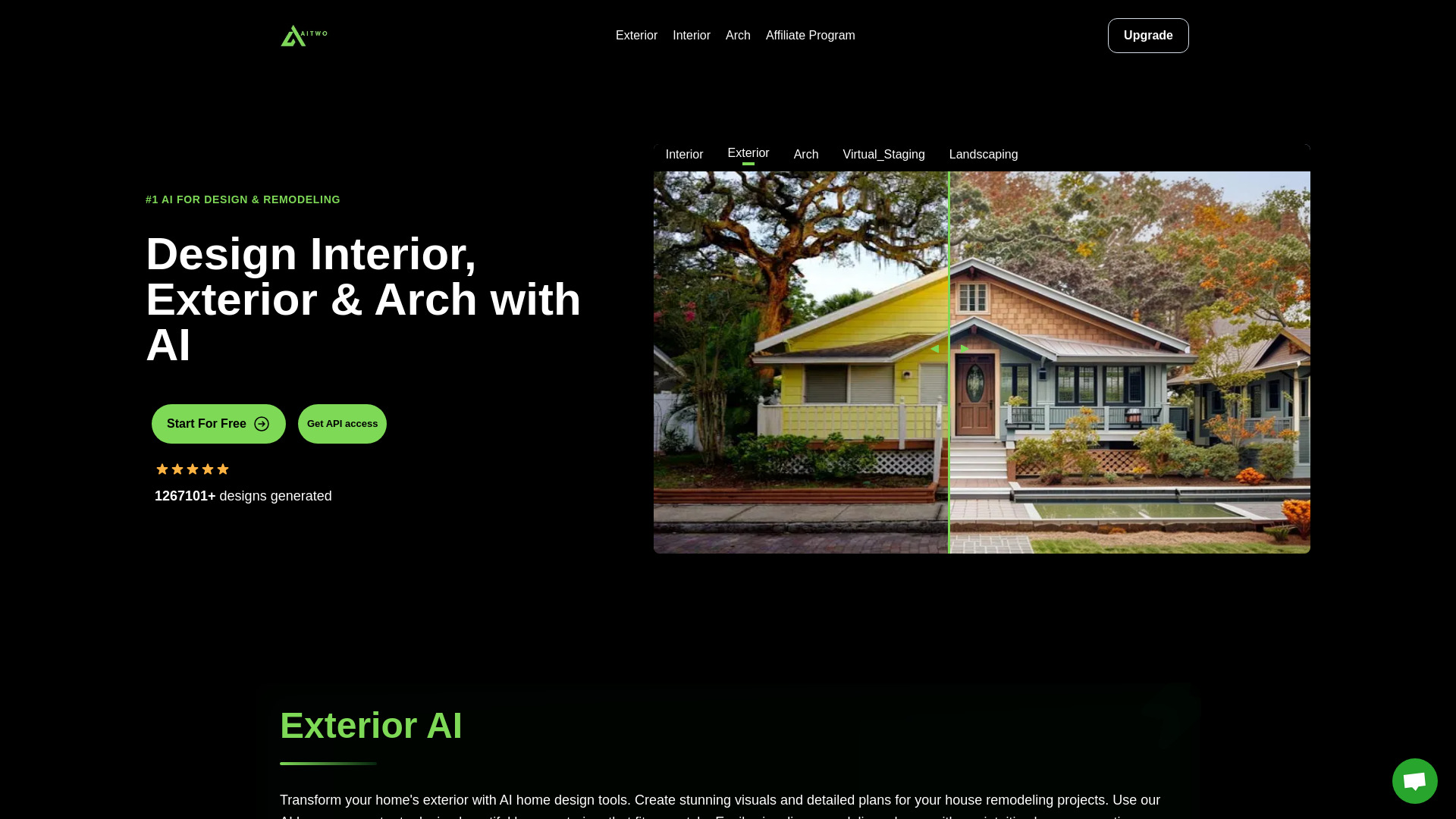

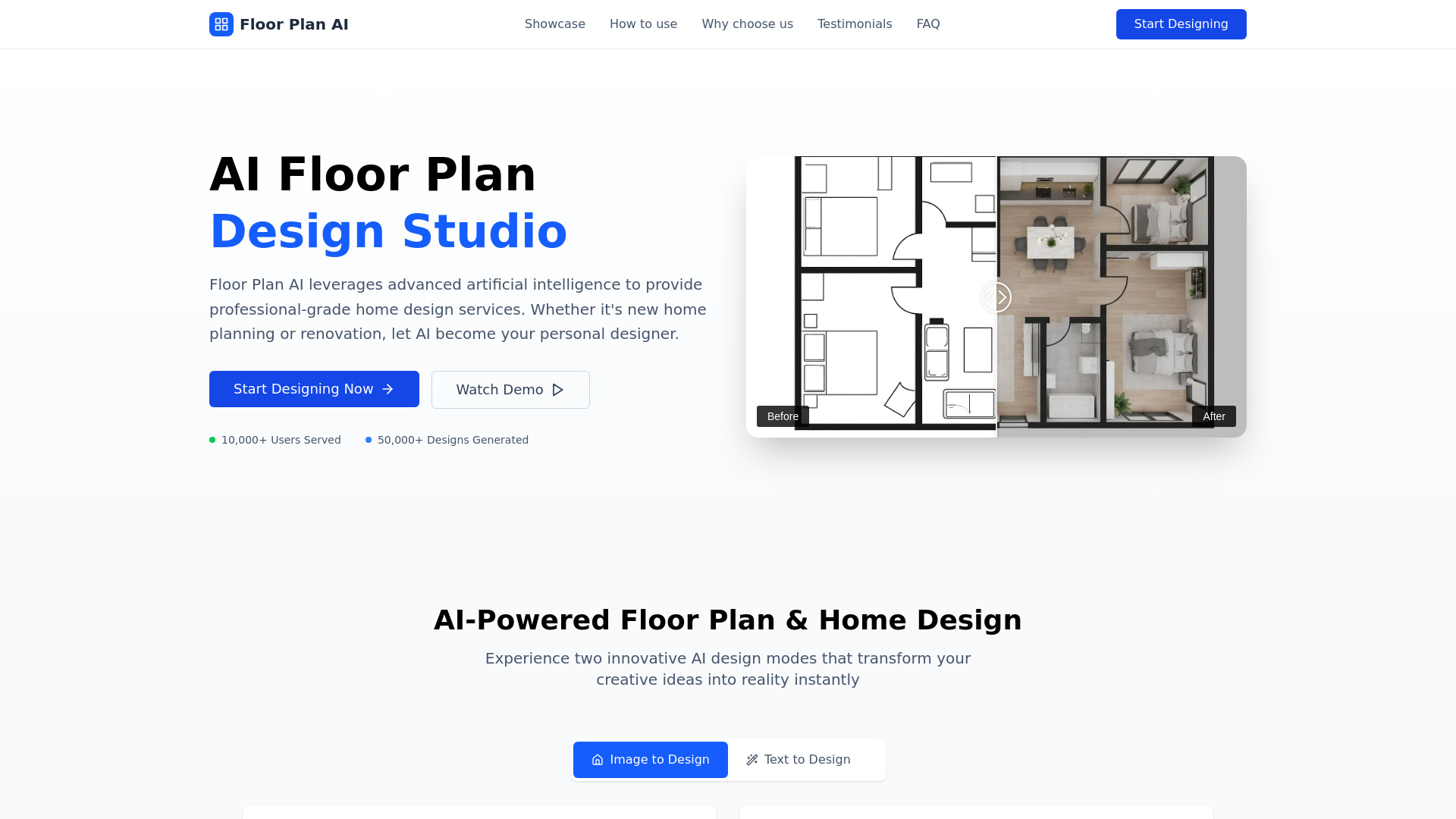
- AI floor plans and room redesigns
- Free trial available
- Starts at Check vendor pricing
- Monthly visits: 347,108 monthly visits

- All-in-one AI creative workflows
- 50 free credits
- Starts at Check vendor pricing
- Monthly visits: 175,619 monthly visits
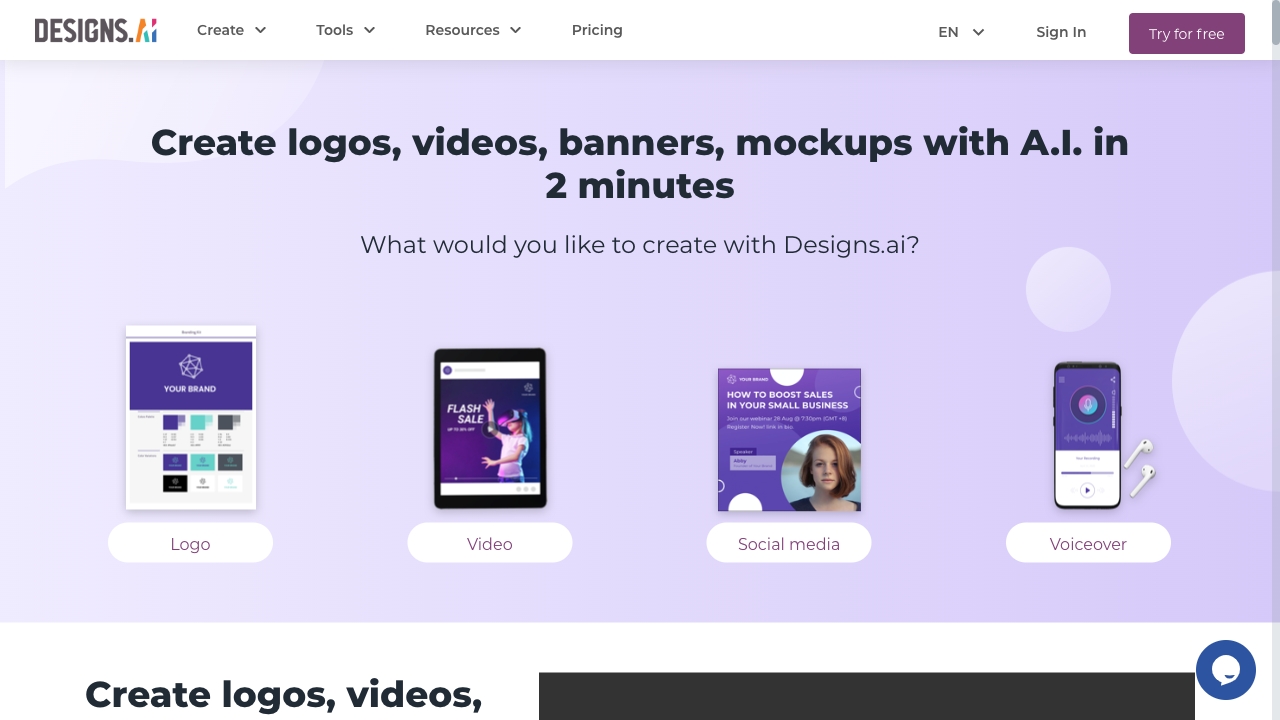

- Architectural sketch-to-render workflows
- Free trial available
- Starts at Check vendor pricing
- Monthly visits: 211,230 monthly visits
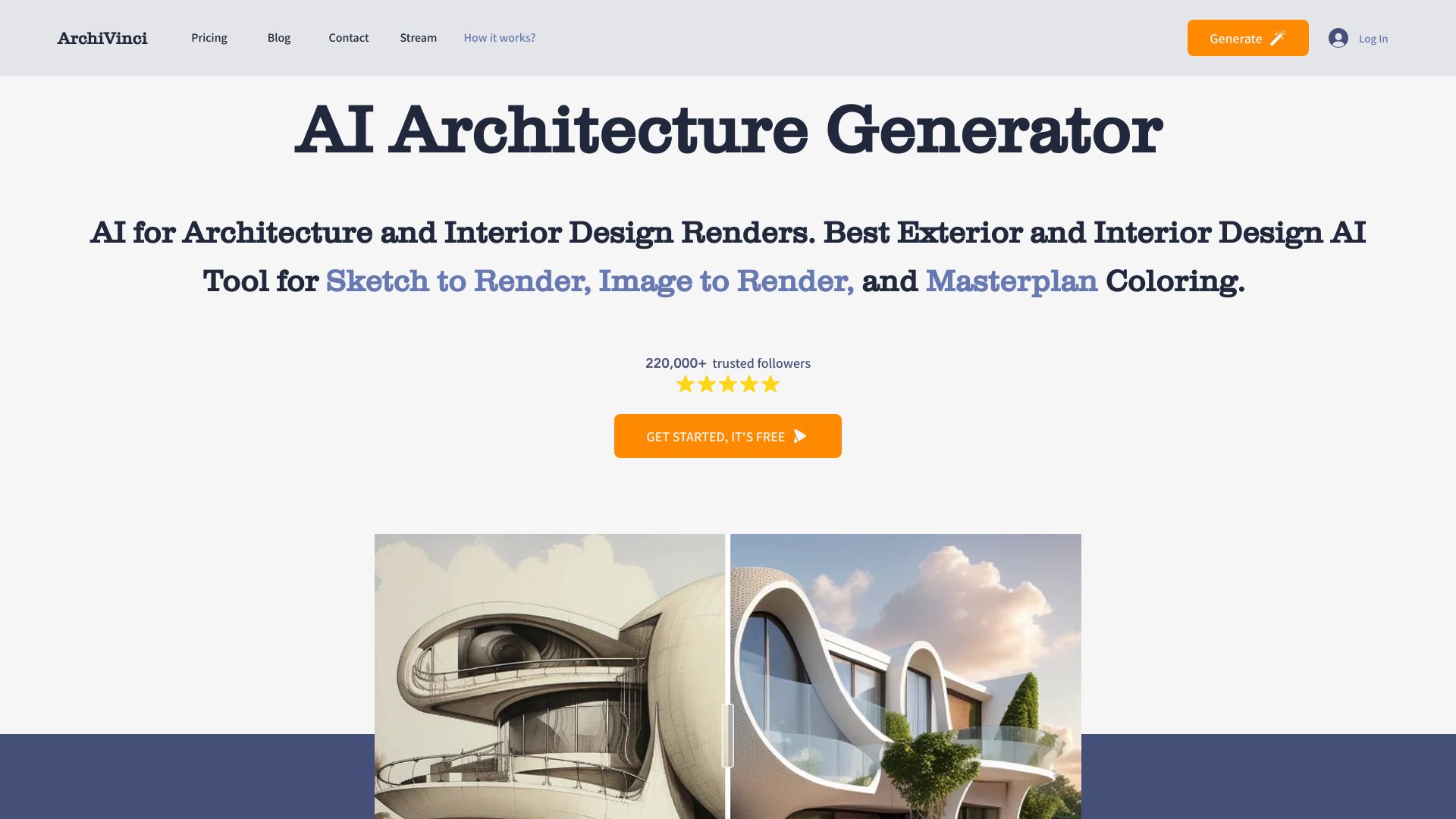

- Fashion brands and 3D apparel workflows
- Starts at Check vendor pricing
- Monthly visits: 77,878 monthly visits
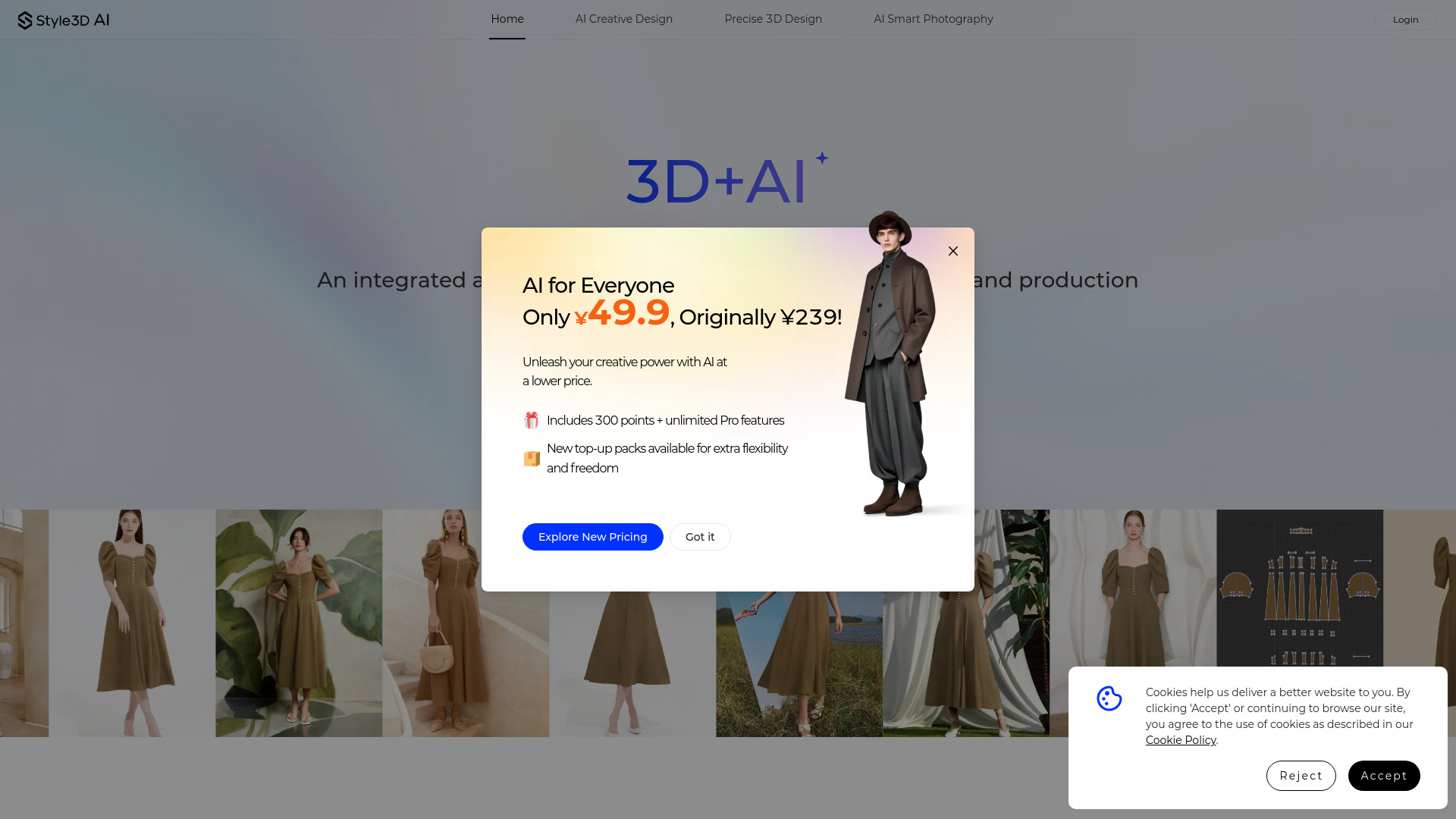

- AI visualization for interior designers
- 3 free designs
- Starts at $21/mo billed annually
- Monthly visits: 37,547 monthly visits
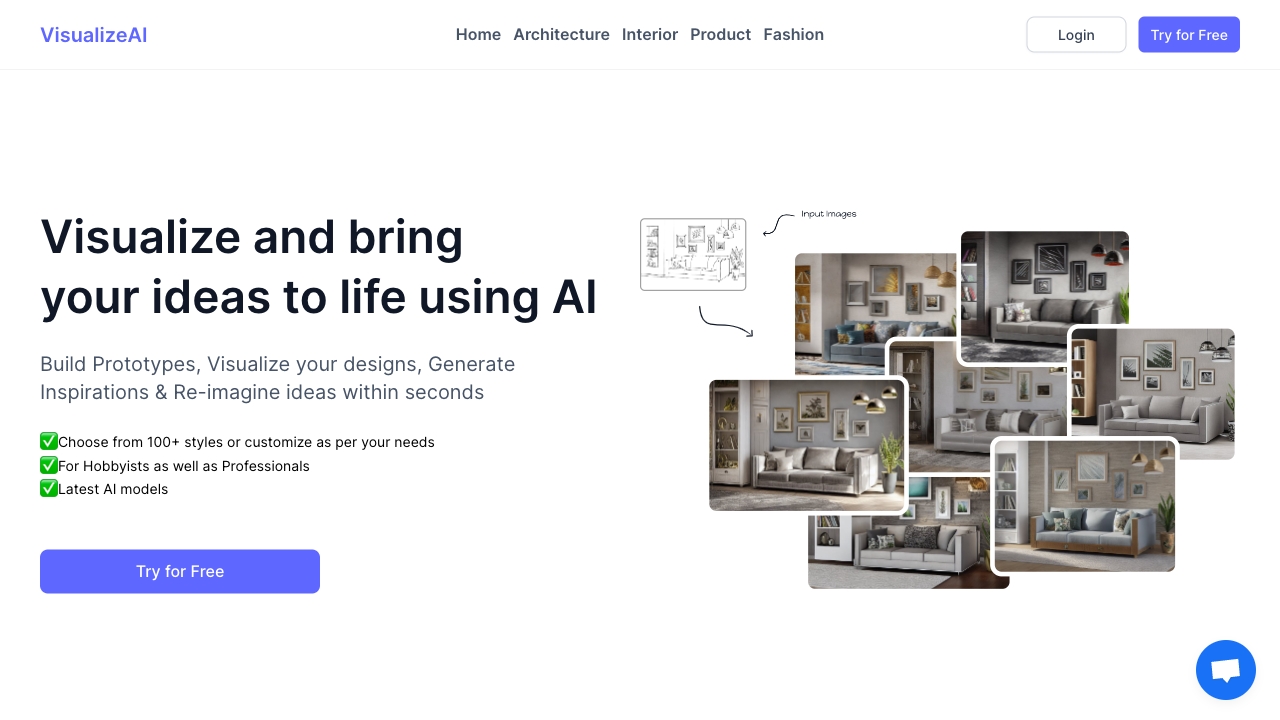

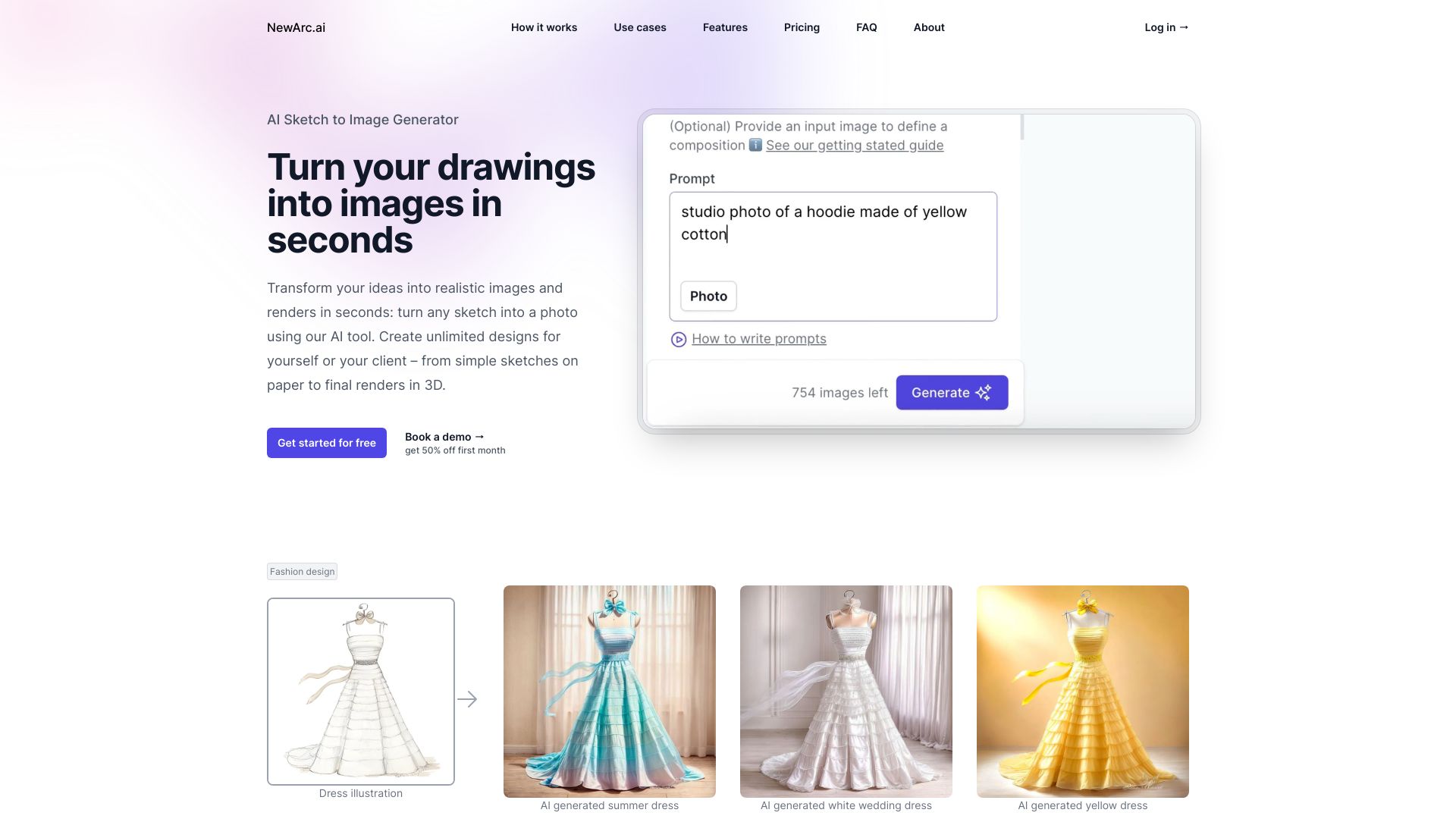
- Designers turning sketches into realistic renders
- 10 free credits/month
- Starts at $9/month
- Monthly visits: 54,840 monthly visits

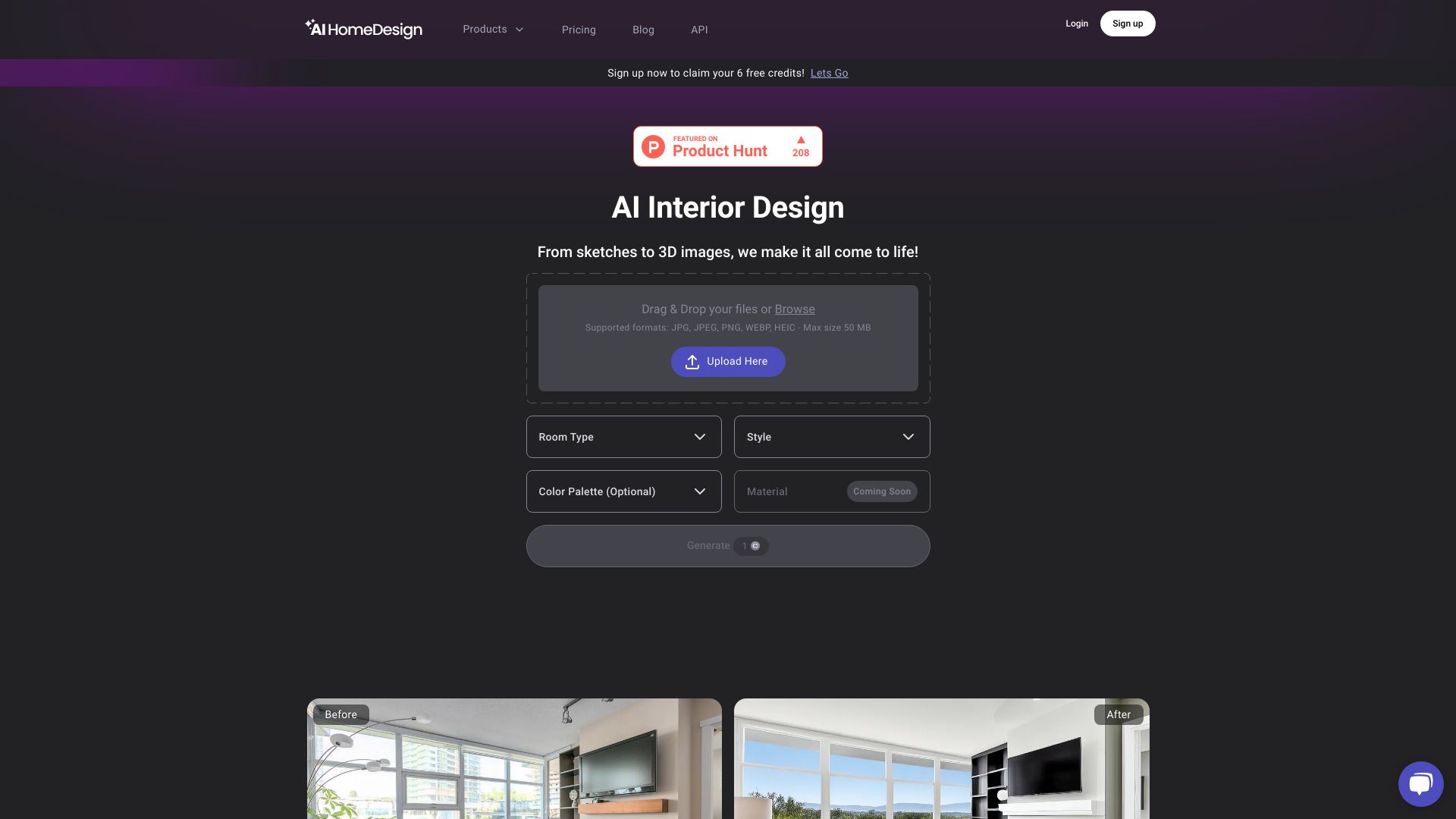
- Real estate photo editing
- Free plan available
- Starts at From $19/month
- Monthly visits: 39,609 monthly visits

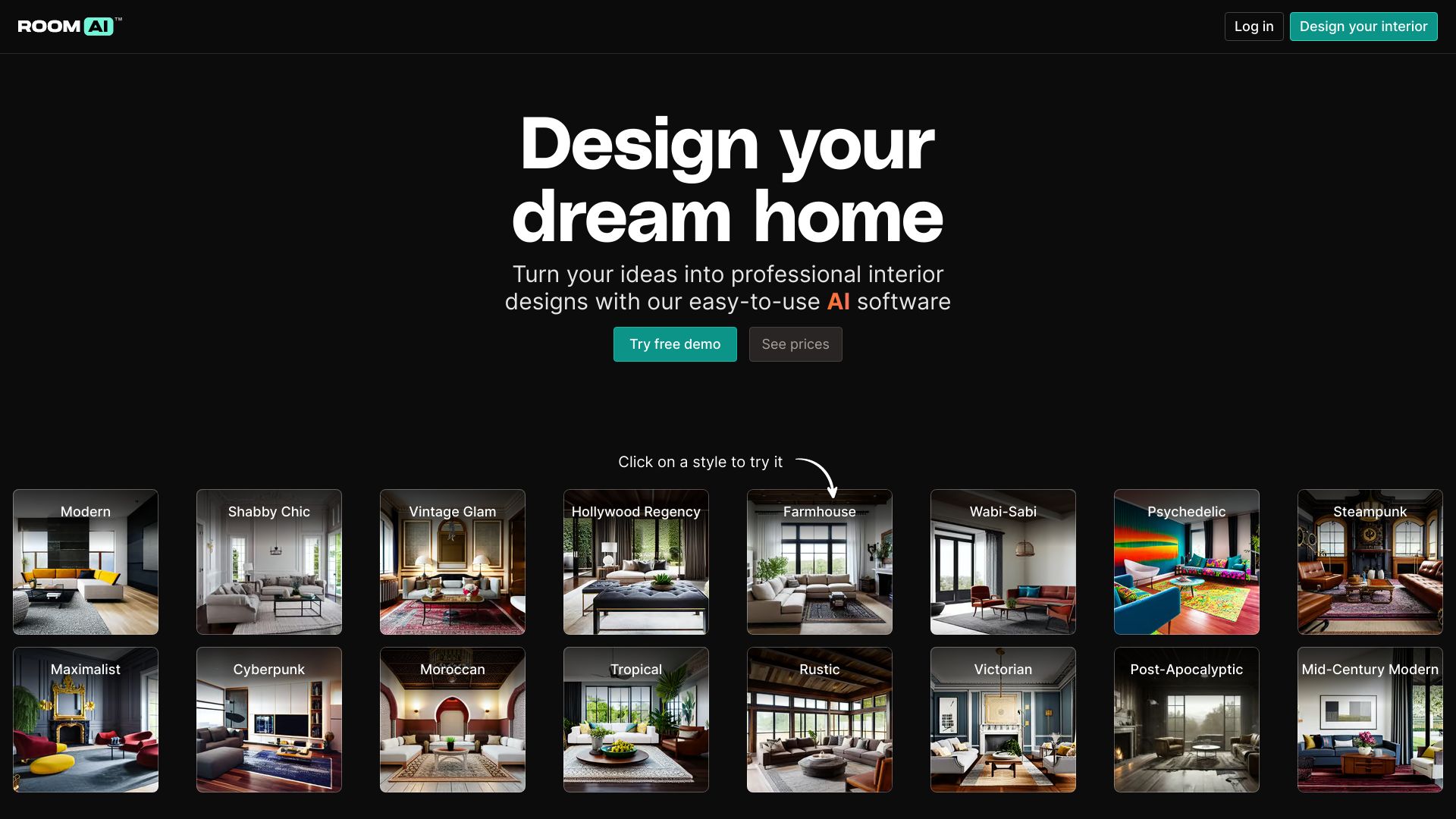
- AI-powered interior redesign
- Free trial available
- Starts at Check vendor pricing
- Monthly visits: 38,760 monthly visits

- AI CAD drawing automation
- Starts at Check vendor pricing
- Monthly visits: 38,260 monthly visits


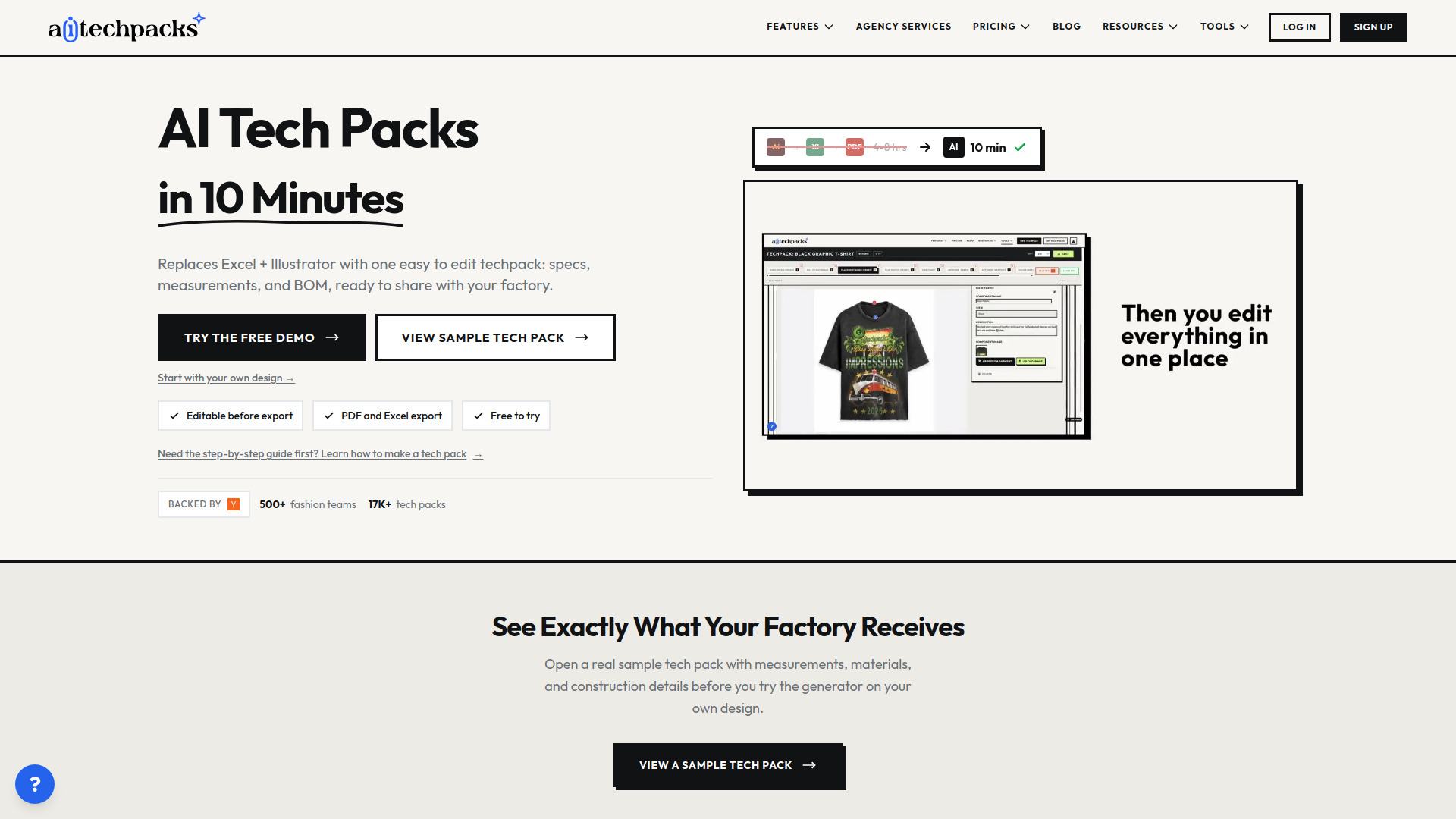
- Fashion designers creating factory-ready tech packs
- Free trial available
- Starts at $18 one-time
- Monthly visits: 45,837 monthly visits

- Architects creating concept renders
- 3 free renders
- Starts at $9
- Monthly visits: 35,671 monthly visits
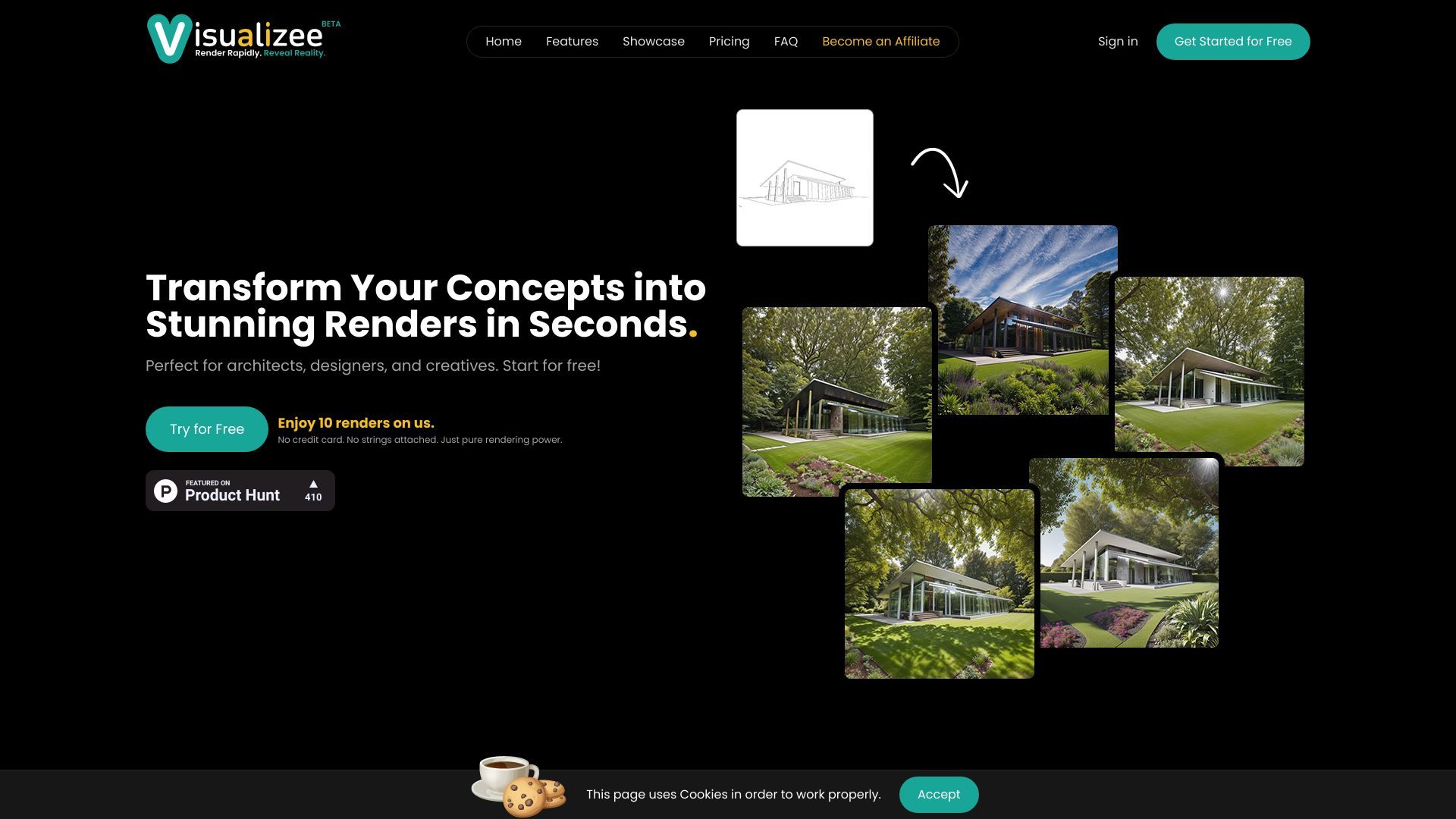

- Architectural designs and photorealistic renders
- Starts at $1/month for first month
- Monthly visits: 5,517 monthly visits
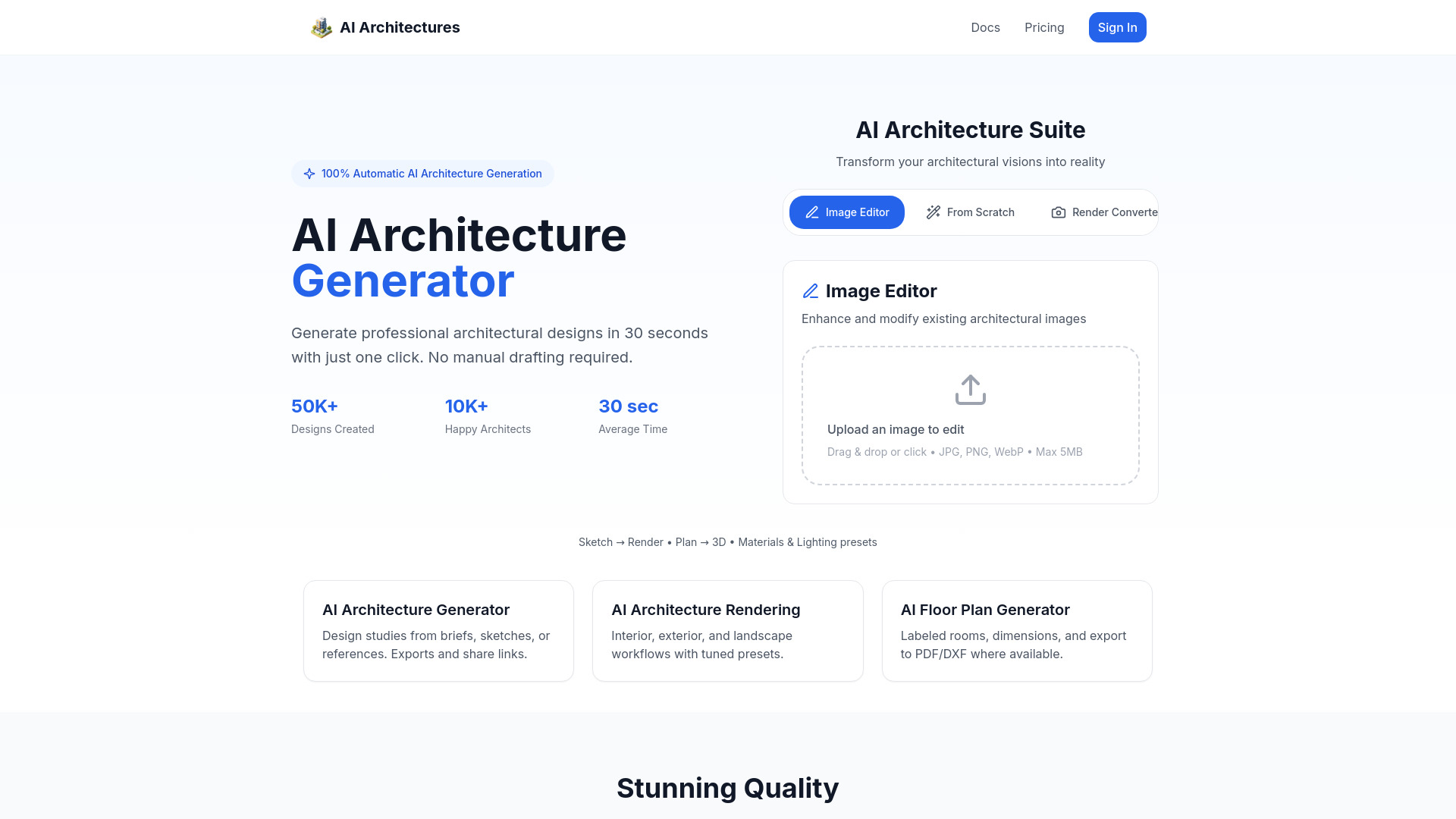

- AI interior design concepts
- Starts at $24/month
- Monthly visits: 23,370 monthly visits
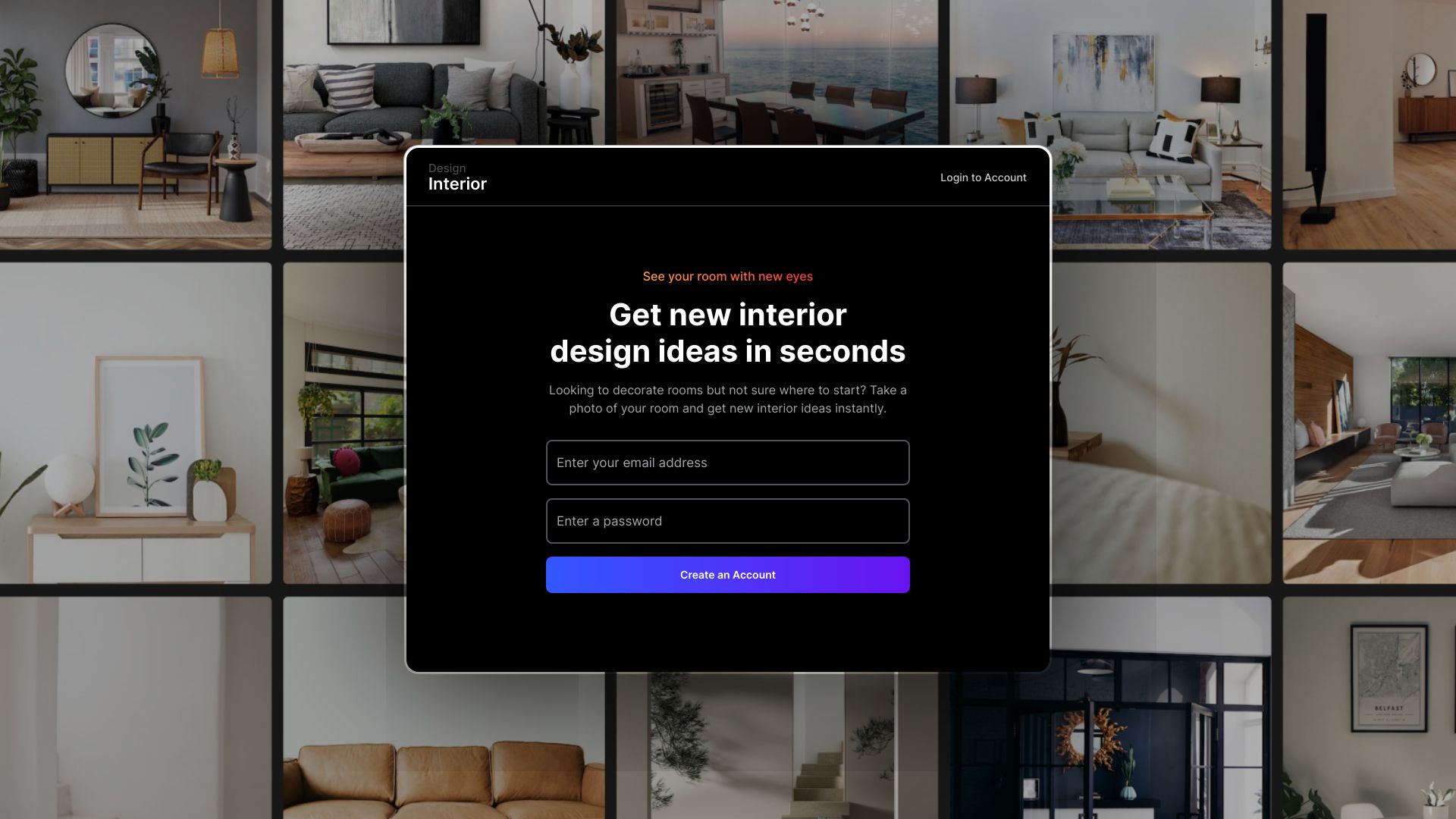

- Fast text-to-3D workflows
- Starts at Check vendor pricing
- Monthly visits: 718,269 monthly visits

- AI interior and exterior design
- Free plan available
- Starts at $19/mo
- Monthly visits: 11,453 monthly visits
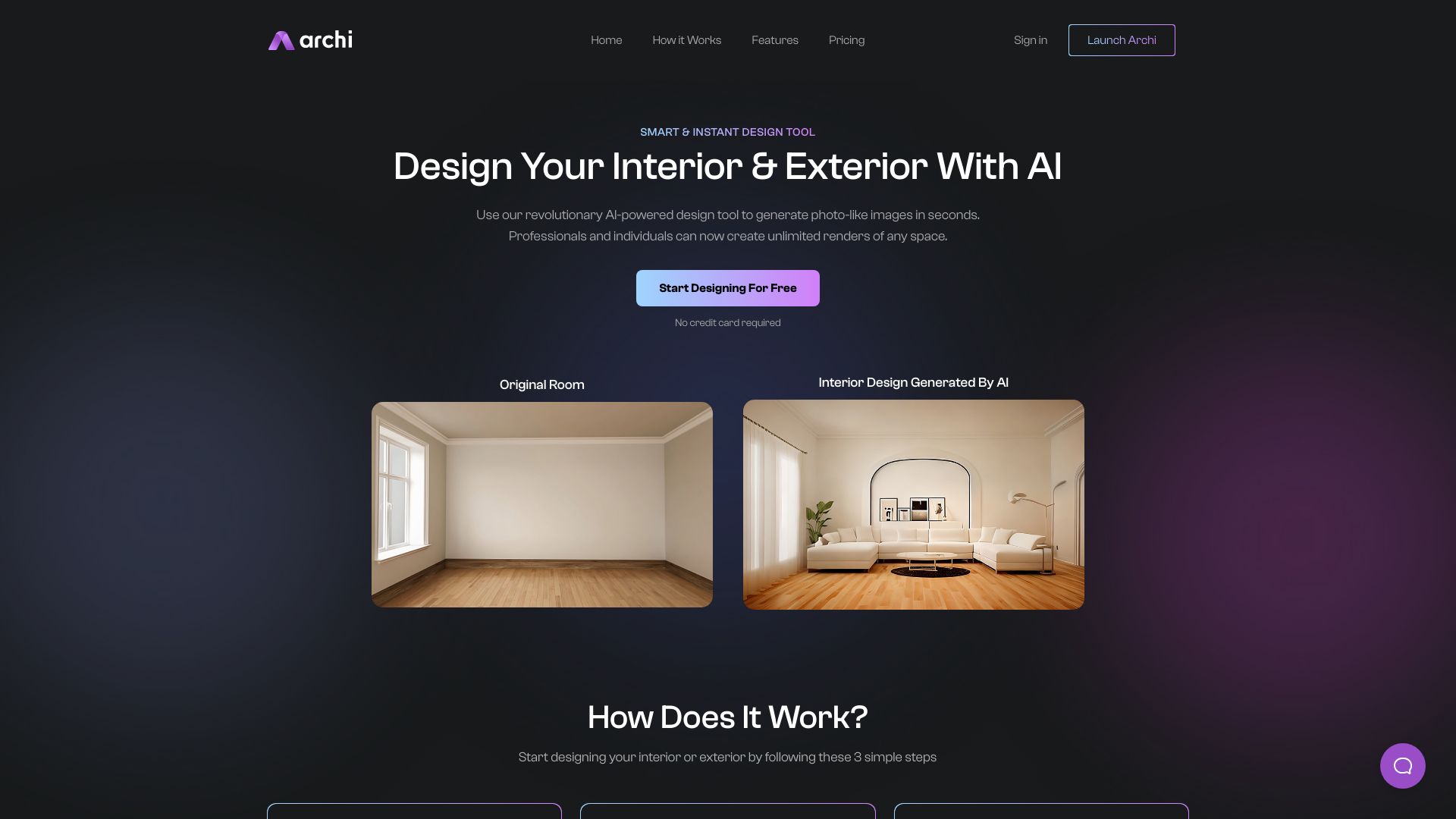

- AI-powered interior design
- 7-day free trial
- Starts at Check vendor pricing
- Monthly visits: 85,333 monthly visits


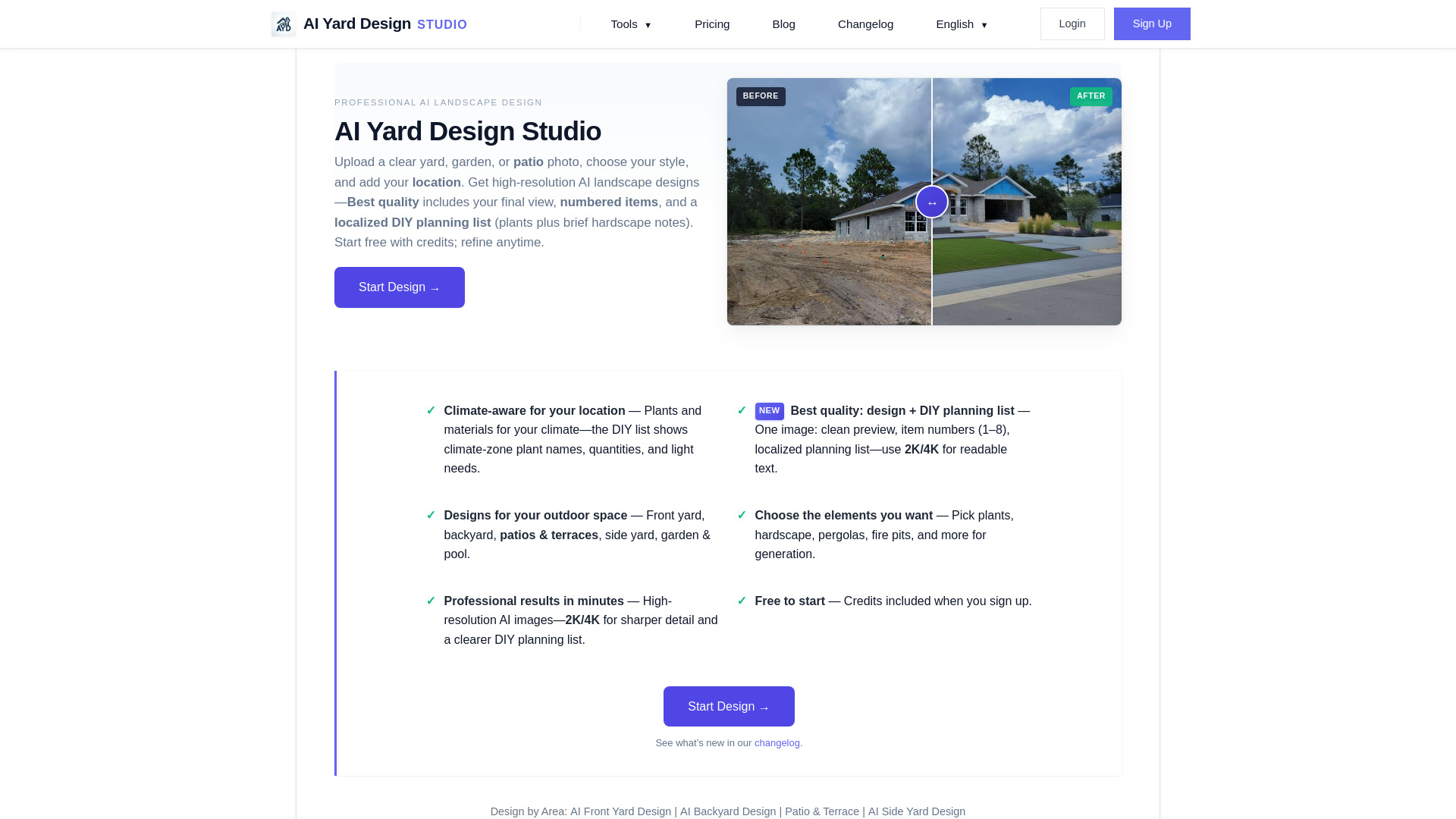
- Yard and patio landscape design
- 2 free preview credits
- Starts at $9.90 one-time
- Monthly visits: 7,176 monthly visits

- Discovering AI tools and resources
- Starts at Check vendor pricing
- Monthly visits: 7,755 monthly visits

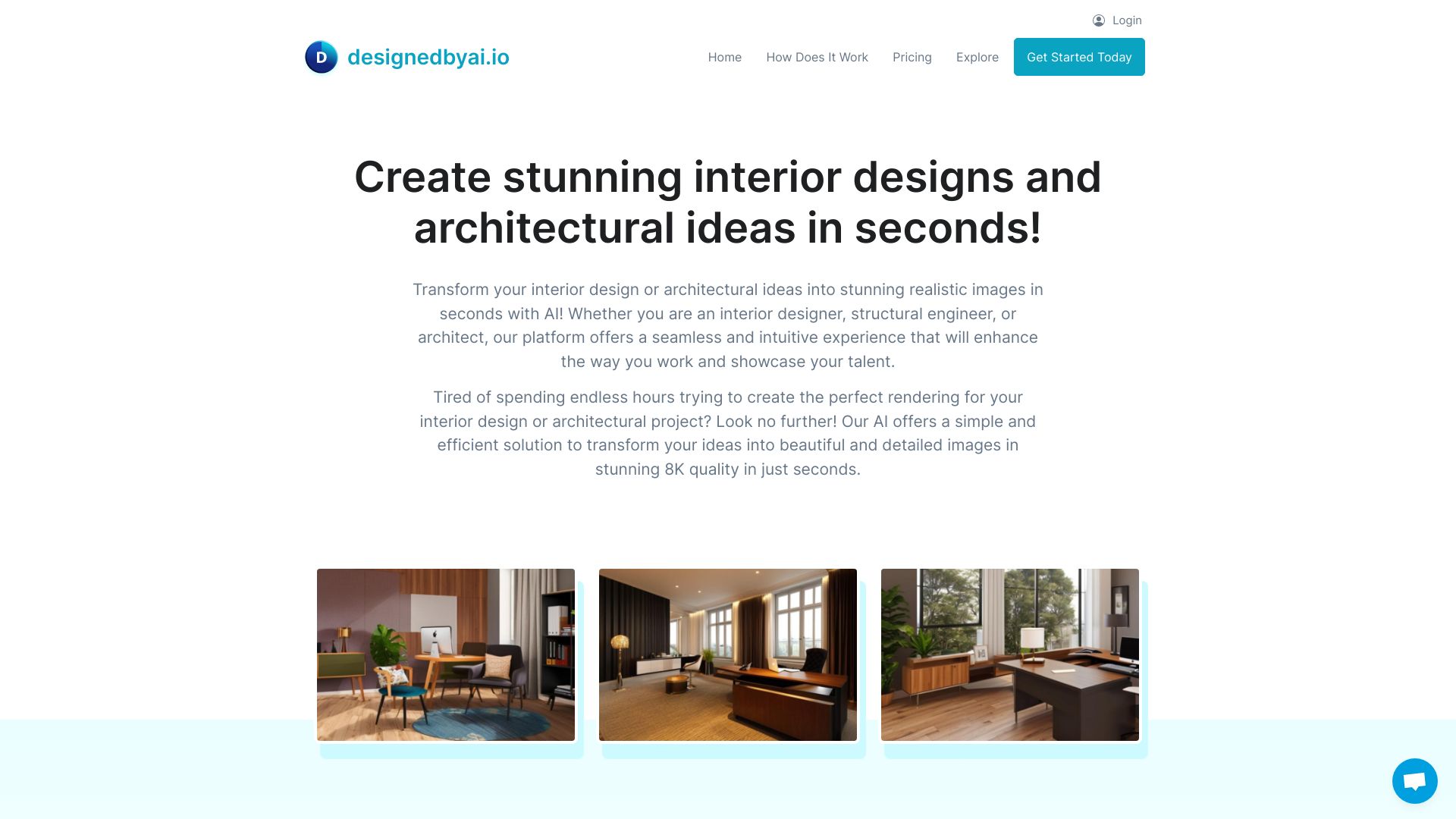
- AI interior and architectural visualization
- 7-day free trial
- Starts at US$99.99/month
- Monthly visits: 2,941 monthly visits
- AI floor plans for homeowners and real estate teams
- 1 free plan
- Starts at From $19/month
- Monthly visits: 7,436 monthly visits

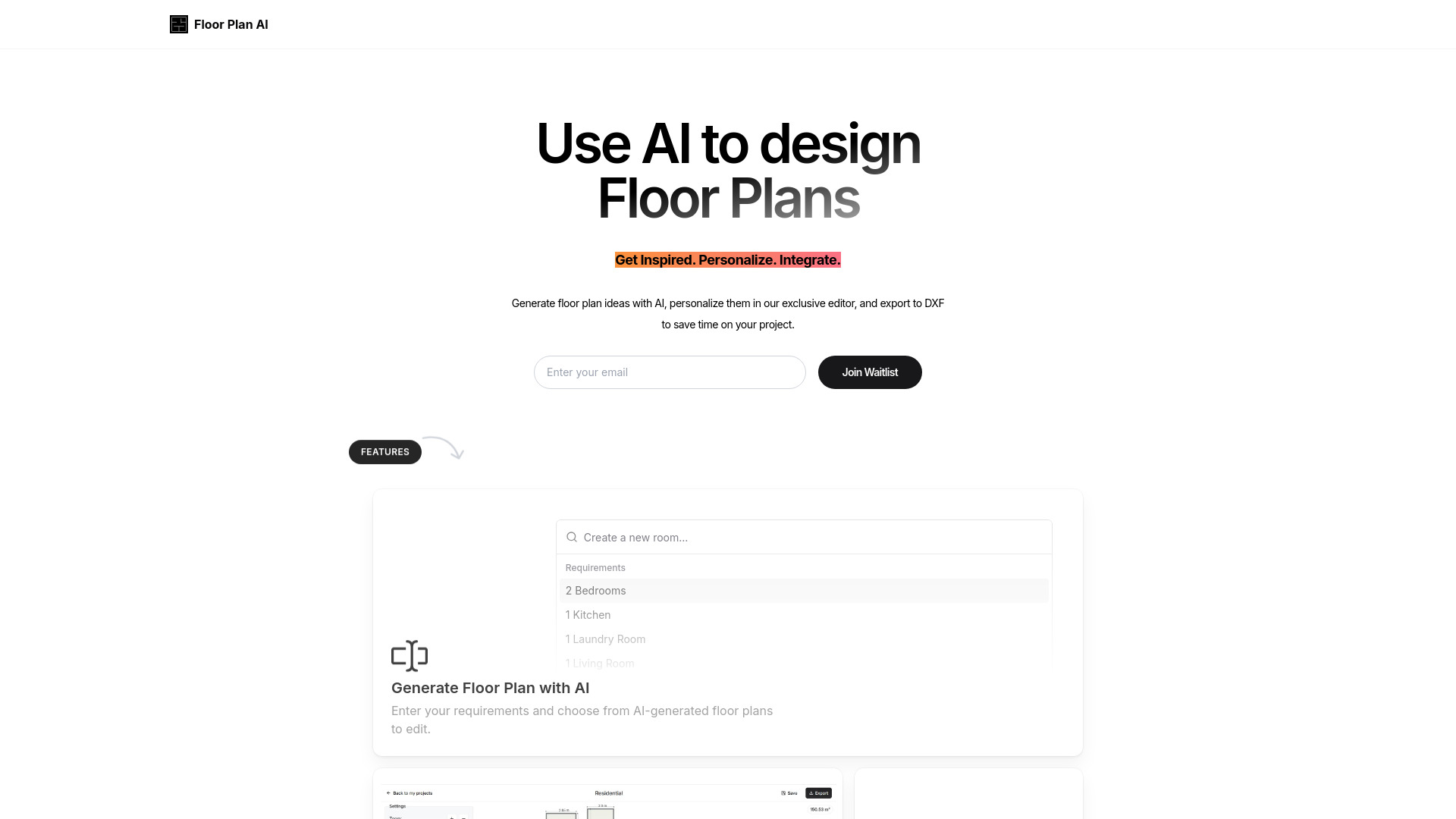
- AI-generated floor plan design
- 12 free credits
- Starts at $0
- Monthly visits: 4,416 monthly visits

- AI visualization for architects and designers
- Starts at Check vendor pricing
- Monthly visits: 3,474 monthly visits

- Product and industrial design rendering
- Starts at Check vendor pricing
- Monthly visits: 2,193 monthly visits


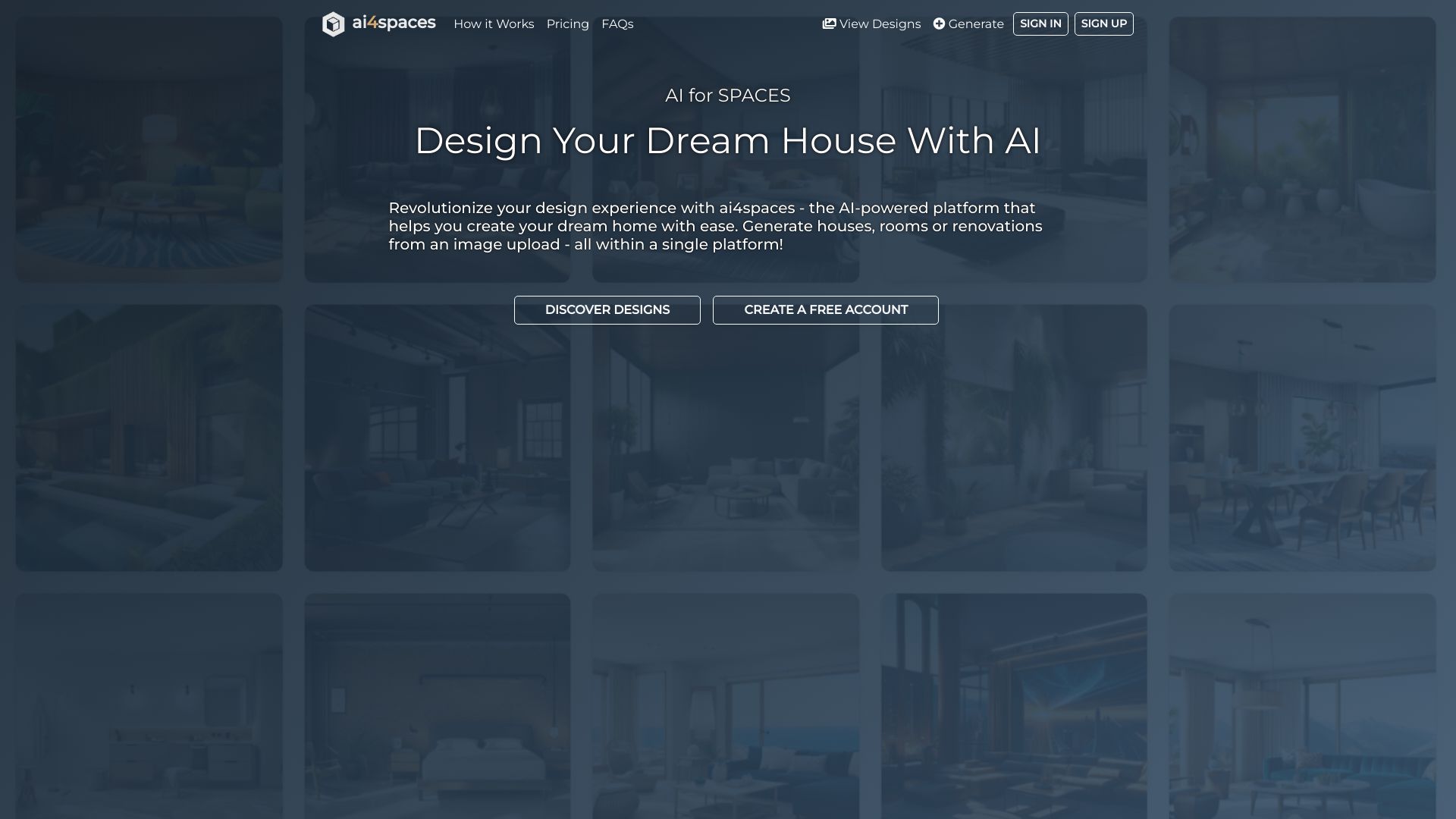
- AI-powered room and home design
- 10 free credits
- Starts at $12/month
- Monthly visits: 1,185 monthly visits

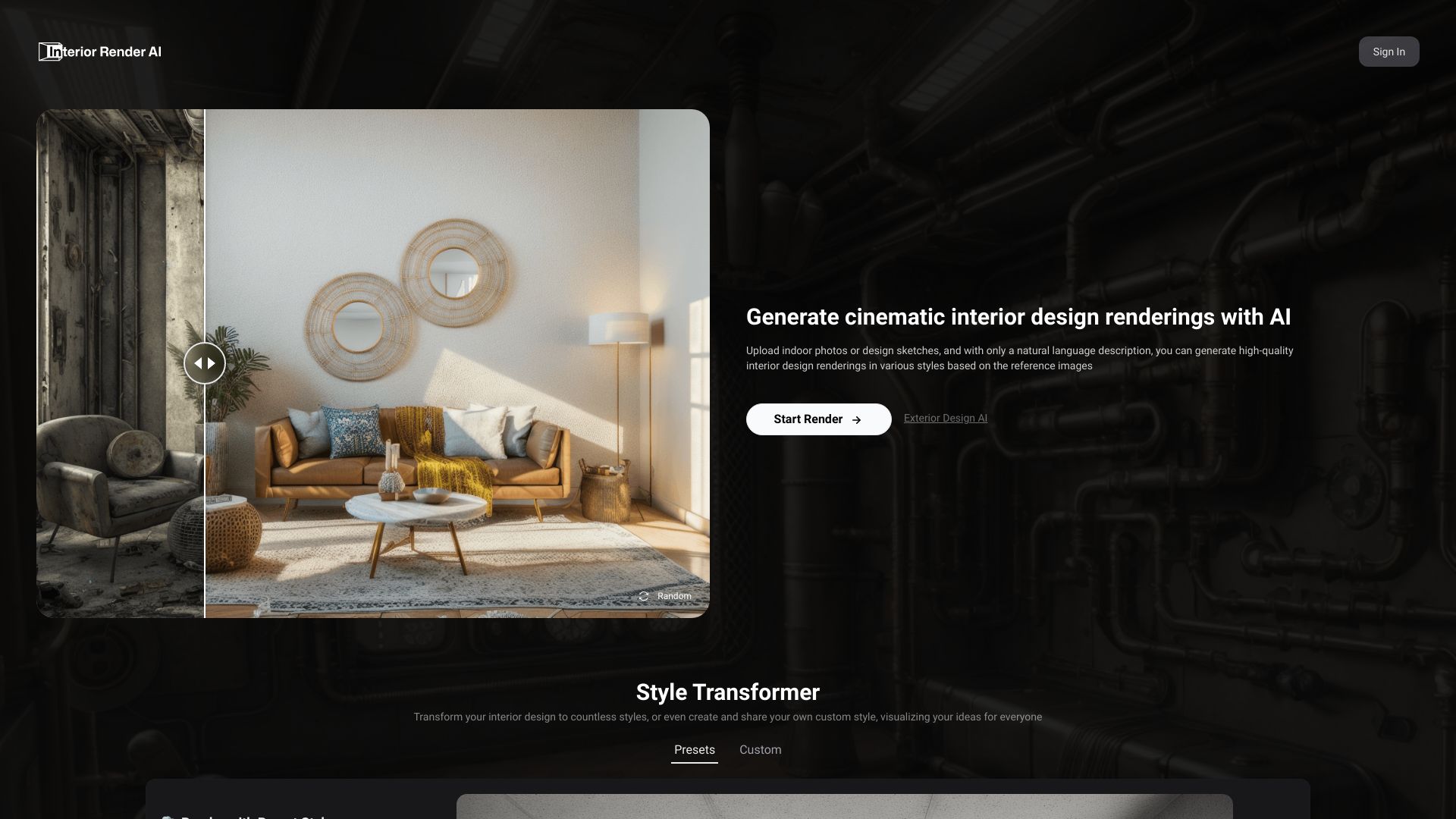
- AI interior design renderings
- Free trial available
- Starts at $1.99 for 10 credits
- Monthly visits: 1,530 monthly visits

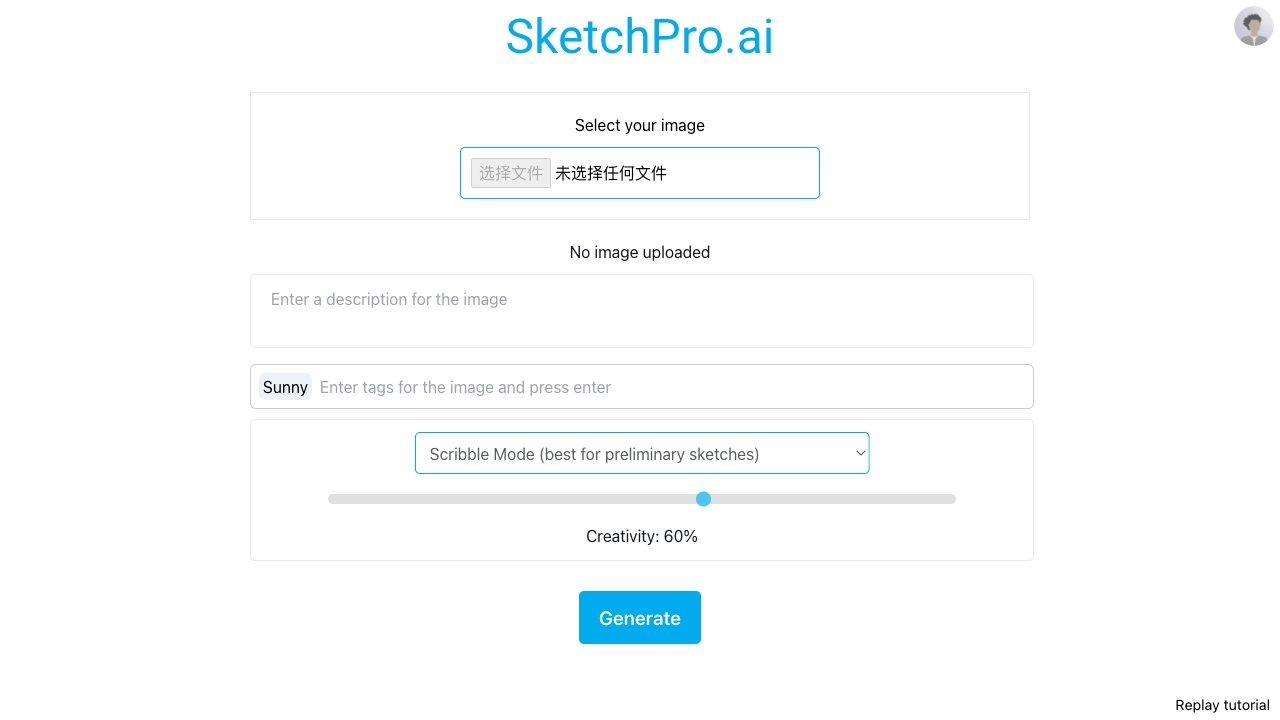
- AI-assisted visual design
- 25 free credits
- Starts at From $1 for 100 credits
- Monthly visits: 1,625 monthly visits

- Text and image to 3D asset generation
- 50 free 3D assets
- Starts at From $0.99/month
- Monthly visits: 118,987 monthly visits

- Architectural image generation
- Free trial available
- Starts at Check vendor pricing
- Monthly visits: 1,026 monthly visits

- Researchers creating scientific figures
- 10 signup credits + 5 daily credits
- Starts at $10/month
- Monthly visits: 95,378 monthly visits


- AI room redesigns
- Free trial available
- Starts at Check vendor pricing
- Monthly visits: 905 monthly visits

- Fast AI artwork from images
- Starts at Check vendor pricing
- Monthly visits: 63,847 monthly visits
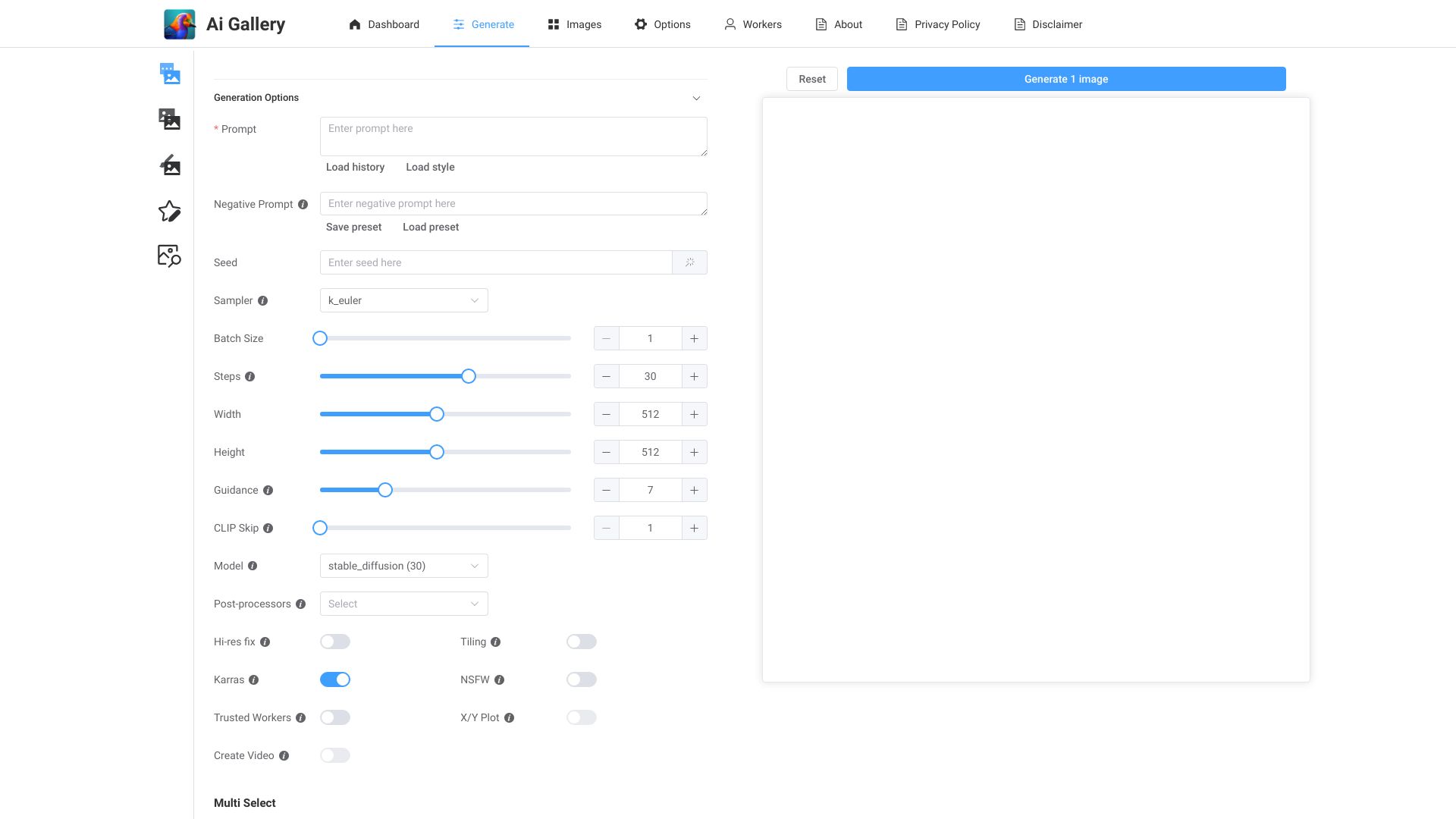

- AI-assisted app building with hands-on editing
- 5 daily credits
- Starts at $25/month
- Monthly visits: 71,924 monthly visits
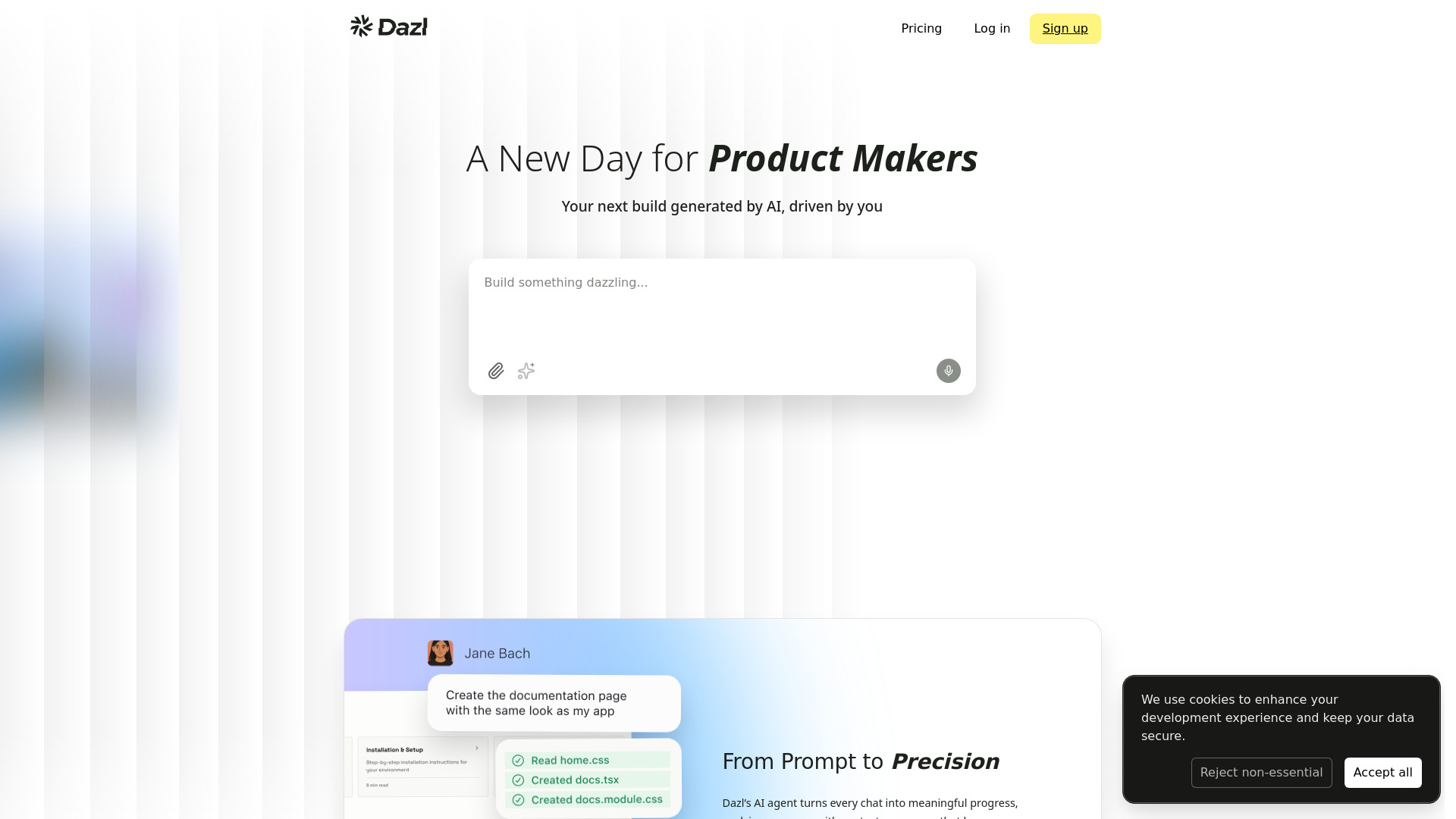

- AI floor plans and home design
- 20 free sign-up credits
- Starts at From $7.99/month
- Monthly visits: 232 monthly visits

- AI art resource discovery
- Starts at Check vendor pricing
- Monthly visits: 682 monthly visits


- Private, browser-based AI creation
- Free plan available
- Starts at Check vendor pricing
- Monthly visits: 32,429 monthly visits


- AI-generated 3D game assets
- Starts at Check vendor pricing
- Monthly visits: 17,690 monthly visits

- Early home design concepts
- Free plan available
- Starts at $9.99/month
- Monthly visits: 73 monthly visits
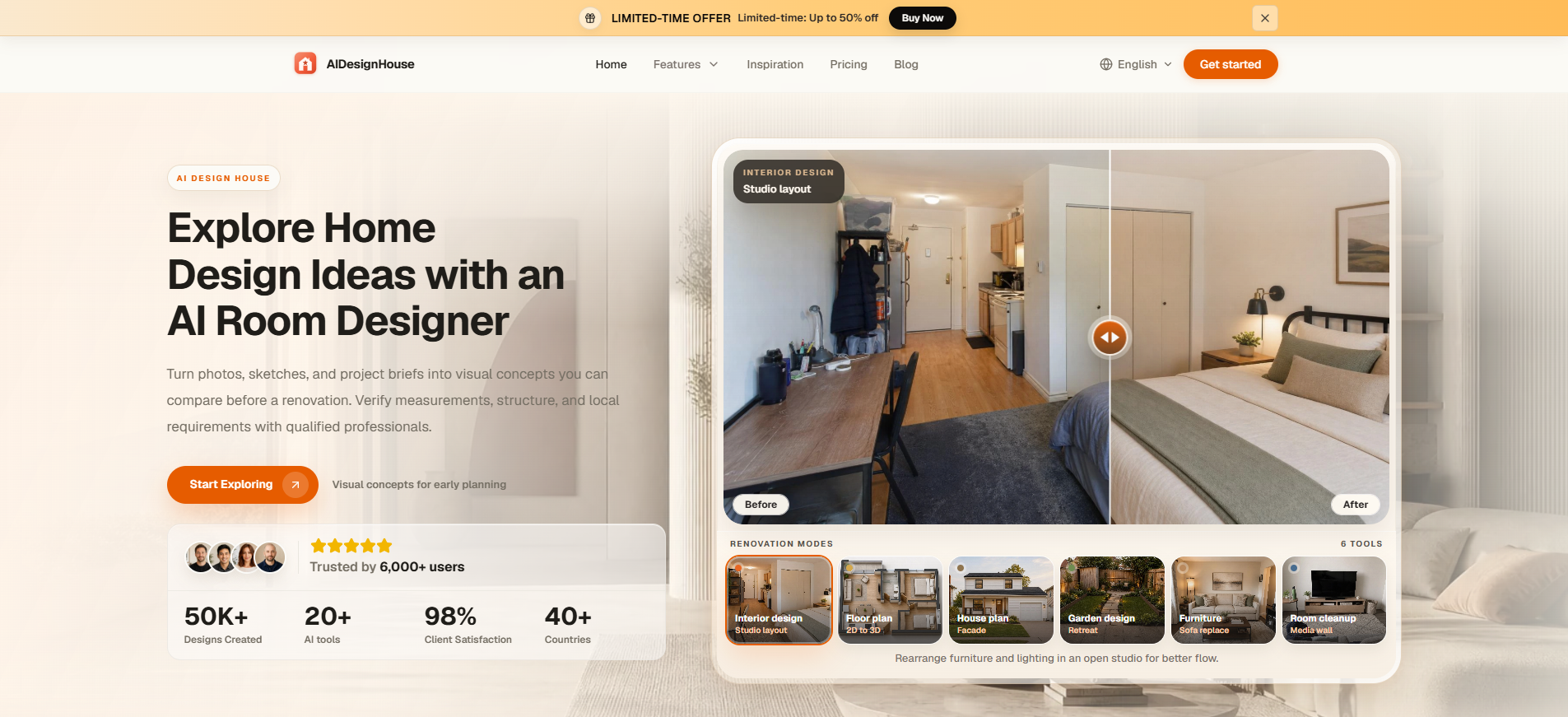

- AI interior and exterior design ideas
- Starts at US$12/user/month
- Monthly visits: 131 monthly visits
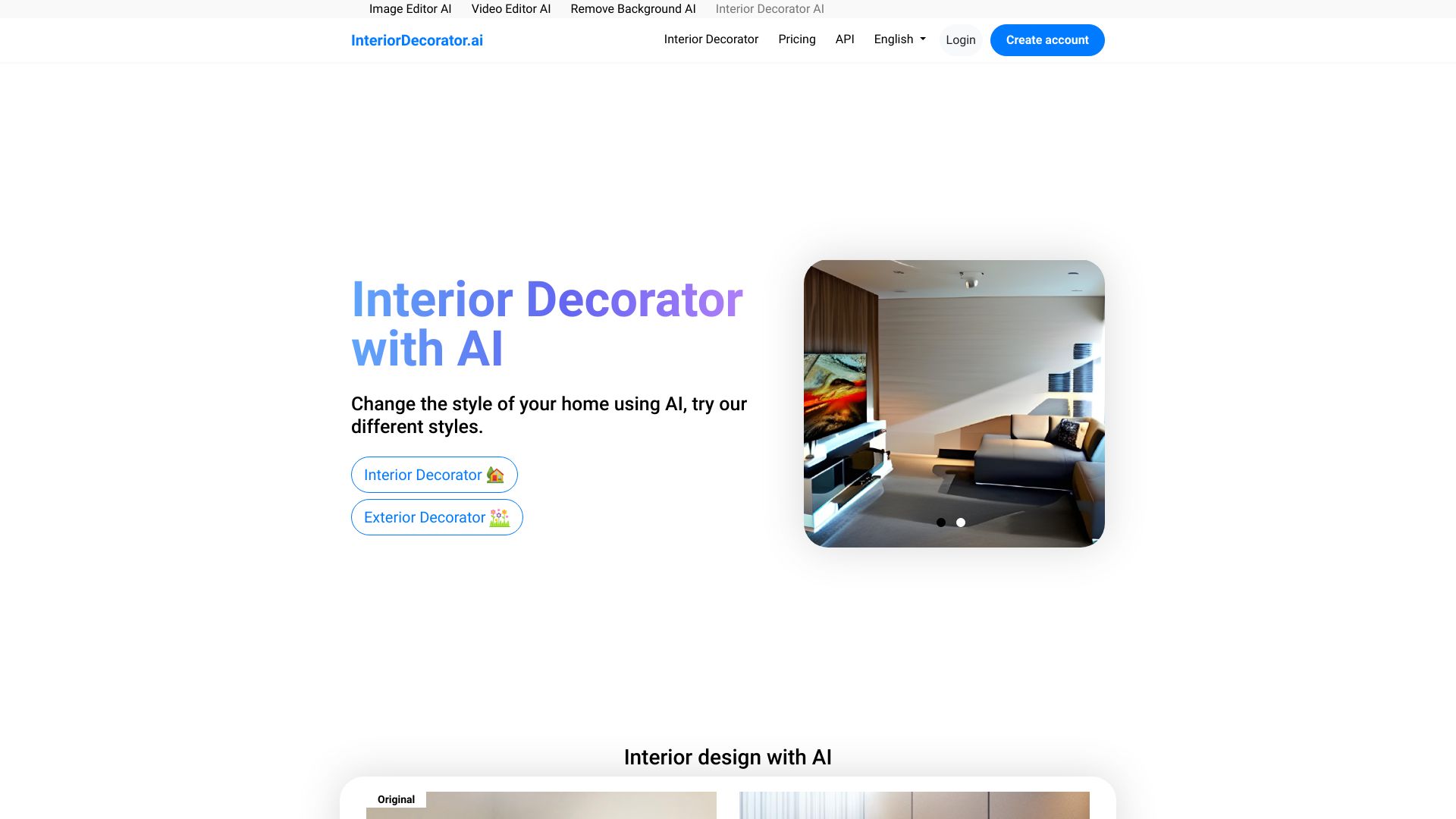

- AI photo animation
- 30 free credits
- Starts at From $4.9
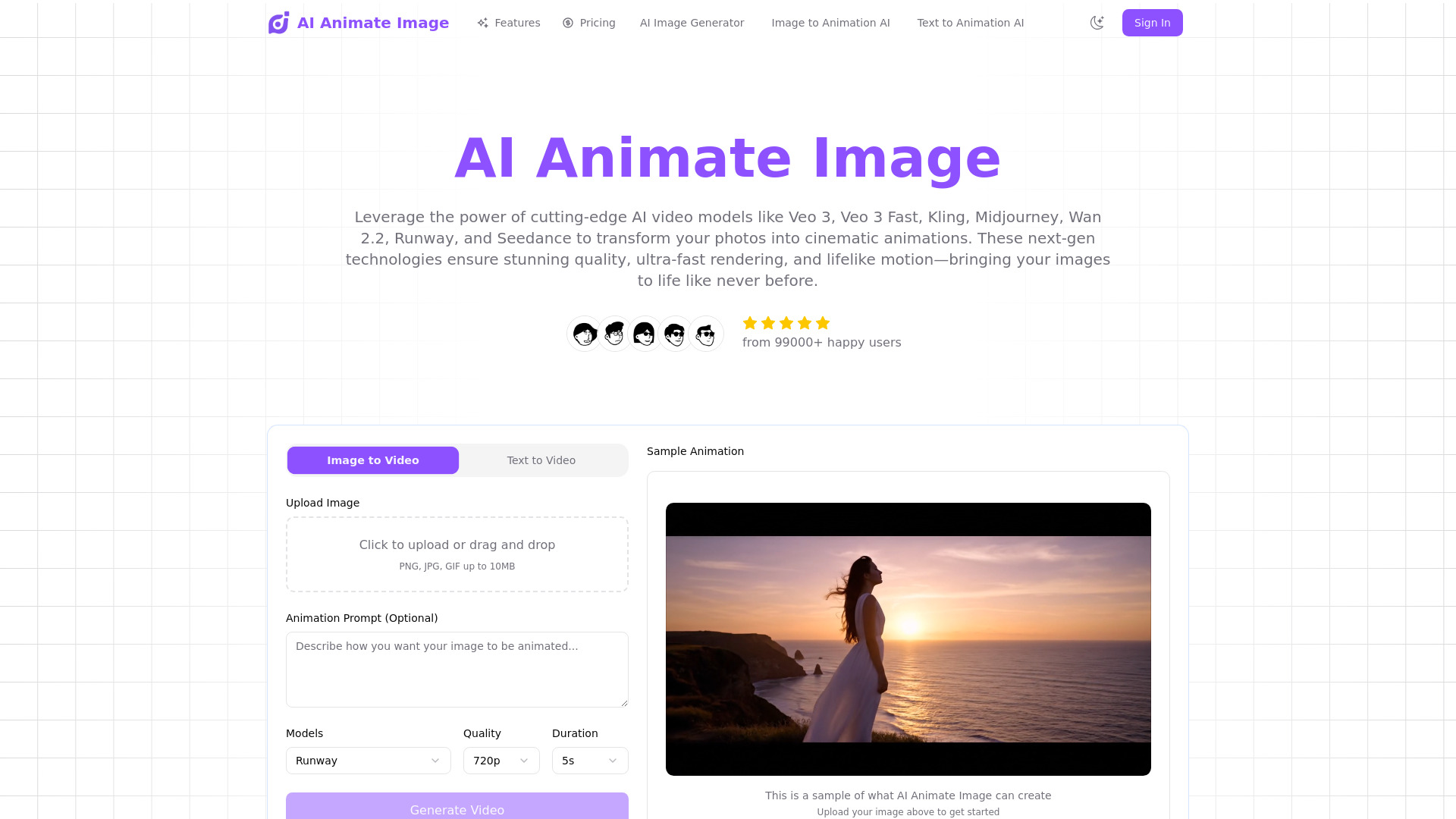
- Monthly visits: 11,459 monthly visits

- 3D asset management for design teams
- Free trial available
- Starts at Check vendor pricing
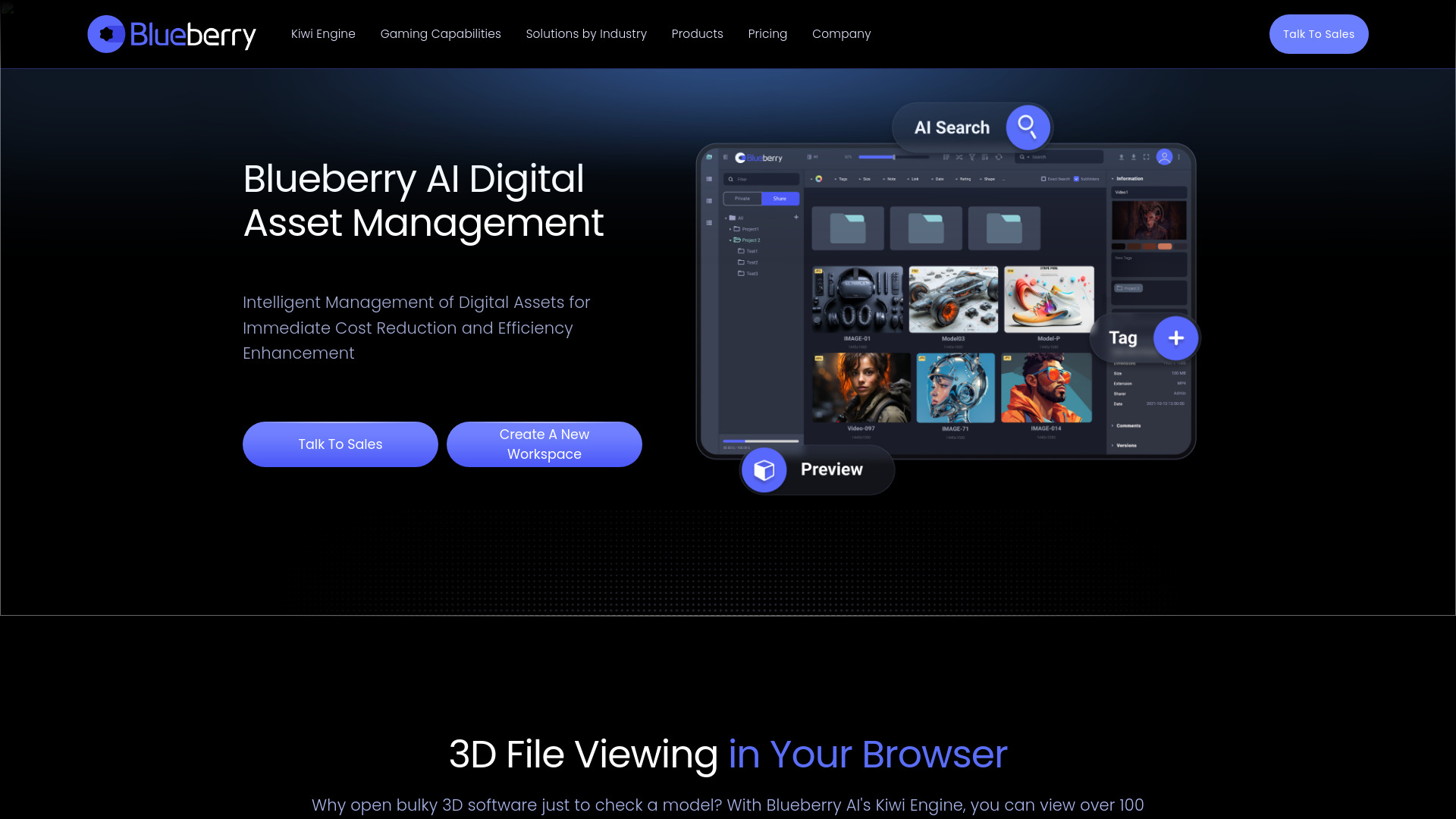
- Monthly visits: 6,434 monthly visits

- Beginners creating 3D models
- 3 free image generations
- Starts at Check vendor pricing
- Monthly visits: 4,834 monthly visits
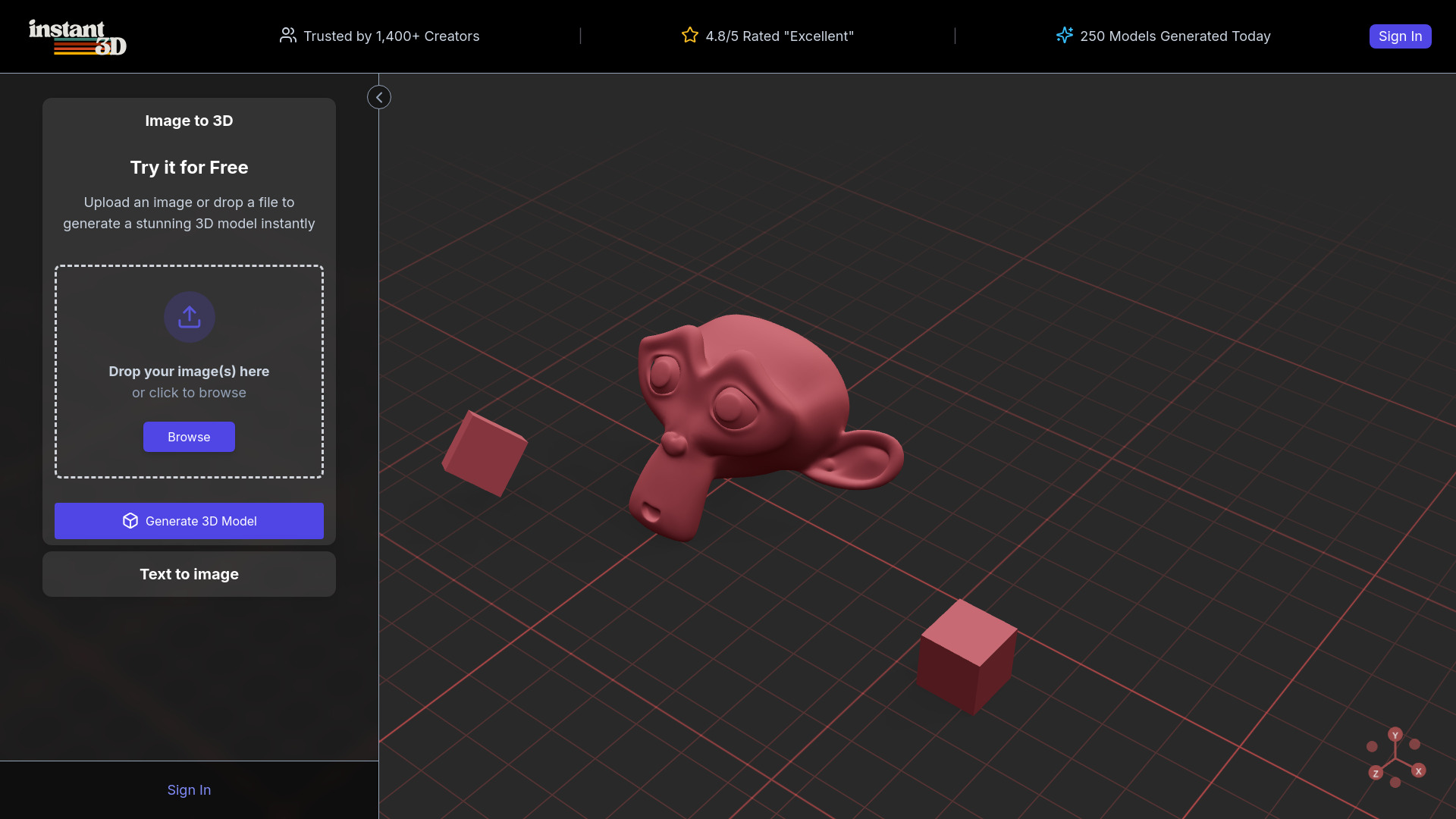

- AI architecture and interior concepts
- Starts at Check vendor pricing
- Monthly visits: 9 monthly visits
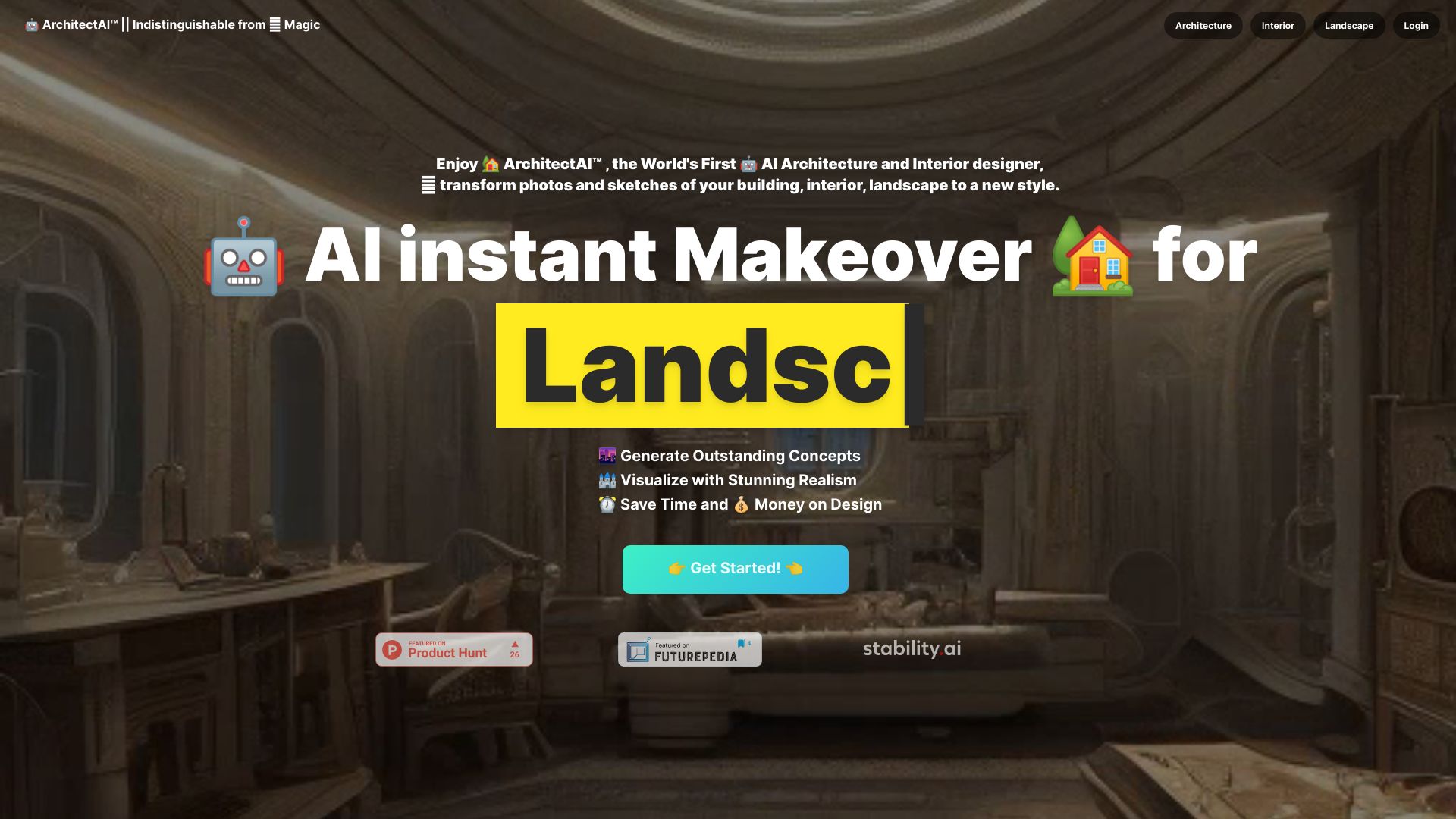

- All-in-one AI image and video creation
- 40 basic-model accesses/day
- Starts at $7.99/month
- Monthly visits: 105,606 monthly visits


- AI image and video creation
- Free plan available
- Starts at From $19
- Monthly visits: 1,489 monthly visits


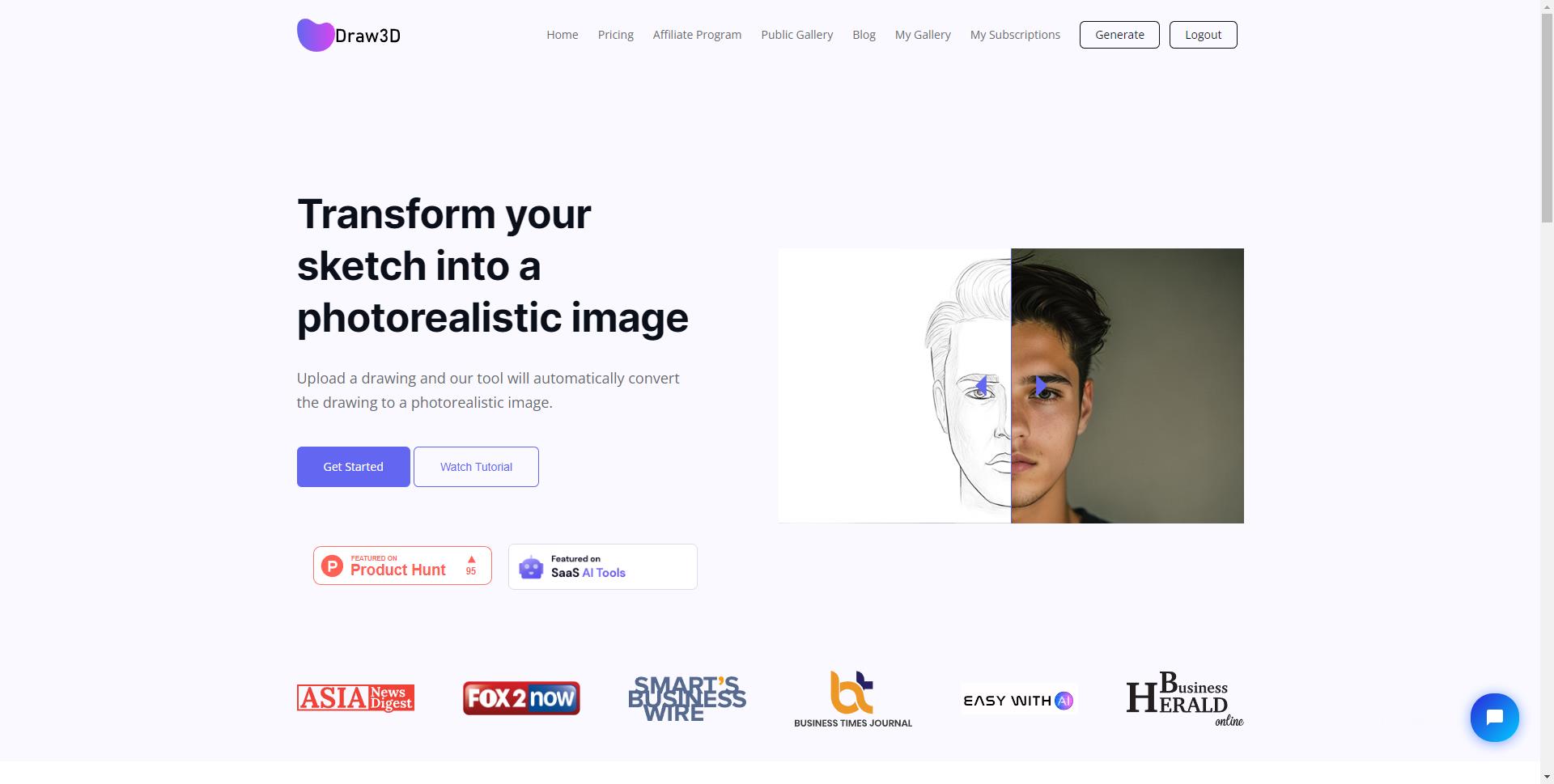
- Turning sketches into photorealistic images
- Free plan available
- Starts at Check vendor pricing
- Monthly visits: 1,354 monthly visits

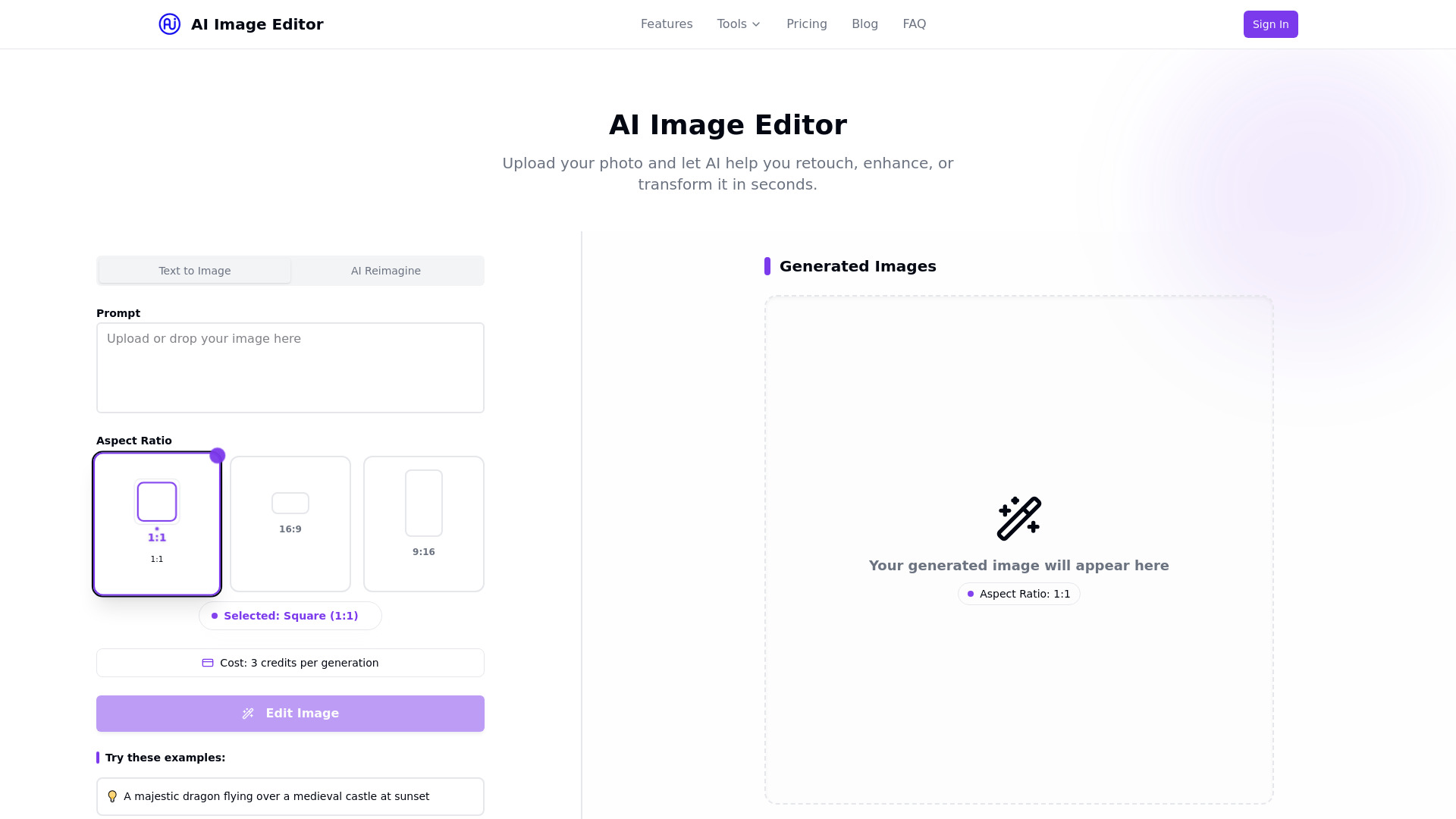
- Quick AI photo enhancement
- 5 free edits/month
- Starts at $19.99/month
- Monthly visits: 1,362 monthly visits

- Brand visuals and custom AI art
- Starts at Check vendor pricing


- AI music analysis and audio tools
- Free plan available
- Starts at Check vendor pricing
- Monthly visits: 104,882 monthly visits
- Curated AI resources for product designers
- 50+ free AI design courses
- Starts at Check vendor pricing
- AI-powered room redesign
- Free trial available
- Starts at Check vendor pricing

- AI-powered home interior visualization
- Starts at Check vendor pricing

- Interior designers learning AI workflows
- Starts at $149


- Fashion design visualization
- Starts at From $1/month
- Monthly visits: 277 monthly visits

- Quick AI-powered room redesigns
- 1 free room, 5 themes, 12 renders
- Starts at From $10
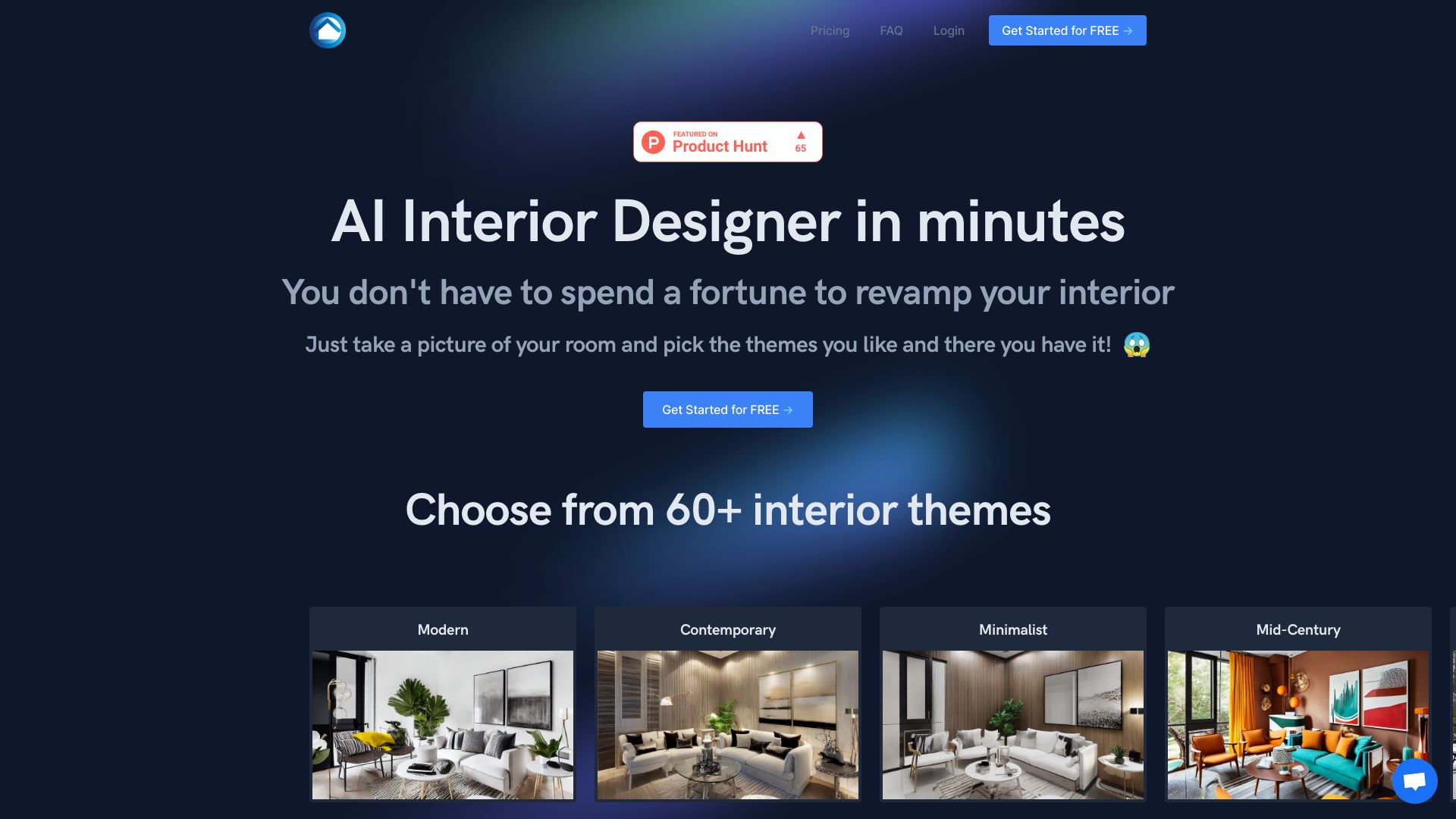
- AI-powered cloud architecture design
- 2 free designs for new users
- Starts at From $10/month

- Photo-based room, exterior, and garden redesigns
- 8 free credits
- Starts at From $12.90 one-time

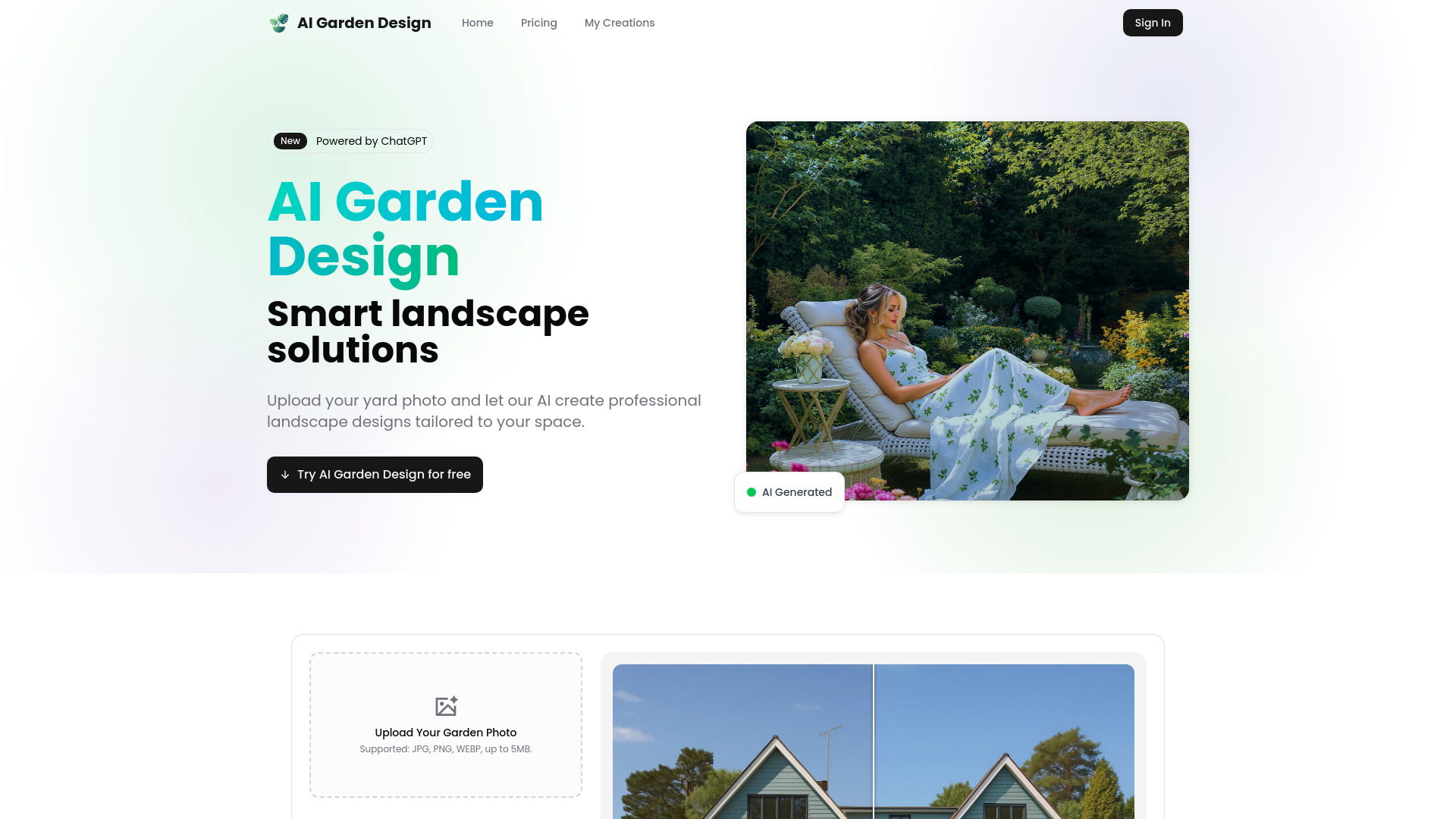
- Homeowners planning outdoor spaces
- 3 free garden designs
- Starts at $9.90 one-time

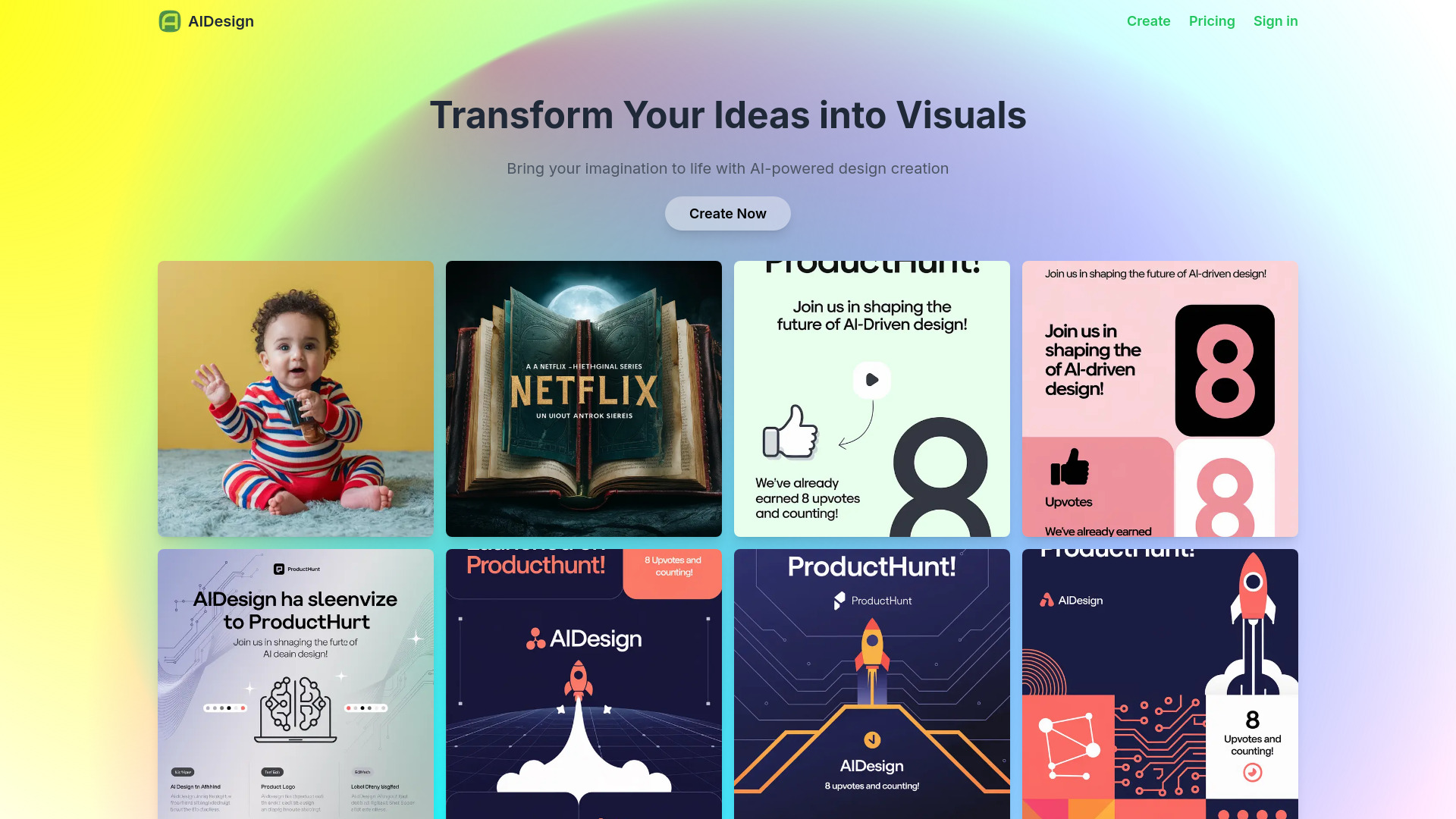
- Free AI image generation
- Free plan available
- Starts at Check vendor pricing

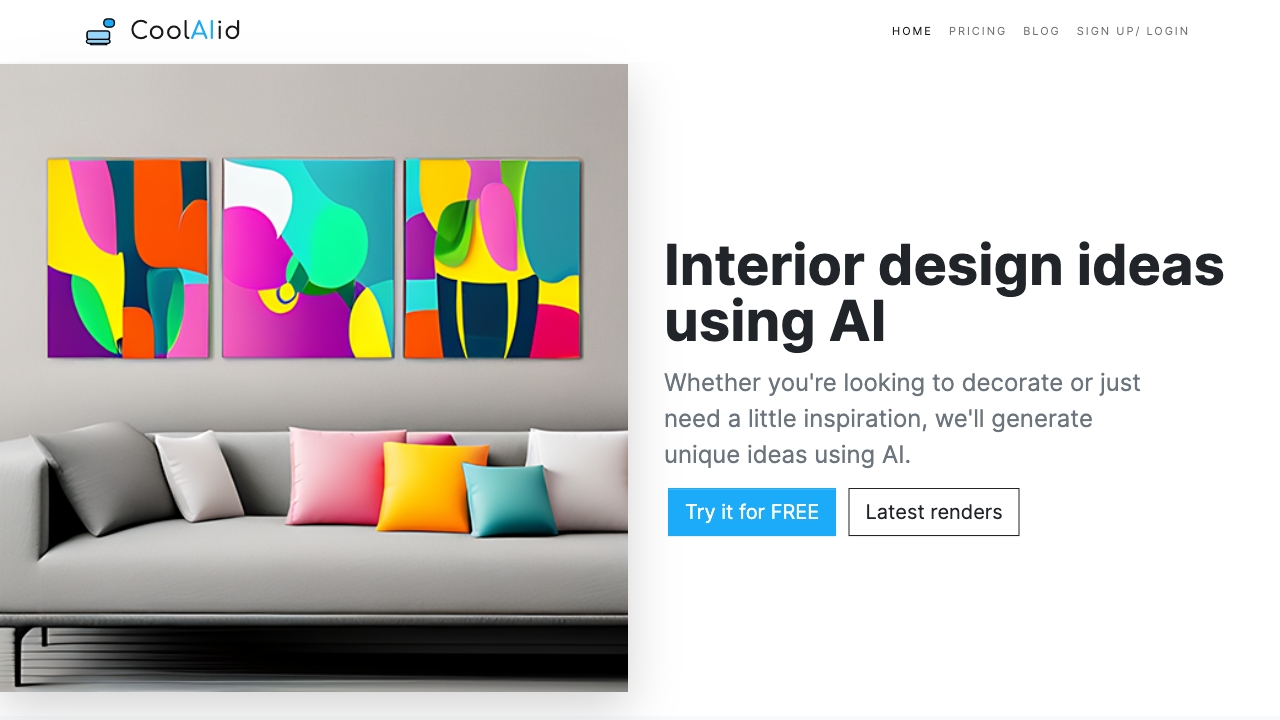
- AI interior design ideas
- Starts at Check vendor pricing
- AI-generated UI/UX mockups
- Free plan available
- Starts at Check vendor pricing


- AI interior design ideas
- Starts at Check vendor pricing
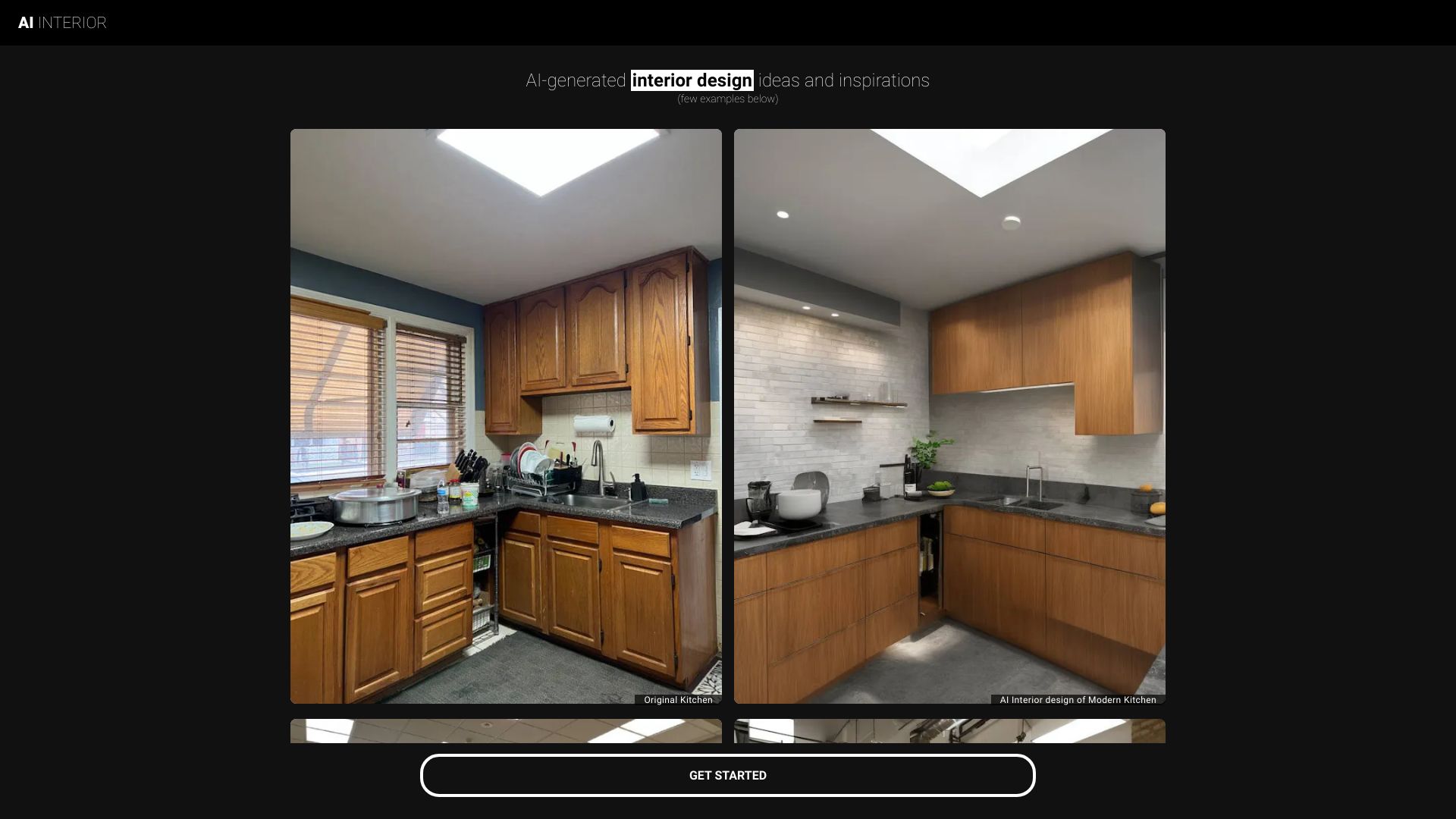

- AI-powered interior design visualization
- Free plan available
- Starts at $15
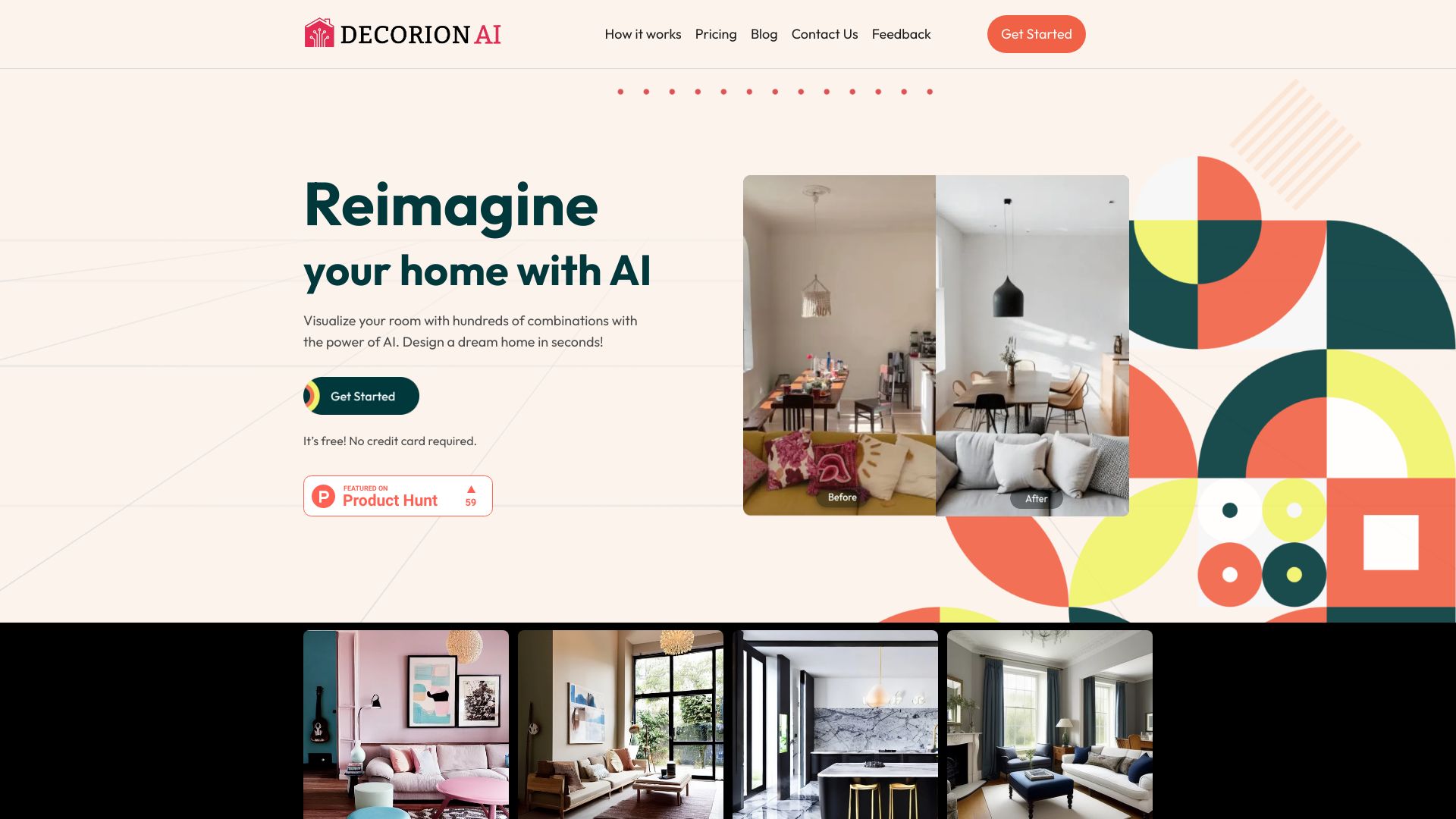

- AI website creation for small businesses
- Free plan available
- Starts at From $9/month

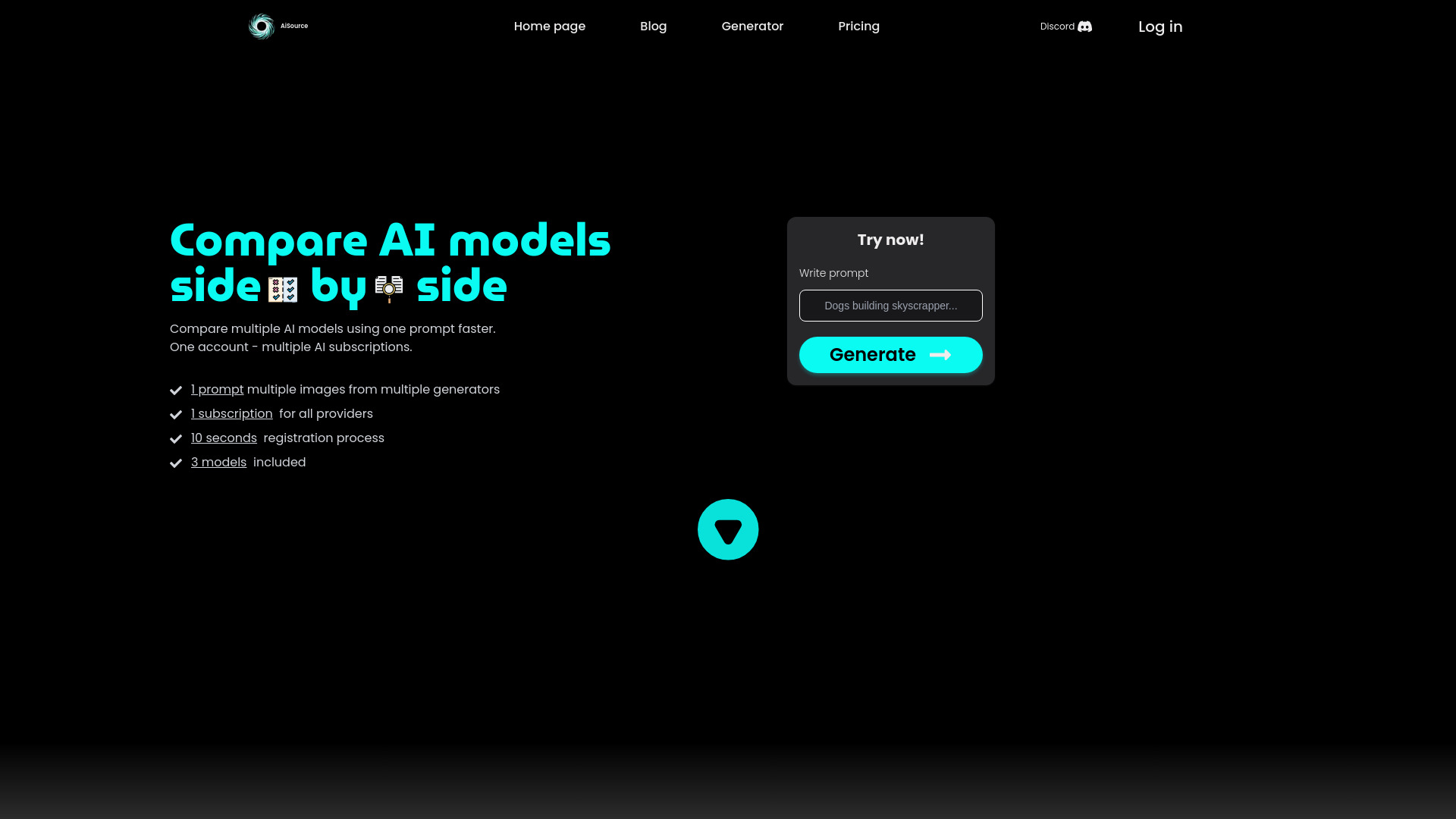
- AI-powered room redesign
- Starts at Check vendor pricing


- Comparing multiple AI image generators
- Starts at From $10

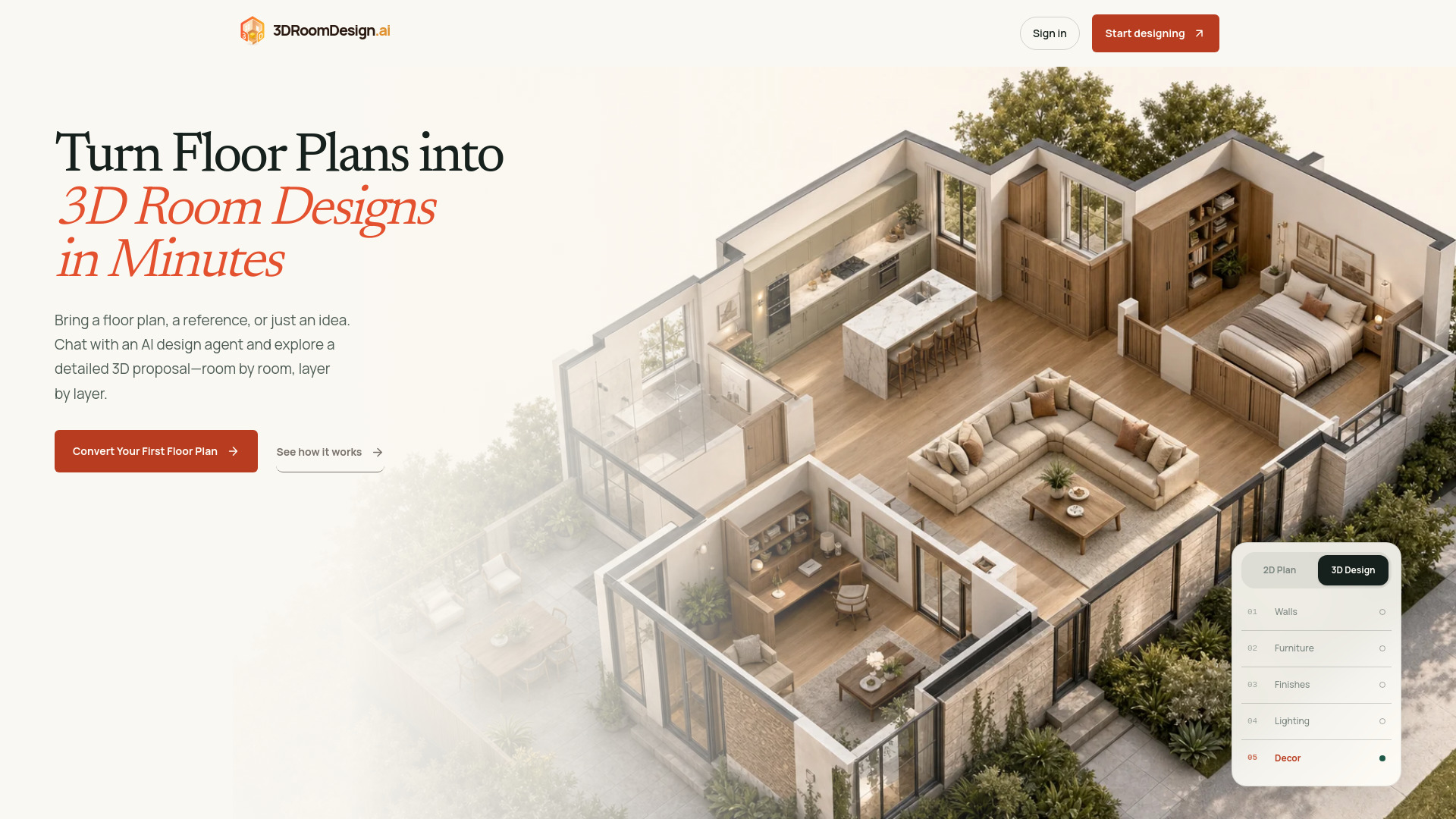
- AI floor plan to 3D room design
- 300 free credits
- Starts at Check vendor pricing

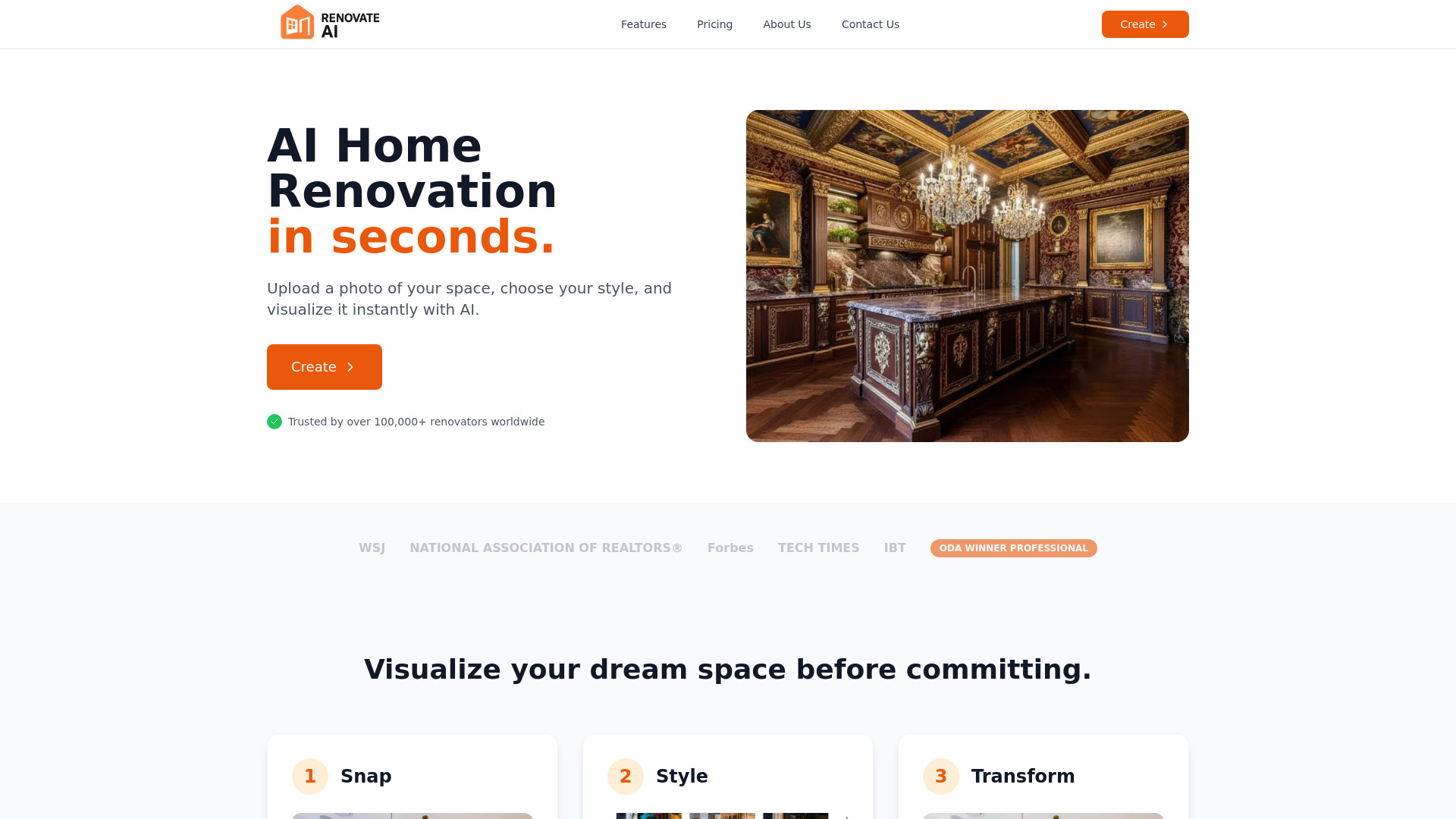
- Visualizing home renovation ideas
- Free plan available
- Starts at $13/month

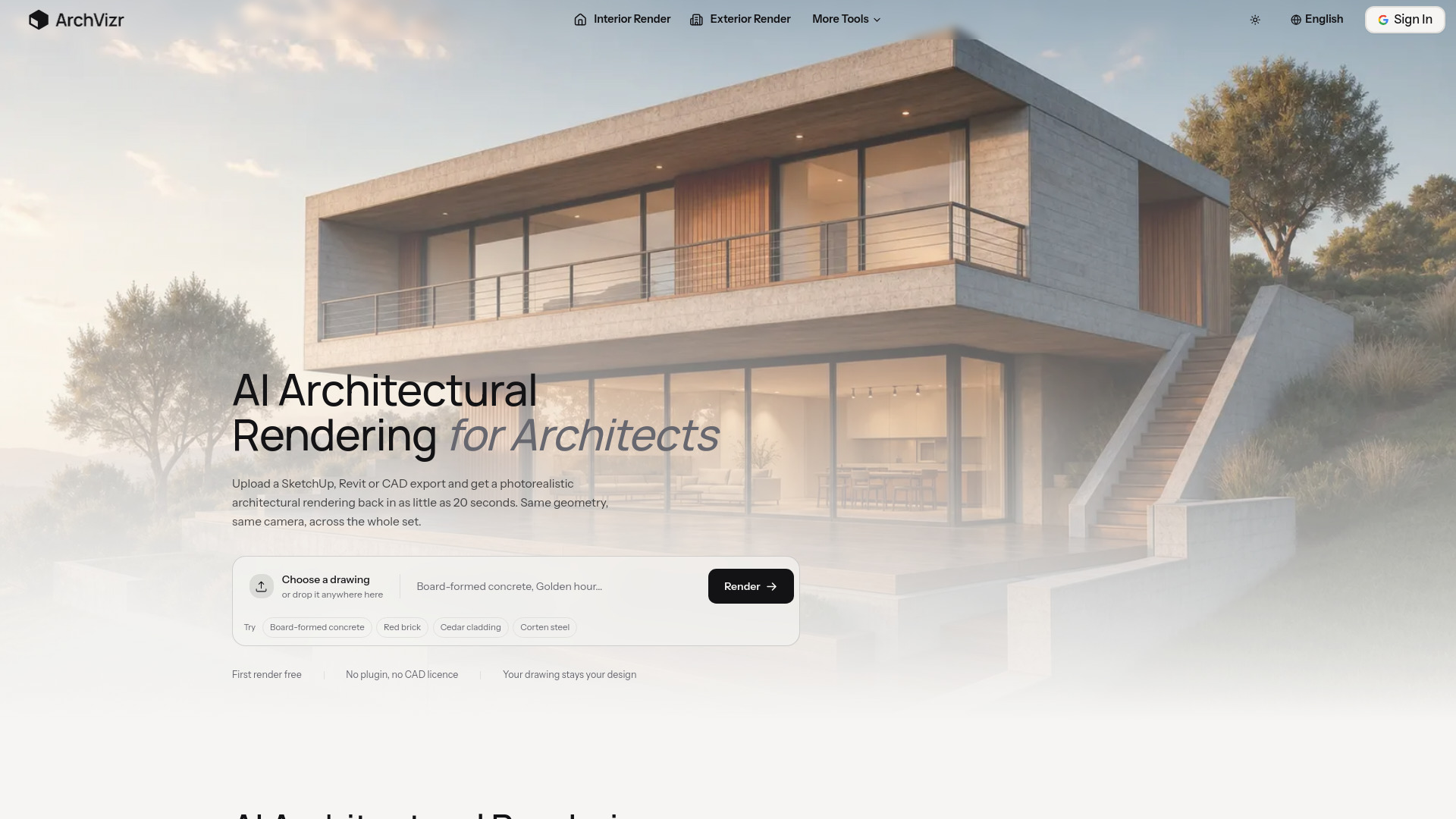
- Consistent architectural renders
- Free trial available
- Starts at $14.99/month

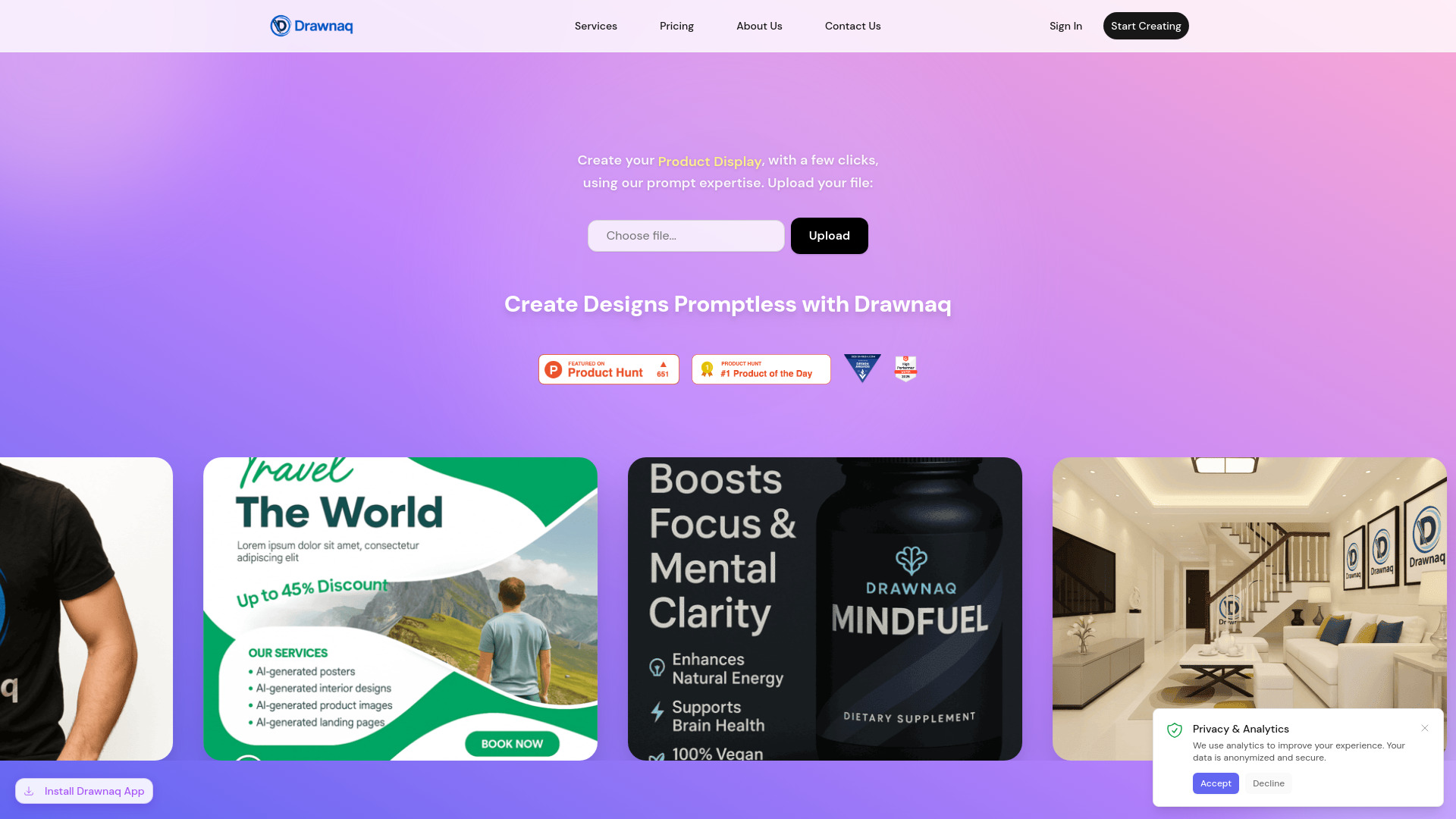
- AI product visuals and brand assets
- Free plan available
- Starts at Check vendor pricing
- AI-powered interior redesigns
- Free plan available
- Starts at Check vendor pricing

- AI-powered interior redesign
- 30 free transformations
- Starts at €0.070 per generation
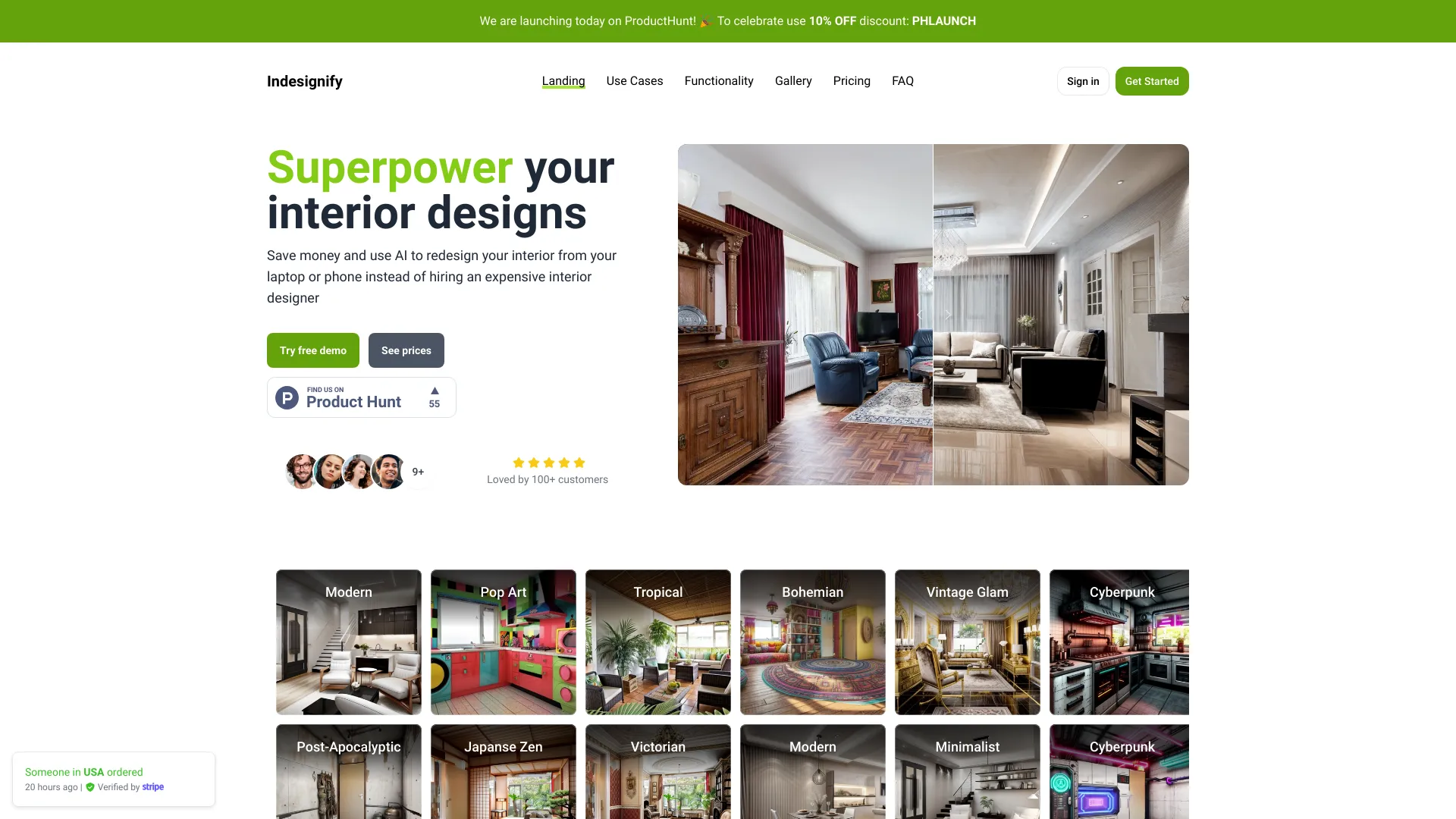
- Personalized gaming desk setup concepts
- Starts at From $9.99
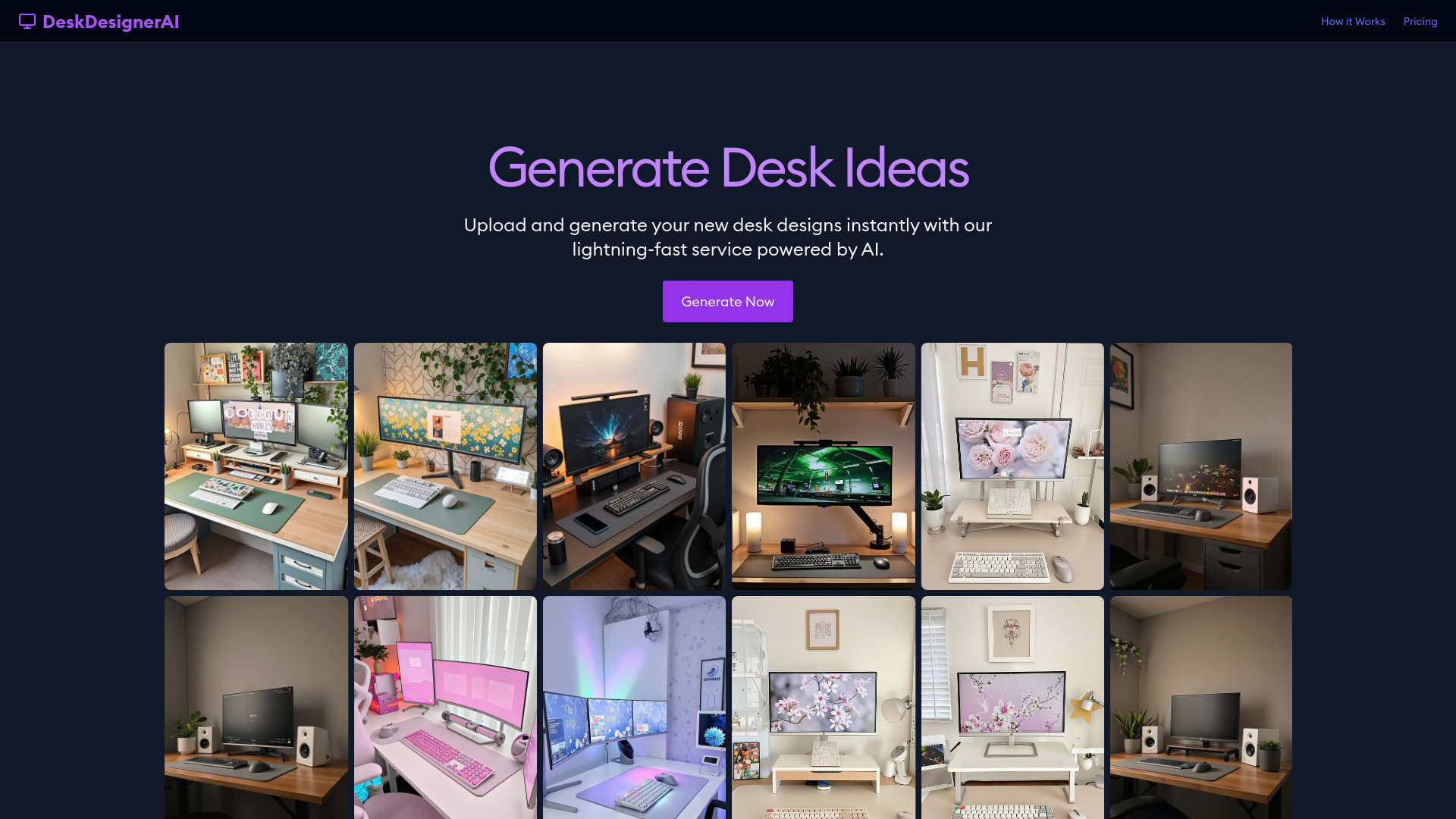

- Bathroom remodel visualization
- 3 free redesigns daily
- Starts at $9.99/mo billed annually
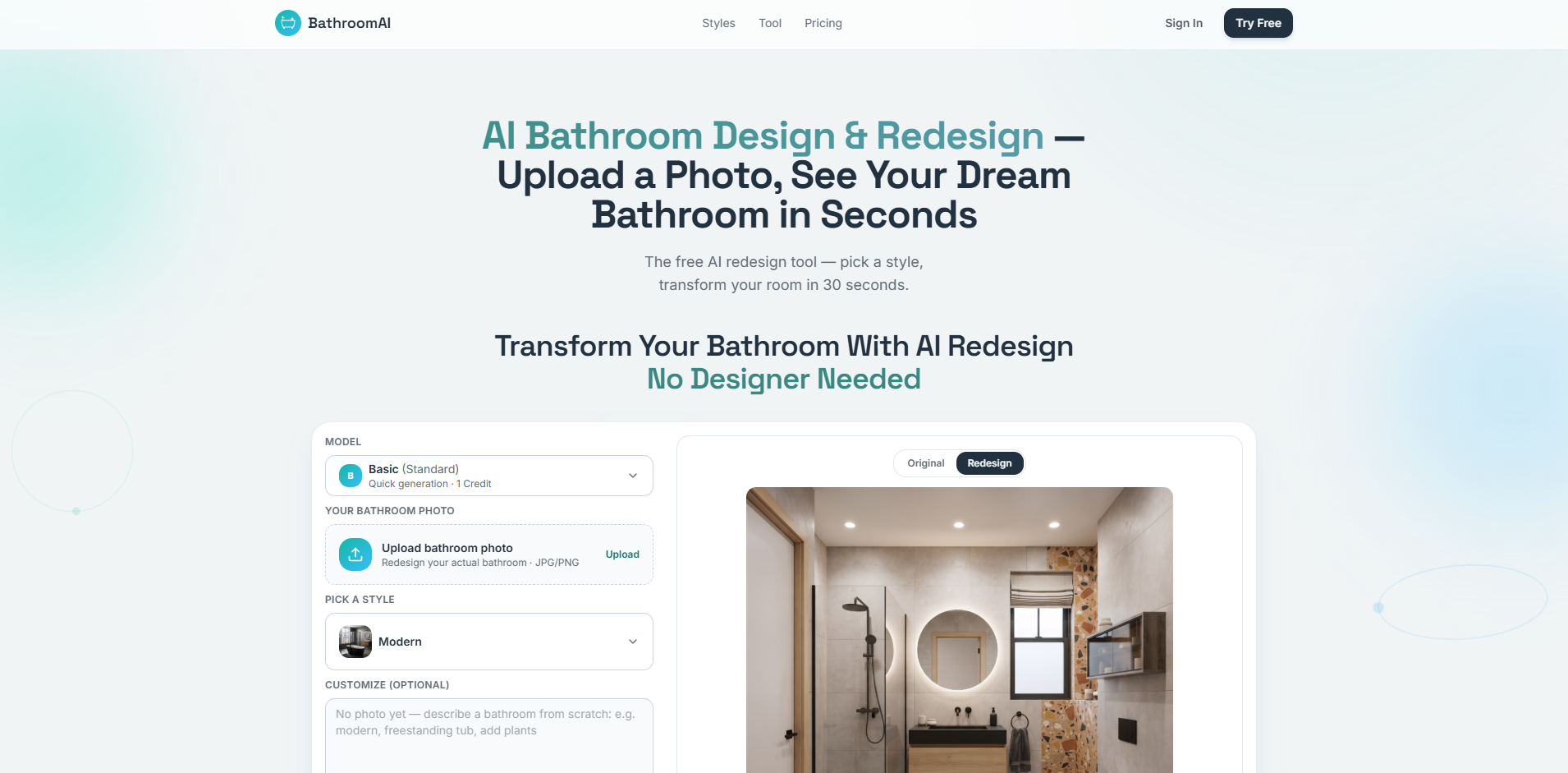

- AI-assisted Figma text editing
- Free plan available
- Starts at Check vendor pricing


- AI room redesign
- 5 free generations daily
- Starts at $12/month billed annually
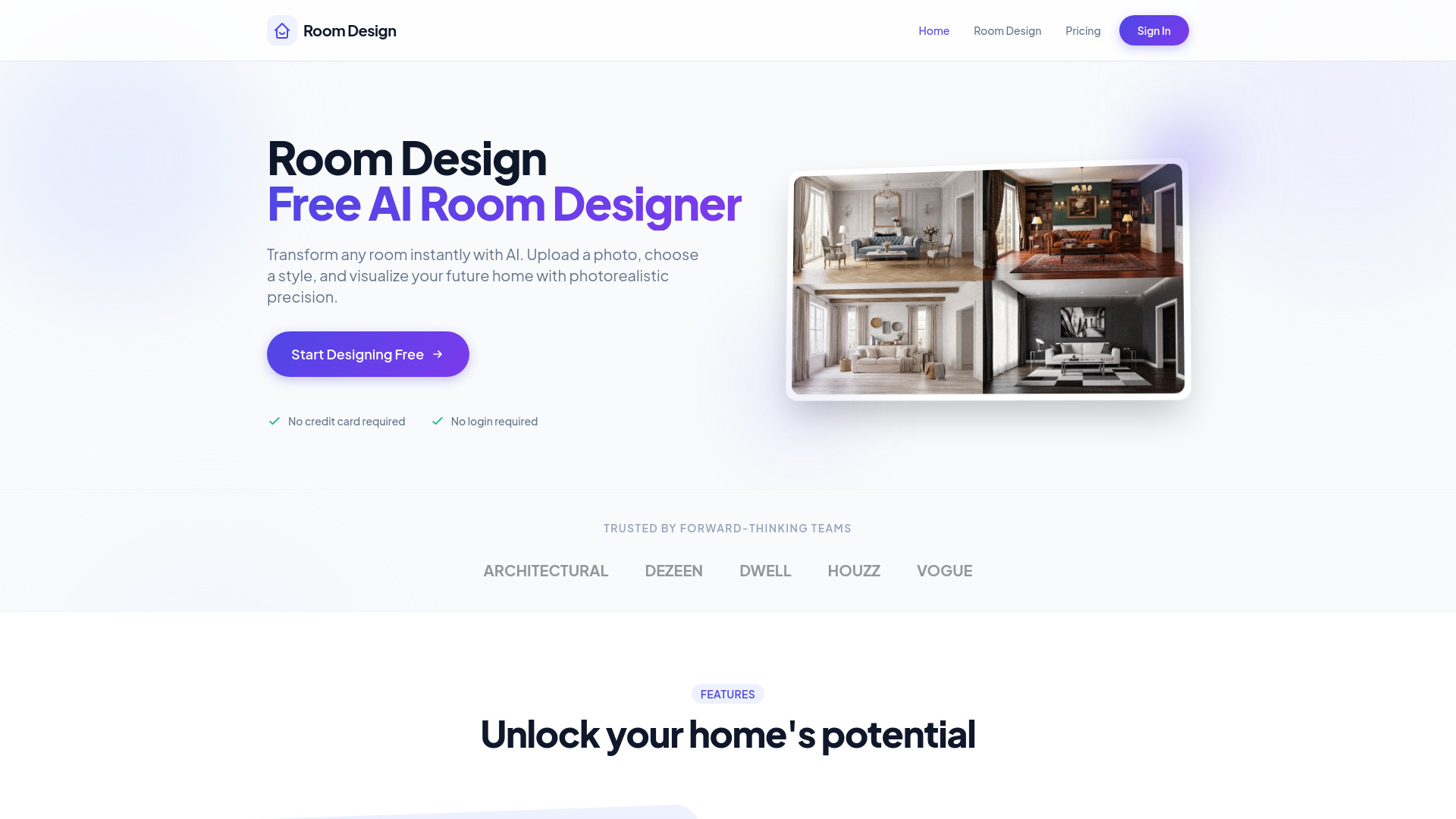

- AI-powered room redesigns
- Free plan available
- Starts at From $4.99
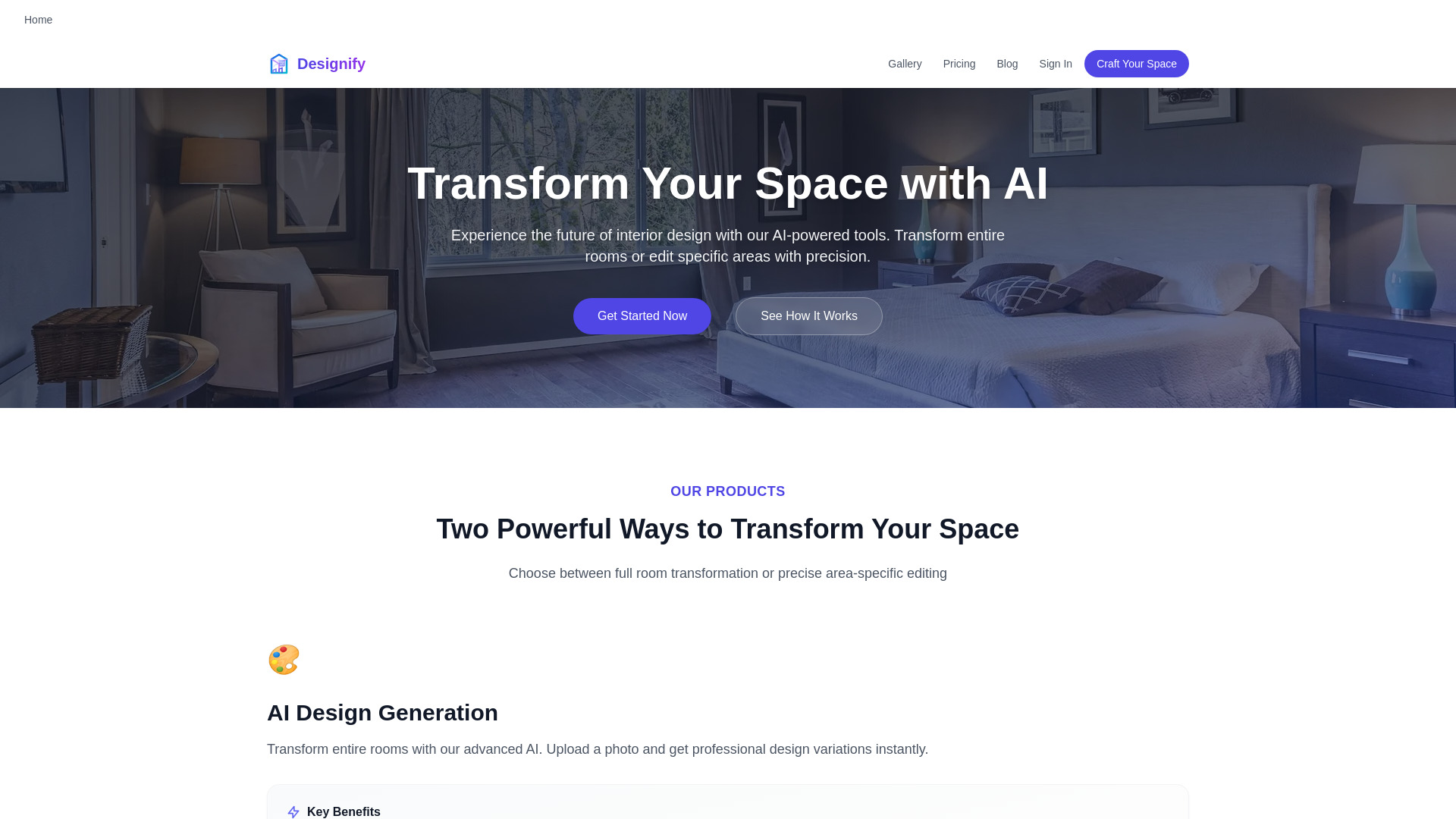

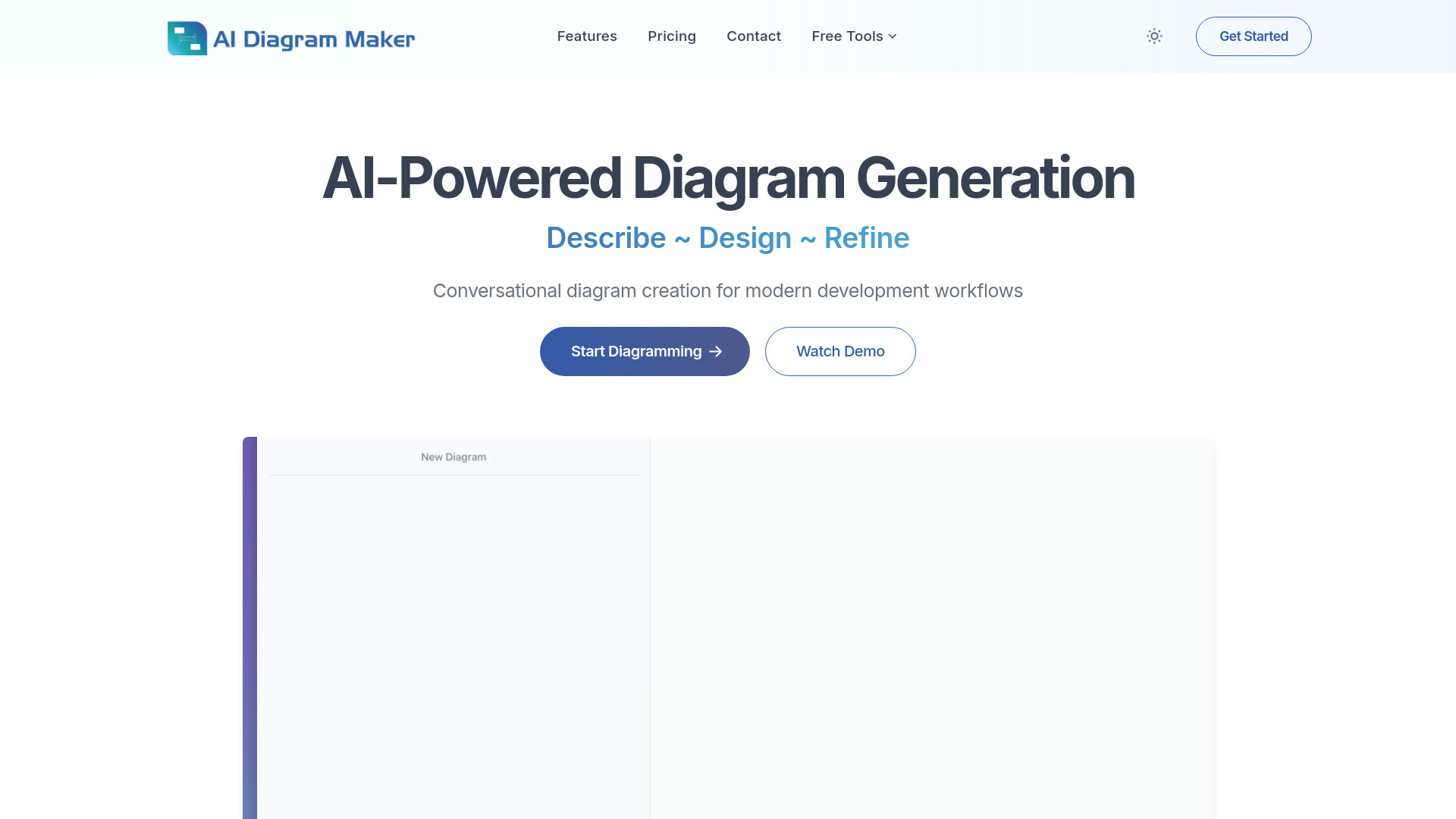
- Software architecture diagrams
- 10 AI credits/month
- Starts at $0 forever
- Photo-based garden concepts
- 3 free generations
- Starts at Check vendor pricing
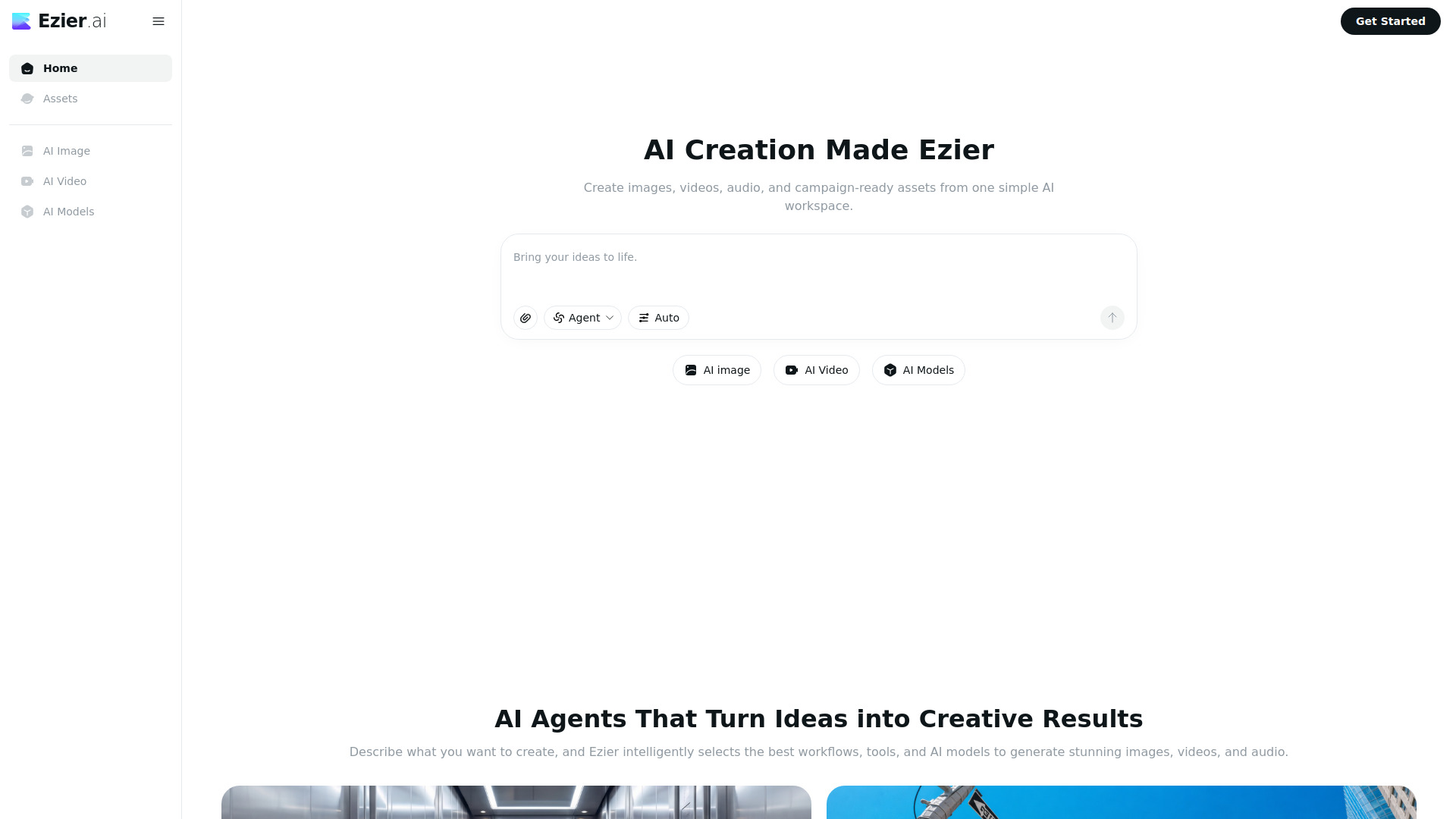
- All-in-one AI image and video creation
- Starts at Check vendor pricing

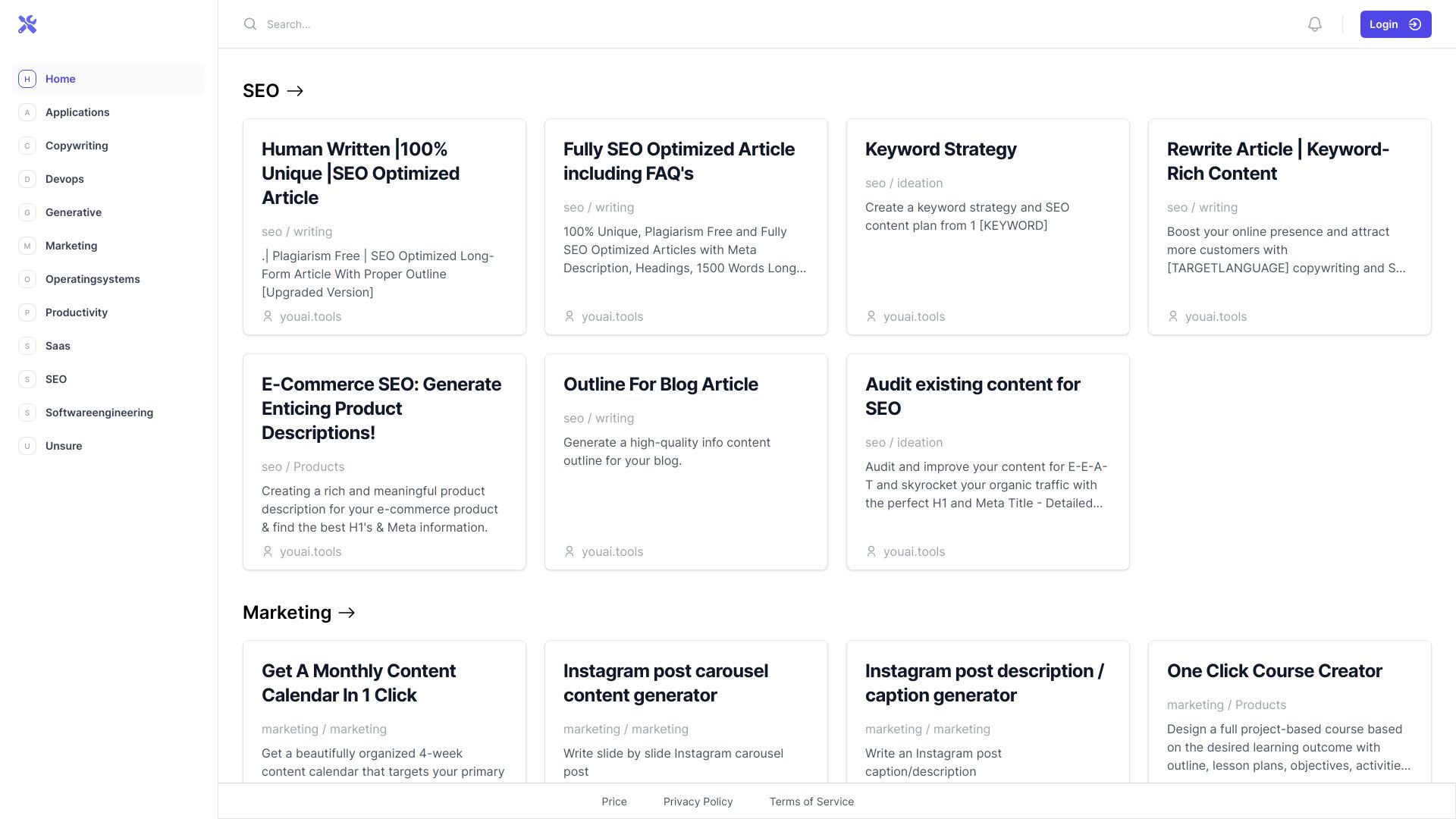
- AI prompt and widget discovery
- Free plan available
- Starts at Check vendor pricing

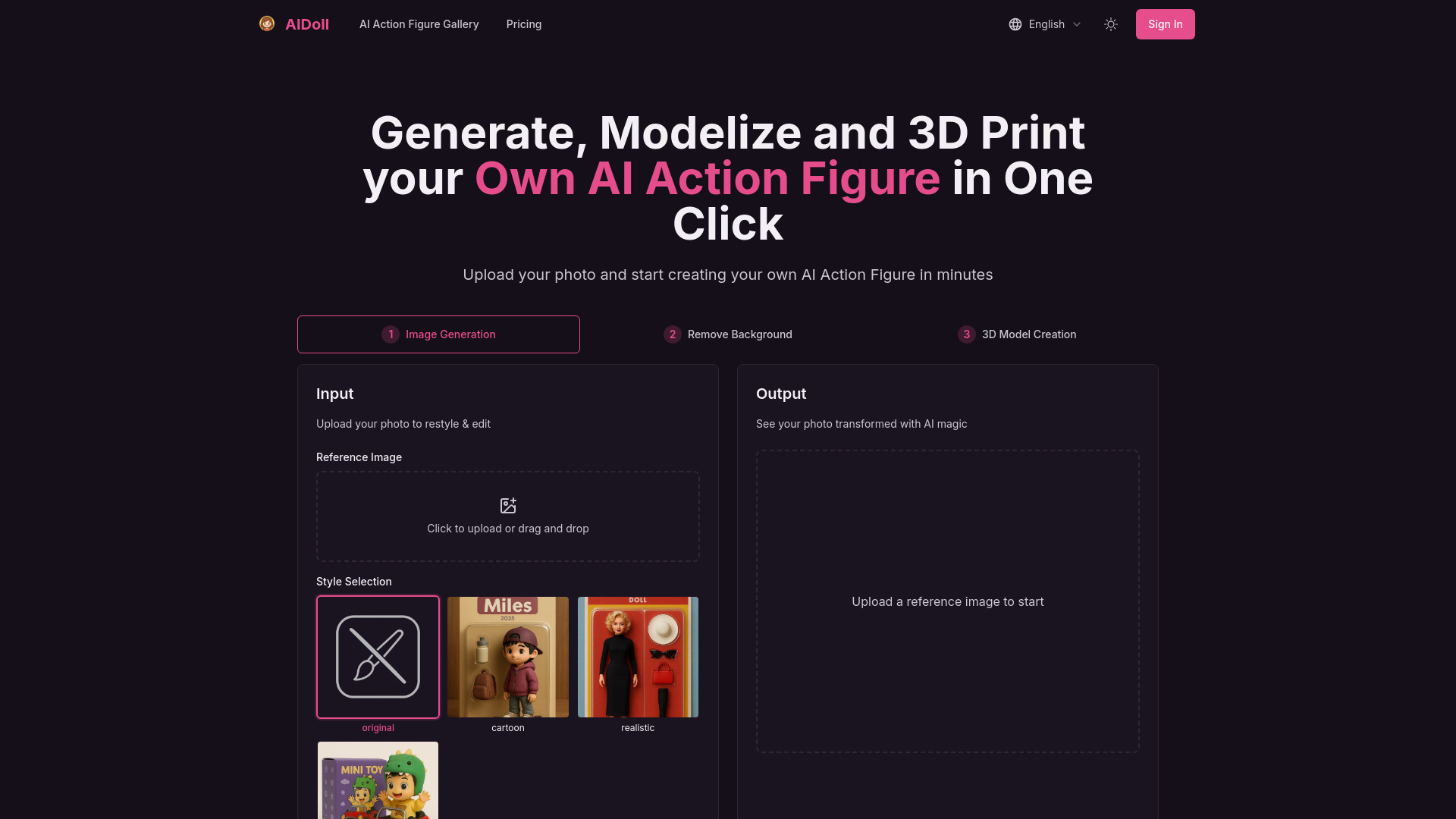
- Custom AI action figures
- Starts at From $1.99

- Offline text-to-image creation
- Starts at Check vendor pricing


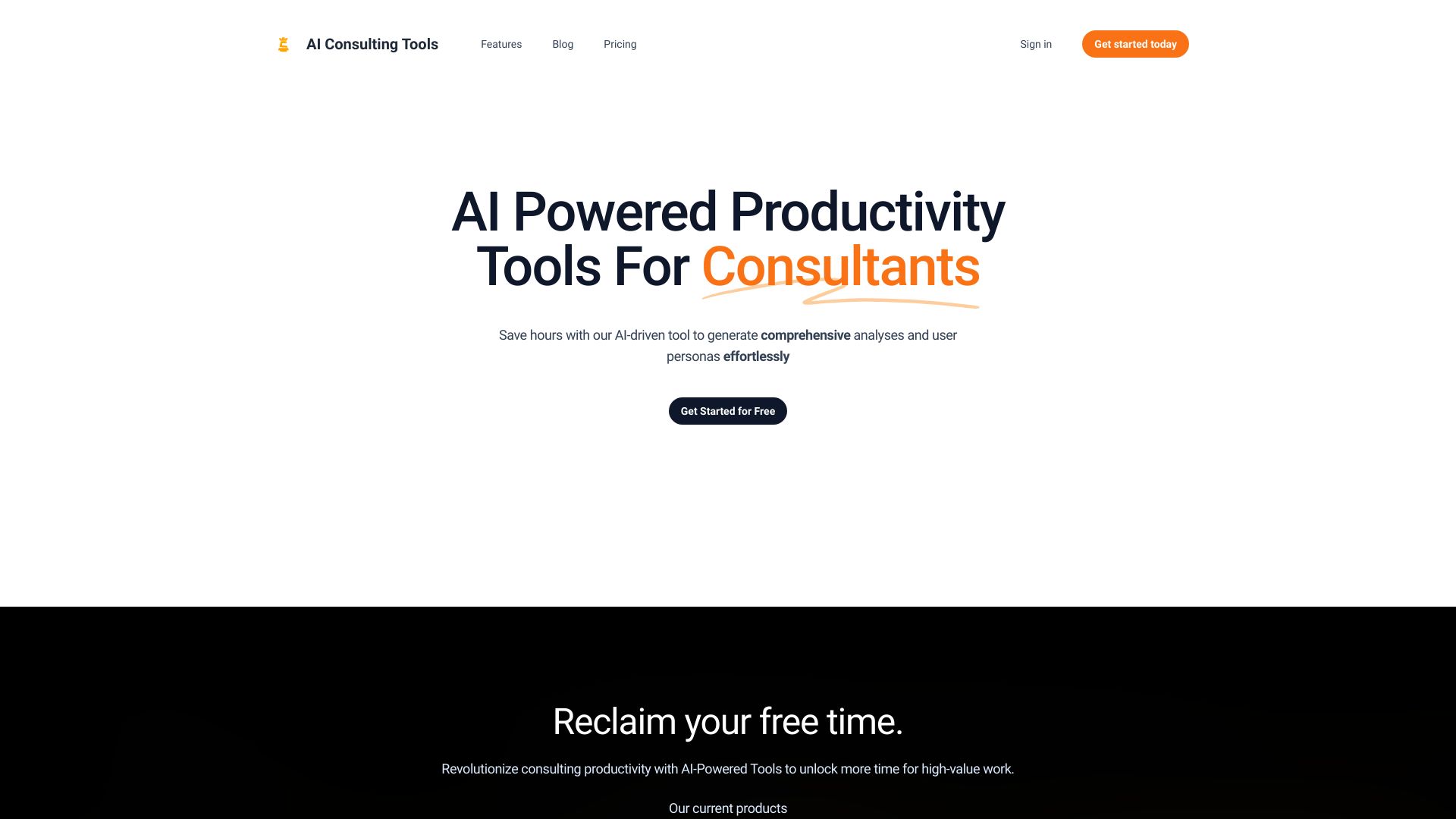
- Business analysis templates
- Starts at Check vendor pricing
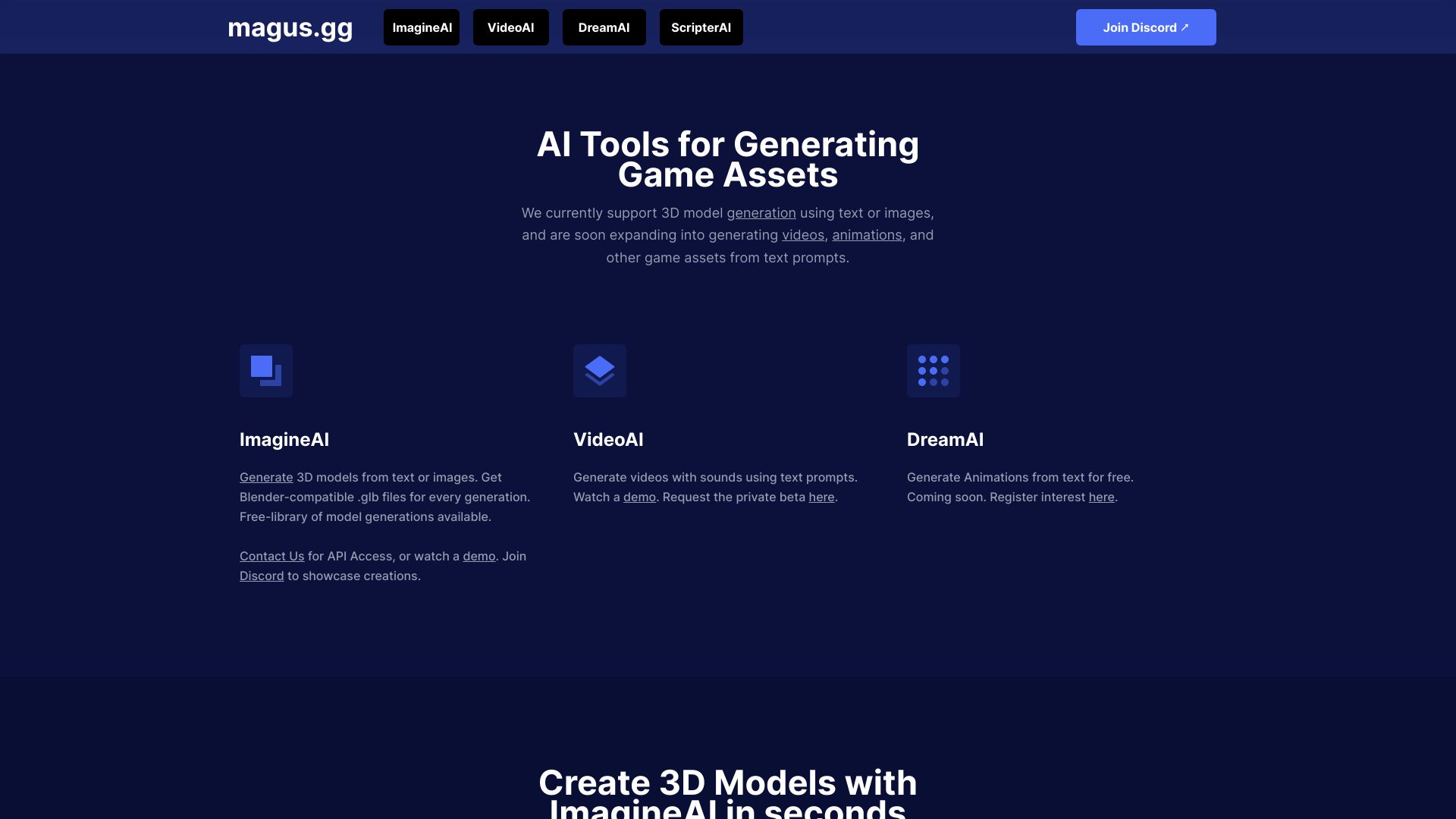
- Text-to-3D game assets
- 15 free generations
- Starts at From $7.99 per 100 generations

- Editable animated system diagrams
- Free plan available
- Starts at Check vendor pricing


- AI photo style filters
- 20 free credits
- Starts at $4.99 one-time


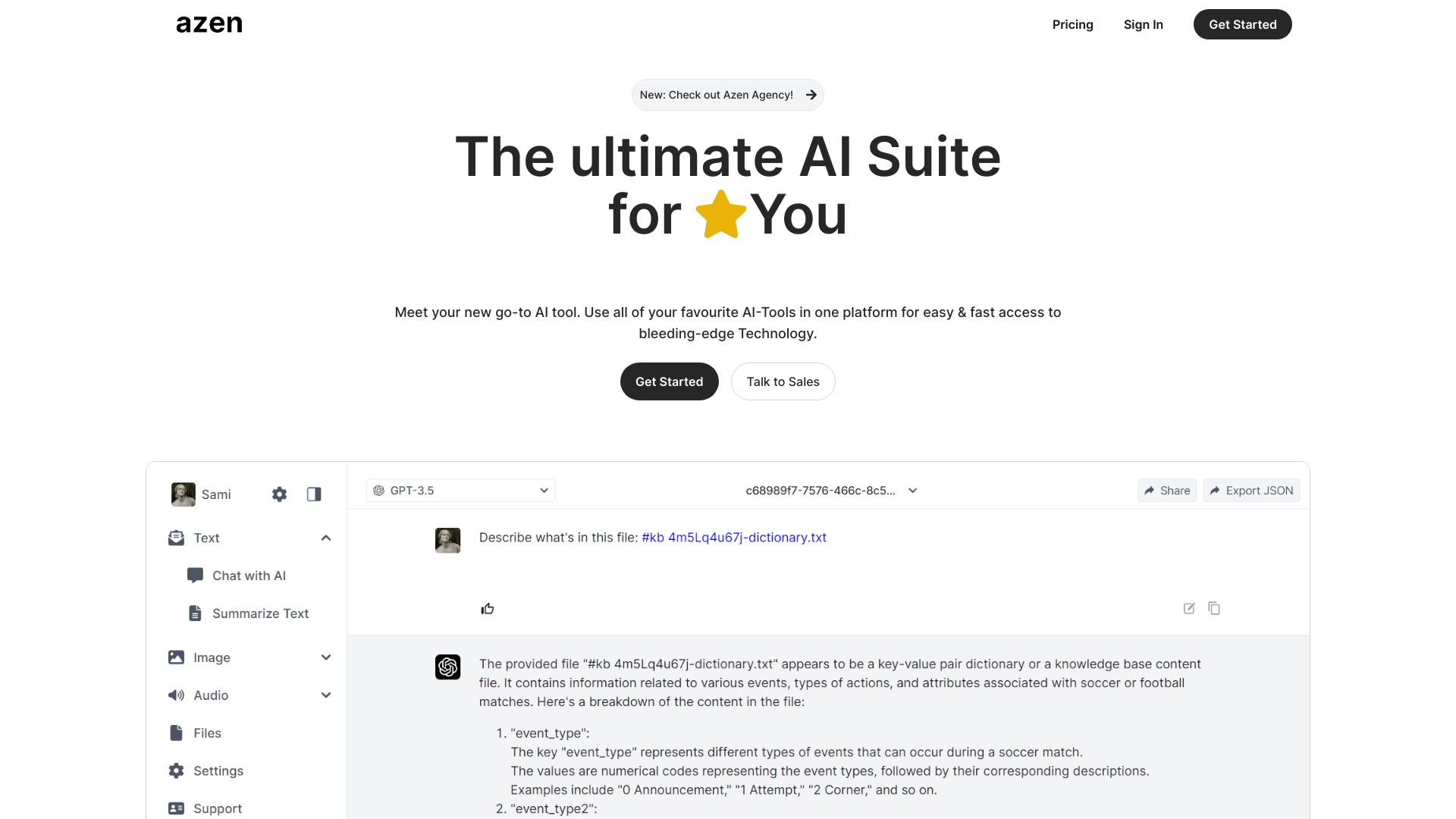
- All-in-one AI tool access
- 5,000 free messages/month
- Starts at Check vendor pricing

- Discovering AI tools in Spanish
- Starts at Check vendor pricing

Which top AI design tools should you try first?
Start with the format of your source material. Choose Planner 5D for 2D home plans, MyArchitectAI or Rendair for architectural visualization, and Home Design AI for quick interior experiments. For general visual work, Dzine AI is the strongest first test, while AI Illustration Generator is better when consistency across a set matters.
The top AI tools for designers are not necessarily the tools with the broadest feature lists. Pick the narrowest product that matches your output, then compare how much manual cleanup it leaves behind.
What to test before choosing
Run the same small project through two or three finalists. Check whether the tool preserves composition, style, proportions, and the details that matter in your field. Then test the free allowance, export or download restrictions, watermark policy, and the point at which paid access becomes necessary.
Also test the revision loop. A useful design tool should help you move from rough concept to acceptable result without repeatedly starting over. That is often more important than the first-generation demo.
Common mistakes when choosing AI design tools
Choosing by category alone: Interior design, architectural rendering, web design, illustration, and infographic creation need different workflows.
Ignoring the input format: A text-to-render tool may not be the right choice when you already have a floor plan, elevation, image, or 3D base.
Treating free access as production-ready: Watermarks, credits, visitor limits, and member-only downloads can change the real cost quickly.
Overlooking revision control: A polished first result is less useful if the tool cannot make targeted changes.
Confusing benchmarks with production tools: Design Arena helps compare models; it does not replace a workspace for creating finished assets.
Skipping the commercial-use check: Confirm current licensing and pricing with the vendor before publishing client or commercial work.
FAQ
Planner 5D ranks first in this leaderboard for its focused 2D-plan-to-3D workflow and strong homeowner fit. Dzine AI and AI Illustration Generator are the most relevant starting points for graphic and illustration work, while MyArchitectAI, Home Design AI, STUDIO AI, VDraw AI, Design Bundles, Design Arena, and Rendair serve more specialized needs.