
Suggested tools for you
Quick Trust Line
- Tools reviewed
- 98
- Last checked
- July 31, 2026
- Reviewed by
- top100.ai software rankings editor
- What we checked
- Our rankings combine feature depth, audience fit, and market signals, but you should always verify live pricing with the vendor.
Start here
Best overall match: Miro leads this list for product teams that need a limitless collaborative workspace rather than a rigid task board.
Best for product discovery: Productboard turns customer feedback into prioritization and roadmap decisions, though smaller teams may find its pricing harder to justify.
Best AI-first planning pick: Motion combines an AI task planner, project manager, and calendar for service businesses willing to accept a learning curve.
This top project management software ranking compares 98 tools, not just the 10 featured below. The featured shortlist is where the editorial detail lives; the remaining 88 tools appear in the card grid after the ranked reviews. That broader view matters because project management is no longer limited to task lists: the category now includes collaborative canvases, customer-insight systems, workflow platforms, diagramming tools, and AI planning assistants.
At-a-glance leaderboard
| Rank | Tool | Score | Best for | Free access | Starting price |
|---|---|---|---|---|---|
| #1 | Miro | 92/100 | Product teams | 3 editable boards | Free: $0 |
| #2 | Productboard | 92/100 | Product Managers | 50 feedback notes | Starter: Free |
| #3 | Nifty | 92/100 | Project Managers | 2 projects, 100MB | Free: $0 |
| #4 | Pitch | 92/100 | Sales teams | Up to 5 members | Free: $0 forever |
| #5 | SmartSuite | 92/100 | Project Managers | 3 users, 14-day trial | Free: $0 |
| #6 | Motion | 92/100 | Service Businesses | Free trial | From $19/month |
| #7 | Dooray! | 92/100 | Project managers | Up to 25 users | Free: - |
| #8 | Edraw Software | 92/100 | Project managers | Free download | Check vendor pricing |
| #9 | Dart | 91/100 | Project Managers | Up to 4 teammates | Personal: $0 |
| #10 | GanttPRO AI Gantt chart maker | 91/100 | Project managers | 14-day free trial | Check vendor pricing |
Quick filters
| Need | Start with | Why it stands out |
|---|---|---|
| Visual collaboration | Miro | Limitless online whiteboard and apps and integrations |
| Customer-led roadmaps | Productboard | Customer insights repository and data-driven prioritization |
| All-in-one workflows | Nifty | Task management and time tracking in one platform |
| AI-assisted planning | Dart | AI task execution and automatic subtask generation |
How to narrow the list
Start with the shape of your work, not the feature checklist. A product team mapping ideas and customer feedback needs a different center of gravity from a service business scheduling tasks around a calendar. Likewise, a sales team building collaborative presentations may benefit more from Pitch's real-time workflow than from a traditional project board.
Next, decide whether you want one broad workspace or a focused specialist. Nifty and SmartSuite aim to consolidate workflows, while Productboard focuses on product decisions and GanttPRO focuses on turning text into a structured timeline. Miro sits somewhere different: its online whiteboard can support planning, workshops, and product collaboration, but its openness can also create setup work.
Finally, check the free boundary before inviting the whole team. The top free project management software options here vary considerably: Miro offers three editable boards, Productboard offers 50 feedback notes, Nifty includes two projects and 100MB of storage, and Dooray! supports up to 25 users on its free plan. A generous user limit does not necessarily mean generous storage or advanced features.
Ranking model
The scores are a practical shortlist signal, not a promise that one tool fits every team. We weighted the capabilities most relevant to planning and collaboration, then considered audience fit, stated limitations, free access, and usage signal. The project management software top picks therefore reward useful specialization as well as breadth.
| Criterion | What we looked for | Weight |
|---|---|---|
| Workflow depth | Planning, task, project, roadmap, or diagram capabilities | 35% |
| Audience fit | Clarity of the users and scenarios the tool serves | 25% |
| Collaboration | Shared workspaces, communication, or real-time teamwork | 20% |
| Access and market signal | Free access, pricing clarity, score, and monthly usage | 20% |
The ranked project management software top 10

- Product teams
- 3 editable boards
- Starts at Free: $0
- Monthly visits: 27.8M
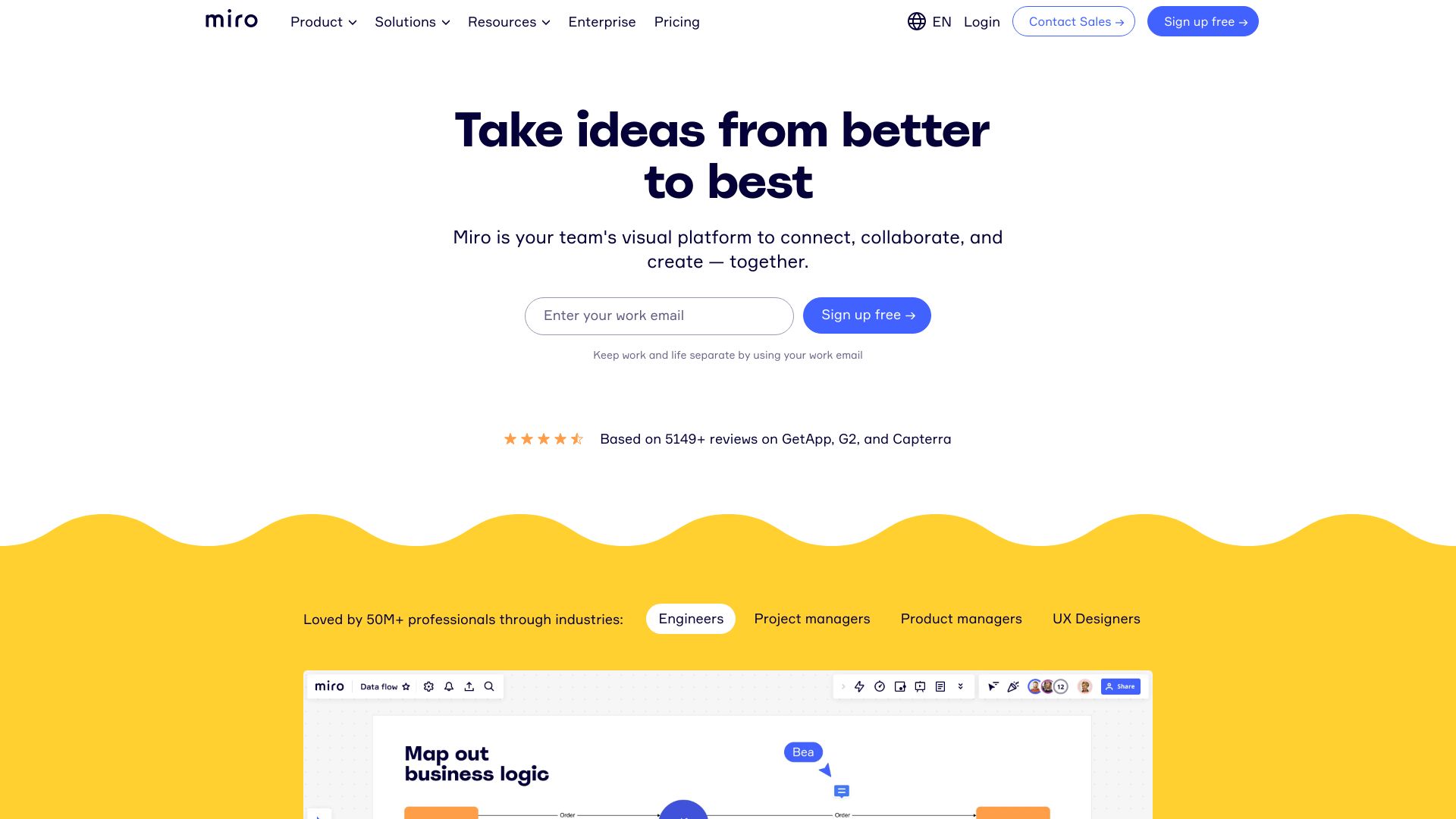
Miro wins because it gives product teams room to think visually before they commit to a formal plan. Its limitless canvas is particularly useful for workshops, product discovery, and collaborative planning where a conventional list can feel too narrow. The online whiteboard is the central strength, with apps and integrations extending the workspace around it.
Why it is top-ranked
| Signal | Assessment |
|---|---|
| Core workflow | Online whiteboard for expansive collaboration |
| Best audience | Product teams |
| Access | Three editable boards on the free offering |
| Market signal | 27.8M monthly visits and a 92/100 score |
Best fit
Product teams that need an open canvas for collaborative thinking.
Workshops, planning sessions, and early-stage product work.
Teams that value visual collaboration over a strict task-first interface.
Limitations
The extensive feature set can overwhelm new users.
Teams wanting a highly prescriptive project workflow may need more structure.
The free offering is limited to three editable boards.
Shortlist Miro if: you want the broadest visual workspace for product collaboration and can invest in onboarding.

- Product Managers
- 50 feedback notes
- Starts at Starter: Free
- Monthly visits: 634.1K
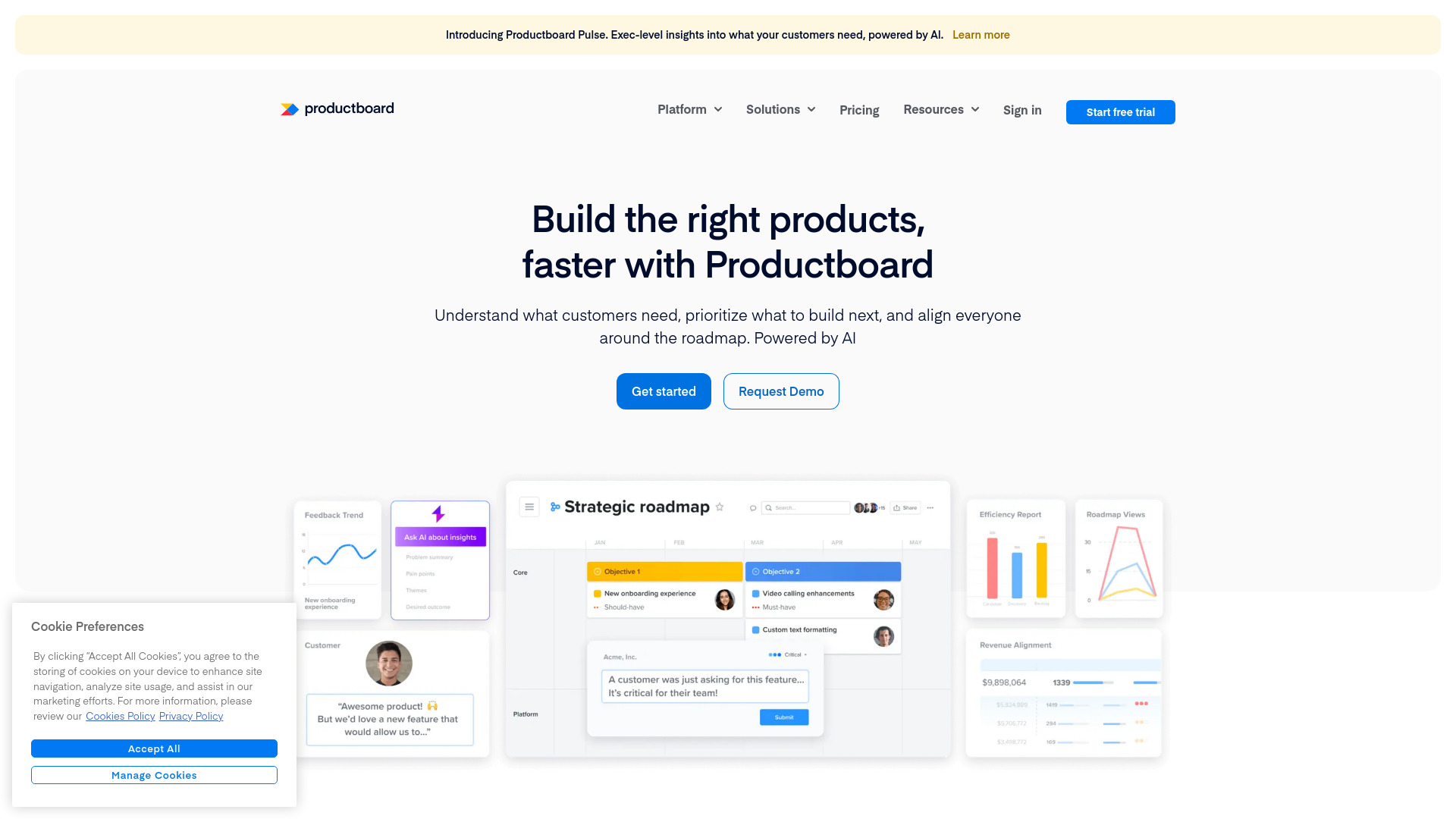
Productboard takes a more disciplined route than an open canvas. Its customer insights repository gives product managers a single place to collect customer data, while data-driven prioritization helps connect that input to feature and roadmap decisions. This is one of the strongest project management software top choices for teams whose biggest problem is deciding what to build next.
Why it is top-ranked
It links customer insight collection with prioritization rather than treating feedback as a separate inbox.
Its focused product-management workflow is easier to evaluate than an all-purpose workspace.
The free access includes 50 feedback notes, giving small teams a meaningful way to test the core loop.
Best fit
Product managers responsible for customer-led prioritization.
Teams that need a shared source of truth for product feedback.
Organizations making roadmap decisions across multiple stakeholders.
Limitations
It can be expensive for smaller teams.
Teams seeking general task management may find the product focus too narrow.
Feedback-note limits should be checked before migrating a large repository.
Shortlist Productboard if: your project bottleneck is prioritization and customer evidence, not simply assigning tasks.

- Project Managers
- 2 projects and 100MB storage
- Starts at Free: $0
- Monthly visits: 74.9K

Nifty is the practical consolidation play in this ranking. It brings task management and time tracking into an all-in-one project management workspace, with workflow automation aimed at reducing the number of separate tools a team needs. The free forever plan covers two projects and 100MB of storage, enough for a small pilot but not an unlimited sandbox.
Why it is top-ranked
Its all-in-one design reduces the need to stitch together task and time tools.
Task management is a clear core capability, rather than an incidental add-on.
A free forever plan makes initial evaluation straightforward.
Best fit
Project managers coordinating multiple workstreams.
Teams that want task management and time tracking together.
Small groups testing a consolidated workflow before expanding.
Limitations
The breadth can overwhelm very small teams or simple projects.
The free plan is limited to two projects and 100MB of storage.
Teams with one narrow workflow may not need an all-in-one platform.
Shortlist Nifty if: you want one approachable home for tasks, time, and workflow automation.

- Sales teams
- Up to 5 members
- Starts at Free: $0 forever
- Monthly visits: 1.4M
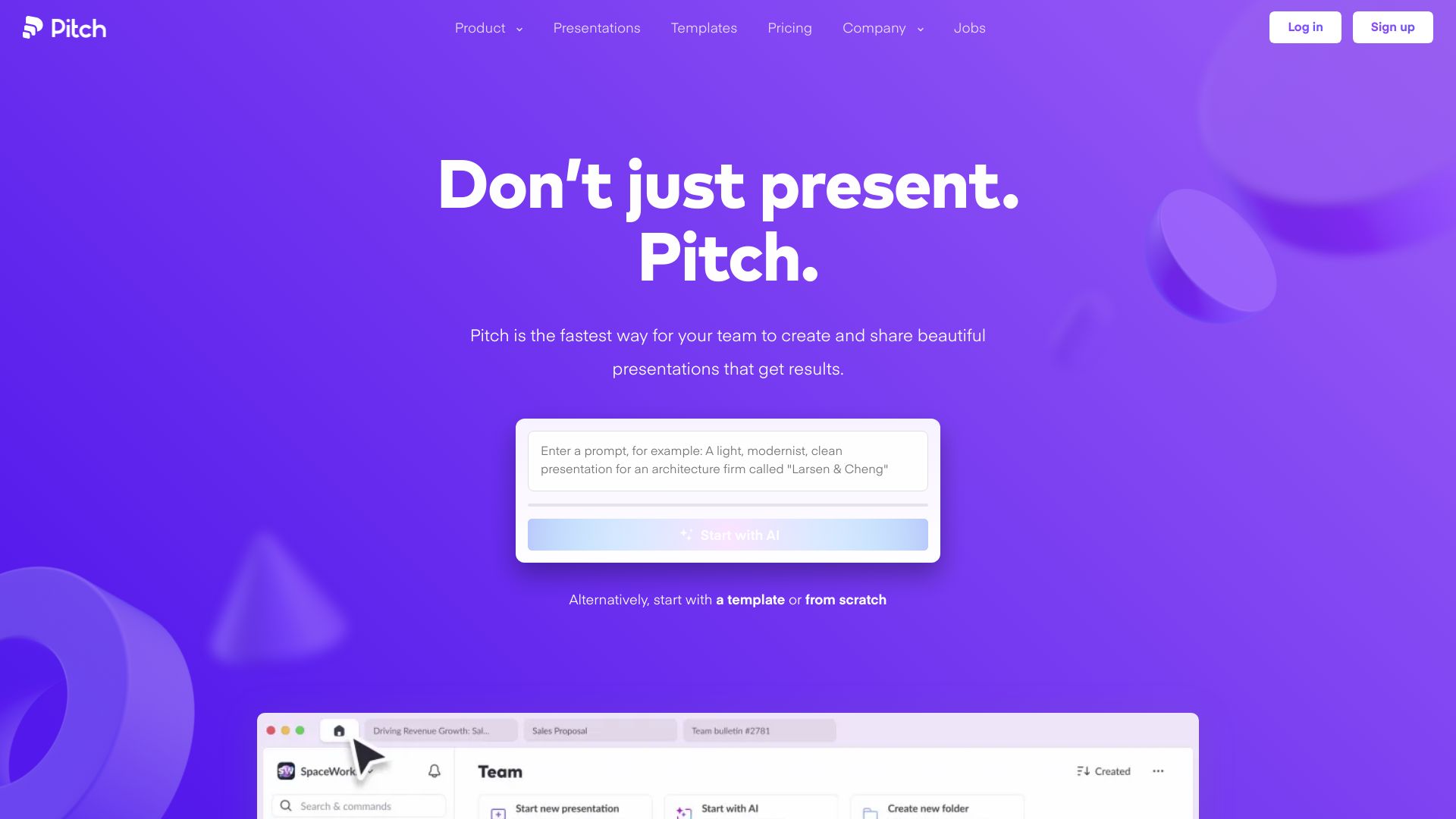
Pitch is an unexpected but useful adjacent pick for teams whose projects culminate in client-facing presentations. Customizable templates and real-time collaboration make it well suited to sales teams that need to produce polished work together. It is not the conventional task-management choice, but it earns a place for presentation-led project workflows and offers AI presentation creation.
Best fit
Sales teams collaborating on proposals and presentations.
Fast-moving groups that value polished, reusable templates.
Teams that need real-time editing around a shared deliverable.
Limitations
Some features are limited to paid plans.
It is better suited to presentation workflows than general project tracking.
Teams need to verify whether their preferred advanced features require an upgrade.
Shortlist Pitch if: your project work is organized around creating and presenting a shared sales deliverable.

- Project Managers
- 3 users and a 14-day trial
- Starts at Free: $0
- Monthly visits: 402.9K
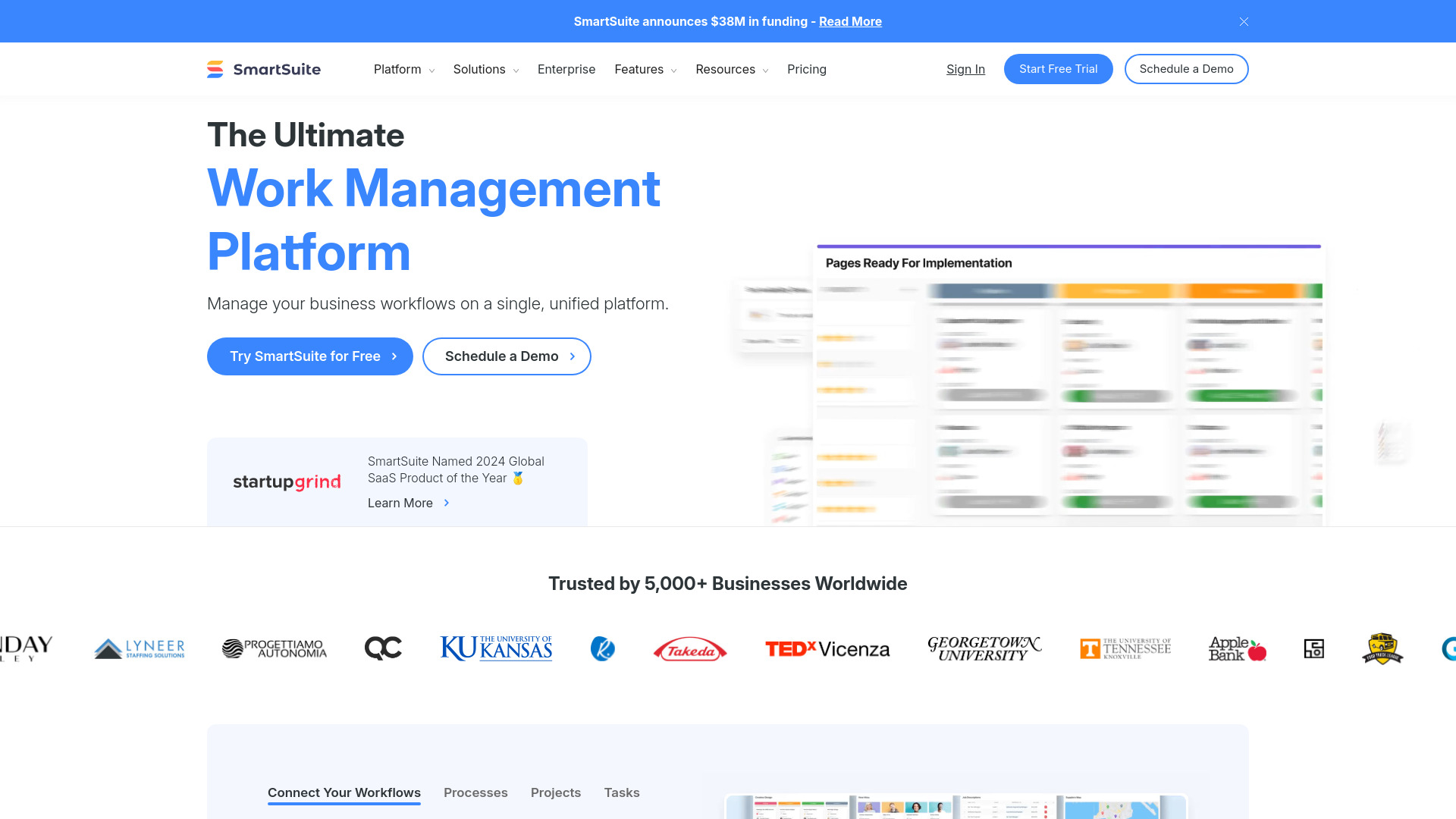
SmartSuite approaches project work as part of a larger collaborative work-management system. Project management and workflow automation sit together, making the platform attractive when teams want to model several business processes in one place. The trade-off is predictable: that breadth can feel like too much for a team that only needs a simple project list.
Best fit
Project managers overseeing varied business workflows.
Teams that want project management and automation in one platform.
Organizations prepared to configure a broader work-management system.
Limitations
Its extensive feature set can be overwhelming.
The free access is limited to three users and a 14-day trial.
Simple projects may not justify the setup associated with a unified platform.
Shortlist SmartSuite if: you need project management to connect with several operational workflows.

- Service Businesses
- Free trial
- Starts at Pro AI: $49/seat/month monthly
- Monthly visits: 668.2K
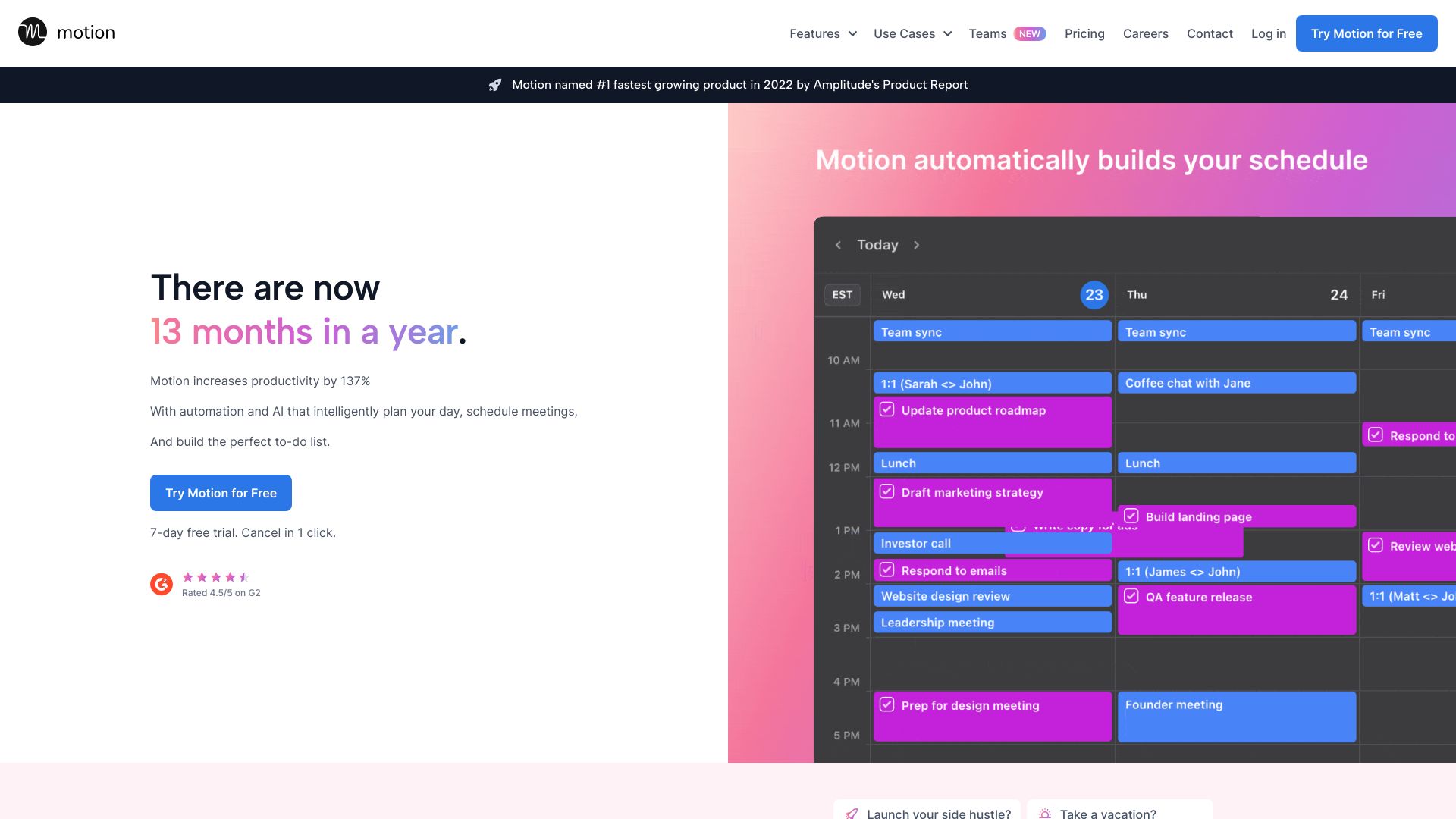
Motion is built around the idea that project plans should connect directly to the calendar. Its AI task planner and AI project manager are the headline capabilities, while the centralized platform brings tasks, projects, and calendar work together. That combination makes particular sense for service businesses juggling deadlines and schedules rather than managing a single fixed delivery plan.
Best fit
Service businesses coordinating scheduled client work.
Individuals or teams that want tasks and projects connected to a calendar.
Users willing to learn an integrated AI planning workflow.
Limitations
New users may face a learning curve.
The free access is a trial rather than a stated permanent free plan.
The listed Pro AI price is $49 per seat per month when billed monthly, so team cost matters.
Shortlist Motion if: your project plan is only useful when it automatically fits around real calendar commitments.

- Project managers
- Free plan for up to 25 users
- Starts at Free: -
- Monthly visits: 1.5M
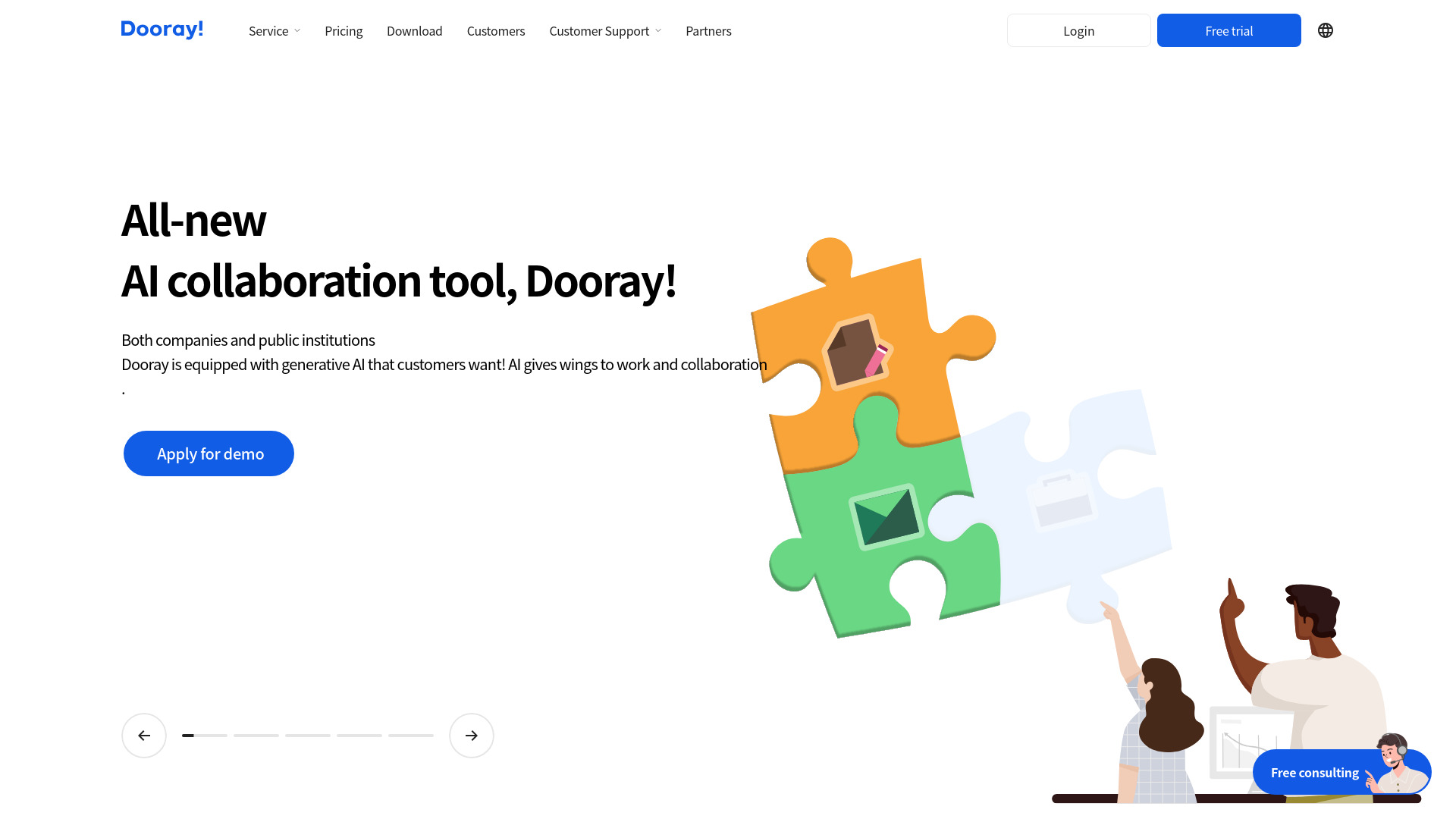
Dooray! earns attention by bundling project management with messenger and mail. That makes it a broader collaboration suite than a standalone project tracker, and the free plan for up to 25 users is unusually easy to consider for a sizable team. Pricing may vary by plan and user count, so treat the generous user allowance as a starting point rather than a complete cost estimate.
Best fit
Project managers who want messaging, mail, and projects together.
Teams that prefer a unified collaboration environment.
Groups that can benefit from a free plan supporting up to 25 users.
Limitations
Pricing may vary depending on the chosen plan and number of users.
Teams wanting a specialized product-roadmap workflow may prefer Productboard.
The breadth of a collaboration suite may be unnecessary for a simple project.
Shortlist Dooray! if: you want project work to live beside everyday team communication.

- Project managers
- Free download
- Starts at Check vendor pricing
- Monthly visits: 550.5K
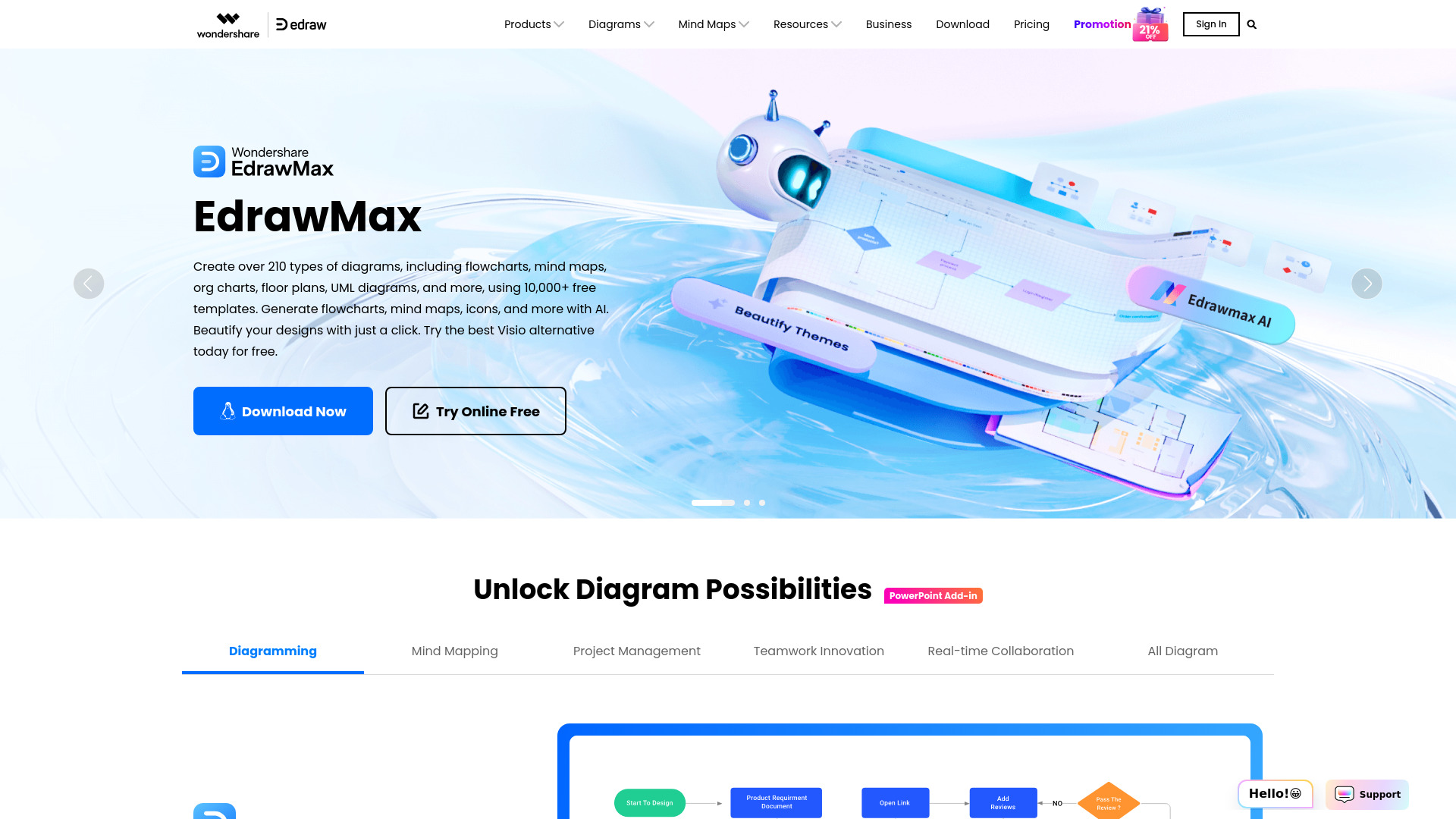
Edraw Software is a broader visual studio rather than a conventional project-management hub. Its extensive library includes more than 20,000 templates, and it supports 210-plus diagram types such as flowcharts, mind maps, and organizational charts. For project managers who communicate plans through diagrams, that visual depth can be more valuable than another standard task board.
Best fit
Project managers who rely on flowcharts, mind maps, or org charts.
Teams creating visual documentation around a project.
Users who want AI-powered diagram generation alongside templates.
Limitations
Full-access pricing needs to be confirmed with the vendor.
Diagramming is its clearest strength, not general-purpose project execution.
Teams may need another system for day-to-day task coordination.
Shortlist Edraw Software if: your project plans need to be explained visually as often as they need to be tracked.

- Project Managers
- Up to 4 teammates free
- Starts at Personal: $0
- Monthly visits: 67.4K
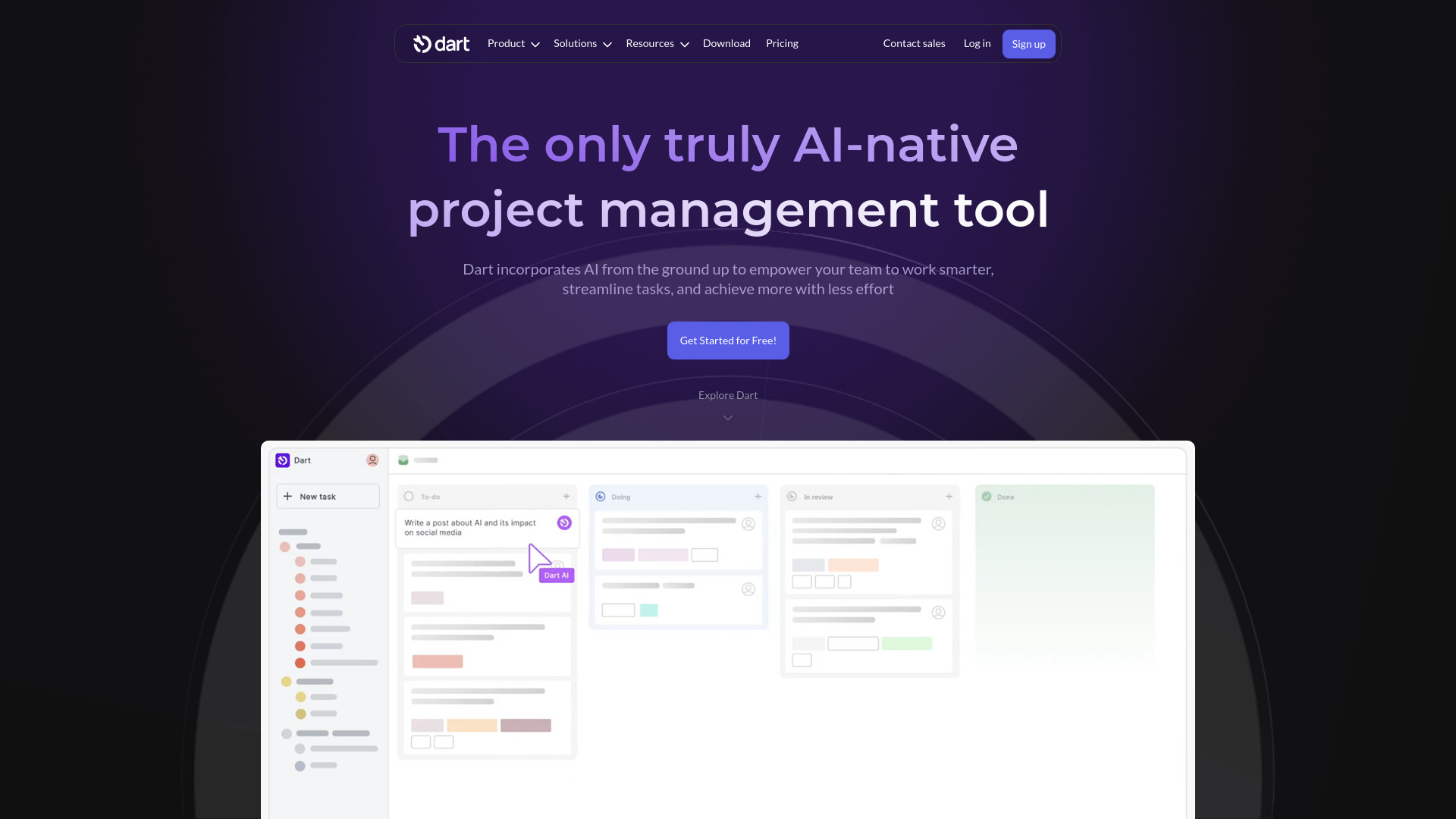
Dart focuses on the repetitive work surrounding project management. Its AI task execution can fill descriptions, categorize work, and assign tasks, while AI-generated subtasks help turn a rough request into a more actionable plan. The free offering supports up to four teammates, making it a sensible way for a small group to test whether automation improves its project hygiene.
Best fit
Project managers who spend too much time cleaning up task details.
Small teams testing AI-assisted task creation and assignment.
Workflows where generating subtasks is a recurring need.
Limitations
The available product information does not call out a specific disadvantage, so teams should test their own workflow carefully.
The free plan is limited to four teammates.
Teams wanting a broad collaboration suite may need more than AI task automation.
Shortlist Dart if: you want AI to handle more of the administrative work around creating and organizing tasks.

- Project managers
- 14-day free trial
- Starts at Check vendor pricing
- Monthly visits: 404.3K
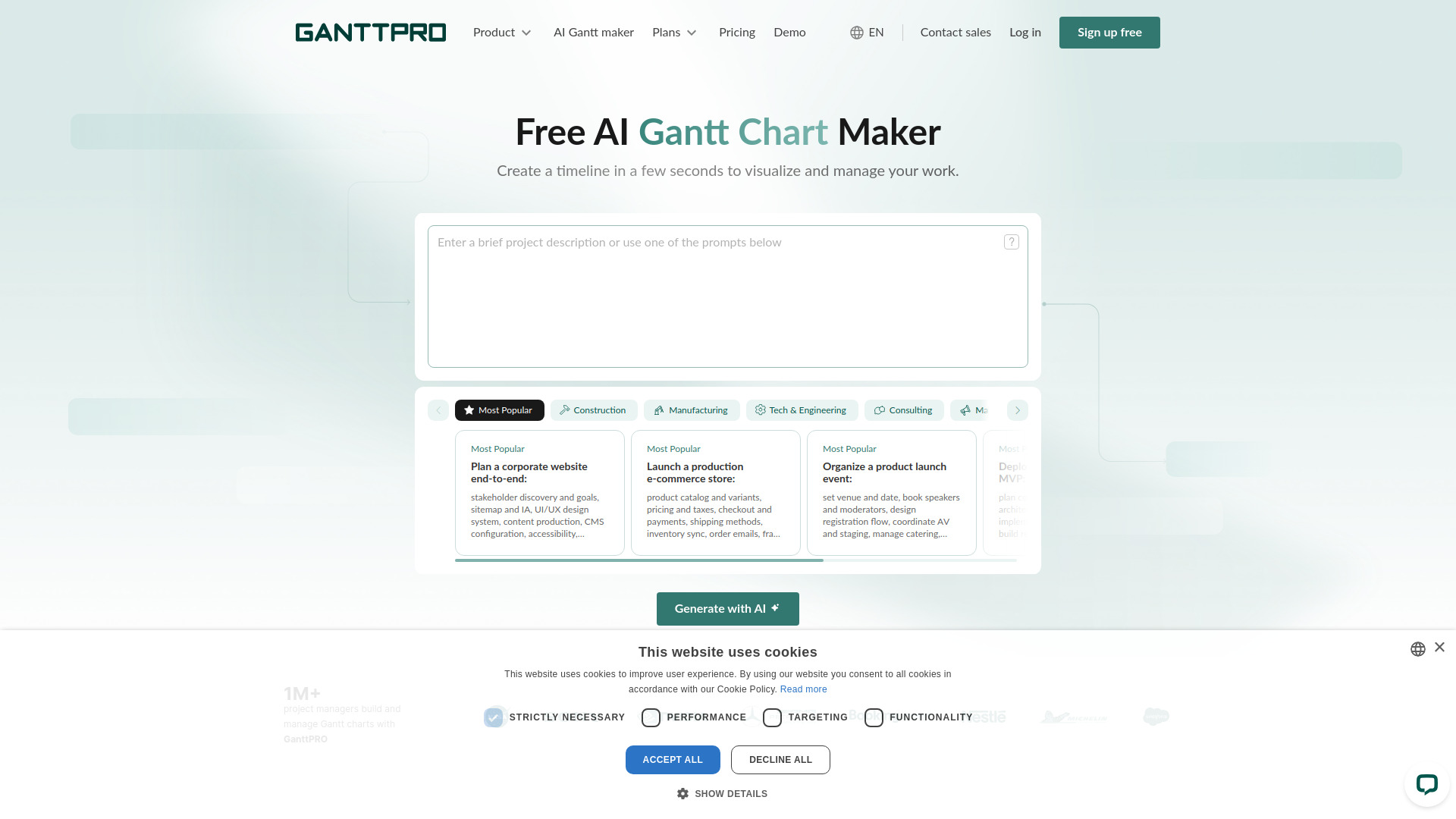
GanttPRO's AI Gantt chart maker is the most direct choice here for turning a plain-language project idea into a timeline. It can generate tasks, milestones, dependencies, roles, and a schedule from text, then support resource and workload management. That narrow focus is a strength when dependencies matter, but the lack of a permanent free version makes the evaluation window time-limited.
Best fit
Project managers who plan around dependencies and milestones.
Teams that want to generate a Gantt chart from a written brief.
Workflows where resource and workload management are central.
Limitations
There is no permanent free version; access is trial-based.
Pricing details should be confirmed with the vendor.
Teams that do not use timeline planning may find the Gantt focus excessive.
Shortlist GanttPRO AI Gantt chart maker if: you want to turn raw project ideas into a structured dependency-aware timeline quickly.
More tools to compare

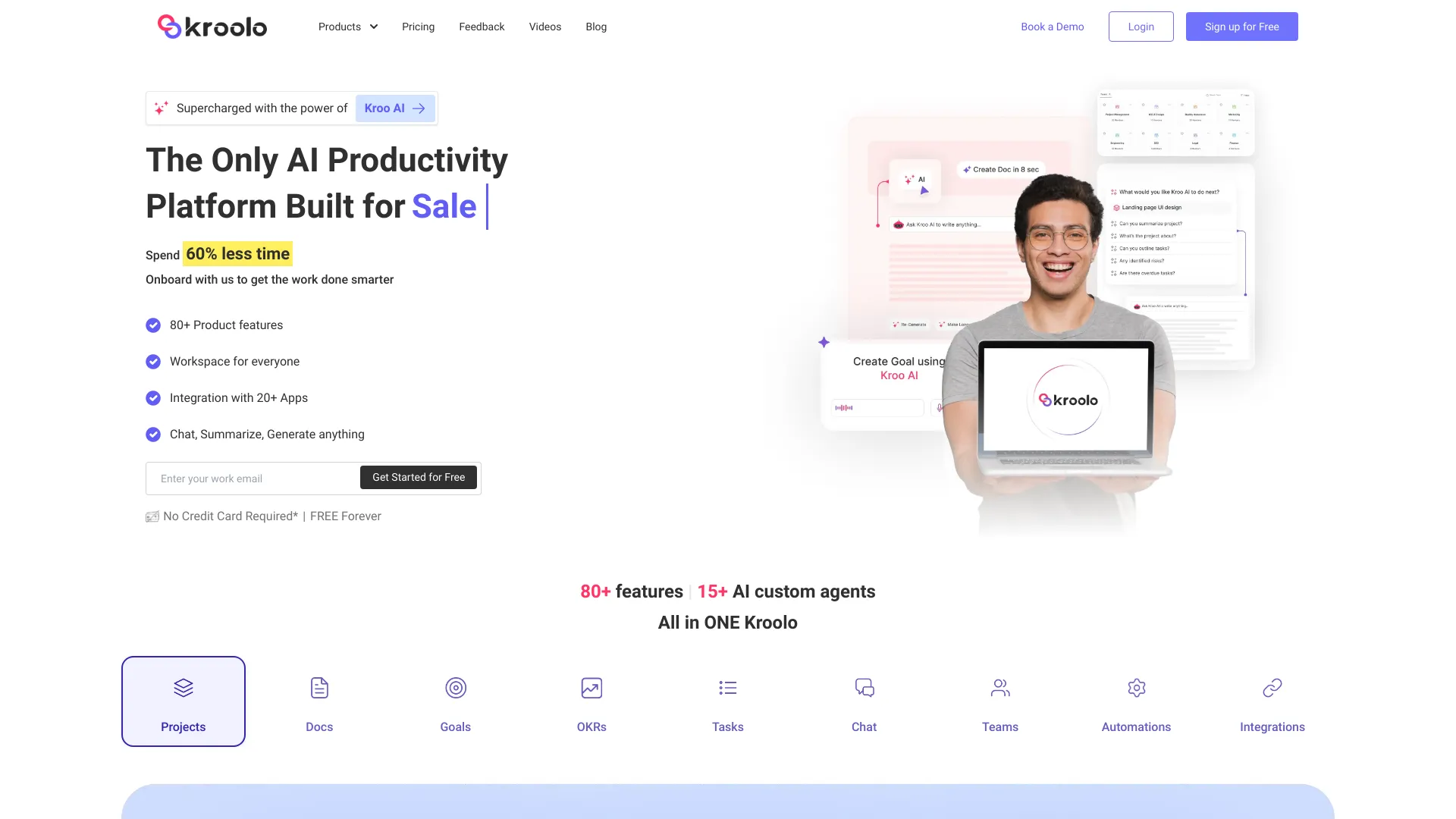
- AI-powered project and work management
- Free trial available
- Starts at Check vendor pricing
- Monthly visits: 105,160 monthly visits

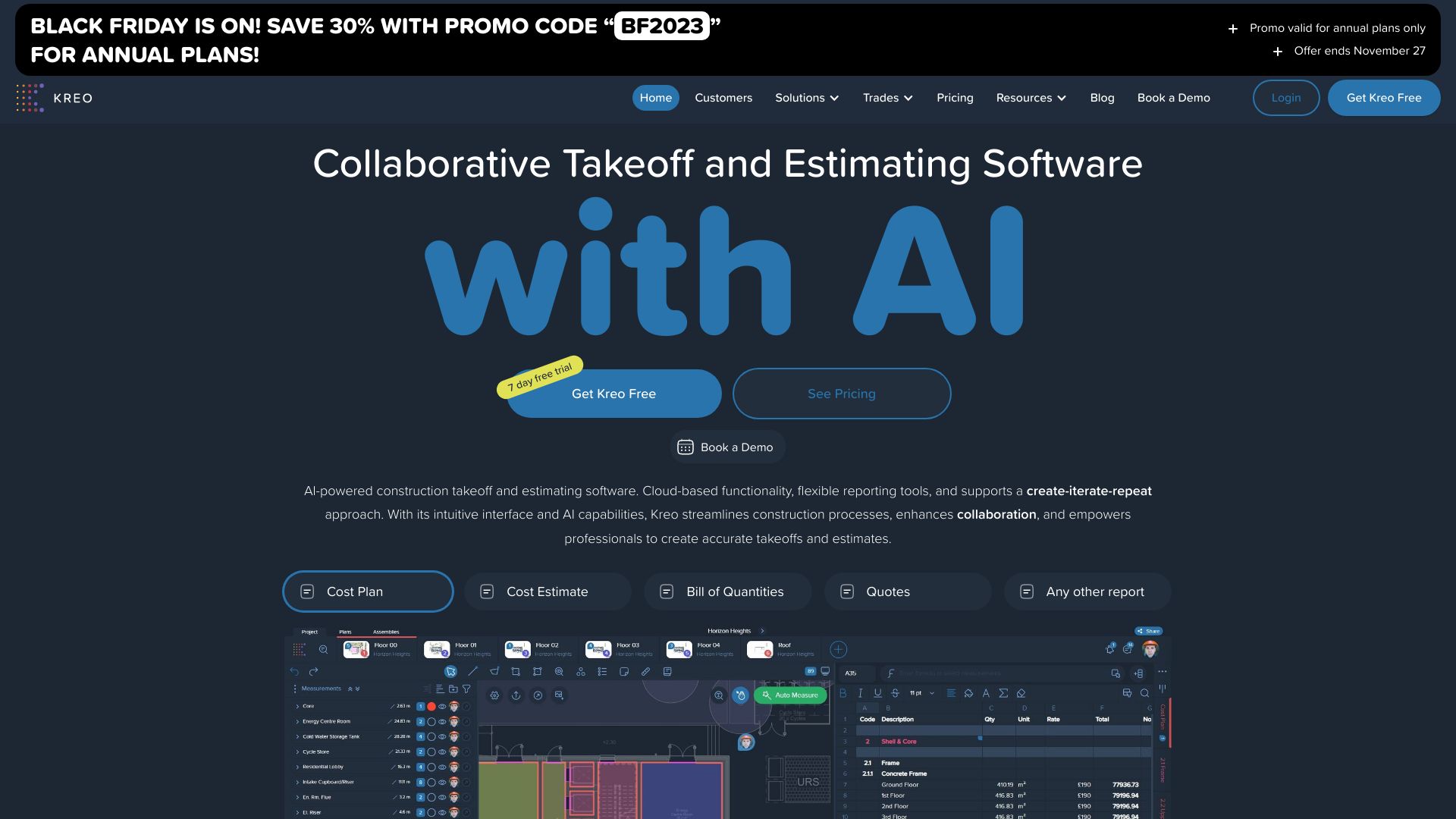
- Construction takeoff and estimating teams
- 7-day free trial
- Starts at From $70/user/month
- Monthly visits: 111,283 monthly visits

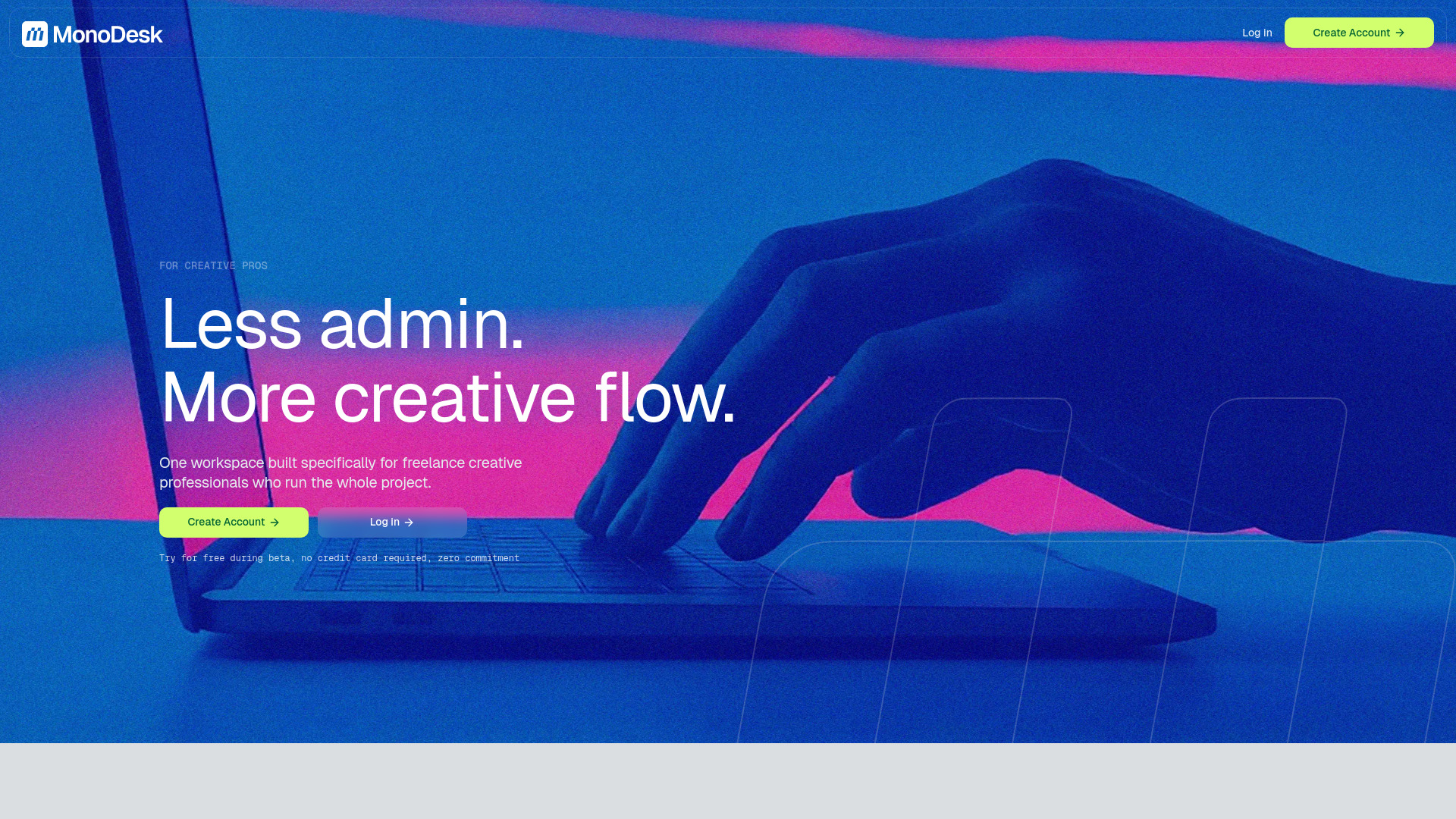
- Freelance creative professionals
- Free plan available
- Starts at $0/month
- Monthly visits: 16,499 monthly visits

- Customizable workforce operations
- Starts at Check vendor pricing
- Monthly visits: 22,937 monthly visits

- Project portfolio and asset management
- Free plan available
- Starts at From $0.25 per workflow
- Monthly visits: 2,255 monthly visits

- Construction progress tracking
- Starts at Check vendor pricing
- Monthly visits: 32,426 monthly visits


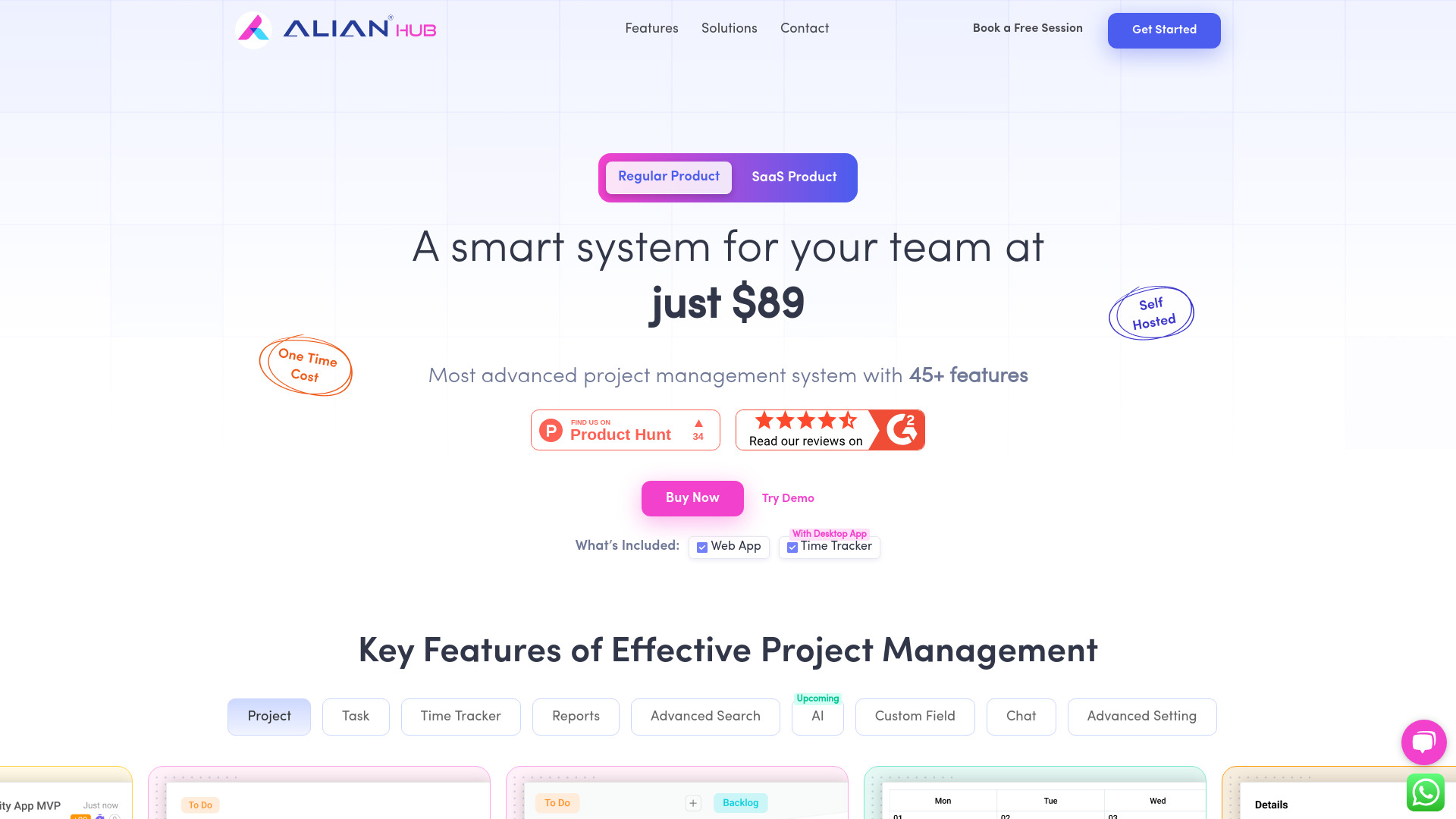
- Teams needing built-in time tracking
- Starts at From $89
- Monthly visits: 3,121 monthly visits

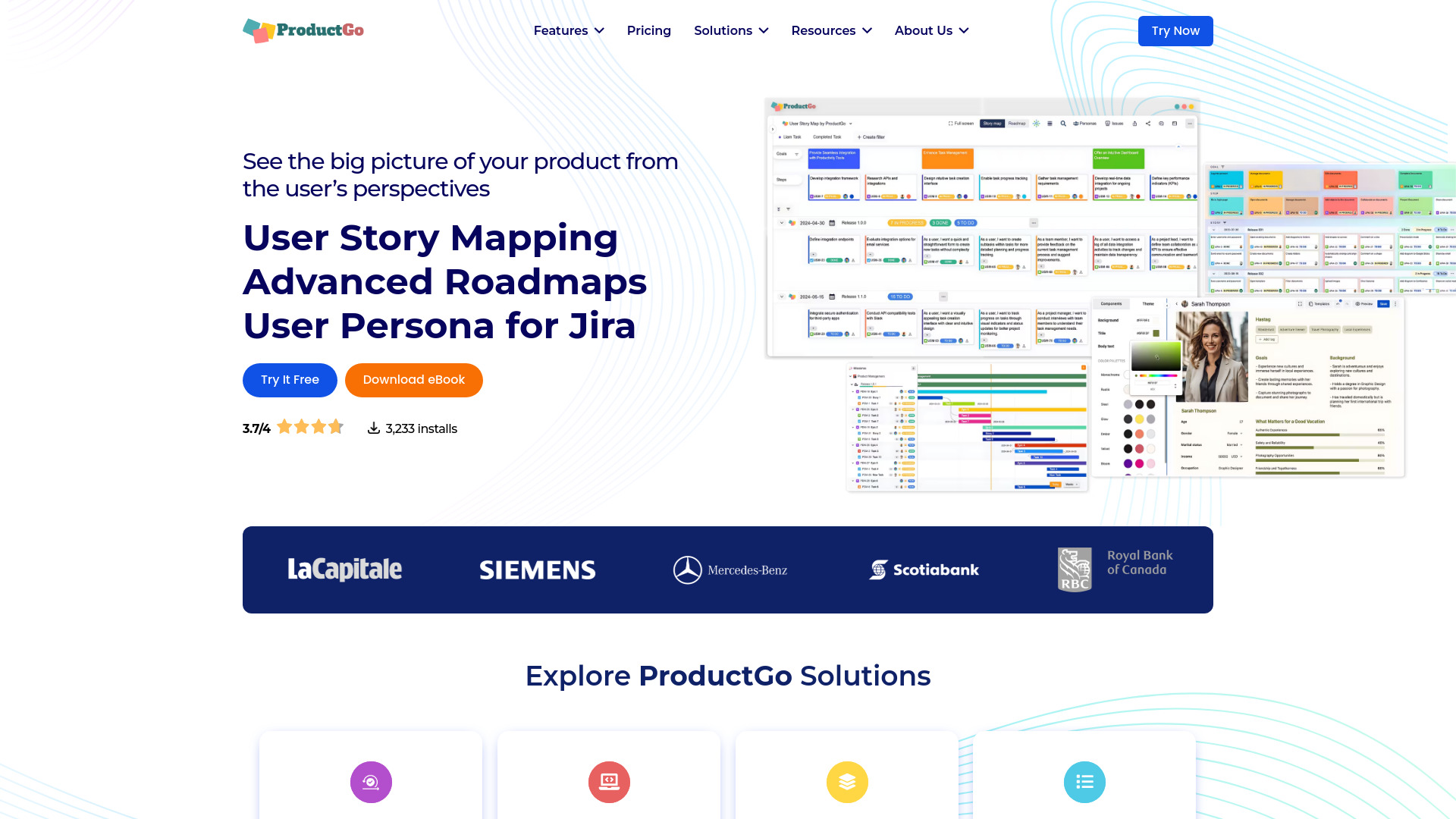
- Agile product teams using Jira
- Always free for Jira Cloud instances under 10 users
- Starts at Check vendor pricing
- Monthly visits: 4,167 monthly visits

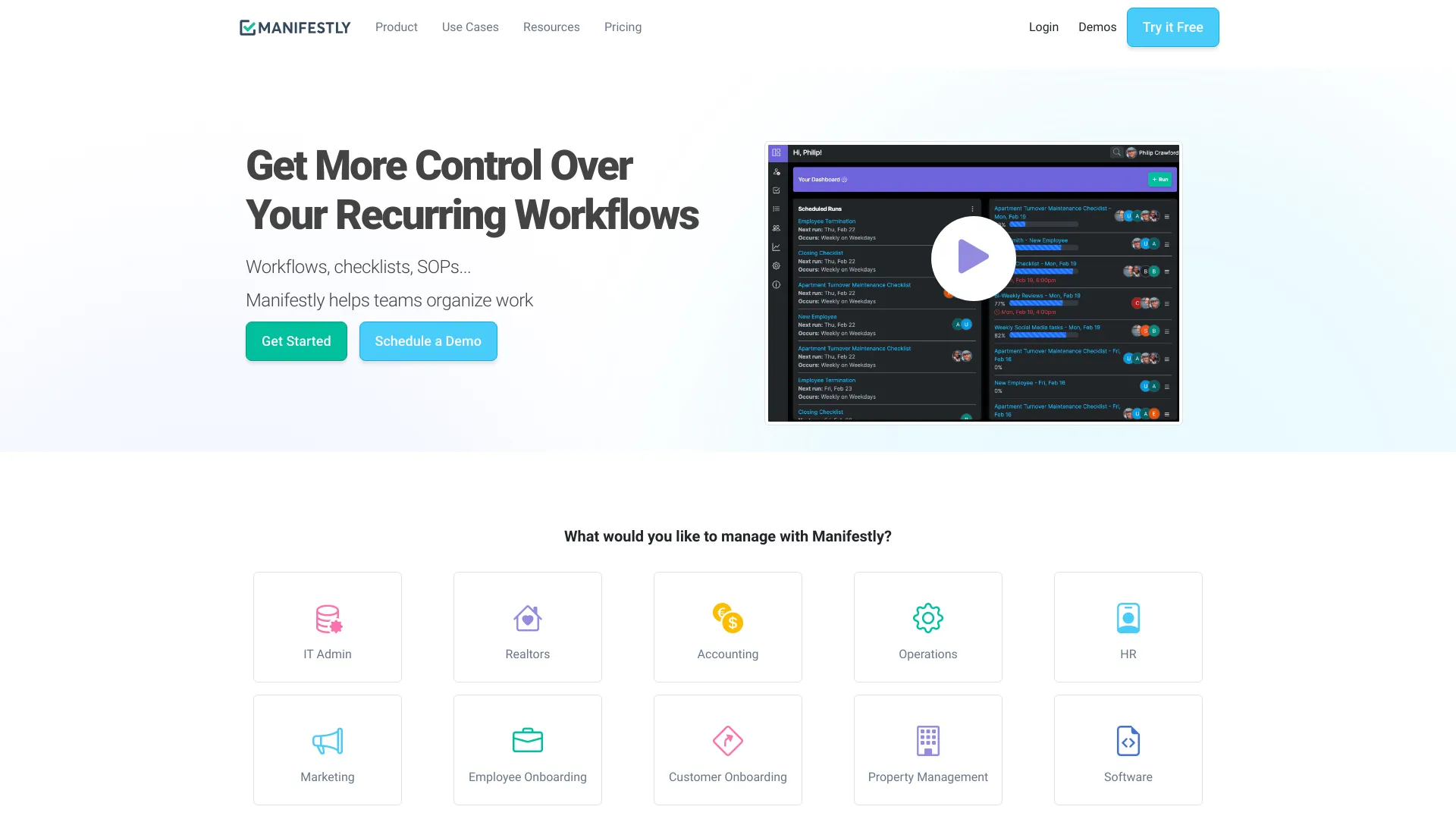
- Recurring workflows and SOPs
- Free plan available
- Starts at $8/user/month
- Monthly visits: 34,059 monthly visits

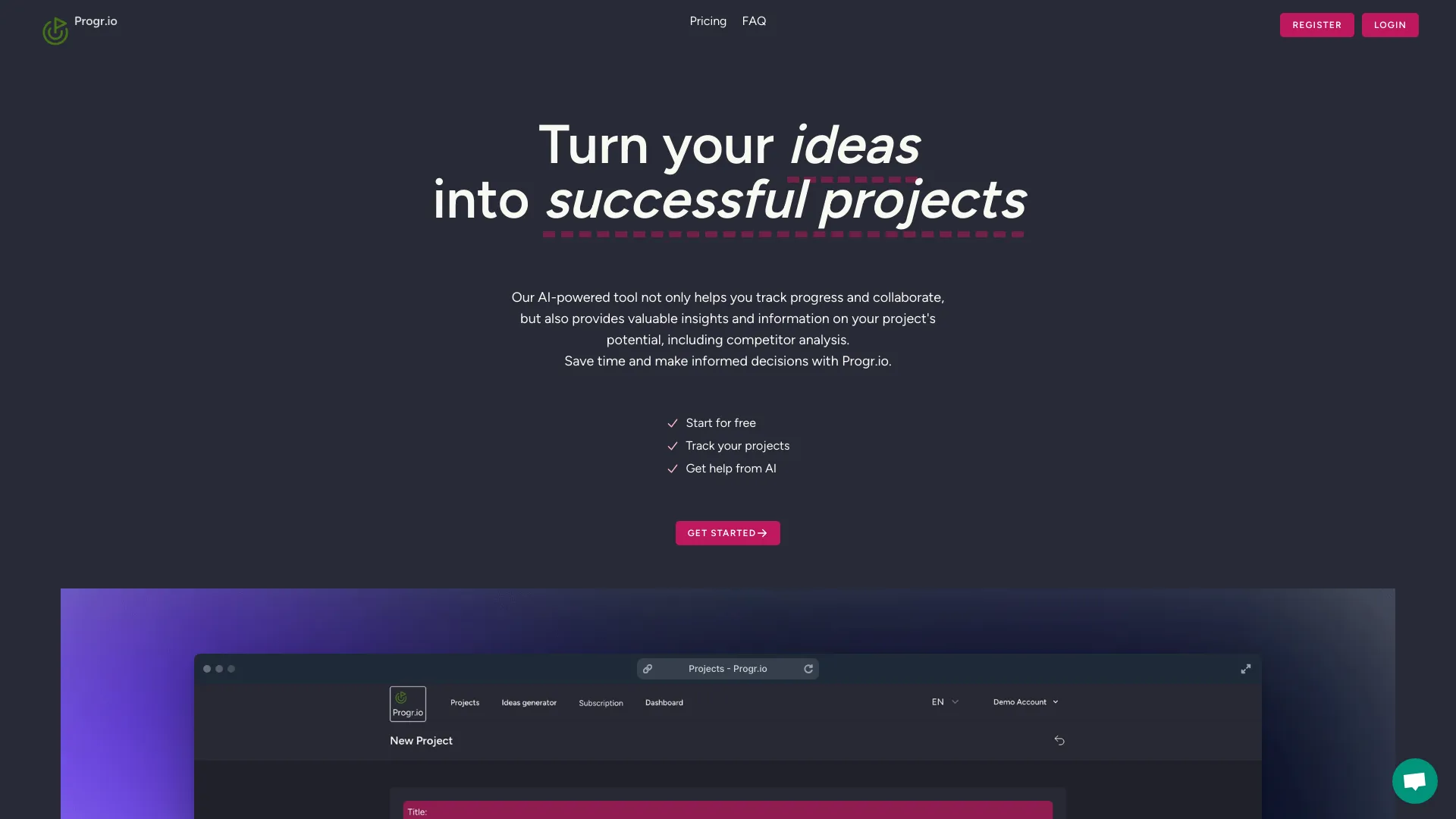
- SaaS idea tracking
- Starts at From $9
- Monthly visits: 3,445 monthly visits

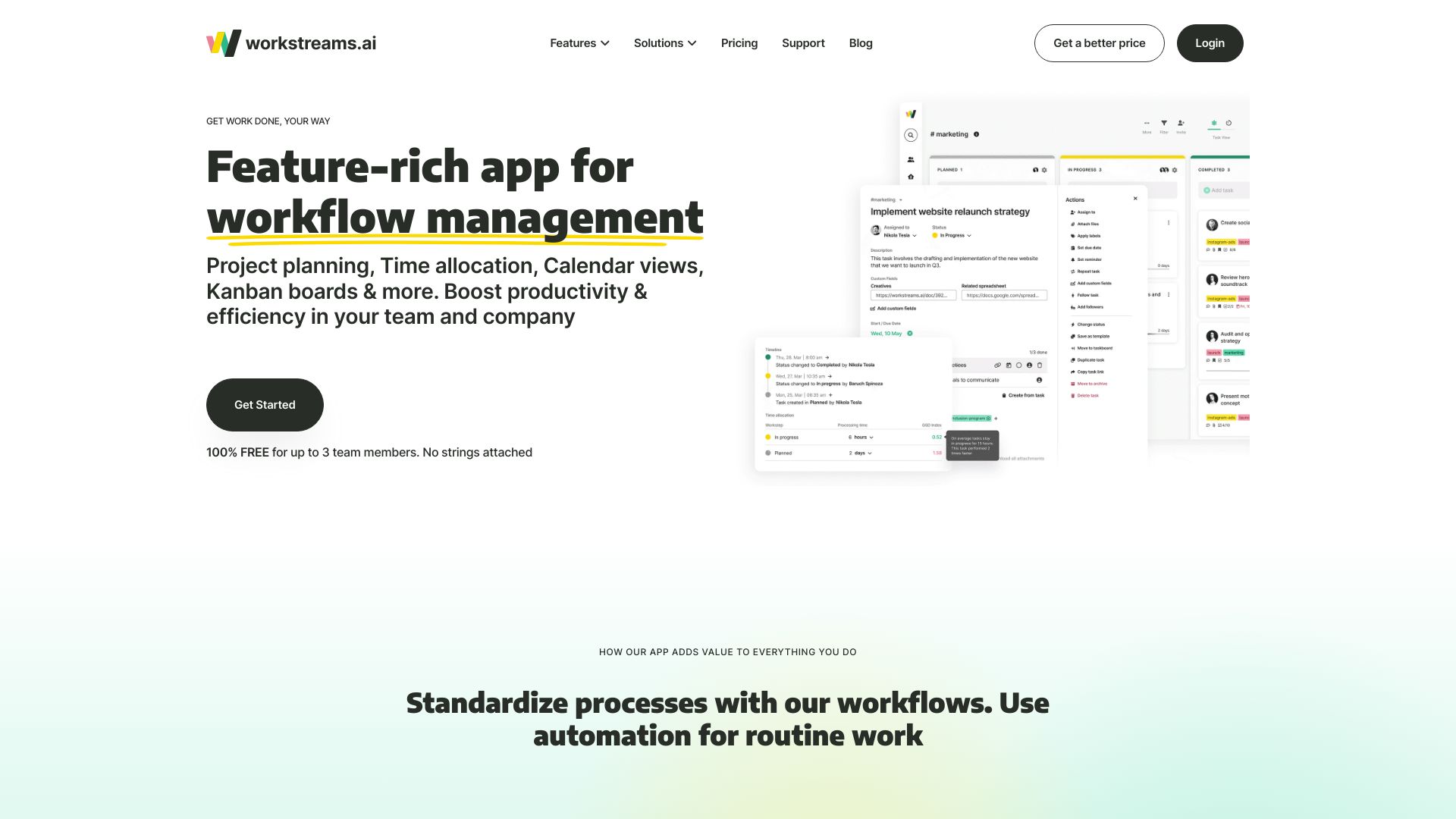
- Teams needing Slack-based task management
- Up to 3 team members free
- Starts at Check vendor pricing
- Monthly visits: 7,933 monthly visits

- Agile teams needing scalable project management
- Starts at From $4.99 one-time
- Monthly visits: 2,374 monthly visits

- Founders planning software projects
- 2 prototype generations
- Starts at $0/month
- Monthly visits: 8,880 monthly visits

- Agile project management teams
- Free plan available
- Starts at $17.50/month for 5 users
- Monthly visits: 9,986 monthly visits

- Agile Scrum teams
- 4 free users
- Starts at Check vendor pricing
- Monthly visits: 2,541 monthly visits

- AI-assisted project planning
- 1 project, 1 team member
- Starts at $7/month
- Monthly visits: 2,271 monthly visits

- Founders and small teams
- Free plan available
- Starts at Check vendor pricing
- Monthly visits: 3,335 monthly visits

- Engineering teams using GitHub
- Up to 3 team members
- Starts at $0/month
- Monthly visits: 1,126 monthly visits


- Construction project teams
- Free trial available
- Starts at Check vendor pricing
- Monthly visits: 4,335 monthly visits

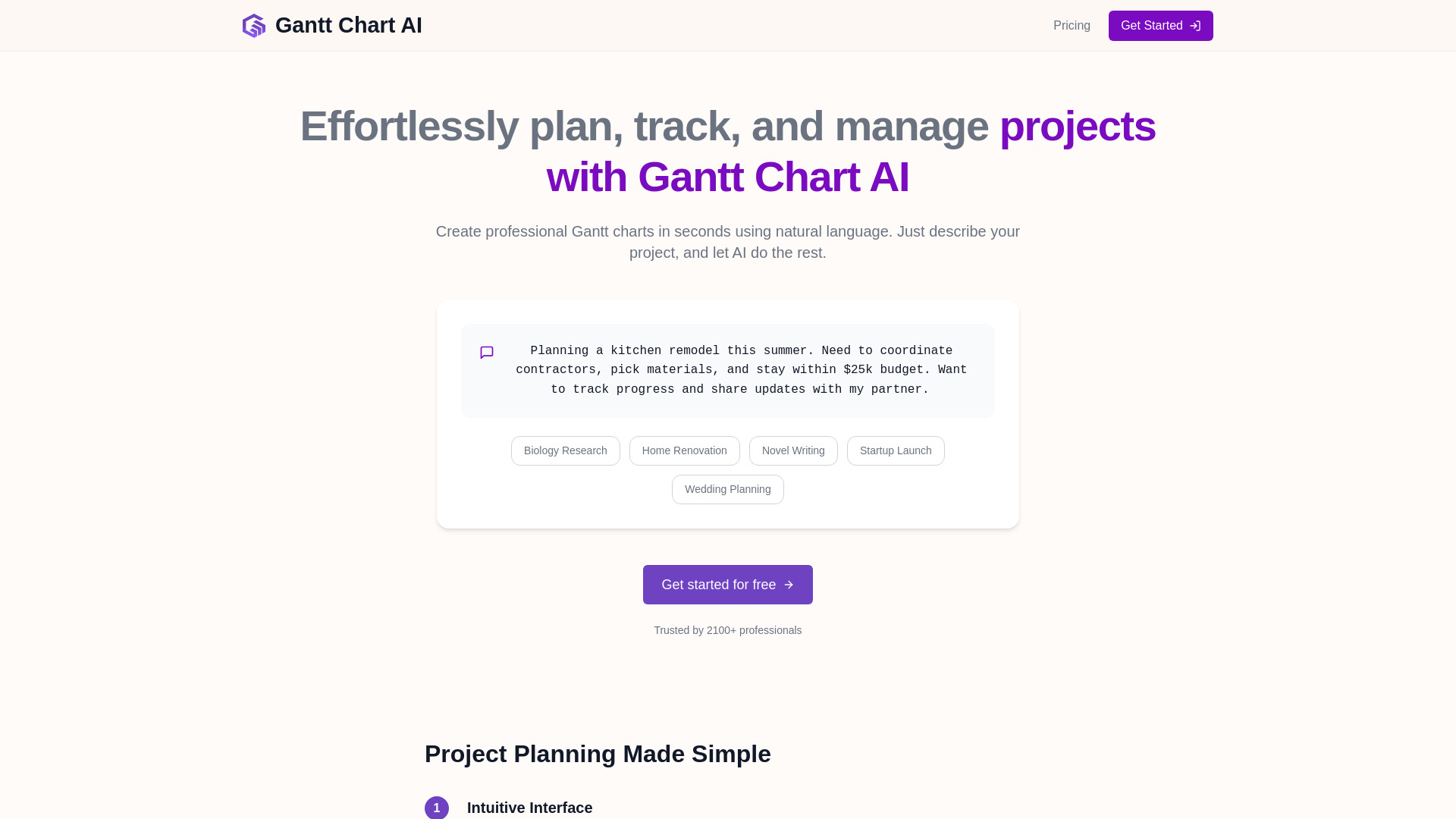
- Natural-language Gantt charts
- 2 free Gantt chart credits
- Starts at From $3 for 30 credits
- Monthly visits: 7,781 monthly visits

- AI-generated product requirements
- Free plan available
- Starts at $4.99 for 24 hours
- Monthly visits: 1,163 monthly visits


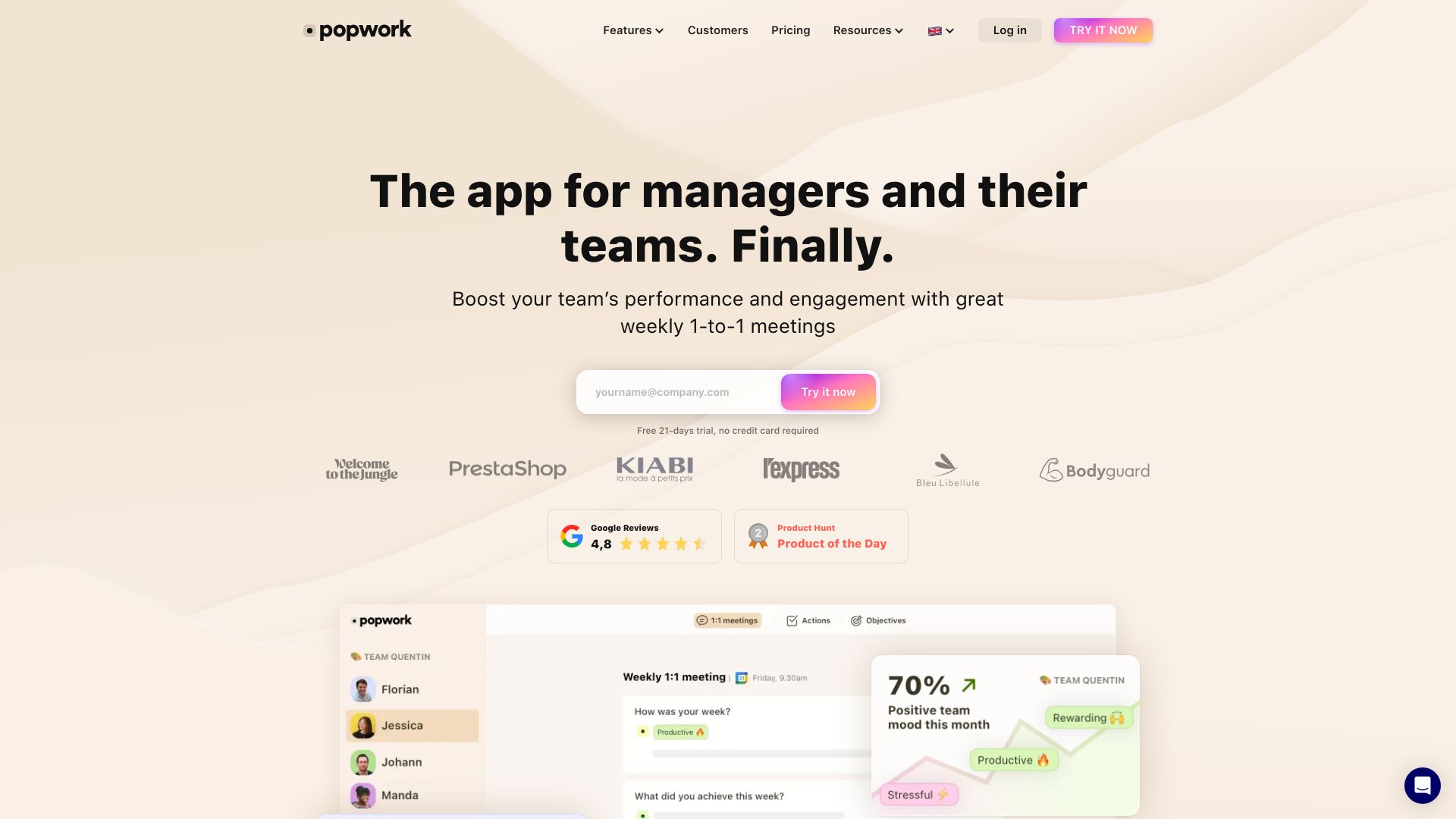
- Team leaders running effective 1:1s
- 21-day free trial
- Starts at From €5/user/month
- Monthly visits: 6,111 monthly visits

- Freelancers and client-facing teams
- 14-day free trial
- Starts at $6/month
- Monthly visits: 1,918 monthly visits
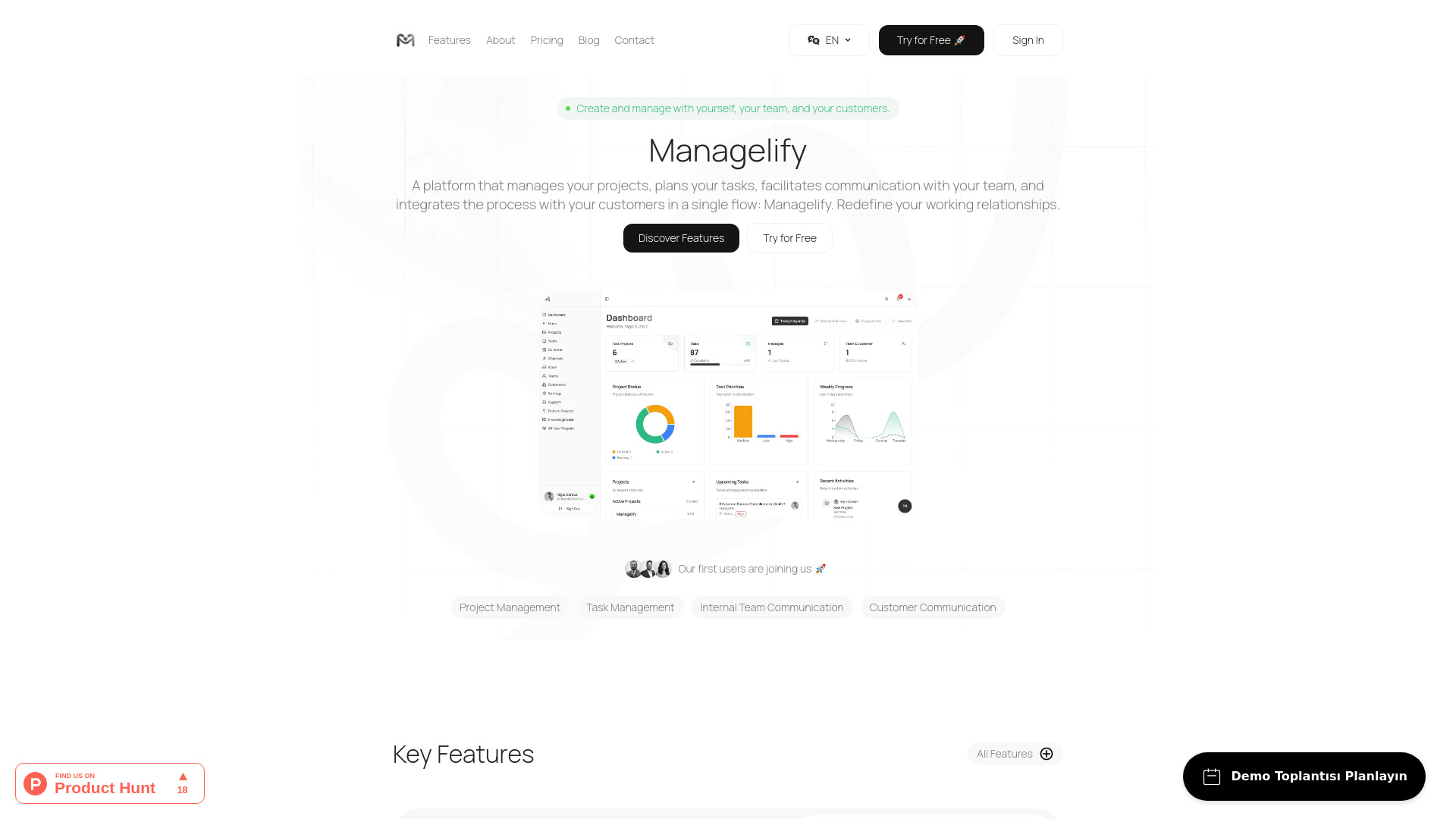

- AI-augmented project and resource management
- Free plan for up to 5 people
- Starts at From $3.99 per team member
- Monthly visits: 1,103 monthly visits

- AI-powered project planning
- 15-day free trial
- Starts at $5.59/user/month
- Monthly visits: 1,122 monthly visits

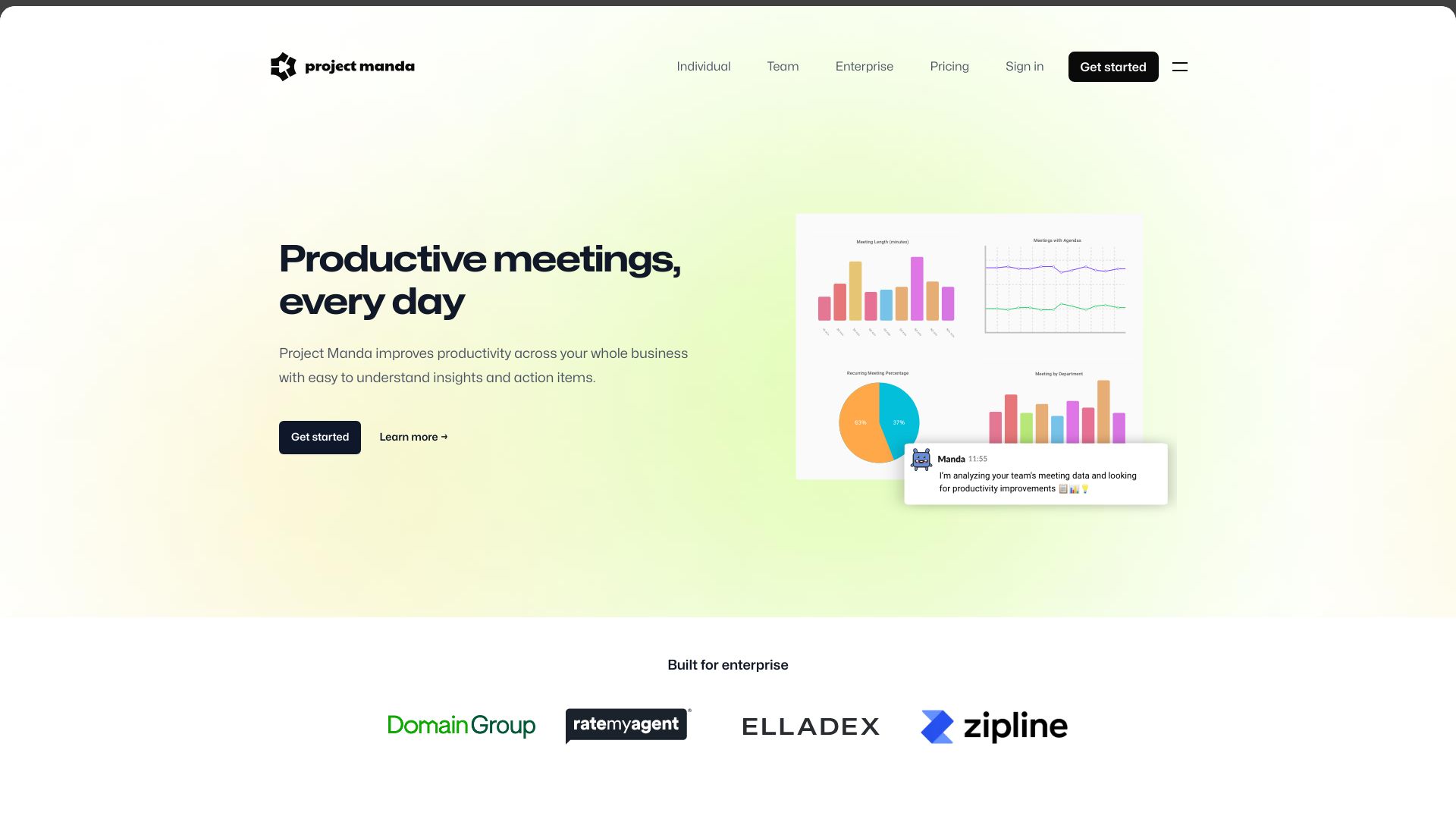
- Enterprise meeting performance
- Starts at From $8 per team member
- Monthly visits: 1,045 monthly visits

- Small dev and design teams
- Free plan available
- Starts at Check vendor pricing
- Monthly visits: 1,233 monthly visits
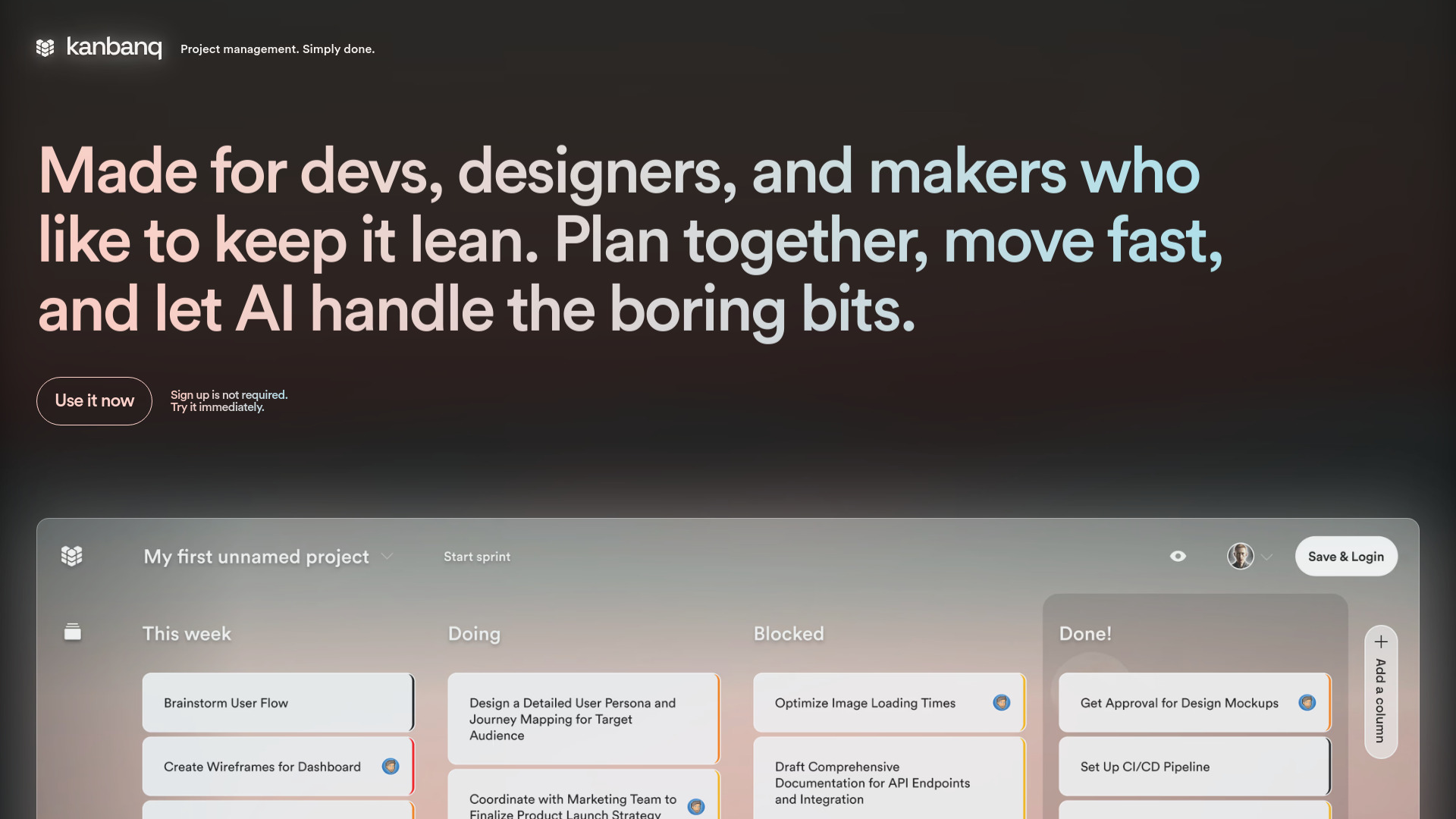
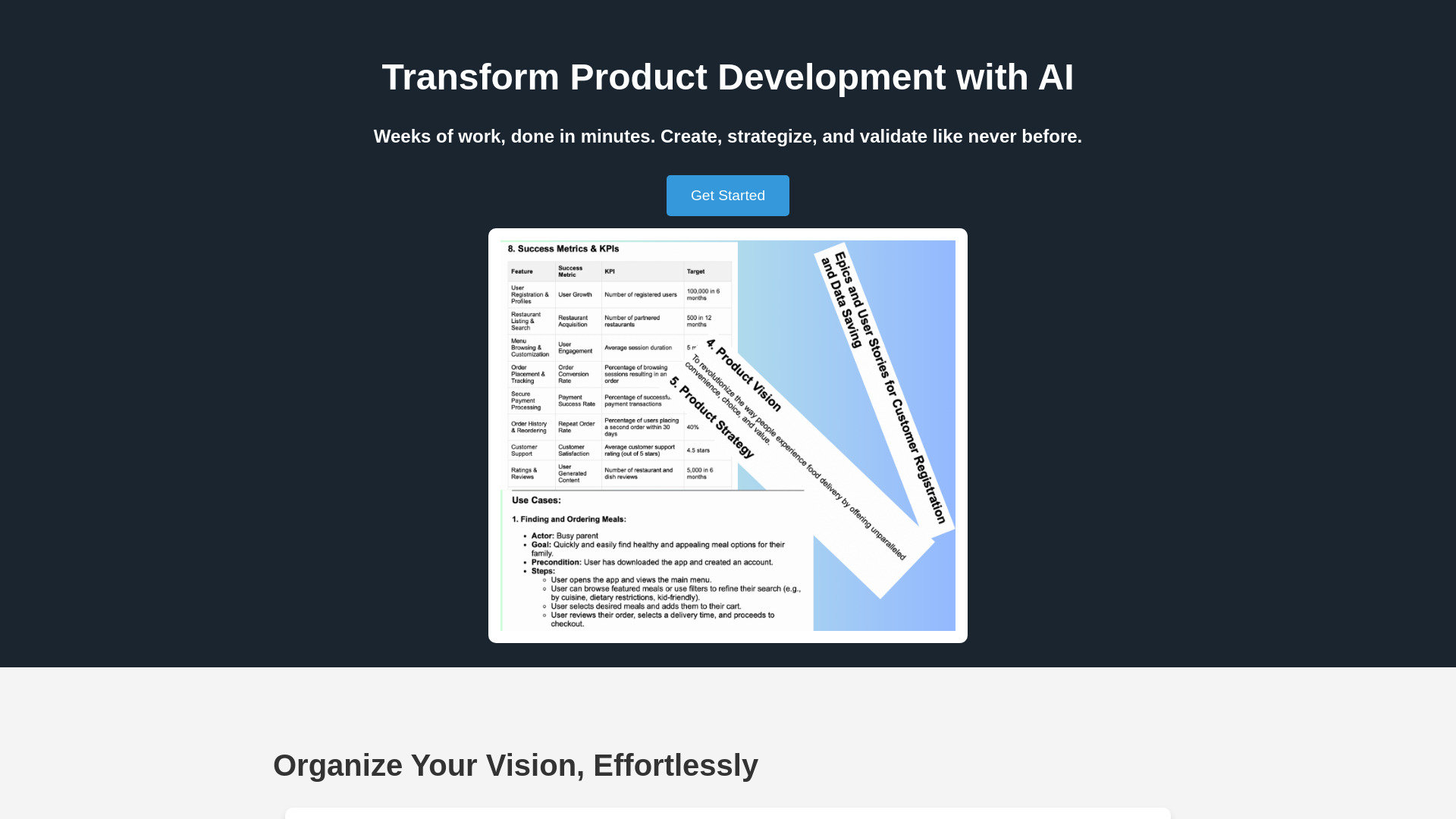
- Product managers and founders
- Starts at Check vendor pricing
- Monthly visits: 2,175 monthly visits

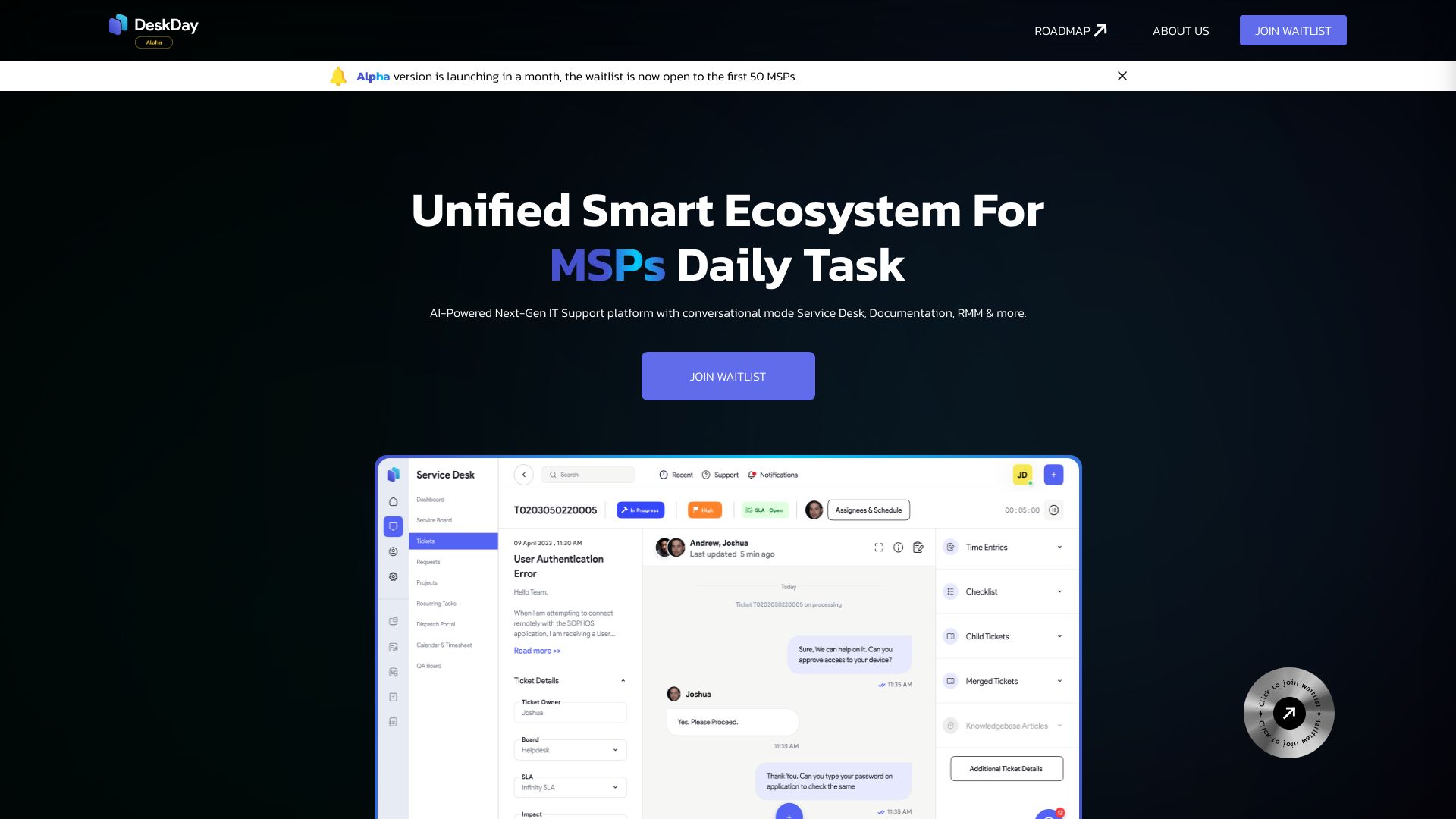
- Small MSPs needing chat-based PSA software
- 14-day free trial
- Starts at $59 per tech/month
- Monthly visits: 1,294 monthly visits

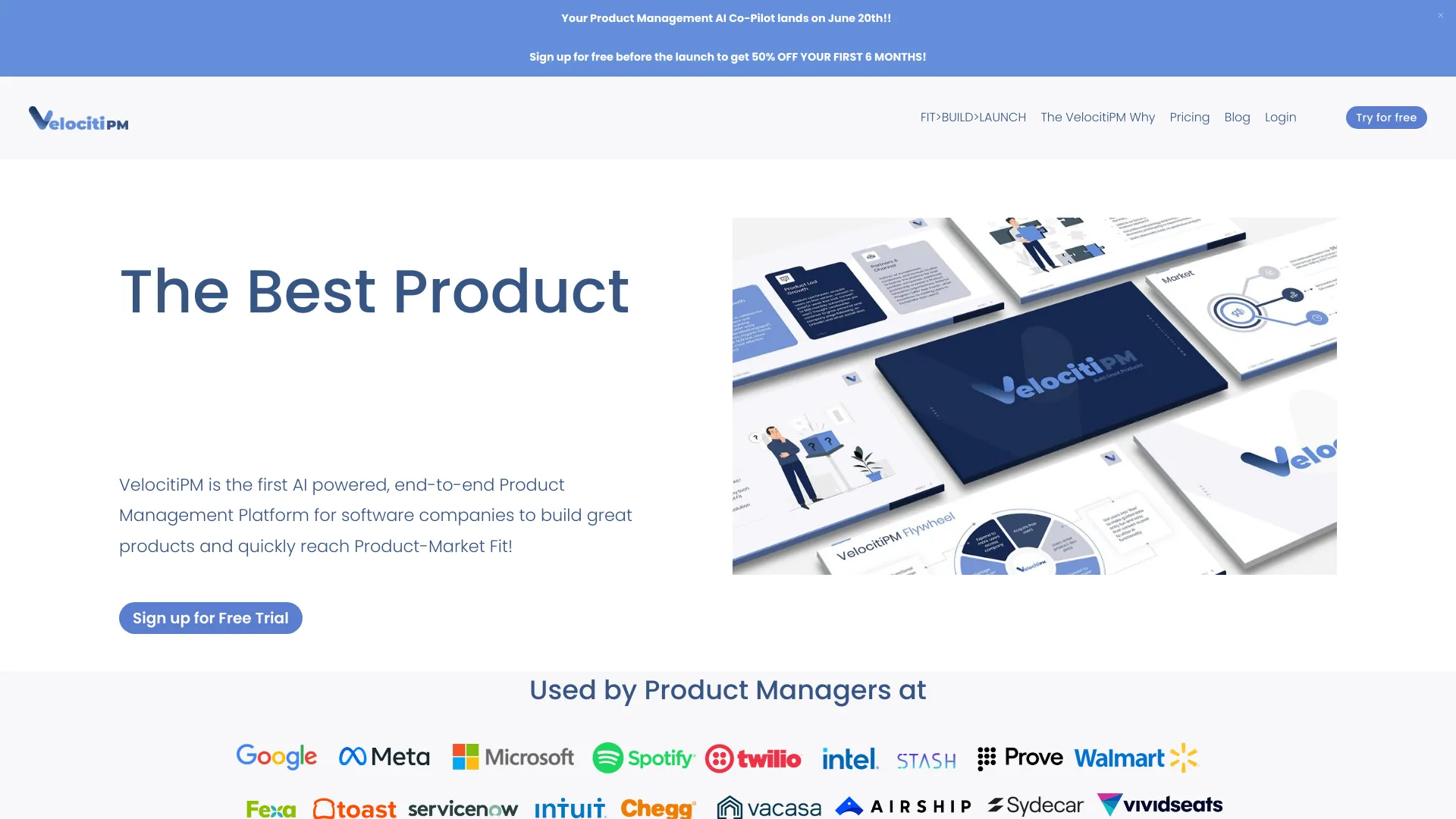
- End-to-end product lifecycle management
- Free trial available
- Starts at Check vendor pricing
- Monthly visits: 1,179 monthly visits

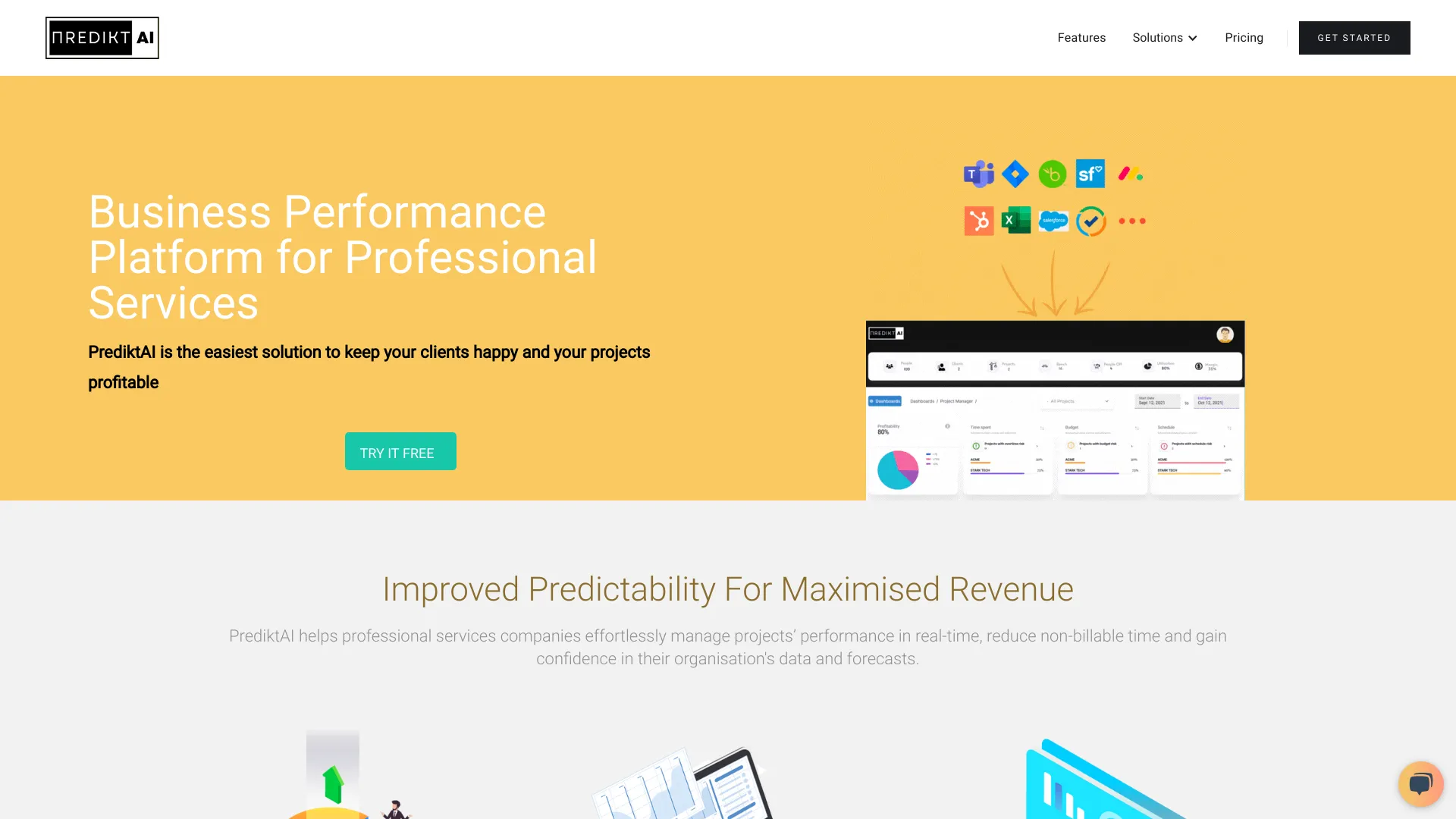
- Professional services project management
- 14-day free trial
- Starts at Check vendor pricing
- Monthly visits: 2,280 monthly visits

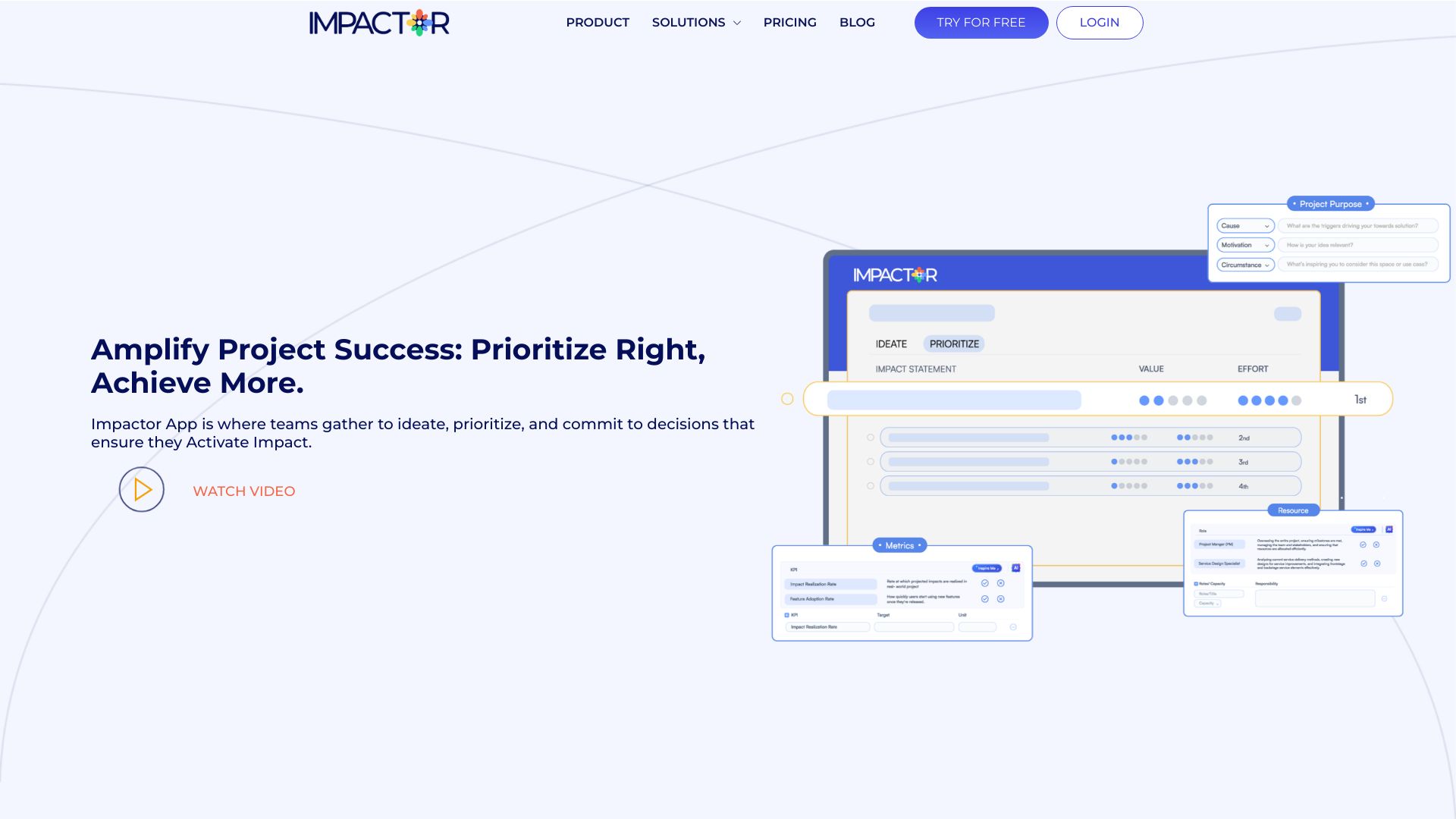
- AI-powered idea management for project teams
- Free trial available
- Starts at Check vendor pricing
- Monthly visits: 1,127 monthly visits
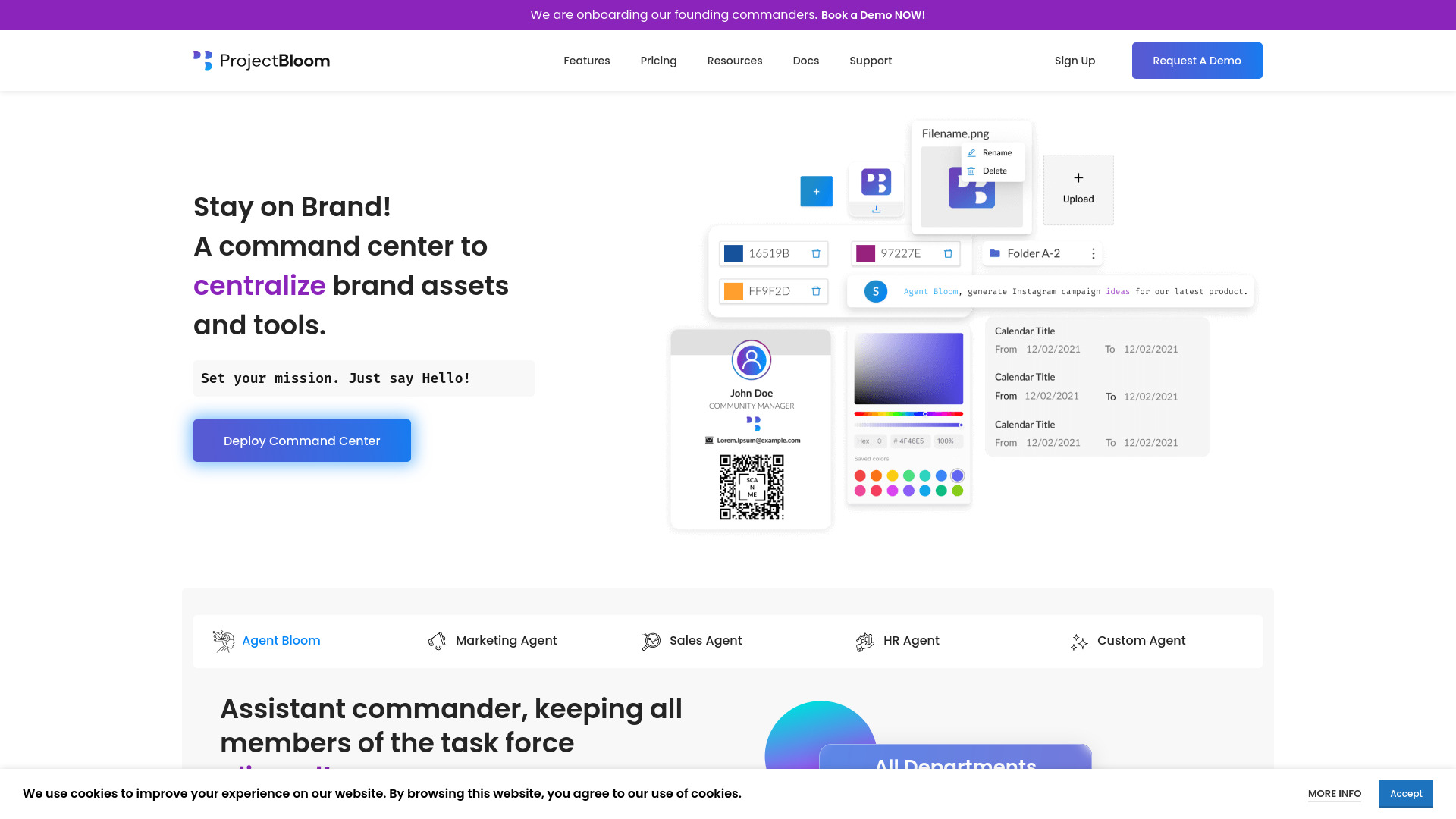
- Brand asset management teams
- Free plan available
- Starts at Check vendor pricing
- Monthly visits: 1,369 monthly visits

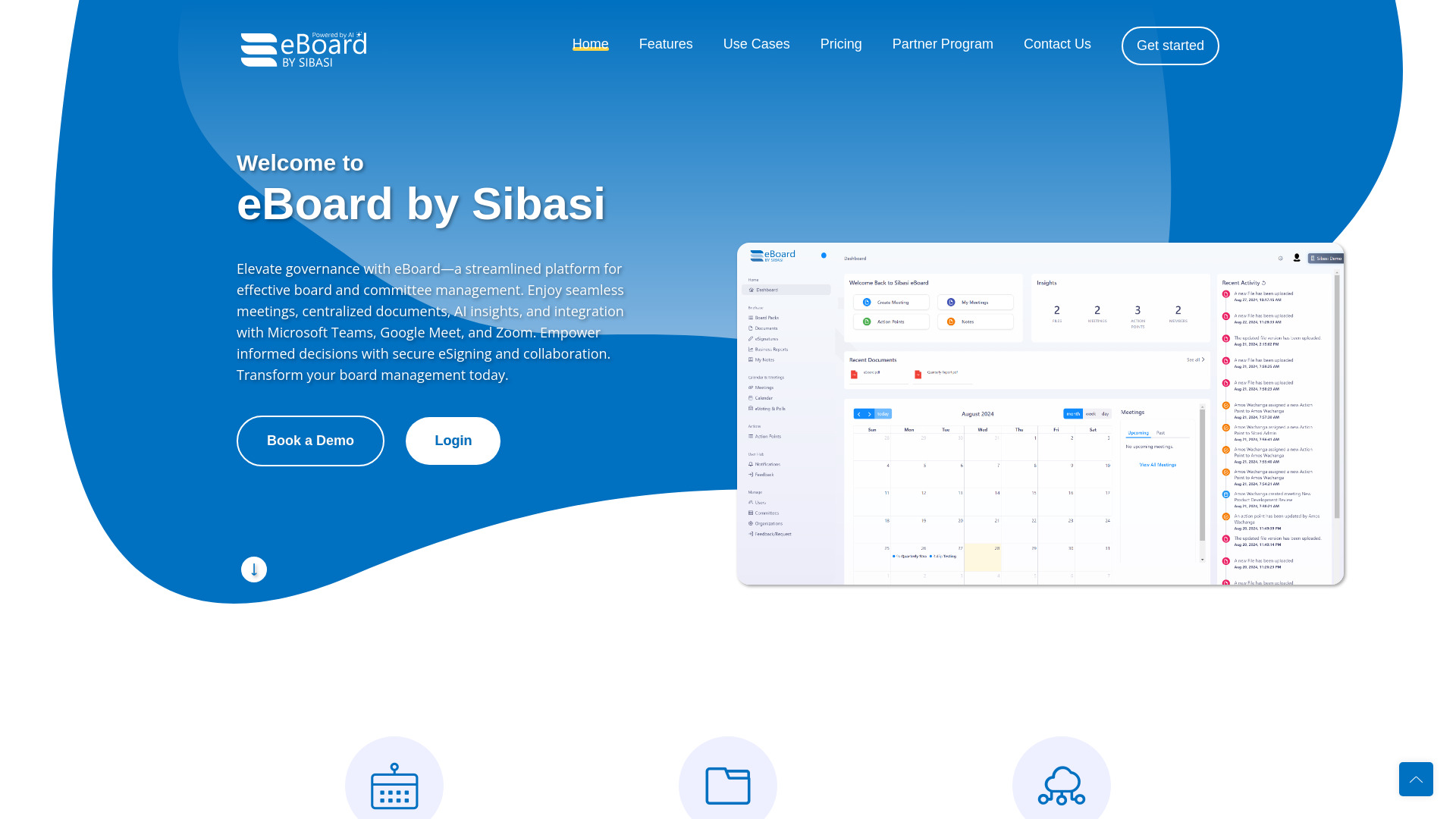
- Boards and committee governance
- Starts at $250/user/year
- Monthly visits: 1,115 monthly visits

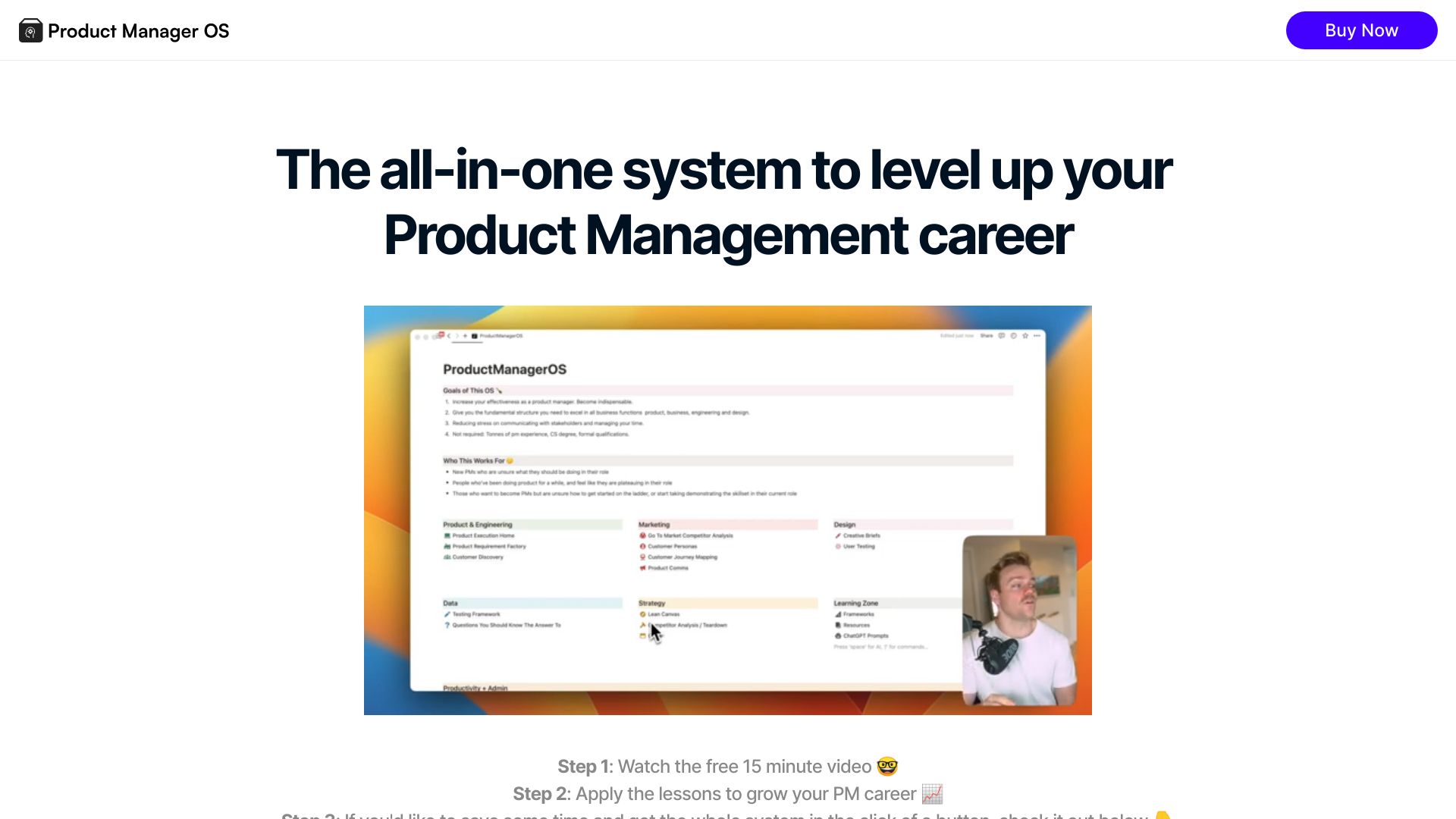
- Product managers needing a structured operating system
- Starts at $99 one-time
- Monthly visits: 305 monthly visits
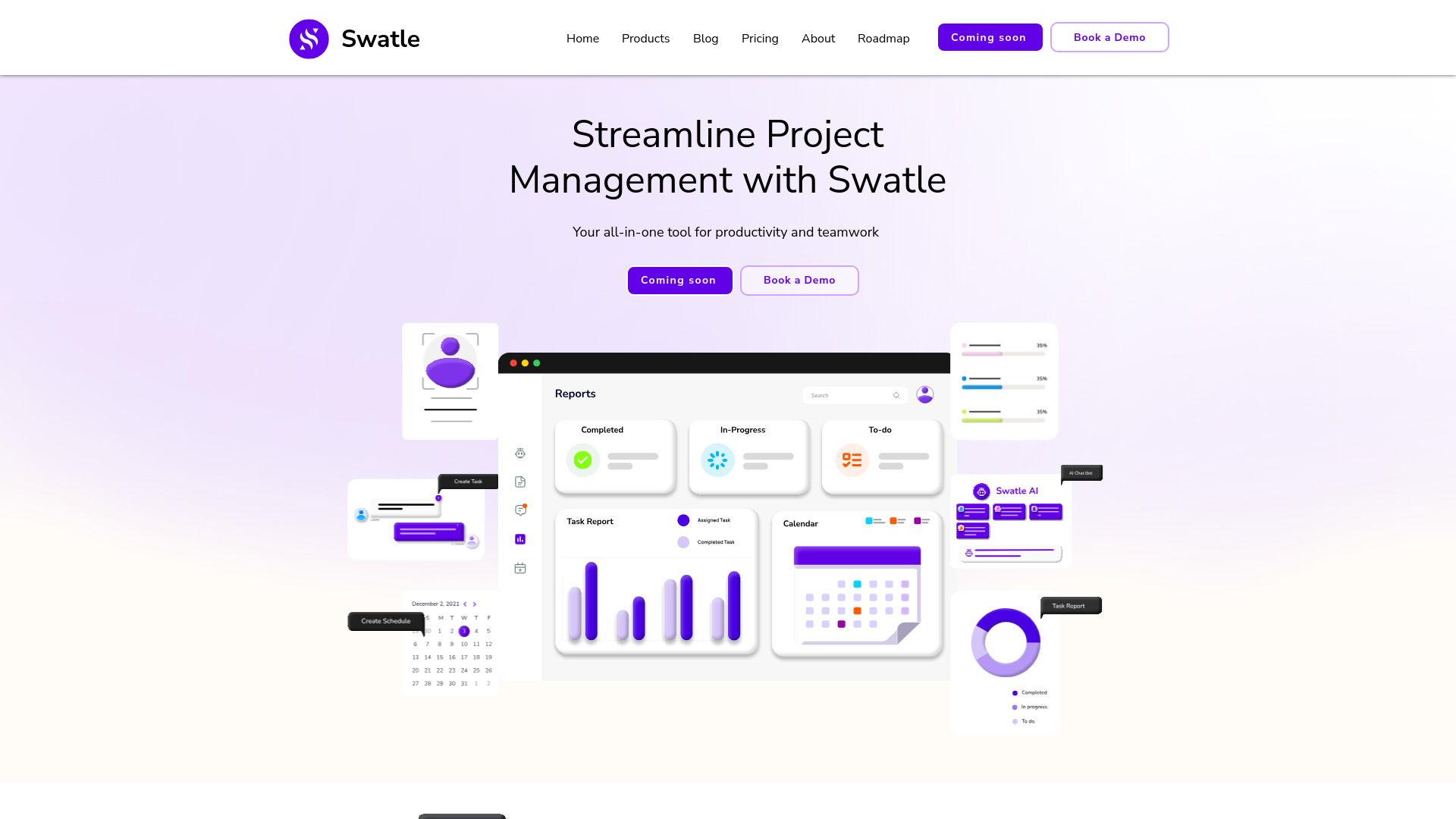
- AI-powered project management
- 14-day free trial
- Starts at $8/month
- Monthly visits: 610 monthly visits

- Teams needing unified project collaboration
- 14-day free trial
- Starts at Check vendor pricing
- Monthly visits: 81 monthly visits

- Data-driven product management teams
- Free plan available
- Starts at From $19/month
- Monthly visits: 694 monthly visits

- Project management software comparisons
- Starts at Check vendor pricing

- AI-powered people management
- Free trial available
- Starts at Check vendor pricing
- Monthly visits: 258 monthly visits
- AI-assisted daily planning
- Starts at Check vendor pricing
- Monthly visits: 53 monthly visits
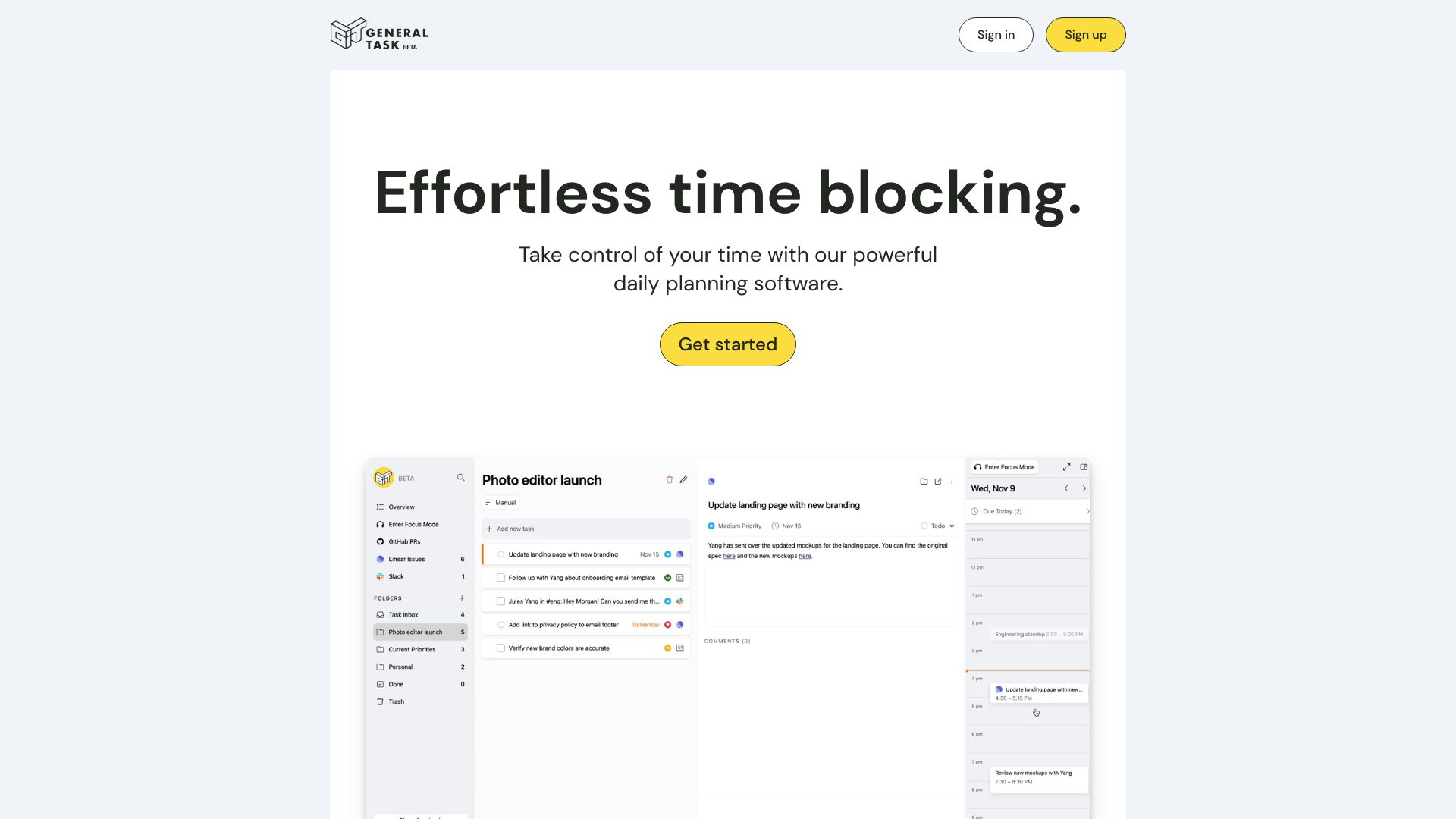

- Small construction businesses
- 1 free project, 1 user
- Starts at $70/month
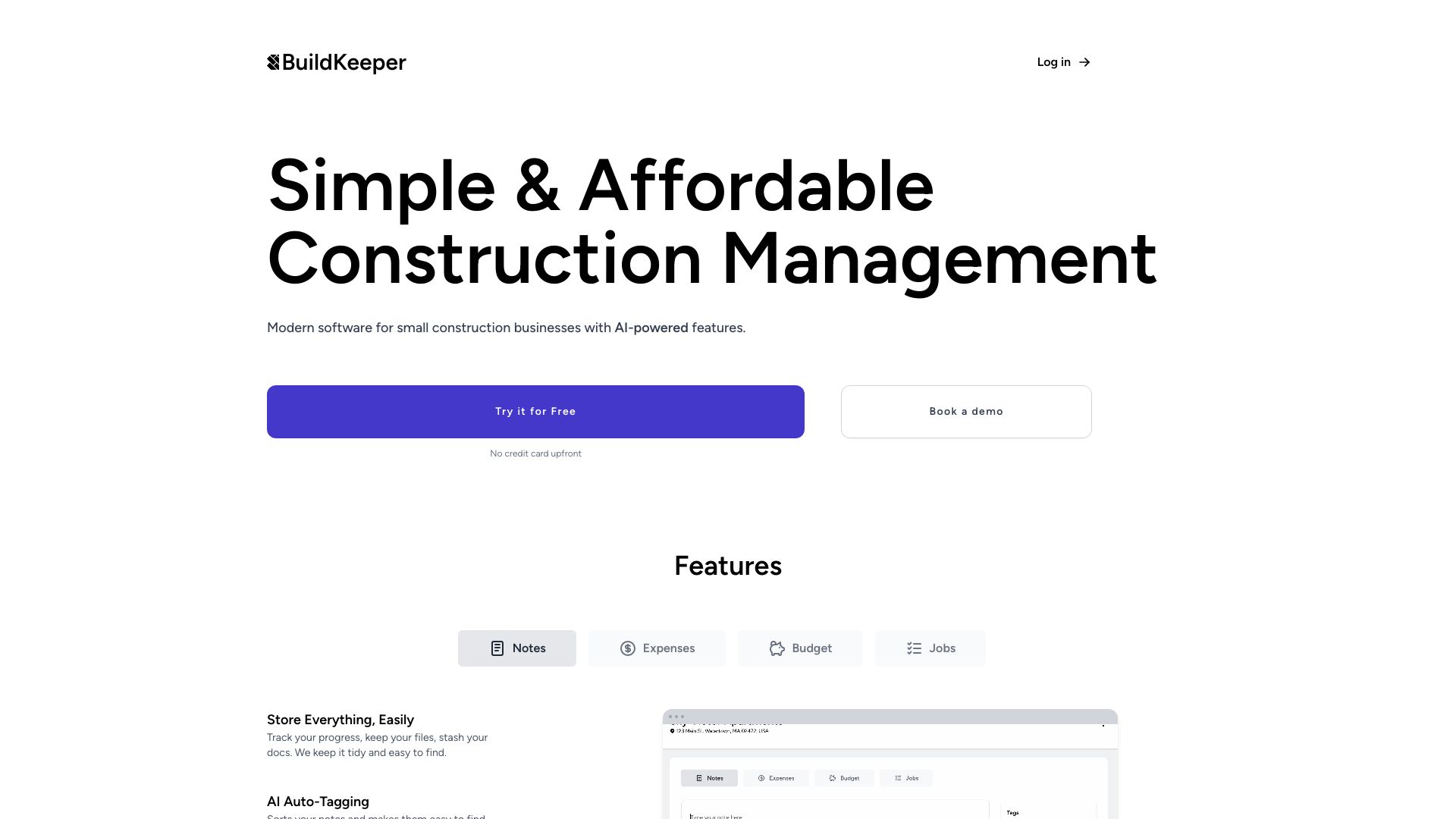

- Freelancers and agencies managing client projects
- 3-day free trial
- Starts at Check vendor pricing
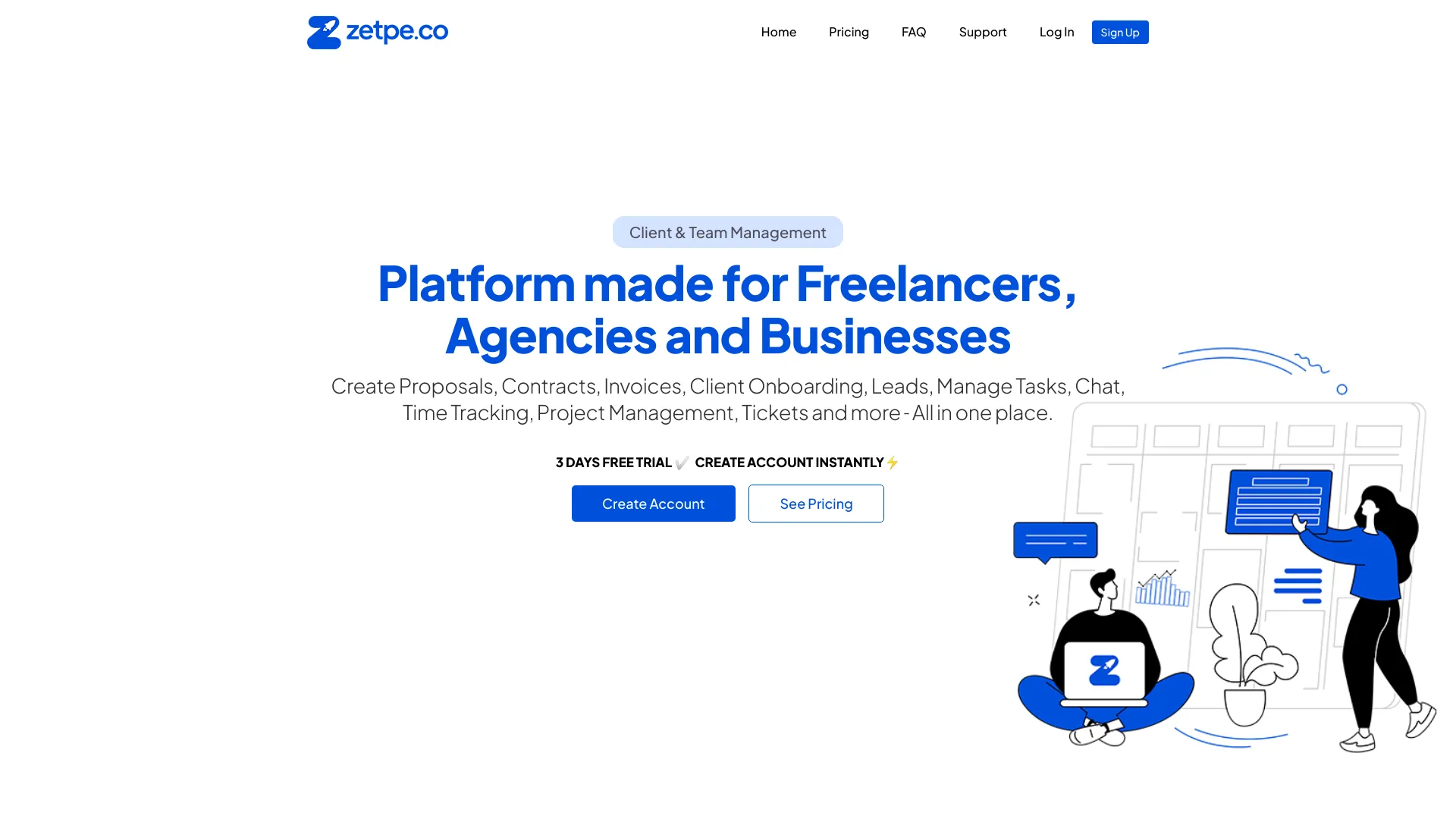

- Gantt-based project planning
- Starts at Check vendor pricing
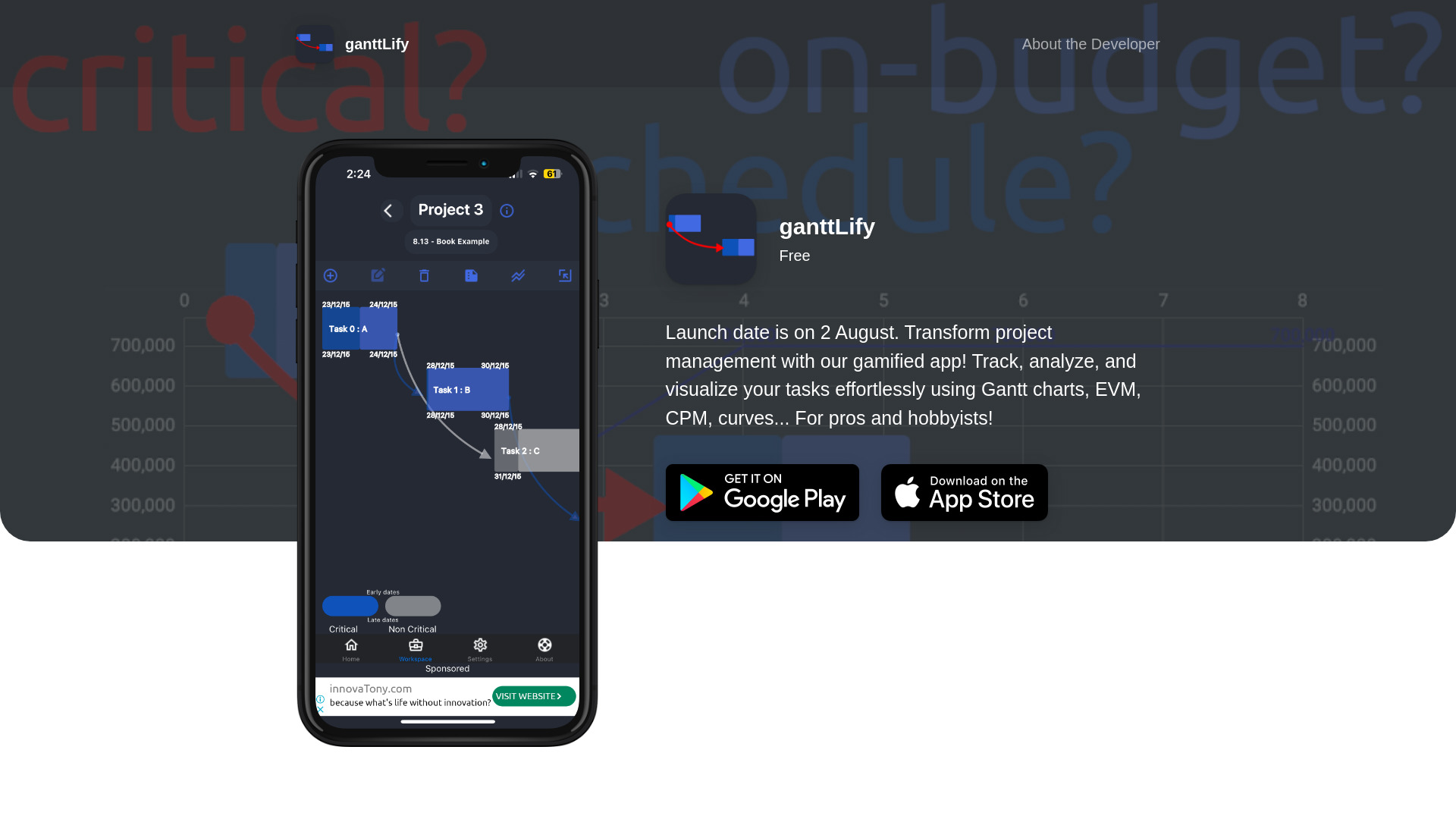

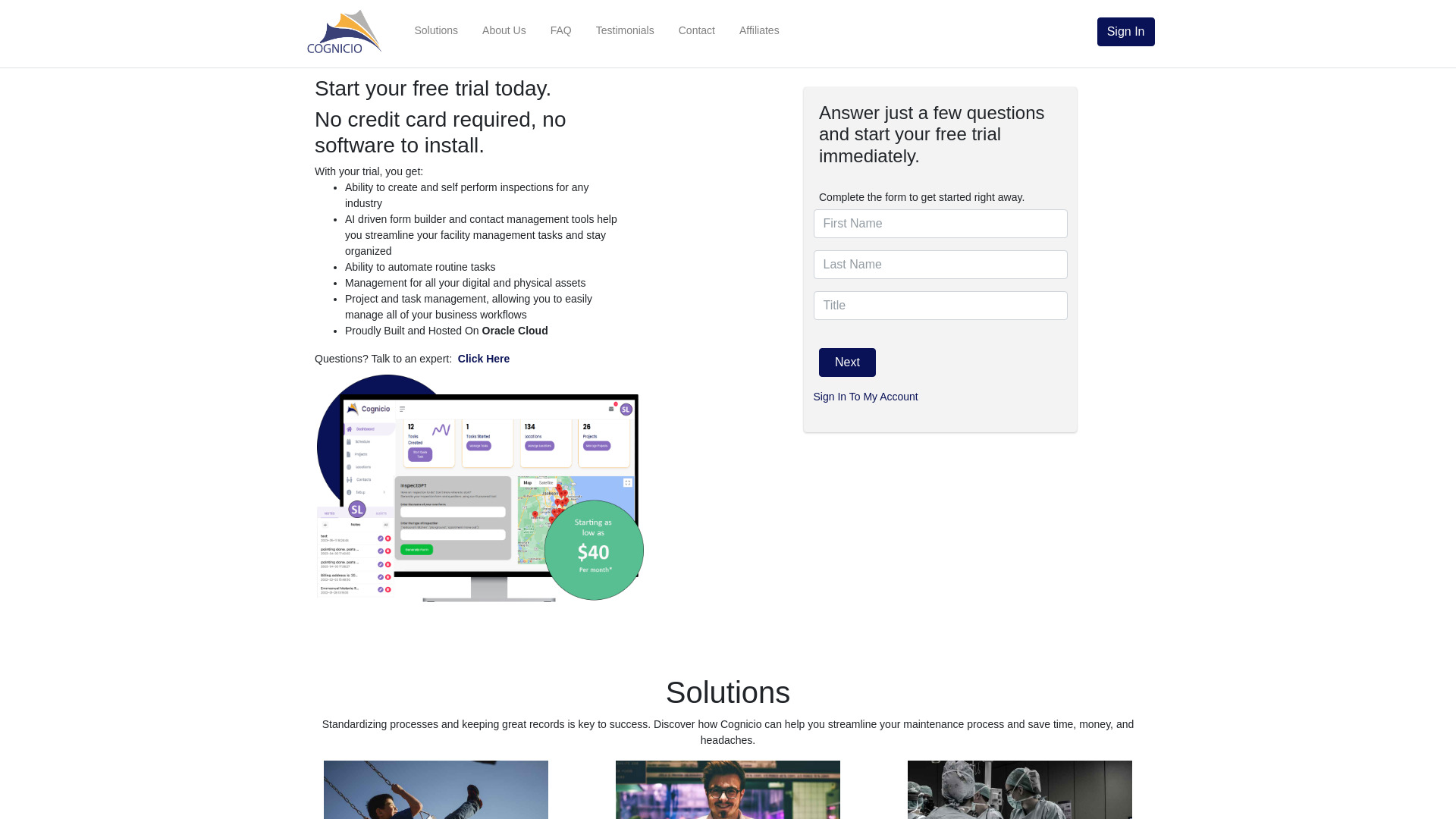
- Custom inspections and facility workflows
- Free trial available
- Starts at Check vendor pricing

- Agile teams managing projects in Slack
- Free plan available
- Starts at Check vendor pricing

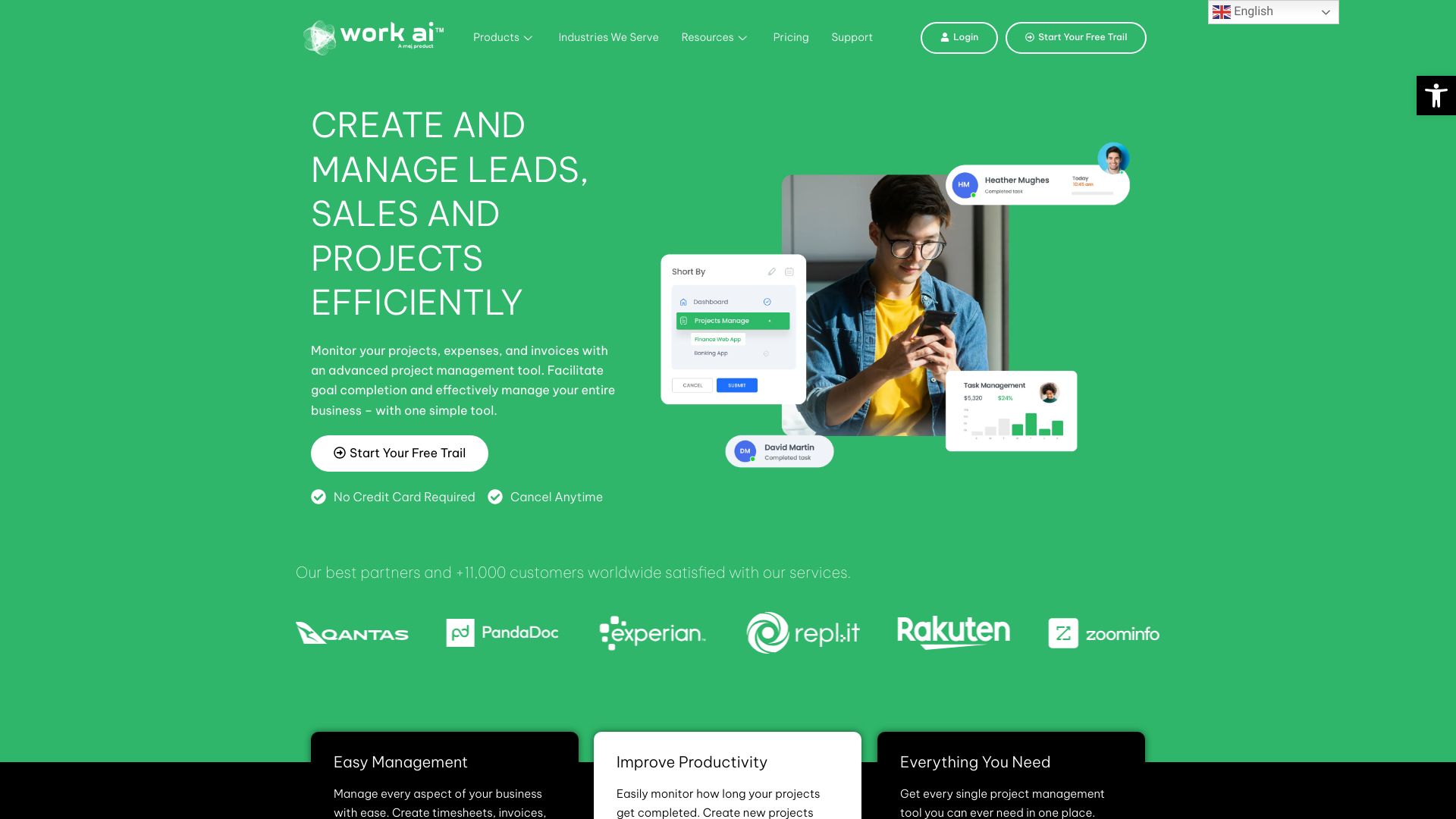
- AI-assisted project and business operations
- Up to 5 workspaces on the free trial
- Starts at Check vendor pricing
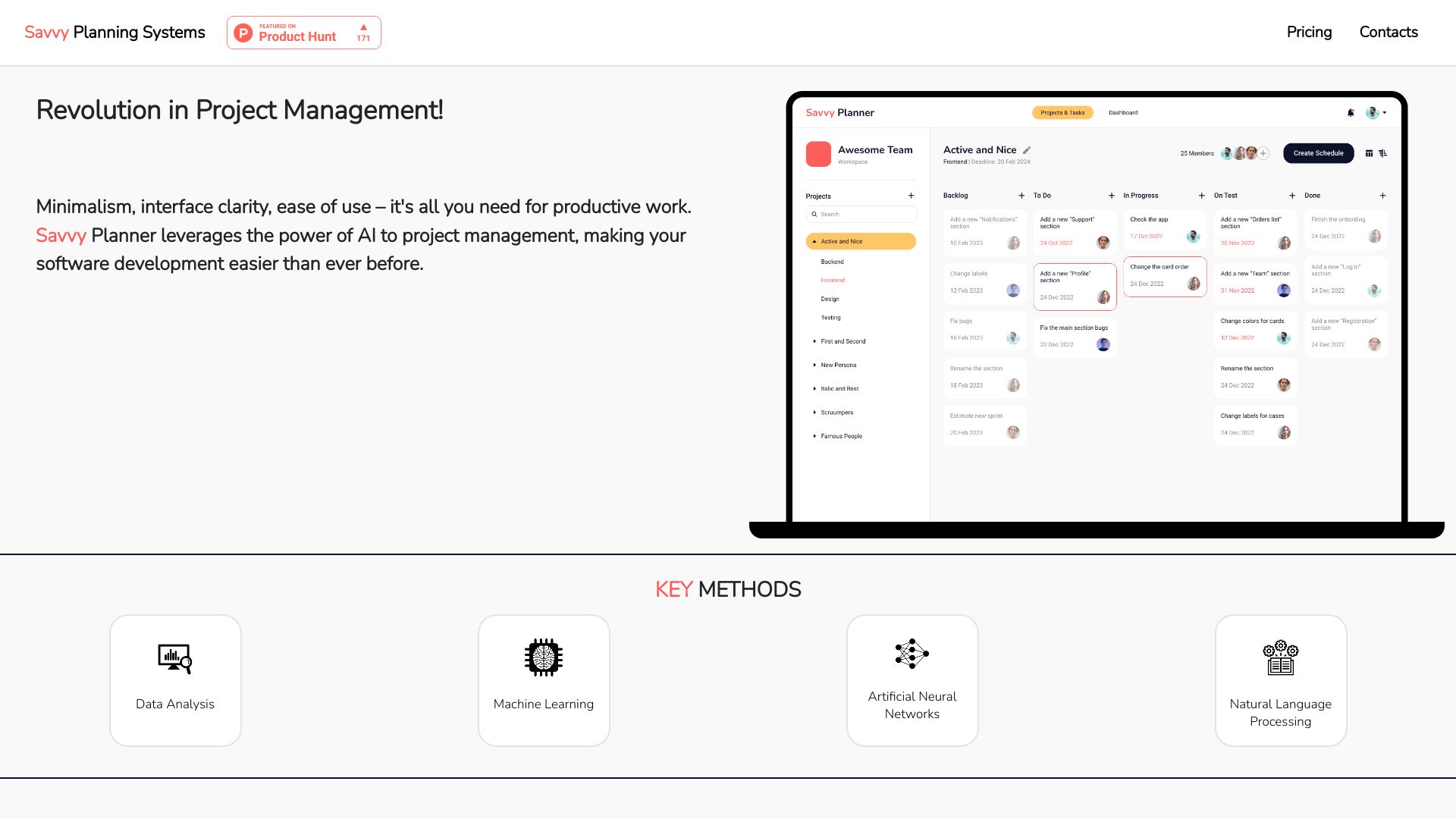
- AI-assisted project scheduling
- Starts at Check vendor pricing
- AI-generated software development tasks
- 1,000 free AI credits
- Starts at Check vendor pricing
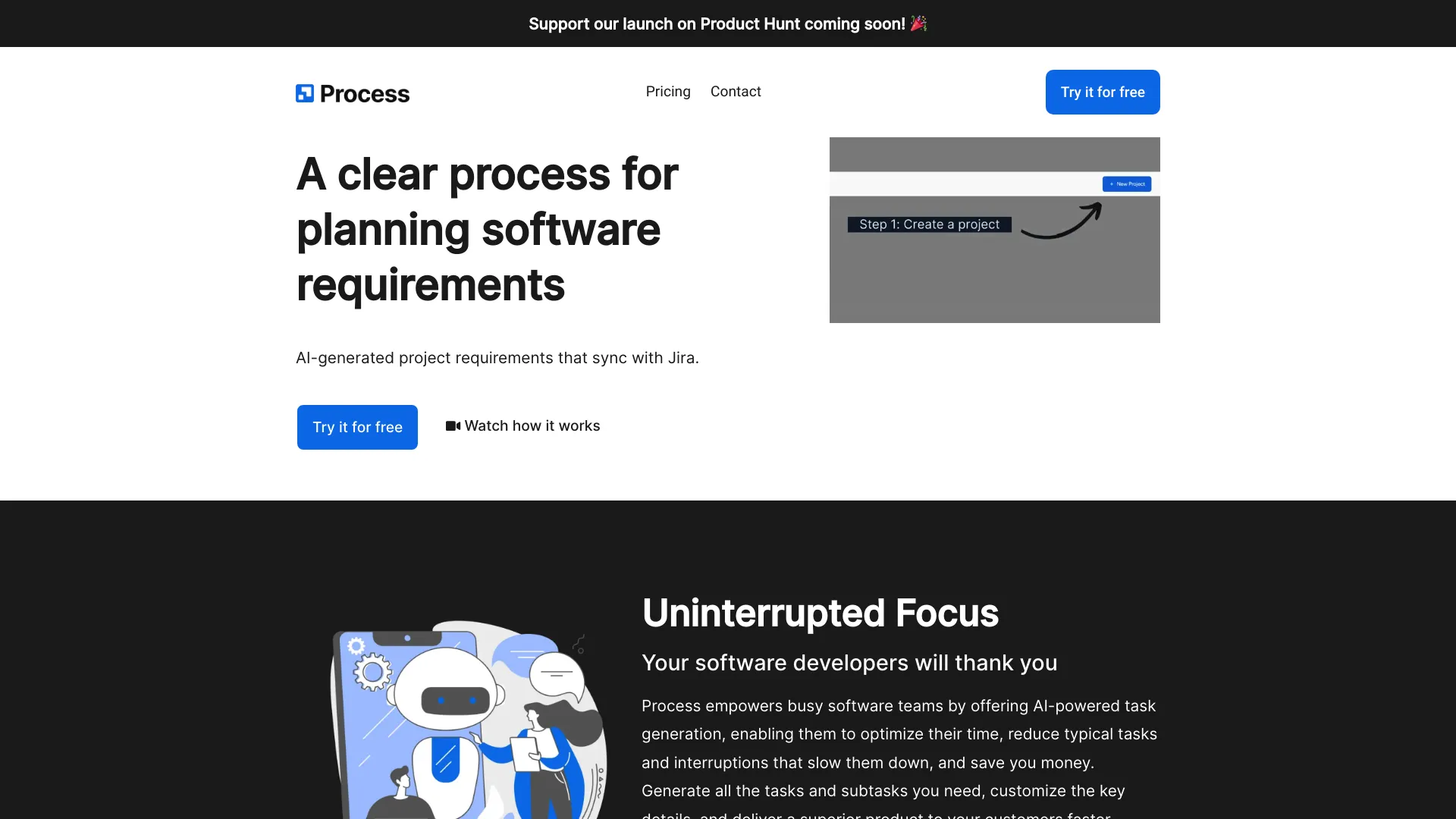

- Freelancers automating client acquisition
- Starts at $29/month
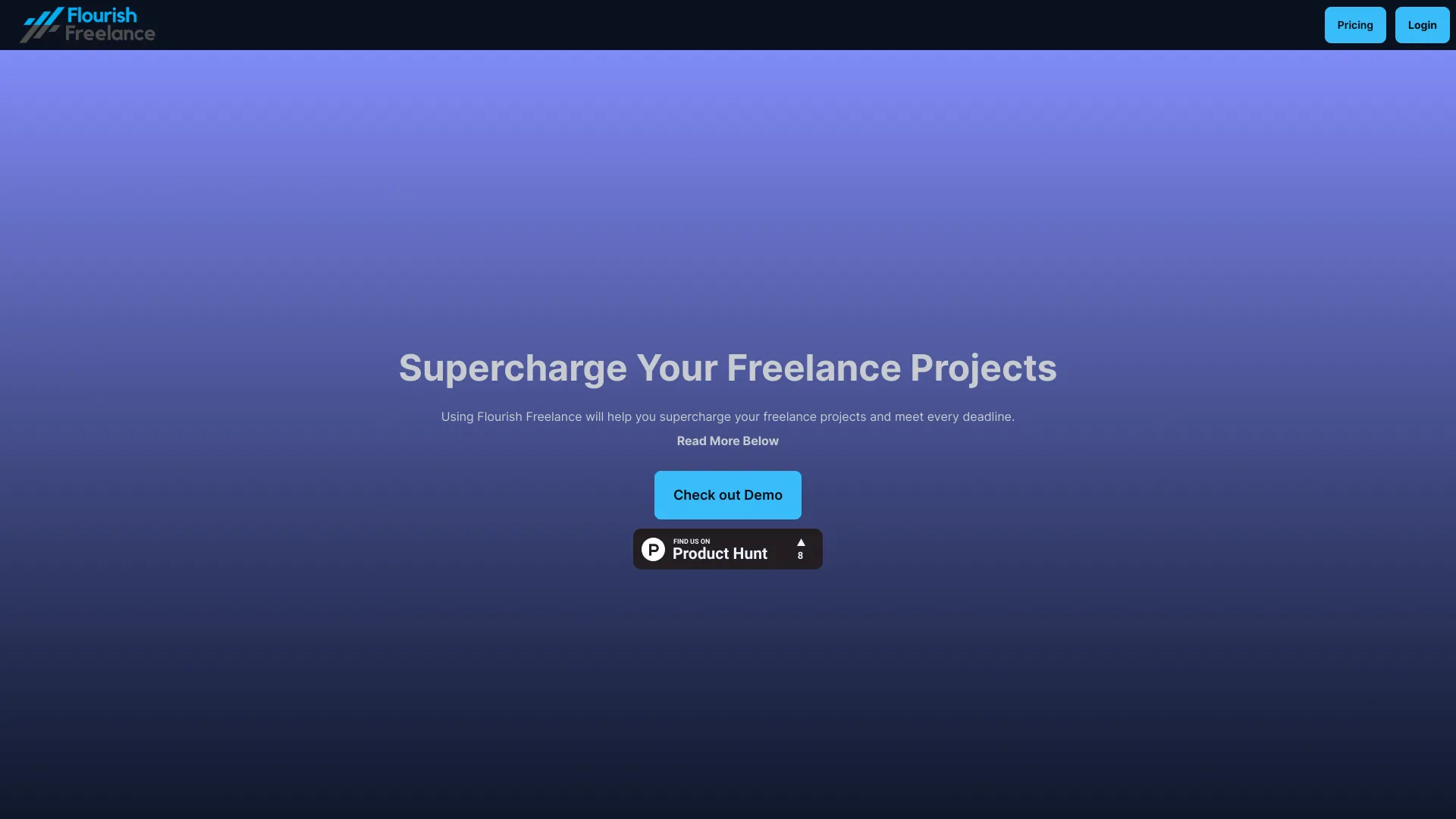

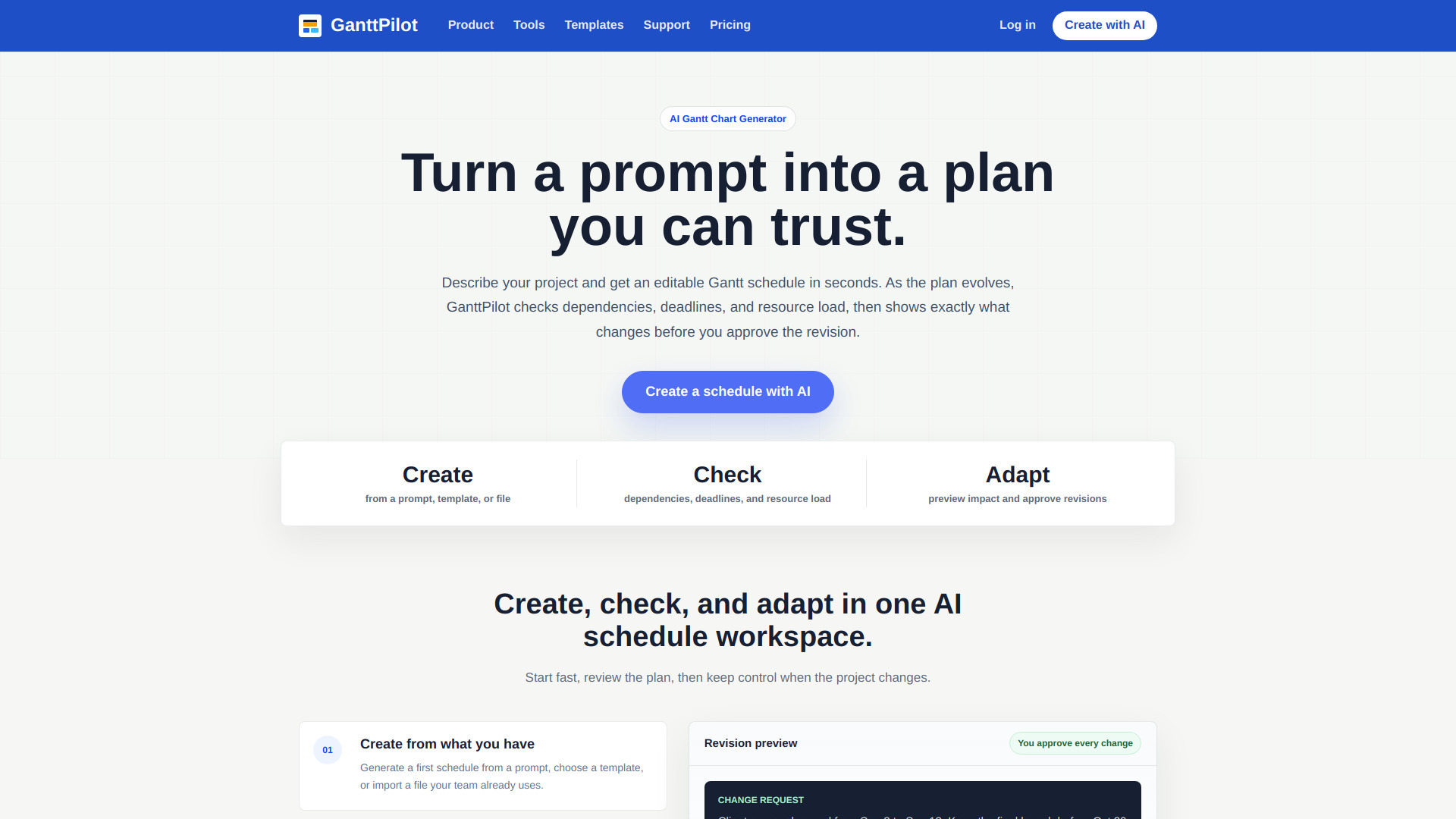
- AI-assisted project scheduling
- 20 AI credits on a 14-day trial
- Starts at $19/mo
- AI-assisted project planning
- 5 projects
- Starts at From 120.99 CNY/user/month
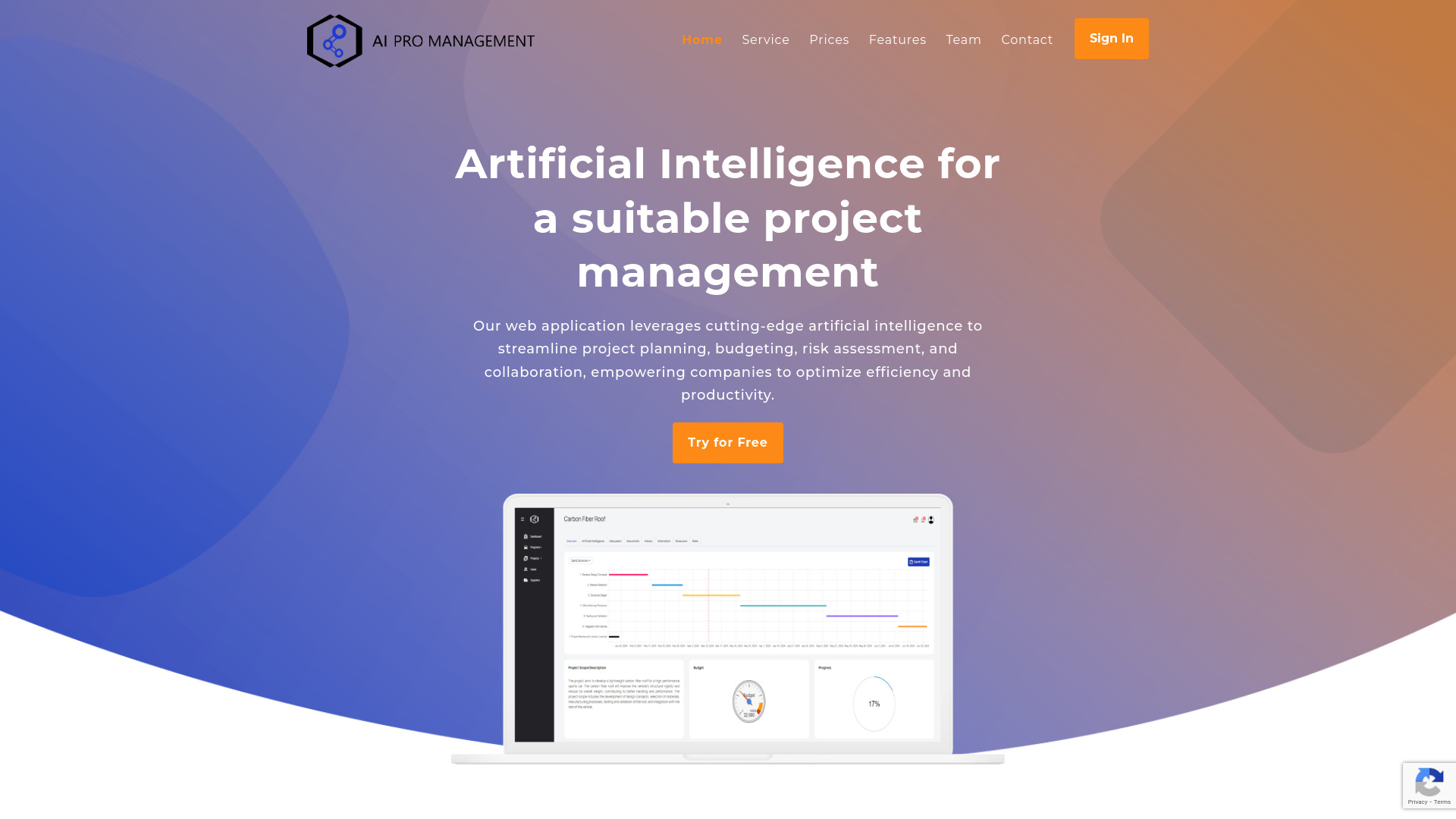

- Network-diagram project planning
- Starts at Check vendor pricing
- AI project planning and sprint automation
- 30-day free trial
- Starts at Free
- JIRA project monitoring
- Starts at Check vendor pricing
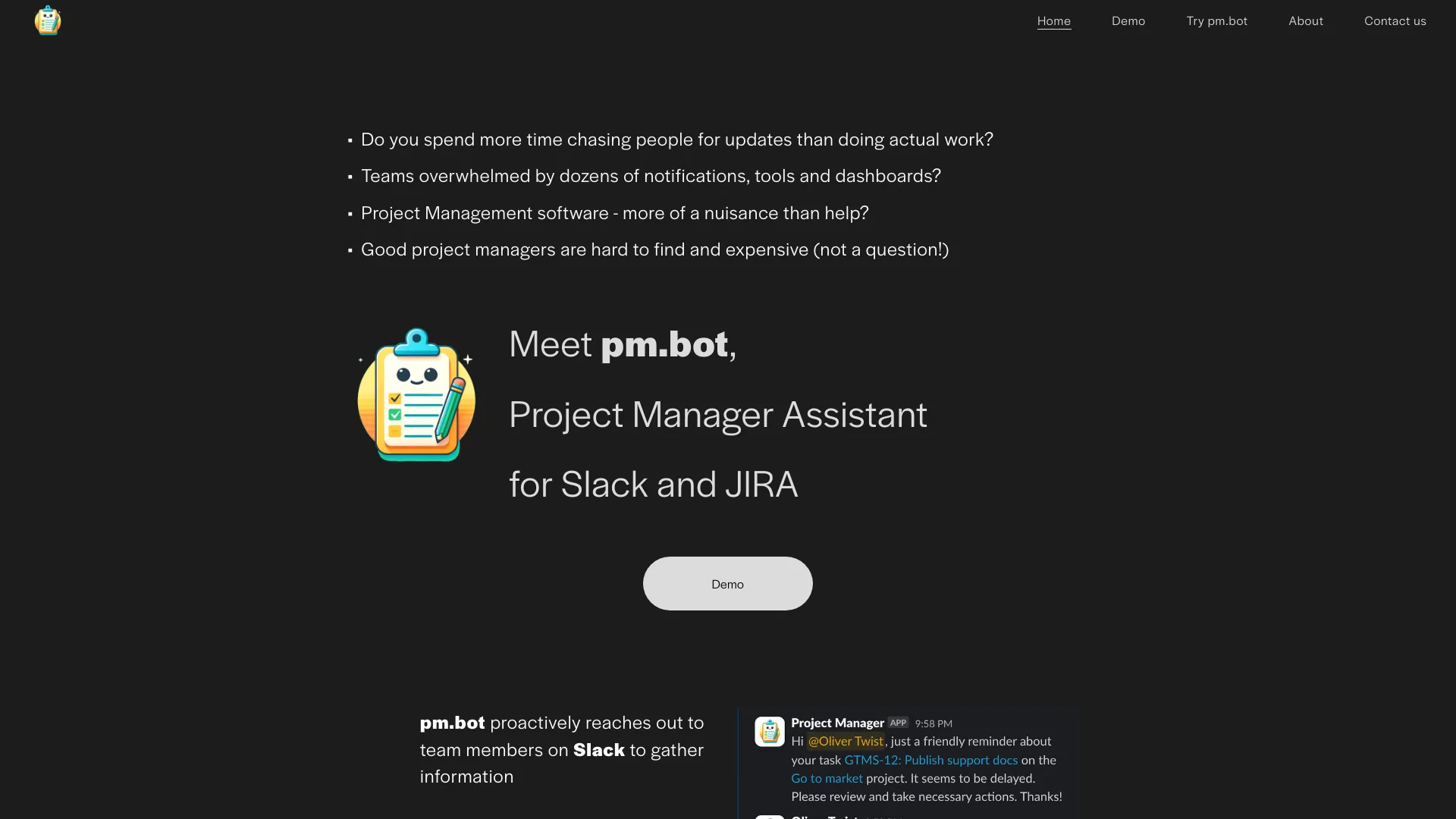
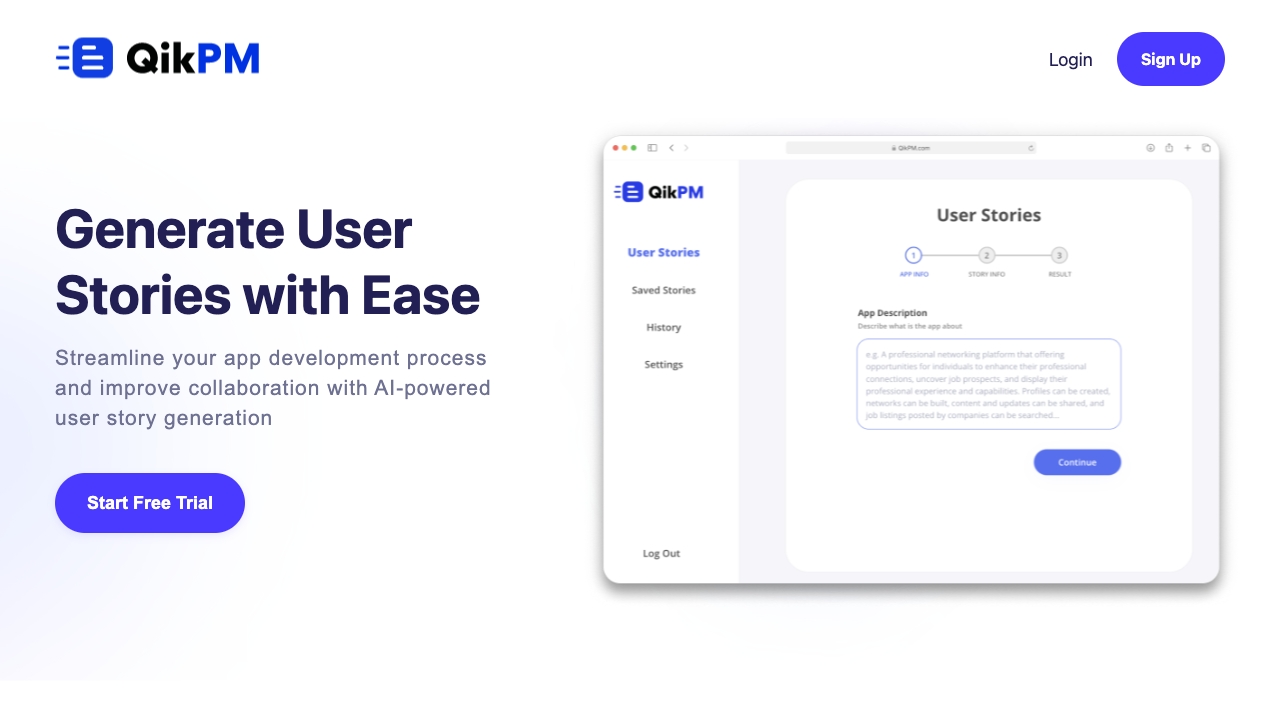
- Product managers writing user stories
- 50 free user stories/month
- Starts at Check vendor pricing

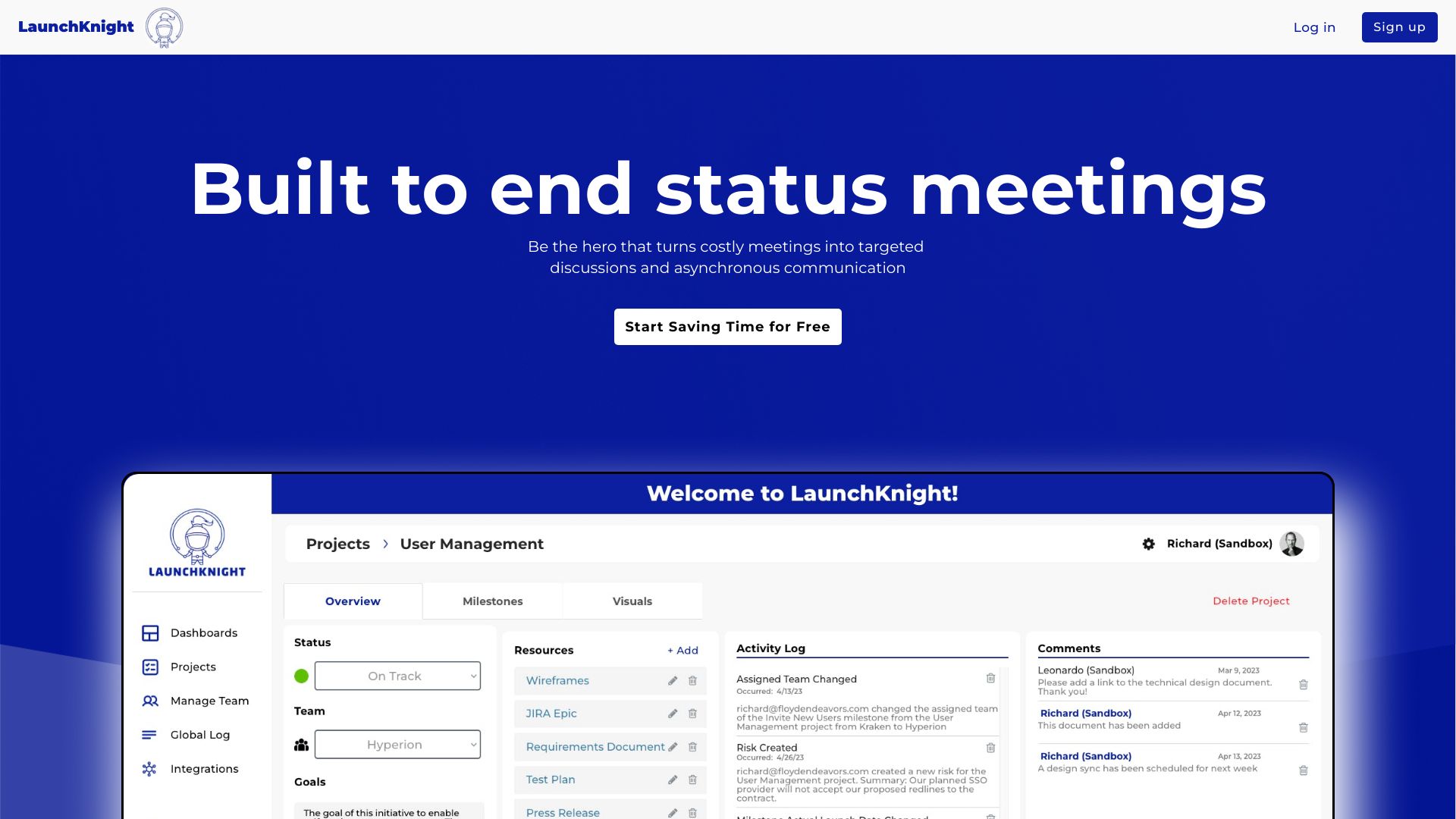
- Project risk tracking
- Starts at Check vendor pricing

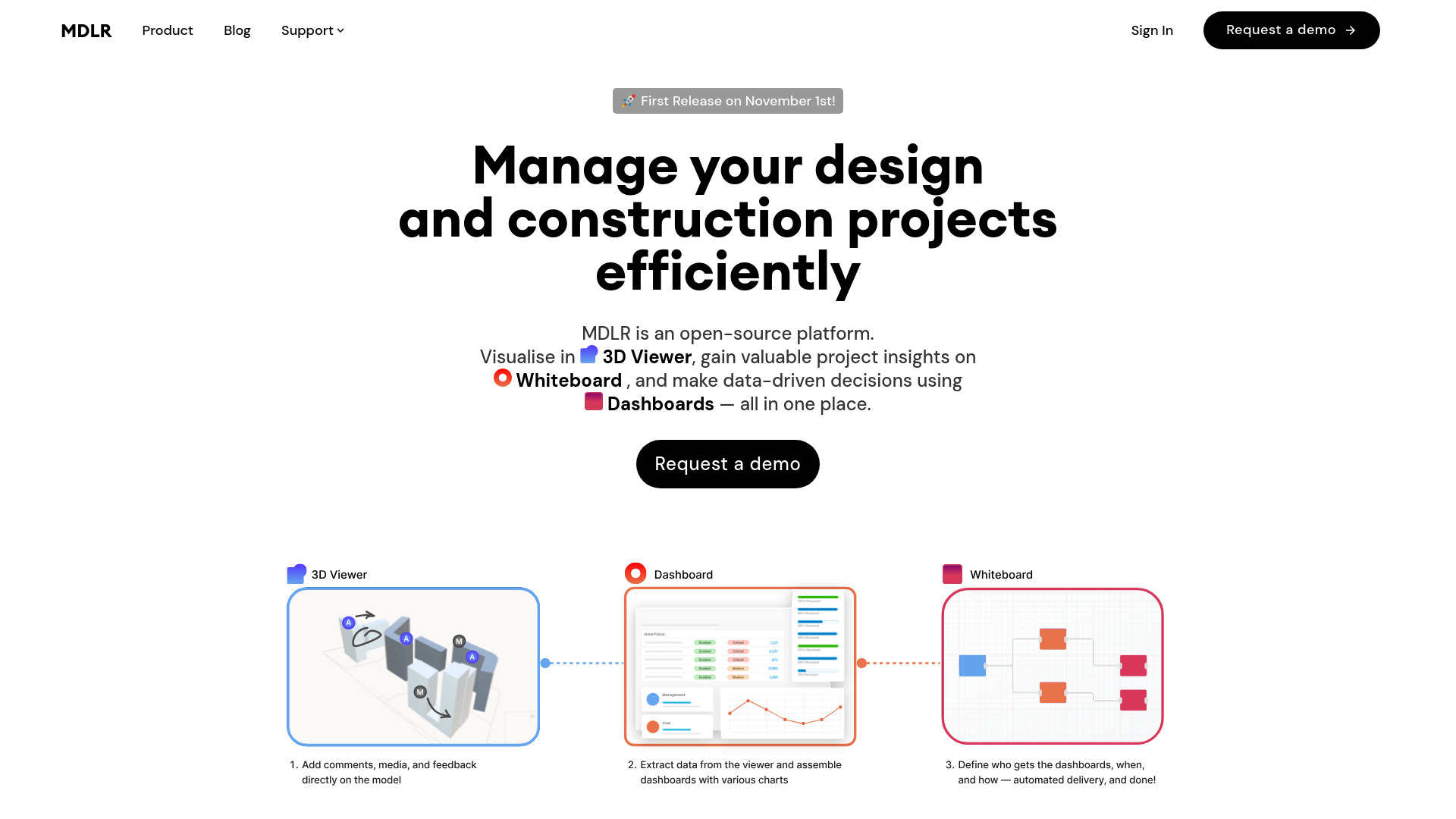
- AI-powered AEC project reviews
- Starts at Check vendor pricing

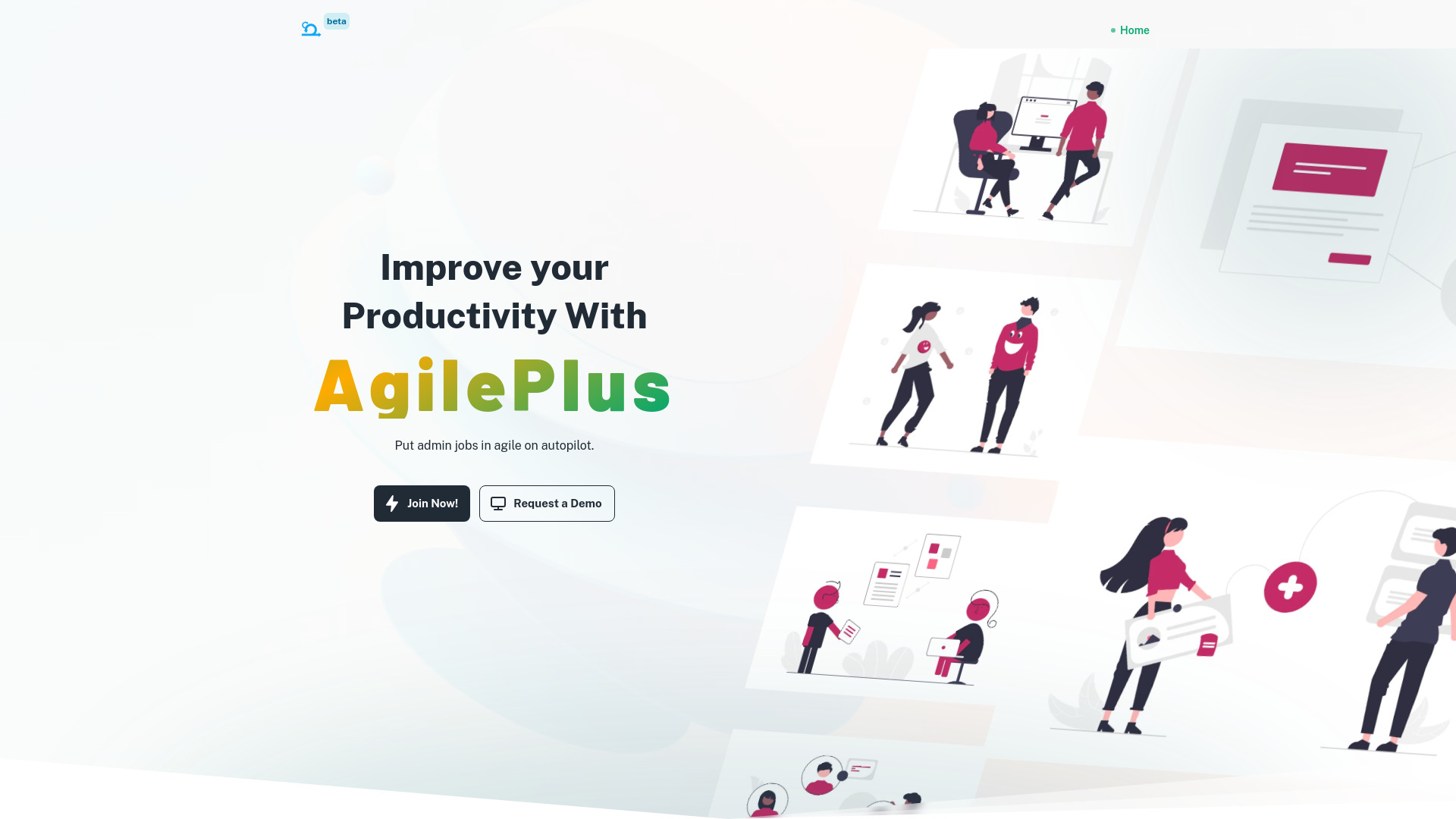
- Agile ceremonies and team collaboration
- Free forever: up to 10 users, 1 project
- Starts at From $15/user/month
- AI-powered IT project planning
- Starts at Check vendor pricing

- Software project cost estimation
- Free plan available
- Starts at Check vendor pricing
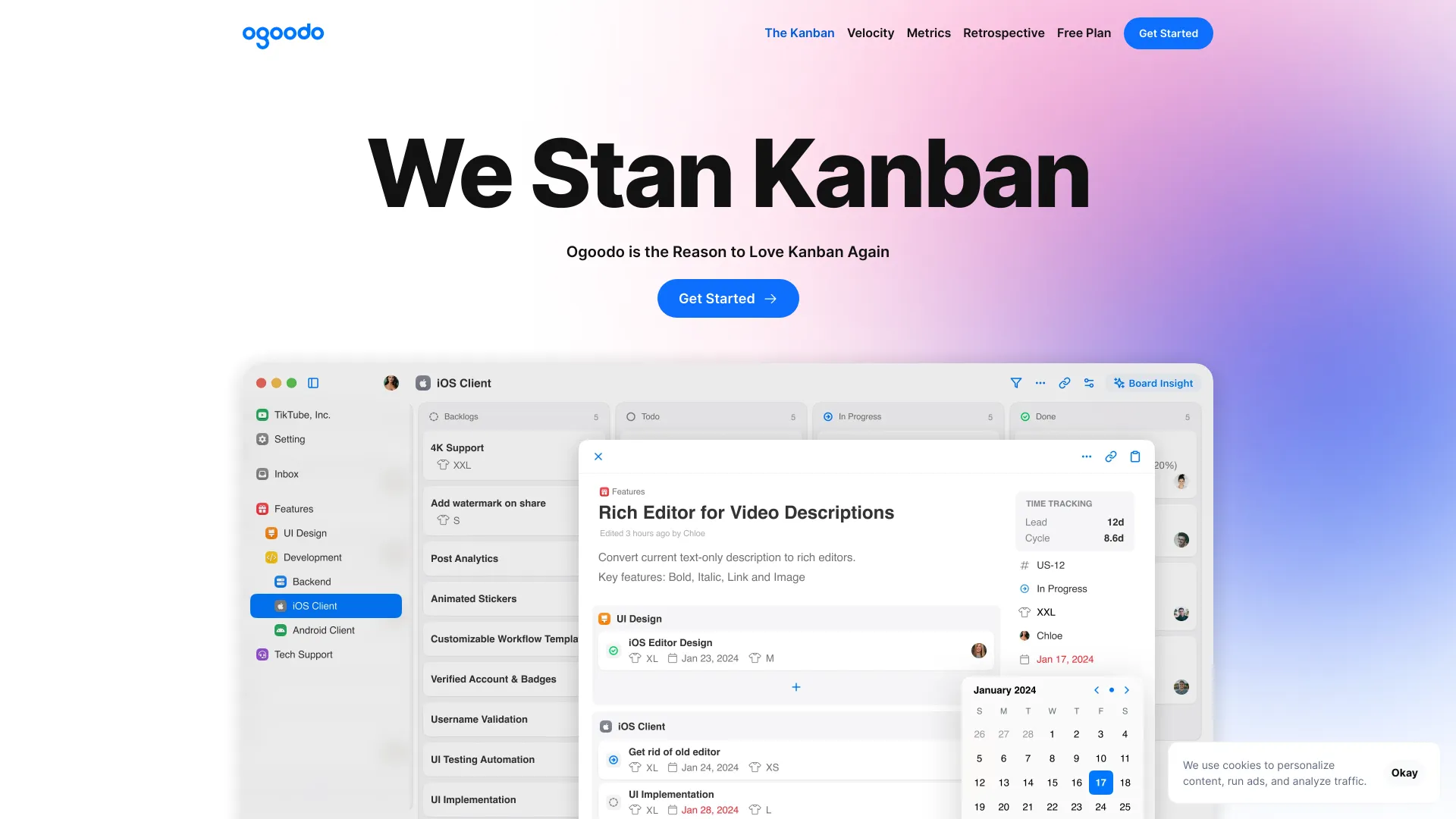
- Kanban teams needing timeline predictions
- Free plan available
- Starts at Check vendor pricing

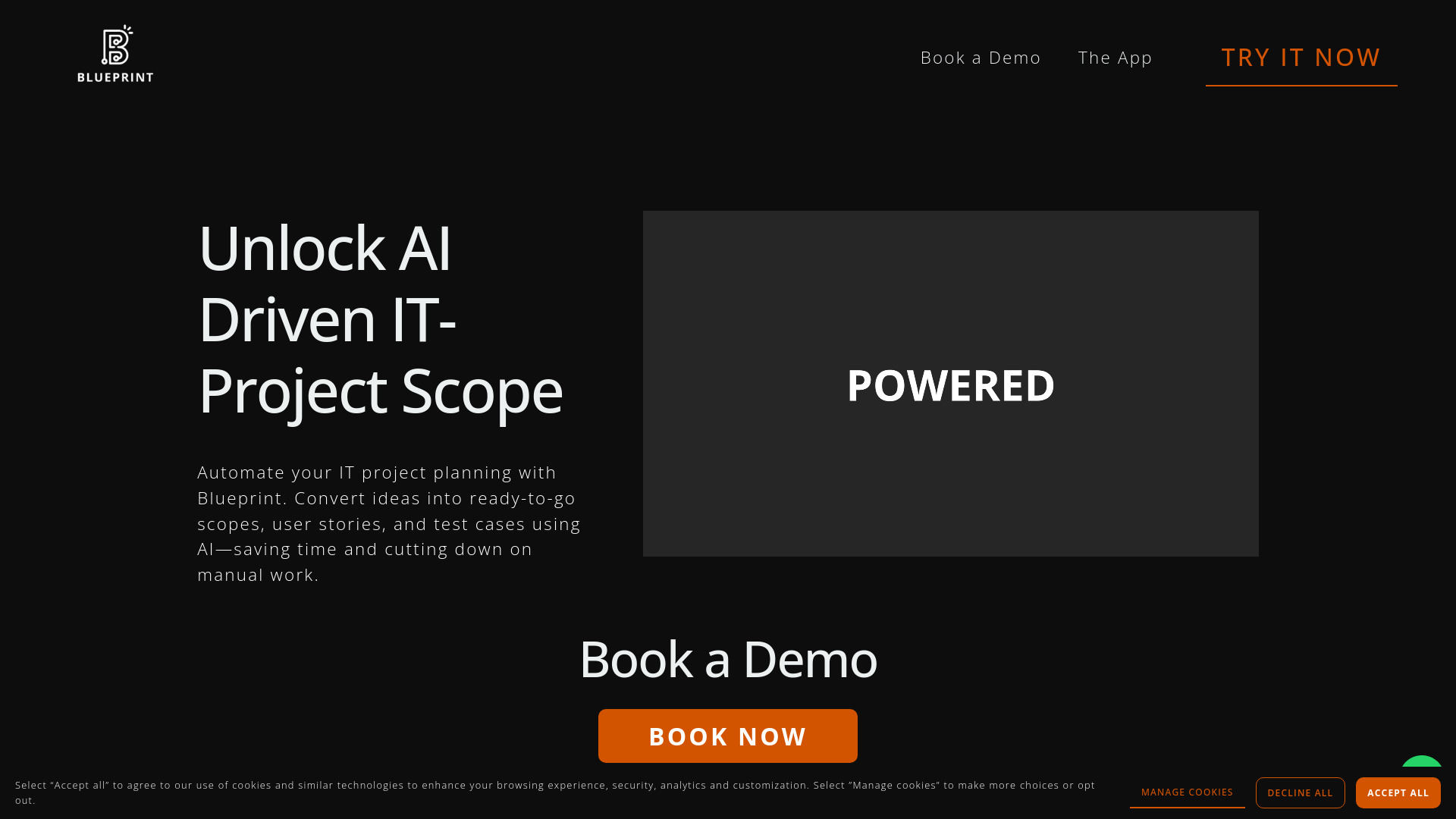
- IT project scope planning
- Starts at Check vendor pricing

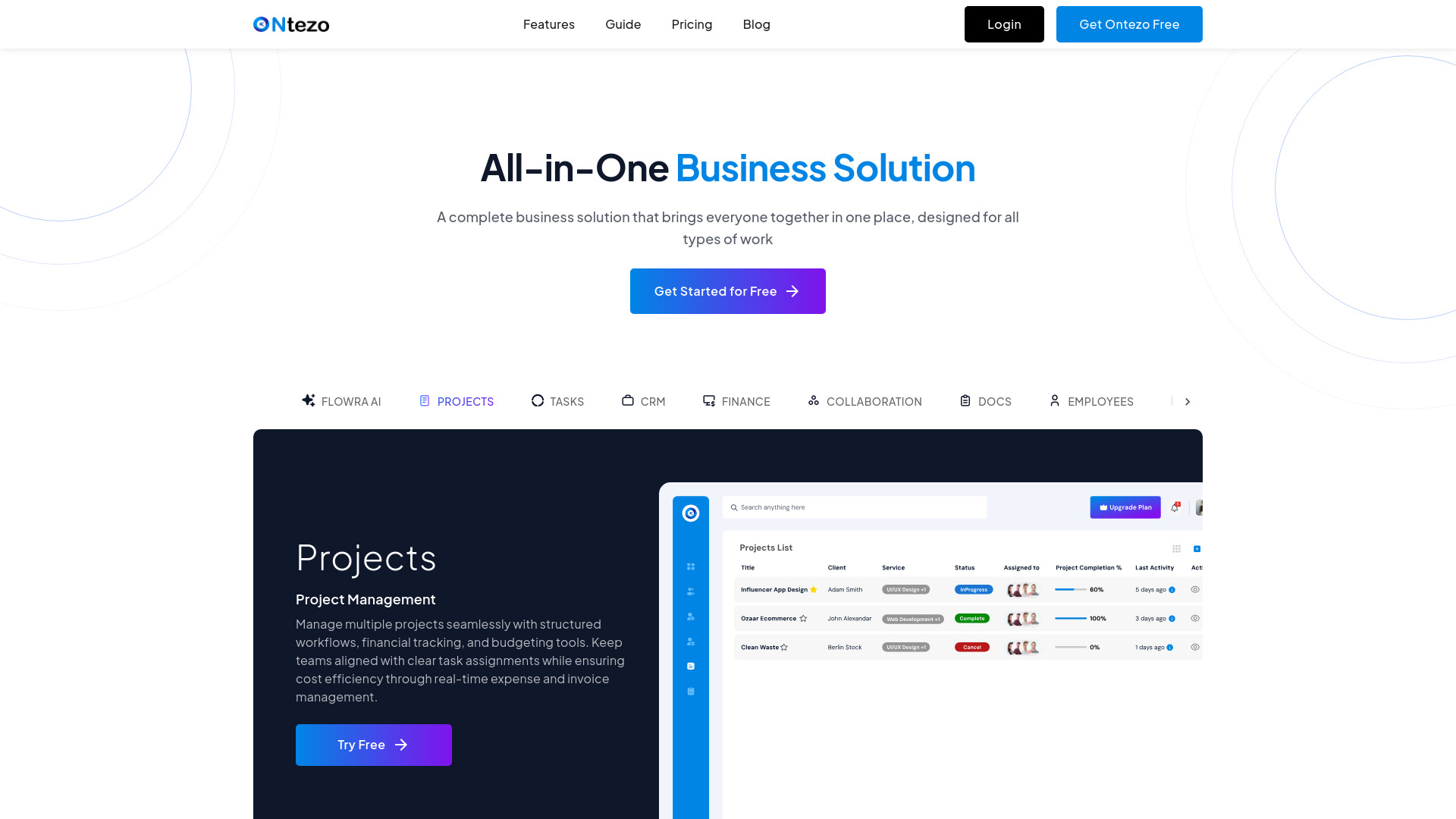
- AI-powered project profitability management
- Free trial available
- Starts at Check vendor pricing

- Solo users and small teams
- 7-day free trial
- Starts at $39/month

- AI tools for product managers
- 5 free trial credits
- Starts at $4/month
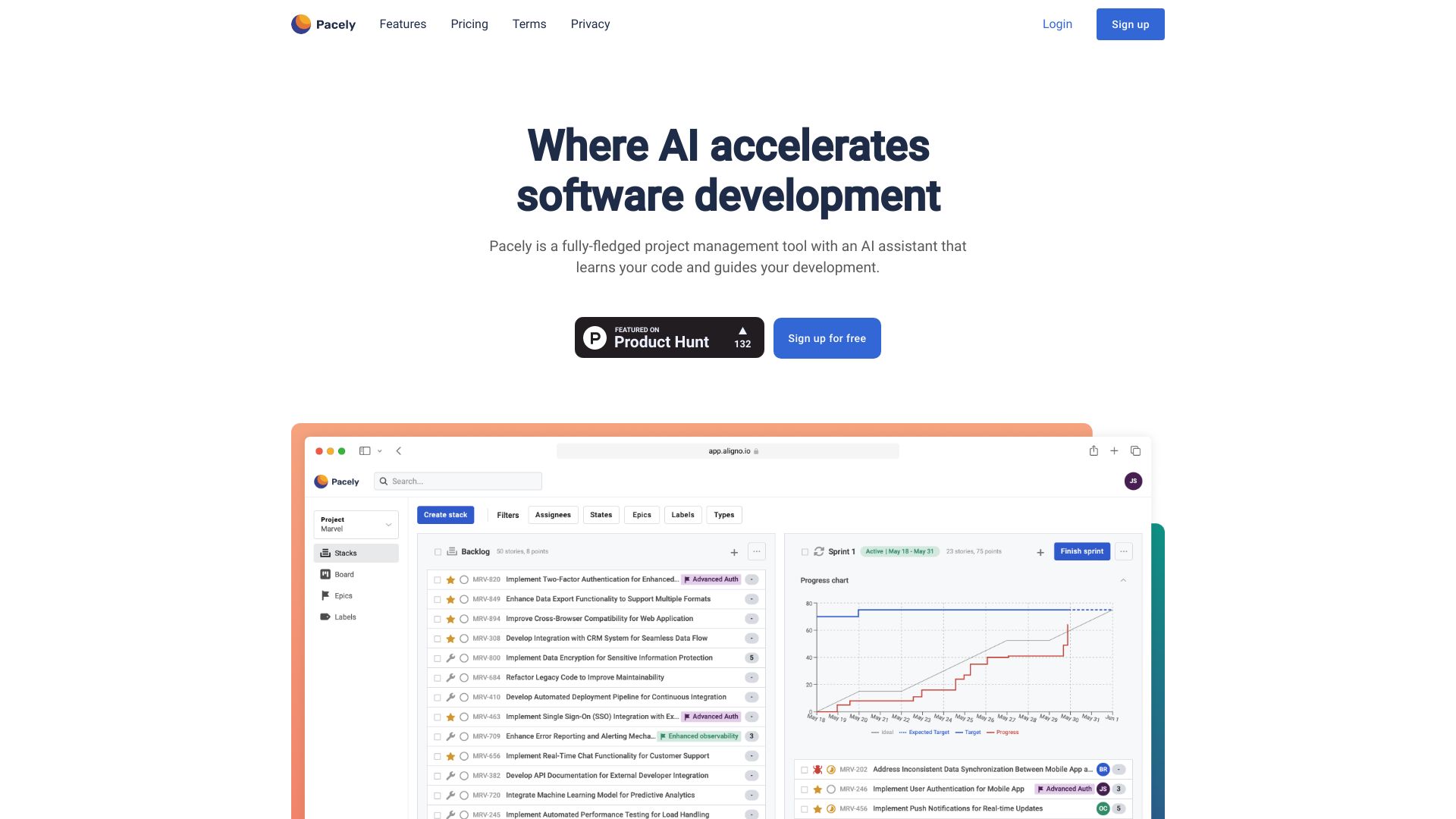
- Software development teams
- Free plan available
- Starts at Check vendor pricing

- Goal planning for individuals
- Free plan available
- Starts at Check vendor pricing

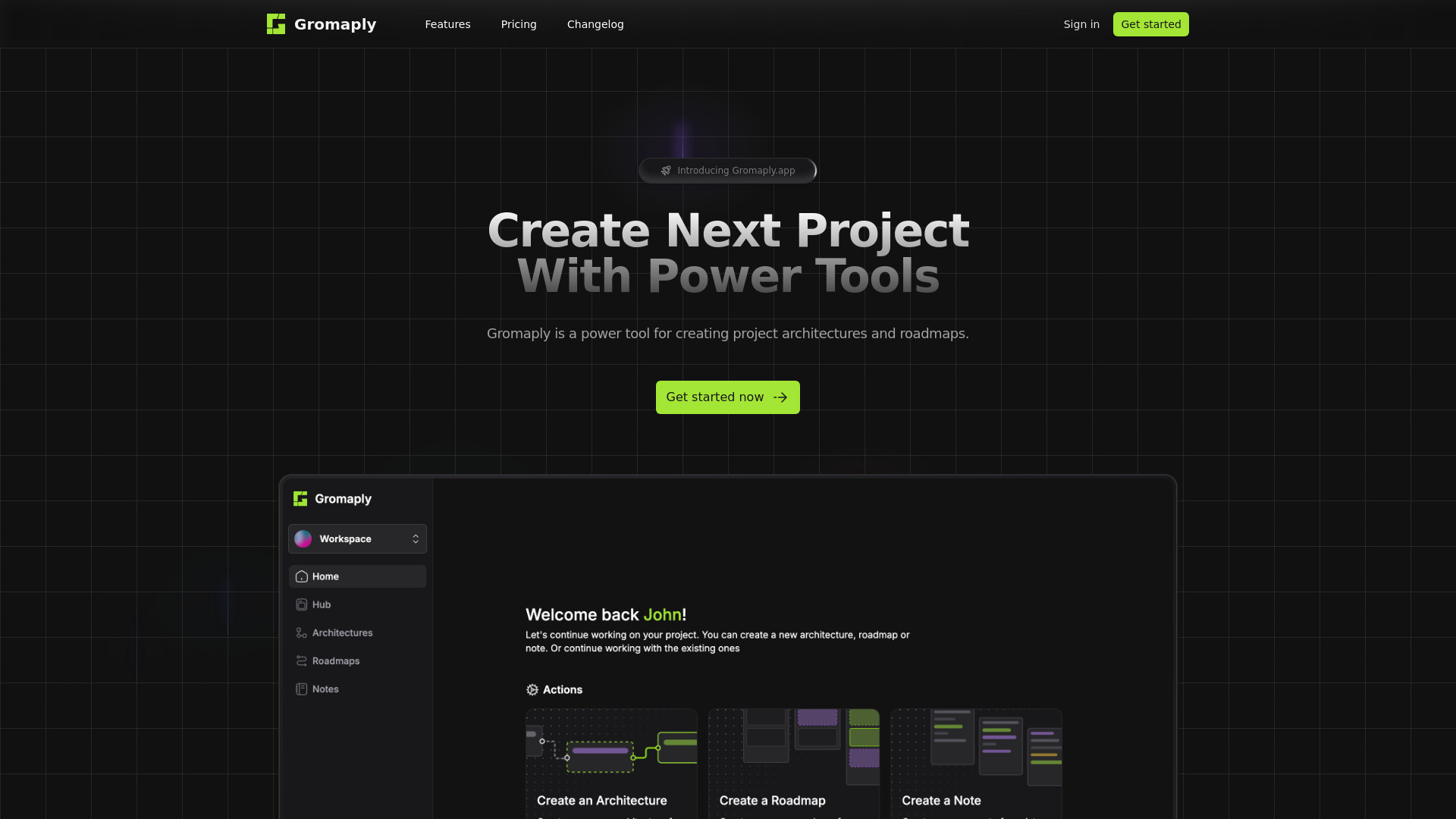
- Project architecture and roadmap planning
- 3 architectures, 3 roadmaps, 3 notes
- Starts at $0/month

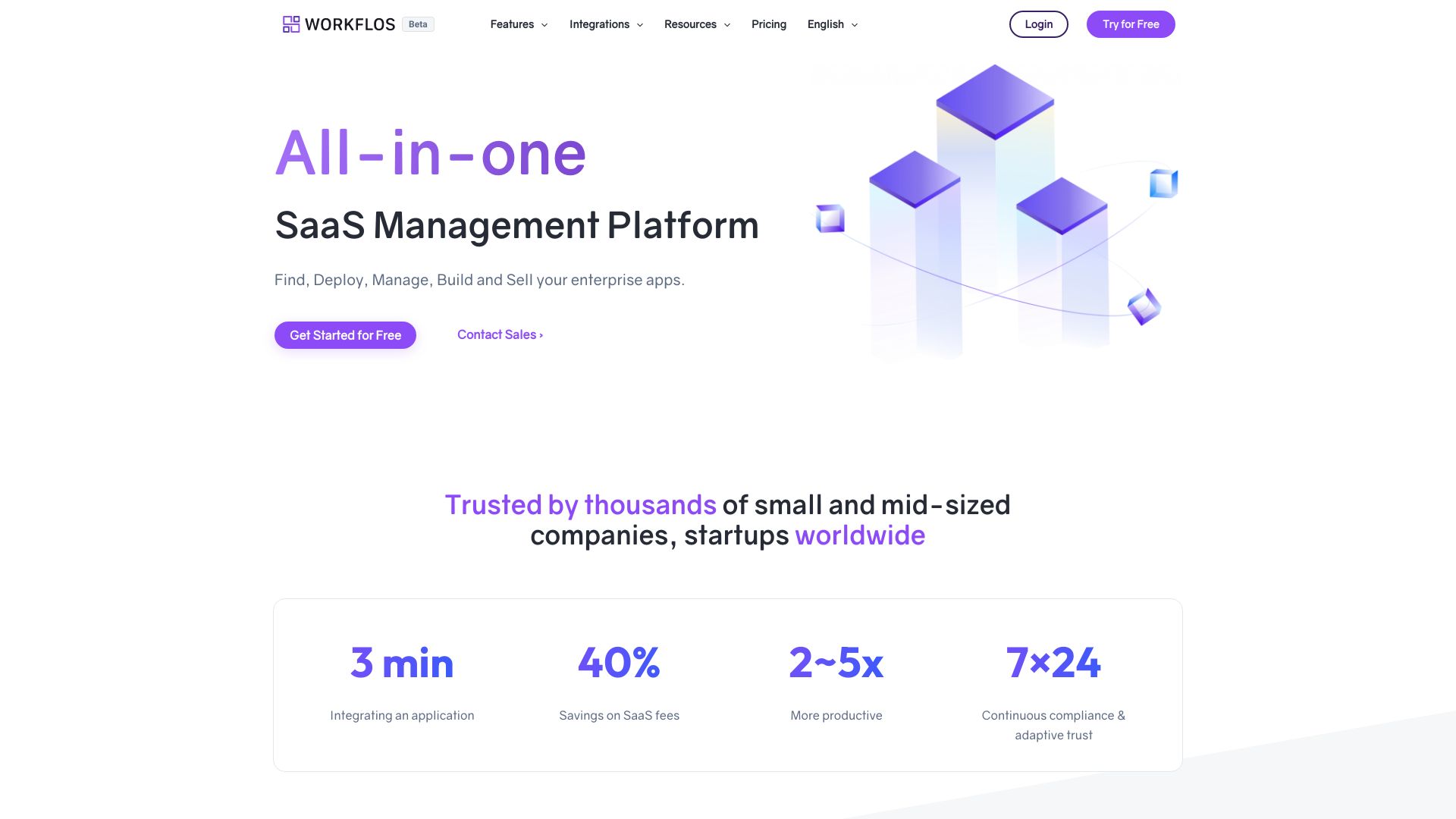
- Enterprise SaaS app management
- Starts at Check vendor pricing

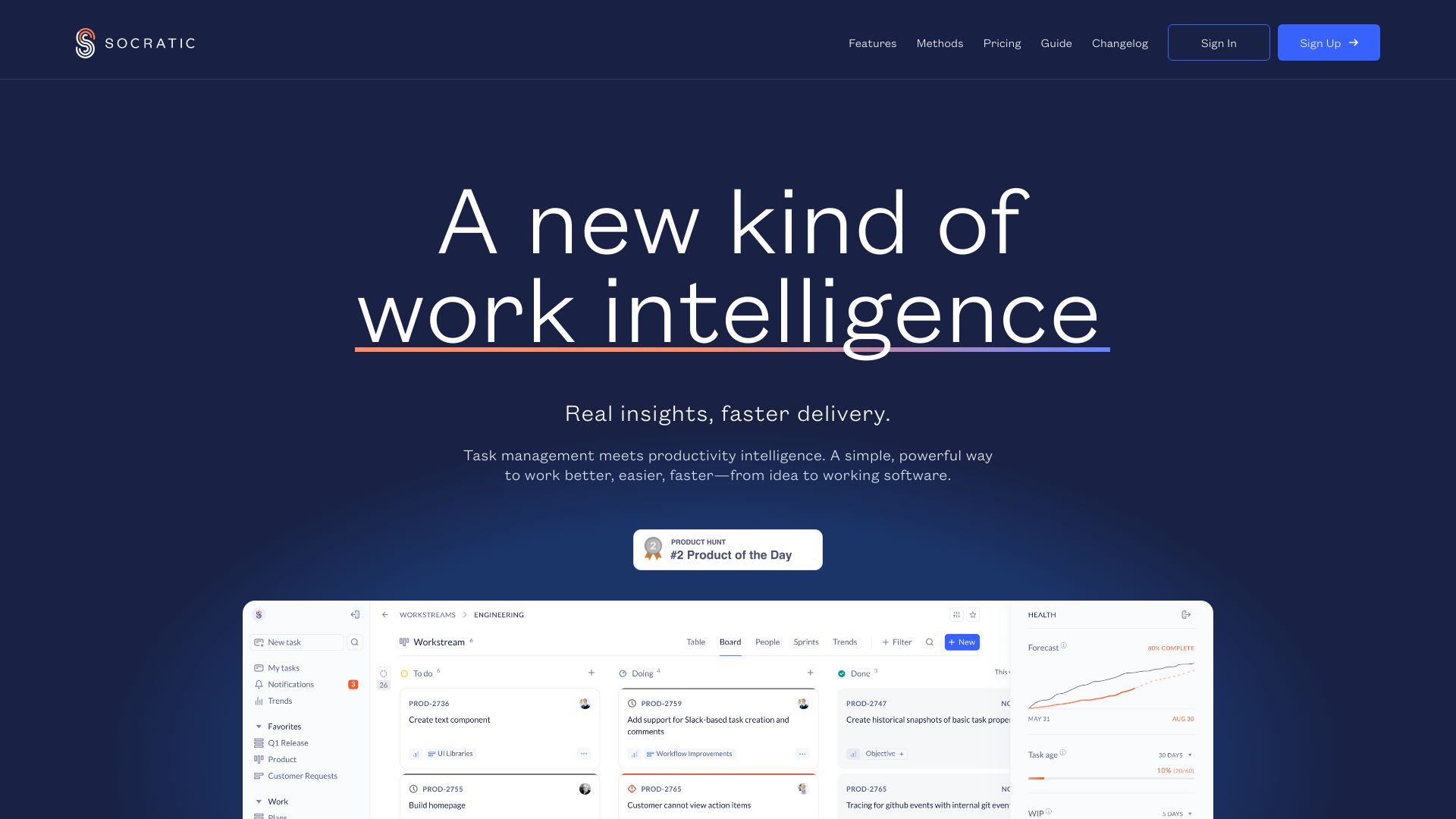
- Software engineering project planning
- Free trial available
- Starts at Check vendor pricing

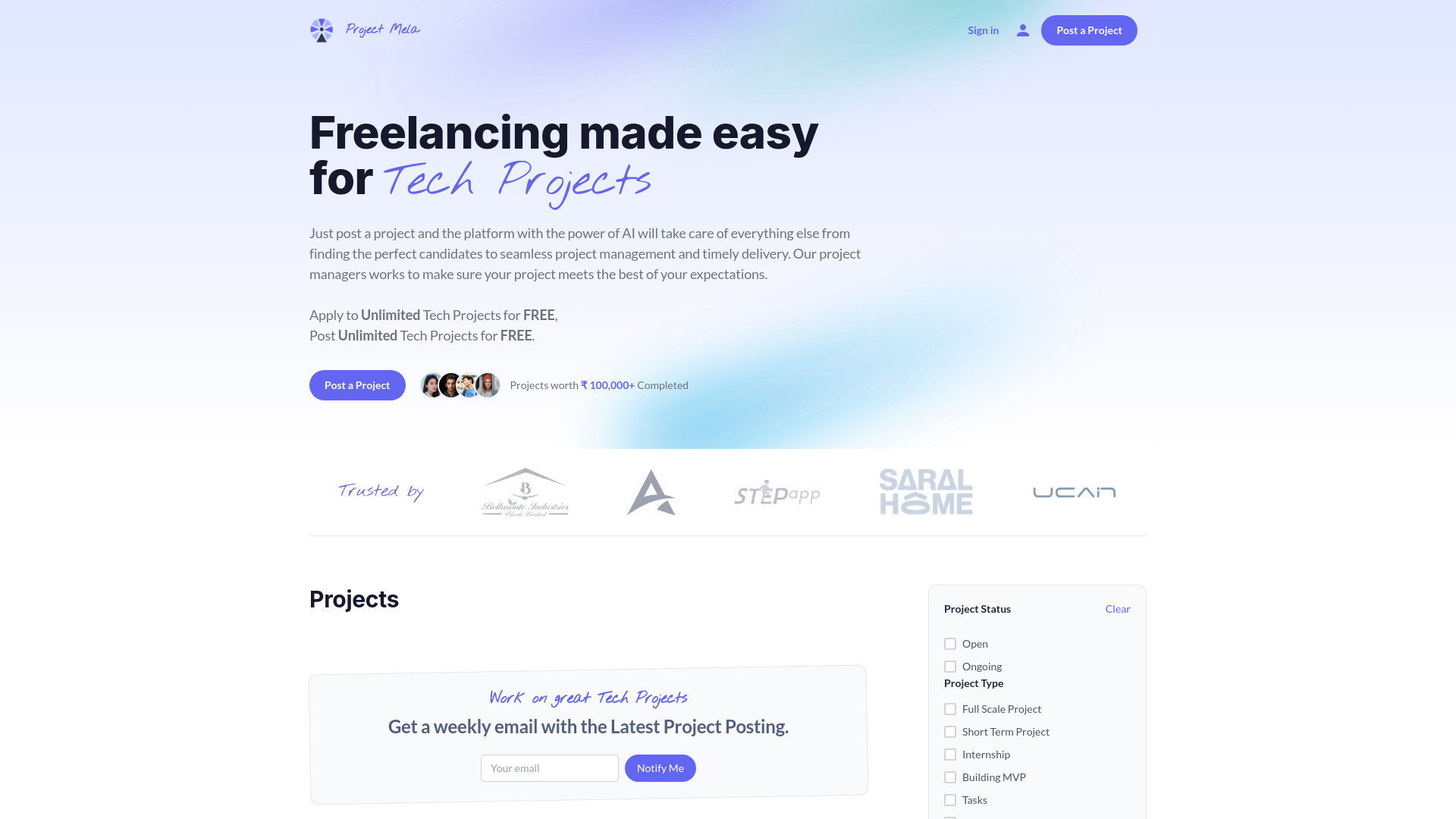
- AI-coordinated tech projects
- Free plan available
- Starts at Check vendor pricing

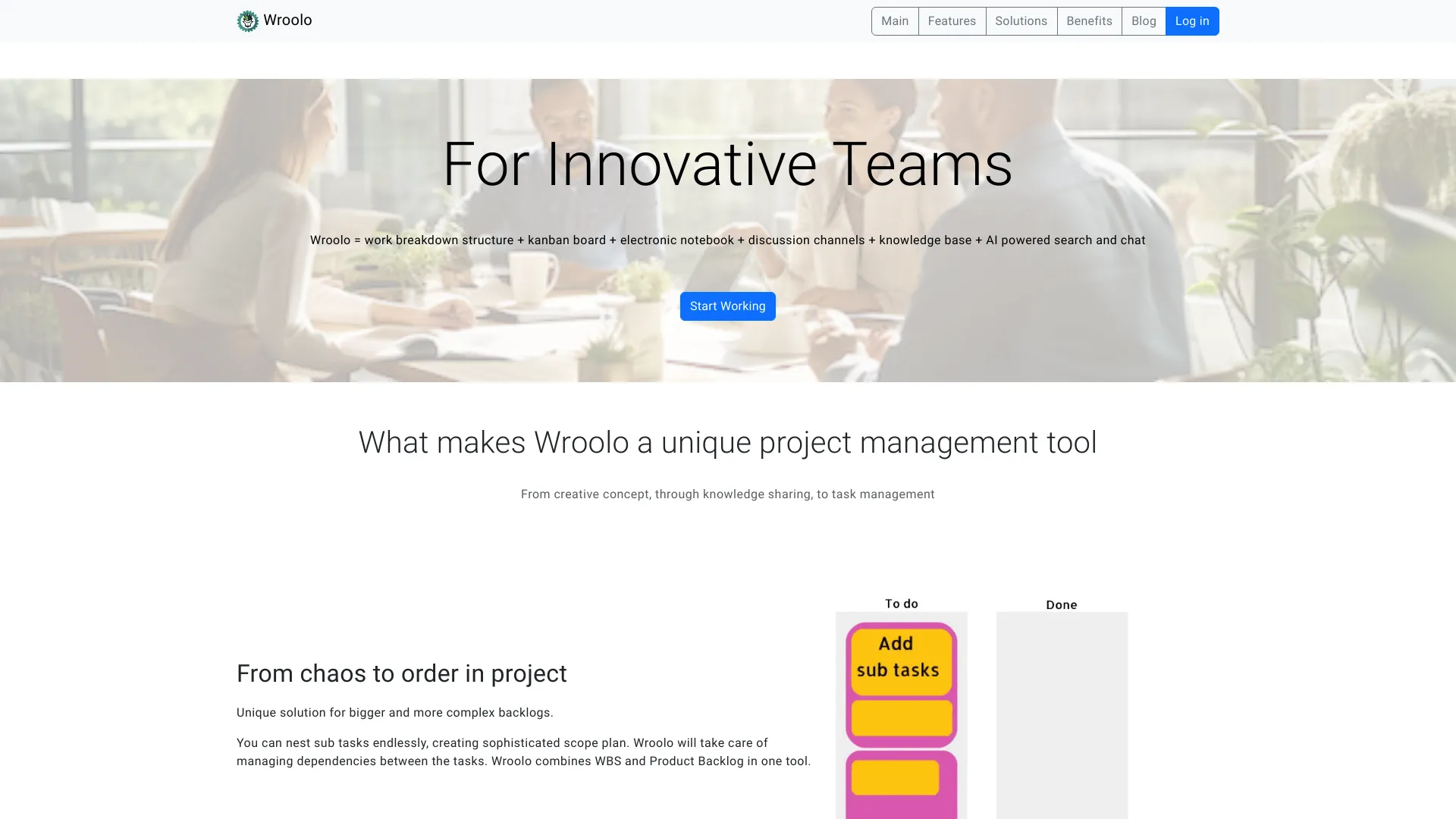
- Complex backlog planning
- Starts at Check vendor pricing

- Content creators and media teams
- 3 projects on the free plan
- Starts at $0/month
- AI requirements gathering for software agencies
- Starts at Check vendor pricing

- AI-assisted team document creation
- 1,000 free AI words
- Starts at $0.002 per AI word

- AI-powered visual project planning
- Starts at Check vendor pricing
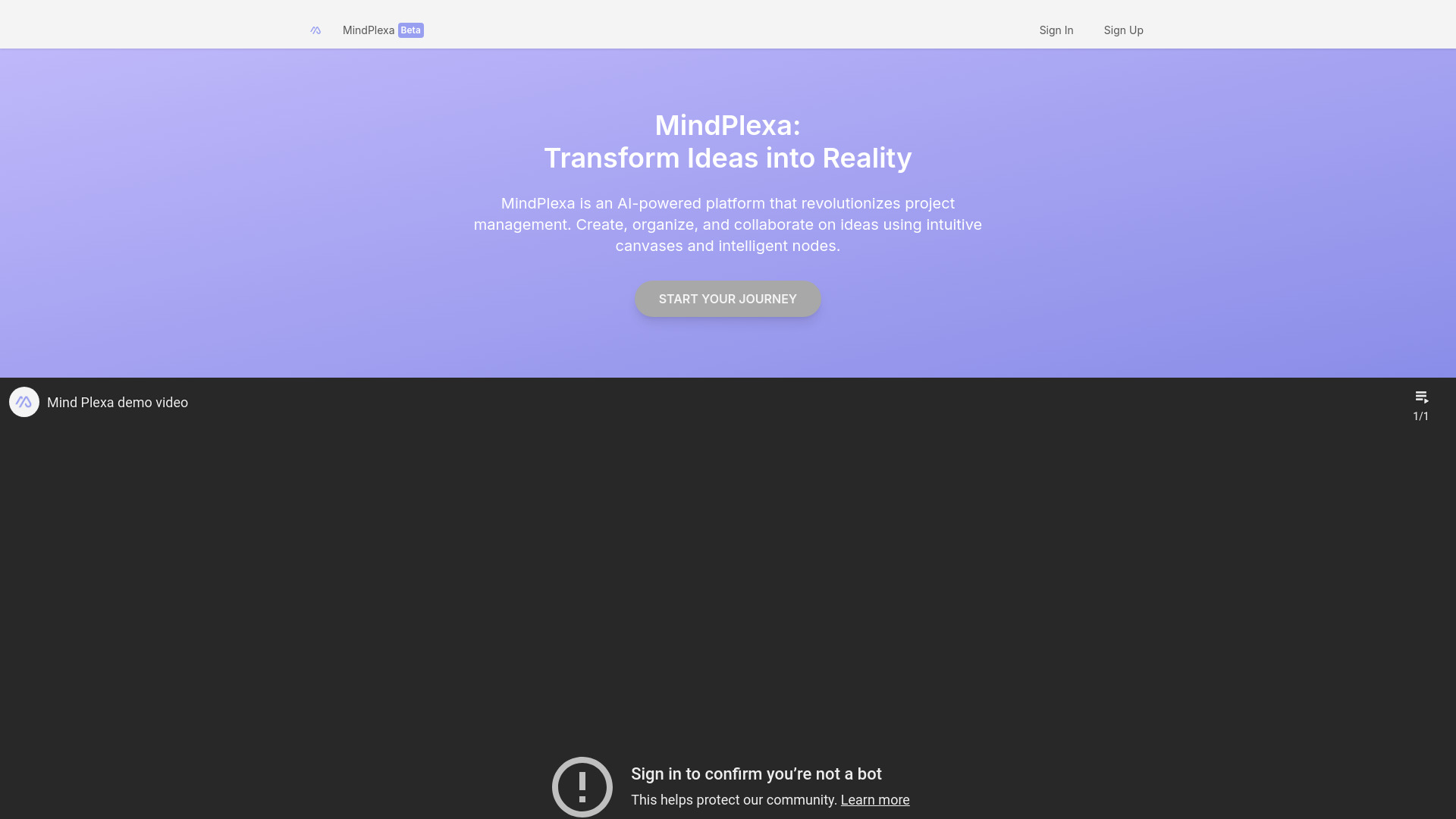

- Freelance agencies tracking project costs
- Free trial available
- Starts at $49/mo

- AI-powered project and task management
- Starts at Check vendor pricing
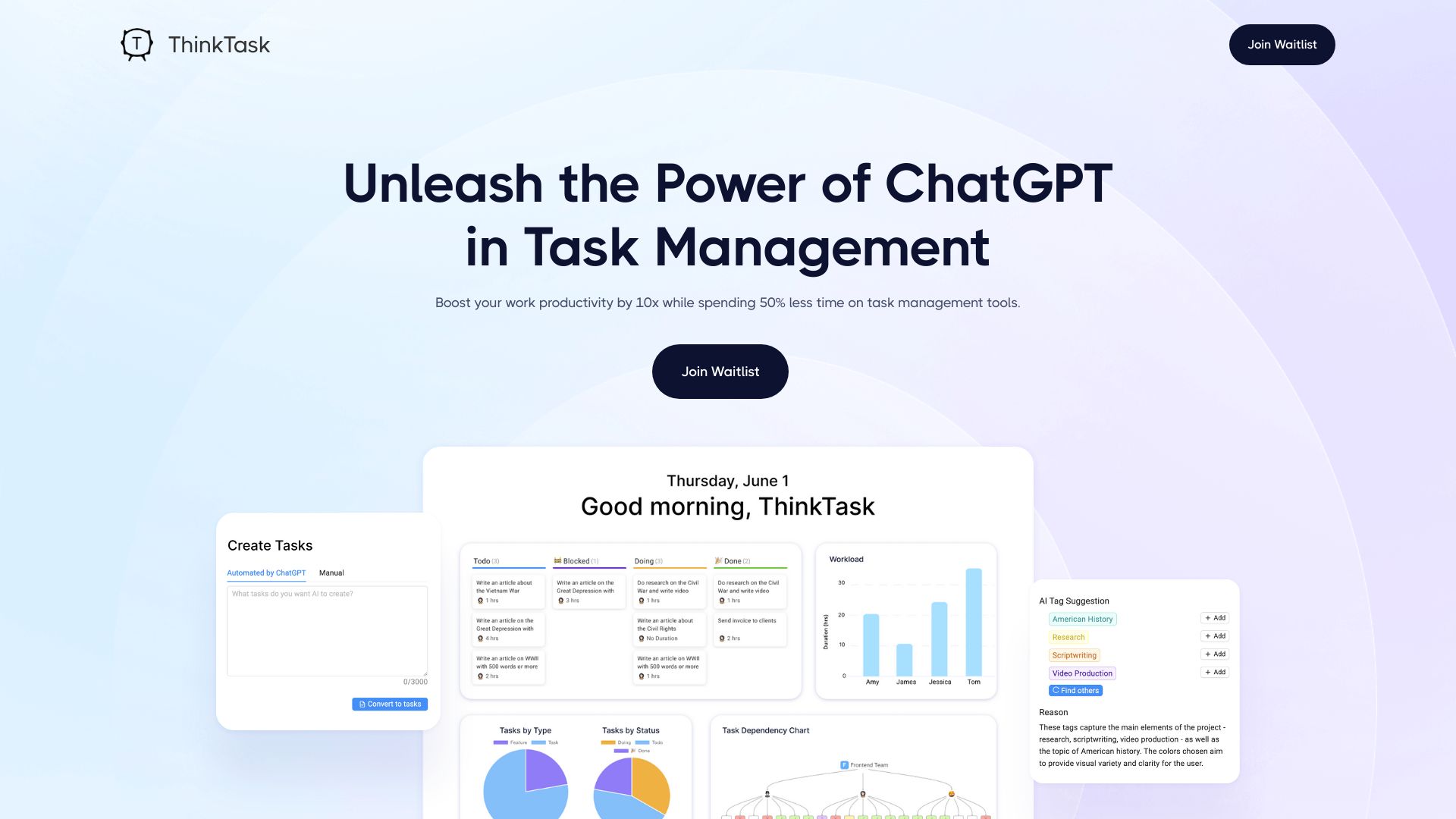

- AI-generated project plans
- 1 project, 10 tasks, 10 messages
- Starts at $17.50/month billed annually
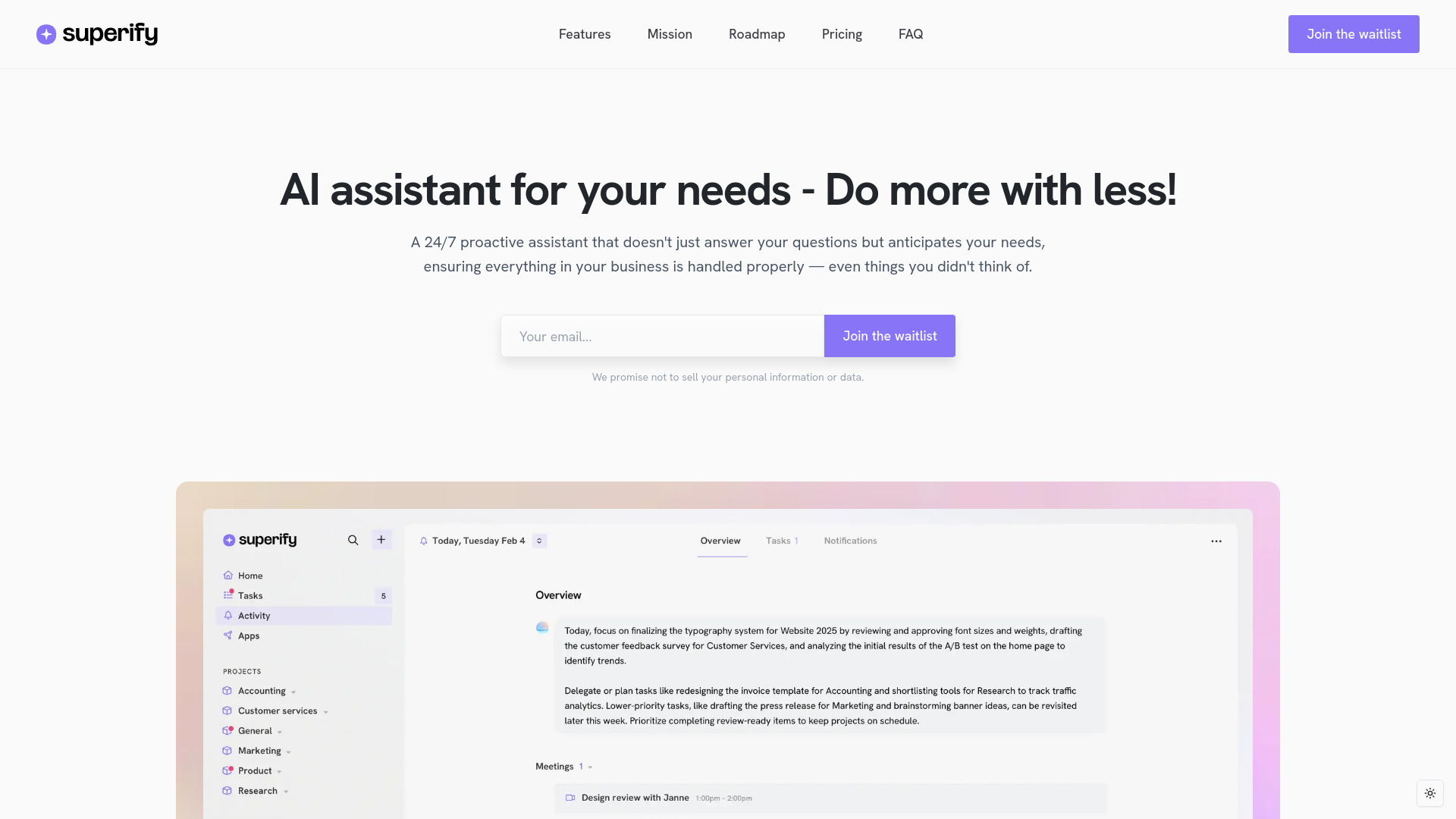

- Engineering project managers
- Starts at Check vendor pricing
- Teams unifying tasks, OKRs, KPIs, and communication
- 7-day free trial
- Starts at $9/month per user

- Founders and fast-paced teams
- Starts at Check vendor pricing

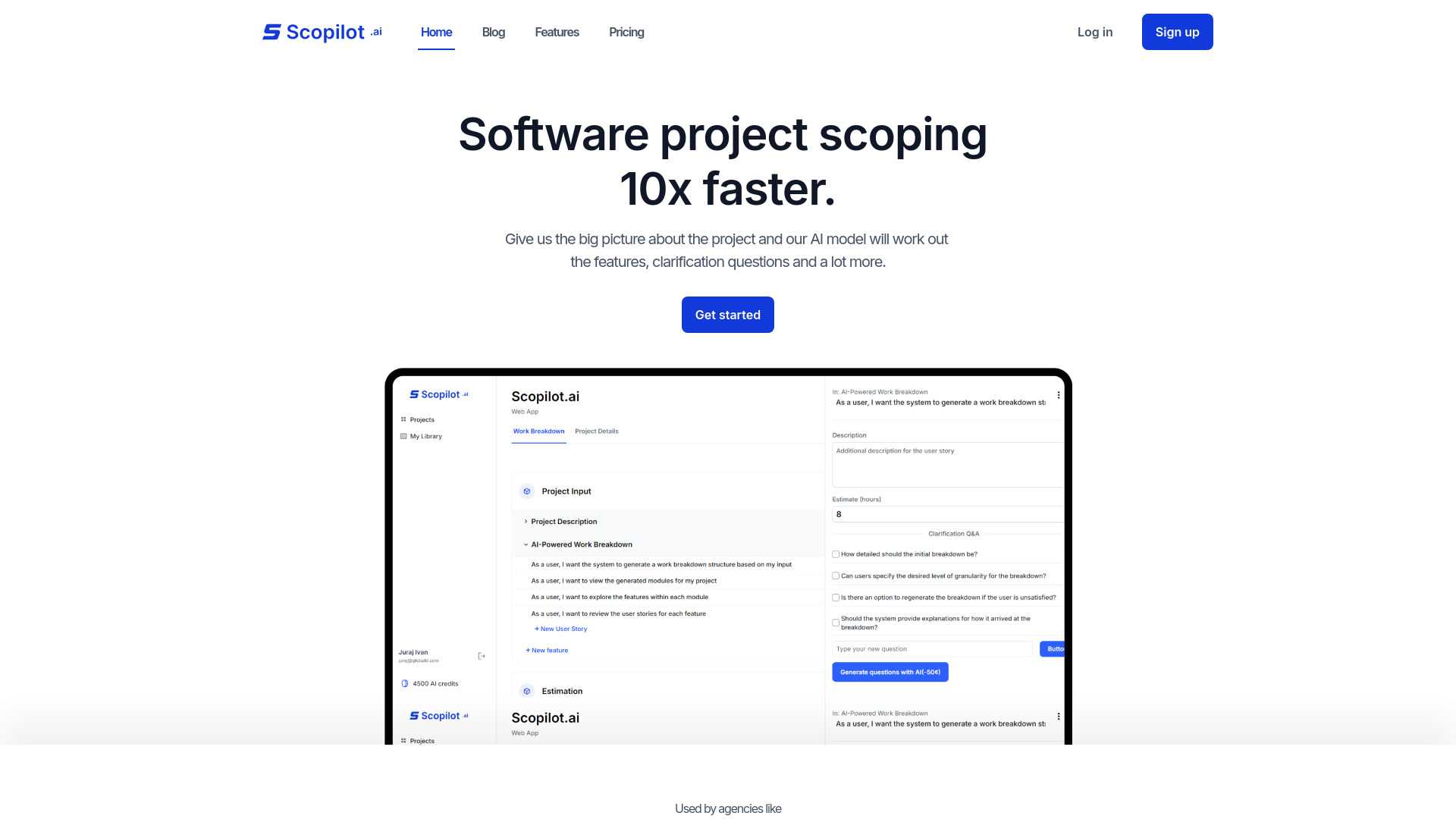
- AI-assisted software project scoping
- Starts at From $14.99/month
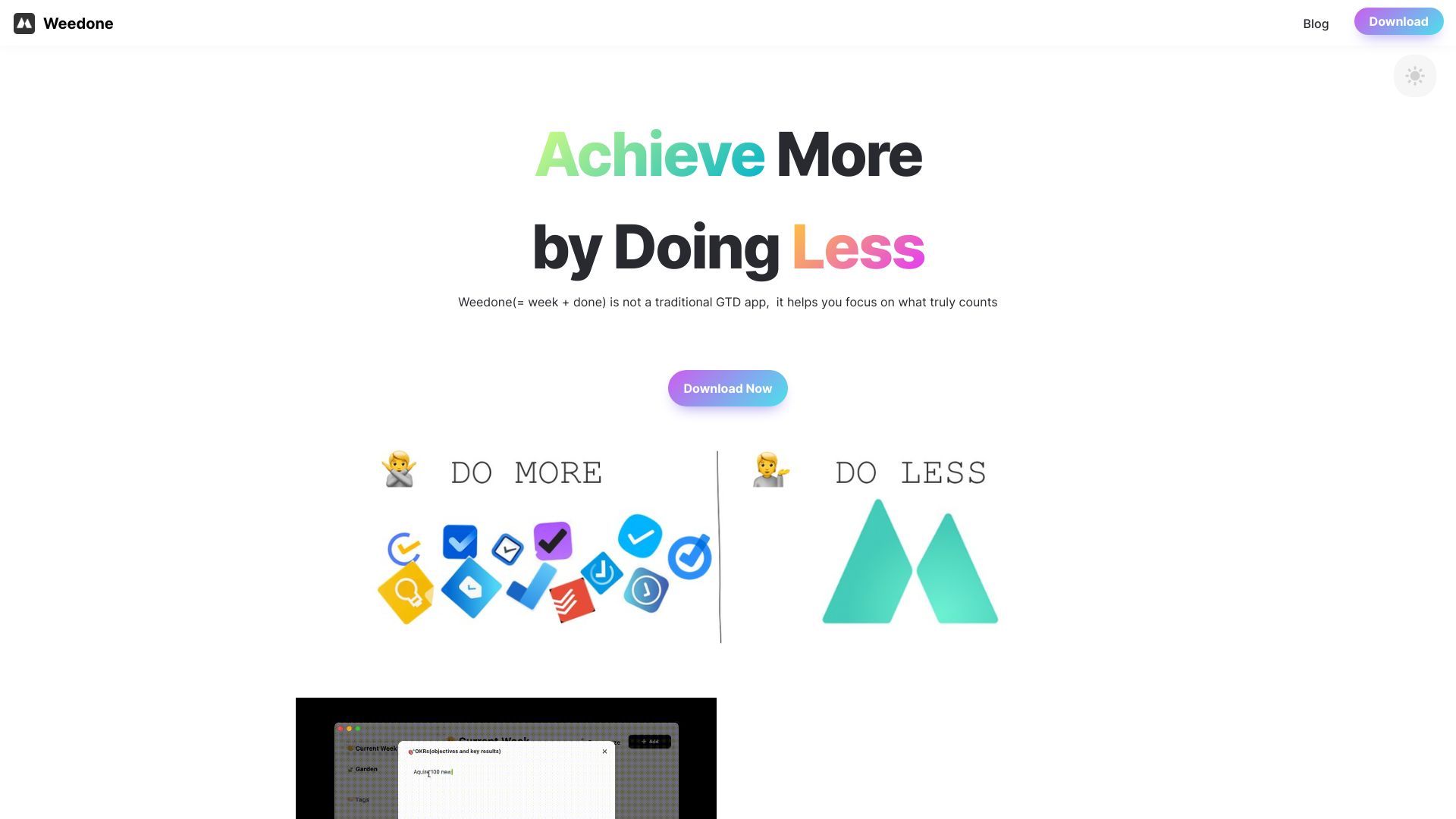
- Weekly OKR planning and focused task management
- Starts at Check vendor pricing
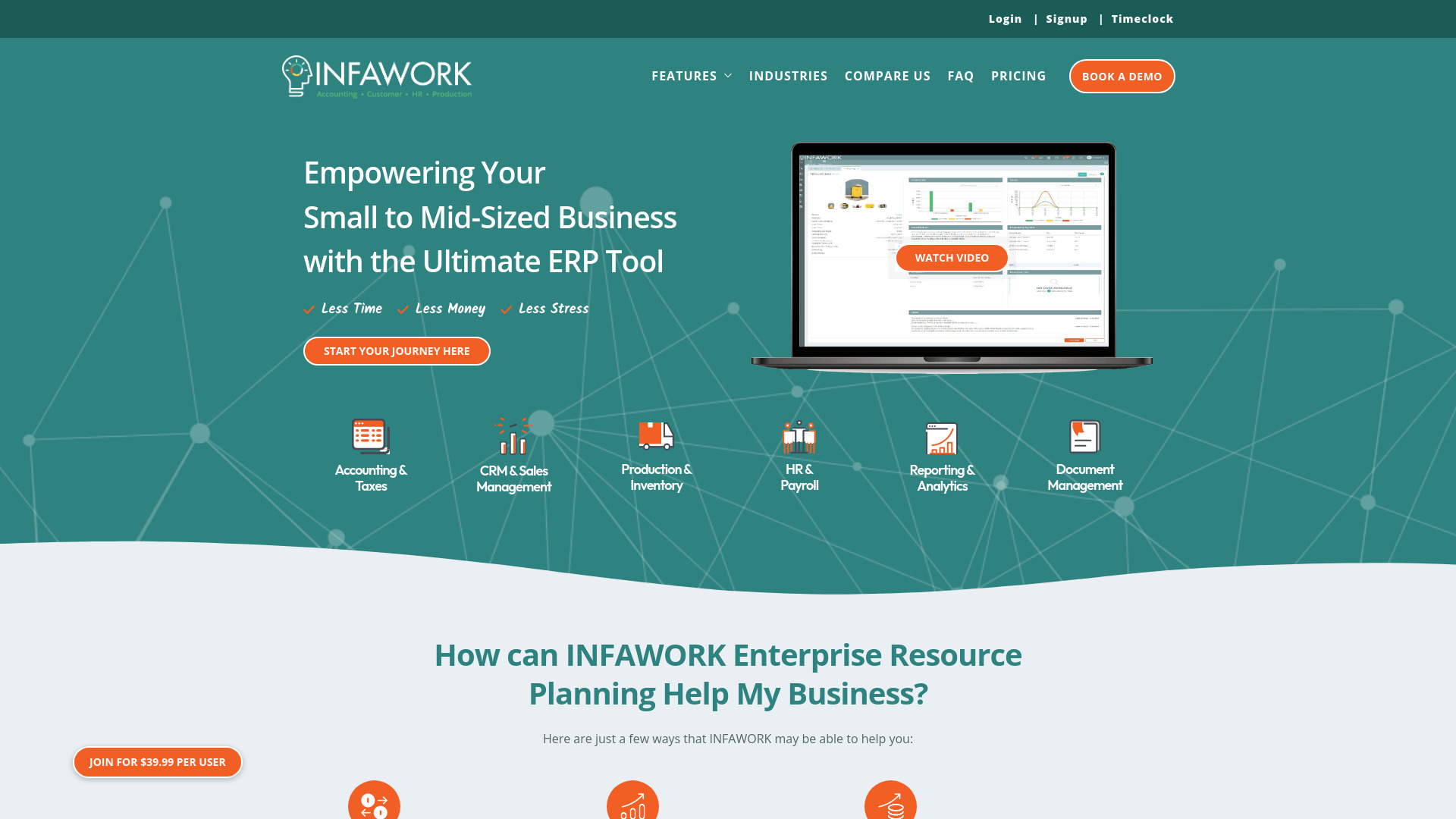
- Small and mid-sized businesses needing ERP
- Starts at $39.99 per user

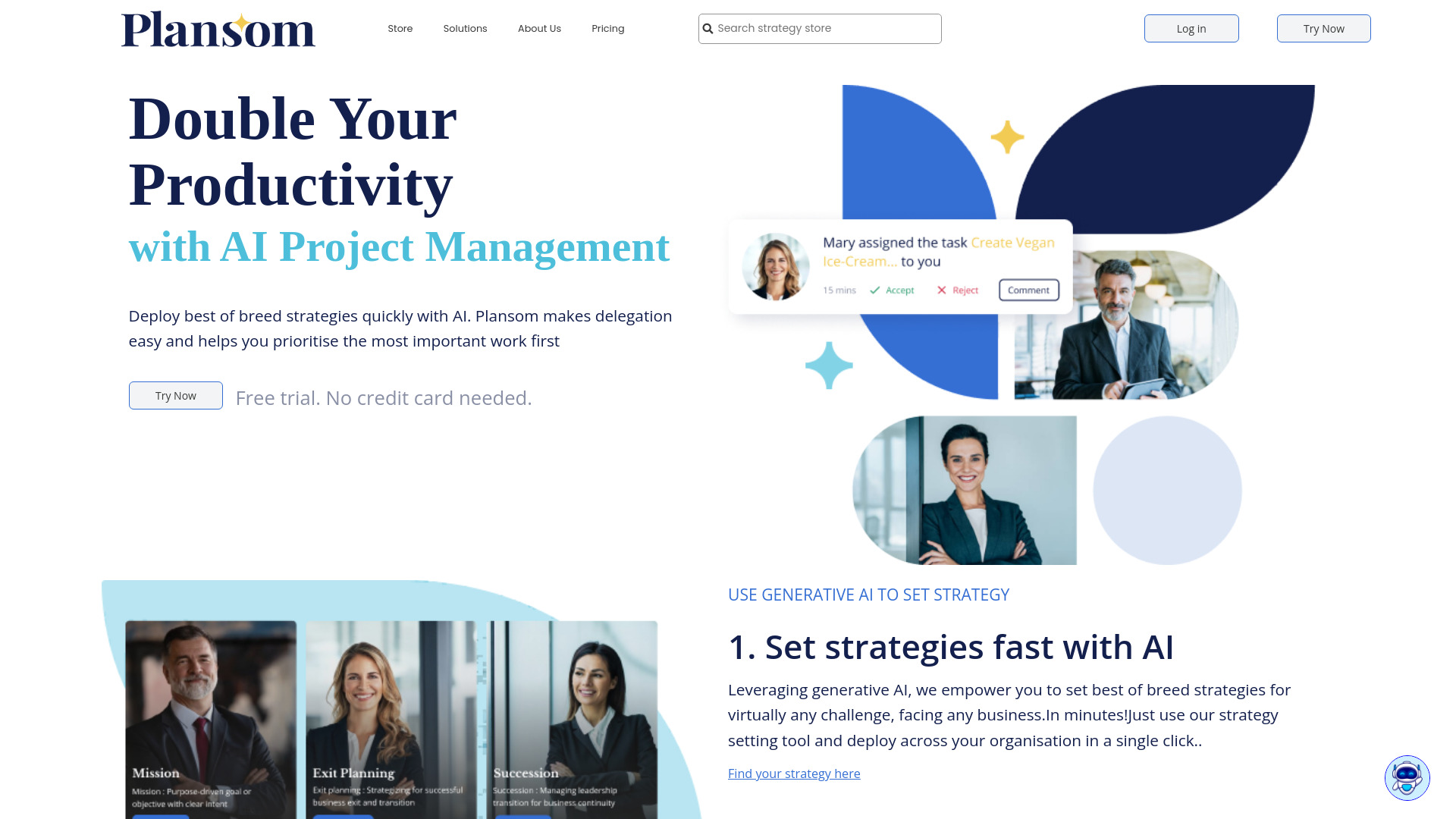
- AI-powered goal and project planning
- Free plan available
- Starts at $14.99/month

- AI task breakdowns and time estimates
- Starts at Check vendor pricing
Which project management software should you try first?
Choose Miro for visual product collaboration, Productboard for customer-led roadmaps, Nifty for a broad all-in-one workspace, or Motion when calendar-aware AI planning is the priority. If your team mainly needs diagrams, Edraw Software is the more sensible adjacent choice; if dependencies drive delivery, start with GanttPRO's AI Gantt workflow.
For a small team testing the waters, compare the free boundaries rather than choosing by score alone. Nifty, Productboard, Miro, Dooray!, and Dart each expose a different part of the workflow at no initial cost, while Motion and GanttPRO use trials as the main evaluation path.
What to test before choosing
Run one real project through the tool, including intake, assignment, a deadline change, a collaboration step, and final reporting. Count how many fields require manual setup and whether the resulting view helps the team make a decision. Then invite the people who will actually use the system and test permissions, storage, seat limits, and the paid-plan boundary before committing.
Common mistakes when choosing project management software
Choosing the highest score without matching the workflow. Several tools tie at 92/100, but Miro, Productboard, SmartSuite, and Motion solve very different problems.
Confusing a free plan with unlimited use. Check boards, projects, feedback notes, storage, users, and trial duration.
Ignoring onboarding effort. Miro, SmartSuite, and Motion can feel overwhelming or require a learning curve for new users.
Buying breadth when you need a specialist. Productboard, Edraw Software, and GanttPRO each have a clearer center of gravity than a general workspace.
Treating usage signal as proof of fit. Monthly visits provide context, not a substitute for testing your team's actual workflow.
Skipping a pricing check. Dooray!'s price may vary by plan and users, while Edraw Software and GanttPRO require a vendor pricing check here.
FAQ
Miro ranks first in this comparison with a score of 92/100. It is the strongest overall match for product teams that need an expansive online whiteboard and collaborative workspace, although its broad feature set can overwhelm new users.